
Advanced Python I by Raymond Hettinger raymondh Files
Advanced Python I by Raymond Hettinger @raymondh
Files used in this tutorial http: //dl. dropbox. com/u/3967849/advpython. zip Or in shortened form: http: //bit. ly/fbo. Kw. T
whoami id -un § PSF board member § Python core developer since 2001 § Author of the itertools module, set objects, sorting key functions, and many tools that you use every day § Consultant for training, code review, design and optimization § Background in data visualization and high-frequency trading § Person who is very interested in your success with Python § @raymondh on twitter
Background and Expectations § What is the background of the participants? § Who is beginner/intermediate moving to next level? § Who is already somewhat advanced? § What do you want to be able to do after the tutorial?
What does in mean to be Advanced? § Know all of the basic language constructs and how they are used § Understand the performance implications of various coding methods § Understand how Python works § Have seen various expert coding styles § Actively use the docs as you code § Know how to find and read source code § Take advantage of programming in a dynamic language § Become part of the Python community § In short, an advanced Python programmer becomes wellequipped to solve a variety of problems by fully exploiting the language and its many resources.
Foundation Skills for the Tutorial § Accessing the documentation: § F 1 on IDLE § Applications Directory or Window’s Start Menu § Doc/index. html on the class resource disk § The interactive prompt: § IDLE, i. Python, Py. Charm, Wing-IDE, etc § command-line prompt with readline § PYTHONSTARTUP=~/pystartup. py # tab-completion § Command line tools: python –m test. pystone python –m pdb python –m test. regrtest
Two Part Tutorial § The morning will be full of techniques and examples designed to open your mind about Python’s capabilities. § There will be periodic hands-on exercises § The afternoon will have three parts: § All about Unicode § A sit back and relax presentation about descriptors § Guided exercises and problem sets
Foundation Skills for the Tutorial § IDLE’s module loader § performs the same search as “import m” § fastest way to find relevant source no matter where it is § Mac users should map “Control Key M” to “open-module” § IDLE’s class browser § hidden gem § fastest way to navigate unfamiliar source code § Control or Apple B § Try it with the decimal module
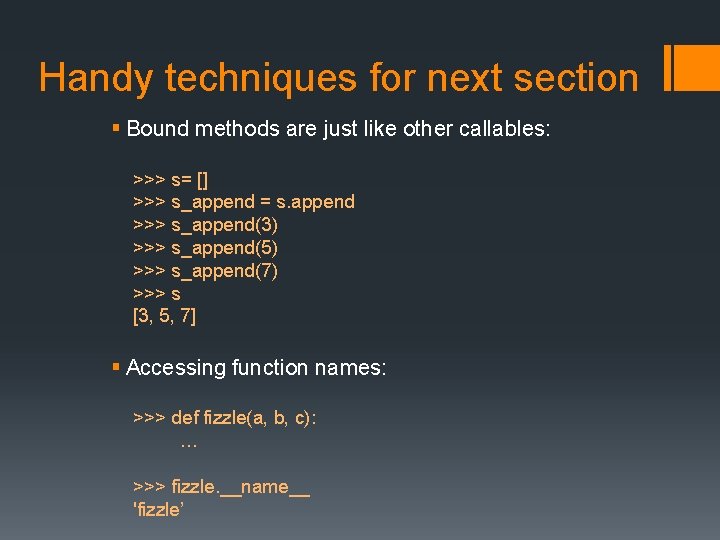
Handy techniques for next section § Bound methods are just like other callables: >>> s= [] >>> s_append = s. append >>> s_append(3) >>> s_append(5) >>> s_append(7) >>> s [3, 5, 7] § Accessing function names: >>> def fizzle(a, b, c): … >>> fizzle. __name__ 'fizzle’
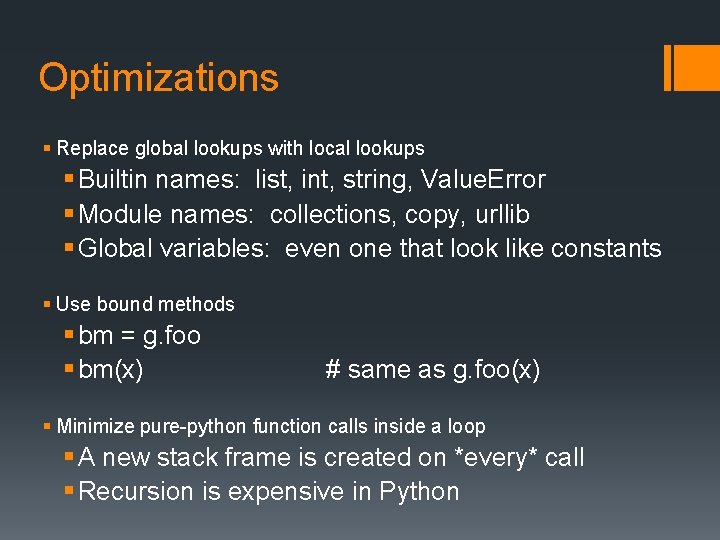
Optimizations § Replace global lookups with local lookups § Builtin names: list, int, string, Value. Error § Module names: collections, copy, urllib § Global variables: even one that look like constants § Use bound methods § bm = g. foo § bm(x) # same as g. foo(x) § Minimize pure-python function calls inside a loop § A new stack frame is created on *every* call § Recursion is expensive in Python
![Unoptimized Example def one_third(x): return x / 3. 0 def make_table(pairs): result = []](http://slidetodoc.com/presentation_image_h2/bee21ba082a369914eee36a586ce0a81/image-11.jpg "Unoptimized Example def one_third(x): return x / 3. 0 def make_table(pairs): result = []")
Unoptimized Example def one_third(x): return x / 3. 0 def make_table(pairs): result = [] for value in pairs: x = one_third(value) result. append(format(value, '9. 5 f’)) return 'n'. join(result)
![Optimized version def make_table(pairs): result = [] result_append = result. append # bound method](http://slidetodoc.com/presentation_image_h2/bee21ba082a369914eee36a586ce0a81/image-12.jpg "Optimized version def make_table(pairs): result = [] result_append = result. append # bound method")
Optimized version def make_table(pairs): result = [] result_append = result. append # bound method _format = format # localized for value in pairs: x = value / 3. 0 # in-lined result_append(_format(value, '9. 5 f')) return 'n'. join(result)
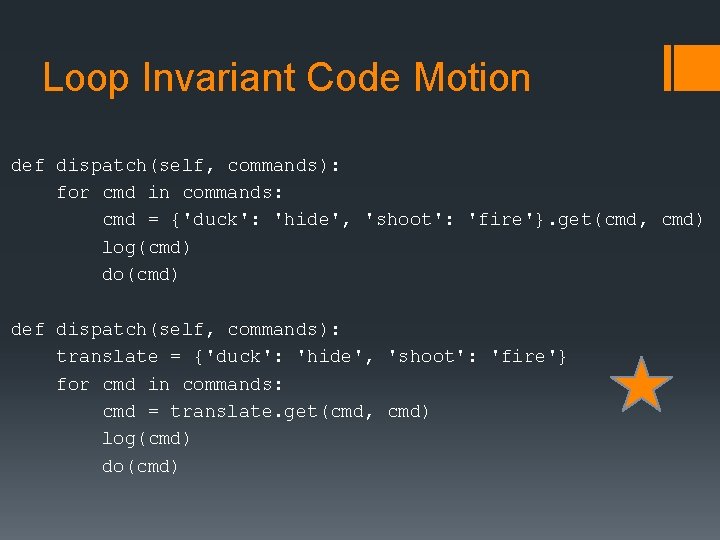
Loop Invariant Code Motion def dispatch(self, commands): for cmd in commands: cmd = {'duck': 'hide', 'shoot': 'fire'}. get(cmd, cmd) log(cmd) do(cmd) def dispatch(self, commands): translate = {'duck': 'hide', 'shoot': 'fire'} for cmd in commands: cmd = translate. get(cmd, cmd) log(cmd) do(cmd)
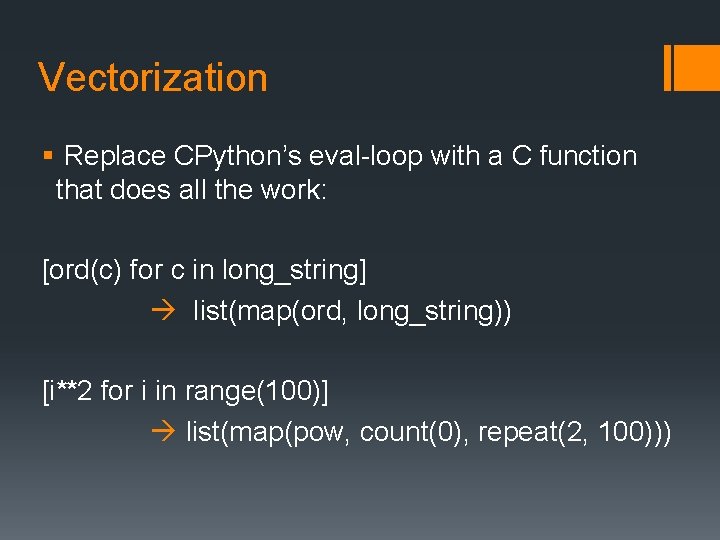
Vectorization § Replace CPython’s eval-loop with a C function that does all the work: [ord(c) for c in long_string] list(map(ord, long_string)) [i**2 for i in range(100)] list(map(pow, count(0), repeat(2, 100)))
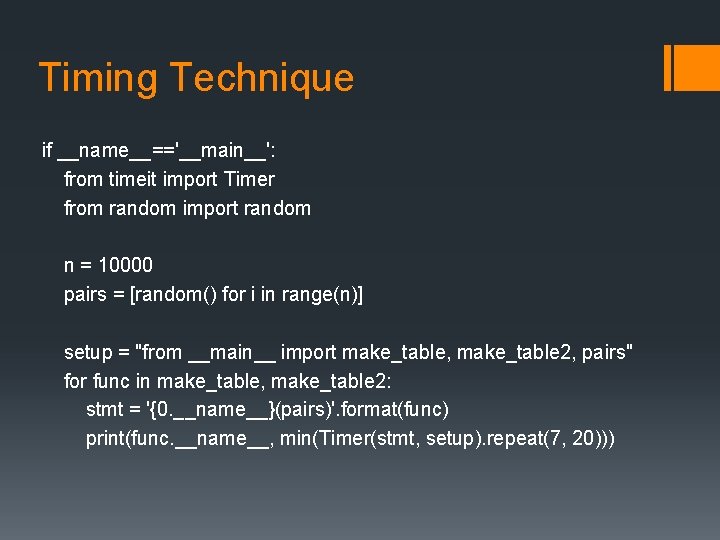
Timing Technique if __name__=='__main__': from timeit import Timer from random import random n = 10000 pairs = [random() for i in range(n)] setup = "from __main__ import make_table, make_table 2, pairs" for func in make_table, make_table 2: stmt = '{0. __name__}(pairs)'. format(func) print(func. __name__, min(Timer(stmt, setup). repeat(7, 20)))
Class Exercise § File: optimization. py
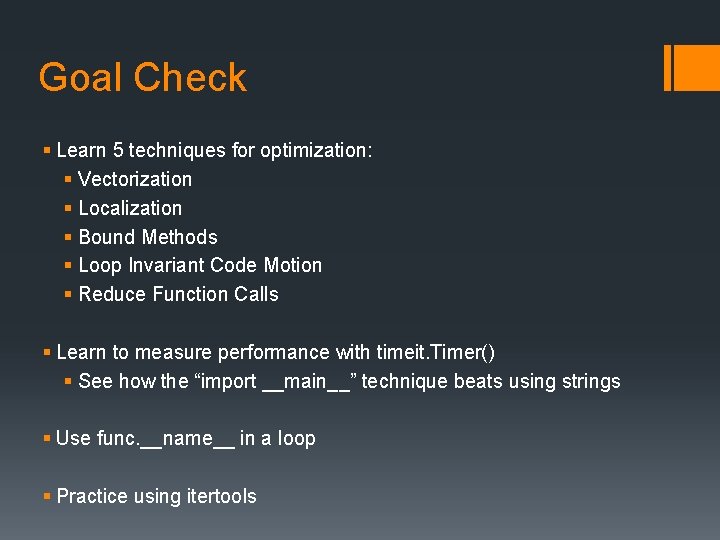
Goal Check § Learn 5 techniques for optimization: § Vectorization § Localization § Bound Methods § Loop Invariant Code Motion § Reduce Function Calls § Learn to measure performance with timeit. Timer() § See how the “import __main__” technique beats using strings § Use func. __name__ in a loop § Practice using itertools
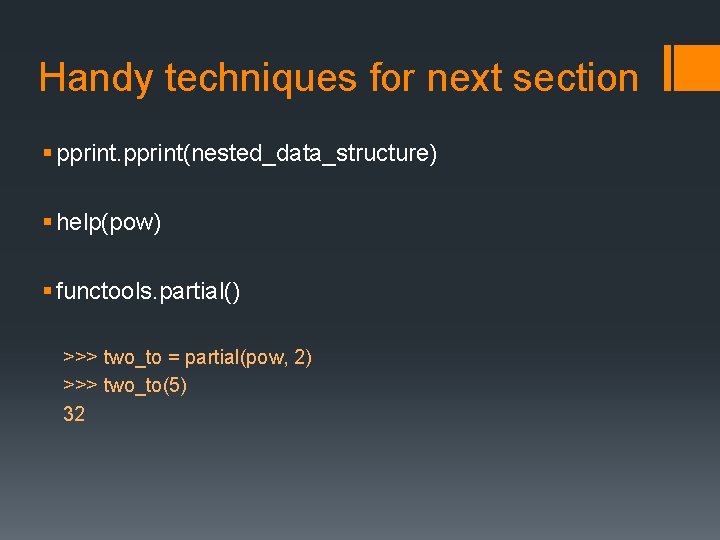
Handy techniques for next section § pprint(nested_data_structure) § help(pow) § functools. partial() >>> two_to = partial(pow, 2) >>> two_to(5) 32
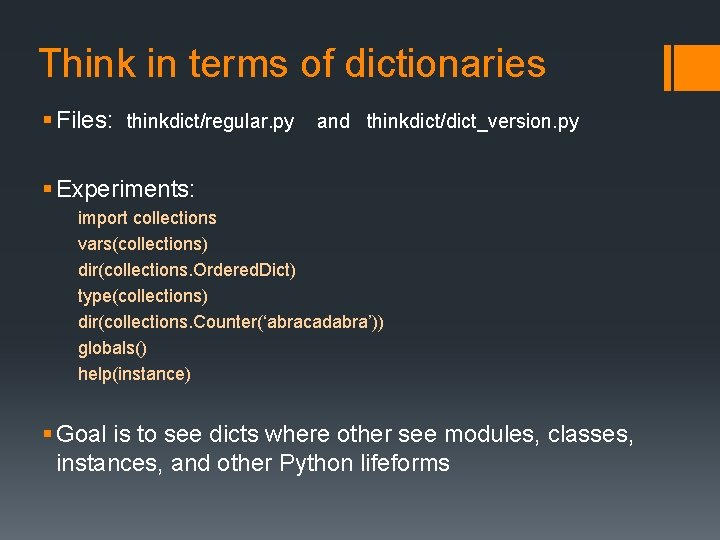
Think in terms of dictionaries § Files: thinkdict/regular. py and thinkdict/dict_version. py § Experiments: import collections vars(collections) dir(collections. Ordered. Dict) type(collections) dir(collections. Counter(‘abracadabra’)) globals() help(instance) § Goal is to see dicts where other see modules, classes, instances, and other Python lifeforms
Add a little polish § Keyword arguments § Docstrings § Doctests doctestmod() § Named tuples print(doctestmod())
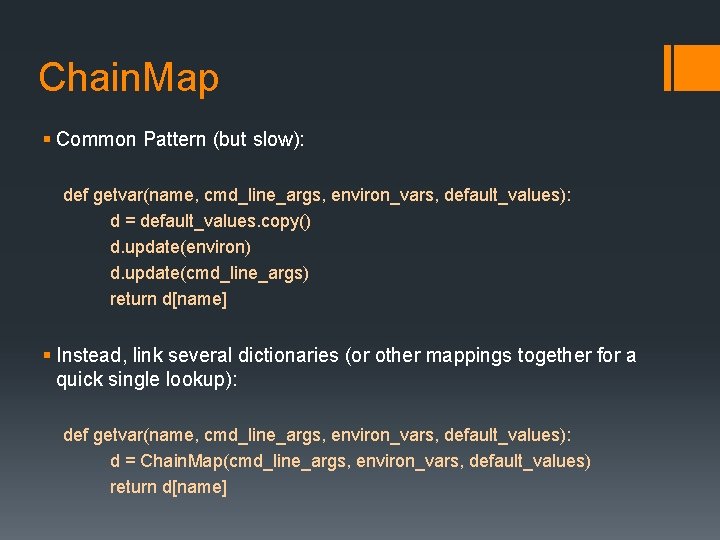
Chain. Map § Common Pattern (but slow): def getvar(name, cmd_line_args, environ_vars, default_values): d = default_values. copy() d. update(environ) d. update(cmd_line_args) return d[name] § Instead, link several dictionaries (or other mappings together for a quick single lookup): def getvar(name, cmd_line_args, environ_vars, default_values): d = Chain. Map(cmd_line_args, environ_vars, default_values) return d[name]
Examples in Real Code § Lib/string. py # search for Template § http: //hg. python. org/cpython/file/default/Lib/configparser. py § http: //hg. python. org/cpython/file/default/Lib/collections. py
Goal Check § Learn to see dictionaries where others see native python objects, classes, modules, etc. § Develop an understanding of attribute and method lookup logic § See how Chain. Map() is used in real code
Who owns the dot? § Take charge of the dot with __getattribute__ § Class demo: own_the_dot/custom_getattribute § Basic Idea: Every time there is an attribute lookup Check the object found to see if it is an object of interest If so, invoke a method on that object
Class Exercise Make a class with a custom __getattribute__ that behaves normally, but logs each calls to stderr.
Goal Check § Learn the underpinning of how descriptors are implemented § Gain the ability to intercept attribute lookup and control the behavior of the dot. § Deepen you understanding of attribute and method lookup logic
Exploiting Polymorphism § Symbolic Expansion: x+y where x and y are strings § Example Files: § tracers/symbol_expansion. py § tracers/approximate. py § Alternative to logging calls
Generating code § Create code dynamically § Used when code can be parameterized or described succinctly § Two ways to load § exec() § import § Examples: § collections. namedtuple() § codegen. py § Ply introspects docstrings
Dynamic method discovery § Framework technique that lets subclasses define new methods § Dispatch to a given name is simple: func = getattr(self, 'do_' + cmd) return func(arg) § Given cmd==‘move’, this code makes a call to do_move(arg) § See Lib/cmd. py at line 211 § See an example of a turtle shell in the cmd docs
Goal Check § Learn how to evaluate functions symbolically § Be able to generate code on the fly and load it with either exec() or an import. § Know that docstrings can be used to guide code generation. Works well with a pattern->action style of coding. § Be able to implement dynamic method discovery in a framework like cmd. py
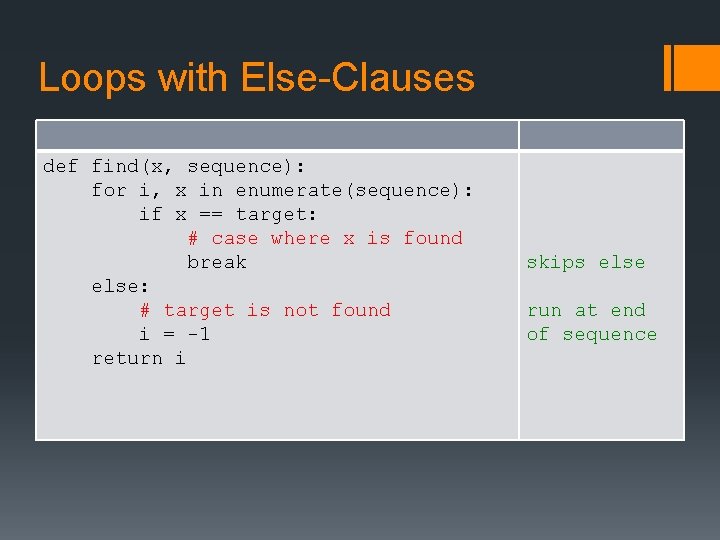
Loops with Else-Clauses def find(x, sequence): for i, x in enumerate(sequence): if x == target: # case where x is found break else: # target is not found i = -1 return i skips else run at end of sequence
![Slicing Action Code Half-open interval: [2, 5) s[2: 5] Adding half-open intervals s[2 :](http://slidetodoc.com/presentation_image_h2/bee21ba082a369914eee36a586ce0a81/image-32.jpg "Slicing Action Code Half-open interval: [2, 5) s[2: 5] Adding half-open intervals s[2 :")
Slicing Action Code Half-open interval: [2, 5) s[2: 5] Adding half-open intervals s[2 : 5] + s[5: 8] == s[2: 8] Abbreviation for whole sequence s[: ] Copying a list c = s[: ] Clearing a list #1 del s[: ] Clearing a list #2 s[: ] = []
![Negative Slicing Action Code Last element s[-1] Last two elements s[-2 : ] Two](http://slidetodoc.com/presentation_image_h2/bee21ba082a369914eee36a586ce0a81/image-33.jpg "Negative Slicing Action Code Last element s[-1] Last two elements s[-2 : ] Two")
Negative Slicing Action Code Last element s[-1] Last two elements s[-2 : ] Two elements, one from the end s[-3 : -1] Empty slice s[-2 : -2] All the way back ‘abc’[-3] Surprise wrap-around for i in range(3): print 'abc'[: -i] ‘’ ‘ab’ ‘a’ Empty!
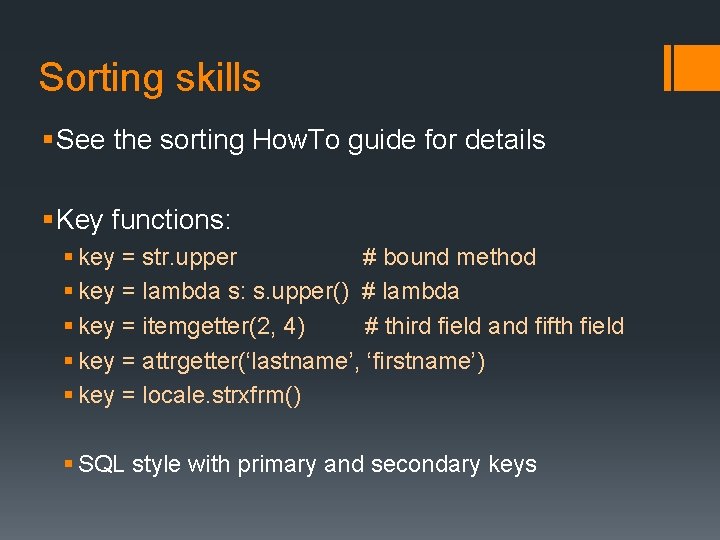
Sorting skills § See the sorting How. To guide for details § Key functions: § key = str. upper # bound method § key = lambda s: s. upper() # lambda § key = itemgetter(2, 4) # third field and fifth field § key = attrgetter(‘lastname’, ‘firstname’) § key = locale. strxfrm() § SQL style with primary and secondary keys
![Sorting skills § Schwartzian transform: decorated = [(func(record), record) for record in records] decorated.](http://slidetodoc.com/presentation_image_h2/bee21ba082a369914eee36a586ce0a81/image-35.jpg "Sorting skills § Schwartzian transform: decorated = [(func(record), record) for record in records] decorated.")
Sorting skills § Schwartzian transform: decorated = [(func(record), record) for record in records] decorated. sort() result = [record for key, record in records] § Sort stability and multiple passes: s. sort(key=attrgetter(‘lastname)) # Secondary key s. sort(key=attrgetter(‘age’), reverse=True) # Primary key
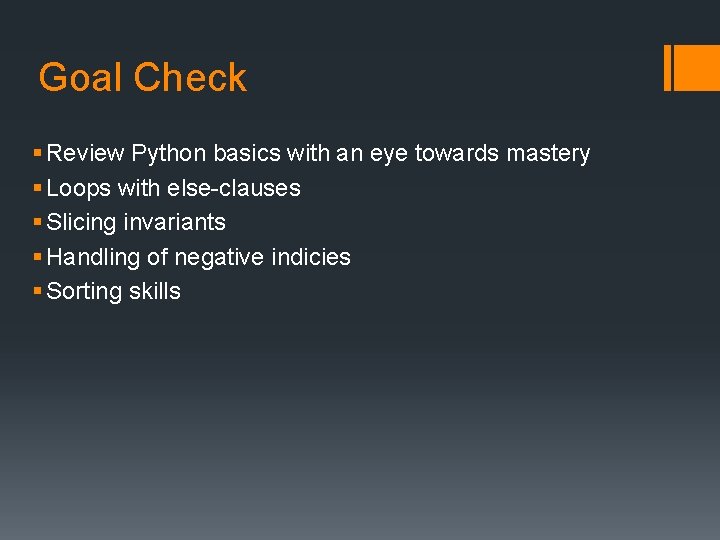
Goal Check § Review Python basics with an eye towards mastery § Loops with else-clauses § Slicing invariants § Handling of negative indicies § Sorting skills
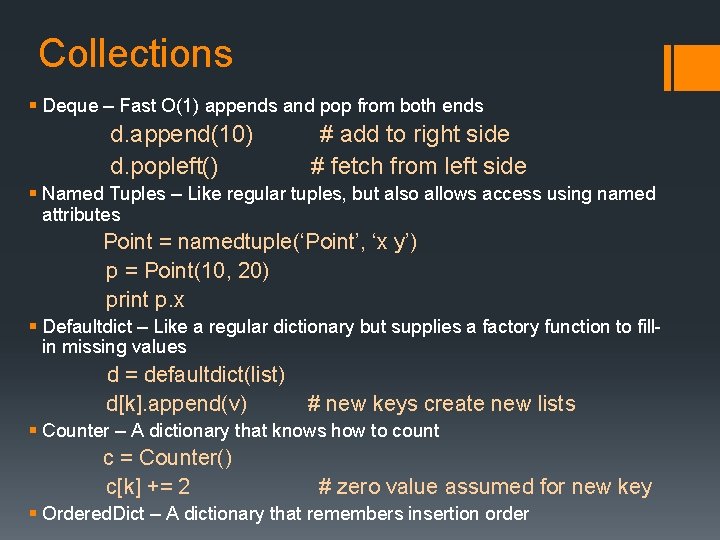
Collections § Deque – Fast O(1) appends and pop from both ends d. append(10) d. popleft() # add to right side # fetch from left side § Named Tuples – Like regular tuples, but also allows access using named attributes Point = namedtuple(‘Point’, ‘x y’) p = Point(10, 20) print p. x § Defaultdict – Like a regular dictionary but supplies a factory function to fillin missing values d = defaultdict(list) d[k]. append(v) # new keys create new lists § Counter – A dictionary that knows how to count c = Counter() c[k] += 2 # zero value assumed for new key § Ordered. Dict – A dictionary that remembers insertion order
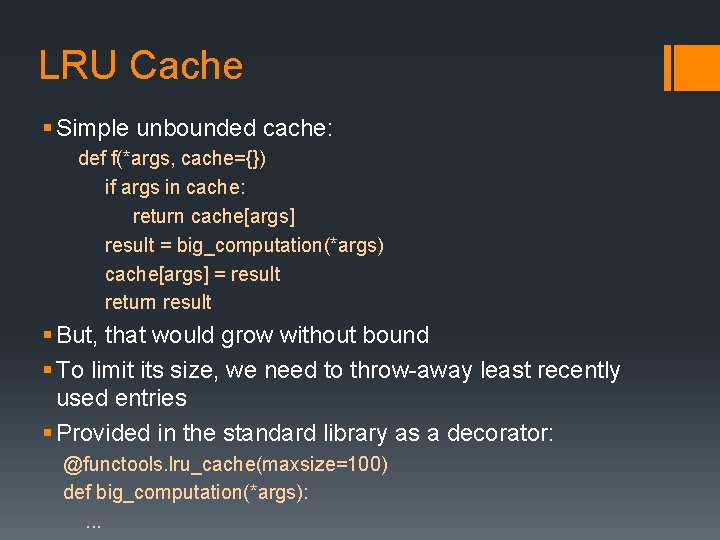
LRU Cache § Simple unbounded cache: def f(*args, cache={}) if args in cache: return cache[args] result = big_computation(*args) cache[args] = result return result § But, that would grow without bound § To limit its size, we need to throw-away least recently used entries § Provided in the standard library as a decorator: @functools. lru_cache(maxsize=100) def big_computation(*args): . . .
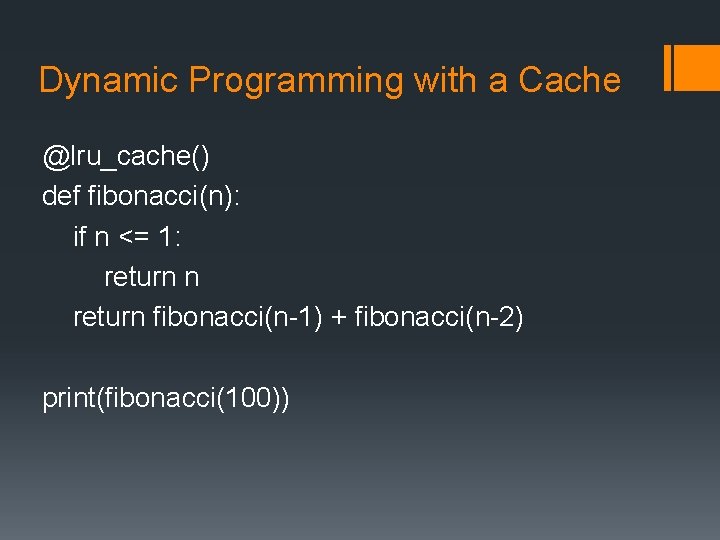
Dynamic Programming with a Cache @lru_cache() def fibonacci(n): if n <= 1: return n return fibonacci(n-1) + fibonacci(n-2) print(fibonacci(100))
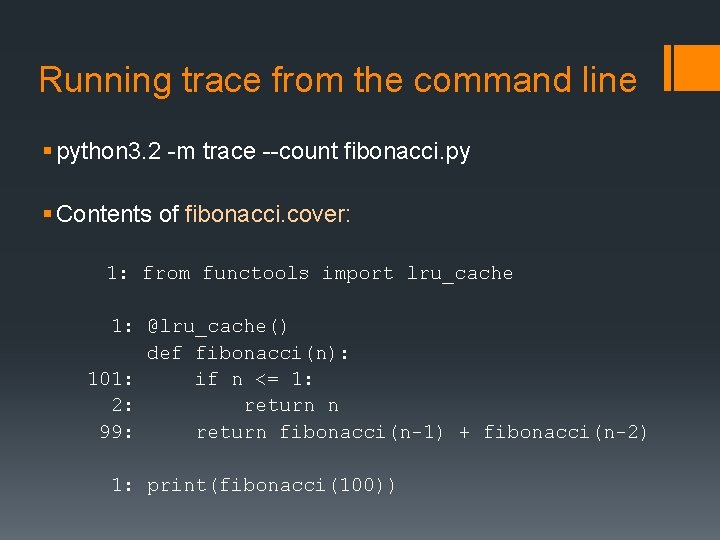
Running trace from the command line § python 3. 2 -m trace --count fibonacci. py § Contents of fibonacci. cover: 1: from functools import lru_cache 1: @lru_cache() def fibonacci(n): 101: if n <= 1: 2: return n 99: return fibonacci(n-1) + fibonacci(n-2) 1: print(fibonacci(100))
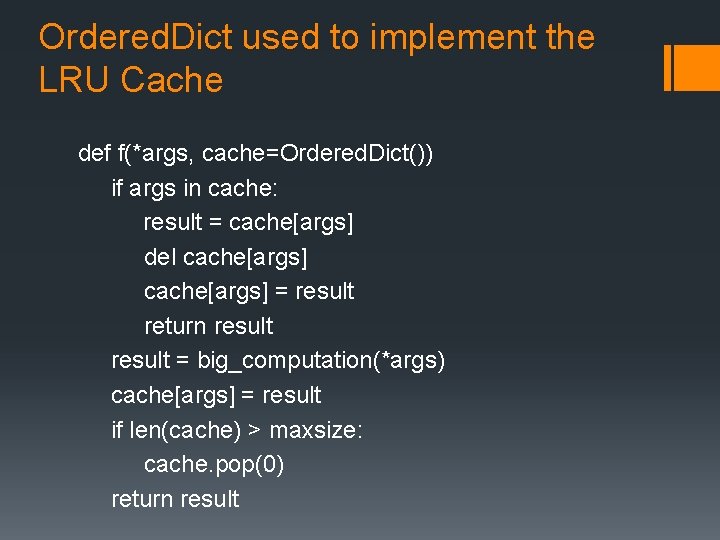
Ordered. Dict used to implement the LRU Cache def f(*args, cache=Ordered. Dict()) if args in cache: result = cache[args] del cache[args] = result return result = big_computation(*args) cache[args] = result if len(cache) > maxsize: cache. pop(0) return result
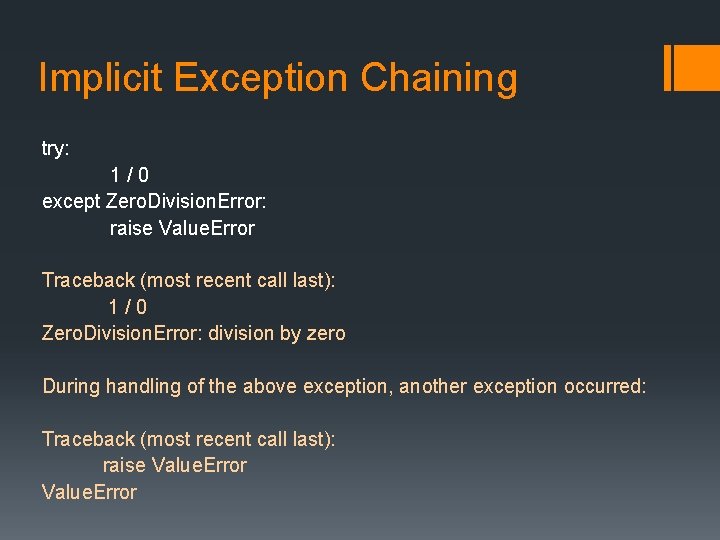
Implicit Exception Chaining try: 1/0 except Zero. Division. Error: raise Value. Error Traceback (most recent call last): 1/0 Zero. Division. Error: division by zero During handling of the above exception, another exception occurred: Traceback (most recent call last): raise Value. Error
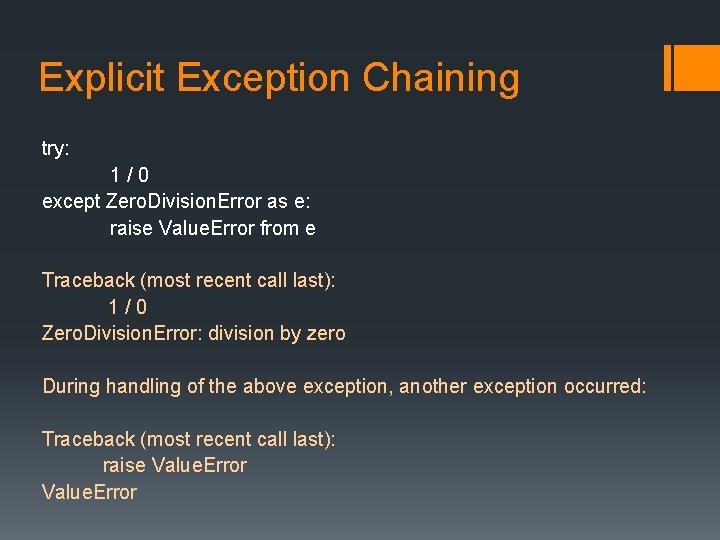
Explicit Exception Chaining try: 1/0 except Zero. Division. Error as e: raise Value. Error from e Traceback (most recent call last): 1/0 Zero. Division. Error: division by zero During handling of the above exception, another exception occurred: Traceback (most recent call last): raise Value. Error
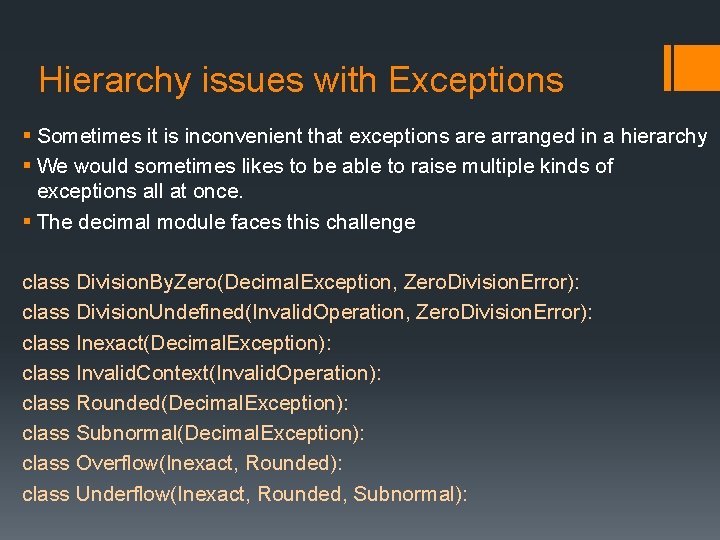
Hierarchy issues with Exceptions § Sometimes it is inconvenient that exceptions are arranged in a hierarchy § We would sometimes likes to be able to raise multiple kinds of exceptions all at once. § The decimal module faces this challenge class Division. By. Zero(Decimal. Exception, Zero. Division. Error): class Division. Undefined(Invalid. Operation, Zero. Division. Error): class Inexact(Decimal. Exception): class Invalid. Context(Invalid. Operation): class Rounded(Decimal. Exception): class Subnormal(Decimal. Exception): class Overflow(Inexact, Rounded): class Underflow(Inexact, Rounded, Subnormal):
- Slides: 44