
Advanced Lucene Grant Ingersoll Center for Natural Language
![Example Query. Term. Vector query. Vec = new Query. Term. Vector(question, analyzer); String []](https://slidetodoc.com/presentation_image_h/f4cedbb121383de24cb2ed73f38572ff/image-20.jpg "Example Query. Term. Vector query. Vec = new Query. Term. Vector(question, analyzer); String []")
- Slides: 36
Advanced Lucene Grant Ingersoll Center for Natural Language Processing Apache. Con 2005 December 12, 2005
Overview • • • Quick Lucene Refresher Term Vectors Span Queries Building an IR Framework Case Studies from CNLP – – Collection analysis for domain specialization Crosslingual/multilingual retrieval in Arabic, English and Dutch Sublanguage analysis for commercial trouble ticket analysis Passage retrieval and analysis for Question Answering application • Resources
Lucene Refresher • Indexing – A Document is a collection of Fields – A Field is free text, keywords, dates, etc. – A Field can have several characteristics • indexed, tokenized, stored, term vectors • Apply Analyzer to alter Tokens during indexing – Stemming – Stopword removal – Phrase identification
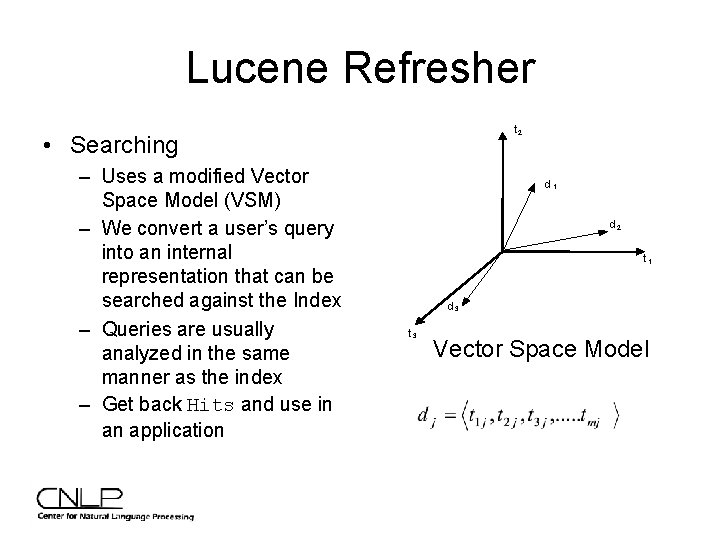
Lucene Refresher t 2 • Searching – Uses a modified Vector Space Model (VSM) – We convert a user’s query into an internal representation that can be searched against the Index – Queries are usually analyzed in the same manner as the index – Get back Hits and use in an application d 1 d 2 t 1 d 3 t 3 Vector Space Model
Lucene Demo++ • Based on original Lucene demo • Sample, working code for: – – – Search Relevance Feedback Span Queries Collection Analysis Candidate Identification for QA • Requires: Lucene 1. 9 RC 1 -dev • Available at http: //www. cnlp. org/apachecon 2005
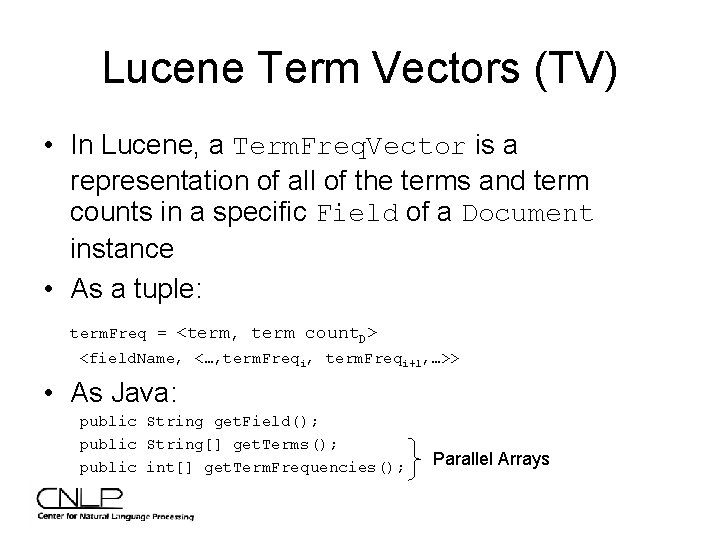
Lucene Term Vectors (TV) • In Lucene, a Term. Freq. Vector is a representation of all of the terms and term counts in a specific Field of a Document instance • As a tuple: term. Freq = <term, term count. D> <field. Name, <…, term. Freqi+1, …>> • As Java: public String get. Field(); public String[] get. Terms(); public int[] get. Term. Frequencies(); Parallel Arrays
Term Vector Usages • • • Relevance Feedback and “More Like This” Domain specialization Clustering Cosine similarity between two documents Highlighter – Needs offset info
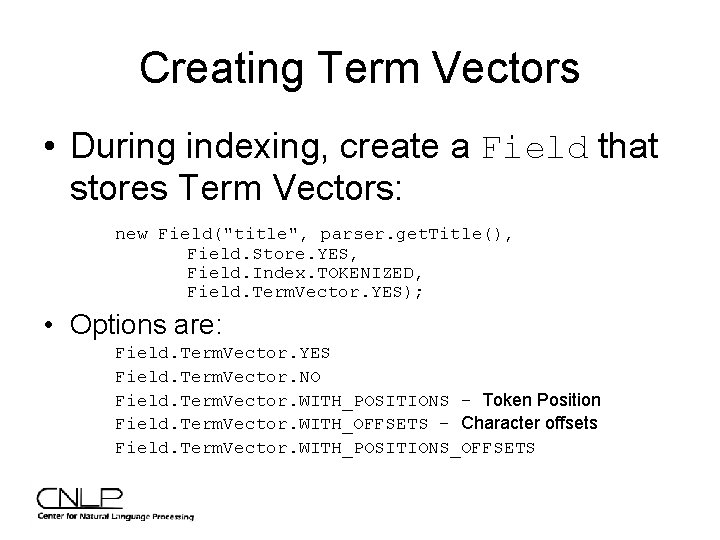
Creating Term Vectors • During indexing, create a Field that stores Term Vectors: new Field("title", parser. get. Title(), Field. Store. YES, Field. Index. TOKENIZED, Field. Term. Vector. YES); • Options are: Field. Term. Vector. YES Field. Term. Vector. NO Field. Term. Vector. WITH_POSITIONS – Token Position Field. Term. Vector. WITH_OFFSETS – Character offsets Field. Term. Vector. WITH_POSITIONS_OFFSETS
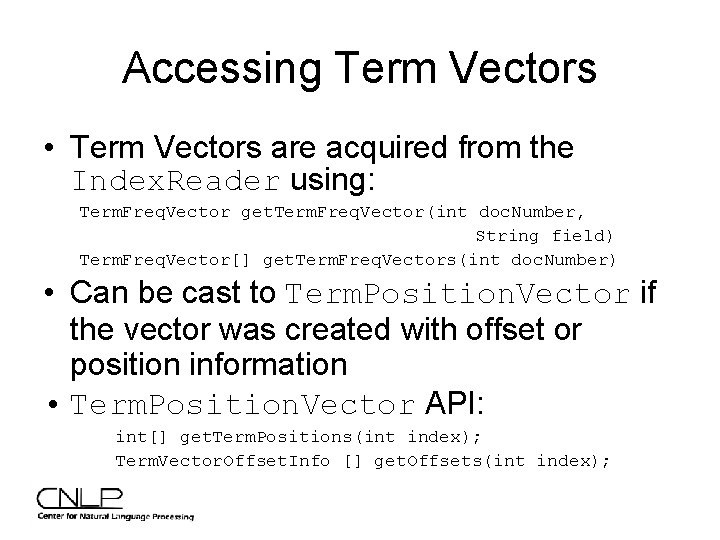
Accessing Term Vectors • Term Vectors are acquired from the Index. Reader using: Term. Freq. Vector get. Term. Freq. Vector(int doc. Number, String field) Term. Freq. Vector[] get. Term. Freq. Vectors(int doc. Number) • Can be cast to Term. Position. Vector if the vector was created with offset or position information • Term. Position. Vector API: int[] get. Term. Positions(int index); Term. Vector. Offset. Info [] get. Offsets(int index);
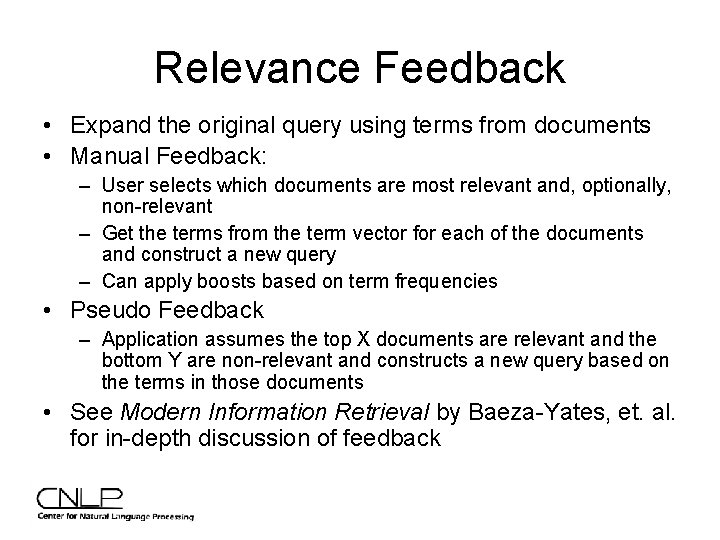
Relevance Feedback • Expand the original query using terms from documents • Manual Feedback: – User selects which documents are most relevant and, optionally, non-relevant – Get the terms from the term vector for each of the documents and construct a new query – Can apply boosts based on term frequencies • Pseudo Feedback – Application assumes the top X documents are relevant and the bottom Y are non-relevant and constructs a new query based on the terms in those documents • See Modern Information Retrieval by Baeza-Yates, et. al. for in-depth discussion of feedback
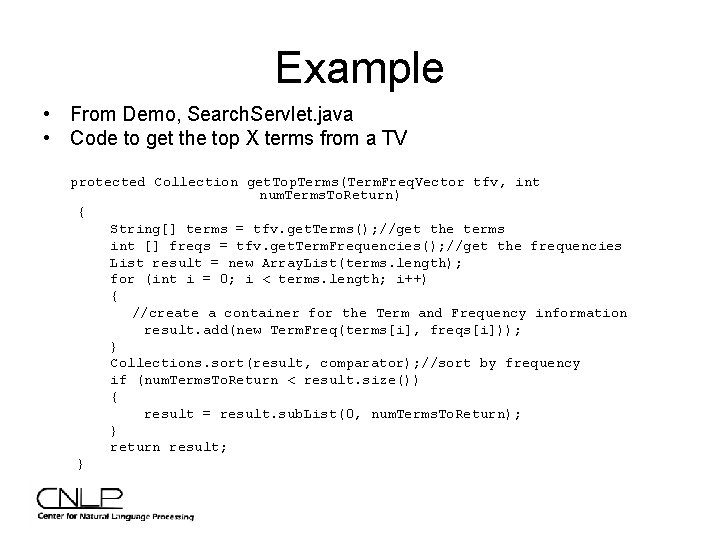
Example • From Demo, Search. Servlet. java • Code to get the top X terms from a TV protected Collection get. Top. Terms(Term. Freq. Vector tfv, int num. Terms. To. Return) { String[] terms = tfv. get. Terms(); //get the terms int [] freqs = tfv. get. Term. Frequencies(); //get the frequencies List result = new Array. List(terms. length); for (int i = 0; i < terms. length; i++) { //create a container for the Term and Frequency information result. add(new Term. Freq(terms[i], freqs[i])); } Collections. sort(result, comparator); //sort by frequency if (num. Terms. To. Return < result. size()) { result = result. sub. List(0, num. Terms. To. Return); } return result; }
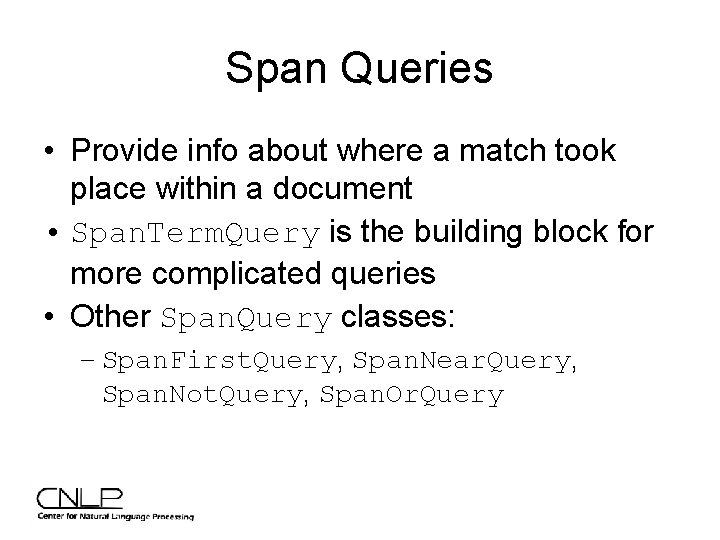
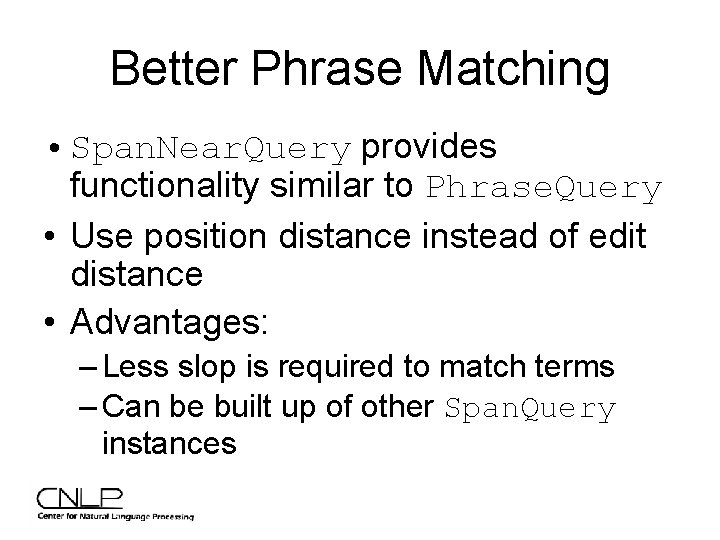
Span Queries • Provide info about where a match took place within a document • Span. Term. Query is the building block for more complicated queries • Other Span. Query classes: – Span. First. Query, Span. Near. Query, Span. Not. Query, Span. Or. Query
Better Phrase Matching • Span. Near. Query provides functionality similar to Phrase. Query • Use position distance instead of edit distance • Advantages: – Less slop is required to match terms – Can be built up of other Span. Query instances
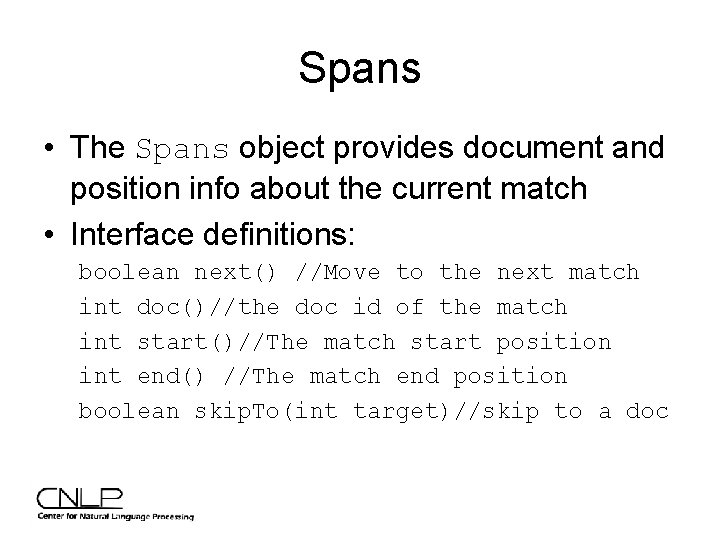
Spans • The Spans object provides document and position info about the current match • Interface definitions: boolean next() //Move to the next match int doc()//the doc id of the match int start()//The match start position int end() //The match end position boolean skip. To(int target)//skip to a doc
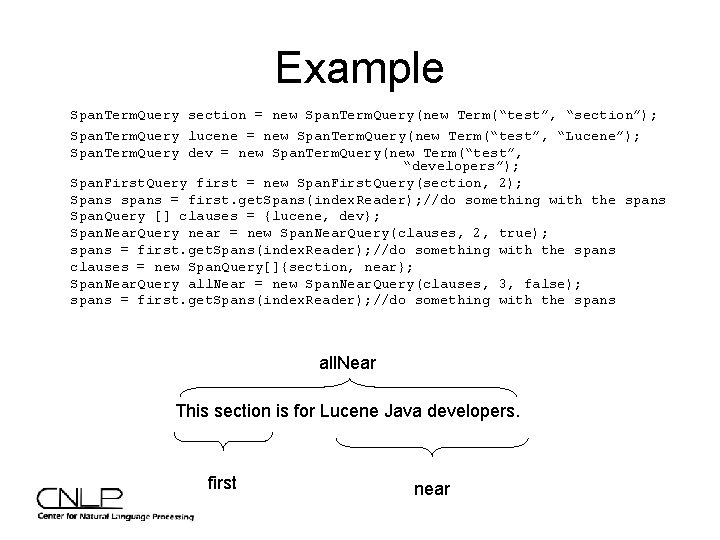
Example Span. Term. Query section = new Span. Term. Query(new Term(“test”, “section”); Span. Term. Query lucene = new Span. Term. Query(new Term(“test”, “Lucene”); Span. Term. Query dev = new Span. Term. Query(new Term(“test”, “developers”); Span. First. Query first = new Span. First. Query(section, 2); Spans spans = first. get. Spans(index. Reader); //do something with the spans Span. Query [] clauses = {lucene, dev}; Span. Near. Query near = new Span. Near. Query(clauses, 2, true); spans = first. get. Spans(index. Reader); //do something with the spans clauses = new Span. Query[]{section, near}; Span. Near. Query all. Near = new Span. Near. Query(clauses, 3, false); spans = first. get. Spans(index. Reader); //do something with the spans all. Near This section is for Lucene Java developers. first near
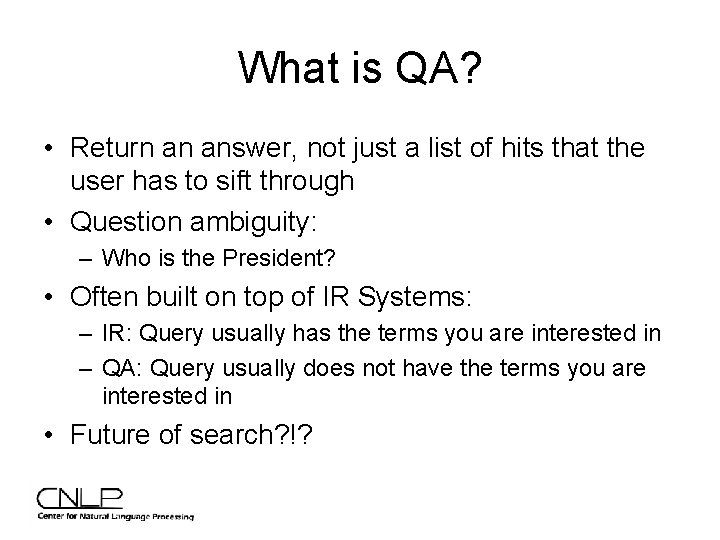
What is QA? • Return an answer, not just a list of hits that the user has to sift through • Question ambiguity: – Who is the President? • Often built on top of IR Systems: – IR: Query usually has the terms you are interested in – QA: Query usually does not have the terms you are interested in • Future of search? !?
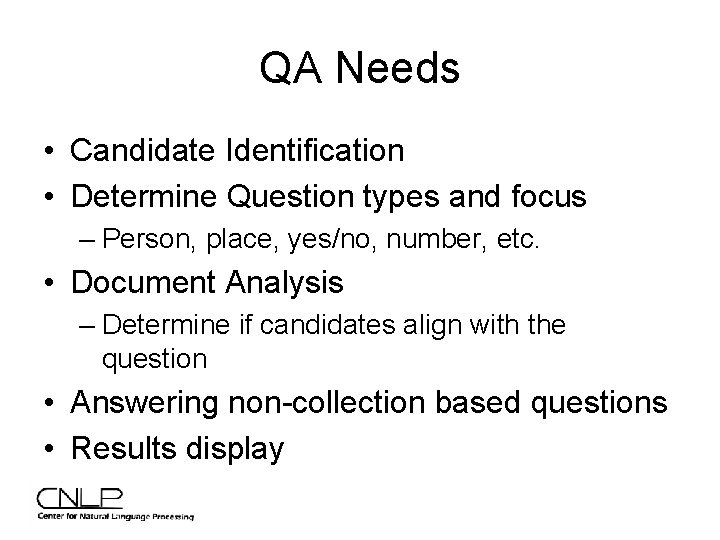
QA Needs • Candidate Identification • Determine Question types and focus – Person, place, yes/no, number, etc. • Document Analysis – Determine if candidates align with the question • Answering non-collection based questions • Results display
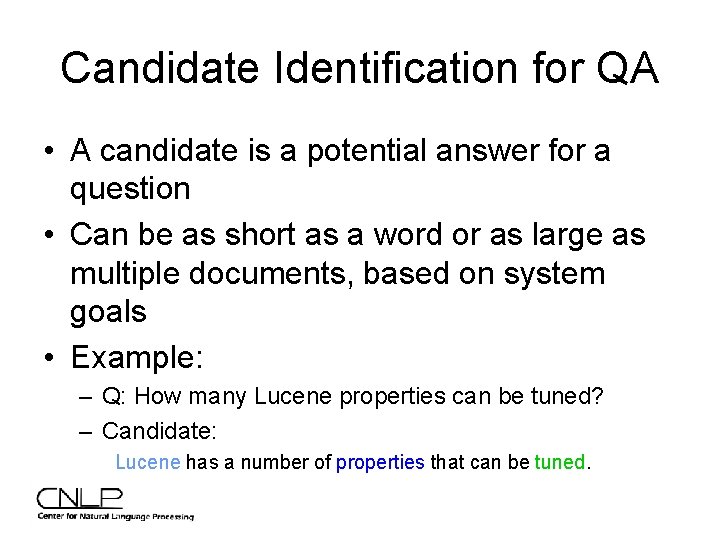
Candidate Identification for QA • A candidate is a potential answer for a question • Can be as short as a word or as large as multiple documents, based on system goals • Example: – Q: How many Lucene properties can be tuned? – Candidate: Lucene has a number of properties that can be tuned.
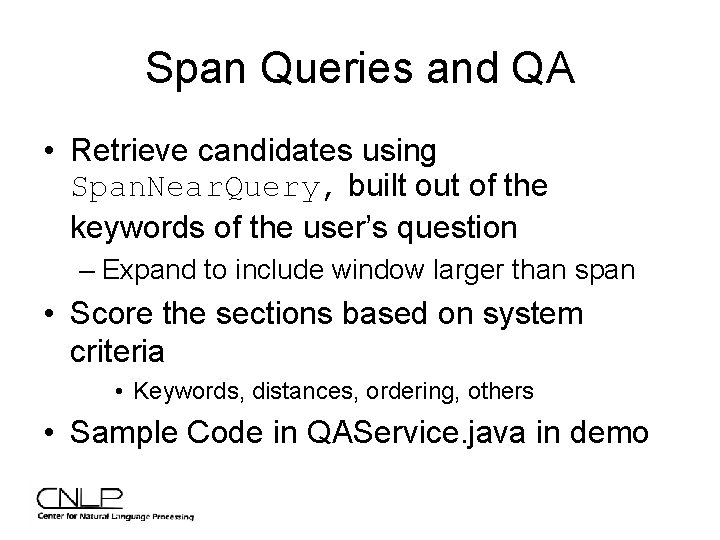
Span Queries and QA • Retrieve candidates using Span. Near. Query, built out of the keywords of the user’s question – Expand to include window larger than span • Score the sections based on system criteria • Keywords, distances, ordering, others • Sample Code in QAService. java in demo
Example Query. Term. Vector query. Vec = new Query. Term. Vector(question, analyzer); String [] terms = query. Vec. get. Terms(); int [] freqs = query. Vec. get. Term. Frequencies(); Span. Query [] clauses = new Span. Query[terms. length]; for (int i = 0; i < terms. length; i++) { String term = terms[i]; Span. Term. Query term. Query = new Span. Term. Query(new Term("contents", term)); term. Query. set. Boost(freqs[i]); clauses[i] = term. Query; } Span. Query query = new Span. Near. Query(clauses, 15, false); Spans spans = query. get. Spans(index. Reader); //Now loop through the spans and analyze the documents
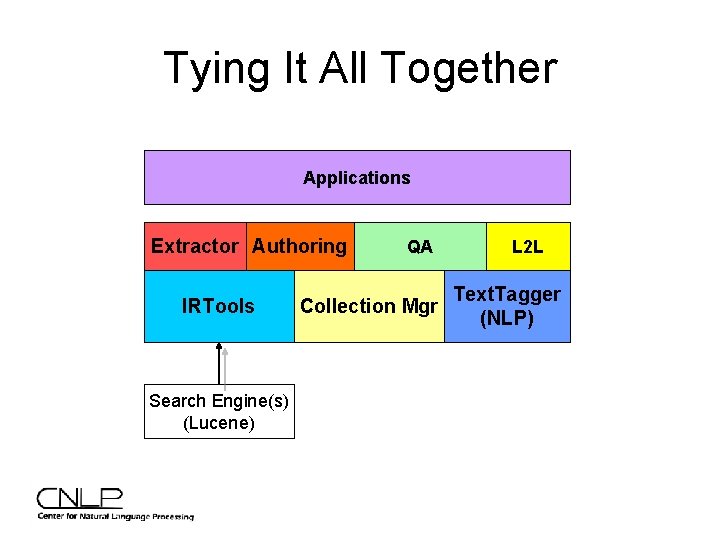
Tying It All Together Applications Extractor Authoring IRTools Search Engine(s) (Lucene) QA Collection Mgr L 2 L Text. Tagger (NLP)
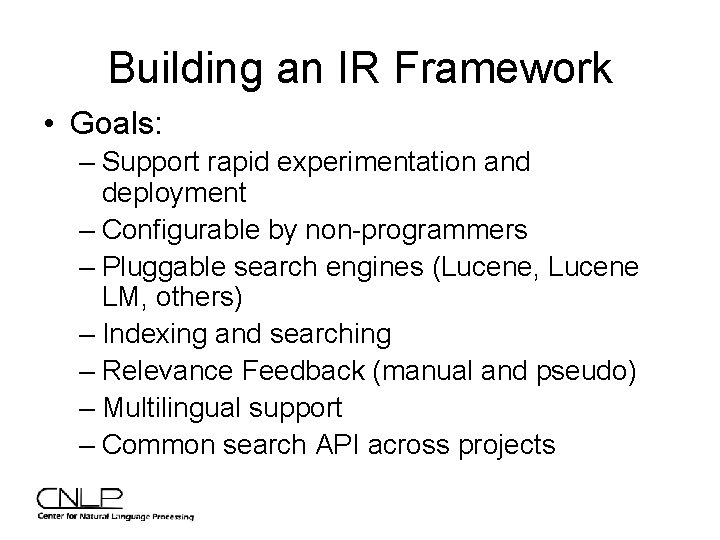
Building an IR Framework • Goals: – Support rapid experimentation and deployment – Configurable by non-programmers – Pluggable search engines (Lucene, Lucene LM, others) – Indexing and searching – Relevance Feedback (manual and pseudo) – Multilingual support – Common search API across projects
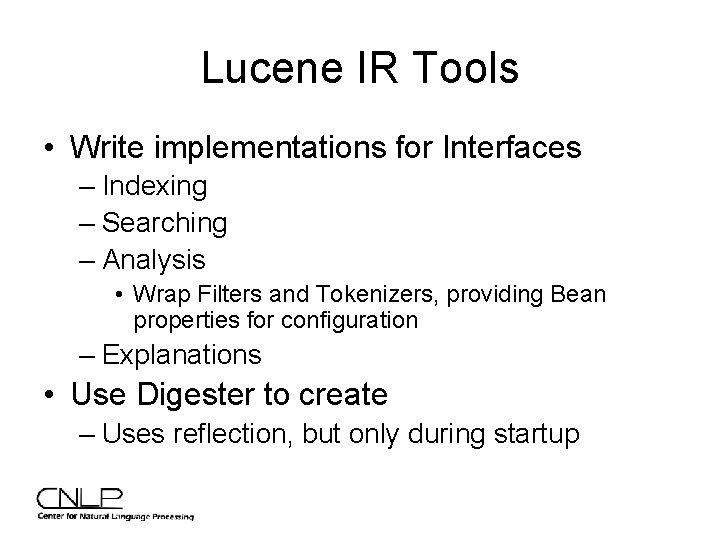
Lucene IR Tools • Write implementations for Interfaces – Indexing – Searching – Analysis • Wrap Filters and Tokenizers, providing Bean properties for configuration – Explanations • Use Digester to create – Uses reflection, but only during startup
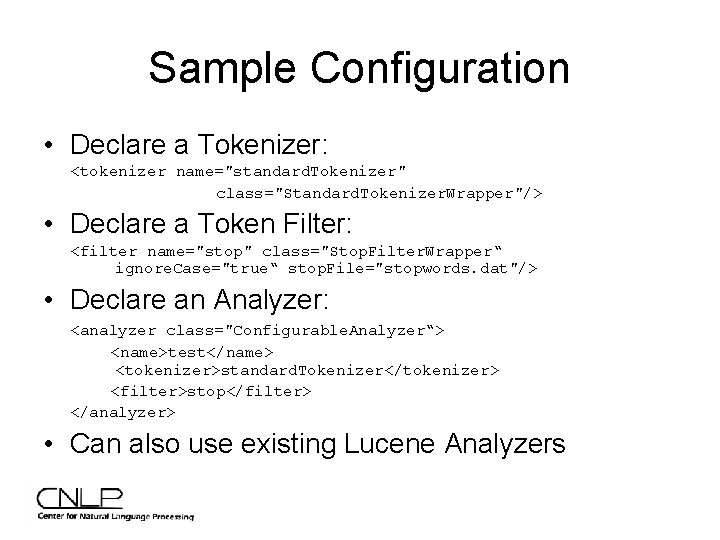
Sample Configuration • Declare a Tokenizer: <tokenizer name="standard. Tokenizer" class="Standard. Tokenizer. Wrapper"/> • Declare a Token Filter: <filter name="stop" class="Stop. Filter. Wrapper“ ignore. Case="true“ stop. File="stopwords. dat"/> • Declare an Analyzer: <analyzer class="Configurable. Analyzer“> <name>test</name> <tokenizer>standard. Tokenizer</tokenizer> <filter>stop</filter> </analyzer> • Can also use existing Lucene Analyzers
Case Studies • • Domain Specialization AIR (Arabic Information Retrieval) Commercial QA Trouble Ticket Analysis
Domain Specialization • At CNLP, we often work within specific domains • Terrorism • Insurance • CRM • Scientific • Trouble Tickets • Banking • Users are Subject Matter Experts (SMEs) who require advanced search and discovery capabilities • We often cannot see the documents when developing solutions for customer
Domain Specialization • We provide the SME with tools to tailor out of the box processing for their domain • Users often want to see NLP features like: – – Phrase and entity identification Phrases and entities in context of other terms Entity categorizations Occurrences and co-occurrences • Upon examining, users can choose to alter (or remove) how terms were processed • Benefits – Less ambiguity yields better results for searches and extractions – SME has a better understanding of collection
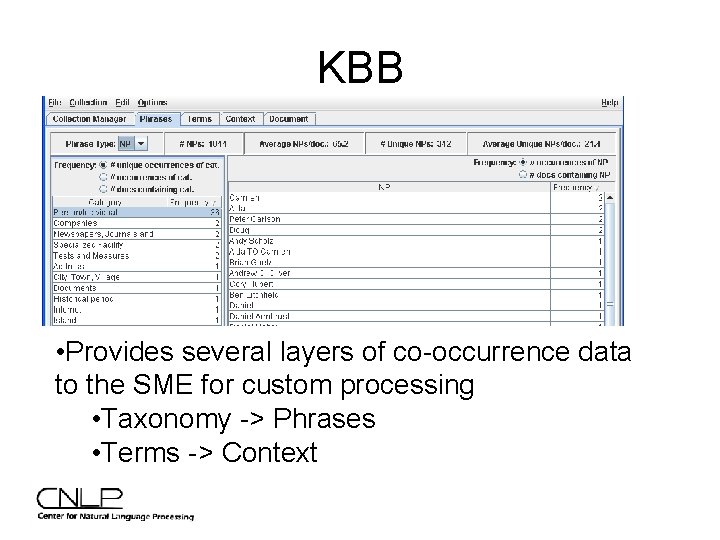
KBB • Provides several layers of co-occurrence data to the SME for custom processing • Taxonomy -> Phrases • Terms -> Context
Lucene and Domains • Build an index of NLP features • Several Alternatives for domain analysis: – Store Term Vectors (including position and offset) and loop through selected documents – Custom Analyzer/filter produces Lucene tokens and calculates counts, etc. – Span Queries for certain features such as term co-occurrence
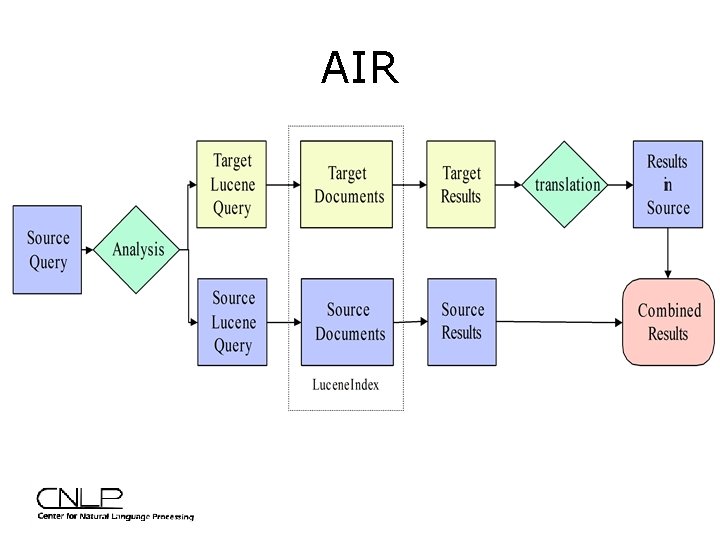
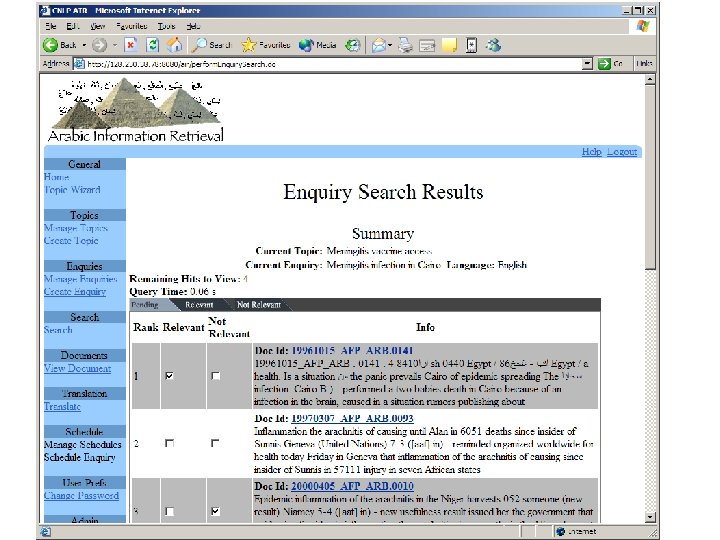
AIR
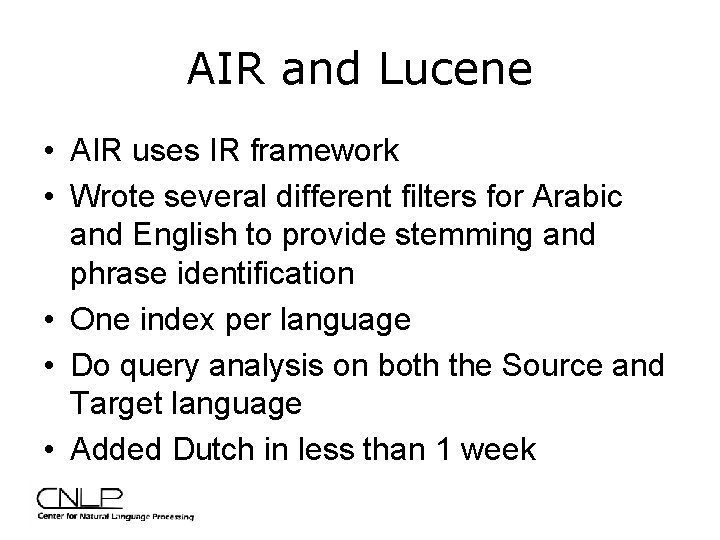
AIR and Lucene • AIR uses IR framework • Wrote several different filters for Arabic and English to provide stemming and phrase identification • One index per language • Do query analysis on both the Source and Target language • Added Dutch in less than 1 week
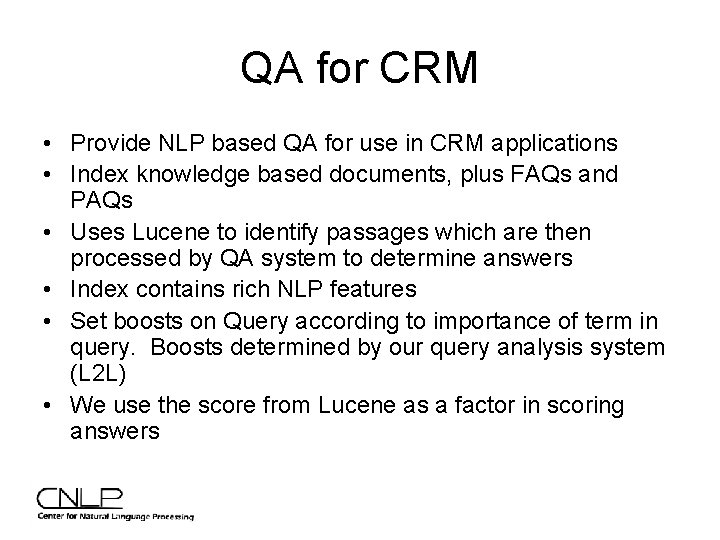
QA for CRM • Provide NLP based QA for use in CRM applications • Index knowledge based documents, plus FAQs and PAQs • Uses Lucene to identify passages which are then processed by QA system to determine answers • Index contains rich NLP features • Set boosts on Query according to importance of term in query. Boosts determined by our query analysis system (L 2 L) • We use the score from Lucene as a factor in scoring answers
Trouble Ticket Analysis • Client has Trouble Tickets (TT) which are a combination of: – Fixed domain fields such as checkboxes – Free text, often written using shorthand • Objective: – Use NLP to discover patterns and trends across TT collection
Using Lucene for Trouble Tickets • Write custom Filters and Tokenizers to process shorthand – Tokenizer: • Certain Symbols and whitespace delineate tokens – Filters • Standardize shorthand – Addresses, dates, equipment and structure tags • Regular expression stopword removal • Use high frequency terms to identify lexical clues for use in trend identification by Text. Tagger • Browsing collection to gain an understanding of domain
Resources • http: //lucene. apache. org • Mailing List – java-user@lucene. apache. org • CNLP – http: //www. cnlp. org/apachecon 2005 • Lucene In Action – http: //www. lucenebook. com