
Advanced High Performance Computing Workshop HPC 201 Dr


![Troubleshooting module load flux-utils System-level freenodes # aggregate node/core busy/free pbsnodes [-l] # nodes,](https://slidetodoc.com/presentation_image_h/361eac366a547fc2c866a07c0f0aac35/image-26.jpg "Troubleshooting module load flux-utils System-level freenodes # aggregate node/core busy/free pbsnodes [-l] # nodes,")
![Useful GDB commands gdb exec core l [m, n] disas func b line# b](https://slidetodoc.com/presentation_image_h/361eac366a547fc2c866a07c0f0aac35/image-34.jpg "Useful GDB commands gdb exec core l [m, n] disas func b line# b")
- Slides: 40
Advanced High Performance Computing Workshop HPC 201 Dr Charles J Antonelli, LSAIT ARS Mark Champe, LSAIT ARS October, 2016
Roadmap ARC Connect Flux review Advanced PBS Options Array & dependent scheduling Tools Scientific applications R, Python, MATLAB MPI programming Debugging & profiling 10/16
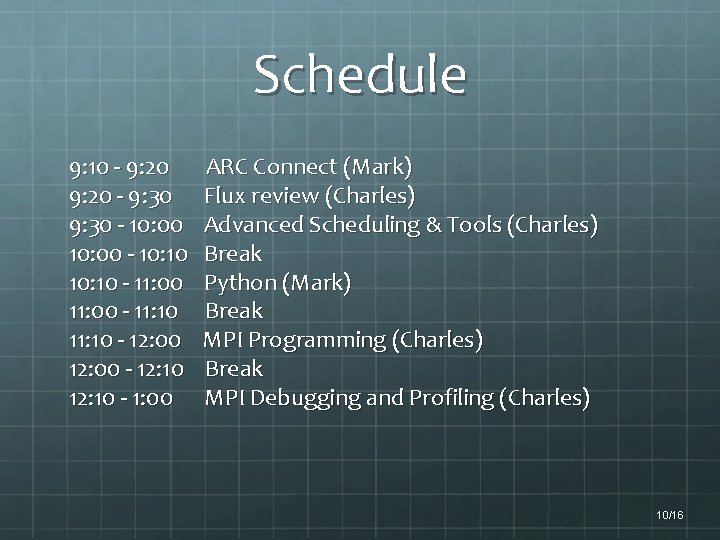
Schedule 9: 10 - 9: 20 - 9: 30 - 10: 00 - 10: 10 - 11: 00 - 11: 10 - 12: 00 - 12: 10 - 1: 00 ARC Connect (Mark) Flux review (Charles) Advanced Scheduling & Tools (Charles) Break Python (Mark) Break MPI Programming (Charles) Break MPI Debugging and Profiling (Charles) 10/16
ARC Connect 10/16
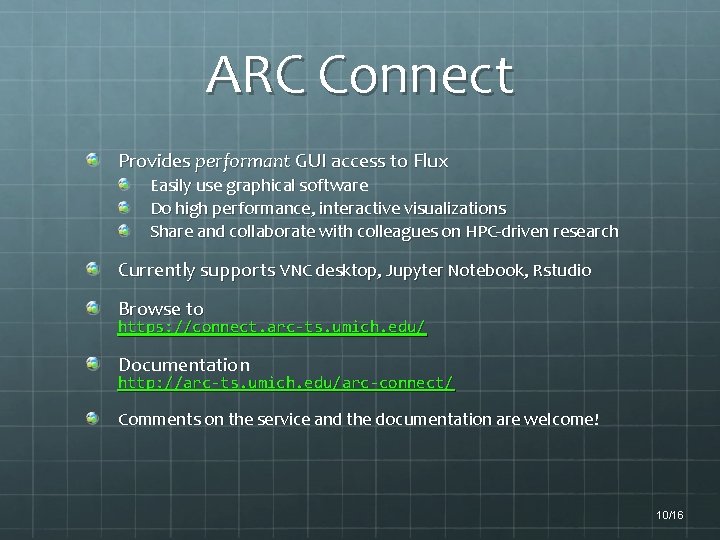
ARC Connect Provides performant GUI access to Flux Easily use graphical software Do high performance, interactive visualizations Share and collaborate with colleagues on HPC-driven research Currently supports VNC desktop, Jupyter Notebook, Rstudio Browse to https: //connect. arc-ts. umich. edu/ Documentation http: //arc-ts. umich. edu/arc-connect/ Comments on the service and the documentation are welcome! 10/16
Flux review 10/16
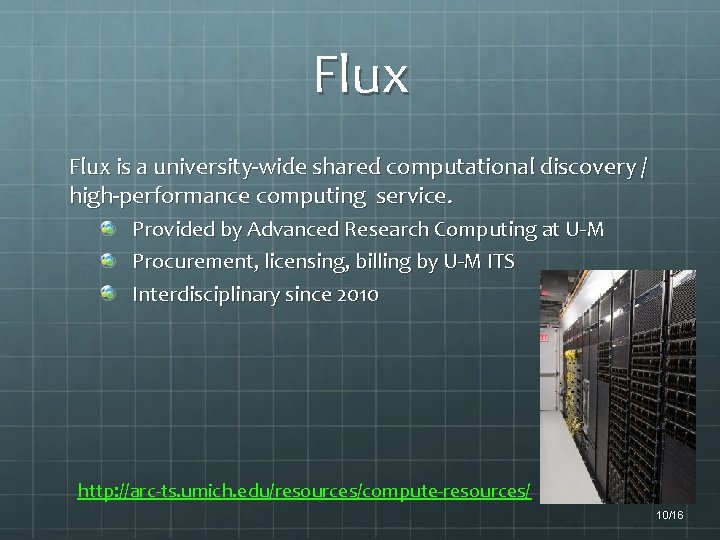
Flux is a university-wide shared computational discovery / high-performance computing service. Provided by Advanced Research Computing at U-M Procurement, licensing, billing by U-M ITS Interdisciplinary since 2010 http: //arc-ts. umich. edu/resources/compute-resources/ 10/16
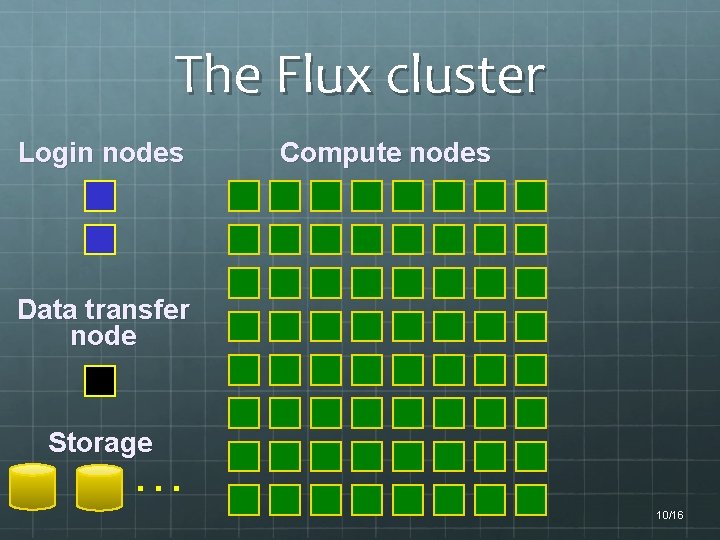
The Flux cluster Login nodes Compute nodes Data transfer node Storage … 10/16
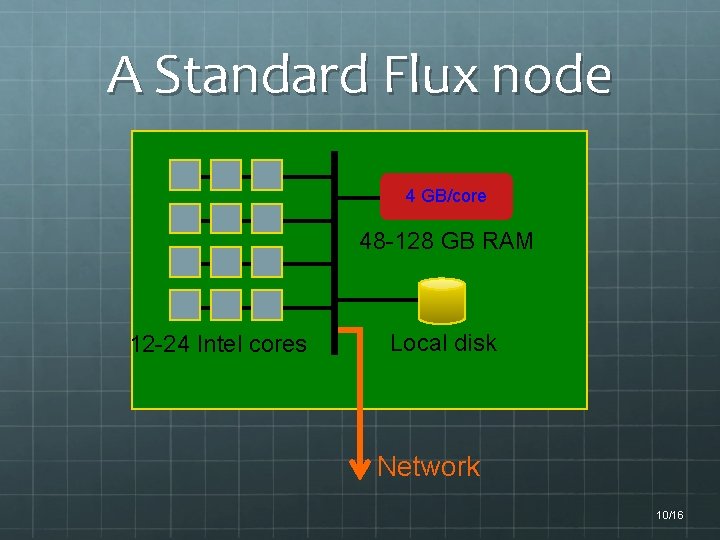
A Standard Flux node 4 GB/core 48 -128 GB RAM 12 -24 Intel cores Local disk Network 10/16
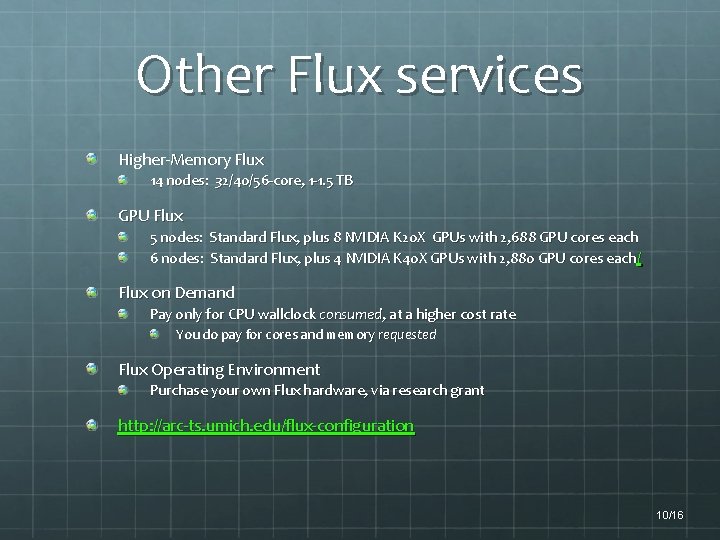
Other Flux services Higher-Memory Flux 14 nodes: 32/40/56 -core, 1 -1. 5 TB GPU Flux 5 nodes: Standard Flux, plus 8 NVIDIA K 20 X GPUs with 2, 688 GPU cores each 6 nodes: Standard Flux, plus 4 NVIDIA K 40 X GPUs with 2, 880 GPU cores each / Flux on Demand Pay only for CPU wallclock consumed, at a higher cost rate You do pay for cores and memory requested Flux Operating Environment Purchase your own Flux hardware, via research grant http: //arc-ts. umich. edu/flux-configuration 10/16
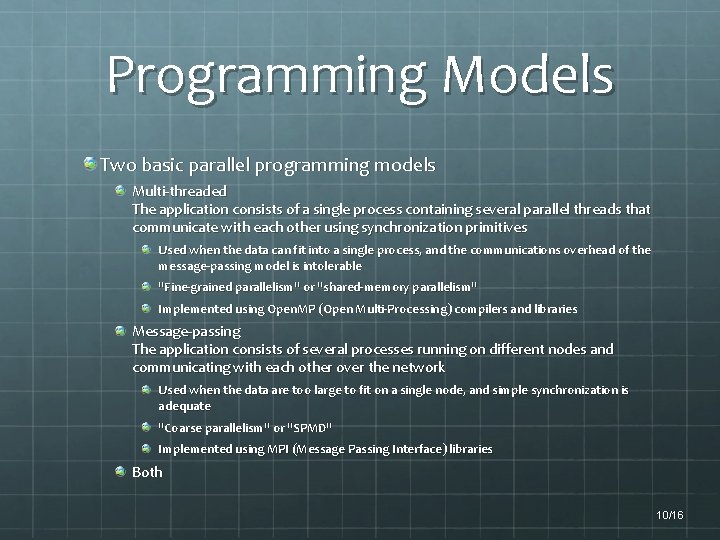
Programming Models Two basic parallel programming models Multi-threaded The application consists of a single process containing several parallel threads that communicate with each other using synchronization primitives Used when the data can fit into a single process, and the communications overhead of the message-passing model is intolerable "Fine-grained parallelism" or "shared-memory parallelism" Implemented using Open. MP (Open Multi-Processing) compilers and libraries Message-passing The application consists of several processes running on different nodes and communicating with each other over the network Used when the data are too large to fit on a single node, and simple synchronization is adequate "Coarse parallelism" or "SPMD" Implemented using MPI (Message Passing Interface) libraries Both 10/16
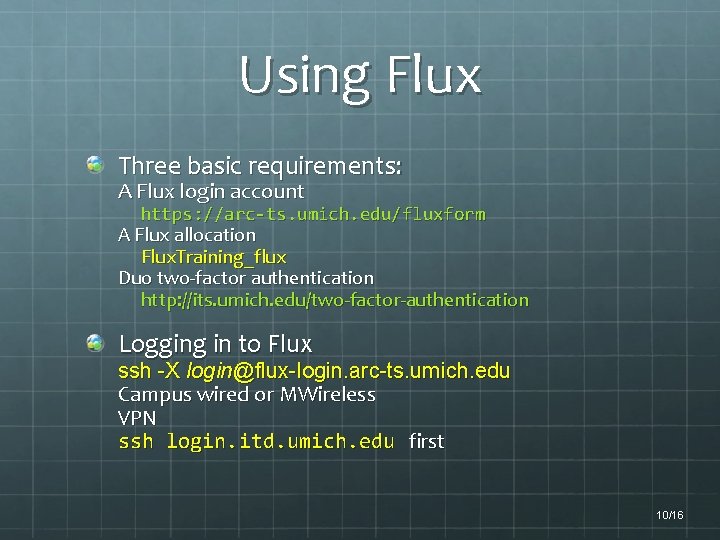
Using Flux Three basic requirements: A Flux login account https: //arc-ts. umich. edu/fluxform A Flux allocation Flux. Training_flux Duo two-factor authentication http: //its. umich. edu/two-factor-authentication Logging in to Flux ssh -X login@flux-login. arc-ts. umich. edu Campus wired or MWireless VPN ssh login. itd. umich. edu first 10/16
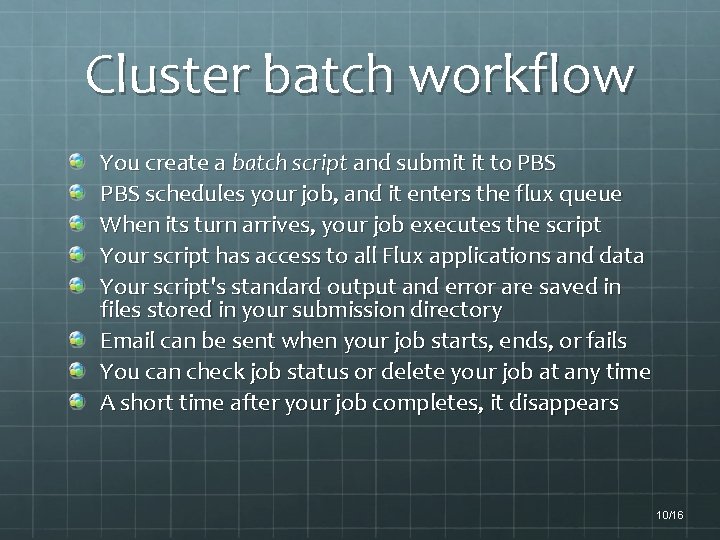
Cluster batch workflow You create a batch script and submit it to PBS schedules your job, and it enters the flux queue When its turn arrives, your job executes the script Your script has access to all Flux applications and data Your script's standard output and error are saved in files stored in your submission directory Email can be sent when your job starts, ends, or fails You can check job status or delete your job at any time A short time after your job completes, it disappears 10/16
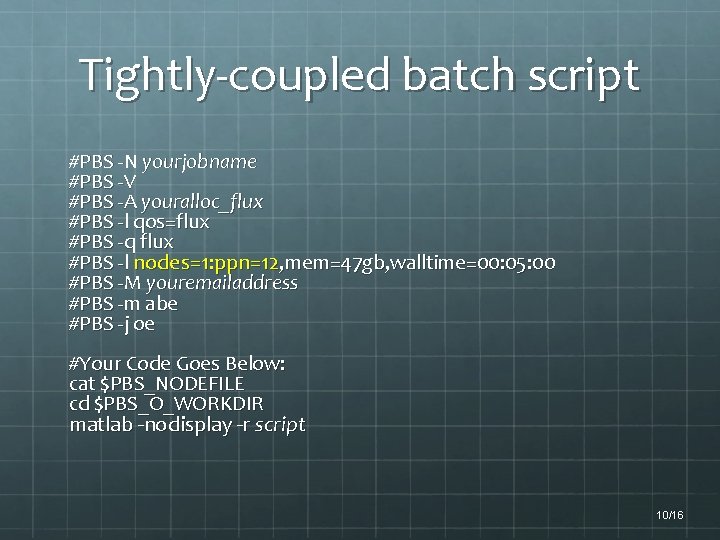
Tightly-coupled batch script #PBS -N yourjobname #PBS -V #PBS -A youralloc_flux #PBS -l qos=flux #PBS -q flux #PBS -l nodes=1: ppn=12, mem=47 gb, walltime=00: 05: 00 #PBS -M youremailaddress #PBS -m abe #PBS -j oe #Your Code Goes Below: cat $PBS_NODEFILE cd $PBS_O_WORKDIR matlab -nodisplay -r script 10/16
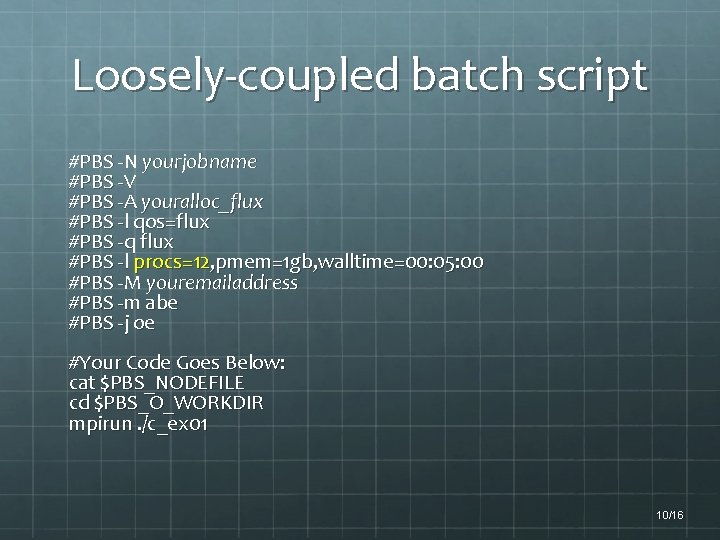
Loosely-coupled batch script #PBS -N yourjobname #PBS -V #PBS -A youralloc_flux #PBS -l qos=flux #PBS -q flux #PBS -l procs=12, pmem=1 gb, walltime=00: 05: 00 #PBS -M youremailaddress #PBS -m abe #PBS -j oe #Your Code Goes Below: cat $PBS_NODEFILE cd $PBS_O_WORKDIR mpirun. /c_ex 01 10/16
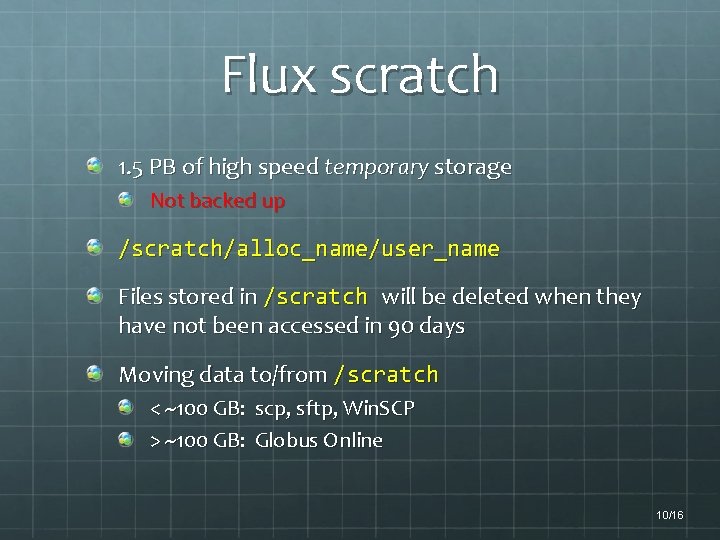
Flux scratch 1. 5 PB of high speed temporary storage Not backed up /scratch/alloc_name/user_name Files stored in /scratch will be deleted when they have not been accessed in 90 days Moving data to/from /scratch < ~100 GB: scp, sftp, Win. SCP > ~100 GB: Globus Online 10/16
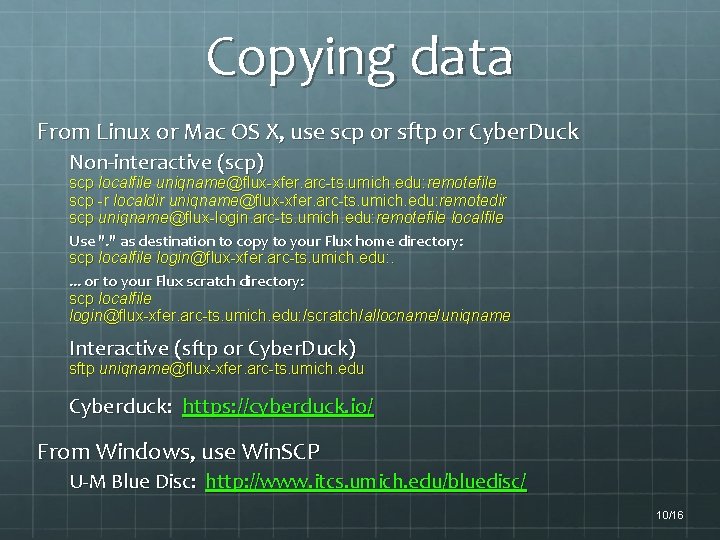
Copying data From Linux or Mac OS X, use scp or sftp or Cyber. Duck Non-interactive (scp) scp localfile uniqname@flux-xfer. arc-ts. umich. edu: remotefile scp -r localdir uniqname@flux-xfer. arc-ts. umich. edu: remotedir scp uniqname@flux-login. arc-ts. umich. edu: remotefile localfile Use ". " as destination to copy to your Flux home directory: scp localfile login@flux-xfer. arc-ts. umich. edu: . . or to your Flux scratch directory: scp localfile login@flux-xfer. arc-ts. umich. edu: /scratch/allocname/uniqname Interactive (sftp or Cyber. Duck) sftp uniqname@flux-xfer. arc-ts. umich. edu Cyberduck: https: //cyberduck. io/ From Windows, use Win. SCP U-M Blue Disc: http: //www. itcs. umich. edu/bluedisc/ 10/16
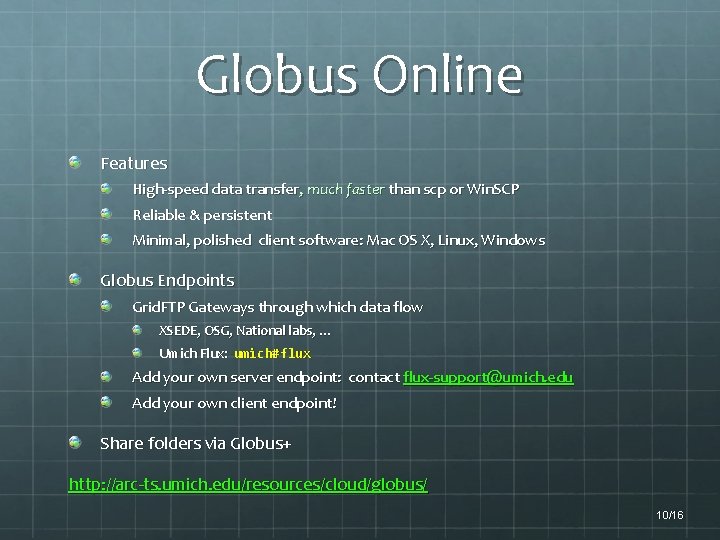
Globus Online Features High-speed data transfer, much faster than scp or Win. SCP Reliable & persistent Minimal, polished client software: Mac OS X, Linux, Windows Globus Endpoints Grid. FTP Gateways through which data flow XSEDE, OSG, National labs, … Umich Flux: umich#flux Add your own server endpoint: contact flux-support@umich. edu Add your own client endpoint! Share folders via Globus+ http: //arc-ts. umich. edu/resources/cloud/globus/ 10/16
Advanced PBS 10/16
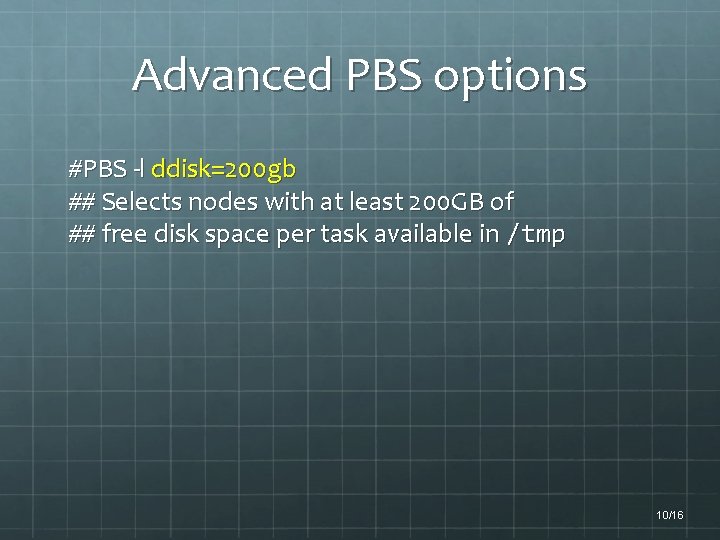
Advanced PBS options #PBS -l ddisk=200 gb ## Selects nodes with at least 200 GB of ## free disk space per task available in /tmp 10/16
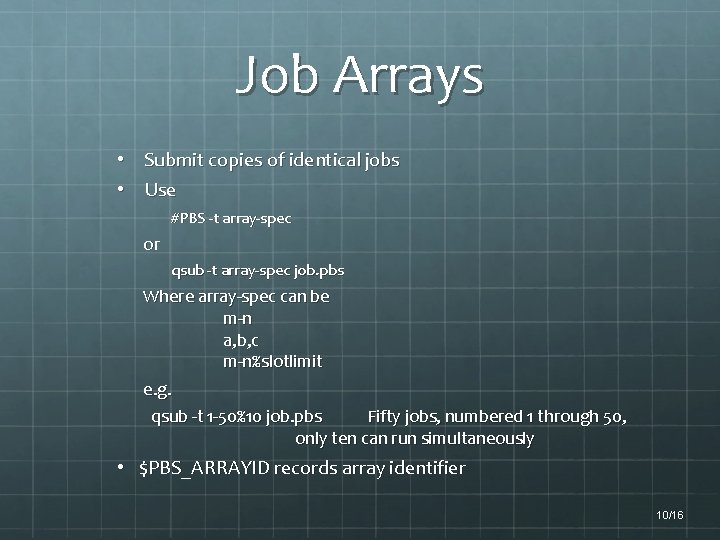
Job Arrays • Submit copies of identical jobs • Use #PBS -t array-spec or qsub -t array-spec job. pbs Where array-spec can be m-n a, b, c m-n%slotlimit e. g. qsub -t 1 -50%10 job. pbs Fifty jobs, numbered 1 through 50, only ten can run simultaneously • $PBS_ARRAYID records array identifier 10/16
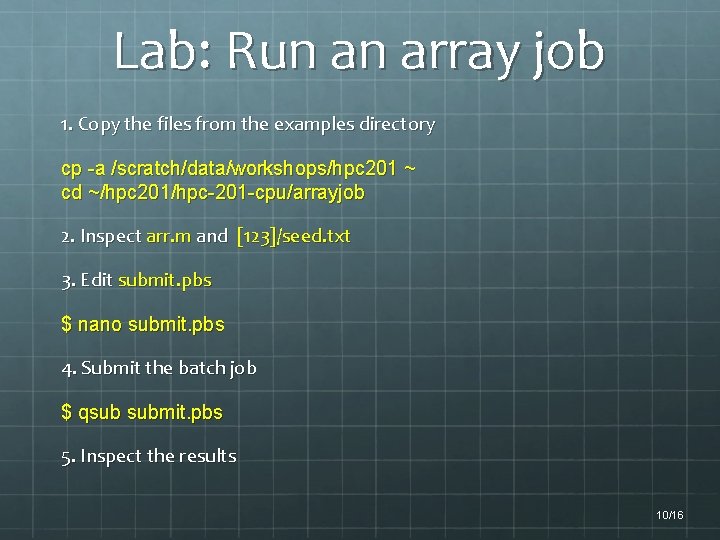
Lab: Run an array job 1. Copy the files from the examples directory cp -a /scratch/data/workshops/hpc 201 ~ cd ~/hpc 201/hpc-201 -cpu/arrayjob 2. Inspect arr. m and [123]/seed. txt 3. Edit submit. pbs $ nano submit. pbs 4. Submit the batch job $ qsub submit. pbs 5. Inspect the results 10/16
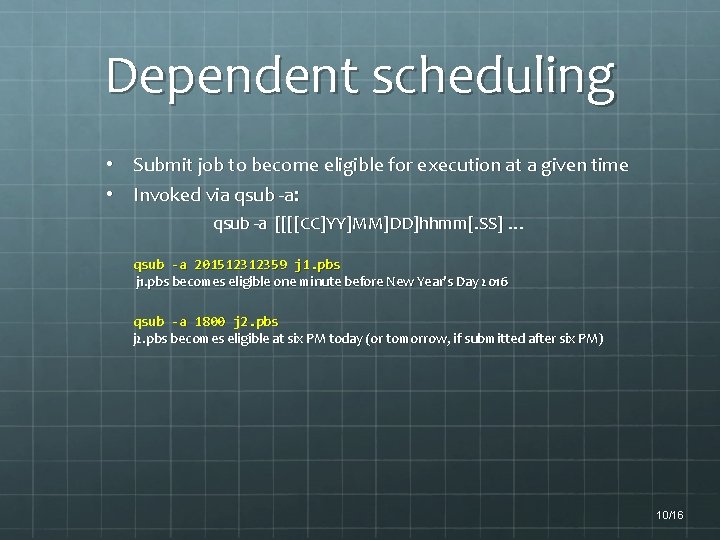
Dependent scheduling • Submit job to become eligible for execution at a given time • Invoked via qsub -a: qsub -a [[[[CC]YY]MM]DD]hhmm[. SS] … qsub -a 201512312359 j 1. pbs becomes eligible one minute before New Year's Day 2016 qsub -a 1800 j 2. pbs becomes eligible at six PM today (or tomorrow, if submitted after six PM) 10/16
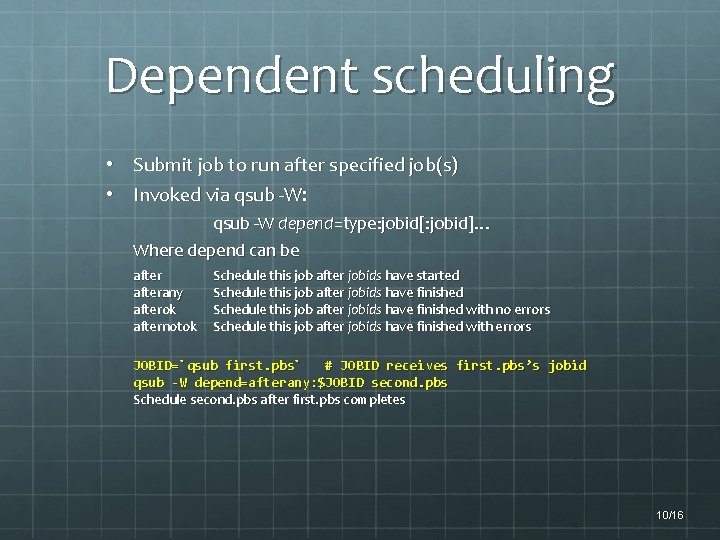
Dependent scheduling • Submit job to run after specified job(s) • Invoked via qsub -W: qsub -W depend=type: jobid[: jobid]… Where depend can be afterany afterok afternotok Schedule this job after jobids have started Schedule this job after jobids have finished with no errors Schedule this job after jobids have finished with errors JOBID=`qsub first. pbs` # JOBID receives first. pbs’s jobid qsub -W depend=afterany: $JOBID second. pbs Schedule second. pbs after first. pbs completes 10/16
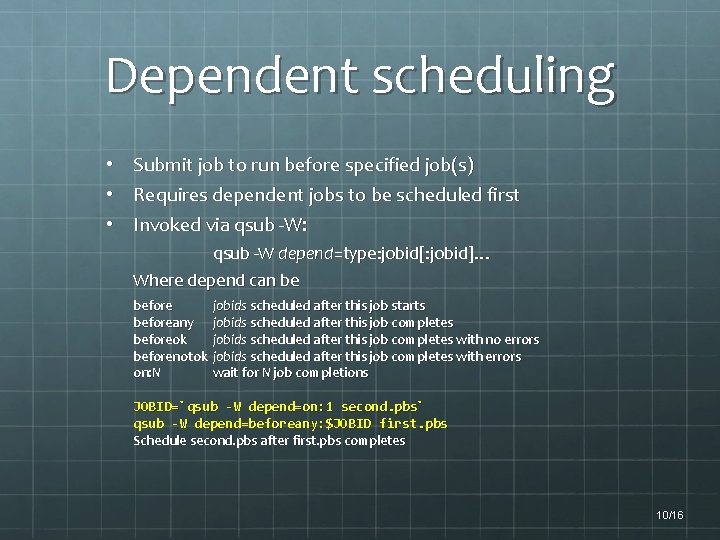
Dependent scheduling • Submit job to run before specified job(s) • Requires dependent jobs to be scheduled first • Invoked via qsub -W: qsub -W depend=type: jobid[: jobid]… Where depend can be beforeany beforeok beforenotok on: N jobids scheduled after this job starts jobids scheduled after this job completes with no errors jobids scheduled after this job completes with errors wait for N job completions JOBID=`qsub -W depend=on: 1 second. pbs` qsub -W depend=beforeany: $JOBID first. pbs Schedule second. pbs after first. pbs completes 10/16
Troubleshooting module load flux-utils System-level freenodes # aggregate node/core busy/free pbsnodes [-l] # nodes, states, properties # with -l, list only nodes marked down Allocation-level mdiag -a alloc # cores & users for allocation alloc showq [-r][-i][-b][-w acct=alloc] # running/idle/blocked jobs for alloc # with -r|i|b show more info for that job state freealloc [--jobs] alloc # free resources in allocation alloc # with –jobs User-level mdiag -u uniq # allocations for user uniq showq [-r][-i][-b][-w user=uniq] # running/idle/blocked jobs for uniq Job-level qstat -f jobno # full info for jobno qstat -n jobno # show nodes/cores where jobno running checkjob [-v] jobno # show why jobno not running 10/16
Scientific applications 10/16
Scientific Applications R (including parallel package) R with GPU (Gpu. Lm, dist) Python, Sci. Py, Num. Py, Bio. Py MATLAB with GPU CUDA Overview CUDA C (matrix multiply) 10/16
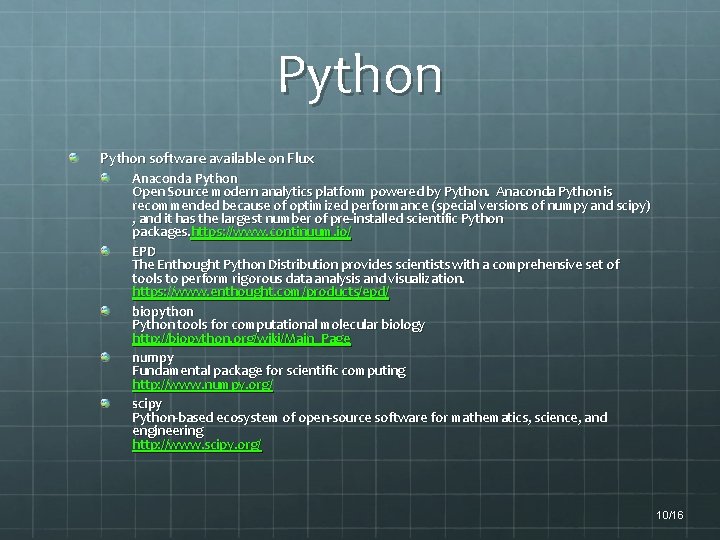
Python software available on Flux Anaconda Python Open Source modern analytics platform powered by Python. Anaconda Python is recommended because of optimized performance (special versions of numpy and scipy) , and it has the largest number of pre-installed scientific Python packages. https: //www. continuum. io/ EPD The Enthought Python Distribution provides scientists with a comprehensive set of tools to perform rigorous data analysis and visualization. https: //www. enthought. com/products/epd/ biopython Python tools for computational molecular biology http: //biopython. org/wiki/Main_Page numpy Fundamental package for scientific computing http: //www. numpy. org/ scipy Python-based ecosystem of open-source software for mathematics, science, and engineering http: //www. scipy. org/ 10/16
Debugging & profiling 10/16
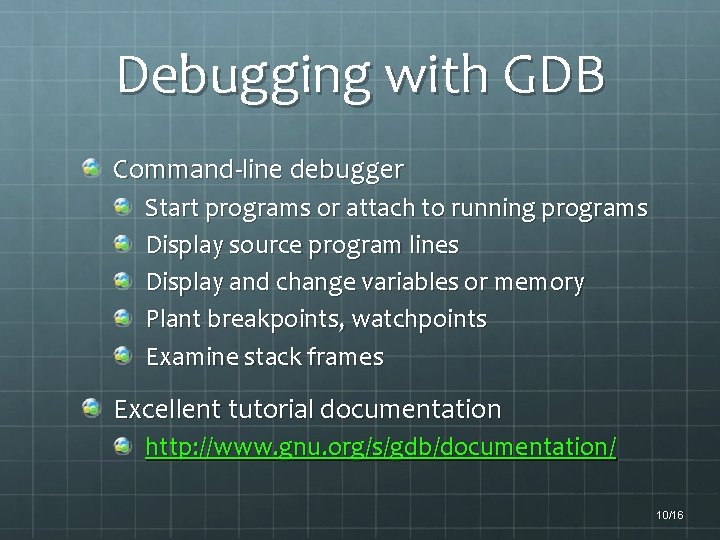
Debugging with GDB Command-line debugger Start programs or attach to running programs Display source program lines Display and change variables or memory Plant breakpoints, watchpoints Examine stack frames Excellent tutorial documentation http: //www. gnu. org/s/gdb/documentation/ 10/16
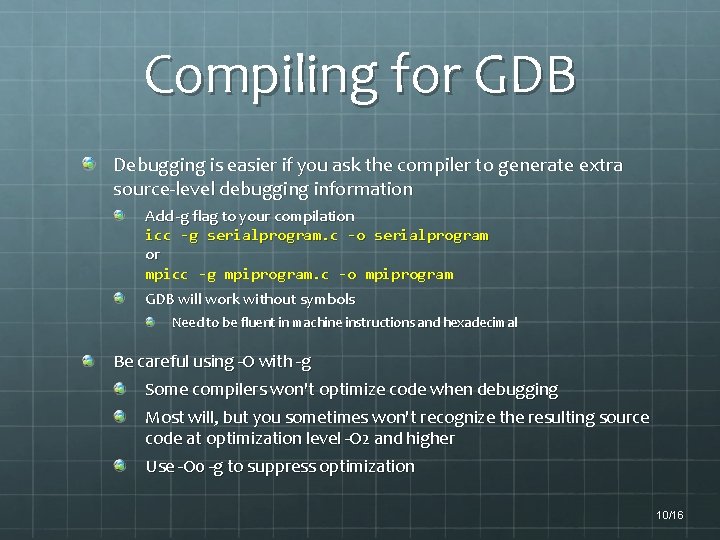
Compiling for GDB Debugging is easier if you ask the compiler to generate extra source-level debugging information Add -g flag to your compilation icc -g serialprogram. c -o serialprogram or mpicc -g mpiprogram. c -o mpiprogram GDB will work without symbols Need to be fluent in machine instructions and hexadecimal Be careful using -O with -g Some compilers won't optimize code when debugging Most will, but you sometimes won't recognize the resulting source code at optimization level -O 2 and higher Use -O 0 -g to suppress optimization 10/16
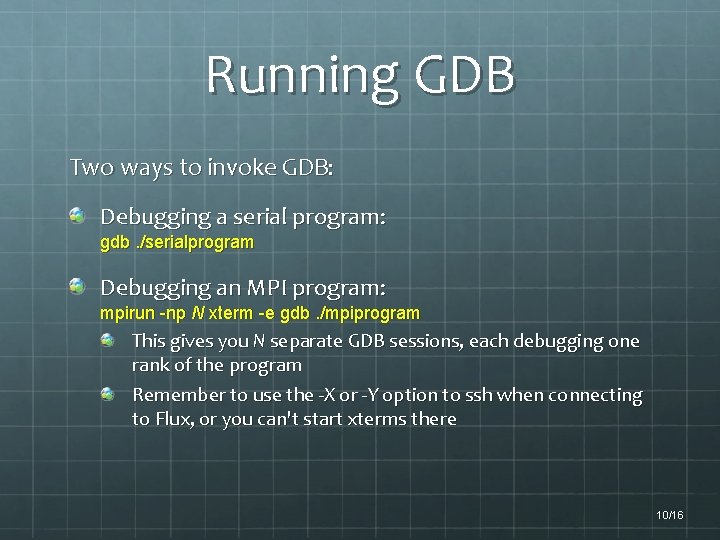
Running GDB Two ways to invoke GDB: Debugging a serial program: gdb. /serialprogram Debugging an MPI program: mpirun -np N xterm -e gdb. /mpiprogram This gives you N separate GDB sessions, each debugging one rank of the program Remember to use the -X or -Y option to ssh when connecting to Flux, or you can't start xterms there 10/16
Useful GDB commands gdb exec core l [m, n] disas func b line# b *0 xaddr ib d bp# r [args] bt c step next stepi p var p *var p &var p arr[idx] x 0 xaddr x *0 xaddr x/20 x 0 xaddr ir i r ebp set var = expression q start gdb on executable exec with core file core list source disassemble function enclosing current instruction disassemble function func set breakpoint at entry to func set breakpoint at source line# set breakpoint at address addr show breakpoints delete beakpoint bp# run program with optional args show stack backtrace continue execution from breakpoint single-step one source line single-step, don't step into function single-step one instruction display contents of variable var display value pointed to by var display address of var display element idx of array arr display hex word at addr display hex word pointed to by addr display 20 words in hex starting at addr display registers display register ebp set variable var to expression quit gdb 10/16
Debugging with DDT Allinea's Distributed Debugging Tool is a comprehensive graphical debugger designed for the complex task of debugging parallel code Advantages include Provides GUI interface to debugging Similar capabilities as, e. g. , Eclipse or Visual Studio Supports parallel debugging of MPI programs Scales much better than GDB 10/16
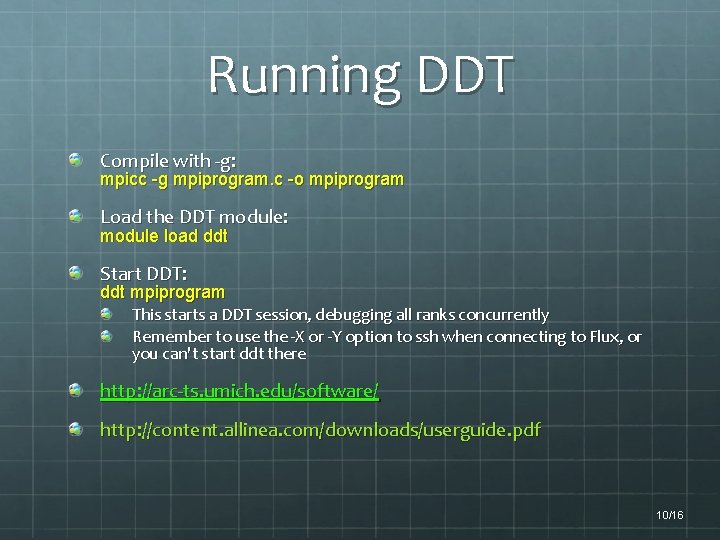
Running DDT Compile with -g: mpicc -g mpiprogram. c -o mpiprogram Load the DDT module: module load ddt Start DDT: ddt mpiprogram This starts a DDT session, debugging all ranks concurrently Remember to use the -X or -Y option to ssh when connecting to Flux, or you can't start ddt there http: //arc-ts. umich. edu/software/ http: //content. allinea. com/downloads/userguide. pdf 10/16
Application Profiling with MAP Allinea's MAP Tool is a statistical application profiler designed for the complex task of profiling parallel code Advantages include Provides GUI interface to profiling Observe cumulative results, drill down for details Supports parallel profiling of MPI programs Handles most of the details under the covers 10/16
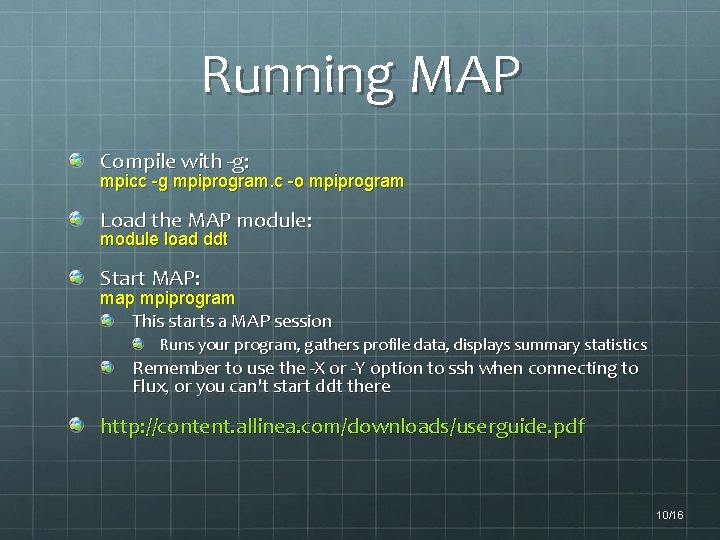
Running MAP Compile with -g: mpicc -g mpiprogram. c -o mpiprogram Load the MAP module: module load ddt Start MAP: map mpiprogram This starts a MAP session Runs your program, gathers profile data, displays summary statistics Remember to use the -X or -Y option to ssh when connecting to Flux, or you can't start ddt there http: //content. allinea. com/downloads/userguide. pdf 10/16
Resources http: //arc-ts. umich. edu/flux/ ARC Flux pages http: //arc. research. umich. edu/software/ Catalog Flux Software http: //arc-ts. umich. edu/flux/using-flux/flux-in-10 -easy-steps/ http: //arc-ts. umich. edu/flux-faqs/ Flux FAQs http: //www. youtube. com/user/UMCo. ECAC Channel ARC-TS You. Tube For assistance: hpc-support@umich. edu Read by a team of people including unit support staff Can help with Flux operational and usage questions Programming support available 10/16
References 1. Supported Flux software, http: //arc-ts. umich. edu/software/, (accessed May 2015) 2. Free Software Foundation, Inc. , "GDB User Manual, " http: //www. gnu. org/s/gdb/documentation/ (accessed May 2015). 3. Intel C and C++ Compiler 14 User and Reference Guide, https: //software. intel. com/enus/compiler_15. 0_ug_c (accessed May 2015). 4. Intel Fortran Compiler 14 User and Reference Guide, https: //software. intel. com/enus/compiler_15. 0_ug_f(accessed May 2015). 5. Torque Administrator's Guide, http: //www. adaptivecomputing. com/resources/docs/torque/5 -10/torque. Admin. Guide-5. 1. 0. pdf (accessed May 2015). 6. Submitting GPGPU Jobs, https: //sites. google. com/a/umich. edu/engincac/resources/systems/flux/gpgpus (accessed May 2015). 7. http: //content. allinea. com/downloads/userguide. pdf (accessed May 2015) 10/16