
Advanced Dashboarding Part 1 Lets take a look
Advanced Dashboarding Part 1: Let’s take a look at a new way to think about Dashboarding, and it starts back at the very beginning, with those awesome Pinned Reports!
Security and Shared Content Most important lesson: It always comes down to the Pinned Reports – we’ll take a look at the following: • You can save a Pinned Report to one or more Groups • You save a Pinned Report as a Graph or Grid • You can add Graphs/Grids to a Dashboard • You can assign a Dashboard to one or more user groups
Let’s take a look at some of the basics • A Group versus a Role • Creating and Managing Groups • Creating a basic Pinned Report • Understanding the 3 different levels of “sharing” now available and how to “share” a Pinned Report to one or more Groups: § Regular “view access” § View and Edit § Read-Only Access
The new Roles to be aware of: Create/Update Group Pinned Reports: This Role, when combined with any other GROUPS, allows the users to create, update, and share Group Pinned Reports for the intersection of Groups that they belong to Dashboard Administrator: This Role, when combined with any other GROUPS, allows the users to create, update, and share Group Pinned Reports for the intersection of Groups that they belong to
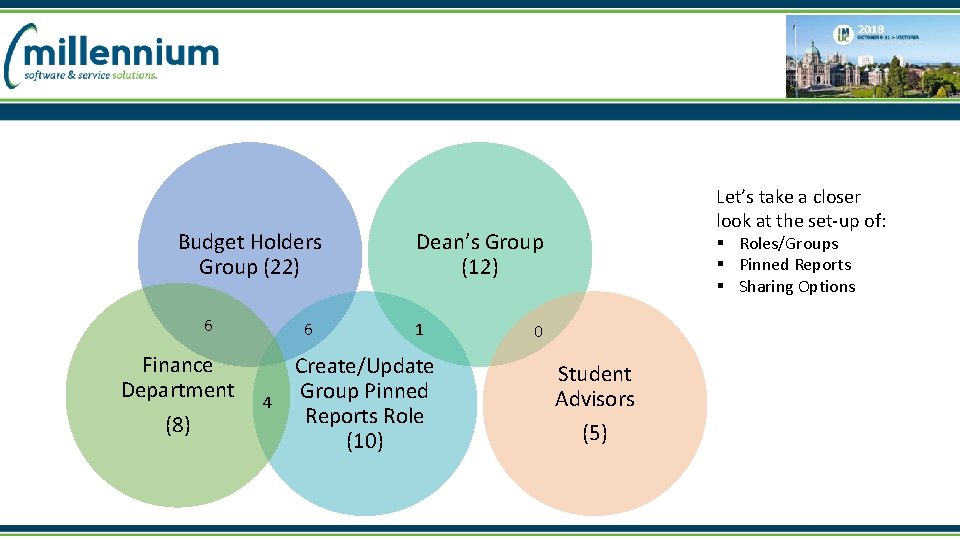
Budget Holders Group (22) 6 Finance Department (8) 6 4 Let’s take a closer look at the set-up of: Dean’s Group (12) 1 Create/Update Group Pinned Reports Role (10) § Roles/Groups § Pinned Reports § Sharing Options 0 Student Advisors (5)
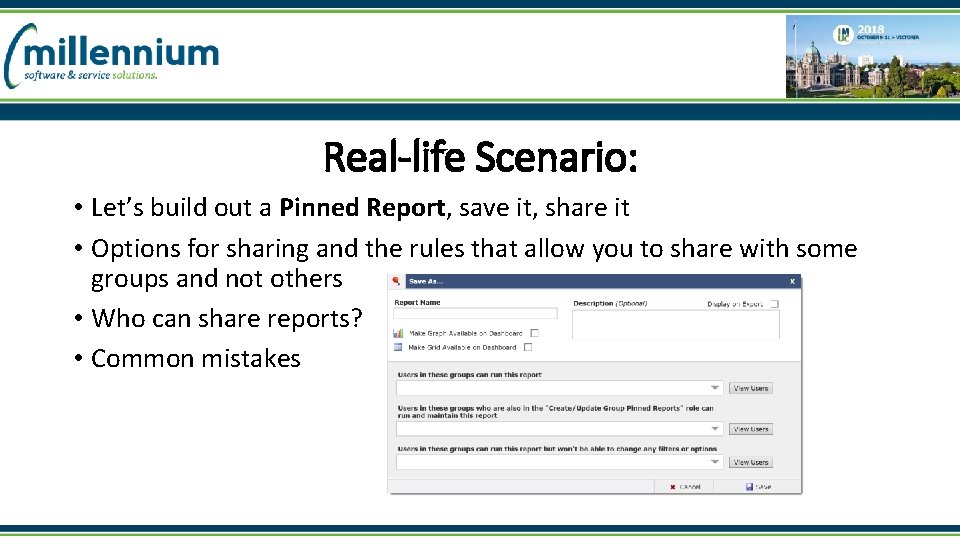
Real-life Scenario: • Let’s build out a Pinned Report, save it, share it • Options for sharing and the rules that allow you to share with some groups and not others • Who can share reports? • Common mistakes
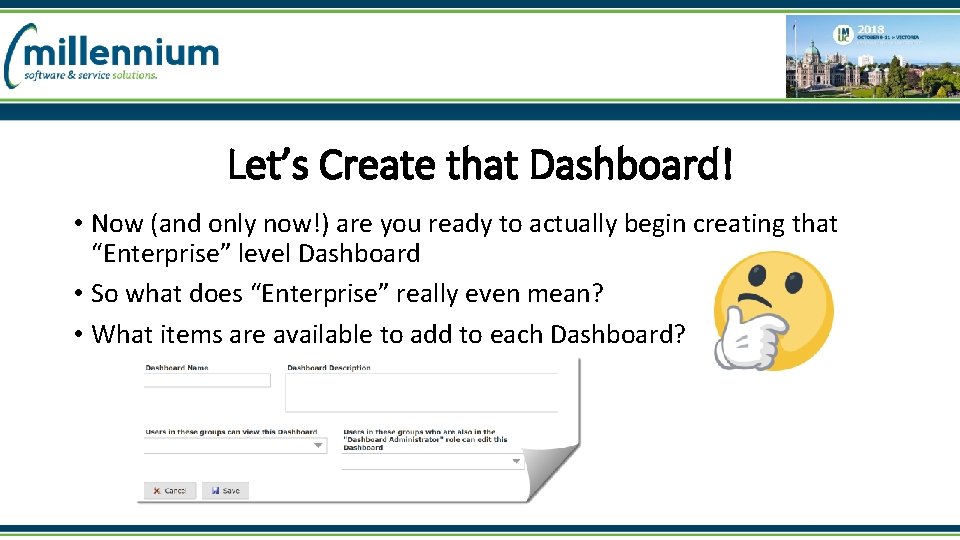
Let’s Create that Dashboard! • Now (and only now!) are you ready to actually begin creating that “Enterprise” level Dashboard • So what does “Enterprise” really even mean? • What items are available to add to each Dashboard?
Join me for Course #2 where we’ll take a closer look at Graphing, Managing our new Dashboard, understanding exactly who can see what, and take a look at some of the cool new bells and whistles!
- Slides: 9