
Adobe Captivate 4 New Technology of the Week

Adobe Captivate 4 New Technology of the Week Taylor Bailey
What is Adobe Captivate? Adobe Captivate is an e- Learning software which can: ØCapture screen shots ØImport photos and video ØAuthor software demonstrations

How to Use Adobe Captivate… After downloading the software either from Microsoft’s website or from a purchased disc, you can start any project by opening the program you want to use, and then opening Captivate to take screen shots, pictures, and much more.
System Requirements Adobe Captivate 4, released in January 2009 requires the following system requirements: § Intel® Pentium® 4, Intel Centrino®, Intel Xeon®, or Intel Core™ Duo (or compatible) processor • Microsoft® Windows® XP with Service Pack 2 or Windows Vista® Home Premium, Business, Ultimate, or Enterprise with Service Pack 1 • 512 MB of RAM • 1. 5 GB of available hard-disk space; additional free space required during installation • DVD-ROM drive • 800 x 600 screen resolution
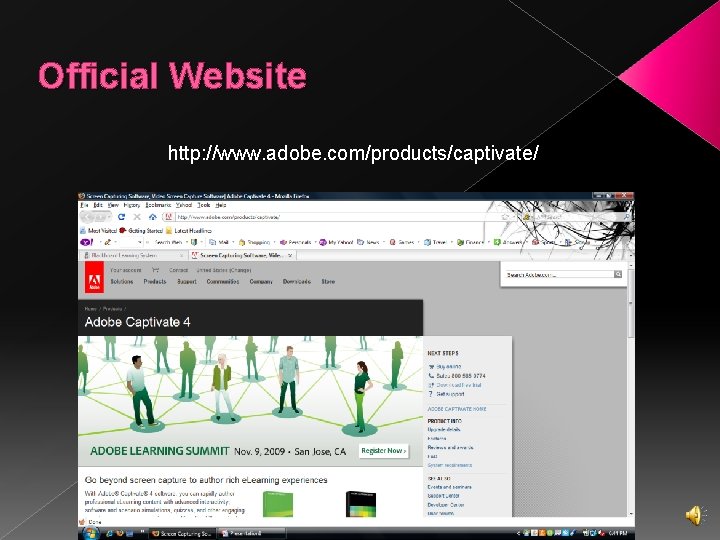
Official Website http: //www. adobe. com/products/captivate/
Cost of Adobe Captivate v. Upgrade a previous version of Adobe Captivate: $299 v. Buy new version: $799 Ø Website provides free 60 -day trial of the software with no obligation to purchase.
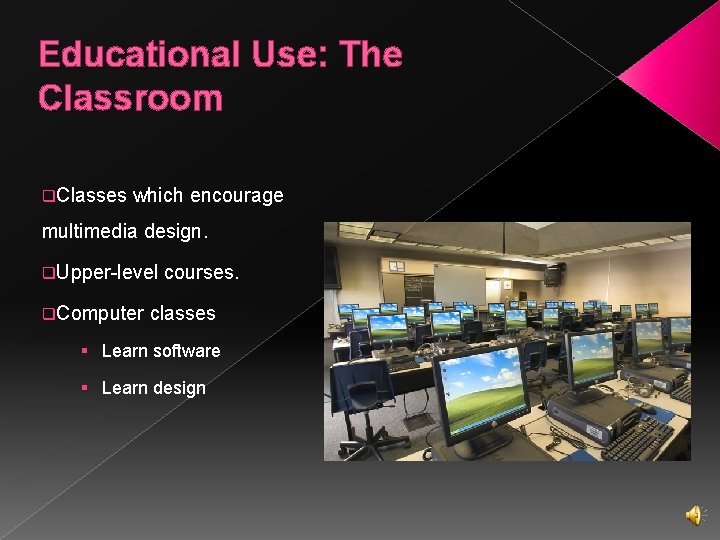
Educational Use: The Classroom q. Classes which encourage multimedia design. q. Upper-level q. Computer courses. classes § Learn software § Learn design
Pros of Adobe Captivate � Effective software for classroom use › Easy to use � Updated technology best at this time � Relatively inexpensive upgrades
Cons of Adobe Captivate � Expensive software � Requires plenty of RAM and hard drive space � Frequent updates � Some bugs in previous releases
My Experience o In the workplace setting, Adobe Captivate has helped the Ohio Literacy Resource Center sponsor online tutorials for adult students. o Screen shots o Video files o Easy transitions
Additional Resources On Adobe Captivate software: Ø www. adobe. com/products/captivate/ Ø www. adobe. com/devnet/captivate/ Tutorials on Adobe Captivate: Ø www. iconlogic. com/Captivate 4 Virtual. Class. html Ø www. elearning. com/2009/adobecaptivate/tutorial/
- Slides: 11