
Adobe Acrobat DC Productivity Advantages Learning Objectives Distinguish
Adobe Acrobat DC Productivity Advantages
Learning Objectives • Distinguish between Acrobat DC and its predecessors and between the Standard, Pro, and subscription-based offerings within the Acrobat DC family • Utilize new features in Acrobat DC, including sending and tracking documents online and collecting e-signatures on PDFs • Edit and markup PDFs using Acrobat DC's re-designed user interface • Collaborate on PDFs with others using Acrobat DC's Cloud options
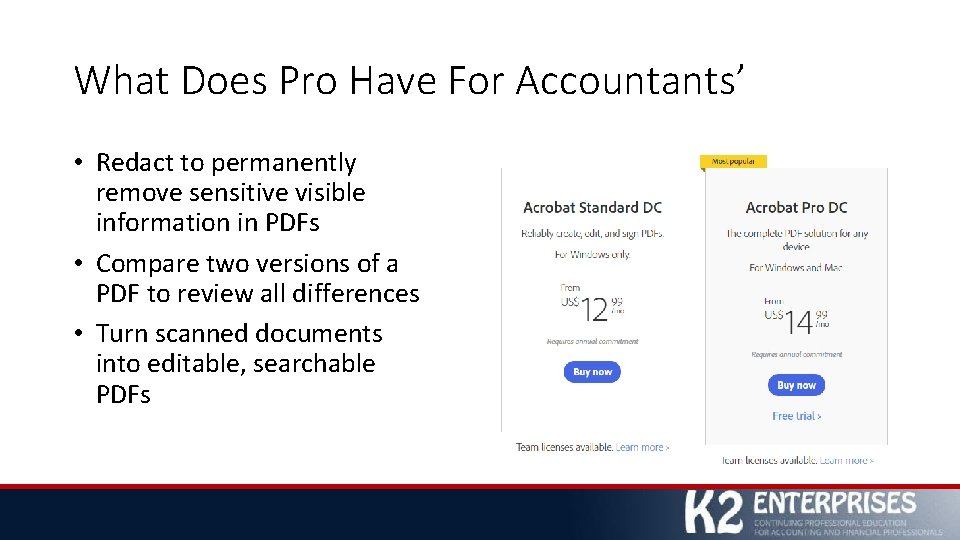
What Does Pro Have For Accountants’ • Redact to permanently remove sensitive visible information in PDFs • Compare two versions of a PDF to review all differences • Turn scanned documents into editable, searchable PDFs
Edit and Markup • Create PDFs • Rotate, move, delete pages • Edit PDFs • Markup • Convert PDFs to other file formats
Send for Shared Commenting • Share from – • • Adobe Document Cloud Share. Point Network folder Email-based review (least preferred option)
Send for Signature • Any PDF, Word, Excel, Power. Point, various image files, and text files DOC, DOCX, RTF, XLSX, PPTX, TXT, CSV, HTML, HTM, TIFF, TIF, BMP, GIF, JPG, JPEG, and PNG • To anyone “Signers are not required to sign up or purchase any Adobe product to sign agreements. They can sign agreements using a web browser, mobile device, or Acrobat DC / Acrobat Reader DC desktop application”(1).
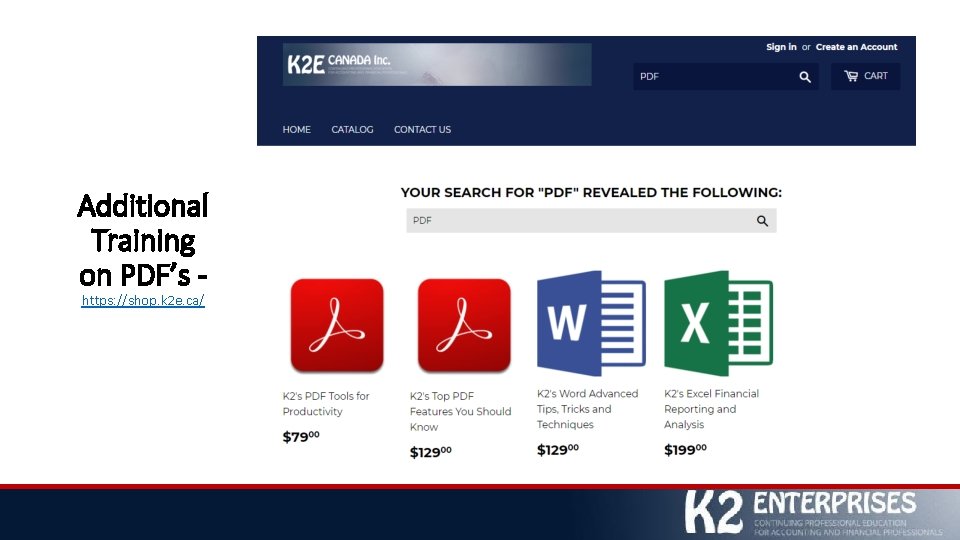
Additional Training on PDF’s https: //shop. k 2 e. ca/

Thankyou for joining us today ward@k 2 e. ca @k 2 e. Canada
- Slides: 9