
ADO Recordsets Recordset Objects Similar to Tables and
ADO Recordsets
Recordset Objects • Similar to Tables and Queries: data • Using VBA/VBScript you… – Open a recordset, – Locate a record – Update or add a record – Close
Controls on Forms I: Recordsets • The usual job of forms: showing data from tables/queries • With recordsets, you must use VBA/VBScript to show data in controls • You fill listboxes, textboxes, etc • The form doesn't fill them for you • This is not "bound forms"
Controls on Forms II: Recordsets • Another job of forms: taking data from controls into tables/queries • With recordsets, you must use VBA/VBScript to take form data from the controls and save it • The listboxes, textboxes, etc are the source of tabled data • But, the form doesn't update the table for you • This is not "bound forms"
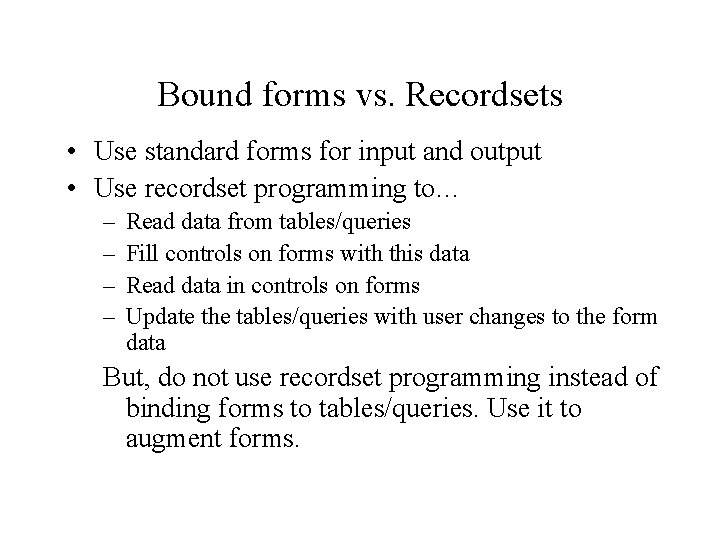
Bound forms vs. Recordsets • Use standard forms for input and output • Use recordset programming to… – – Read data from tables/queries Fill controls on forms with this data Read data in controls on forms Update the tables/queries with user changes to the form data But, do not use recordset programming instead of binding forms to tables/queries. Use it to augment forms.
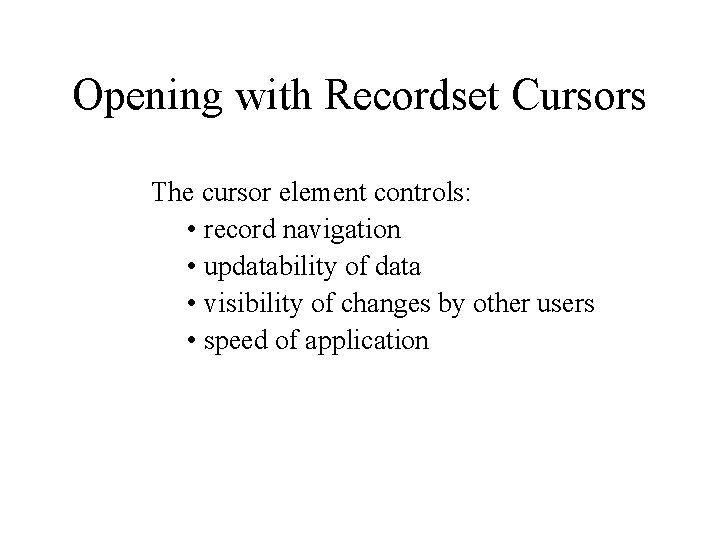
Opening with Recordset Cursors The cursor element controls: • record navigation • updatability of data • visibility of changes by other users • speed of application
Types of Cursors • • Static Dynamic Key. Set Forward. Only
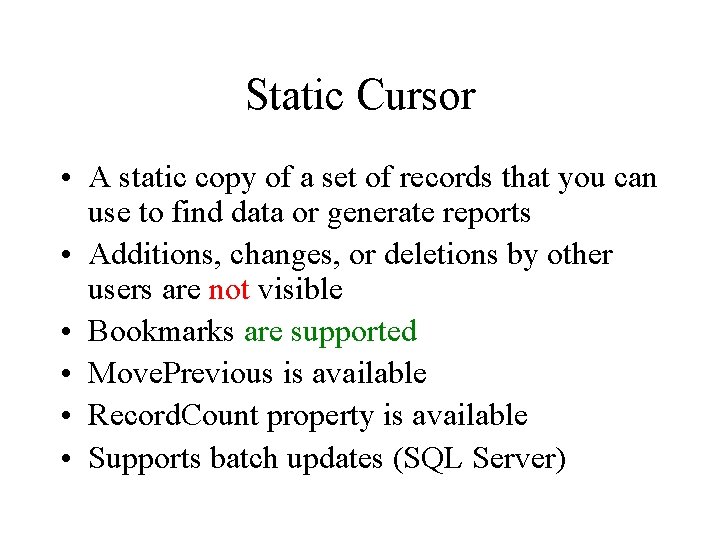
Static Cursor • A static copy of a set of records that you can use to find data or generate reports • Additions, changes, or deletions by other users are not visible • Bookmarks are supported • Move. Previous is available • Record. Count property is available • Supports batch updates (SQL Server)
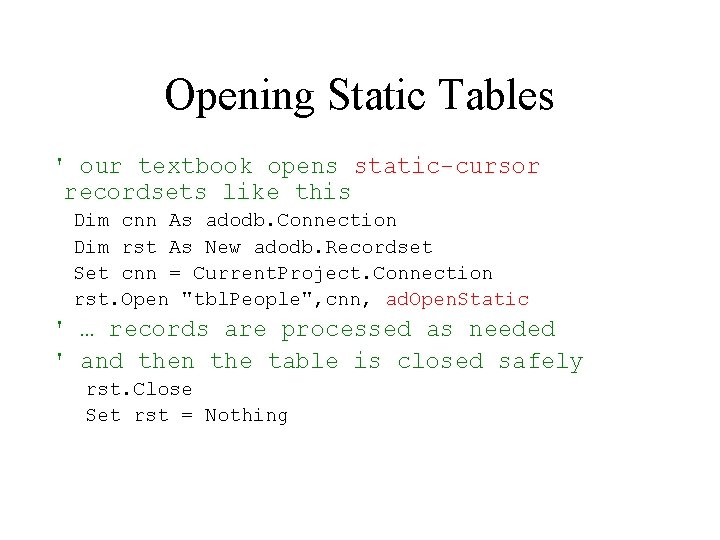
Opening Static Tables ' our textbook opens static-cursor recordsets like this Dim cnn As adodb. Connection Dim rst As New adodb. Recordset Set cnn = Current. Project. Connection rst. Open "tbl. People", cnn, ad. Open. Static ' … records are processed as needed ' and then the table is closed safely rst. Close Set rst = Nothing
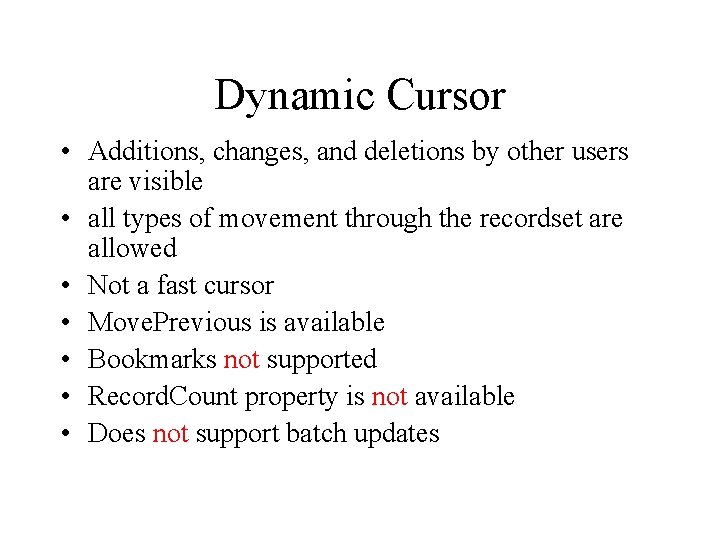
Dynamic Cursor • Additions, changes, and deletions by other users are visible • all types of movement through the recordset are allowed • Not a fast cursor • Move. Previous is available • Bookmarks not supported • Record. Count property is not available • Does not support batch updates
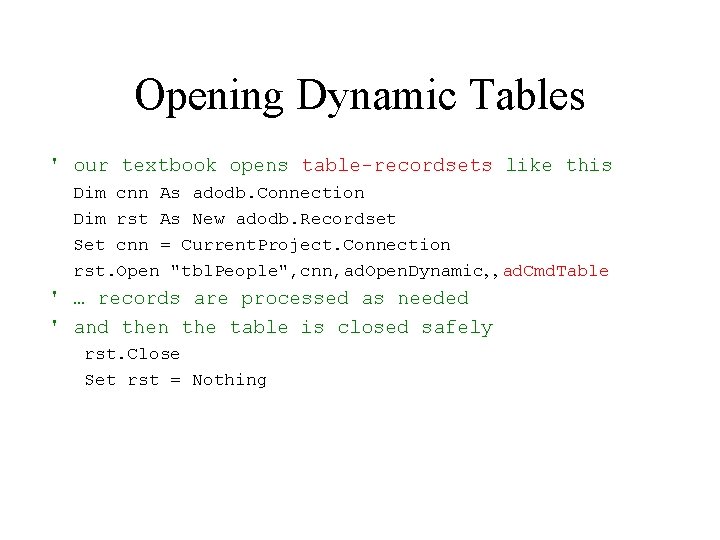
Opening Dynamic Tables ' our textbook opens table-recordsets like this Dim cnn As adodb. Connection Dim rst As New adodb. Recordset Set cnn = Current. Project. Connection rst. Open "tbl. People", cnn, ad. Open. Dynamic, , ad. Cmd. Table ' … records are processed as needed ' and then the table is closed safely rst. Close Set rst = Nothing
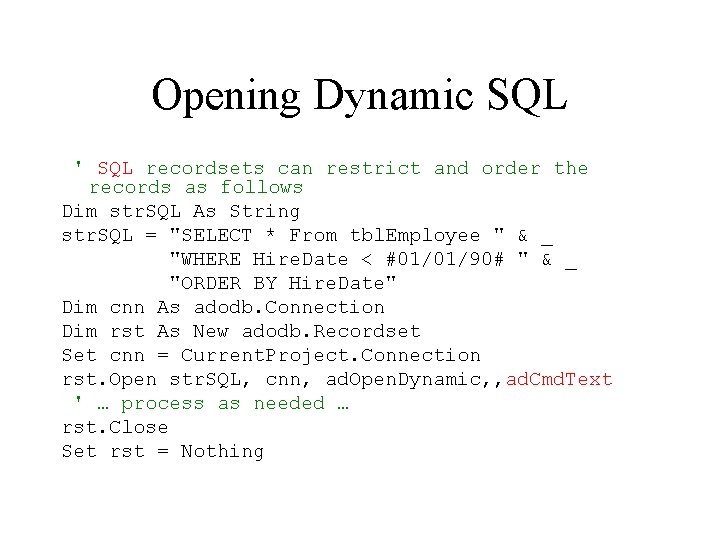
Opening Dynamic SQL ' SQL recordsets can restrict and order the records as follows Dim str. SQL As String str. SQL = "SELECT * From tbl. Employee " & _ "WHERE Hire. Date < #01/01/90# " & _ "ORDER BY Hire. Date" Dim cnn As adodb. Connection Dim rst As New adodb. Recordset Set cnn = Current. Project. Connection rst. Open str. SQL, cnn, ad. Open. Dynamic, , ad. Cmd. Text ' … process as needed … rst. Close Set rst = Nothing
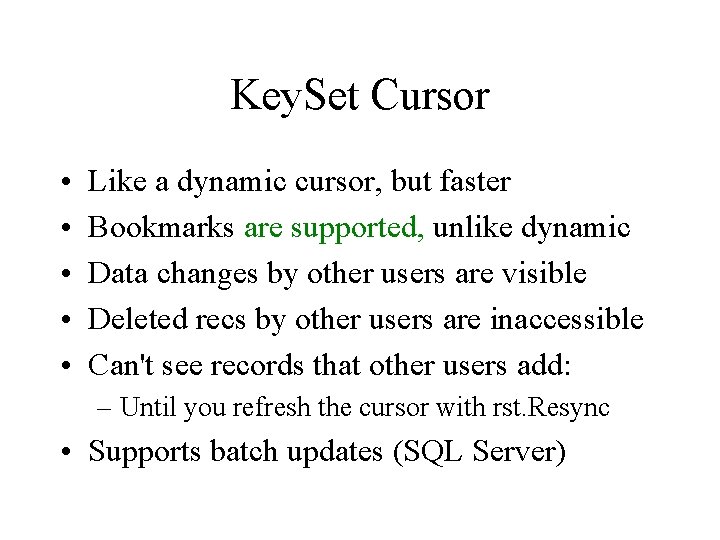
Key. Set Cursor • • • Like a dynamic cursor, but faster Bookmarks are supported, unlike dynamic Data changes by other users are visible Deleted recs by other users are inaccessible Can't see records that other users add: – Until you refresh the cursor with rst. Resync • Supports batch updates (SQL Server)
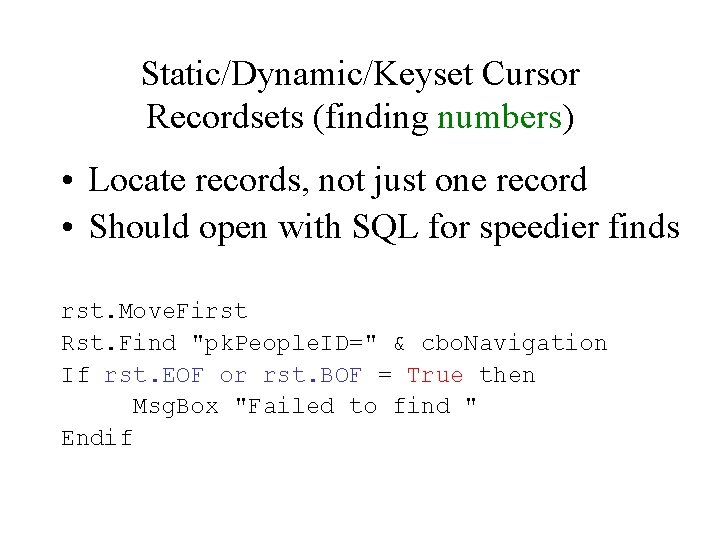
Static/Dynamic/Keyset Cursor Recordsets (finding numbers) • Locate records, not just one record • Should open with SQL for speedier finds rst. Move. First Rst. Find "pk. People. ID=" & cbo. Navigation If rst. EOF or rst. BOF = True then Msg. Box "Failed to find " Endif
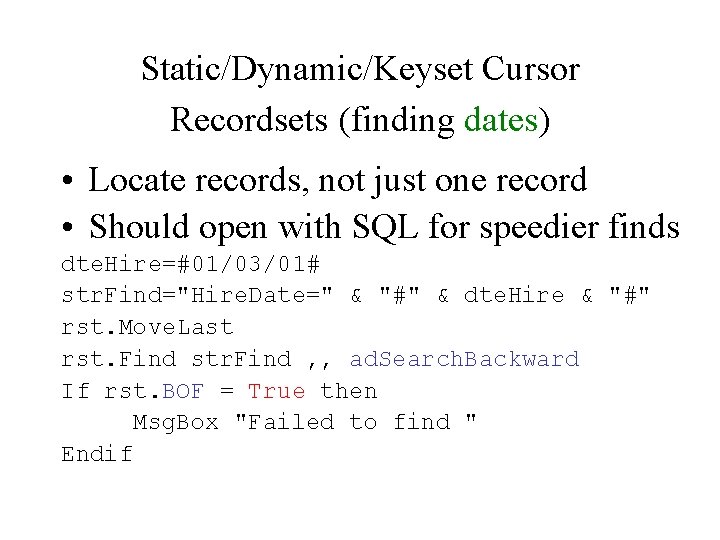
Static/Dynamic/Keyset Cursor Recordsets (finding dates) • Locate records, not just one record • Should open with SQL for speedier finds dte. Hire=#01/03/01# str. Find="Hire. Date=" & "#" & dte. Hire & "#" rst. Move. Last rst. Find str. Find , , ad. Search. Backward If rst. BOF = True then Msg. Box "Failed to find " Endif
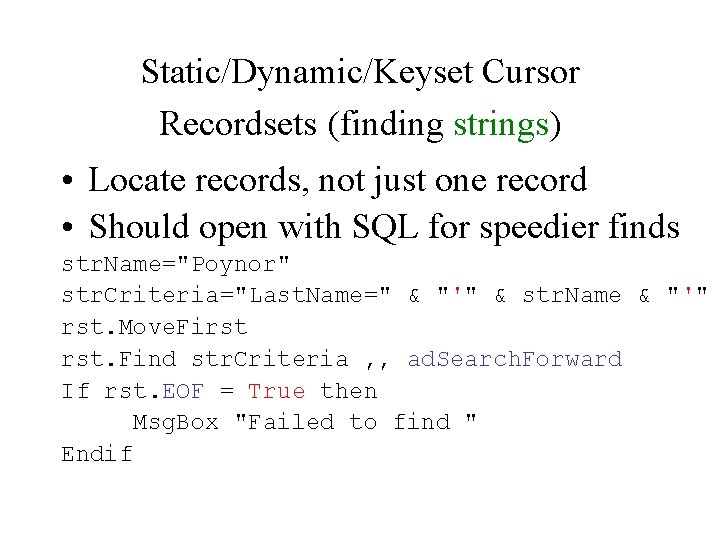
Static/Dynamic/Keyset Cursor Recordsets (finding strings) • Locate records, not just one record • Should open with SQL for speedier finds str. Name="Poynor" str. Criteria="Last. Name=" & "'" & str. Name & "'" rst. Move. First rst. Find str. Criteria , , ad. Search. Forward If rst. EOF = True then Msg. Box "Failed to find " Endif
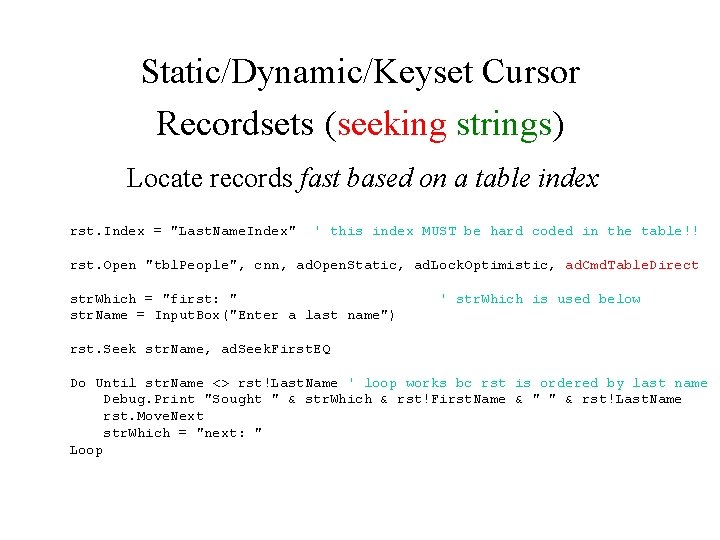
Static/Dynamic/Keyset Cursor Recordsets (seeking strings) Locate records fast based on a table index rst. Index = "Last. Name. Index" ' this index MUST be hard coded in the table!! rst. Open "tbl. People", cnn, ad. Open. Static, ad. Lock. Optimistic, ad. Cmd. Table. Direct str. Which = "first: " str. Name = Input. Box("Enter a last name") ' str. Which is used below rst. Seek str. Name, ad. Seek. First. EQ Do Until str. Name <> rst!Last. Name ' loop works bc rst is ordered by last name Debug. Print "Sought " & str. Which & rst!First. Name & " " & rst!Last. Name rst. Move. Next str. Which = "next: " Loop
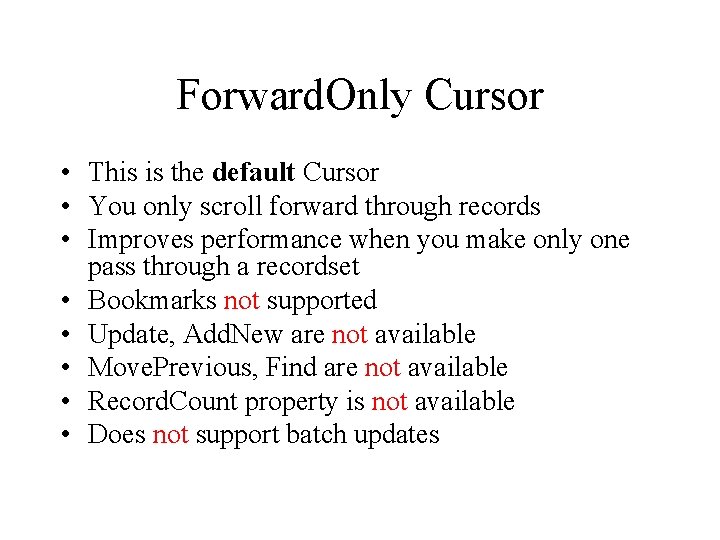
Forward. Only Cursor • This is the default Cursor • You only scroll forward through records • Improves performance when you make only one pass through a recordset • Bookmarks not supported • Update, Add. New are not available • Move. Previous, Find are not available • Record. Count property is not available • Does not support batch updates
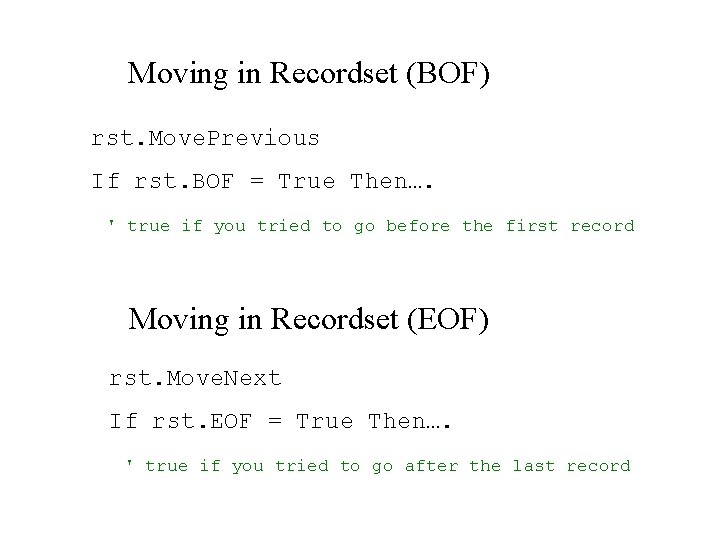
Moving in Recordset (BOF) rst. Move. Previous If rst. BOF = True Then…. ' true if you tried to go before the first record Moving in Recordset (EOF) rst. Move. Next If rst. EOF = True Then…. ' true if you tried to go after the last record
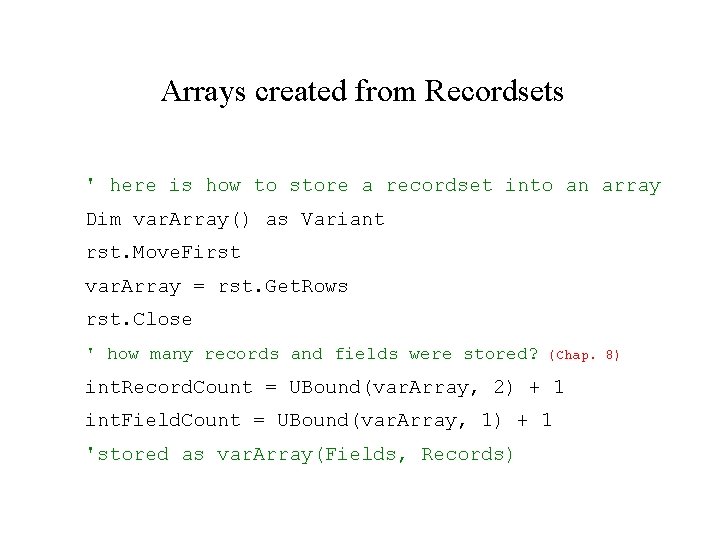
Arrays created from Recordsets ' here is how to store a recordset into an array Dim var. Array() as Variant rst. Move. First var. Array = rst. Get. Rows rst. Close ' how many records and fields were stored? (Chap. 8) int. Record. Count = UBound(var. Array, 2) + 1 int. Field. Count = UBound(var. Array, 1) + 1 'stored as var. Array(Fields, Records)
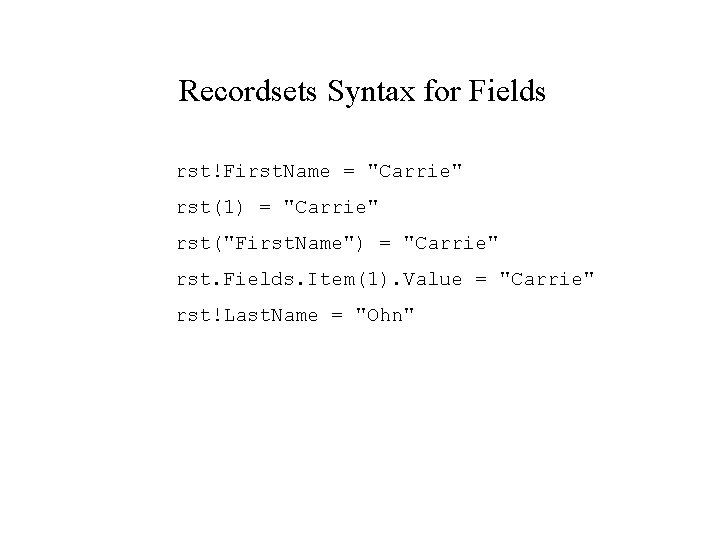
Recordsets Syntax for Fields rst!First. Name = "Carrie" rst(1) = "Carrie" rst("First. Name") = "Carrie" rst. Fields. Item(1). Value = "Carrie" rst!Last. Name = "Ohn"
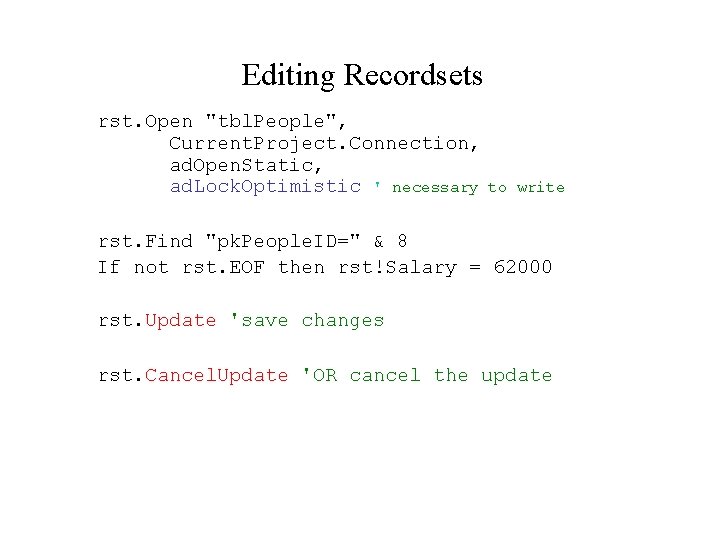
Editing Recordsets rst. Open "tbl. People", Current. Project. Connection, ad. Open. Static, ad. Lock. Optimistic ' necessary to write rst. Find "pk. People. ID=" & 8 If not rst. EOF then rst!Salary = 62000 rst. Update 'save changes rst. Cancel. Update 'OR cancel the update
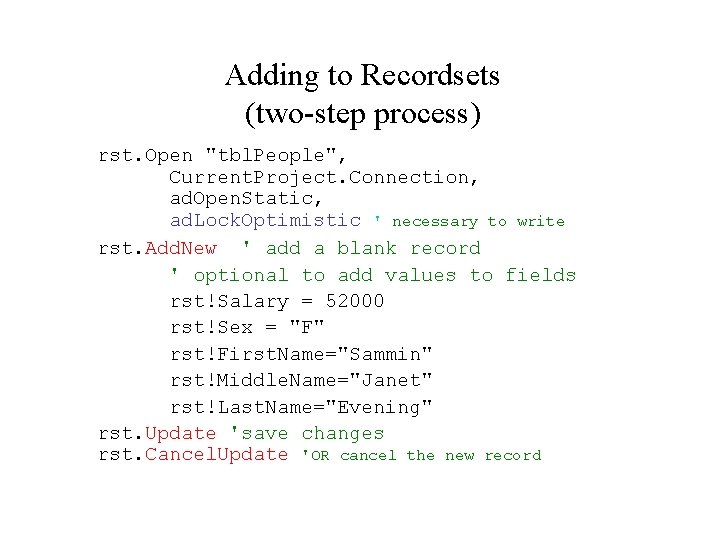
Adding to Recordsets (two-step process) rst. Open "tbl. People", Current. Project. Connection, ad. Open. Static, ad. Lock. Optimistic ' necessary to write rst. Add. New ' add a blank record ' optional to add values to fields rst!Salary = 52000 rst!Sex = "F" rst!First. Name="Sammin" rst!Middle. Name="Janet" rst!Last. Name="Evening" rst. Update 'save changes rst. Cancel. Update 'OR cancel the new record
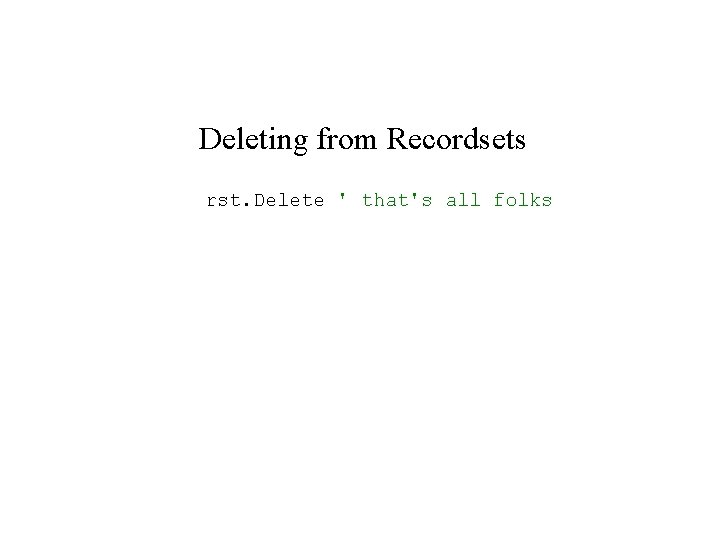
Deleting from Recordsets rst. Delete ' that's all folks
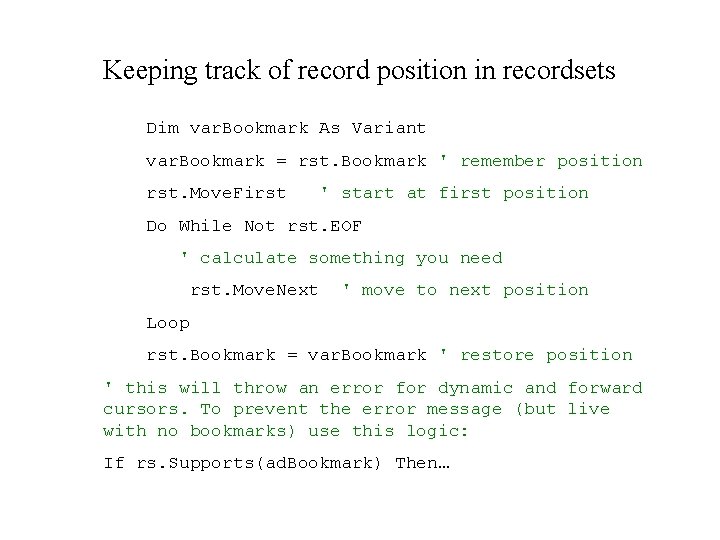
Keeping track of record position in recordsets Dim var. Bookmark As Variant var. Bookmark = rst. Bookmark ' remember position rst. Move. First ' start at first position Do While Not rst. EOF ' calculate something you need rst. Move. Next ' move to next position Loop rst. Bookmark = var. Bookmark ' restore position ' this will throw an error for dynamic and forward cursors. To prevent the error message (but live with no bookmarks) use this logic: If rs. Supports(ad. Bookmark) Then…
- Slides: 25