
ADO NET ADO NET is the Successor to
- Slides: 17
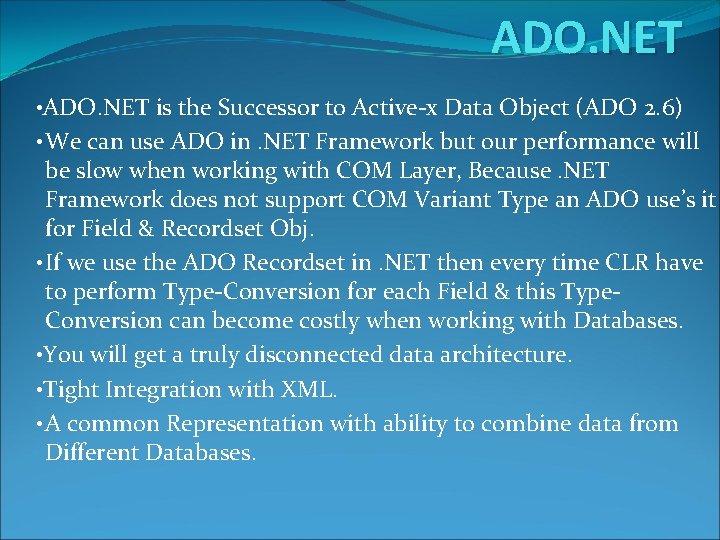
ADO. NET • ADO. NET is the Successor to Active-x Data Object (ADO 2. 6) • We can use ADO in. NET Framework but our performance will be slow when working with COM Layer, Because. NET Framework does not support COM Variant Type an ADO use’s it for Field & Recordset Obj. • If we use the ADO Recordset in. NET then every time CLR have to perform Type-Conversion for each Field & this Type. Conversion can become costly when working with Databases. • You will get a truly disconnected data architecture. • Tight Integration with XML. • A common Representation with ability to combine data from Different Databases.
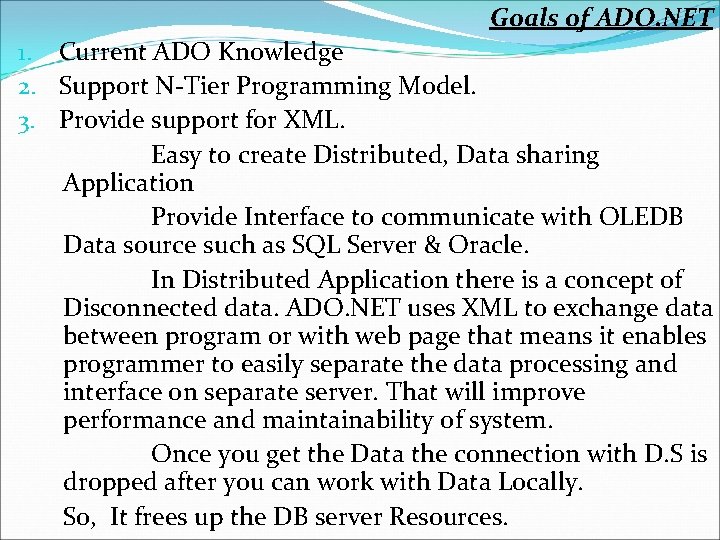
Goals of ADO. NET 1. Current ADO Knowledge 2. Support N-Tier Programming Model. 3. Provide support for XML. Easy to create Distributed, Data sharing Application Provide Interface to communicate with OLEDB Data source such as SQL Server & Oracle. In Distributed Application there is a concept of Disconnected data. ADO. NET uses XML to exchange data between program or with web page that means it enables programmer to easily separate the data processing and interface on separate server. That will improve performance and maintainability of system. Once you get the Data the connection with D. S is dropped after you can work with Data Locally. So, It frees up the DB server Resources.
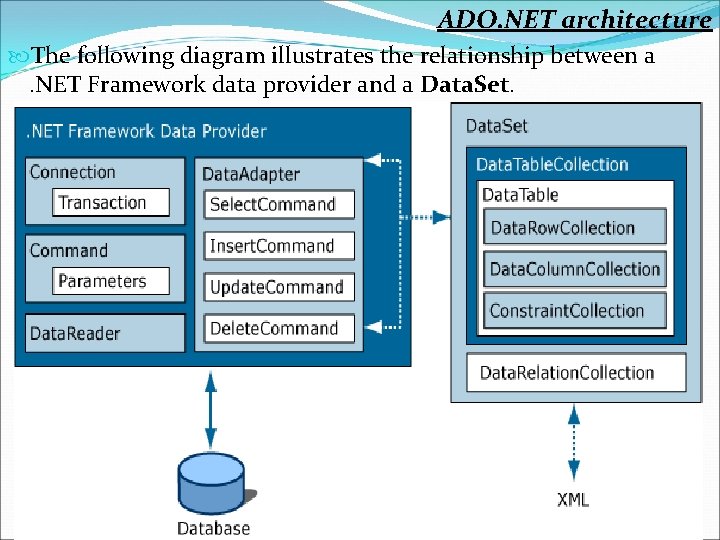
ADO. NET architecture The following diagram illustrates the relationship between a. NET Framework data provider and a Data. Set.
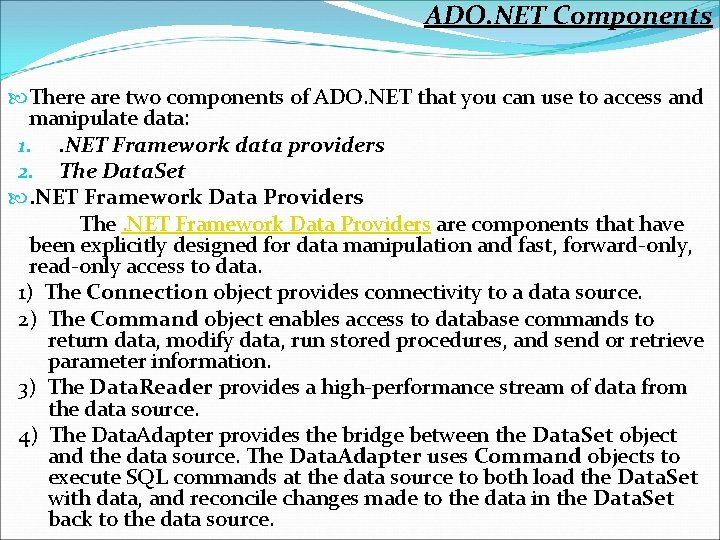
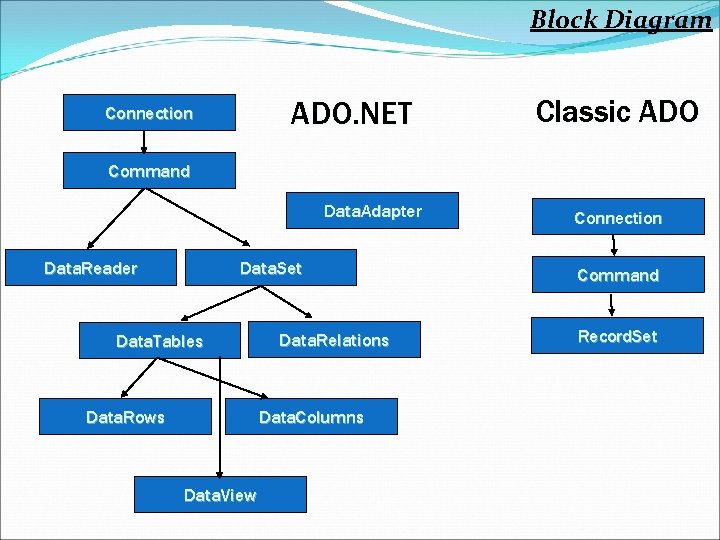
ADO. NET Components There are two components of ADO. NET that you can use to access and manipulate data: 1. . NET Framework data providers 2. The Data. Set . NET Framework Data Providers The. NET Framework Data Providers are components that have been explicitly designed for data manipulation and fast, forward-only, read-only access to data. 1) The Connection object provides connectivity to a data source. 2) The Command object enables access to database commands to return data, modify data, run stored procedures, and send or retrieve parameter information. 3) The Data. Reader provides a high-performance stream of data from the data source. 4) The Data. Adapter provides the bridge between the Data. Set object and the data source. The Data. Adapter uses Command objects to execute SQL commands at the data source to both load the Data. Set with data, and reconcile changes made to the data in the Data. Set back to the data source.
ADO. NET Components The Data. Set The ADO. NET Data. Set is explicitly designed for data access independent of any data source. As a result, it can be used with multiple and differing data sources, used with XML data, or used to manage data local to the application. The Data. Set contains a collection of one or more Data. Table objects made up of rows and columns of data, as well as primary key, foreign key, constraint, and relation information about the data in the Data. Table objects.
Choosing a Data. Reader or a Data. Set While deciding whether your application should use a Data. Reader or a Data. Set, you should consider the type of functionality that your application requires. Use a Data. Set to do the following: 1) Cache data locally in your application so that you can manipulate it. If you only need to read the results of a query, the Data. Reader is the better choice. 2) Remote data between tiers or from an XML Web service. 3) Interact with data dynamically such as binding to a Windows Forms control or combining and relating data from multiple sources. 4) Perform extensive processing on data without requiring an open connection to the data source, which frees the connection to be used by other clients.
Choosing a Data. Reader or a Data. Set If you do not require the functionality provided by the Data. Set, you can improve the performance of your application by using the Data. Reader to return your data in a forward-only, read-only fashion. Although the Data. Adapter uses the Data. Reader to fill the contents of a Data. Set By using the Data. Reader you can boost performance because you will save memory that would be consumed by the Data. Set, as well as avoid the processing required to create and fill the contents of the Data. Set.
XML and ADO. NET leverages the power of XML to provide disconnected access to data. ADO. NET was designed handin-hand with the XML classes in the. NET Framework; both are components of a single architecture. ADO. NET and the XML classes in the. NET Framework converge in the Data. Set object. The Data. Set can be populated with data from an XML source, whether it is a file or an XML stream. The Data. Set can be written as World-Wide Web Consortium (W 3 C) compliant XML, including its schema as XML Schema definition language (XSD) schema, regardless of the source of the data in the Data. Set. Because of the native serialization format of the Data. Set is XML, it is an excellent medium for moving data between tiers, making the Data. Set an optimal choice for remoting data and schema context to and from an XML Web service.
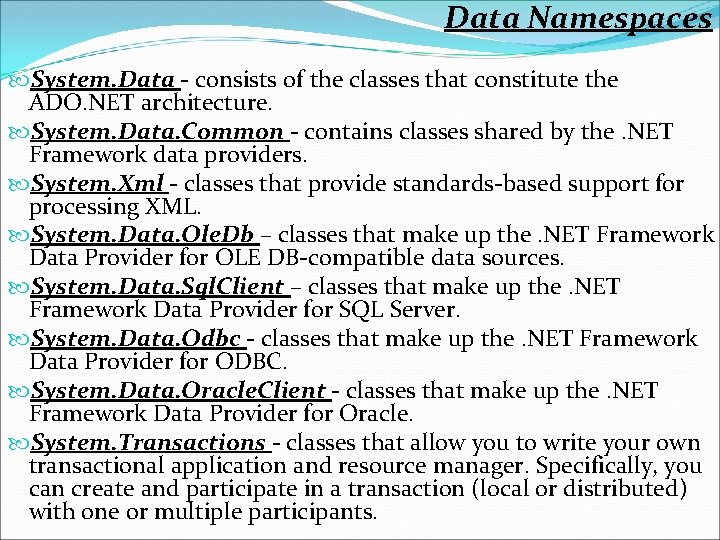
Data Namespaces System. Data - consists of the classes that constitute the ADO. NET architecture. System. Data. Common - contains classes shared by the. NET Framework data providers. System. Xml - classes that provide standards-based support for processing XML. System. Data. Ole. Db – classes that make up the. NET Framework Data Provider for OLE DB-compatible data sources. System. Data. Sql. Client – classes that make up the. NET Framework Data Provider for SQL Server. System. Data. Odbc - classes that make up the. NET Framework Data Provider for ODBC. System. Data. Oracle. Client - classes that make up the. NET Framework Data Provider for Oracle. System. Transactions - classes that allow you to write your own transactional application and resource manager. Specifically, you can create and participate in a transaction (local or distributed) with one or multiple participants.
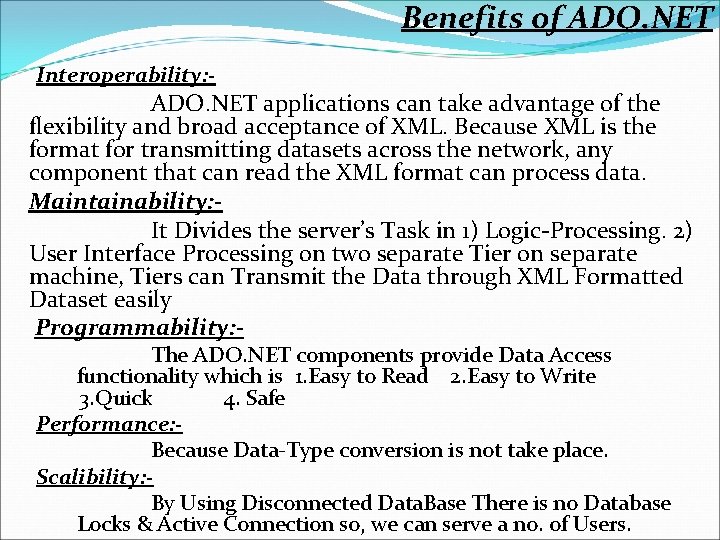
Benefits of ADO. NET Interoperability: - ADO. NET applications can take advantage of the flexibility and broad acceptance of XML. Because XML is the format for transmitting datasets across the network, any component that can read the XML format can process data. Maintainability: It Divides the server’s Task in 1) Logic-Processing. 2) User Interface Processing on two separate Tier on separate machine, Tiers can Transmit the Data through XML Formatted Dataset easily Programmability: The ADO. NET components provide Data Access functionality which is 1. Easy to Read 2. Easy to Write 3. Quick 4. Safe Performance: Because Data-Type conversion is not take place. Scalibility: By Using Disconnected Data. Base There is no Database Locks & Active Connection so, we can serve a no. of Users.
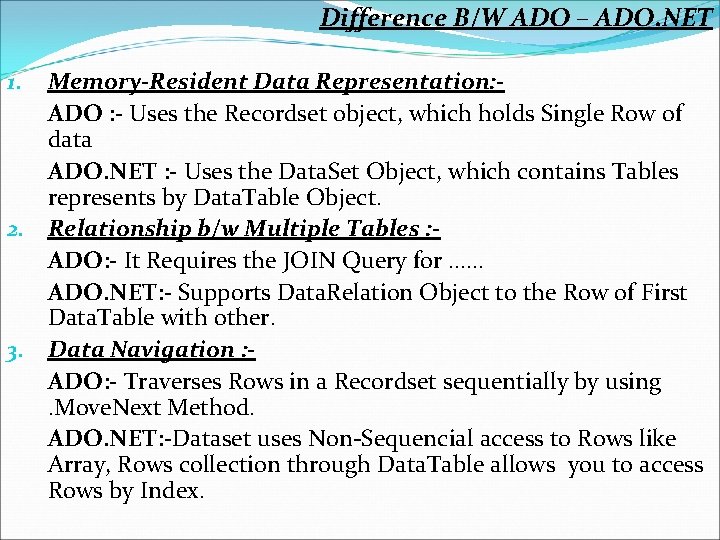
Difference B/W ADO – ADO. NET Memory-Resident Data Representation: ADO : - Uses the Recordset object, which holds Single Row of data ADO. NET : - Uses the Data. Set Object, which contains Tables represents by Data. Table Object. 2. Relationship b/w Multiple Tables : ADO: - It Requires the JOIN Query for …… ADO. NET: - Supports Data. Relation Object to the Row of First Data. Table with other. 3. Data Navigation : ADO: - Traverses Rows in a Recordset sequentially by using. Move. Next Method. ADO. NET: -Dataset uses Non-Sequencial access to Rows like Array, Rows collection through Data. Table allows you to access Rows by Index. 1.
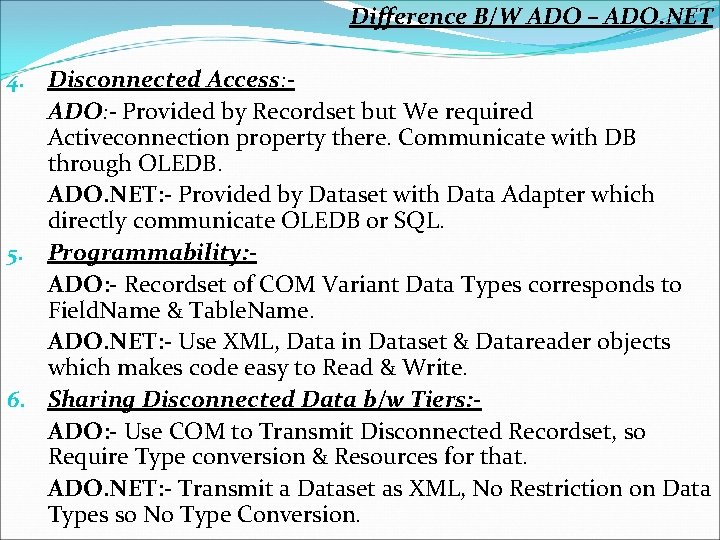
Difference B/W ADO – ADO. NET 4. Disconnected Access: ADO: - Provided by Recordset but We required Activeconnection property there. Communicate with DB through OLEDB. ADO. NET: - Provided by Dataset with Data Adapter which directly communicate OLEDB or SQL. 5. Programmability: ADO: - Recordset of COM Variant Data Types corresponds to Field. Name & Table. Name. ADO. NET: - Use XML, Data in Dataset & Datareader objects which makes code easy to Read & Write. 6. Sharing Disconnected Data b/w Tiers: ADO: - Use COM to Transmit Disconnected Recordset, so Require Type conversion & Resources for that. ADO. NET: - Transmit a Dataset as XML, No Restriction on Data Types so No Type Conversion.
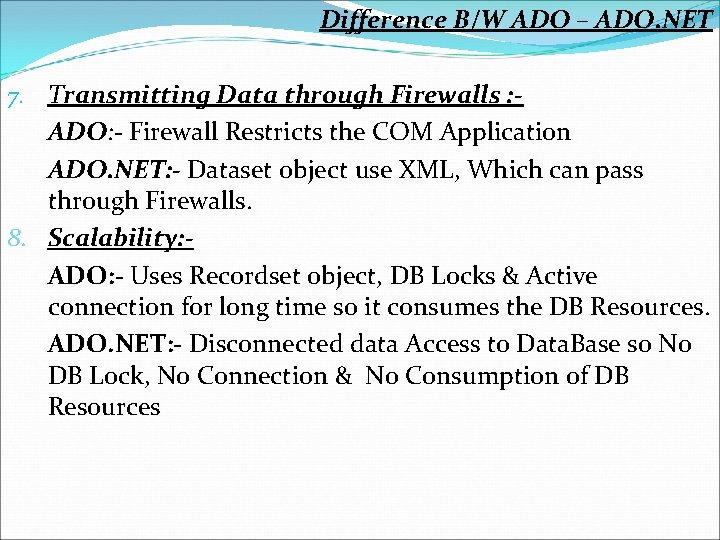
Difference B/W ADO – ADO. NET 7. Transmitting Data through Firewalls : ADO: - Firewall Restricts the COM Application ADO. NET: - Dataset object use XML, Which can pass through Firewalls. 8. Scalability: ADO: - Uses Recordset object, DB Locks & Active connection for long time so it consumes the DB Resources. ADO. NET: - Disconnected data Access to Data. Base so No DB Lock, No Connection & No Consumption of DB Resources
Block Diagram ADO. NET Connection Classic ADO Command Data. Adapter Data. Set Data. Reader Data. Tables Data. Rows Data. Relations Data. Columns Data. View Connection Command Record. Set
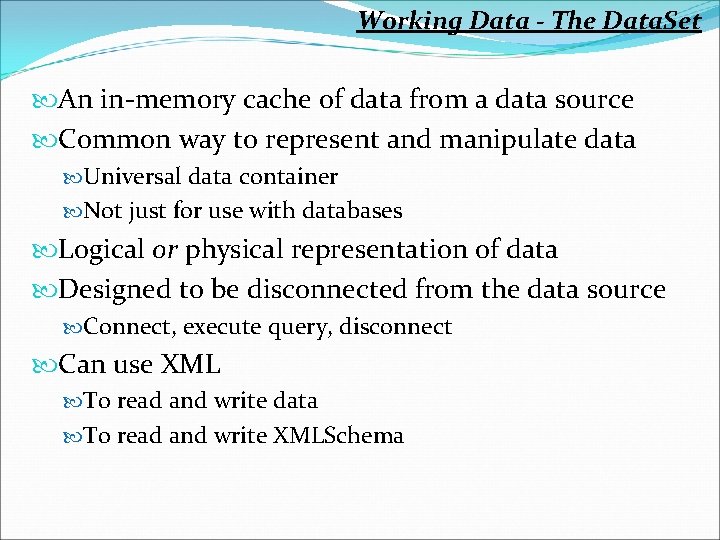
Working Data - The Data. Set An in-memory cache of data from a data source Common way to represent and manipulate data Universal data container Not just for use with databases Logical or physical representation of data Designed to be disconnected from the data source Connect, execute query, disconnect Can use XML To read and write data To read and write XMLSchema
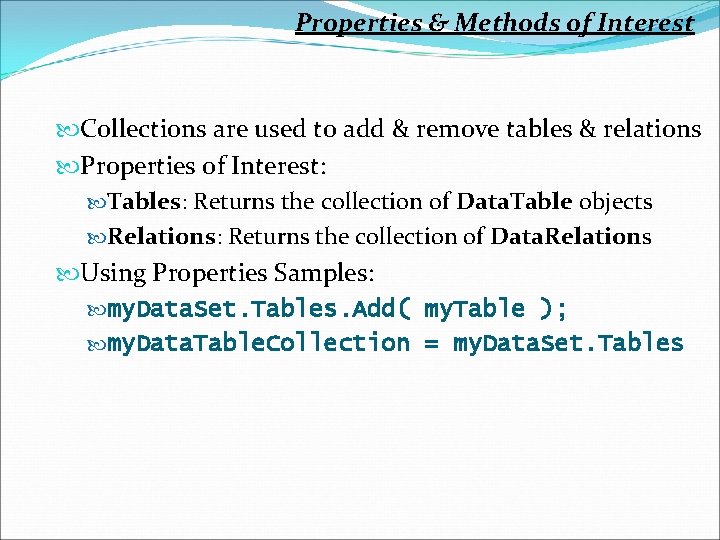
Properties & Methods of Interest Collections are used to add & remove tables & relations Properties of Interest: Tables: Returns the collection of Data. Table objects Relations: Returns the collection of Data. Relations Using Properties Samples: my. Data. Set. Tables. Add( my. Table ); my. Data. Table. Collection = my. Data. Set. Tables
The Data. Table May be mapped to a physical table in the data source Can be related to one another through Data. Relations Optimistic concurrency or locking - model Properties of Interest: Columns: Returns Columns. Collection of Data. Columns Rows: Returns Data. Row objects as a Rows. Collection Parent. Relations: Returns the Relations. Collection Constraints: Returns the table’s Constraints. Collection Data. Set: Returns the Data. Set of the Data. Table Primary. Key: Gets the Data. Columns that make up the table’s primary key