
ADMINISTRATION OF DATA LOSS PREVENTION SERVICES IN HIGHER


- Slides: 34
ADMINISTRATION OF DATA LOSS PREVENTION SERVICES IN HIGHER EDUCATION Mike Thompson Kyle Crain Systems and Network Security Analyst The Pennsylvania State University mot 1@psu. edu Systems and Network Security Analyst The Pennsylvania State University kdc 12@psu. edu
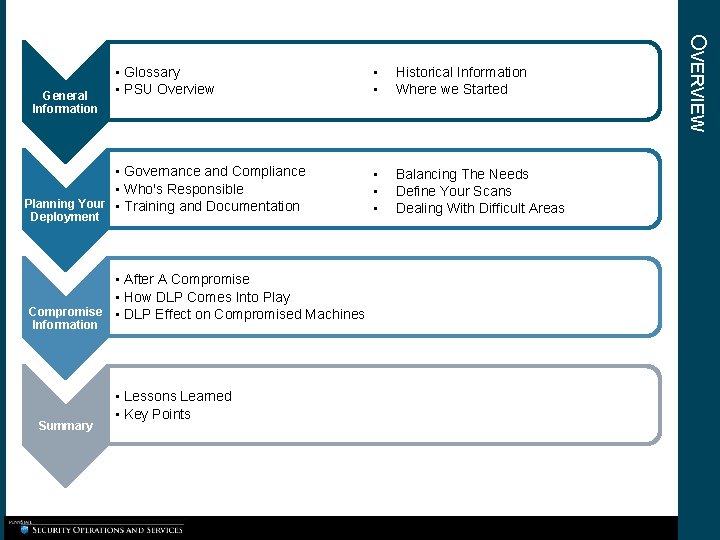
• • Historical Information Where we Started • Governance and Compliance • Who's Responsible Planning Your • Training and Documentation • • • Balancing The Needs Define Your Scans Dealing With Difficult Areas General Information Deployment • After A Compromise • How DLP Comes Into Play Compromise • DLP Effect on Compromised Machines Information Summary • Lessons Learned • Key Points OVERVIEW • Glossary • PSU Overview
GENERAL INFORMATION
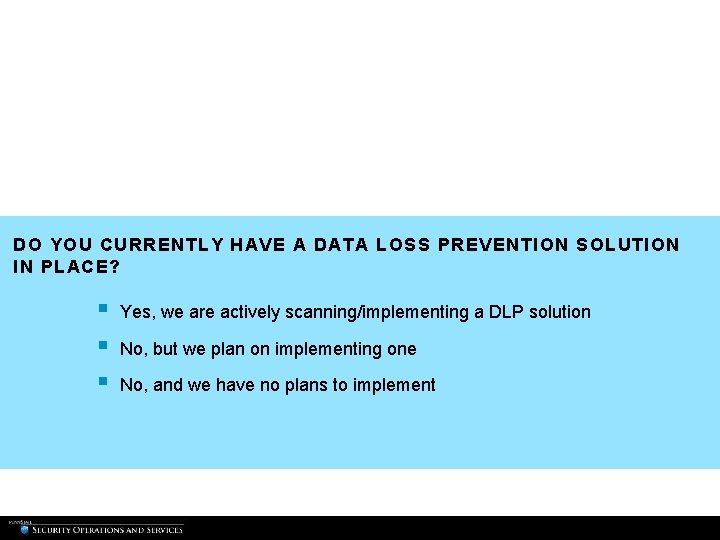
DO YOU CURRENTLY HAVE A DATA LOSS PREVENTION SOLUTION IN PLACE? § § § Yes, we are actively scanning/implementing a DLP solution No, but we plan on implementing one No, and we have no plans to implement
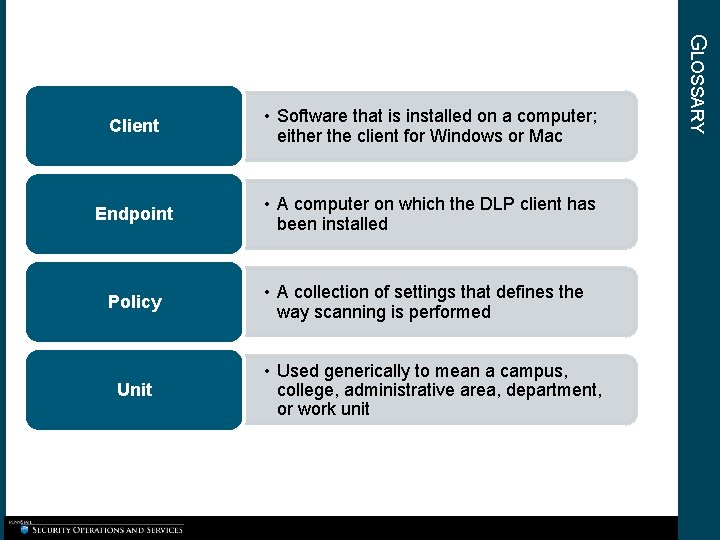
• Software that is installed on a computer; either the client for Windows or Mac Endpoint • A computer on which the DLP client has been installed Policy Unit • A collection of settings that defines the way scanning is performed • Used generically to mean a campus, college, administrative area, department, or work unit GLOSSARY Client
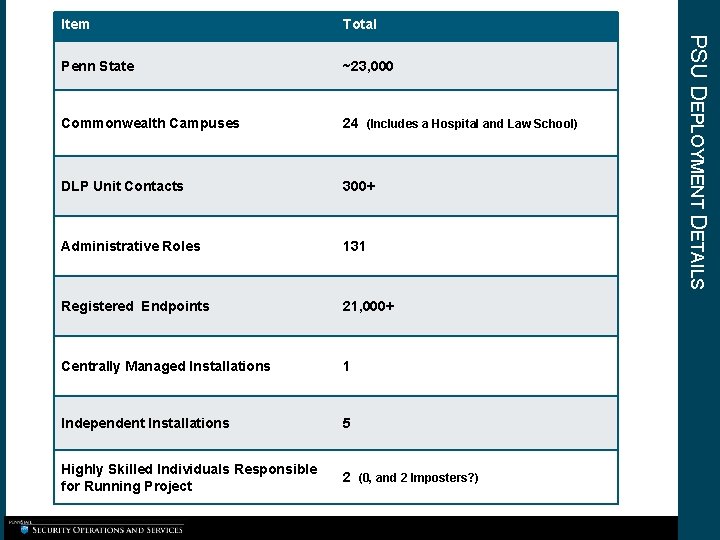
Total Penn State ~23, 000 Commonwealth Campuses 24 (Includes a Hospital and Law School) DLP Unit Contacts 300+ Administrative Roles 131 Registered Endpoints 21, 000+ Centrally Managed Installations 1 Independent Installations 5 Highly Skilled Individuals Responsible for Running Project 2 (0, and 2 Imposters? ) PSU DEPLOYMENT DETAILS Item
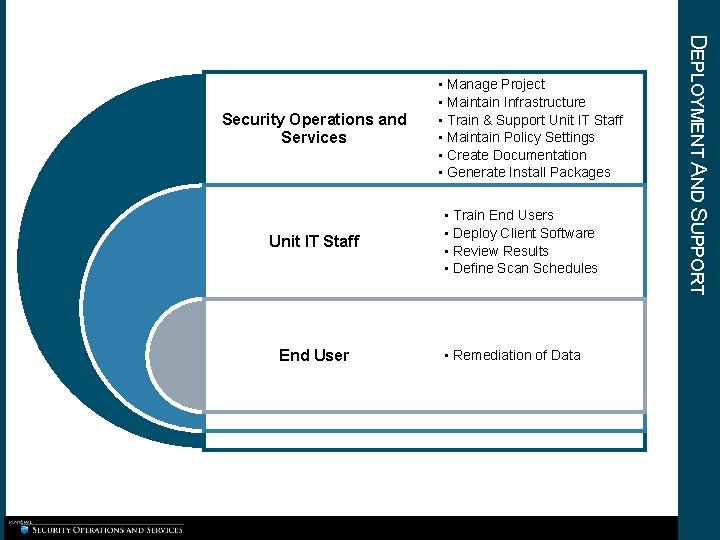
Unit IT Staff End User • Train End Users • Deploy Client Software • Review Results • Define Scan Schedules • Remediation of Data DEPLOYMENT AND SUPPORT Security Operations and Services • Manage Project • Maintain Infrastructure • Train & Support Unit IT Staff • Maintain Policy Settings • Create Documentation • Generate Install Packages
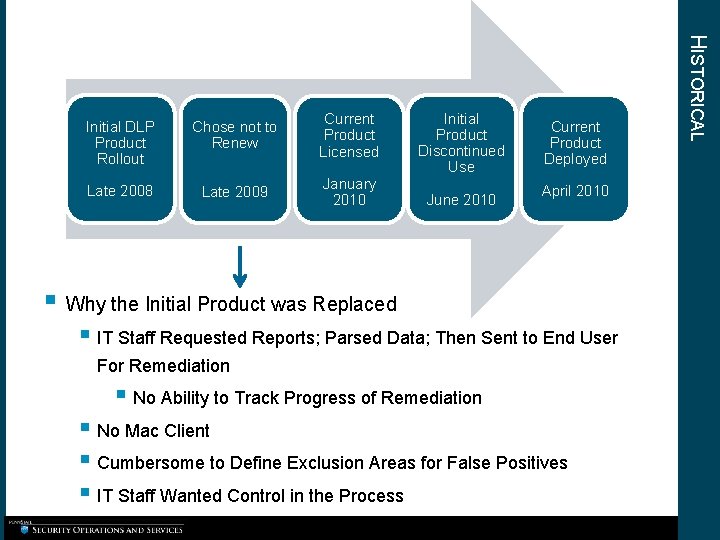
Chose not to Renew Current Product Licensed Initial Product Discontinued Use Late 2008 Late 2009 January 2010 June 2010 Current Product Deployed April 2010 § Why the Initial Product was Replaced § IT Staff Requested Reports; Parsed Data; Then Sent to End User For Remediation § No Ability to Track Progress of Remediation § No Mac Client § Cumbersome to Define Exclusion Areas for False Positives § IT Staff Wanted Control in the Process HISTORICAL Initial DLP Product Rollout
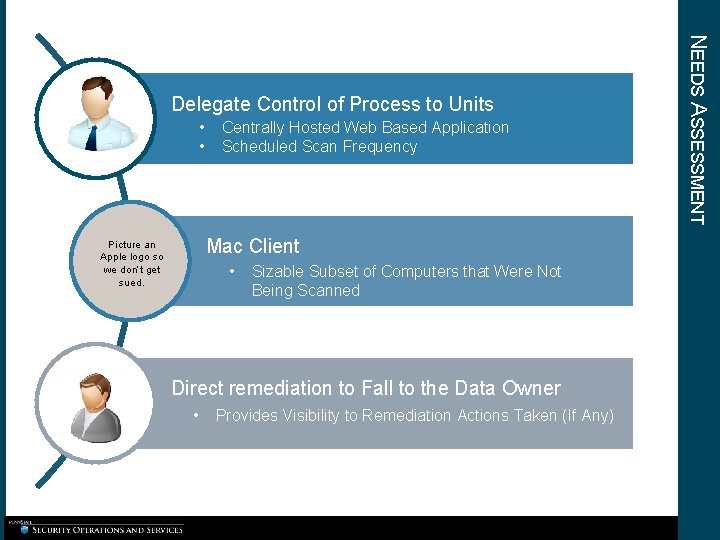
• • Centrally Hosted Web Based Application Scheduled Scan Frequency Mac Client Picture an Apple logo so we don’t get sued. • Sizable Subset of Computers that Were Not Being Scanned Direct remediation to Fall to the Data Owner • Provides Visibility to Remediation Actions Taken (If Any) NEEDS ASSESSMENT Delegate Control of Process to Units
PLANNING YOUR DEPLOYMENT
IF YOU HAVE DLP DEPLOYED, IS IT PART OF AN OFFICIAL POLICY? § § Yes No
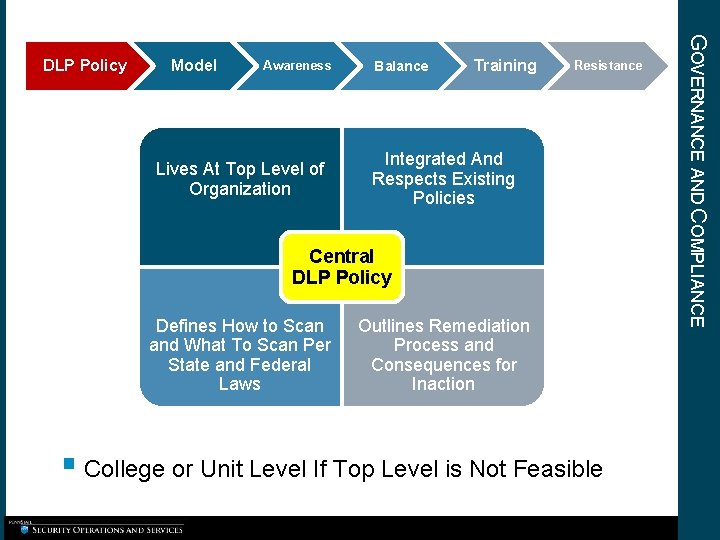
Model Awareness Lives At Top Level of Organization Balance Training Resistance Integrated And Respects Existing Policies Central DLP Policy Defines How to Scan and What To Scan Per State and Federal Laws Outlines Remediation Process and Consequences for Inaction § College or Unit Level If Top Level is Not Feasible GOVERNANCE AND COMPLIANCE DLP Policy
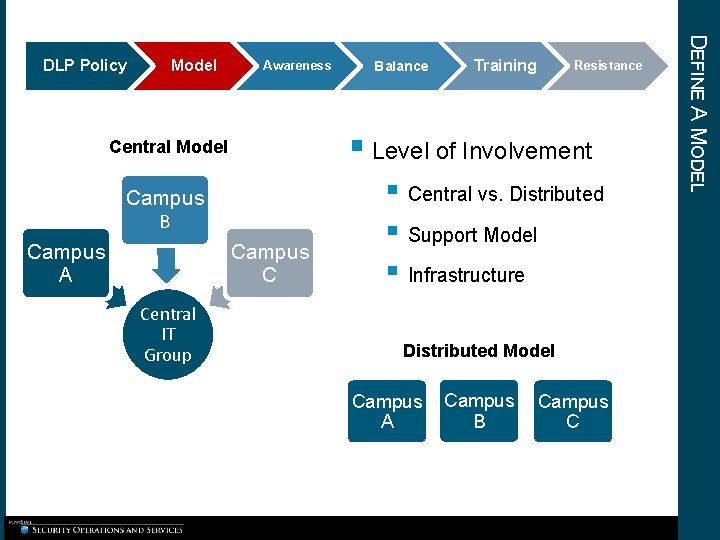
Model Awareness Campus B Campus C Central IT Group Training Resistance § Level of Involvement Central Model Campus A Balance § Central vs. Distributed § Support Model § Infrastructure Distributed Model Campus A Campus B Campus C DEFINE A MODEL DLP Policy
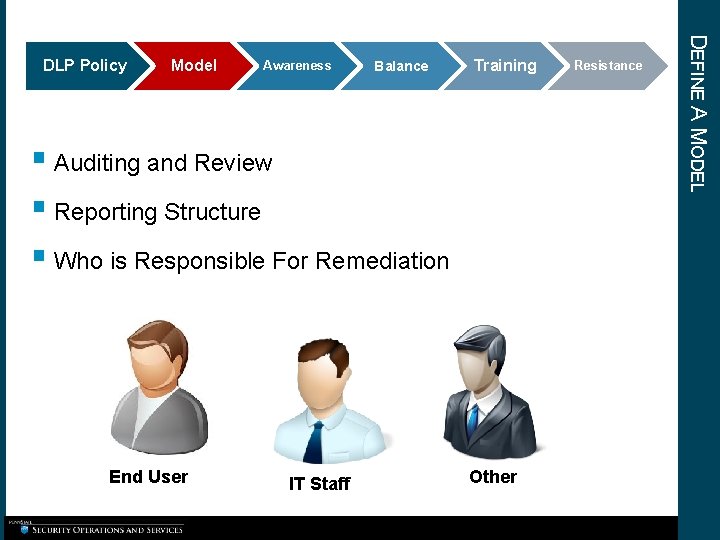
Model Awareness Balance Training § Auditing and Review § Reporting Structure § Who is Responsible For Remediation End User IT Staff Other Resistance DEFINE A MODEL DLP Policy
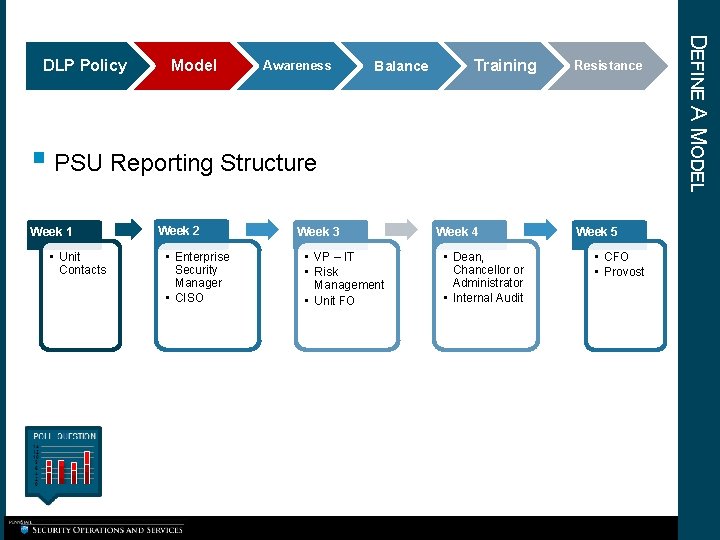
Model Awareness Balance Training Resistance § PSU Reporting Structure Week 1 • Unit Contacts Week 2 • Enterprise Security Manager • CISO Week 3 • VP – IT • Risk Management • Unit FO Week 4 • Dean, Chancellor or Administrator • Internal Audit Week 5 • CFO • Provost DEFINE A MODEL DLP Policy
IN YOUR ENVIRONMENT, WHO IS BEST SUITED TO PERFORM PII REMEDIATION? § § § End User IT Staff Other (Privacy Group, etc. )
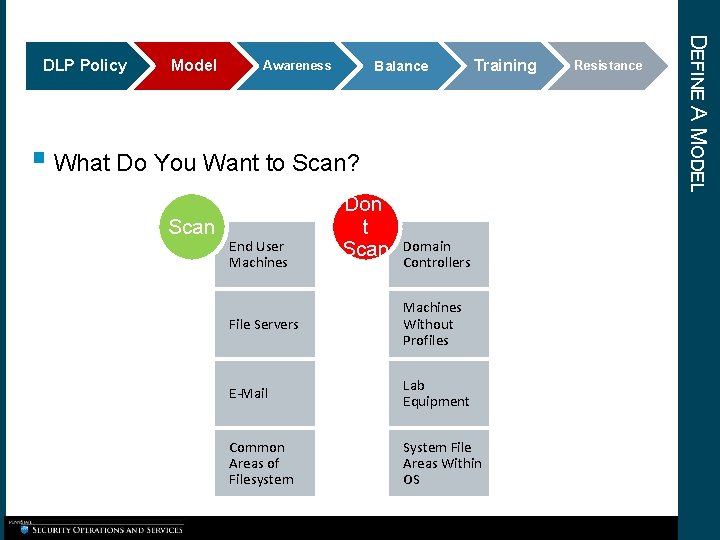
Model Balance Awareness Training § What Do You Want to Scan? Scan End User Machines Don’ t Scan Domain Controllers File Servers Machines Without Profiles E-Mail Lab Equipment Common Areas of Filesystem System File Areas Within OS Resistance DEFINE A MODEL DLP Policy
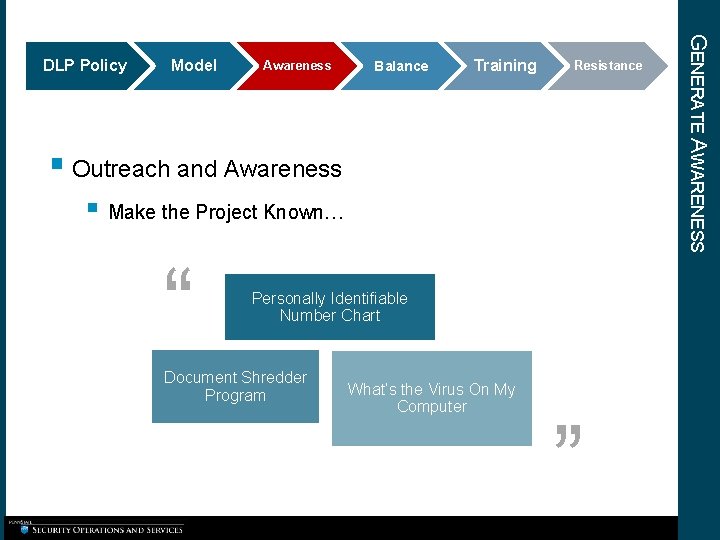
Model Awareness Balance Training Resistance § Outreach and Awareness § Make the Project Known… “ Personally Identifiable Number Chart Document Shredder Program What’s the Virus On My Computer ” GENERATE AWARENESS DLP Policy
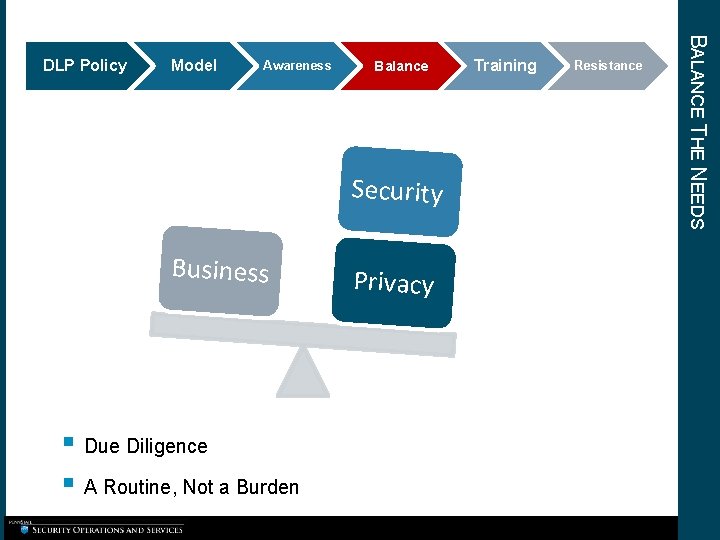
Model Awareness Balance Security Business § Due Diligence § A Routine, Not a Burden Privacy Training Resistance BALANCE THE NEEDS DLP Policy
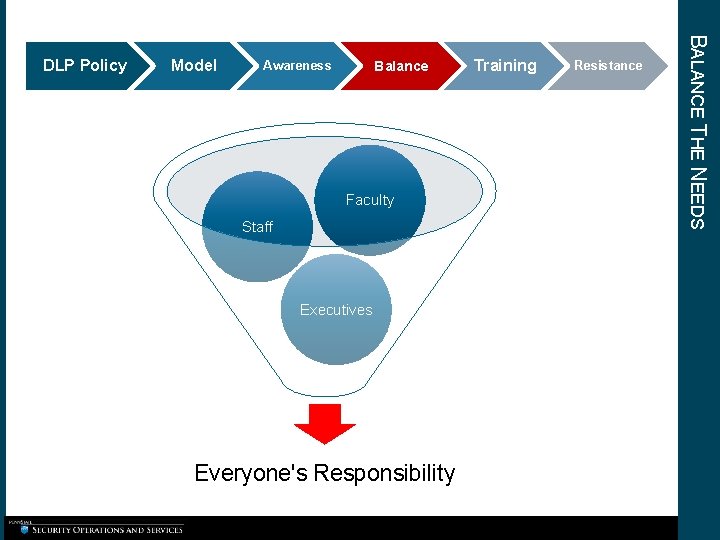
Model Balance Awareness Faculty Staff Executives Everyone's Responsibility Training Resistance BALANCE THE NEEDS DLP Policy
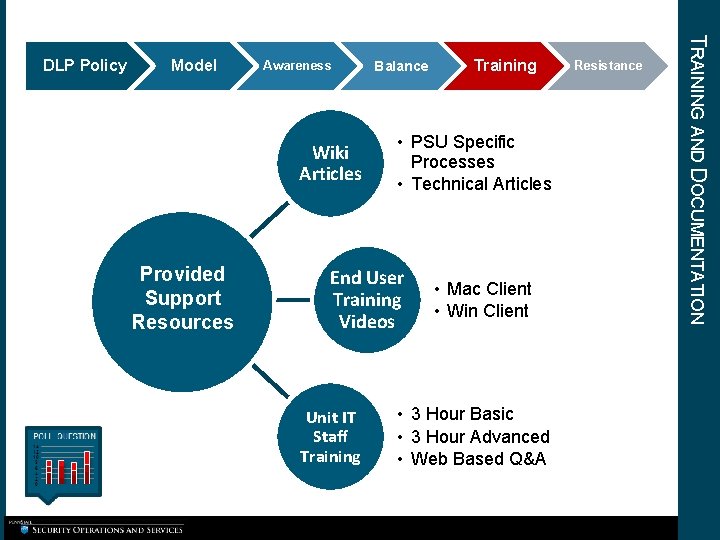
Model Awareness Wiki Articles Provided Support Resources Balance • PSU Specific Processes • Technical Articles End User Training Videos Unit IT Staff Training • Mac Client • Win Client • 3 Hour Basic • 3 Hour Advanced • Web Based Q&A Resistance TRAINING AND DOCUMENTATION DLP Policy
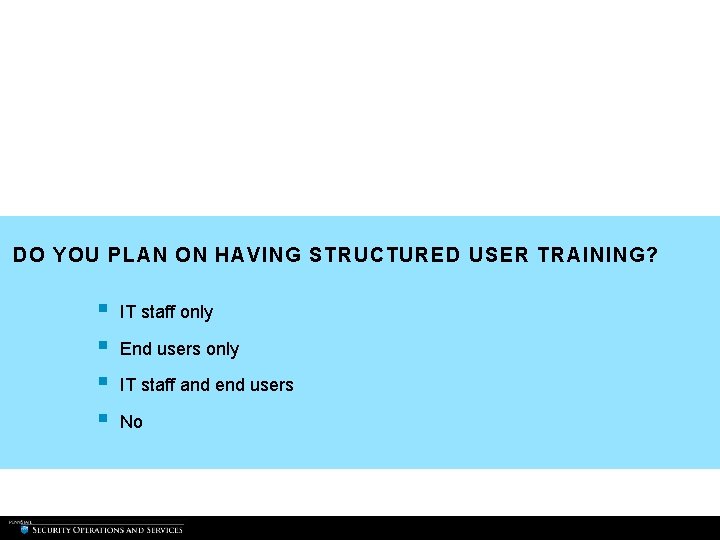
DO YOU PLAN ON HAVING STRUCTURED USER TRAINING? § § IT staff only End users only IT staff and end users No
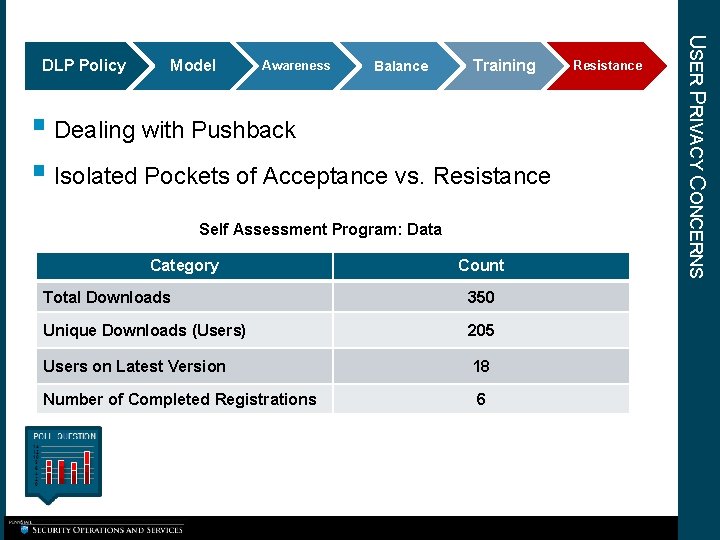
Model Awareness Balance Training § Dealing with Pushback § Isolated Pockets of Acceptance vs. Resistance Self Assessment Program: Data Category Count Total Downloads 350 Unique Downloads (Users) 205 Users on Latest Version 18 Number of Completed Registrations 6 Resistance USER PRIVACY CONCERNS DLP Policy
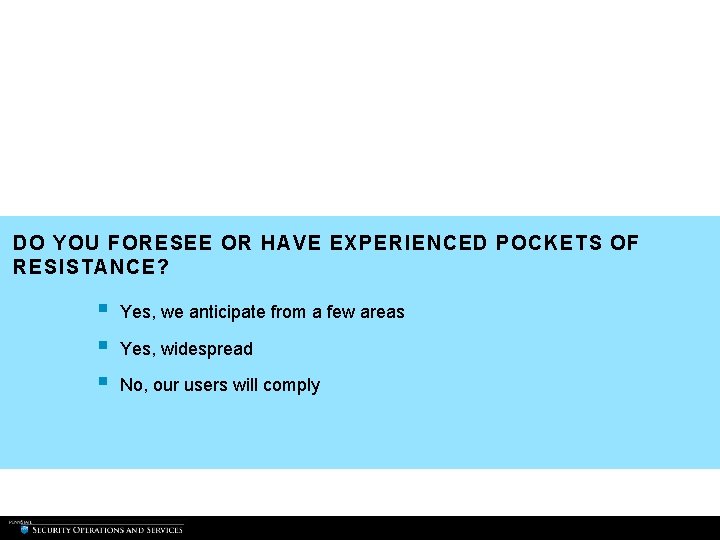
DO YOU FORESEE OR HAVE EXPERIENCED POCKETS OF RESISTANCE? § § § Yes, we anticipate from a few areas Yes, widespread No, our users will comply
COMPROMISE INFORMATION
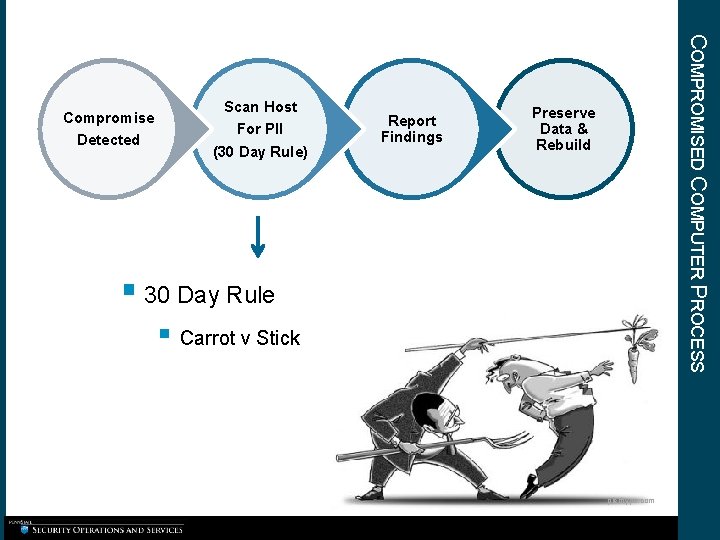
Scan Host For PII (30 Day Rule) Report Findings COMPROMISED COMPUTER PROCESS Compromise Detected Preserve Data & Rebuild § 30 Day Rule § Carrot v Stick piedtype. com
DO YOU SCAN AS PART OF YOUR COMPROMISED COMPUTER PROCESS? § § § Yes No, LOL No, but that is a good idea
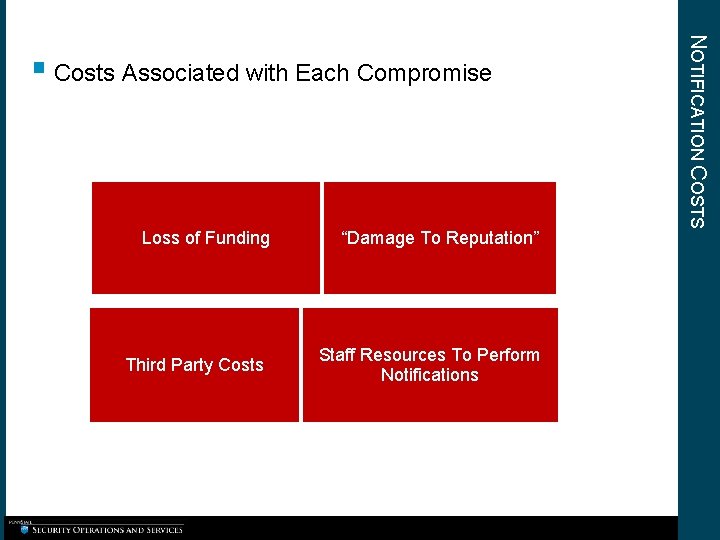
Loss of Funding Third Party Costs “Damage To Reputation” Staff Resources To Perform Notifications NOTIFICATION COSTS § Costs Associated with Each Compromise
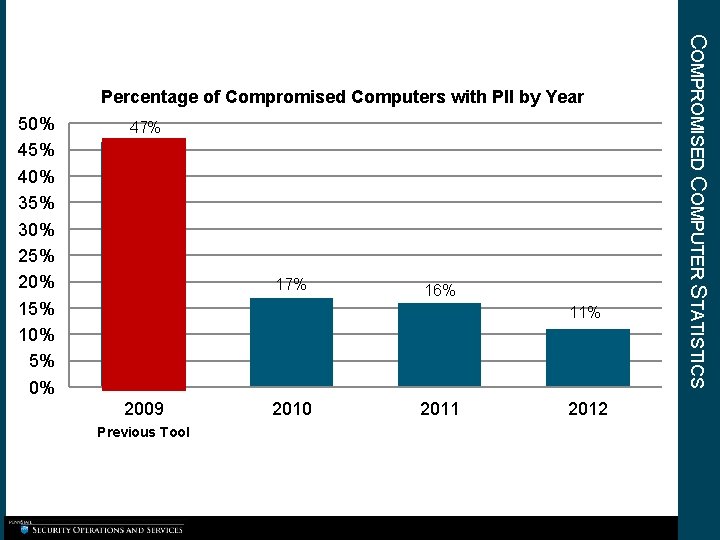
50% 45% 40% 35% 30% 25% 20% 15% 10% 5% 0% 47% 16% 11% 2009 Previous Tool 2010 2011 2012 COMPROMISED COMPUTER STATISTICS Percentage of Compromised Computers with PII by Year
SUMMARY
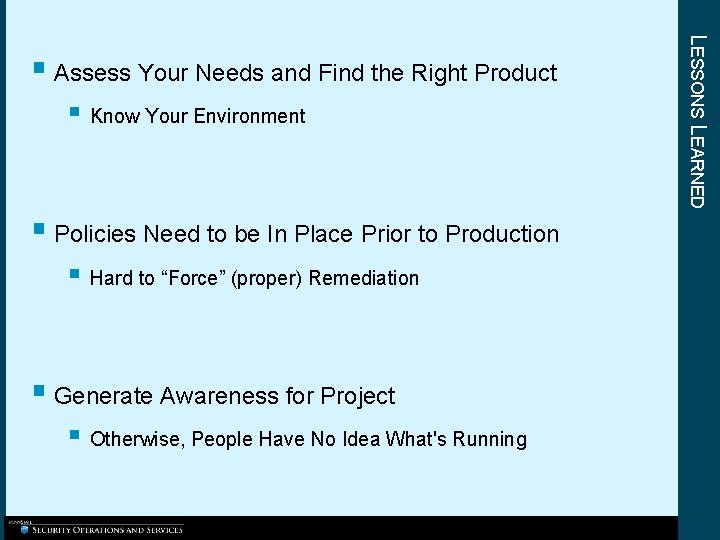
§ Know Your Environment § Policies Need to be In Place Prior to Production § Hard to “Force” (proper) Remediation § Generate Awareness for Project § Otherwise, People Have No Idea What's Running LESSONS LEARNED § Assess Your Needs and Find the Right Product
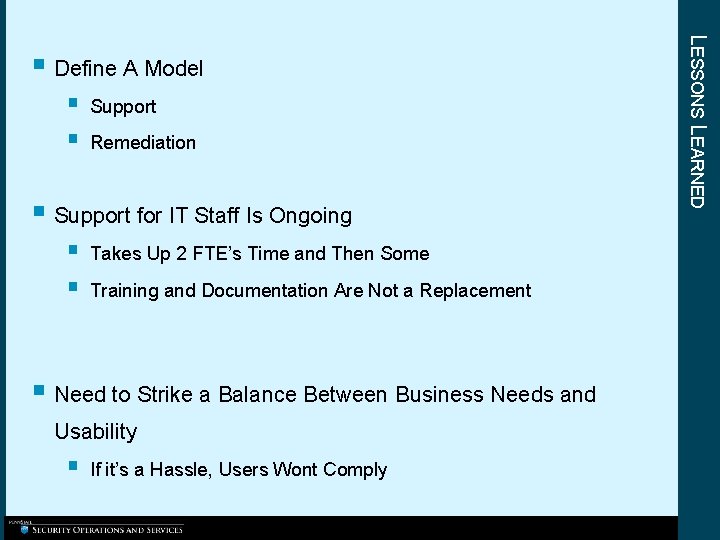
§ § Support Remediation § Support for IT Staff Is Ongoing § § Takes Up 2 FTE’s Time and Then Some Training and Documentation Are Not a Replacement § Need to Strike a Balance Between Business Needs and Usability § If it’s a Hassle, Users Wont Comply LESSONS LEARNED § Define A Model
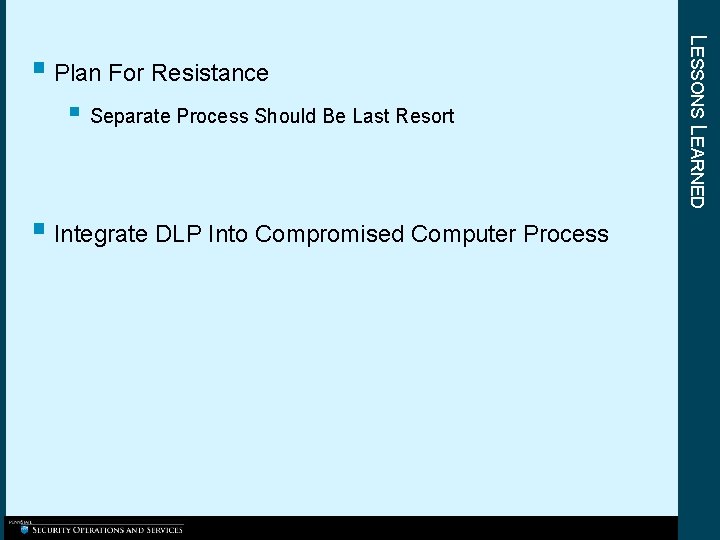
§ Separate Process Should Be Last Resort § Integrate DLP Into Compromised Computer Process LESSONS LEARNED § Plan For Resistance
THANK YOU! QUESTION S?