
ADInstruments Advanced Features of Lab Chart Name Overview

ADInstruments Advanced Features of Lab. Chart Name:
Overview § § § © 2006 ADInstruments Pty Ltd Channel Calculations (Arithmetic, Derivative … ) Cyclic Measurements Data Pad Macros Examples
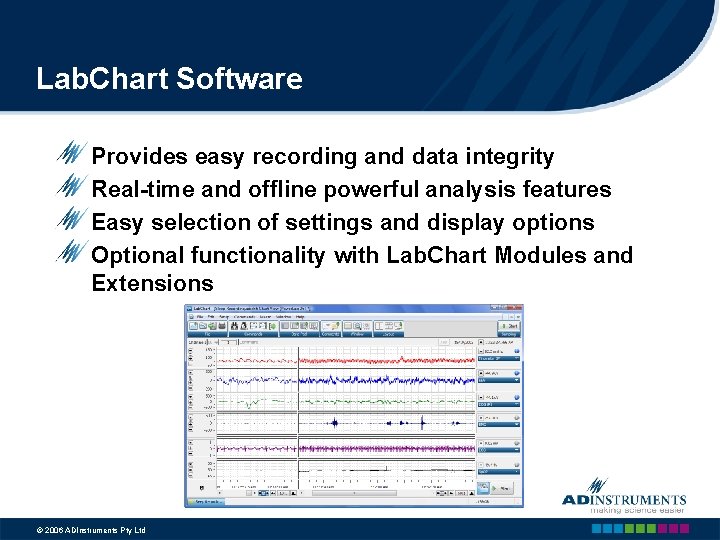
Lab. Chart Software Provides easy recording and data integrity Real-time and offline powerful analysis features Easy selection of settings and display options Optional functionality with Lab. Chart Modules and Extensions © 2006 ADInstruments Pty Ltd

Channel Calculations
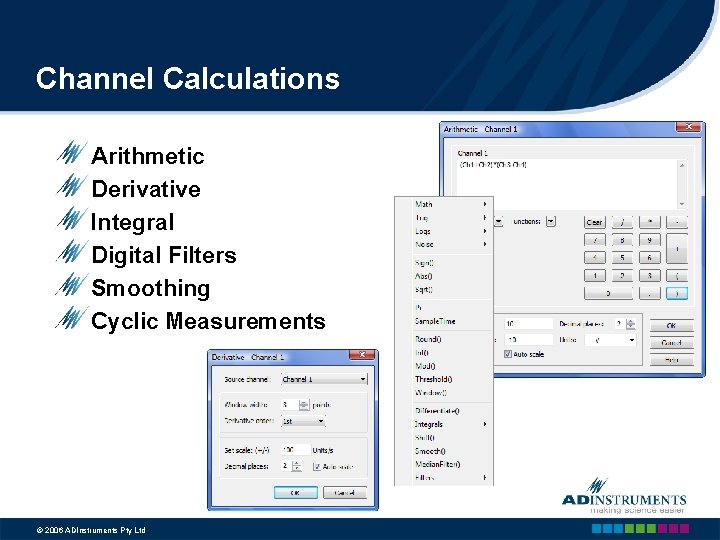
Channel Calculations Arithmetic Derivative Integral Digital Filters Smoothing Cyclic Measurements © 2006 ADInstruments Pty Ltd
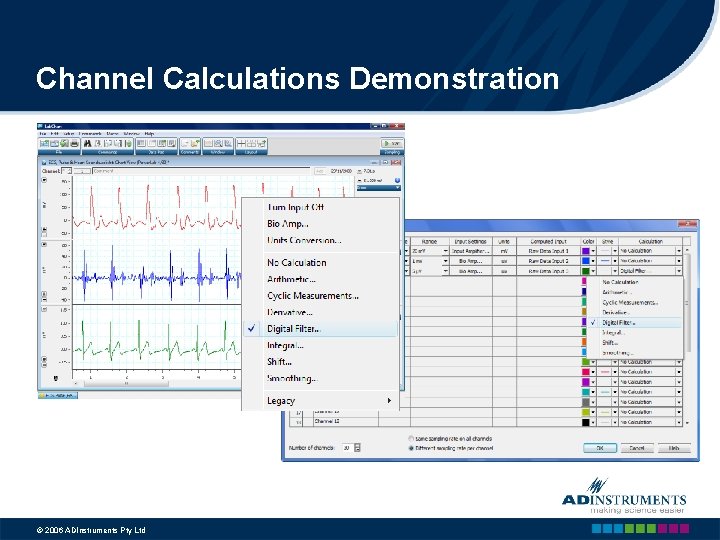
Channel Calculations Demonstration © 2006 ADInstruments Pty Ltd
Cyclic Measurements
Features of Cyclic Measurements Feature in Channel Calculations Used to analyze periodic waveforms Real-time and offline analysis Preprocesses the signal Automated Cycle detection Automated Calculation of Cyclic Parameters © 2006 ADInstruments Pty Ltd
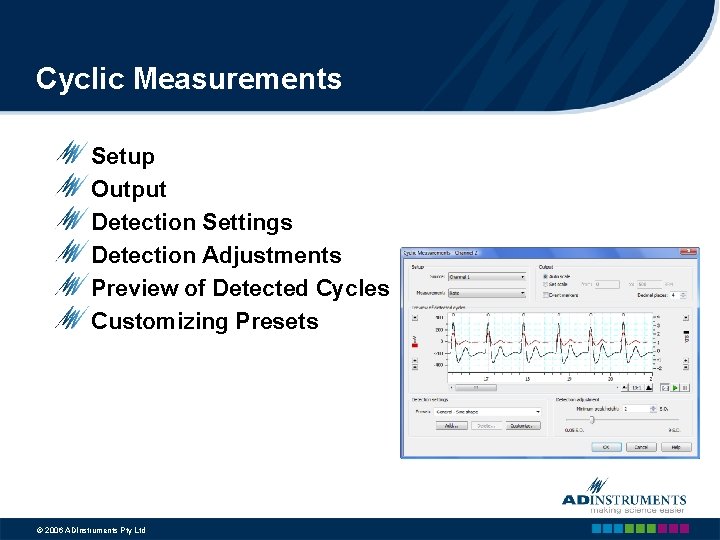
Cyclic Measurements Setup Output Detection Settings Detection Adjustments Preview of Detected Cycles Customizing Presets © 2006 ADInstruments Pty Ltd
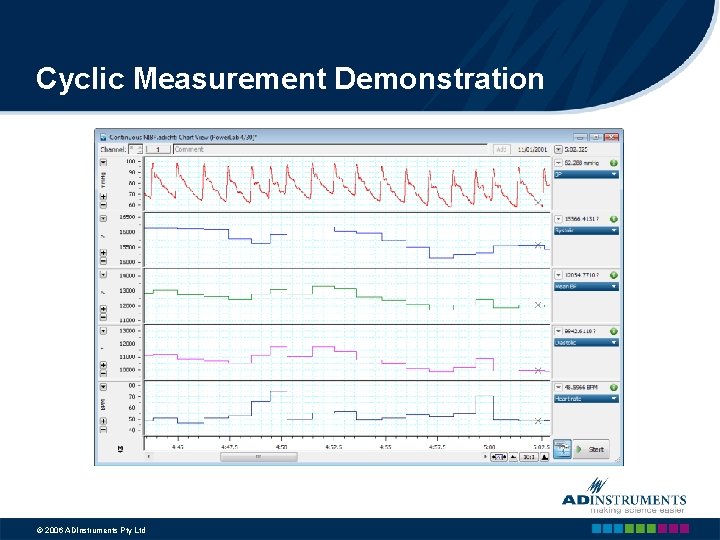
Cyclic Measurement Demonstration © 2006 ADInstruments Pty Ltd
Data Pad
Features of Data Pad A spreadsheet used to log numerical recorded data 3 logging data options n n n Add to Data Pad l Adding a single data point l Adding a selection of data Multiple Add to Data Pad l Adding multiple recorded data within a specified duration Timed Add to Data Pad l Real-time adding of recorded data © 2006 ADInstruments Pty Ltd
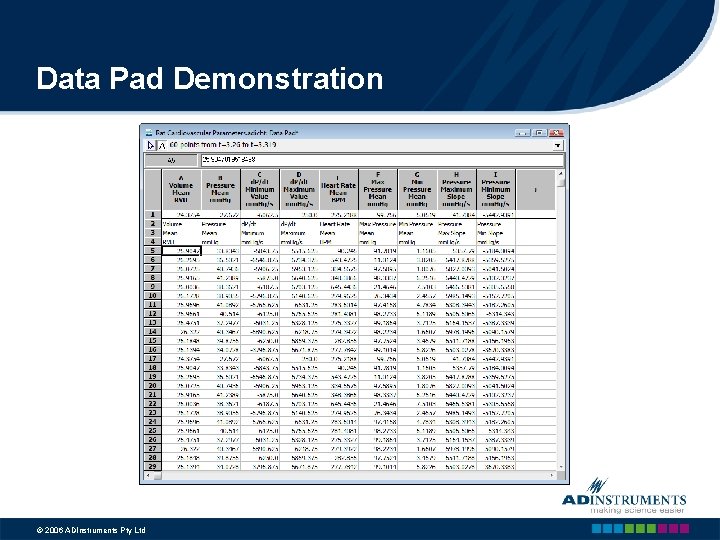
Data Pad Demonstration © 2006 ADInstruments Pty Ltd

Macros
Features of Macros A group of recorded Lab. Chart commands, which can be executed with a single command All recorded commands are played back in the exact sequence they were recorded Help to speed up repetitive and tedious tasks Automate recording and analysis of data © 2006 ADInstruments Pty Ltd
Macro Types of Macros n n n Sampling (or Recording) Analysis Combined Sampling & Analysis © 2006 ADInstruments Pty Ltd
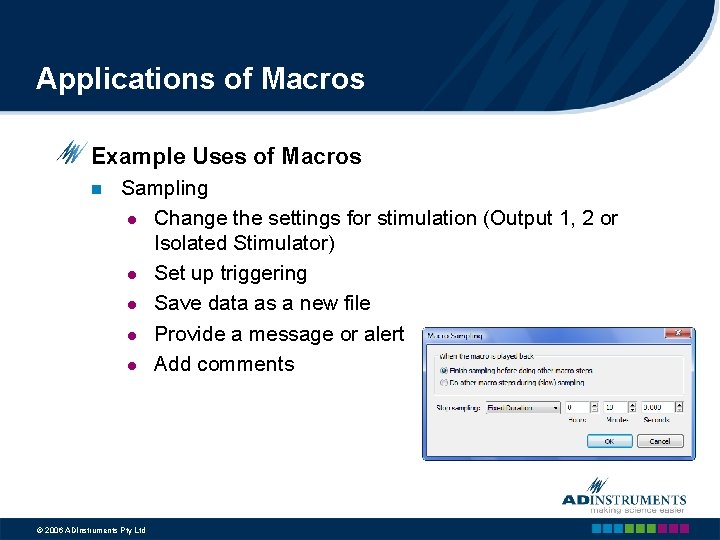
Applications of Macros Example Uses of Macros n Sampling l Change the settings for stimulation (Output 1, 2 or Isolated Stimulator) l Set up triggering l Save data as a new file l Provide a message or alert l Add comments © 2006 ADInstruments Pty Ltd
Applications of Macros Example Uses of Macros n Analysis l Repeatedly log waveform parameters into the Data Pad l Print selected data (e. g. from the Zoom window) l Find comments and select data before, after or around the comment © 2006 ADInstruments Pty Ltd
Hints for Writing Macros n n n Write down all the steps involved (keep a copy in Lab. Chart’s Notebook) Break complex operations into several macros then combine them into one macro Modify the steps of an existing macro to suit your needs Use Lab. Chart’s Online Help Call or email ADInstruments for help © 2006 ADInstruments Pty Ltd
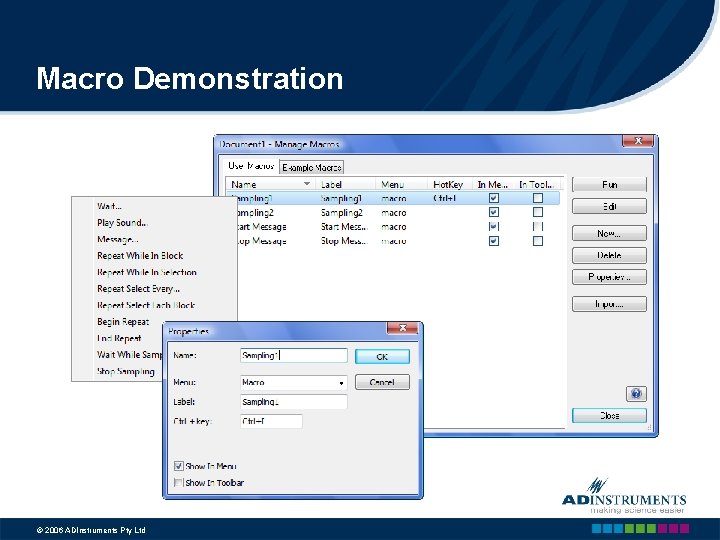
Macro Demonstration © 2006 ADInstruments Pty Ltd
Find and Add all Peaks to Data Pad
Find and Add all Peaks to Data Pad Macro menu n Start Recording Command menu n Find: Select Go, Start of this block, Set active point, Find Macro menu n Repeat While In Block Command menu n n Find: Select Find Data, Next Arrow, Local Maxima, Single point Selection, Find Add to Data Pad Macro menu n n End Repeat Stop Recording and Name the macro © 2006 ADInstruments Pty Ltd
Continuous Saving Recording
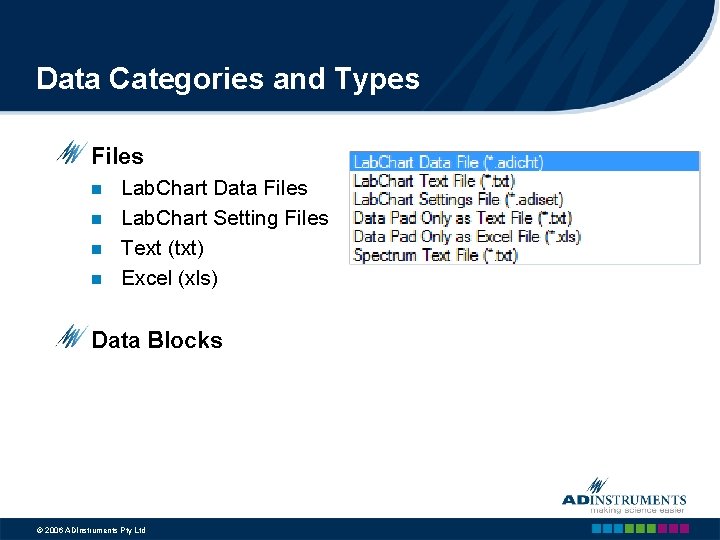
Data Categories and Types Files n n Lab. Chart Data Files Lab. Chart Setting Files Text (txt) Excel (xls) Data Blocks © 2006 ADInstruments Pty Ltd
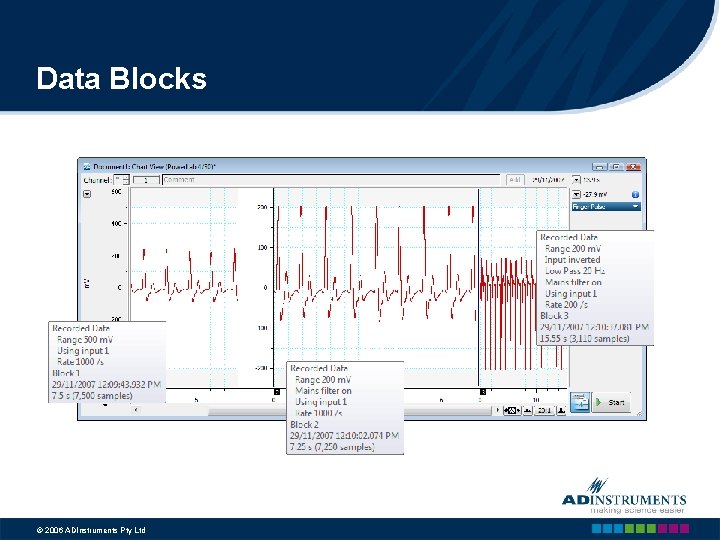
Data Blocks © 2006 ADInstruments Pty Ltd
Limitations Data File (Max Size = 2 GB) n n Stop Recording, Save the File Close the File Start a New File Data Block (Max Size = 1 GB) n n n Stop Recording Save Data Start Recording © 2006 ADInstruments Pty Ltd
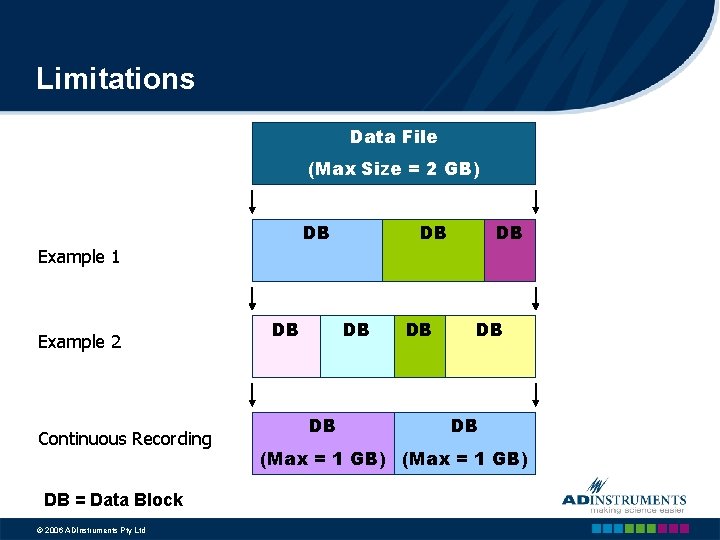
Limitations Data File (Max Size = 2 GB) DB DB DB Example 1 Example 2 Continuous Recording DB = Data Block © 2006 ADInstruments Pty Ltd DB DB DB (Max = 1 GB)
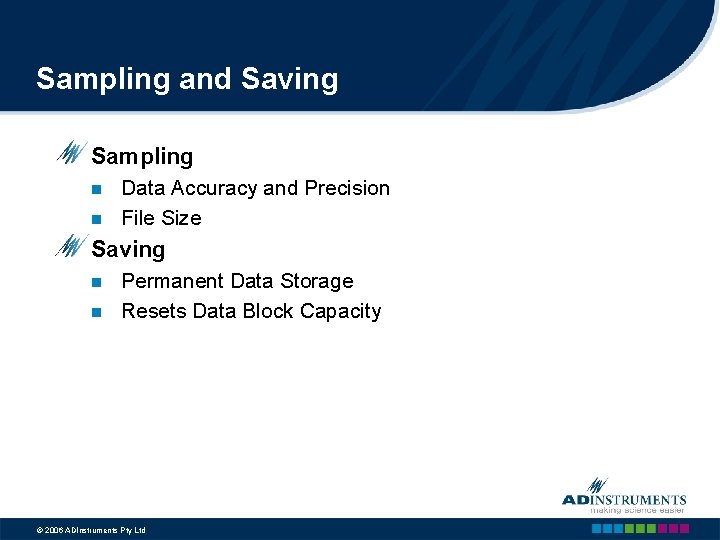
Sampling and Saving Sampling n n Data Accuracy and Precision File Size Saving n n Permanent Data Storage Resets Data Block Capacity © 2006 ADInstruments Pty Ltd
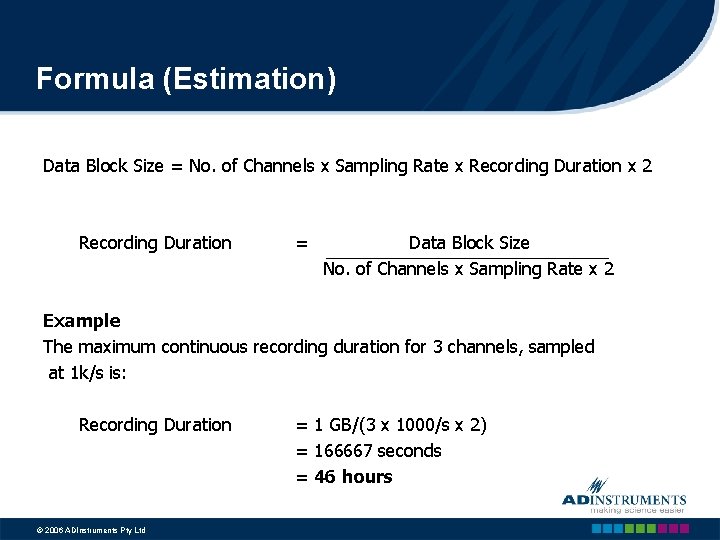
Formula (Estimation) Data Block Size = No. of Channels x Sampling Rate x Recording Duration x 2 Recording Duration = Data Block Size No. of Channels x Sampling Rate x 2 Example The maximum continuous recording duration for 3 channels, sampled at 1 k/s is: Recording Duration © 2006 ADInstruments Pty Ltd = 1 GB/(3 x 1000/s x 2) = 166667 seconds = 46 hours
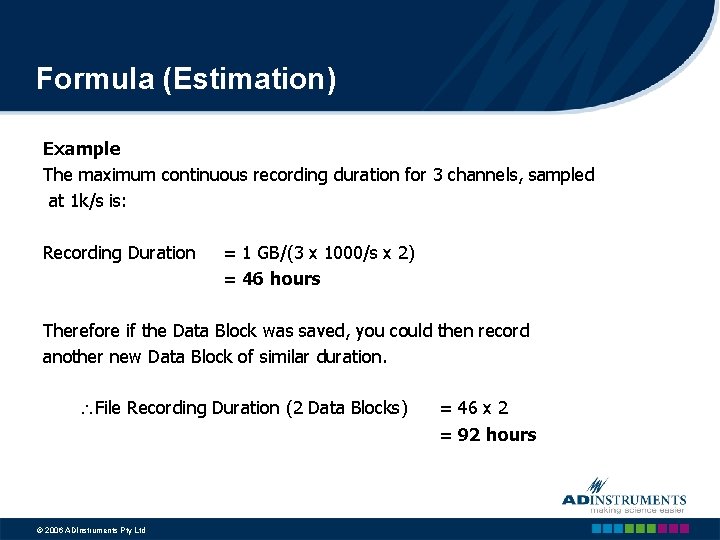
Formula (Estimation) Example The maximum continuous recording duration for 3 channels, sampled at 1 k/s is: Recording Duration = 1 GB/(3 x 1000/s x 2) = 46 hours Therefore if the Data Block was saved, you could then record another new Data Block of similar duration. File Recording Duration (2 Data Blocks) © 2006 ADInstruments Pty Ltd = 46 x 2 = 92 hours
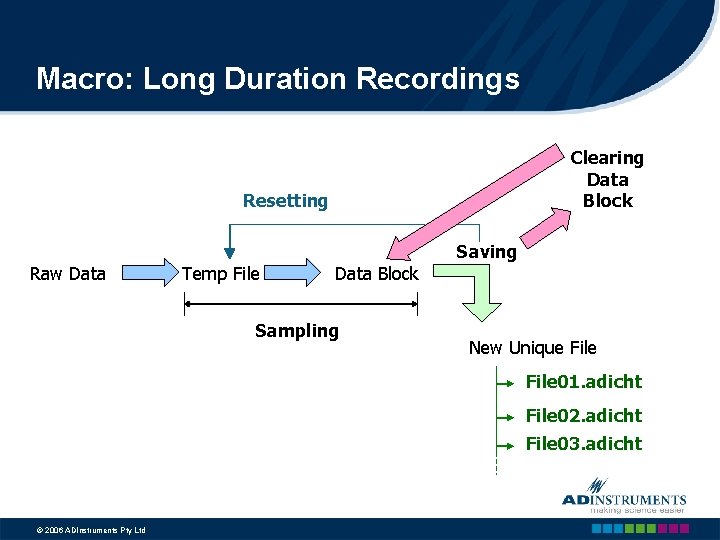
Macro: Long Duration Recordings Clearing Data Block Resetting Saving Raw Data Temp File Data Block Sampling New Unique File 01. adicht File 02. adicht File 03. adicht © 2006 ADInstruments Pty Ltd
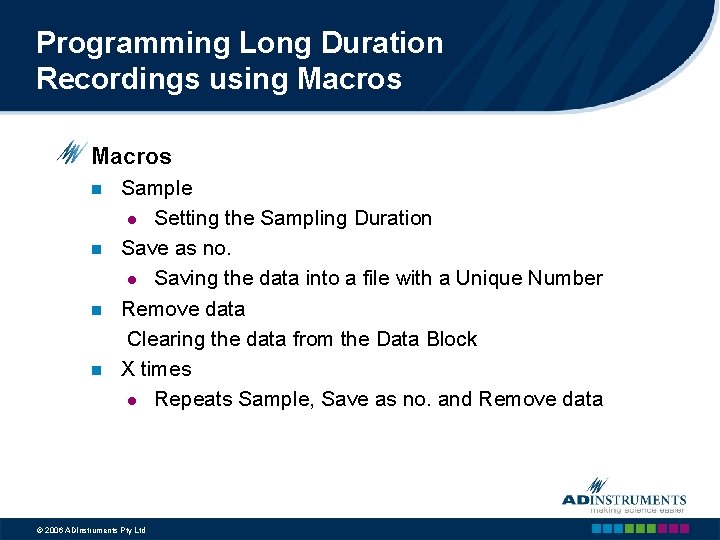
Programming Long Duration Recordings using Macros n n Sample l Setting the Sampling Duration Save as no. l Saving the data into a file with a Unique Number Remove data Clearing the data from the Data Block X times l Repeats Sample, Save as no. and Remove data © 2006 ADInstruments Pty Ltd
- Slides: 33