
Adding Context to Content Instruction Using Digital Mapping


- Slides: 16
Adding Context to Content Instruction Using Digital Mapping Tools Erika Klose, eklose@k 12. wv. us August 2020
Welcome! • Introduction - Please use this QR code and a smart phone to answer two questions about yourself. I will paste the link to the same survey form in the chat. • View Results • Hopes, Fears, and Expectations 2
Why Geotechnology is important More of the Geospatial Revolution can be found at http: //www. geospatialrevolution. psu. edu/ 3
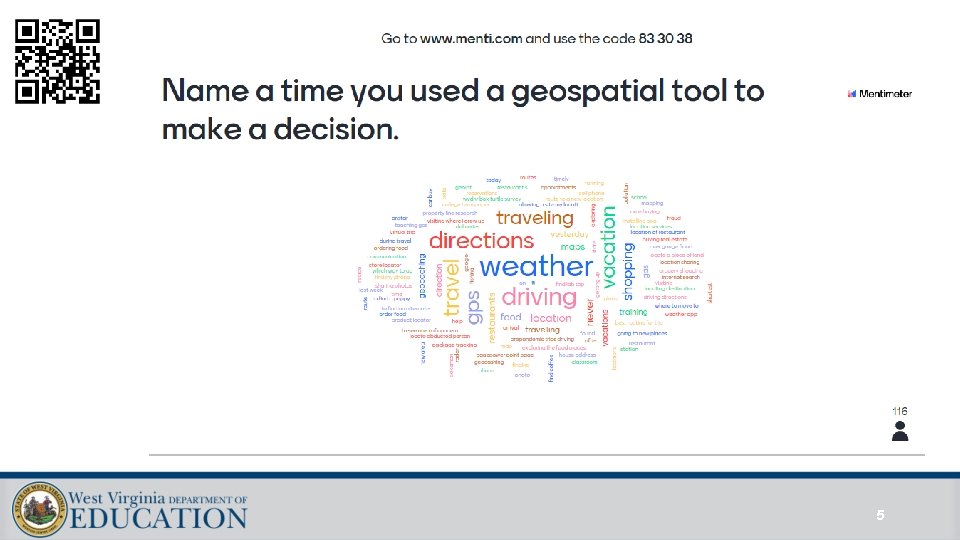
Why Geotechnology is important • Let’s watch and discuss • Discussion with Menti. Meter https: //www. menti. com/5 bj 161 w 8 k 9 More of the Geospatial Revolution can be found at http: //www. geospatialrevolution. psu. edu/ 4
5
Why GIS? Why now? • Head to this page: http: //www. esri. com/industries • Review the list of industries and choose one to read about further. • In the Teams chat, please answer this question – Which industry surprised you? 6
Who is ESRI? Why do they give all this away for free? https: //www. esri. com/enus/industries/education/schools/ our-story 7
Introduction to Geo. Inquiries 8
Introduction to Geo. Inquiries • Cracked Plates Demonstration • Lesson: • https: //www. esri. com/content/dam/esrisites/enus/media/pdf/geoinquiries/earth-science/6 -plateboundaries-earthsciencegeoinquiry. pdf • Map: • http: //esriurl. com/earthgeoinquiry 6 • All Geoinquiries • http: //esri. com/geoinquiries • WV Standards Alignment - https: //wvde. us/middle-secondary-learning/gis/ 9
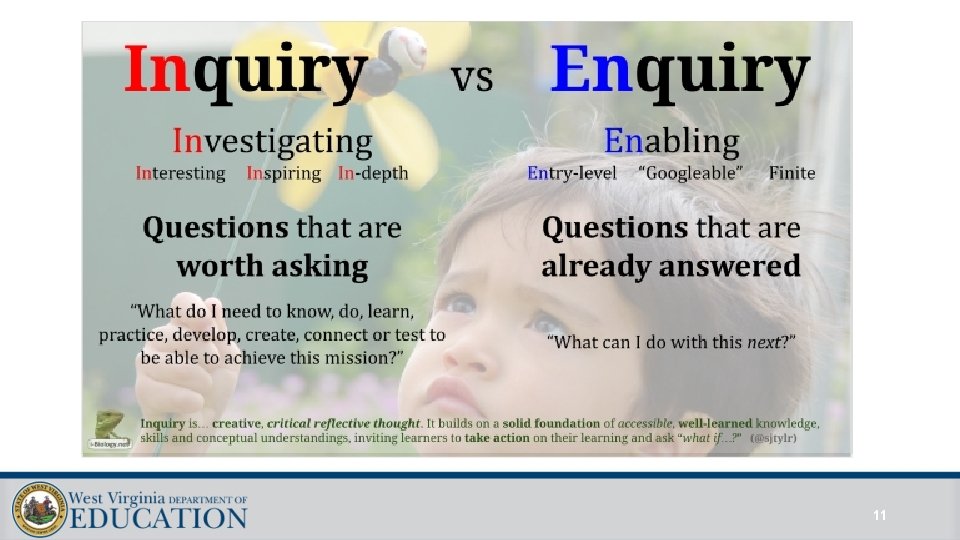
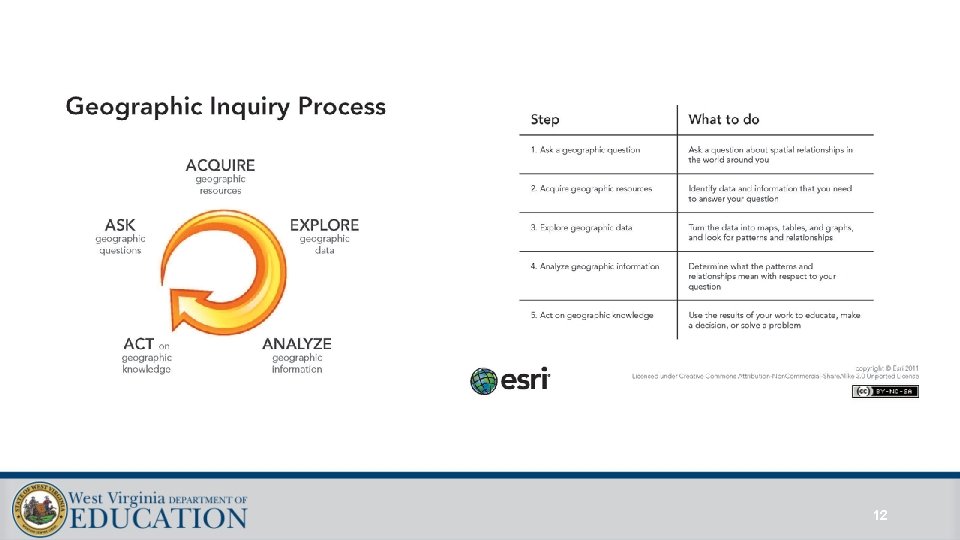
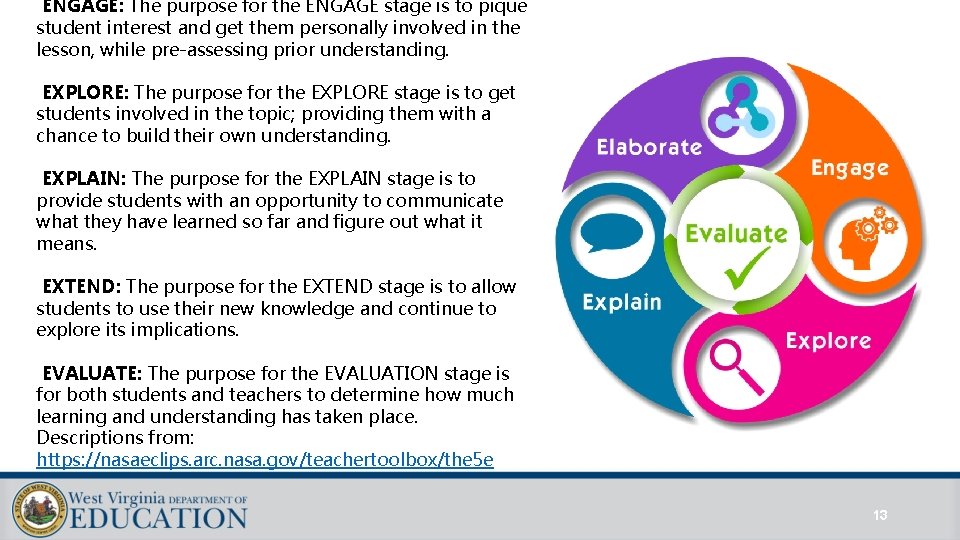
Anatomy of a Geo. Inquiry • Video: https: //www. youtube. com/watch? v=q. Jl. G 9 vo. Kd. K 4 • All Geoinquiries • http: //esri. com/geoinquiries • Discussion: • Inquiry vs. Enquiry? • https: //sjtylr. net/2018/01/30/inquiry-vs-enquiry/ • Two Models: • Geographic Inquiry Model • 5 E Instructional Model 10
11
12
ENGAGE: The purpose for the ENGAGE stage is to pique student interest and get them personally involved in the lesson, while pre-assessing prior understanding. EXPLORE: The purpose for the EXPLORE stage is to get students involved in the topic; providing them with a chance to build their own understanding. EXPLAIN: The purpose for the EXPLAIN stage is to provide students with an opportunity to communicate what they have learned so far and figure out what it means. EXTEND: The purpose for the EXTEND stage is to allow students to use their new knowledge and continue to explore its implications. EVALUATE: The purpose for the EVALUATION stage is for both students and teachers to determine how much learning and understanding has taken place. Descriptions from: https: //nasaeclips. arc. nasa. gov/teachertoolbox/the 5 e 13
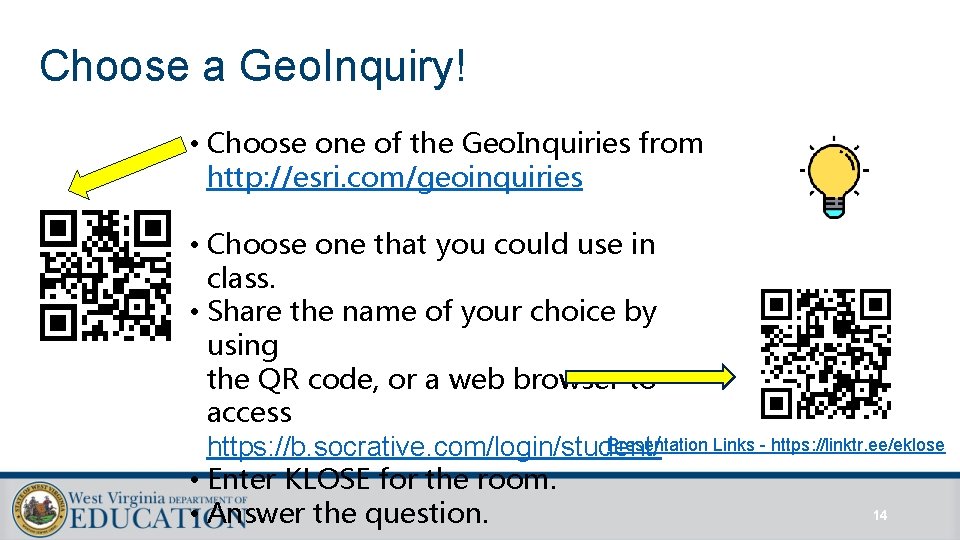
Choose a Geo. Inquiry! • Choose one of the Geo. Inquiries from http: //esri. com/geoinquiries • Choose one that you could use in class. • Share the name of your choice by using the QR code, or a web browser to access Presentation Links - https: //linktr. ee/eklose https: //b. socrative. com/login/student/ • Enter KLOSE for the room. 14 • Answer the question.
Resources - Adding Context to Content Instruction Using Digital Mapping Tools • • • • WVDE GIS website: https: //wvde. us/middle-secondary-learning/gis/ Get your own ESRI account – using WV’s own mapping site. https: //wvstudentmaps. arcgis. com/ Mapping Hour – ESRI’s new educator video series https: //mappinghour-k 12. hub. arcgis. com/pages/welcome Story Map – The United States of Apathy http: //bit. ly/apathy. US http: //storymaps. arcgis. com Storymaps. Click resources. Explore Stories. Course for students: http: //bit. ly/2 xbwj 61 Putting Your GIS Skills to Work Arc. GIS 5 x 5. Five 5 -minute activities. https: //community. esri. com/docs/DOC-12394 -arcgis-online-five-by-fivepdf Getting Started with GIS for Educators. https: //community. esri. com/docs/DOC-9864 -getting-started-with-gis-for-educatorspdf Story maps blog: https: //blogs. esri. com/esri/arcgis/category/story-maps/ Education Blog: https: //geonet. esri. com/community/education/blog Q&A and links to selected resources: http: //bit. ly/2 N 4 i. FMR Sign up for Story Maps newsletter: http: //go. esri. com/planet-story-maps Web Course: http: //bit. ly/2 Rs. Gn. Rz Telling Your Story with Esri Story Maps Erika Klose, eklose@k 12. wv. us, @eklose Presentation Links - https: //linktr. ee/eklose 15
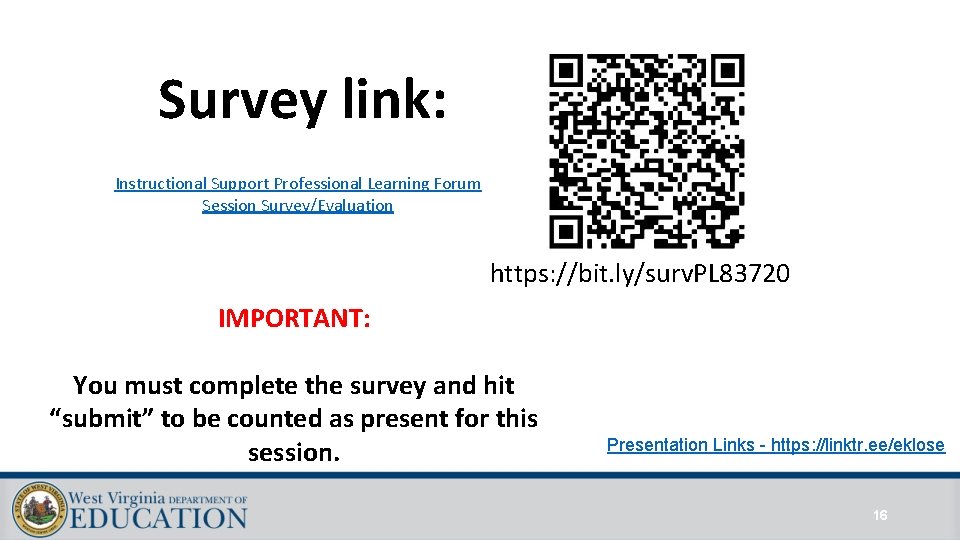
Survey link: Instructional Support Professional Learning Forum Session Survey/Evaluation https: //bit. ly/surv. PL 83720 IMPORTANT: You must complete the survey and hit “submit” to be counted as present for this session. Presentation Links - https: //linktr. ee/eklose 16