
Adding Attachments Folders Email attachments are useful because
Adding Attachments

Folders • Email attachments are useful because you can attach documents e. g. pictures and videos and send them to other people. • An attachment is were you attach a file to an email and you can send it to any other email account
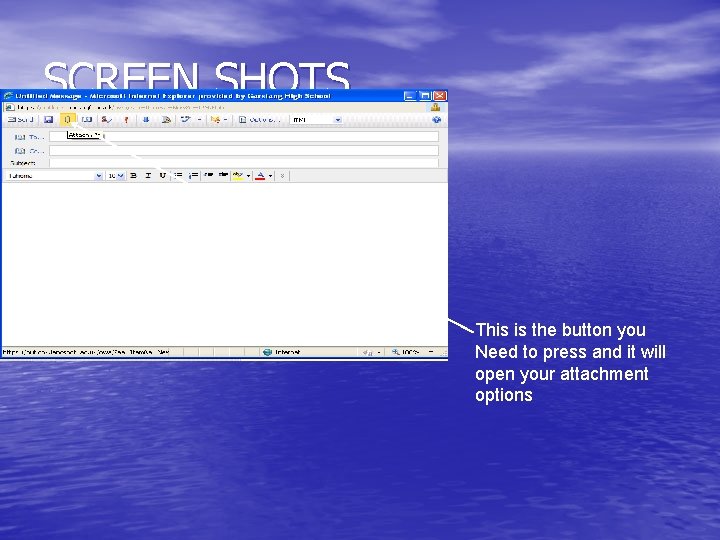
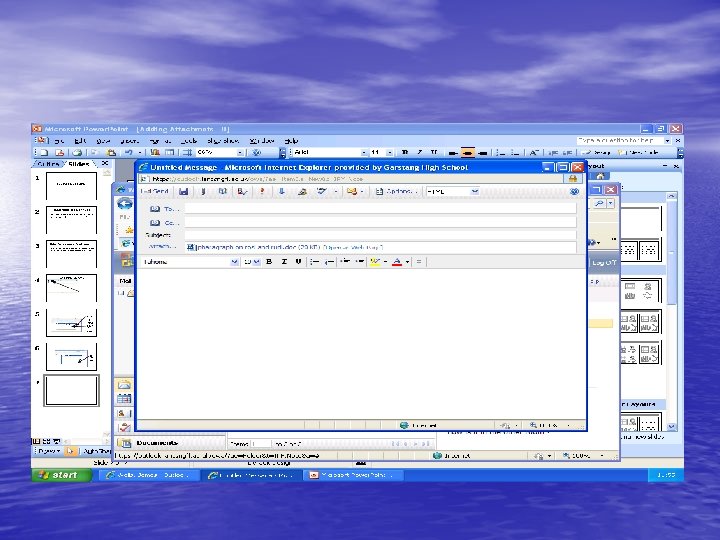
SCREEN SHOTS This is the button you Need to press and it will open your attachment options
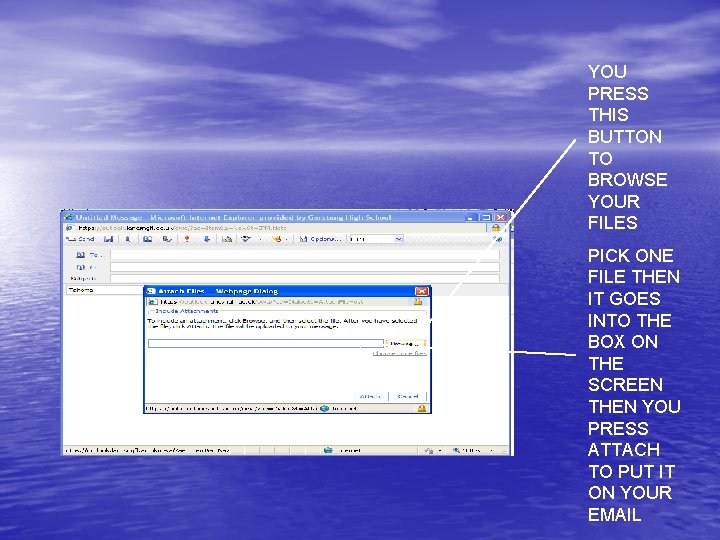
YOU PRESS THIS BUTTON TO BROWSE YOUR FILES PICK ONE FILE THEN IT GOES INTO THE BOX ON THE SCREEN THEN YOU PRESS ATTACH TO PUT IT ON YOUR EMAIL
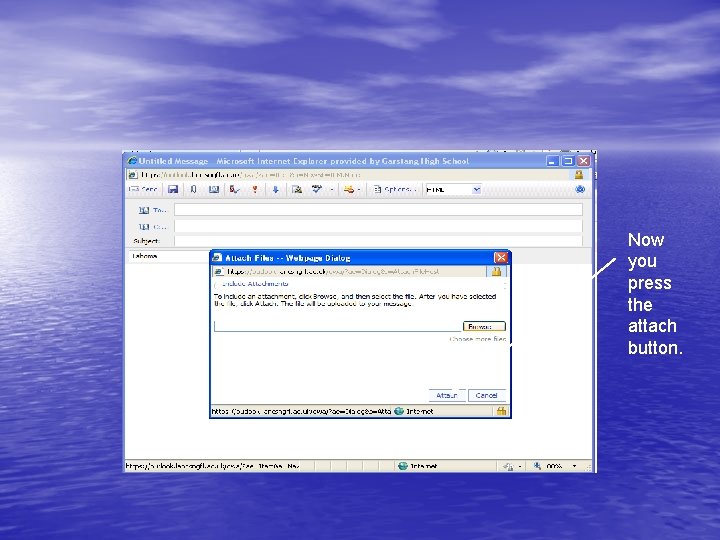
Now you press the attach button.
Signatures • Signatures are a way of showing the reader who the mail is off • Signatures can be used for identifying a person
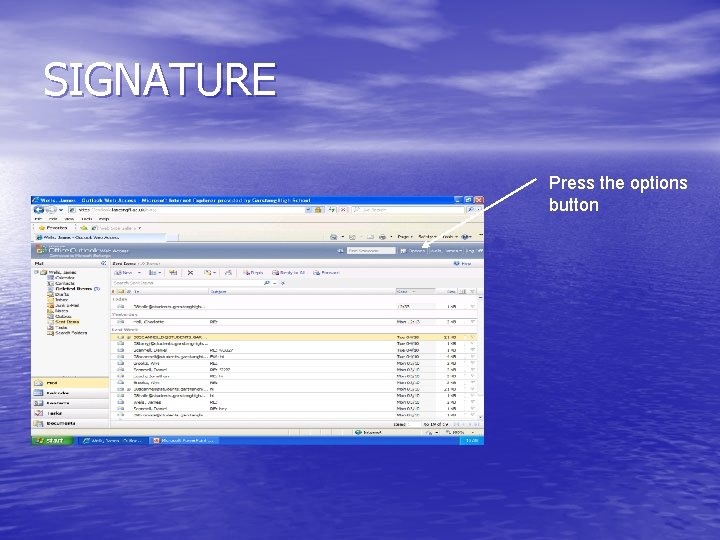
SIGNATURE Press the options button
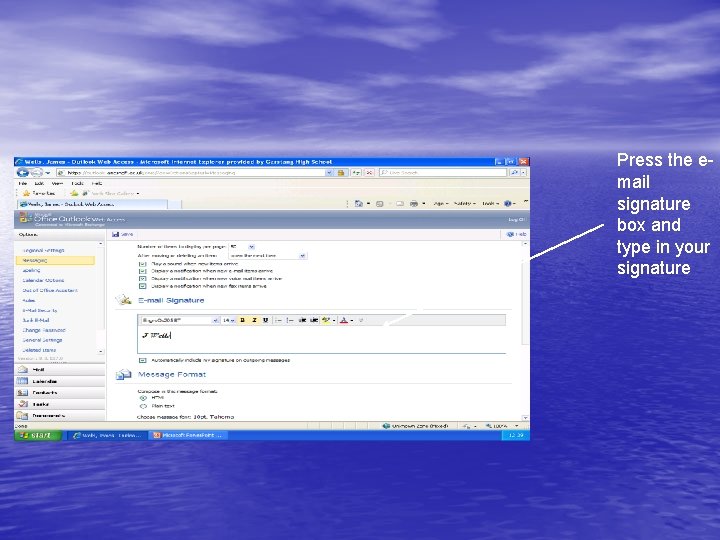
Press the email signature box and type in your signature
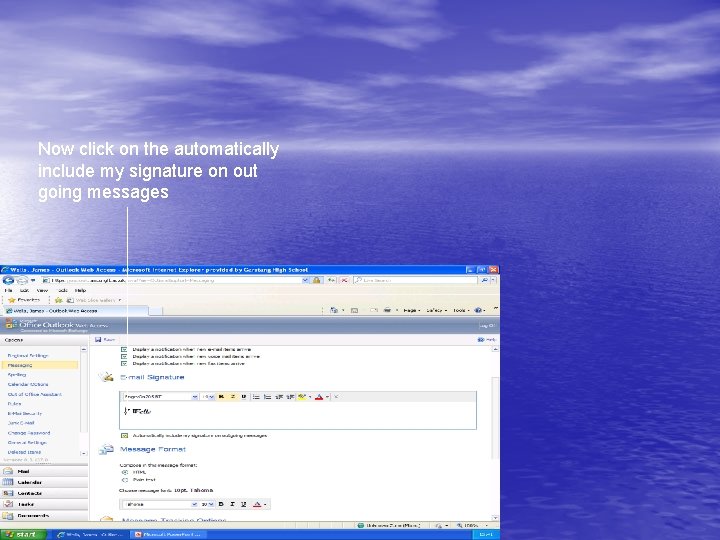
Now click on the automatically include my signature on out going messages
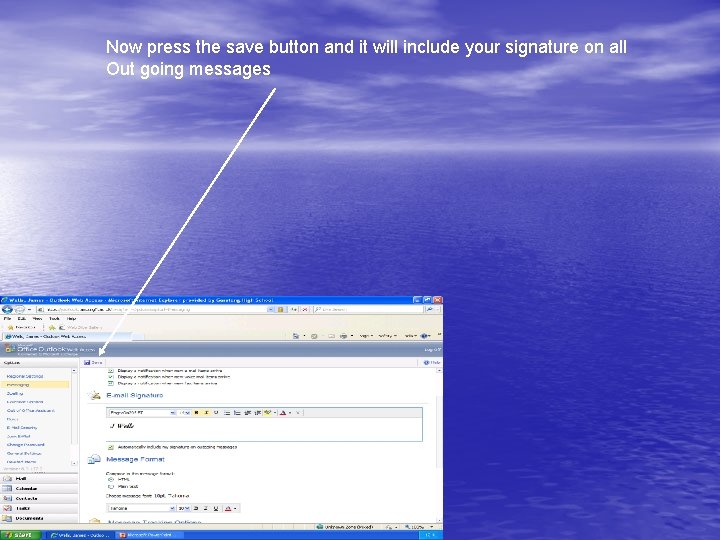
Now press the save button and it will include your signature on all Out going messages
Priorities • Priorities are useful because they tell you if the mail is important or not. • Priorities are a way of telling you if an email is important or not
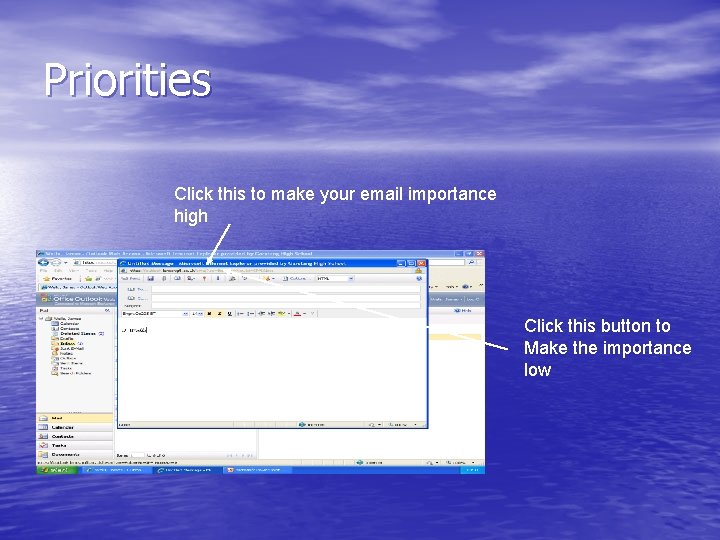
Priorities Click this to make your email importance high Click this button to Make the importance low
Folders • Folders are useful because they help you organize your e-mail account • Folders are a place were you can keep information.
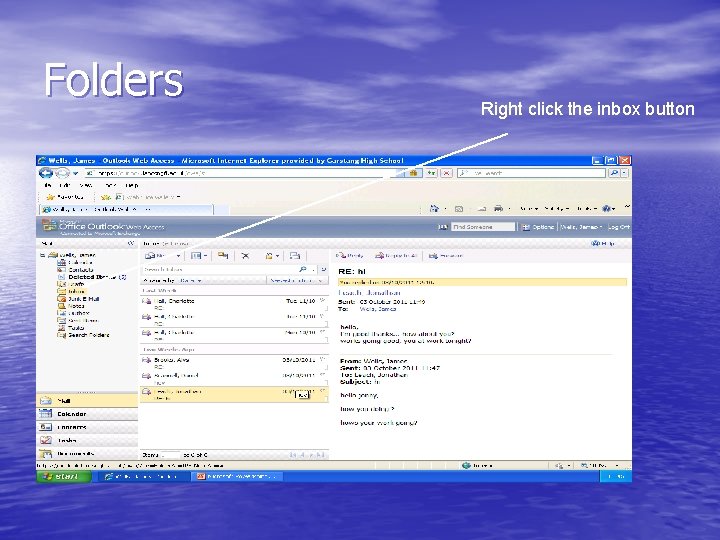
Folders Right click the inbox button
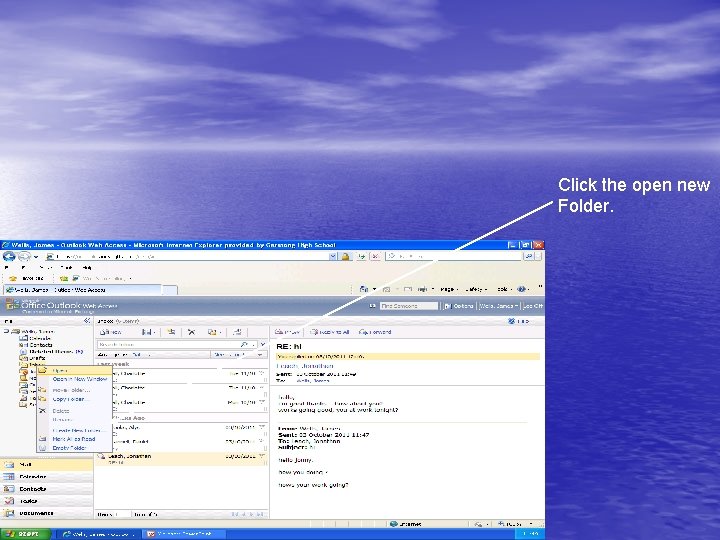
Click the open new Folder.
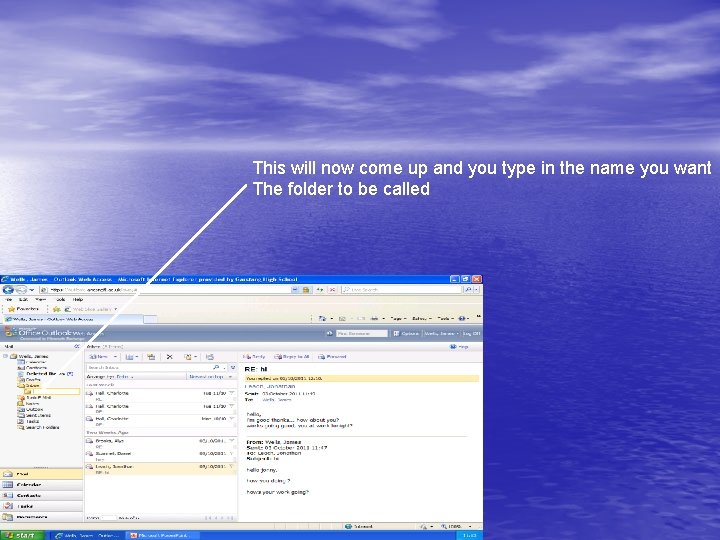
This will now come up and you type in the name you want The folder to be called
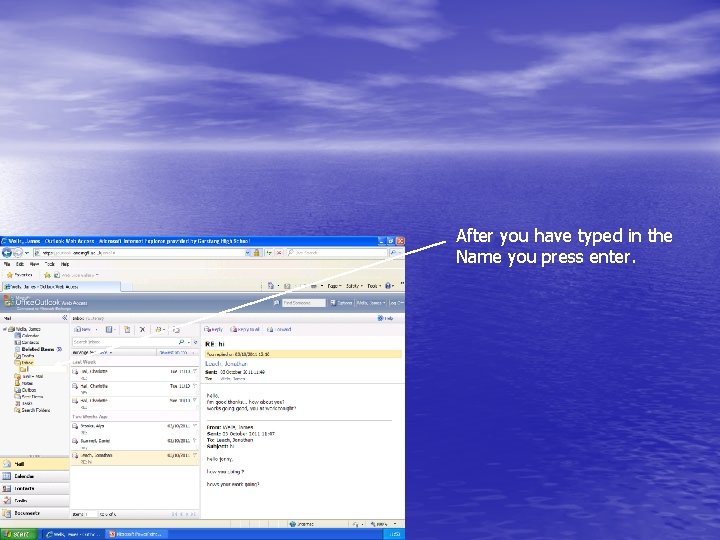
After you have typed in the Name you press enter.
- Slides: 18