
Adding a Scheduling Policy to the Linux Kernel

- Slides: 34
Adding a Scheduling Policy to the Linux Kernel By Juan M. Banda CS 518 Advanced Operating Systems
Presentation Outline n Introduction n Project Description / Challenges n Background Information n Project Steps n Achievements n References
Introduction n What is Linux? n n n Operating system for computers, comparable to Windows or Mac OS X Created starting in 1991 by Finnish programmer Linus Torvalds with the assistance of developers from around the globe Runs on a wide variety of hardware platforms, from huge mainframes to desktop PCs to cell phones Licensed under the Free Software Foundation's GNU Project's GNU General Public License, version 2, which lets users modify and redistribute the software You can think of Linux as having two parts -- a kernel, which is the basic interface between the hardware and other system software, and the functions that run on top of it, such as a graphical user interface (GUI) and application programs
Project Description / Challenges n Idea: Implement a new scheduling policy n Purpose: The new policy should schedule processes in the background. n Problem 1: SCHED_IDLE already does this n Modification: Policy should schedule process in a lower priority than SCHED_IDLE n Problem 2: Kernel 2. 6 scheduler is considerably different than in Kernel 2. 4
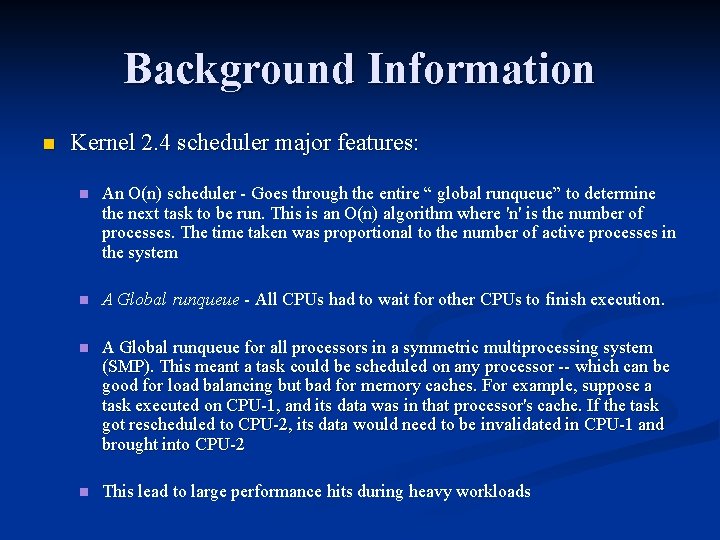
Background Information n Kernel 2. 4 scheduler major features: n An O(n) scheduler - Goes through the entire “ global runqueue” to determine the next task to be run. This is an O(n) algorithm where 'n' is the number of processes. The time taken was proportional to the number of active processes in the system n A Global runqueue - All CPUs had to wait for other CPUs to finish execution. n A Global runqueue for all processors in a symmetric multiprocessing system (SMP). This meant a task could be scheduled on any processor -- which can be good for load balancing but bad for memory caches. For example, suppose a task executed on CPU-1, and its data was in that processor's cache. If the task got rescheduled to CPU-2, its data would need to be invalidated in CPU-1 and brought into CPU-2 n This lead to large performance hits during heavy workloads
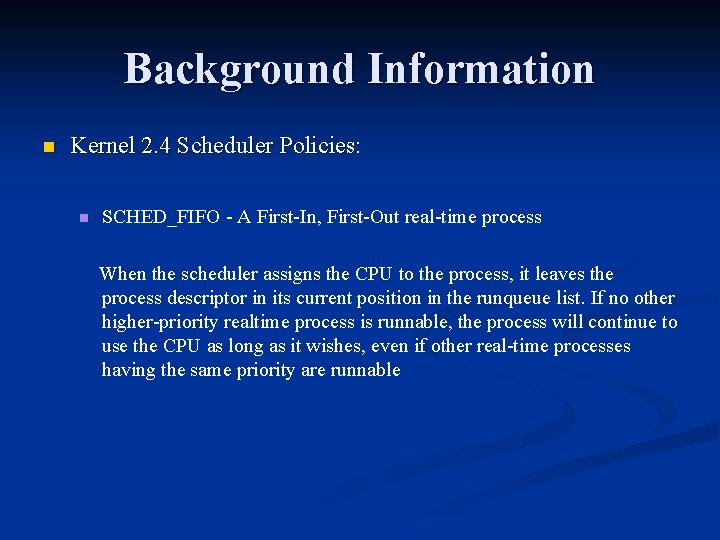
Background Information n Kernel 2. 4 Scheduler Policies: n SCHED_FIFO - A First-In, First-Out real-time process When the scheduler assigns the CPU to the process, it leaves the process descriptor in its current position in the runqueue list. If no other higher-priority realtime process is runnable, the process will continue to use the CPU as long as it wishes, even if other real-time processes having the same priority are runnable
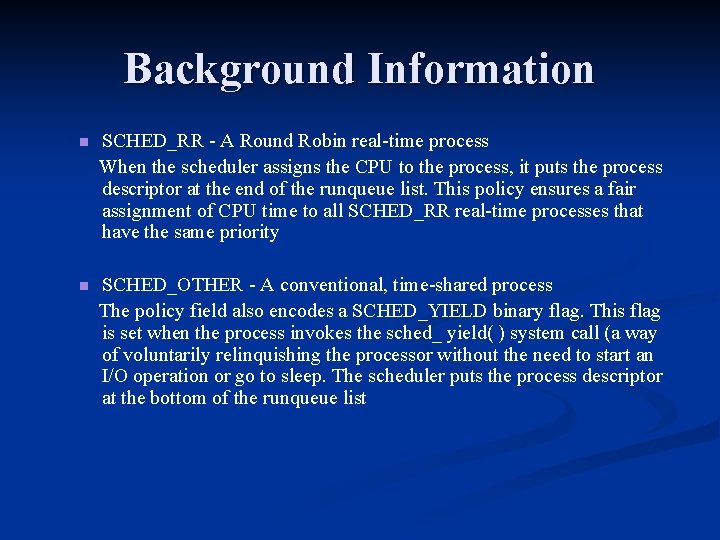
Background Information SCHED_RR - A Round Robin real-time process When the scheduler assigns the CPU to the process, it puts the process descriptor at the end of the runqueue list. This policy ensures a fair assignment of CPU time to all SCHED_RR real-time processes that have the same priority n SCHED_OTHER - A conventional, time-shared process The policy field also encodes a SCHED_YIELD binary flag. This flag is set when the process invokes the sched_ yield( ) system call (a way of voluntarily relinquishing the processor without the need to start an I/O operation or go to sleep. The scheduler puts the process descriptor at the bottom of the runqueue list n
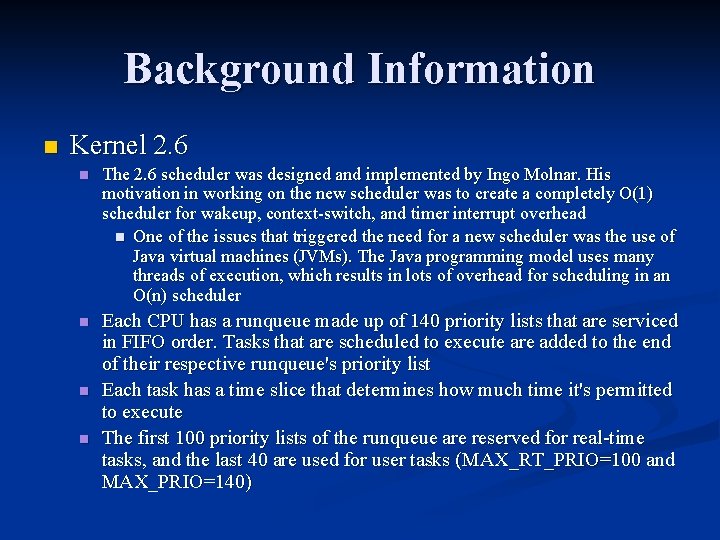
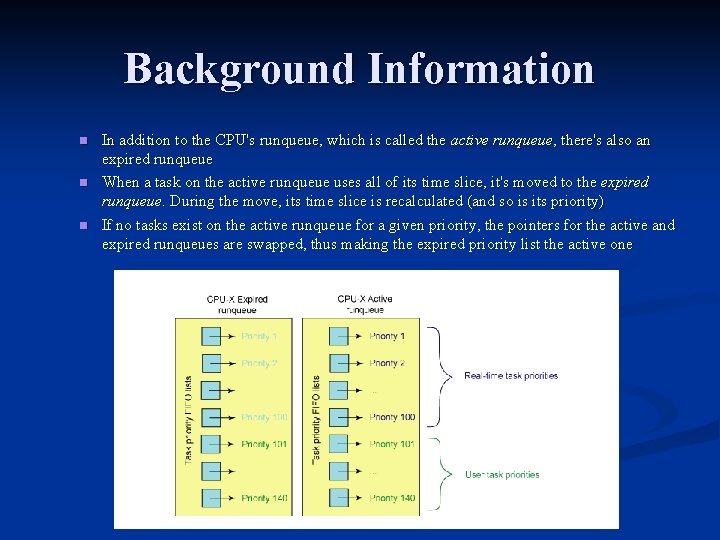
Background Information n Kernel 2. 6 n The 2. 6 scheduler was designed and implemented by Ingo Molnar. His motivation in working on the new scheduler was to create a completely O(1) scheduler for wakeup, context-switch, and timer interrupt overhead n One of the issues that triggered the need for a new scheduler was the use of Java virtual machines (JVMs). The Java programming model uses many threads of execution, which results in lots of overhead for scheduling in an O(n) scheduler n Each CPU has a runqueue made up of 140 priority lists that are serviced in FIFO order. Tasks that are scheduled to execute are added to the end of their respective runqueue's priority list Each task has a time slice that determines how much time it's permitted to execute The first 100 priority lists of the runqueue are reserved for real-time tasks, and the last 40 are used for user tasks (MAX_RT_PRIO=100 and MAX_PRIO=140) n n
Background Information n In addition to the CPU's runqueue, which is called the active runqueue, there's also an expired runqueue When a task on the active runqueue uses all of its time slice, it's moved to the expired runqueue. During the move, its time slice is recalculated (and so is its priority) If no tasks exist on the active runqueue for a given priority, the pointers for the active and expired runqueues are swapped, thus making the expired priority list the active one
Background Information n O(1) Algorithm ( Constant time algorithm ) n n n Choose the task on the highest priority list to execute To make this process more efficient, a bitmap is used to define when tasks are on a given priority list On most architectures, a find-first-bit-set instruction is used to find the highest priority bit set in one of five 32 -bit words (for the 140 priorities) The time it takes to find a task to execute depends not on the number of active tasks but instead on the number of priorities This makes the 2. 6 scheduler an O(1) process because the time to schedule is both fixed and deterministic regardless of the number of active tasks
Background Information n SMP Support: n n n Even though the prior scheduler worked in SMP systems, its big-lock architecture meant that while a CPU was choosing a task to dispatch, the runqueue was locked by the CPU, and others had to wait The 2. 6 scheduler doesn't use a single lock for scheduling; instead, it has a lock on each runqueue. This allows all CPUs to schedule tasks without contention from other CPUs Task preemption: n This means a lower-priority task won't execute while a higher-priority task is ready to run. The scheduler preempts the lower-priority process, places the process back on its priority list, and then reschedules
Background Information Function name Function description schedule The main scheduler function. Schedules the highest priority task for execution. load_balance Checks the CPU to see whether an imbalance exists, and attempts to move tasks if not balanced. effective_prio Returns the effective priority of a task (based on the static priority, but includes any rewards or penalties). recalc_task_prio Determines a task's bonus or penalty based on its idle time. source_load Conservatively calculates the load of the source CPU (from which a task could be migrated). target_load Liberally calculates the load of a target CPU (where a task has the potential to be migrated). migration_thread High-priority system thread that migrates tasks between CPUs.
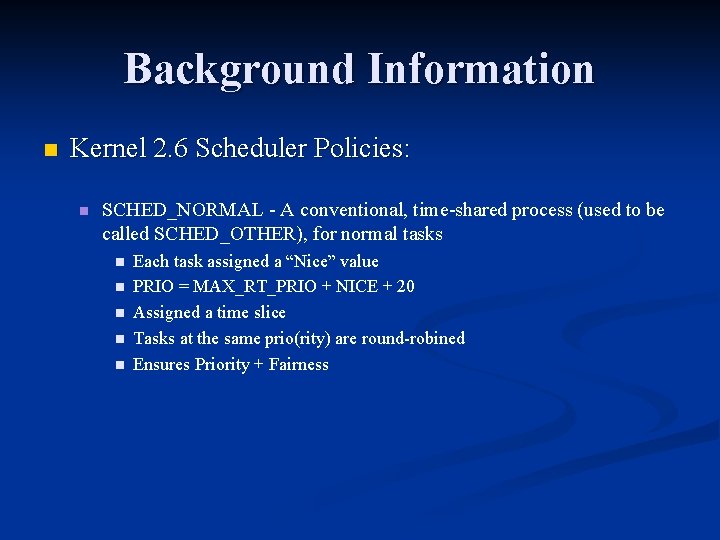
Background Information n Kernel 2. 6 Scheduler Policies: n SCHED_NORMAL - A conventional, time-shared process (used to be called SCHED_OTHER), for normal tasks n n n Each task assigned a “Nice” value PRIO = MAX_RT_PRIO + NICE + 20 Assigned a time slice Tasks at the same prio(rity) are round-robined Ensures Priority + Fairness
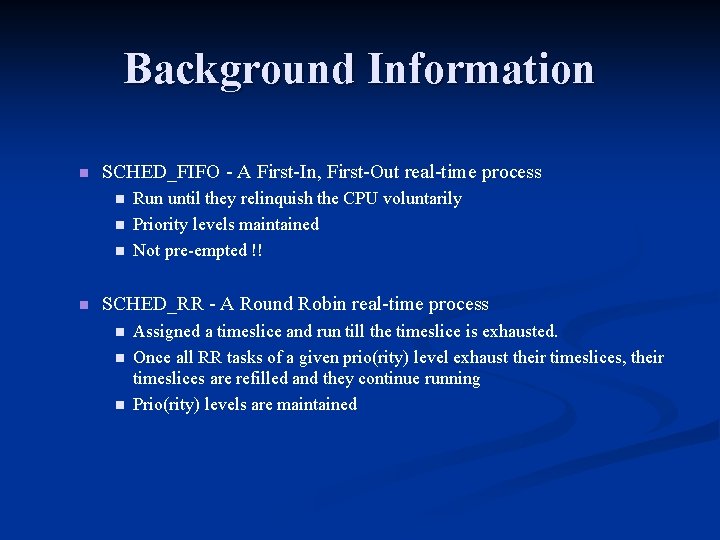
Background Information n SCHED_FIFO - A First-In, First-Out real-time process n n Run until they relinquish the CPU voluntarily Priority levels maintained Not pre-empted !! SCHED_RR - A Round Robin real-time process n n n Assigned a timeslice and run till the timeslice is exhausted. Once all RR tasks of a given prio(rity) level exhaust their timeslices, their timeslices are refilled and they continue running Prio(rity) levels are maintained
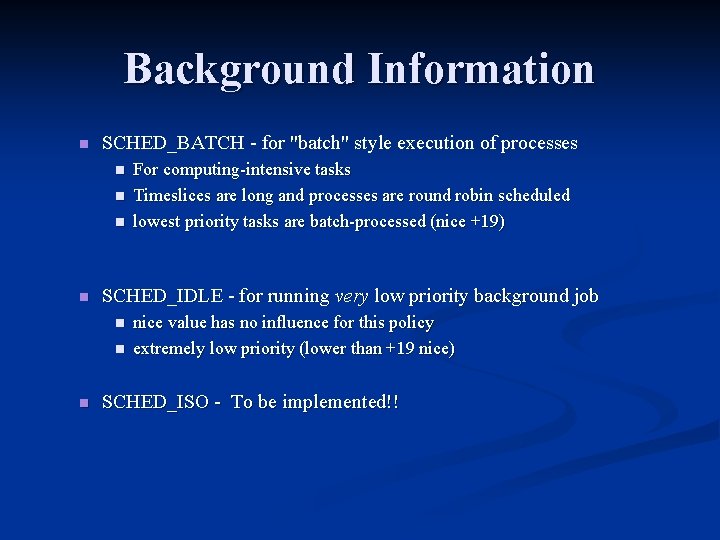
Background Information n SCHED_BATCH - for "batch" style execution of processes n n SCHED_IDLE - for running very low priority background job n n n For computing-intensive tasks Timeslices are long and processes are round robin scheduled lowest priority tasks are batch-processed (nice +19) nice value has no influence for this policy extremely low priority (lower than +19 nice) SCHED_ISO - To be implemented!!
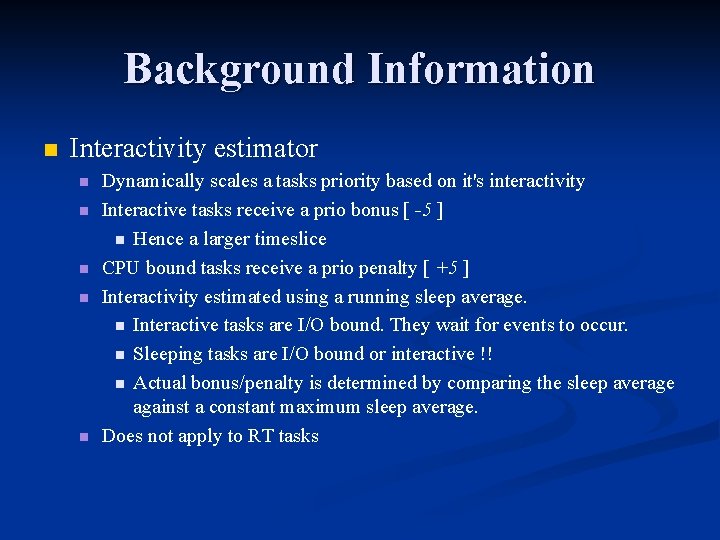
Background Information n Interactivity estimator n n n Dynamically scales a tasks priority based on it's interactivity Interactive tasks receive a prio bonus [ -5 ] n Hence a larger timeslice CPU bound tasks receive a prio penalty [ +5 ] Interactivity estimated using a running sleep average. n Interactive tasks are I/O bound. They wait for events to occur. n Sleeping tasks are I/O bound or interactive !! n Actual bonus/penalty is determined by comparing the sleep average against a constant maximum sleep average. Does not apply to RT tasks
Background Information n When a task finishes it's timeslice : n n n It's interactivity is estimated Interactive tasks can be inserted into the 'Active' array again Else, priority is recalculated Inserted into the NEW priority level in the 'Expired' array Re-inserting interactive tasks n n n To avoid delays, interactive tasks may be re-inserted into the 'active' array after their timeslice has expired Done only if tasks in the 'expired' array have run recently n Done to prevent starvation of tasks Decision to re-insert depends on the task's priority level
Background Information n Timeslice distribution: n n n Priority is recalculated only after expiring a timeslice Interactive tasks may become non-interactive during their LARGE timeslices, thus starving other processes To prevent this, time-slices are divided into chunks of 20 ms A task of equal priority may preempt the running task every 20 ms The preempted task is requeued and is round-robined in it's priority level. Also, priority recalculation happens every 20 ms
Background Information n From /usr/src/linux-2. 6. x/kernel/sched. c n void schedule() n The main scheduling function. n Upon return, the highest priority process will be active n Data n struct runqueue() n The main per-CPU runqueue data structure n struct task_struct() n The main per-process data structure
Background Information n Process Control methods n n void set_user_nice (. . . ) n Sets the nice value of task p to given value int setscheduler(. . . ) n o Sets the scheduling policy and parameters for a given pid rt_task( pid ) n o Returns true if pid is real-time, false if not yield() n Place the current process at the end of the runqueue and call schedule()
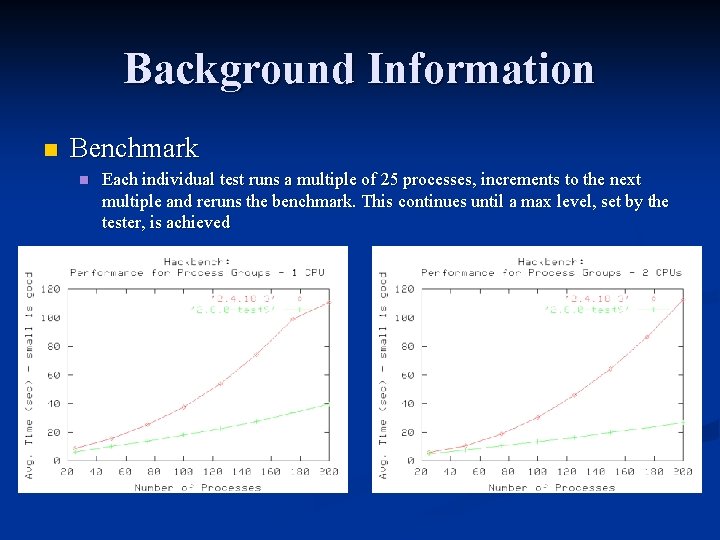
Background Information n Benchmark n Each individual test runs a multiple of 25 processes, increments to the next multiple and reruns the benchmark. This continues until a max level, set by the tester, is achieved
Background Information n Now that we know all of this…. . THEY CHANGED IT AGAIN!!!!!!!!
Background Information n Kernel 2. 6. 23 scheduler n n n Called Completely Fair Scheduler (CFS) Does not use runqueues, it uses a time-ordered rbtree to build a 'timeline' of future task execution, and thus has no 'array switch' artifacts for the SCHED_NORMAL policy (or SCHED_OTHER) Has no notion of 'timeslices' and has no heuristics whatsoever sched_rt. c implements SCHED_FIFO and SCHED_RR semantics, in a simpler way than the vanilla scheduler does. It uses 100 runqueues (for all 100 RT priority levels, instead of 140 in the vanilla scheduler) and it needs no expired array SCHED_BATCH is handled by the CFS scheduler module too
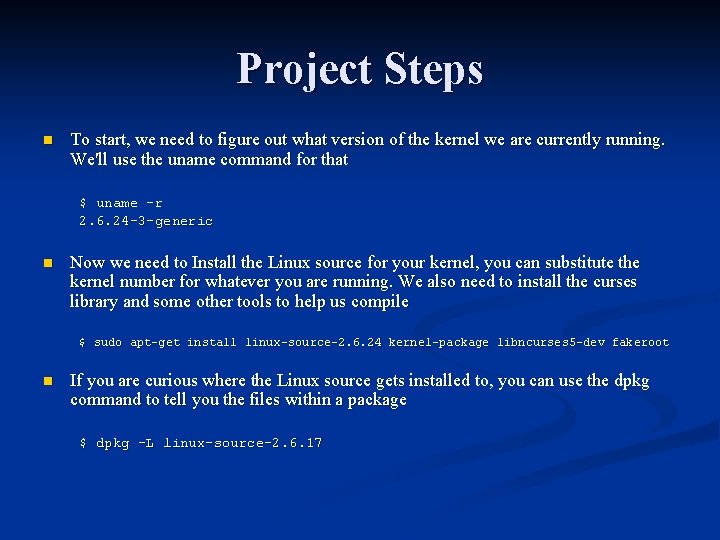
Project Steps n To start, we need to figure out what version of the kernel we are currently running. We'll use the uname command for that $ uname -r 2. 6. 24 -3 -generic n Now we need to Install the Linux source for your kernel, you can substitute the kernel number for whatever you are running. We also need to install the curses library and some other tools to help us compile $ sudo apt-get install linux-source-2. 6. 24 kernel-package libncurses 5 -dev fakeroot n If you are curious where the Linux source gets installed to, you can use the dpkg command to tell you the files within a package $ dpkg -L linux-source-2. 6. 17
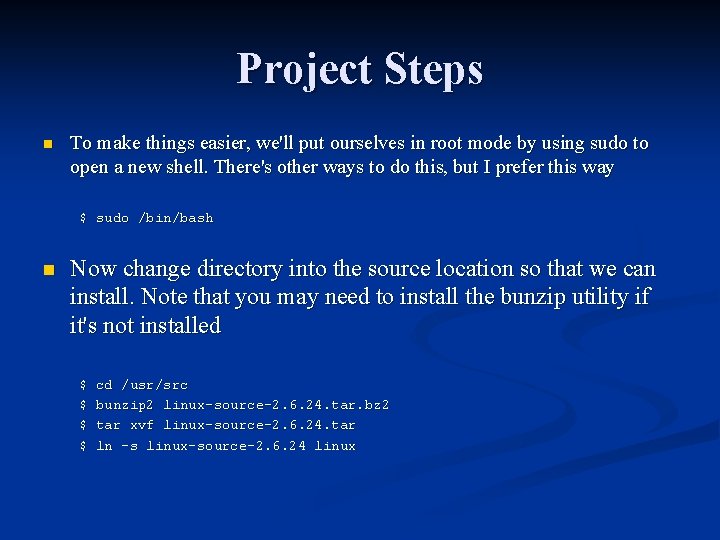
Project Steps n To make things easier, we'll put ourselves in root mode by using sudo to open a new shell. There's other ways to do this, but I prefer this way $ sudo /bin/bash n Now change directory into the source location so that we can install. Note that you may need to install the bunzip utility if it's not installed $ $ cd /usr/src bunzip 2 linux-source-2. 6. 24. tar. bz 2 tar xvf linux-source-2. 6. 24. tar ln -s linux-source-2. 6. 24 linux
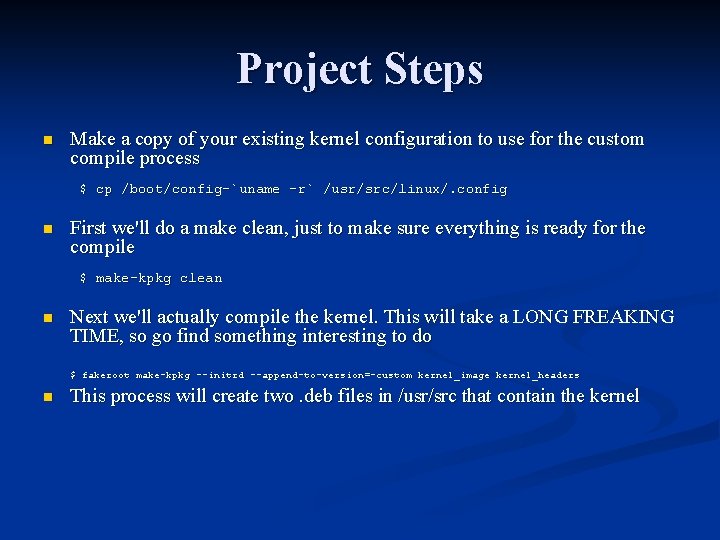
Project Steps n Make a copy of your existing kernel configuration to use for the custom compile process $ cp /boot/config-`uname -r` /usr/src/linux/. config n First we'll do a make clean, just to make sure everything is ready for the compile $ make-kpkg clean n Next we'll actually compile the kernel. This will take a LONG FREAKING TIME, so go find something interesting to do This process will create two. deb files in /usr/src that contain the kernel $ fakeroot make-kpkg --initrd --append-to-version=-custom kernel_image kernel_headers n
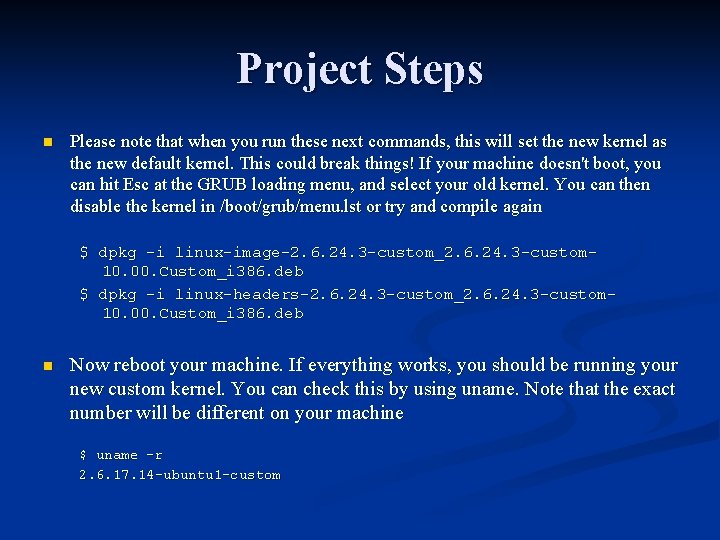
Project Steps n Please note that when you run these next commands, this will set the new kernel as the new default kernel. This could break things! If your machine doesn't boot, you can hit Esc at the GRUB loading menu, and select your old kernel. You can then disable the kernel in /boot/grub/menu. lst or try and compile again $ dpkg -i linux-image-2. 6. 24. 3 -custom_2. 6. 24. 3 -custom 10. 00. Custom_i 386. deb $ dpkg -i linux-headers-2. 6. 24. 3 -custom_2. 6. 24. 3 -custom 10. 00. Custom_i 386. deb n Now reboot your machine. If everything works, you should be running your new custom kernel. You can check this by using uname. Note that the exact number will be different on your machine $ uname -r 2. 6. 17. 14 -ubuntu 1 -custom
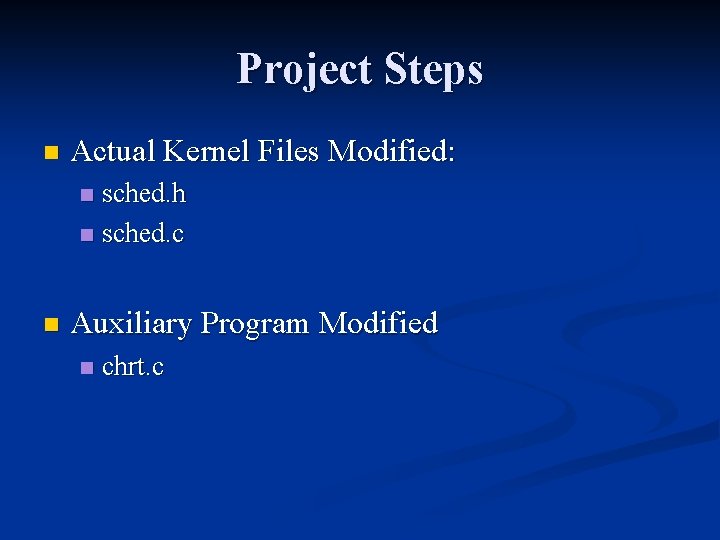
Project Steps n Actual Kernel Files Modified: sched. h n sched. c n n Auxiliary Program Modified n chrt. c
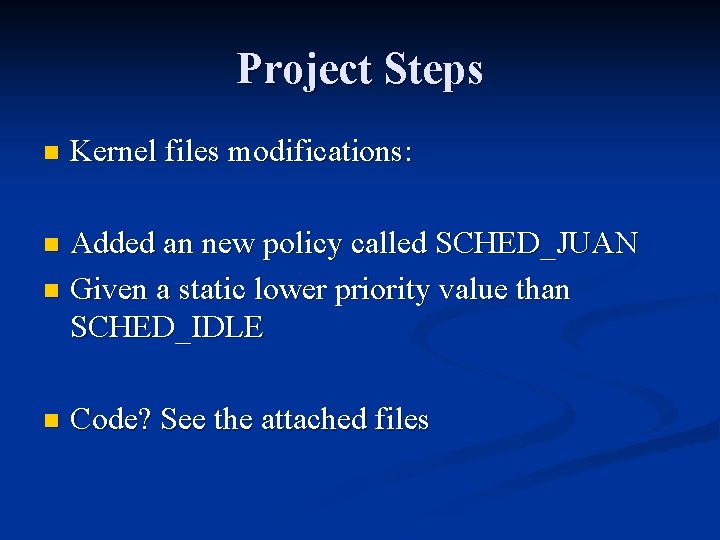
Project Steps n Kernel files modifications: Added an new policy called SCHED_JUAN n Given a static lower priority value than SCHED_IDLE n n Code? See the attached files
Project Steps n Auxiliary Program: n n n chrt command is part of util-linux package - low-level system utilities that are necessary for a Linux system to function. It is installed by default under Ubuntu and almost all other Linux distributions You can get / set attributes of running processes Compile: gcc chrt. J. c -o chrt. JU n Changed chrt source to support SCHED_JUAN n Code ? See attached file (chrt. J. c)
Achievements n Project Demo
Project Steps n Is the policy useful ? n Improvements ?
Questions ?
References n Kernel Design n n Kernel Compiling Guide n n https: //kerneltrap. org/mailarchive/linux-kernel/2008/3/3/1051054 Chrt n n http: //www. howtogeek. com/howto/ubuntu/how-to-customize-your-ubuntu-kernel/ SCHED_IDLE Reference: n n http: //aplawrence. com/Linux/linux 26_features. html http: //www. linux. com/whatislinux/119700 http: //www. ibm. com/developerworks/linux/library/l-scheduler/ http: //lxr. linux. no/linux+v 2. 6. 24/Documentation/sched-design. txt http: //www. cyberciti. biz/faq/howto-set-real-time-scheduling-priority-process/ Benchmark n http: //devresources. linux-foundation. org/craiger/hackbench/