
Add your Poster Number Title of Abstract as
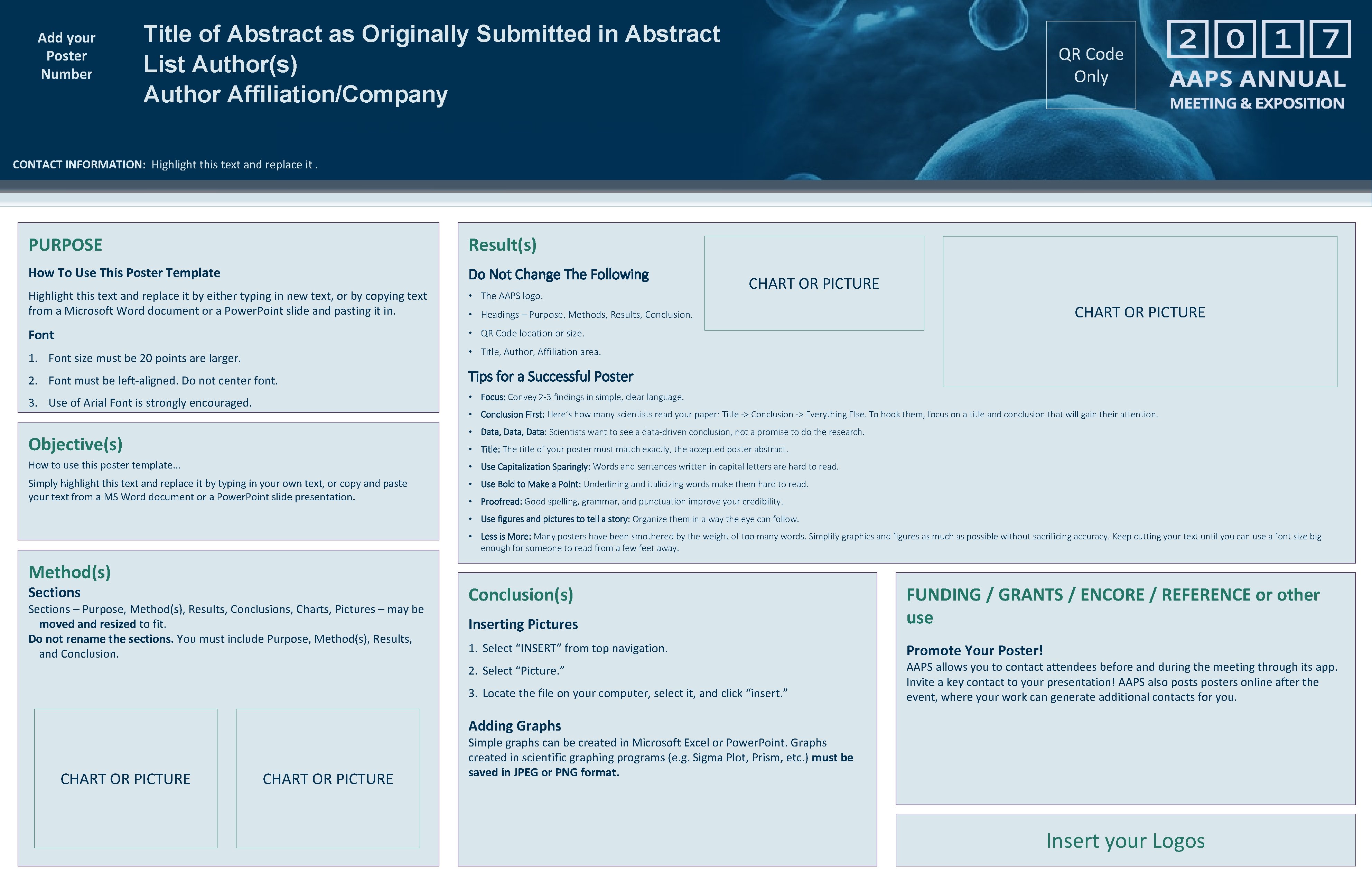
Add your Poster Number Title of Abstract as Originally Submitted in Abstract List Author(s) Author Affiliation/Company QR Code Only CONTACT INFORMATION: Highlight this text and replace it. PURPOSE Result(s) How To Use This Poster Template Do Not Change The Following Highlight this text and replace it by either typing in new text, or by copying text from a Microsoft Word document or a Power. Point slide and pasting it in. • The AAPS logo. Font • QR Code location or size. 1. Font size must be 20 points are larger. • Title, Author, Affiliation area. 2. Font must be left-aligned. Do not center font. CHART OR PICTURE • Headings – Purpose, Methods, Results, Conclusion. Tips for a Successful Poster • Focus: Convey 2 -3 findings in simple, clear language. 3. Use of Arial Font is strongly encouraged. • Conclusion First: Here’s how many scientists read your paper: Title -> Conclusion -> Everything Else. To hook them, focus on a title and conclusion that will gain their attention. • Data, Data: Scientists want to see a data-driven conclusion, not a promise to do the research. Objective(s) • Title: The title of your poster must match exactly, the accepted poster abstract. How to use this poster template… • Use Capitalization Sparingly: Words and sentences written in capital letters are hard to read. Simply highlight this text and replace it by typing in your own text, or copy and paste your text from a MS Word document or a Power. Point slide presentation. • Use Bold to Make a Point: Underlining and italicizing words make them hard to read. • Proofread: Good spelling, grammar, and punctuation improve your credibility. • Use figures and pictures to tell a story: Organize them in a way the eye can follow. • Less is More: Many posters have been smothered by the weight of too many words. Simplify graphics and figures as much as possible without sacrificing accuracy. Keep cutting your text until you can use a font size big enough for someone to read from a few feet away. Method(s) Sections – Purpose, Method(s), Results, Conclusions, Charts, Pictures – may be moved and resized to fit. Do not rename the sections. You must include Purpose, Method(s), Results, and Conclusion(s) Inserting Pictures FUNDING / GRANTS / ENCORE / REFERENCE or other use 1. Select “INSERT” from top navigation. Promote Your Poster! 2. Select “Picture. ” 3. Locate the file on your computer, select it, and click “insert. ” AAPS allows you to contact attendees before and during the meeting through its app. Invite a key contact to your presentation! AAPS also posts posters online after the event, where your work can generate additional contacts for you. Adding Graphs CHART OR PICTURE Simple graphs can be created in Microsoft Excel or Power. Point. Graphs created in scientific graphing programs (e. g. Sigma Plot, Prism, etc. ) must be saved in JPEG or PNG format. Insert your Logos
- Slides: 1