
ADD Presentation Team Maya Zalcberg Diana Attar Levona
ADD Presentation Team: Maya Zalcberg Diana Attar Levona Hershtik Academic advisor: Prof. Ehud Gudes
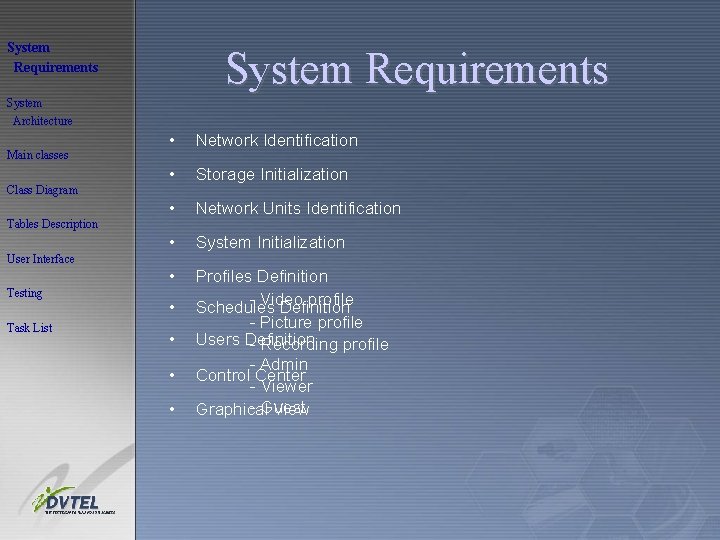
System Requirements System Architecture Main classes Class Diagram Tables Description • Network Identification • Storage Initialization • Network Units Identification • System Initialization • Profiles Definition - Video profile Schedules Definition - Picture profile Users Definition - Recording profile - Admin Control Center - Viewer - Guest Graphical View User Interface Testing Task List • •
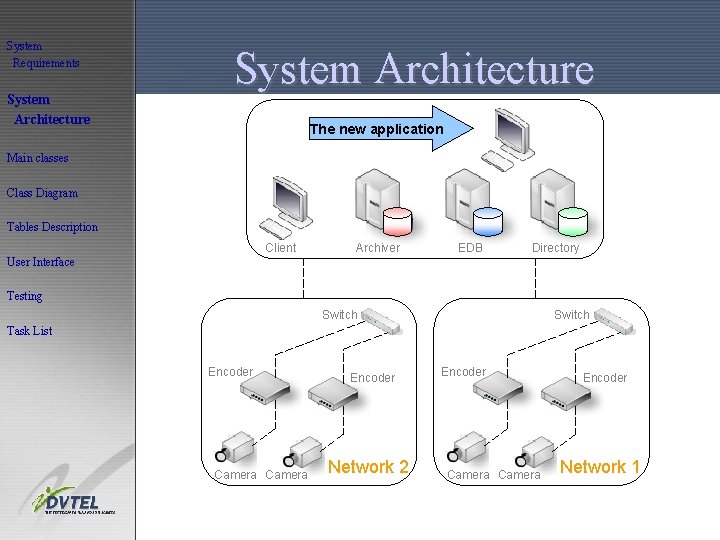
System Requirements System Architecture The new application • ךלחיךחלי Main classes Class Diagram Tables Description Client Archiver EDB Directory User Interface Testing Switch Task List Encoder Camera Encoder Network 2 Encoder Camera Encoder Network 1
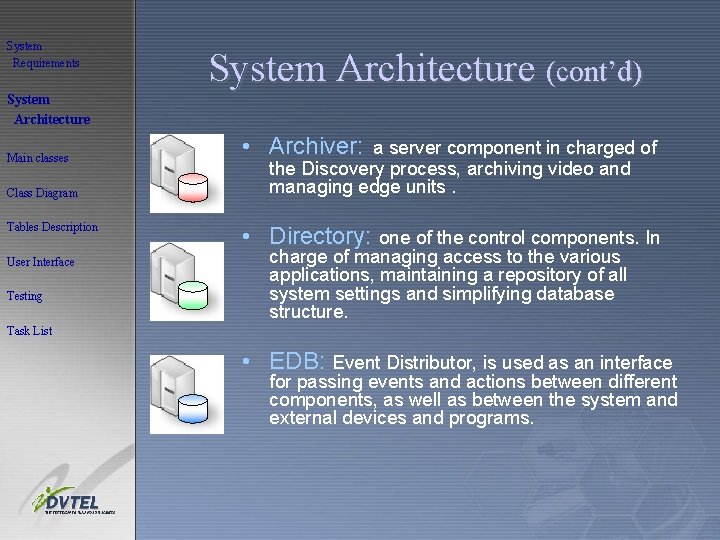
System Requirements System Architecture (cont’d) System Architecture Main classes Class Diagram Tables Description User Interface Testing • Archiver: a server component in charged of the Discovery process, archiving video and managing edge units. • Directory: one of the control components. In charge of managing access to the various applications, maintaining a repository of all system settings and simplifying database structure. Task List • EDB: Event Distributor, is used as an interface for passing events and actions between different components, as well as between the system and external devices and programs.
System Requirements System Architecture (cont’d) System Architecture Main classes Class Diagram The new application interfaces to database of type SQL Server 2003, which holds the entire systems’ data Tables Description User Interface Testing On the client side • The clients’ only requirement is to have CPU power of Pentium 4 • There is no need for installing external software Task List
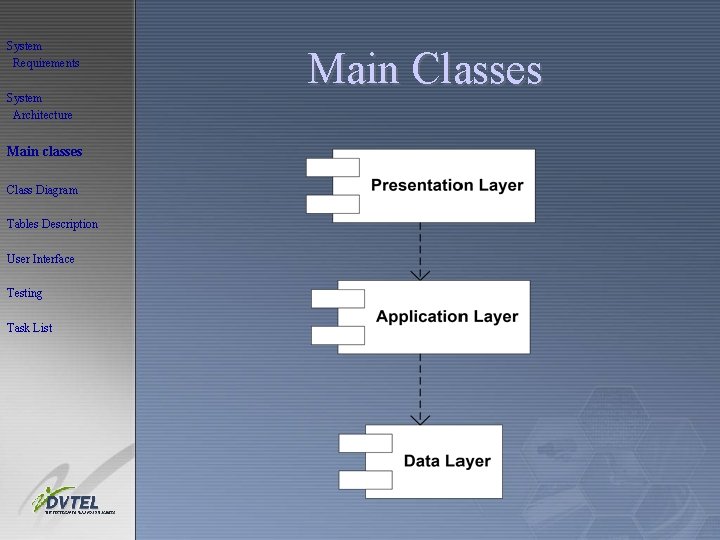
System Requirements System Architecture Main classes Class Diagram Tables Description User Interface Testing Task List Main Classes
System Requirements Main Classes (cont’d) System Architecture Main classes GUI Class Diagram • This module represents a graphical user interface, through which the user communicates with the system. User Interface • This module contains all the different screens. Testing • This module “listens” to the user requests. Once a user request is made, it is transferred to the GUI Façade for handling it. Tables Description Task List
System Requirements System Architecture Main classes Main Classes (cont’d) Physical Package • This module is in charge of the communication with the operating system. For example: defining storage, discovering networks and executing the ARP protocol. • Additional responsibility: discovering the edge devices. Class Diagram Tables Description User Interface Testing Logical Package Task List • This module is in charge of the logical aspect of the system. • For example: creating new profiles, creating new schedules, attaching schedules to units, etc’.
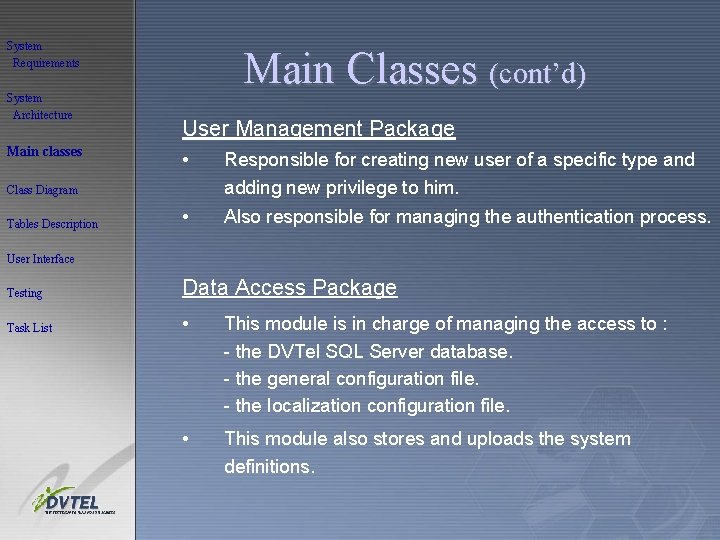
System Requirements System Architecture Main classes Main Classes (cont’d) User Management Package • Responsible for creating new user of a specific type and adding new privilege to him. • Also responsible for managing the authentication process. Class Diagram Tables Description User Interface Testing Data Access Package Task List • This module is in charge of managing the access to : - the DVTel SQL Server database. - the general configuration file. - the localization configuration file. • This module also stores and uploads the system definitions.
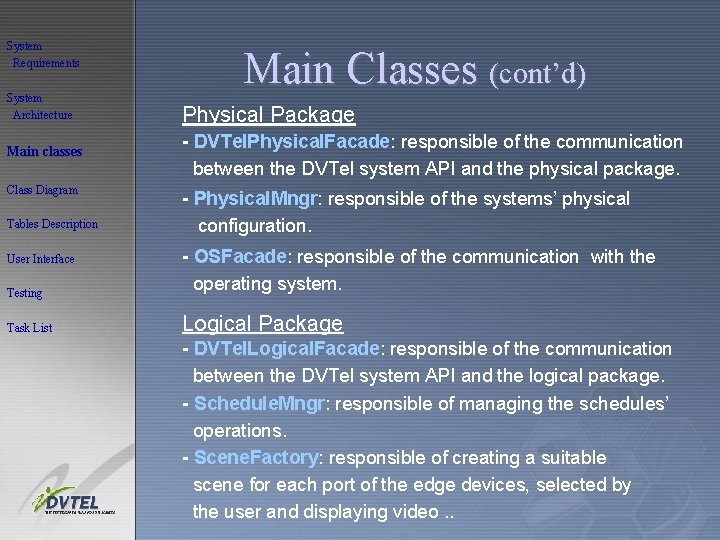
System Requirements System Architecture Main classes Class Diagram Tables Description Main Classes (cont’d) Physical Package - DVTel. Physical. Facade: responsible of the communication between the DVTel system API and the physical package. - Physical. Mngr: responsible of the systems’ physical configuration. Testing - OSFacade: responsible of the communication with the operating system. Task List Logical Package User Interface - DVTel. Logical. Facade: responsible of the communication between the DVTel system API and the logical package. - Schedule. Mngr: responsible of managing the schedules’ operations. - Scene. Factory: responsible of creating a suitable scene for each port of the edge devices, selected by the user and displaying video. .
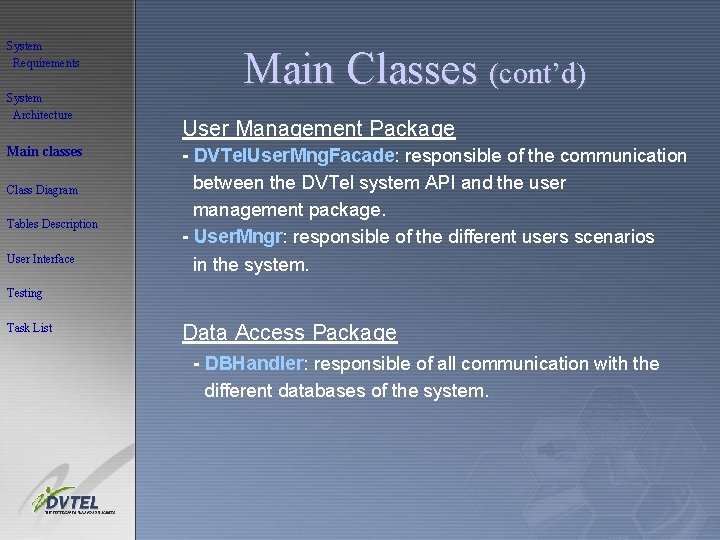
System Requirements System Architecture Main classes Class Diagram Tables Description User Interface Main Classes (cont’d) User Management Package - DVTel. User. Mng. Facade: responsible of the communication between the DVTel system API and the user management package. - User. Mngr: responsible of the different users scenarios in the system. Testing Task List Data Access Package - DBHandler: responsible of all communication with the different databases of the system.
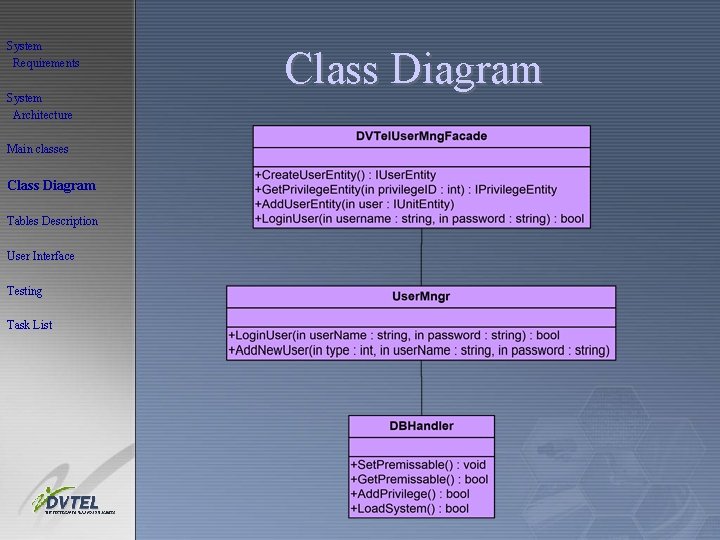
System Requirements System Architecture Main classes Class Diagram Tables Description User Interface Testing Task List Class Diagram
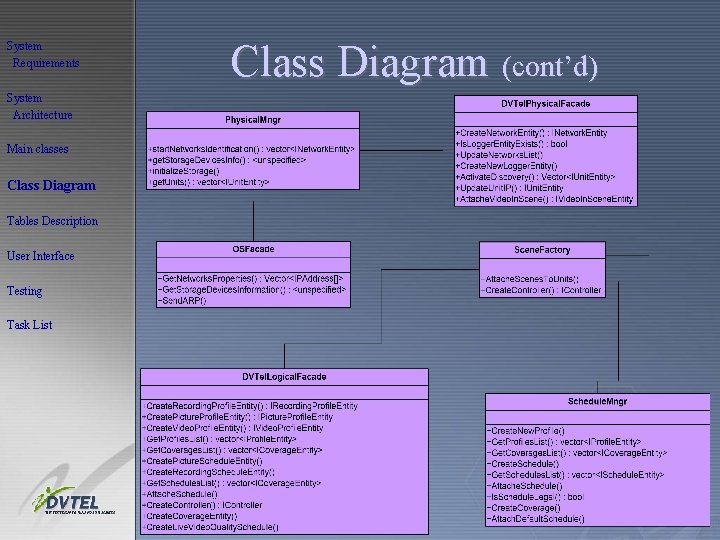
System Requirements System Architecture Main classes Class Diagram Tables Description User Interface Testing Task List Class Diagram (cont’d)
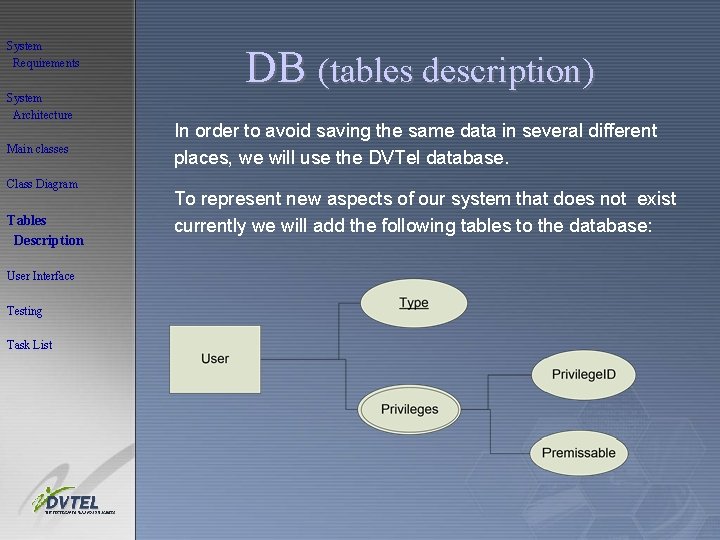
System Requirements System Architecture Main classes Class Diagram Tables Description User Interface Testing Task List DB (tables description) In order to avoid saving the same data in several different places, we will use the DVTel database. To represent new aspects of our system that does not exist currently we will add the following tables to the database:
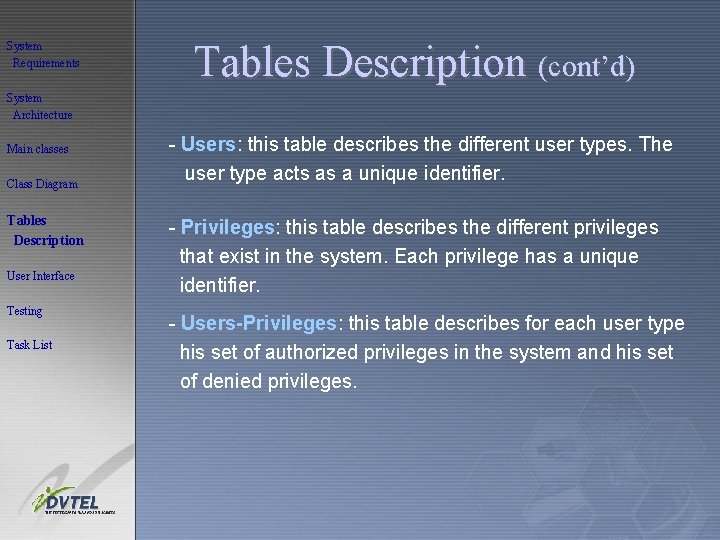
System Requirements Tables Description (cont’d) System Architecture Main classes Class Diagram Tables Description User Interface Testing Task List - Users: this table describes the different user types. The user type acts as a unique identifier. - Privileges: this table describes the different privileges that exist in the system. Each privilege has a unique identifier. - Users-Privileges: this table describes for each user type his set of authorized privileges in the system and his set of denied privileges.
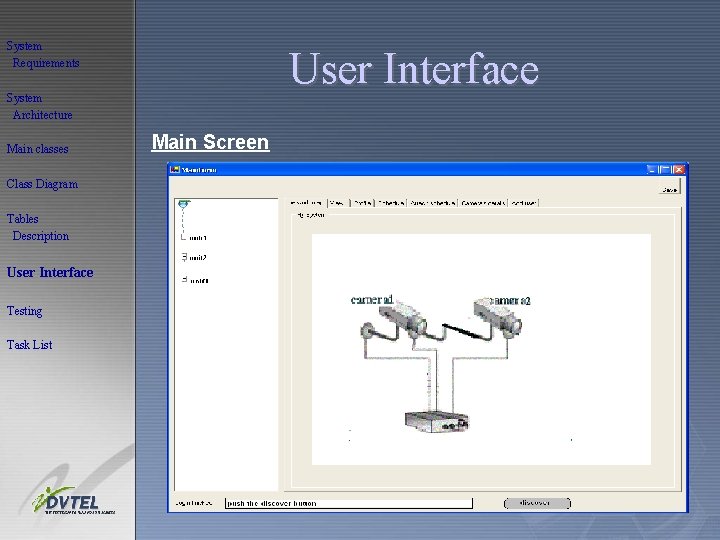
System Requirements User Interface System Architecture Main classes Class Diagram Tables Description User Interface Testing Task List Main Screen
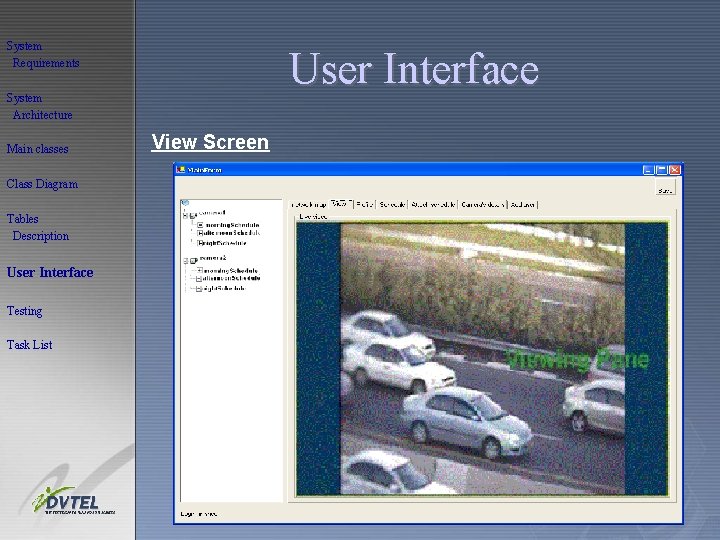
System Requirements User Interface System Architecture Main classes Class Diagram Tables Description User Interface Testing Task List View Screen
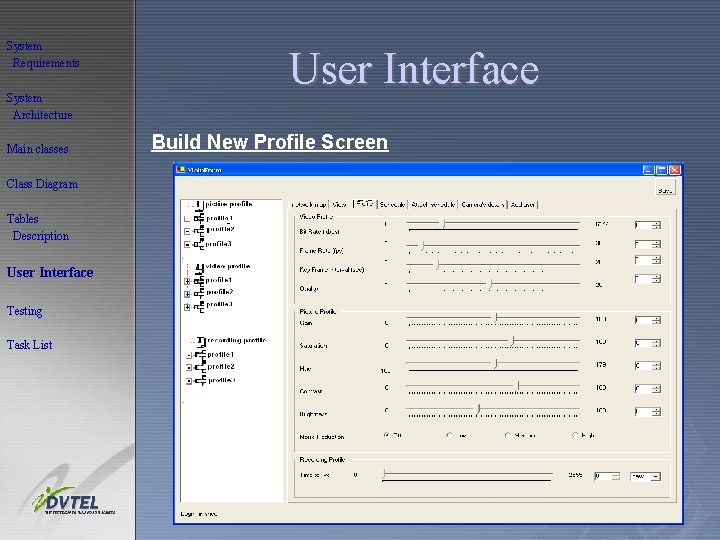
System Requirements System Architecture Main classes Class Diagram Tables Description User Interface Testing Task List User Interface Build New Profile Screen
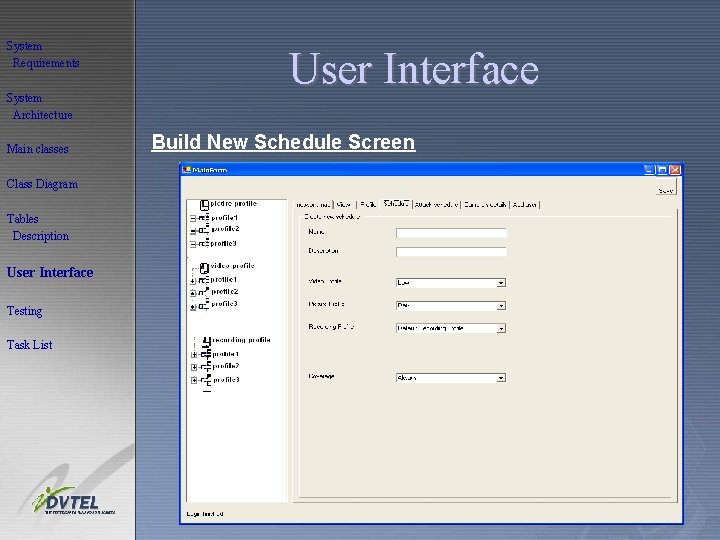
System Requirements System Architecture Main classes Class Diagram Tables Description User Interface Testing Task List User Interface Build New Schedule Screen
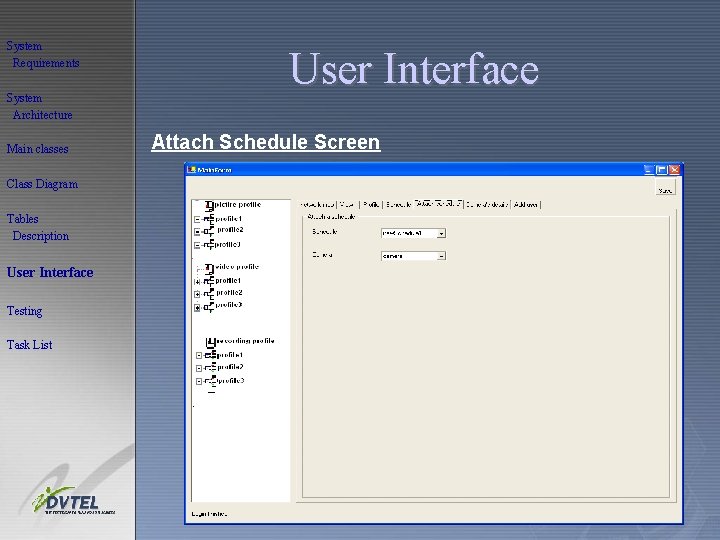
System Requirements System Architecture Main classes Class Diagram Tables Description User Interface Testing Task List User Interface Attach Schedule Screen
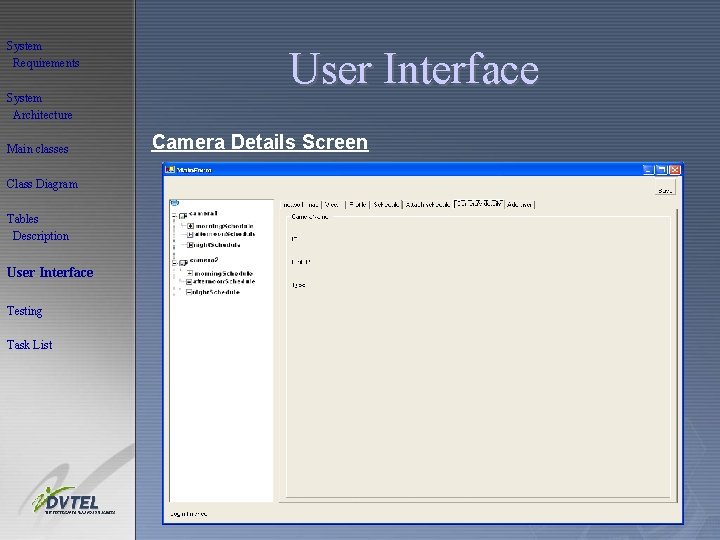
System Requirements System Architecture Main classes Class Diagram Tables Description User Interface Testing Task List User Interface Camera Details Screen
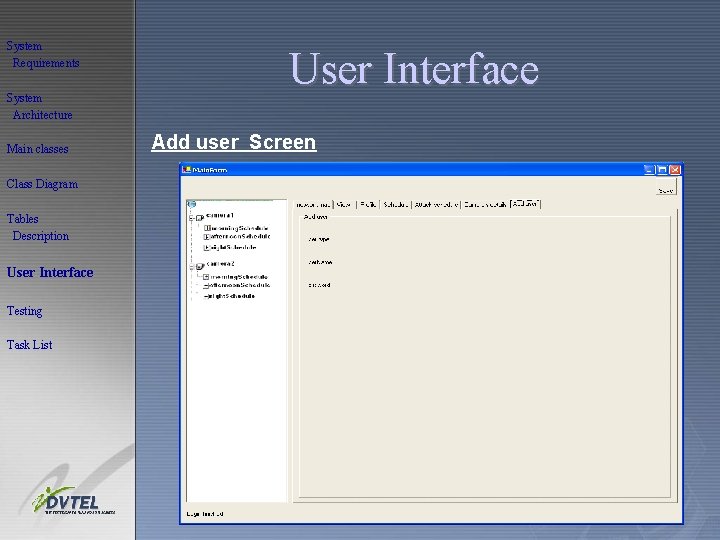
System Requirements System Architecture Main classes Class Diagram Tables Description User Interface Testing Task List User Interface Add user Screen
System Requirements System Architecture Main classes Class Diagram Tables Description Testing Capacity • We will check that the system does not allow to attach more than 32 edge units (as defined in the specification). • We will check that the system still work properly with the maximal number of units attached to it. User Interface Testing Availability Task List • We will check that the system does not crush after an extended and consecutive run.
System Requirements System Architecture Main classes Testing (cont’d) Safety & Security • We will try to login the system using an incorrect username/password. Tables Description • We will try to login the system as a Viewer and perform operation that we are not authorized to. User Interface • We will try to login the system as a Guest and perform operation that we are not authorized to. Class Diagram Testing Task List Data Integrity • We will change the system definitions and check that these changes indeed took place. • We will check the integrity and correctness of data stored in the database.
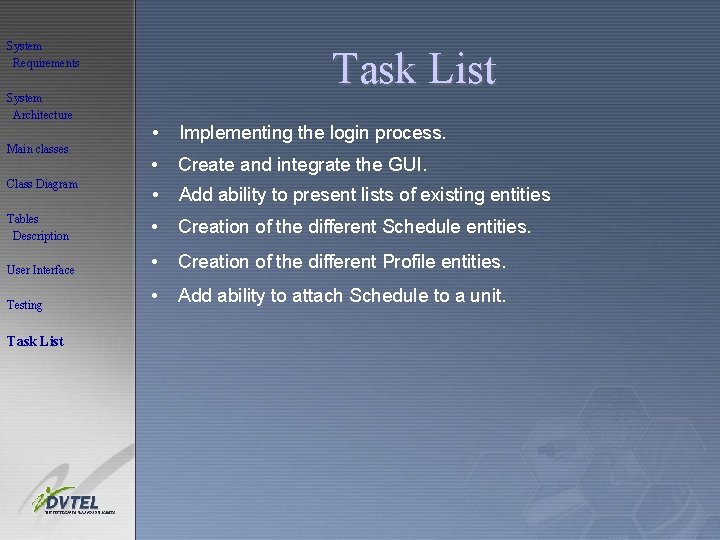
System Requirements System Architecture Task List • Implementing the login process. • Create and integrate the GUI. • Add ability to present lists of existing entities Tables Description • Creation of the different Schedule entities. User Interface • Creation of the different Profile entities. Testing • Add ability to attach Schedule to a unit. Main classes Class Diagram Task List
- Slides: 26