
Activities Fragments and Intents Activities Activity window that


- Slides: 12
Activities, Fragments, and Intents
Activities • Activity – window that contains the user interface of your application • May have zero or more activities • Many purpose of activity is to interact with user • Activity Life Cycle
Fragments • Android 4. 0 introduced Fragments • Fragment is miniature activity that can be grouped to form an activity
Intent • Intent – glue that enables different activities from different applications to work together seamlessly • Used to call built-in applications such as: • • the Browser Phone Maps Etc.
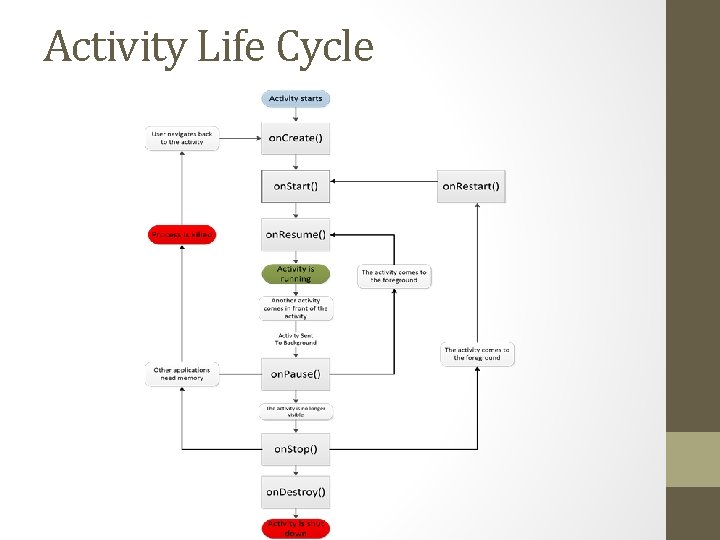
Activity • Activity base class defines a series of events that govern the life cycle of an activity • on. Create() – called when the activity is first created • on. Start() – called when activity becomes visible to user • on. Resume() – called when activity starts interacting with user • on. Pause() – called when current activity is being paused and previous activity is being resumed • on. Stop() – called when activity is no longer visible to user • on. Destroy() – called before activity is destroyed by system • on. Restart() – called when activity has been stopped and is restarting again
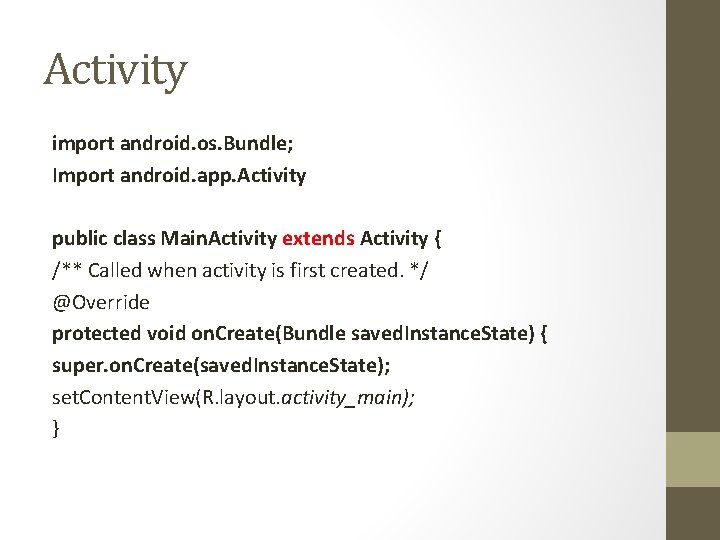
Activity import android. os. Bundle; Import android. app. Activity public class Main. Activity extends Activity { /** Called when activity is first created. */ @Override protected void on. Create(Bundle saved. Instance. State) { super. on. Create(saved. Instance. State); set. Content. View(R. layout. activity_main); }
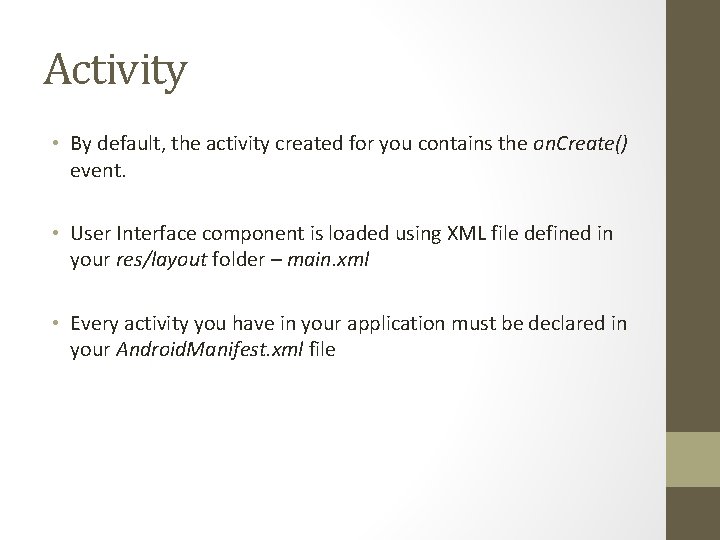
Activity • By default, the activity created for you contains the on. Create() event. • User Interface component is loaded using XML file defined in your res/layout folder – main. xml • Every activity you have in your application must be declared in your Android. Manifest. xml file
Activity Life Cycle
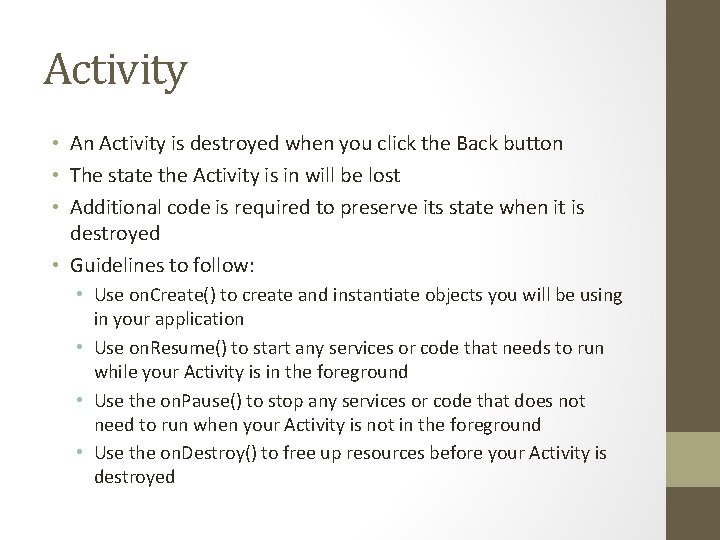
Activity • An Activity is destroyed when you click the Back button • The state the Activity is in will be lost • Additional code is required to preserve its state when it is destroyed • Guidelines to follow: • Use on. Create() to create and instantiate objects you will be using in your application • Use on. Resume() to start any services or code that needs to run while your Activity is in the foreground • Use the on. Pause() to stop any services or code that does not need to run when your Activity is not in the foreground • Use the on. Destroy() to free up resources before your Activity is destroyed
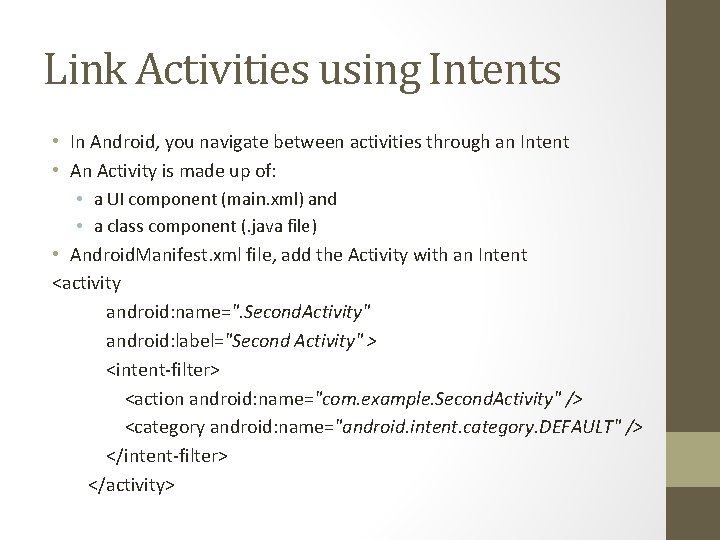
Link Activities using Intents • In Android, you navigate between activities through an Intent • An Activity is made up of: • a UI component (main. xml) and • a class component (. java file) • Android. Manifest. xml file, add the Activity with an Intent <activity android: name=". Second. Activity" android: label="Second Activity" > <intent-filter> <action android: name="com. example. Second. Activity" /> <category android: name="android. intent. category. DEFAULT" /> </intent-filter> </activity>
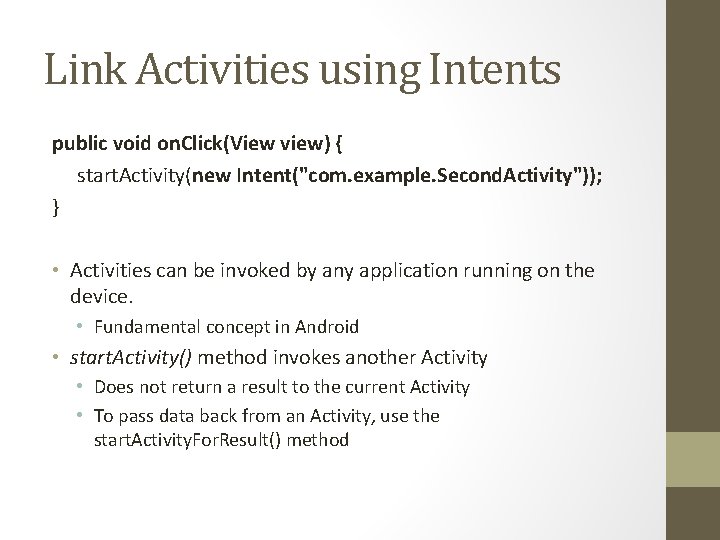
Link Activities using Intents public void on. Click(View view) { start. Activity(new Intent("com. example. Second. Activity")); } • Activities can be invoked by any application running on the device. • Fundamental concept in Android • start. Activity() method invokes another Activity • Does not return a result to the current Activity • To pass data back from an Activity, use the start. Activity. For. Result() method
Fragments