
Active Server Pages Overview Introduction COM and ASP
- Slides: 38
Active Server Pages Overview Introduction COM and ASP Database Access ASP Access to other Apps Favorite Sites to Visit 12/25/2021 Dr. Paul Bao, COMP 035 user@domain
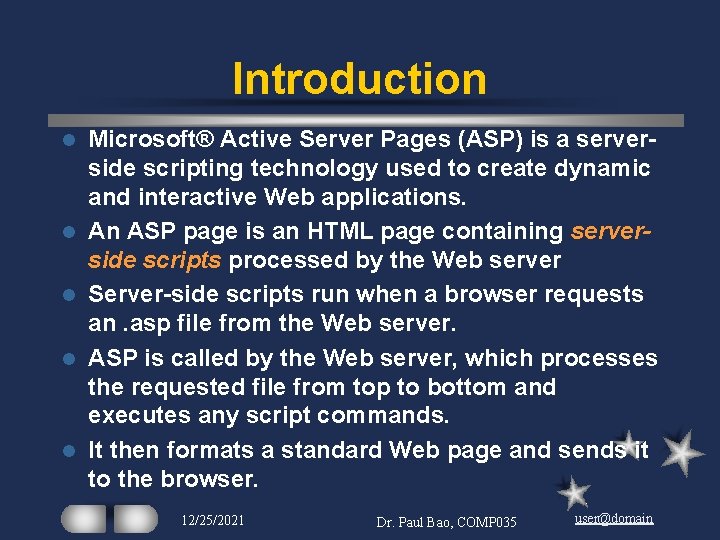
Introduction l l l Microsoft® Active Server Pages (ASP) is a serverside scripting technology used to create dynamic and interactive Web applications. An ASP page is an HTML page containing serverside scripts processed by the Web server Server-side scripts run when a browser requests an. asp file from the Web server. ASP is called by the Web server, which processes the requested file from top to bottom and executes any script commands. It then formats a standard Web page and sends it to the browser. 12/25/2021 Dr. Paul Bao, COMP 035 user@domain
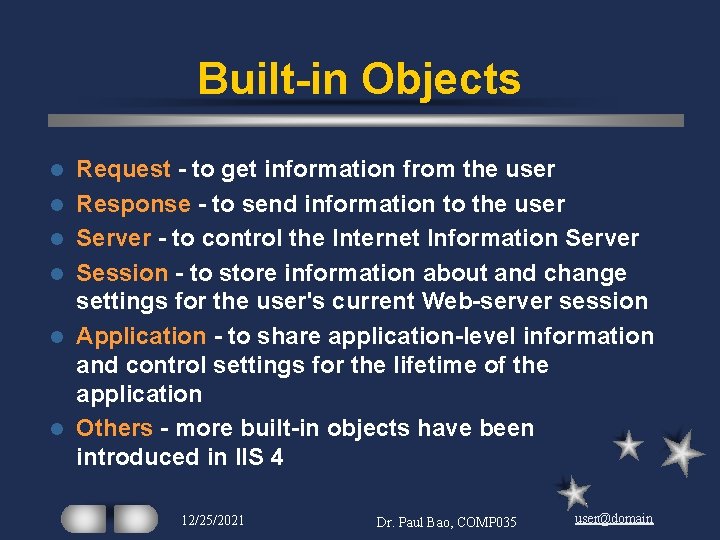
Built-in Objects l l l Request - to get information from the user Response - to send information to the user Server - to control the Internet Information Server Session - to store information about and change settings for the user's current Web-server session Application - to share application-level information and control settings for the lifetime of the application Others - more built-in objects have been introduced in IIS 4 12/25/2021 Dr. Paul Bao, COMP 035 user@domain
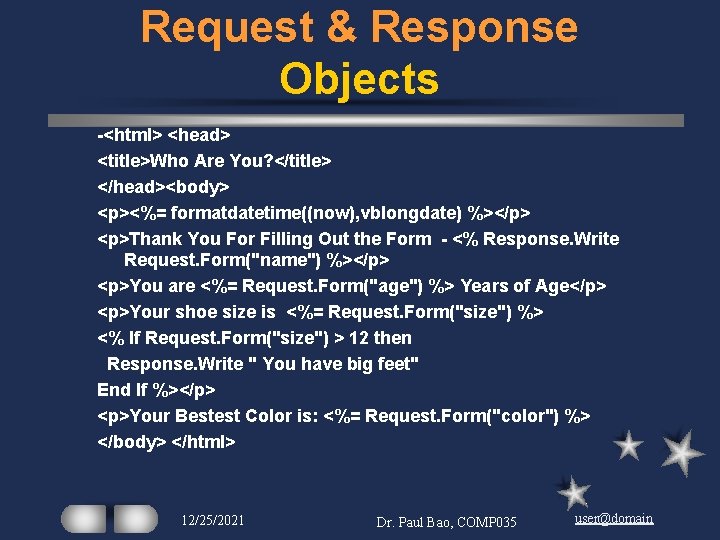
Request & Response Objects -<html> <head> <title>Who Are You? </title> </head><body> <p><%= formatdatetime((now), vblongdate) %></p> <p>Thank You For Filling Out the Form - <% Response. Write Request. Form("name") %></p> <p>You are <%= Request. Form("age") %> Years of Age</p> <p>Your shoe size is <%= Request. Form("size") %> <% If Request. Form("size") > 12 then Response. Write " You have big feet" End If %></p> <p>Your Bestest Color is: <%= Request. Form("color") %> </body> </html> 12/25/2021 Dr. Paul Bao, COMP 035 user@domain
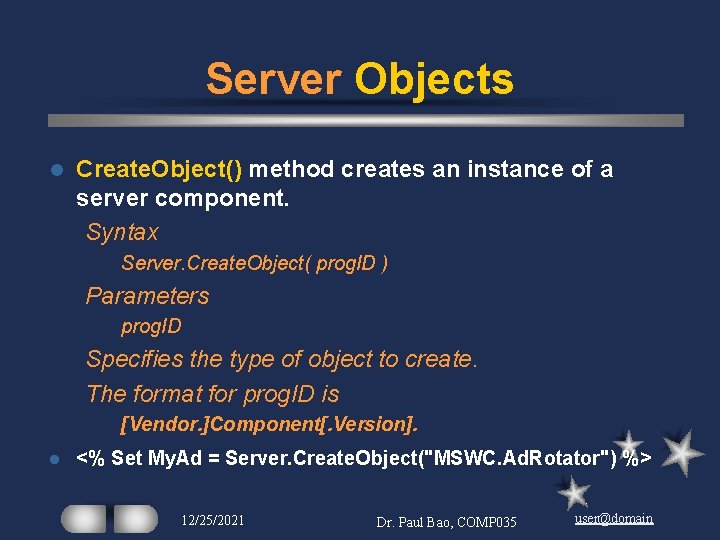
Server Objects l Create. Object() method creates an instance of a server component. Syntax Server. Create. Object( prog. ID ) Parameters prog. ID Specifies the type of object to create. The format for prog. ID is [Vendor. ]Component[. Version]. l <% Set My. Ad = Server. Create. Object("MSWC. Ad. Rotator") %> 12/25/2021 Dr. Paul Bao, COMP 035 user@domain
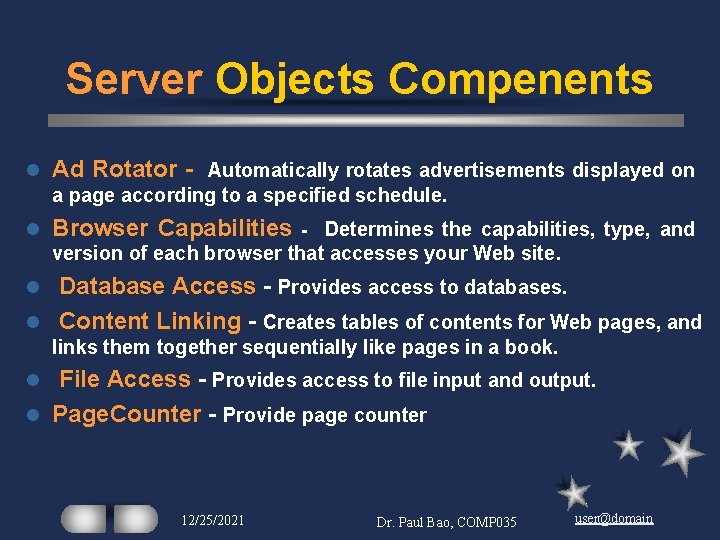
Server Objects Compenents l Ad Rotator - Automatically rotates advertisements displayed on a page according to a specified schedule. l Browser Capabilities - Determines the capabilities, type, and version of each browser that accesses your Web site. Database Access - Provides access to databases. l Content Linking - Creates tables of contents for Web pages, and l links them together sequentially like pages in a book. File Access - Provides access to file input and output. l Page. Counter - Provide page counter l 12/25/2021 Dr. Paul Bao, COMP 035 user@domain
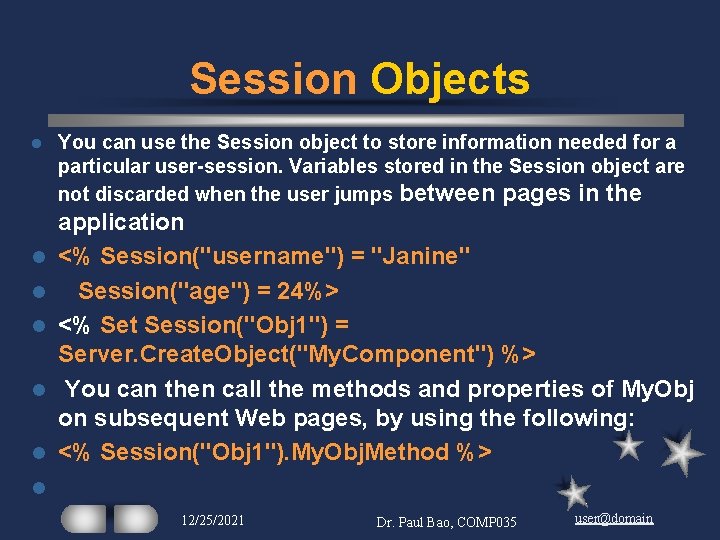
Session Objects l l l You can use the Session object to store information needed for a particular user-session. Variables stored in the Session object are not discarded when the user jumps between pages in the application <% Session("username") = "Janine" Session("age") = 24%> <% Set Session("Obj 1") = Server. Create. Object("My. Component") %> You can then call the methods and properties of My. Obj on subsequent Web pages, by using the following: <% Session("Obj 1"). My. Obj. Method %> l 12/25/2021 Dr. Paul Bao, COMP 035 user@domain
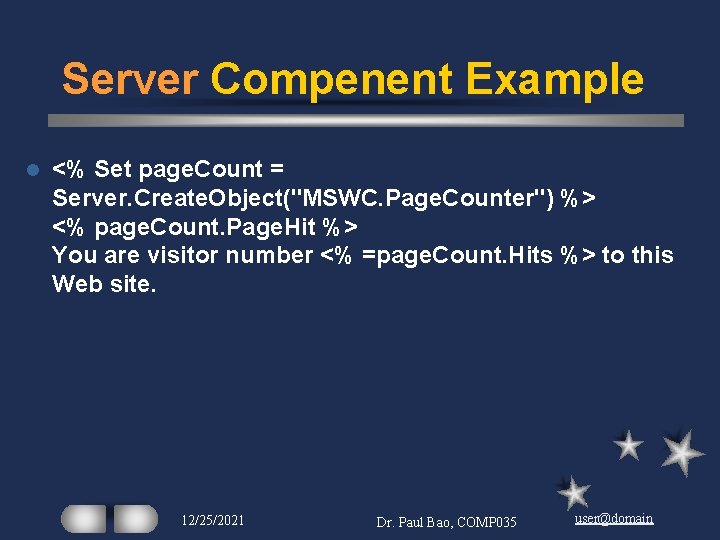
Server Compenent Example l <% Set page. Count = Server. Create. Object("MSWC. Page. Counter") %> <% page. Count. Page. Hit %> You are visitor number <% =page. Count. Hits %> to this Web site. 12/25/2021 Dr. Paul Bao, COMP 035 user@domain
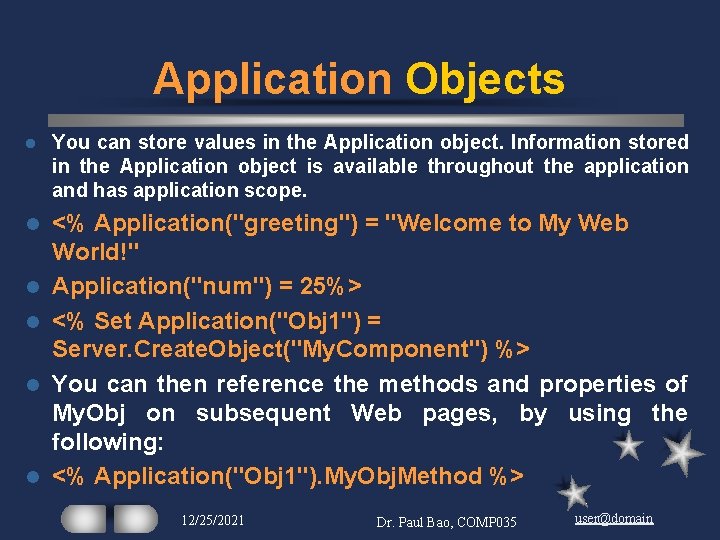
Application Objects l You can store values in the Application object. Information stored in the Application object is available throughout the application and has application scope. l <% Application("greeting") = "Welcome to My Web World!" Application("num") = 25%> <% Set Application("Obj 1") = Server. Create. Object("My. Component") %> You can then reference the methods and properties of My. Obj on subsequent Web pages, by using the following: <% Application("Obj 1"). My. Obj. Method %> l l 12/25/2021 Dr. Paul Bao, COMP 035 user@domain
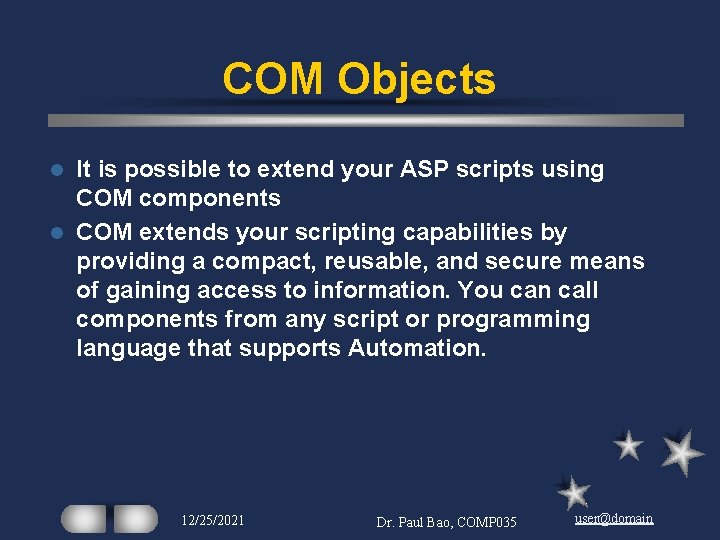
COM Objects It is possible to extend your ASP scripts using COM components l COM extends your scripting capabilities by providing a compact, reusable, and secure means of gaining access to information. You can call components from any script or programming language that supports Automation. l 12/25/2021 Dr. Paul Bao, COMP 035 user@domain
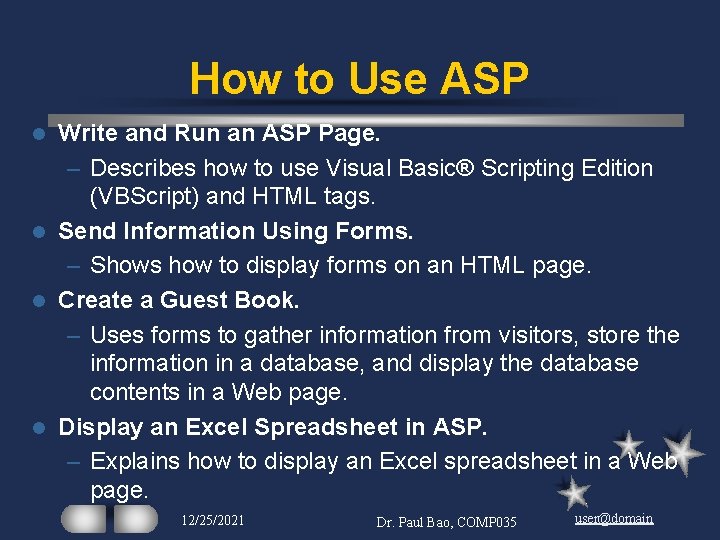
How to Use ASP Write and Run an ASP Page. – Describes how to use Visual Basic® Scripting Edition (VBScript) and HTML tags. l Send Information Using Forms. – Shows how to display forms on an HTML page. l Create a Guest Book. – Uses forms to gather information from visitors, store the information in a database, and display the database contents in a Web page. l Display an Excel Spreadsheet in ASP. – Explains how to display an Excel spreadsheet in a Web page. l 12/25/2021 Dr. Paul Bao, COMP 035 user@domain
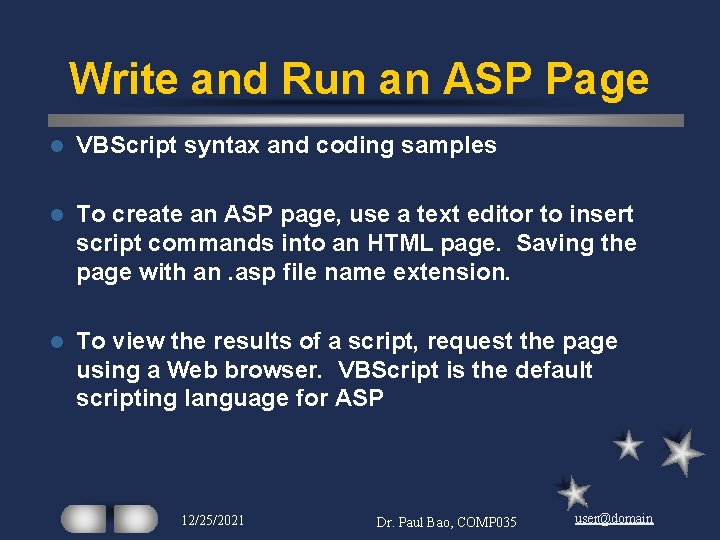
Write and Run an ASP Page l VBScript syntax and coding samples l To create an ASP page, use a text editor to insert script commands into an HTML page. Saving the page with an. asp file name extension. l To view the results of a script, request the page using a Web browser. VBScript is the default scripting language for ASP 12/25/2021 Dr. Paul Bao, COMP 035 user@domain
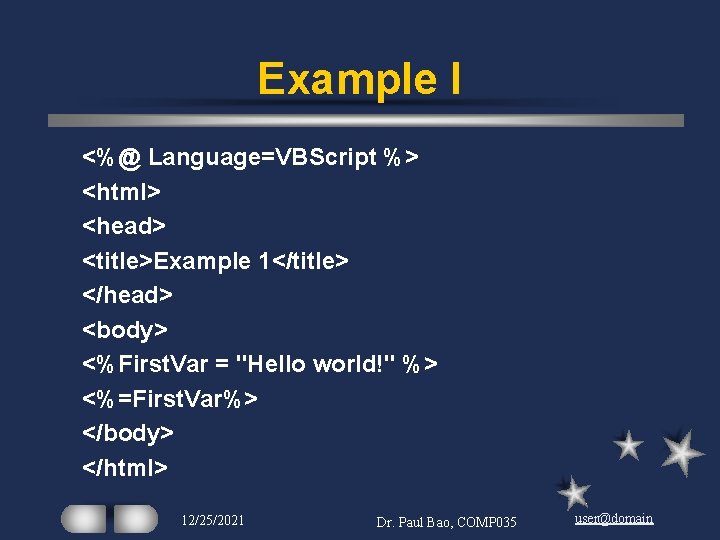
Example I <%@ Language=VBScript %> <html> <head> <title>Example 1</title> </head> <body> <%First. Var = "Hello world!" %> <%=First. Var%> </body> </html> 12/25/2021 Dr. Paul Bao, COMP 035 user@domain
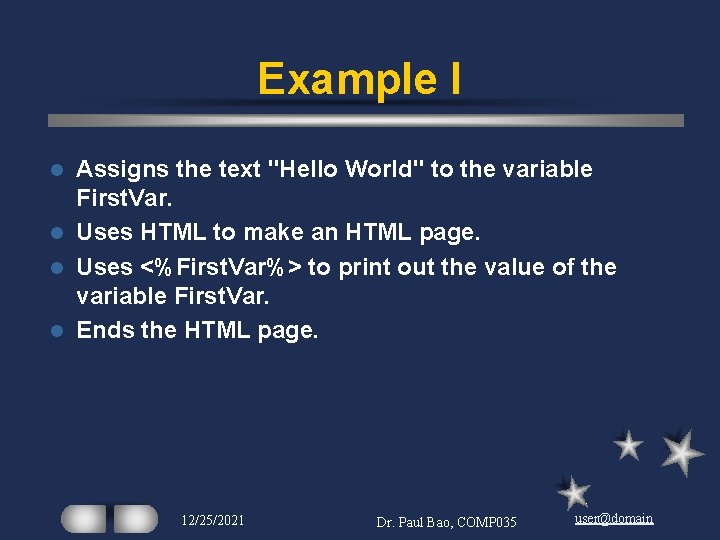
Example I Assigns the text "Hello World" to the variable First. Var. l Uses HTML to make an HTML page. l Uses <%First. Var%> to print out the value of the variable First. Var. l Ends the HTML page. l 12/25/2021 Dr. Paul Bao, COMP 035 user@domain
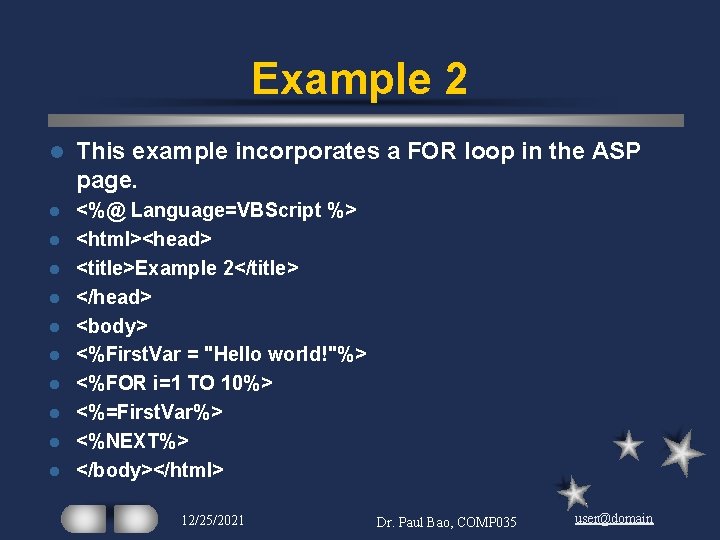
Example 2 l This example incorporates a FOR loop in the ASP page. l <%@ Language=VBScript %> <html><head> <title>Example 2</title> </head> <body> <%First. Var = "Hello world!"%> <%FOR i=1 TO 10%> <%=First. Var%> <%NEXT%> </body></html> l l l l l 12/25/2021 Dr. Paul Bao, COMP 035 user@domain
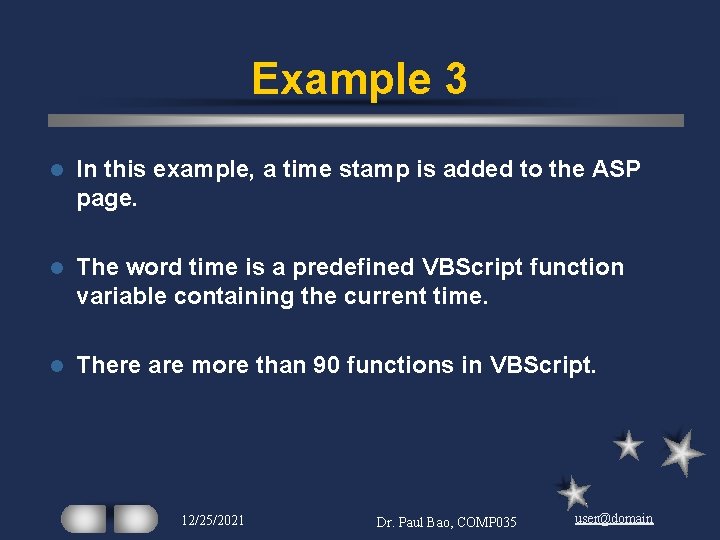
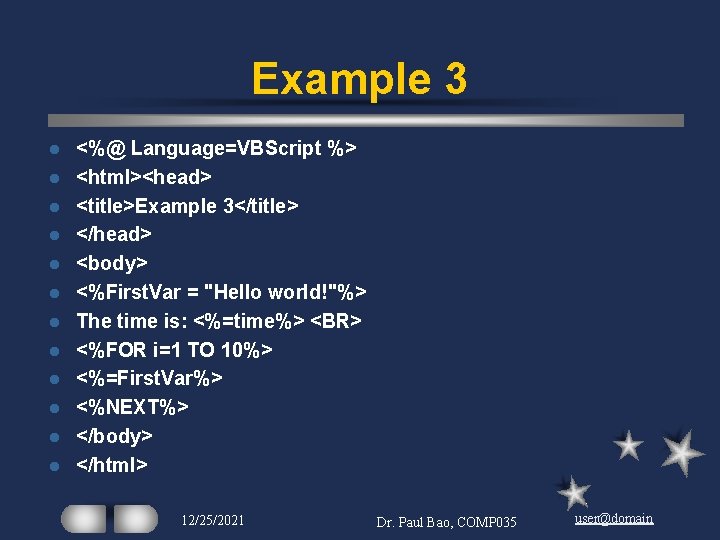
Example 3 l In this example, a time stamp is added to the ASP page. l The word time is a predefined VBScript function variable containing the current time. l There are more than 90 functions in VBScript. 12/25/2021 Dr. Paul Bao, COMP 035 user@domain
Example 3 l l l <%@ Language=VBScript %> <html><head> <title>Example 3</title> </head> <body> <%First. Var = "Hello world!"%> The time is: <%=time%> <BR> <%FOR i=1 TO 10%> <%=First. Var%> <%NEXT%> </body> </html> 12/25/2021 Dr. Paul Bao, COMP 035 user@domain
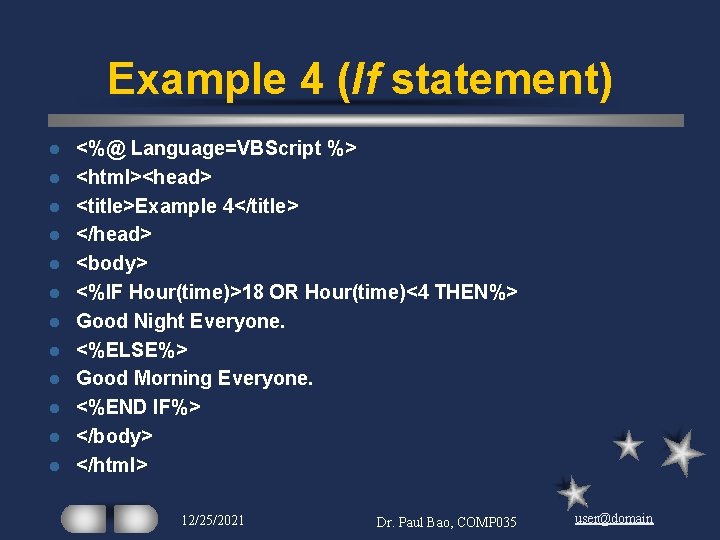
Example 4 (If statement) l l l <%@ Language=VBScript %> <html><head> <title>Example 4</title> </head> <body> <%IF Hour(time)>18 OR Hour(time)<4 THEN%> Good Night Everyone. <%ELSE%> Good Morning Everyone. <%END IF%> </body> </html> 12/25/2021 Dr. Paul Bao, COMP 035 user@domain
Send Information by Using Forms With ASP, you can embed scripts written in VBScript directly into an HTML file to process the form. l ASP processes the script commands and returns the results to the browser. l Create an HTML page that displays various elements of an HTML form. l 12/25/2021 Dr. Paul Bao, COMP 035 user@domain
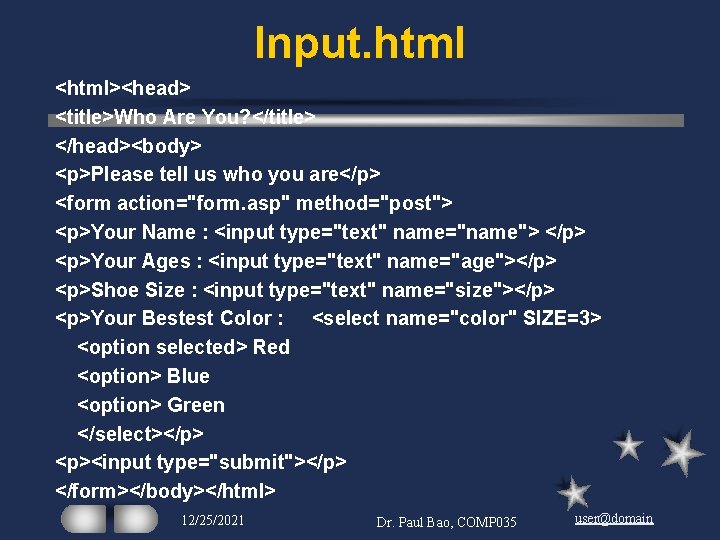
Input. html <html><head> <title>Who Are You? </title> </head><body> <p>Please tell us who you are</p> <form action="form. asp" method="post"> <p>Your Name : <input type="text" name="name"> </p> <p>Your Ages : <input type="text" name="age"></p> <p>Shoe Size : <input type="text" name="size"></p> <p>Your Bestest Color : <select name="color" SIZE=3> <option selected> Red <option> Blue <option> Green </select></p> <p><input type="submit"></p> </form></body></html> 12/25/2021 Dr. Paul Bao, COMP 035 user@domain
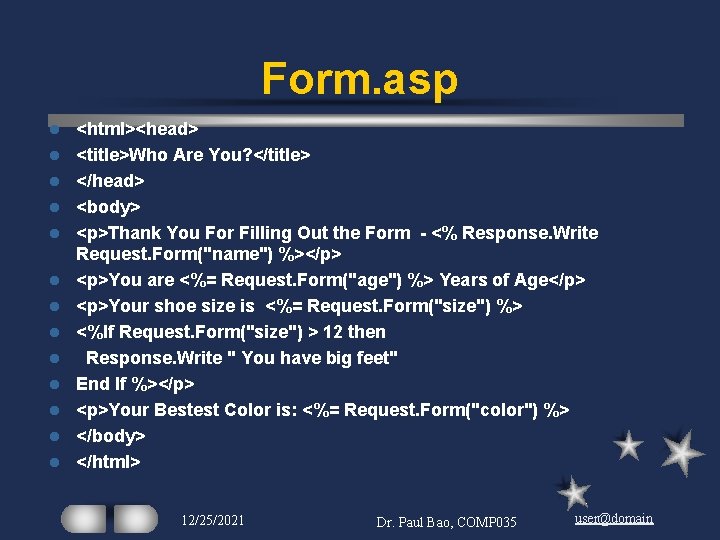
Form. asp l l l l <html><head> <title>Who Are You? </title> </head> <body> <p>Thank You For Filling Out the Form - <% Response. Write Request. Form("name") %></p> <p>You are <%= Request. Form("age") %> Years of Age</p> <p>Your shoe size is <%= Request. Form("size") %> <%If Request. Form("size") > 12 then Response. Write " You have big feet" End If %></p> <p>Your Bestest Color is: <%= Request. Form("color") %> </body> </html> 12/25/2021 Dr. Paul Bao, COMP 035 user@domain
Create a Guest Book l How to develop a guest book application. l Guest books allow visitors to your site a chance to give you feedback. l Information such as the visitor’s name, e-mail address, and comments can be available to you. 12/25/2021 Dr. Paul Bao, COMP 035 user@domain
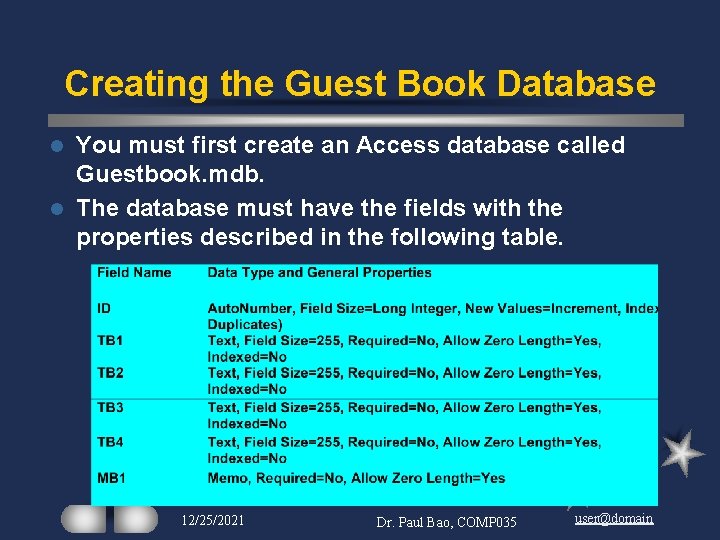
Creating the Guest Book Database You must first create an Access database called Guestbook. mdb. l The database must have the fields with the properties described in the following table. l 12/25/2021 Dr. Paul Bao, COMP 035 user@domain
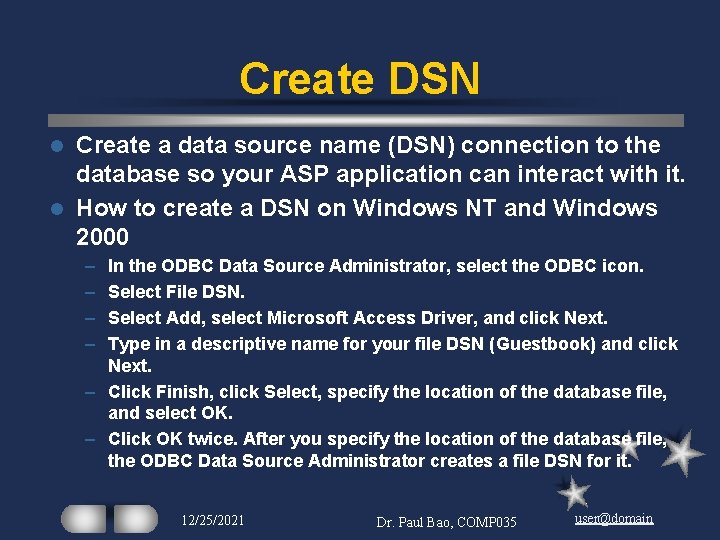
Create DSN Create a data source name (DSN) connection to the database so your ASP application can interact with it. l How to create a DSN on Windows NT and Windows 2000 l – – In the ODBC Data Source Administrator, select the ODBC icon. Select File DSN. Select Add, select Microsoft Access Driver, and click Next. Type in a descriptive name for your file DSN (Guestbook) and click Next. – Click Finish, click Select, specify the location of the database file, and select OK. – Click OK twice. After you specify the location of the database file, the ODBC Data Source Administrator creates a file DSN for it. 12/25/2021 Dr. Paul Bao, COMP 035 user@domain
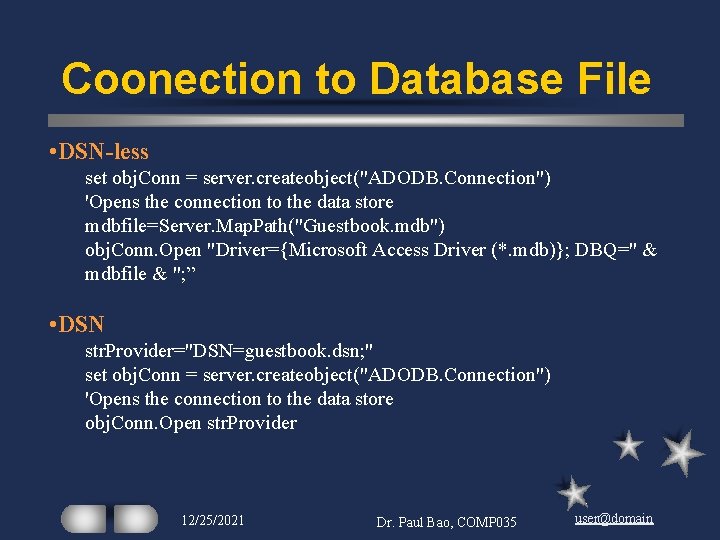
Coonection to Database File • DSN-less set obj. Conn = server. createobject("ADODB. Connection") 'Opens the connection to the data store mdbfile=Server. Map. Path("Guestbook. mdb") obj. Conn. Open "Driver={Microsoft Access Driver (*. mdb)}; DBQ=" & mdbfile & "; ” • DSN str. Provider="DSN=guestbook. dsn; " set obj. Conn = server. createobject("ADODB. Connection") 'Opens the connection to the data store obj. Conn. Open str. Provider 12/25/2021 Dr. Paul Bao, COMP 035 user@domain
Guestbook. asp l Demo Guestbook. asp 12/25/2021 Dr. Paul Bao, COMP 035 user@domain
View Database in a Browser l Demo viewdb. asp 12/25/2021 Dr. Paul Bao, COMP 035 user@domain
Display an Excel Spreadsheet in ASP l Display a Microsoft Excel spreadsheet in a Web page. l Use Active. X® Data Objects (ADO) component, which is used as a connection mechanism to provide access to data. l How to view and edit a spreadsheet with a Web browser using ADO 12/25/2021 Dr. Paul Bao, COMP 035 user@domain
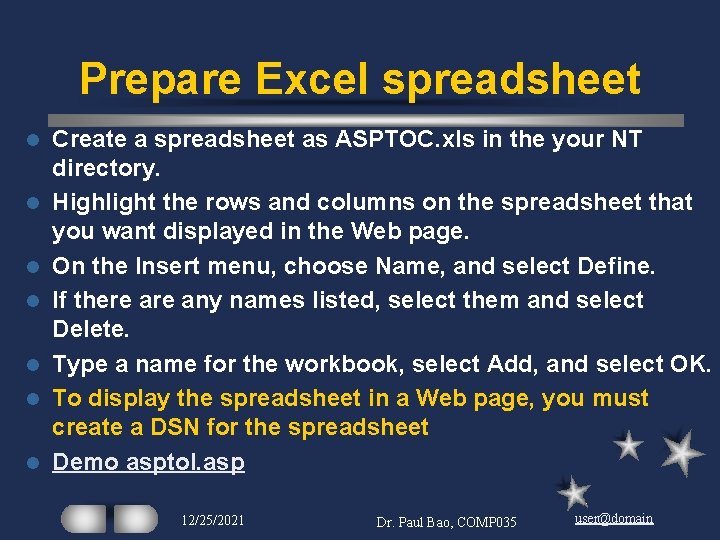
Prepare Excel spreadsheet l l l l Create a spreadsheet as ASPTOC. xls in the your NT directory. Highlight the rows and columns on the spreadsheet that you want displayed in the Web page. On the Insert menu, choose Name, and select Define. If there any names listed, select them and select Delete. Type a name for the workbook, select Add, and select OK. To display the spreadsheet in a Web page, you must create a DSN for the spreadsheet Demo asptol. asp 12/25/2021 Dr. Paul Bao, COMP 035 user@domain
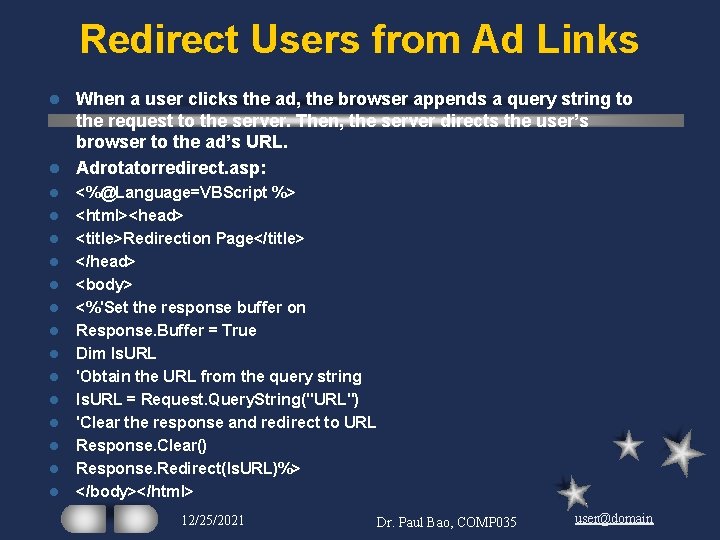
Redirect Users from Ad Links When a user clicks the ad, the browser appends a query string to the request to the server. Then, the server directs the user’s browser to the ad’s URL. l Adrotatorredirect. asp: l l l l <%@Language=VBScript %> <html><head> <title>Redirection Page</title> </head> <body> <%'Set the response buffer on Response. Buffer = True Dim ls. URL 'Obtain the URL from the query string ls. URL = Request. Query. String("URL") 'Clear the response and redirect to URL Response. Clear() Response. Redirect(ls. URL)%> </body></html> 12/25/2021 Dr. Paul Bao, COMP 035 user@domain
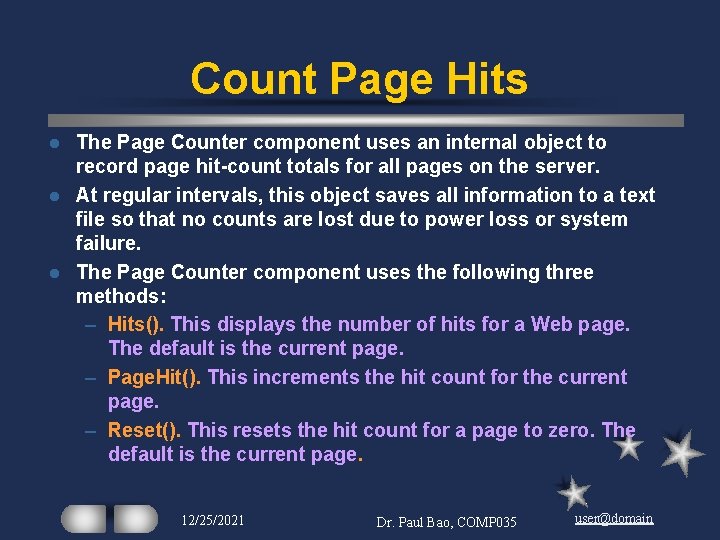
Count Page Hits The Page Counter component uses an internal object to record page hit-count totals for all pages on the server. l At regular intervals, this object saves all information to a text file so that no counts are lost due to power loss or system failure. l The Page Counter component uses the following three methods: – Hits(). This displays the number of hits for a Web page. The default is the current page. – Page. Hit(). This increments the hit count for the current page. – Reset(). This resets the hit count for a page to zero. The default is the current page. l 12/25/2021 Dr. Paul Bao, COMP 035 user@domain
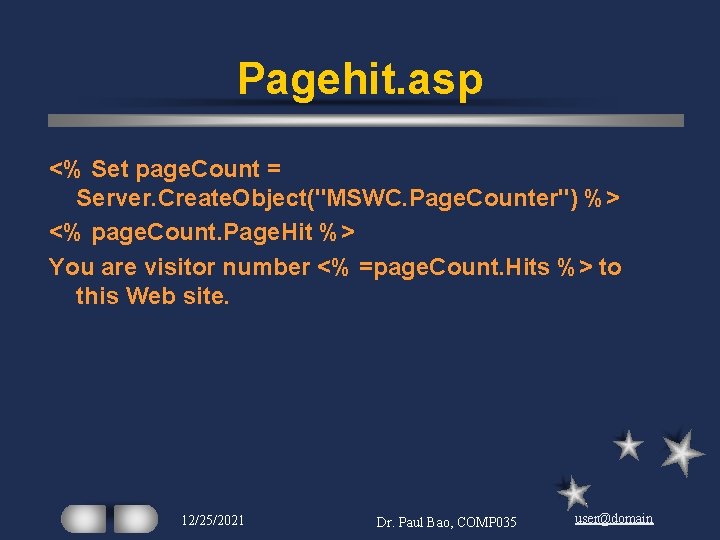
Pagehit. asp <% Set page. Count = Server. Create. Object("MSWC. Page. Counter") %> <% page. Count. Page. Hit %> You are visitor number <% =page. Count. Hits %> to this Web site. 12/25/2021 Dr. Paul Bao, COMP 035 user@domain
Remote Server Scripting Have you ever wanted to write an ASP page that did the following: execute an ASP script on another webserver l retrieve that remote ASP script's output l act on that output? l Or perhaps you've always wanted to be able to do remote Server Side Includes, like l <!--#include file="http: //www. someserver. com/somefile. txt"-->. ASP, alone, can't do that sort of thing. l There is a free component, Asp. Tear, from Softwing l 12/25/2021 Dr. Paul Bao, COMP 035 user@domain
Remote Stock Quote Let's say that you want to execute an ASP script on another server that returns the current stock price for Microsoft. l We could write our own ASP script on our own server that would show this value l 12/25/2021 Dr. Paul Bao, COMP 035 user@domain
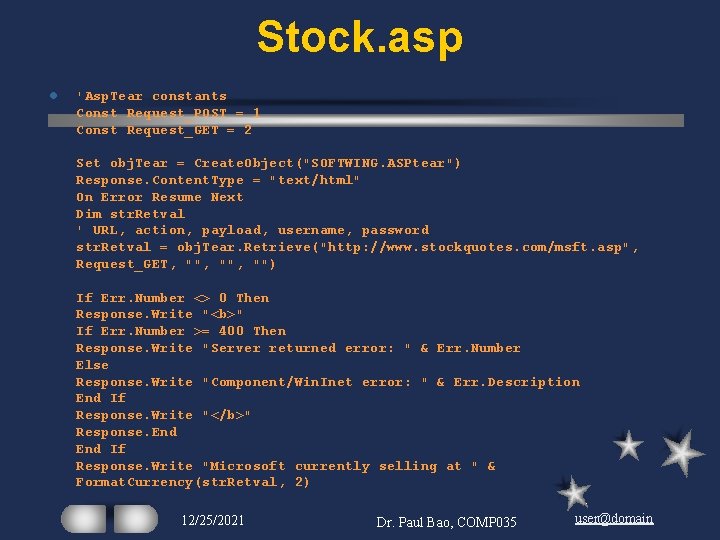
Stock. asp l 'Asp. Tear constants Const Request_POST = 1 Const Request_GET = 2 Set obj. Tear = Create. Object("SOFTWING. ASPtear") Response. Content. Type = "text/html" On Error Resume Next Dim str. Retval ' URL, action, payload, username, password str. Retval = obj. Tear. Retrieve("http: //www. stockquotes. com/msft. asp", Request_GET, "", "") If Err. Number <> 0 Then Response. Write "<b>" If Err. Number >= 400 Then Response. Write "Server returned error: " & Err. Number Else Response. Write "Component/Win. Inet error: " & Err. Description End If Response. Write "</b>" Response. End If Response. Write "Microsoft currently selling at " & Format. Currency(str. Retval, 2) 12/25/2021 Dr. Paul Bao, COMP 035 user@domain
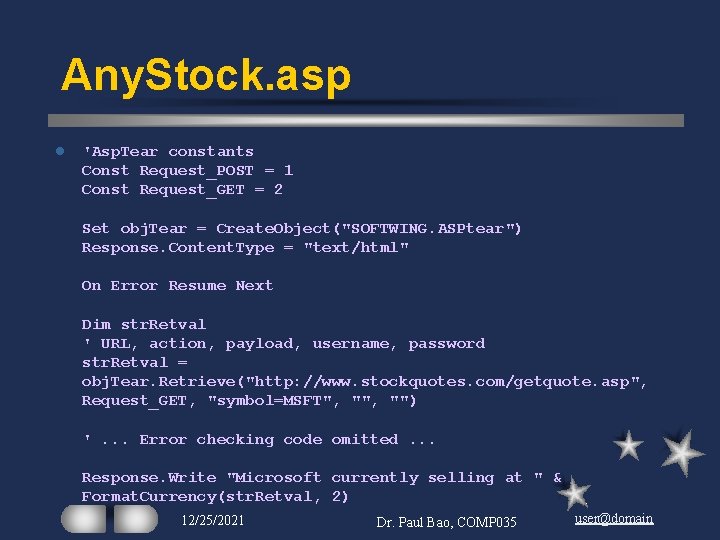
Remote Quote of Any Stock let's say that there was an ASP page that would return any stock quote. All you needed to do was specify the stock symbol in the Query. String. l Let's look at how the code for that might look: l 12/25/2021 Dr. Paul Bao, COMP 035 user@domain
Any. Stock. asp l 'Asp. Tear constants Const Request_POST = 1 Const Request_GET = 2 Set obj. Tear = Create. Object("SOFTWING. ASPtear") Response. Content. Type = "text/html" On Error Resume Next Dim str. Retval ' URL, action, payload, username, password str. Retval = obj. Tear. Retrieve("http: //www. stockquotes. com/getquote. asp", Request_GET, "symbol=MSFT", "") '. . . Error checking code omitted. . . Response. Write "Microsoft currently selling at " & Format. Currency(str. Retval, 2) 12/25/2021 Dr. Paul Bao, COMP 035 user@domain
Favorite Links to Visit l Http: //www. microsoft. com 12/25/2021 Dr. Paul Bao, COMP 035 user@domain