
ACTIVE LEARNING CONSIDERATIONS FOR INTERACTIVE TEACHING AND LEARNING
- Slides: 12
ACTIVE LEARNING CONSIDERATIONS FOR INTERACTIVE TEACHING AND LEARNING (ESPECIALLY WHEN TEACHING ONLINE) MAGGIE BOURQUE | 10 APRIL 2020 HAUB SCHOOL OF ENVIRONMENT & NATURAL RESOURCES | ELLBOGEN CENTER OF TEACHING &
BACKWARDS DESIGN START WITH THE OUTCOMES AND OBJECTIVES DESIGN EXPERIENCES BASED ON THE GOALS
BACKWARDS DESIGN START WITH THE OUTCOMES AND OBJECTIVES DESIGN EXPERIENCES BASED ON THE GOALS Ask: What do we want students to understand? What concepts are most important? What fundamental skills and understandings do we want students to take away? Determine: Learning Outcomes (broad) and Objectives (range from general to specific) Think like an assessor: How will we determine if students have achieved understanding?
STRUCTURE: CONSISTENCY & VARIATION • Create a sense of consistency in your course flow. • Vary exercises and activities, but keep some “touchstone” experiences for familiarity
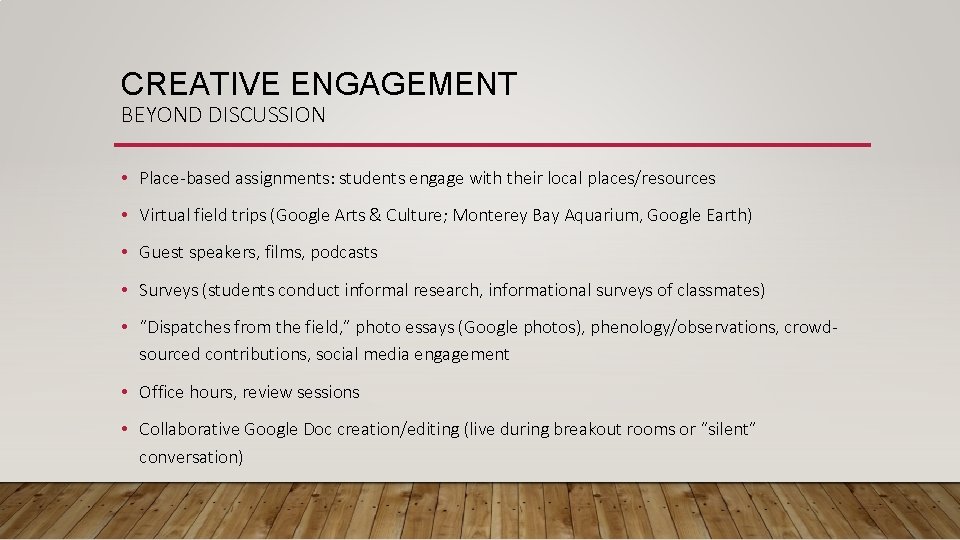
CREATIVE ENGAGEMENT BEYOND DISCUSSION • Place-based assignments: students engage with their local places/resources • Virtual field trips (Google Arts & Culture; Monterey Bay Aquarium, Google Earth) • Guest speakers, films, podcasts • Surveys (students conduct informal research, informational surveys of classmates) • “Dispatches from the field, ” photo essays (Google photos), phenology/observations, crowdsourced contributions, social media engagement • Office hours, review sessions • Collaborative Google Doc creation/editing (live during breakout rooms or “silent” conversation)
DISCUSSION STRATEGIES
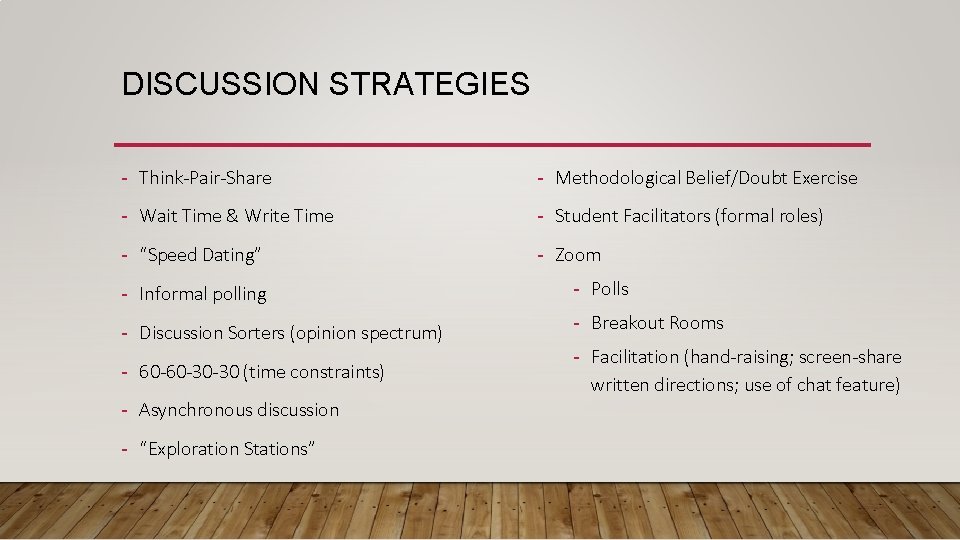
DISCUSSION STRATEGIES - Think-Pair-Share - Methodological Belief/Doubt Exercise - Wait Time & Write Time - Student Facilitators (formal roles) - “Speed Dating” - Zoom - Informal polling - Polls - Discussion Sorters (opinion spectrum) - Breakout Rooms - 60 -60 -30 -30 (time constraints) - Asynchronous discussion - “Exploration Stations” - Facilitation (hand-raising; screen-share written directions; use of chat feature)
SUCCESSFUL DISCUSSIONS: PLANNING IS KEY
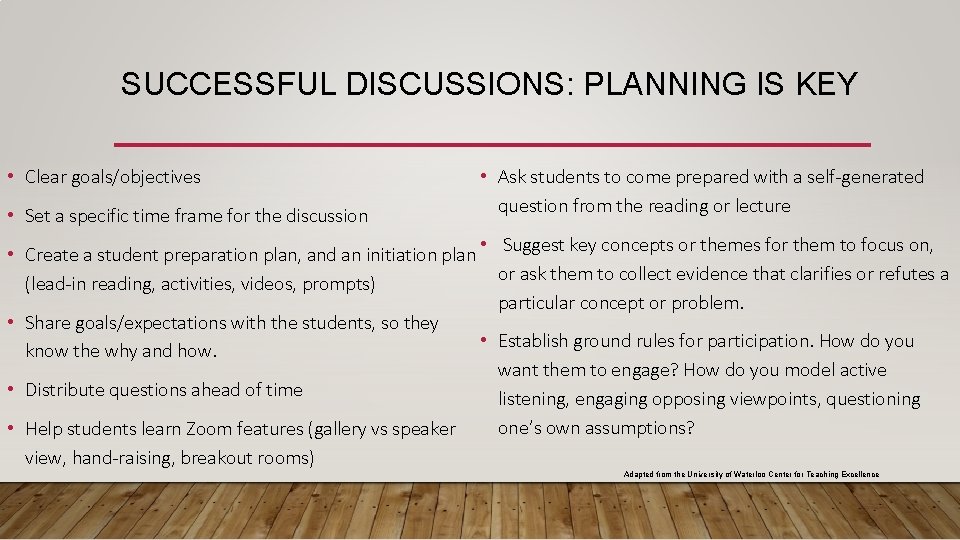
SUCCESSFUL DISCUSSIONS: PLANNING IS KEY • Clear goals/objectives • Set a specific time frame for the discussion • Ask students to come prepared with a self-generated question from the reading or lecture • Create a student preparation plan, and an initiation plan • Suggest key concepts or themes for them to focus on, or ask them to collect evidence that clarifies or refutes a (lead-in reading, activities, videos, prompts) particular concept or problem. • Share goals/expectations with the students, so they • Establish ground rules for participation. How do you know the why and how. want them to engage? How do you model active • Distribute questions ahead of time listening, engaging opposing viewpoints, questioning one’s own assumptions? • Help students learn Zoom features (gallery vs speaker view, hand-raising, breakout rooms) Adapted from the University of Waterloo Center for Teaching Excellence
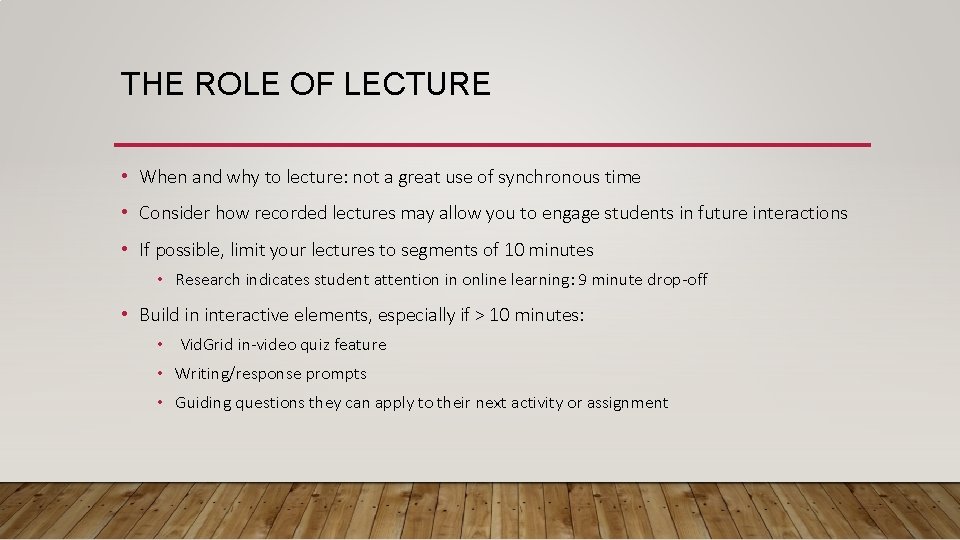
THE ROLE OF LECTURE • When and why to lecture: not a great use of synchronous time • Consider how recorded lectures may allow you to engage students in future interactions • If possible, limit your lectures to segments of 10 minutes • Research indicates student attention in online learning: 9 minute drop-off • Build in interactive elements, especially if > 10 minutes: • Vid. Grid in-video quiz feature • Writing/response prompts • Guiding questions they can apply to their next activity or assignment
TO ZOOM OR NOT TO ZOOM • What do you need to achieve in a synchronous, live setting? • How might the tools in Zoom help you achieve your goals? • What could be achieved if you give students access to content, prompts/responses, or lecture before meeting synchronously?
ADAPTING QUICKLY? 1. Be kind to yourself and your students. 2. Prioritize & Be Intentional. 3. Scaffold. 4. Communicate. 5. Keep it Simple. (Adapted from Society of Teaching Psychology Facebook post, Dr. Amy Young)