
Active Directory Security Introduction This is not a











- Slides: 87
Active Directory Security Introduction <- This is not a security boundary
Active Directory 101 Quick recap on how AD works
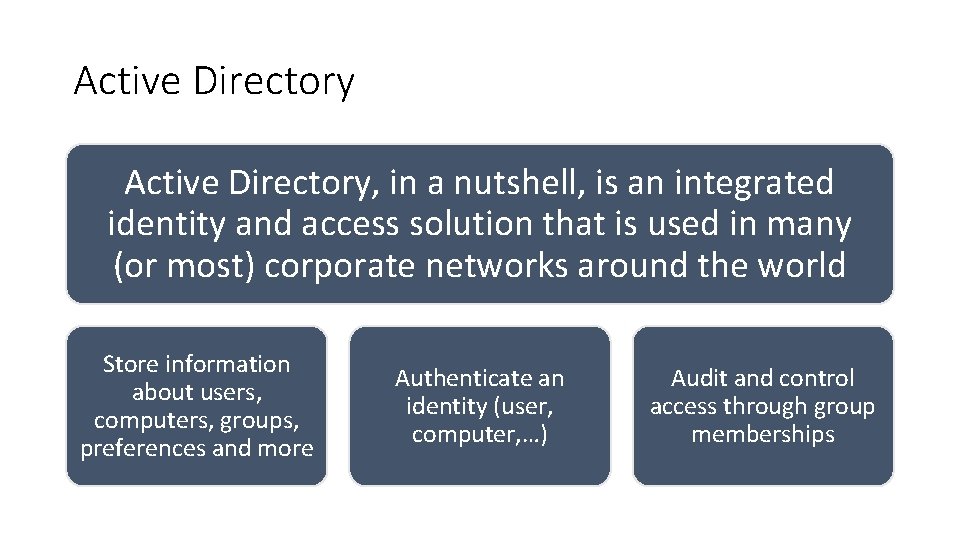
Active Directory, in a nutshell, is an integrated identity and access solution that is used in many (or most) corporate networks around the world Store information about users, computers, groups, preferences and more Authenticate an identity (user, computer, …) Audit and control access through group memberships
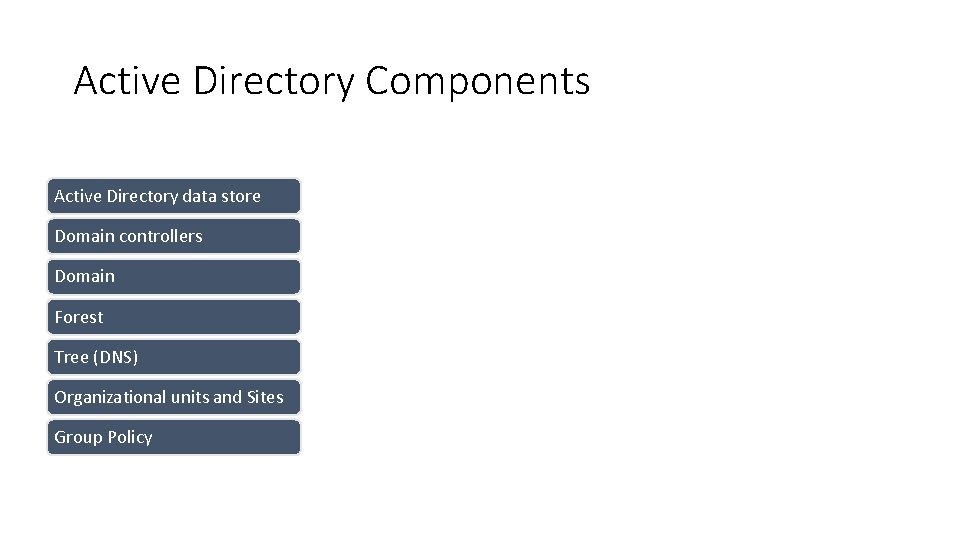
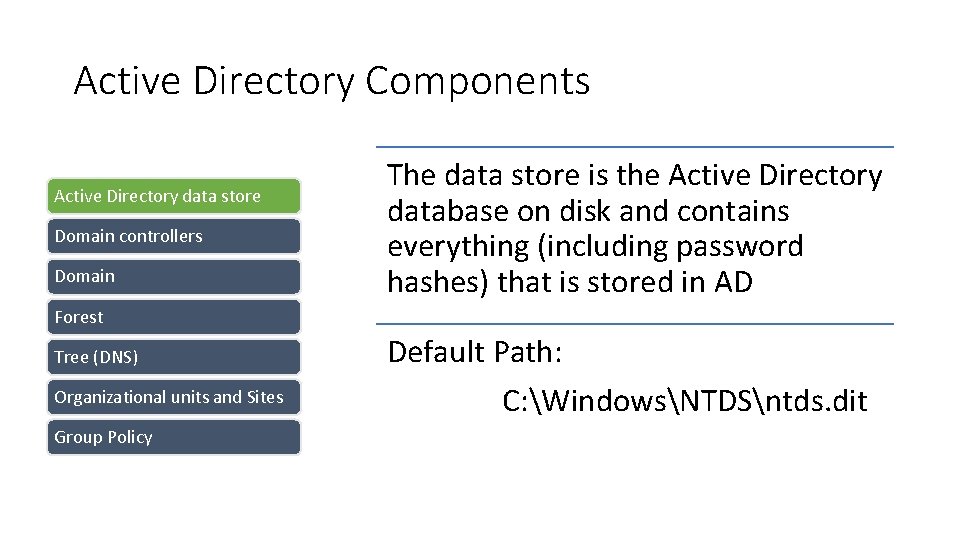
Active Directory Components Active Directory data store Domain controllers Domain Forest Tree (DNS) Organizational units and Sites Group Policy
Active Directory Components Active Directory data store Domain controllers Domain The data store is the Active Directory database on disk and contains everything (including password hashes) that is stored in AD Forest Tree (DNS) Organizational units and Sites Group Policy Default Path: C: WindowsNTDSntds. dit
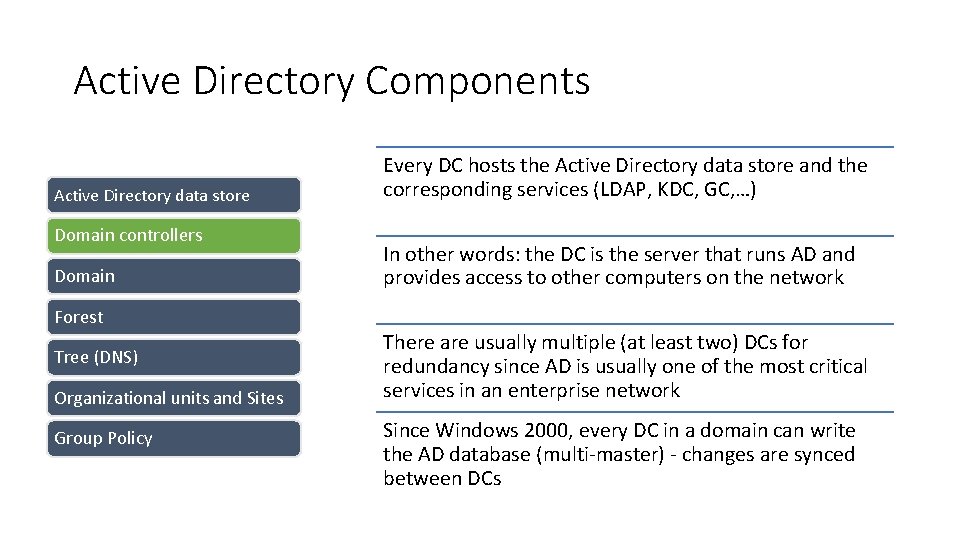
Active Directory Components Active Directory data store Domain controllers Domain Every DC hosts the Active Directory data store and the corresponding services (LDAP, KDC, GC, …) In other words: the DC is the server that runs AD and provides access to other computers on the network Forest Tree (DNS) Organizational units and Sites Group Policy There are usually multiple (at least two) DCs for redundancy since AD is usually one of the most critical services in an enterprise network Since Windows 2000, every DC in a domain can write the AD database (multi-master) - changes are synced between DCs
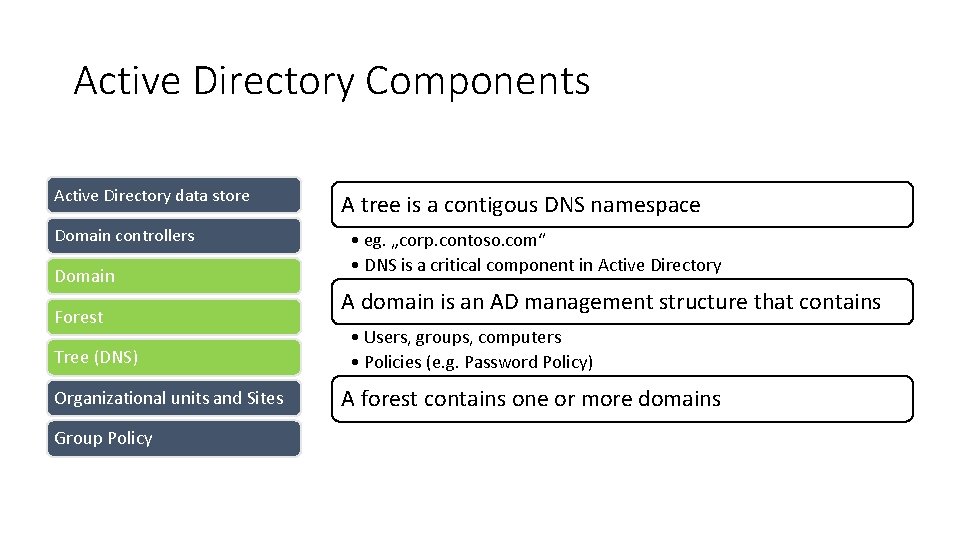
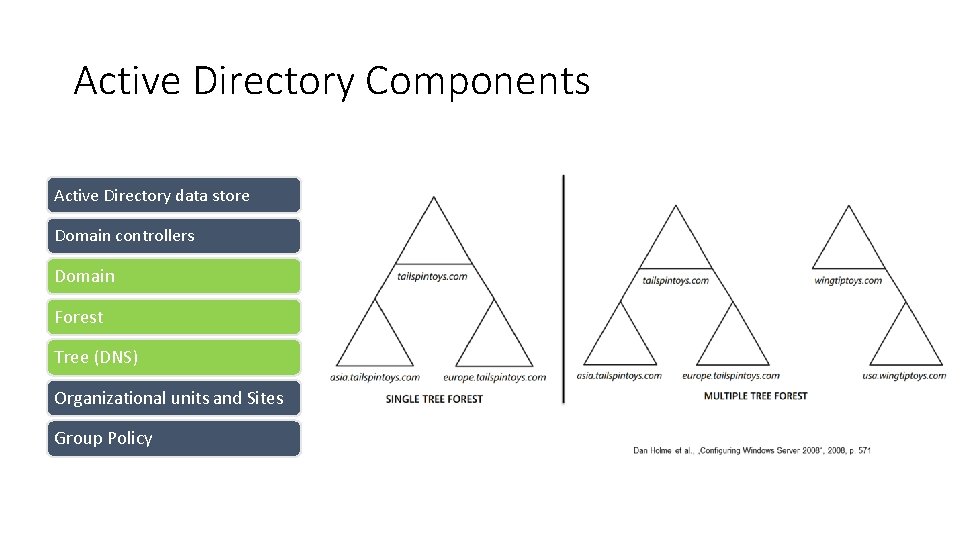
Active Directory Components Active Directory data store Domain controllers Domain Forest Tree (DNS) Organizational units and Sites Group Policy A tree is a contigous DNS namespace • eg. „corp. contoso. com“ • DNS is a critical component in Active Directory A domain is an AD management structure that contains • Users, groups, computers • Policies (e. g. Password Policy) A forest contains one or more domains
Active Directory Components Active Directory data store Domain controllers Domain Forest Tree (DNS) Organizational units and Sites Group Policy
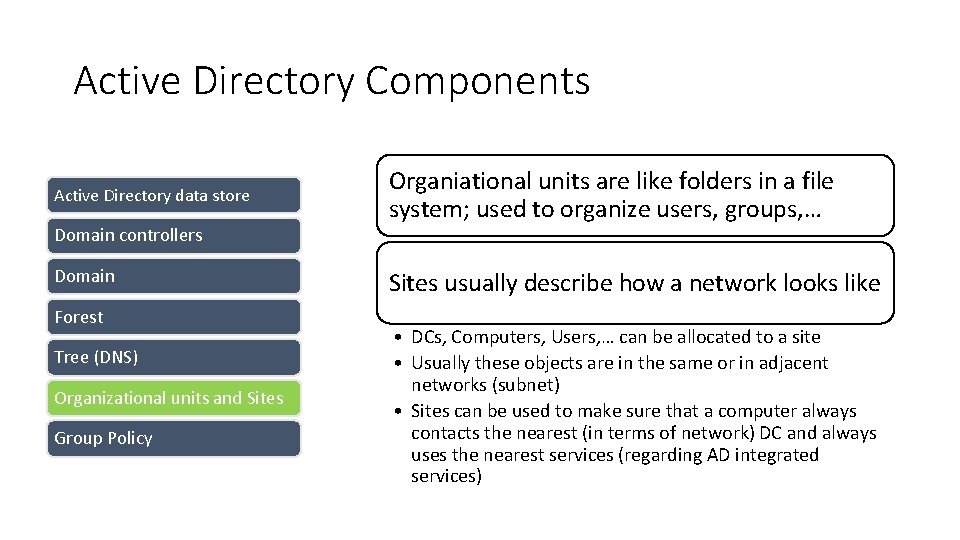
Active Directory Components Active Directory data store Domain controllers Domain Forest Tree (DNS) Organizational units and Sites Group Policy Organiational units are like folders in a file system; used to organize users, groups, … Sites usually describe how a network looks like • DCs, Computers, Users, … can be allocated to a site • Usually these objects are in the same or in adjacent networks (subnet) • Sites can be used to make sure that a computer always contacts the nearest (in terms of network) DC and always uses the nearest services (regarding AD integrated services)
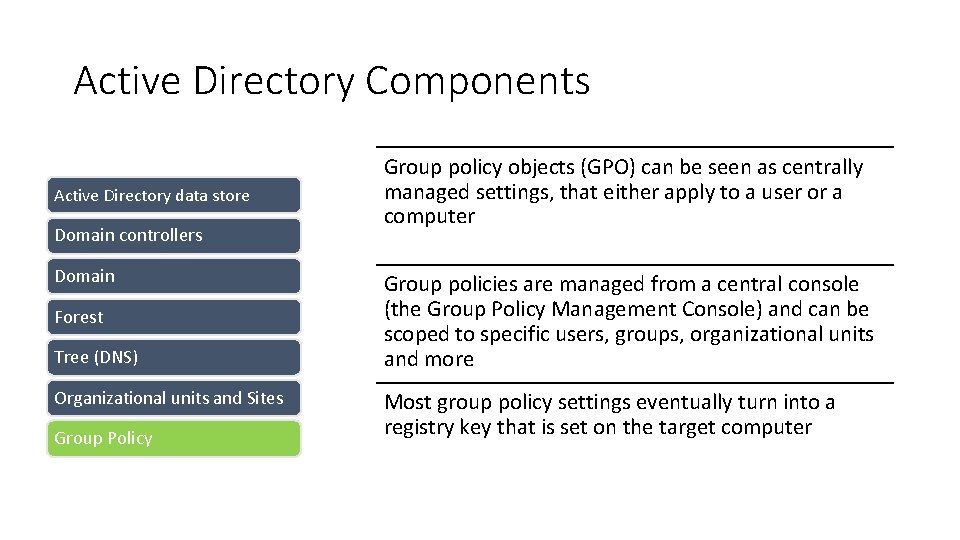
Active Directory Components Active Directory data store Domain controllers Domain Forest Tree (DNS) Organizational units and Sites Group Policy Group policy objects (GPO) can be seen as centrally managed settings, that either apply to a user or a computer Group policies are managed from a central console (the Group Policy Management Console) and can be scoped to specific users, groups, organizational units and more Most group policy settings eventually turn into a registry key that is set on the target computer
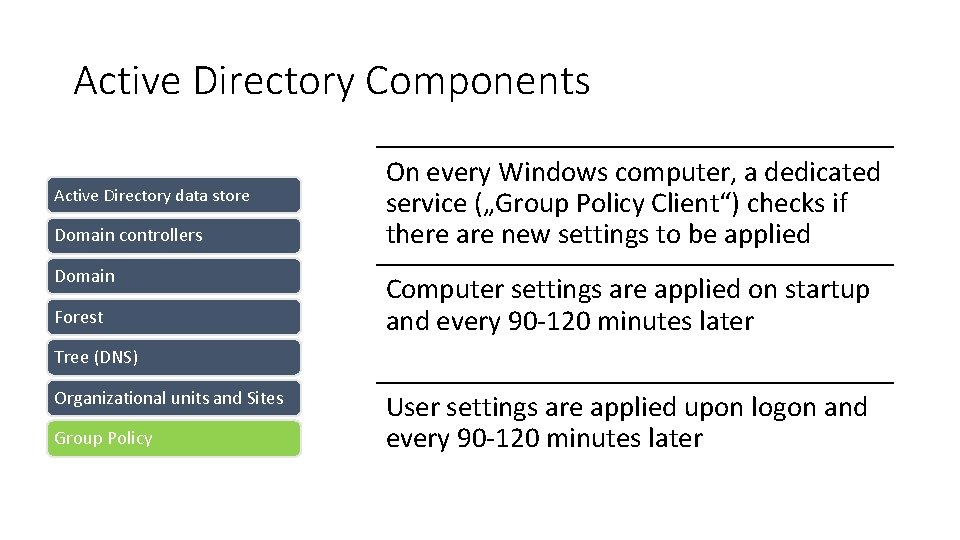
Active Directory Components Active Directory data store Domain controllers Domain Forest On every Windows computer, a dedicated service („Group Policy Client“) checks if there are new settings to be applied Computer settings are applied on startup and every 90 -120 minutes later Tree (DNS) Organizational units and Sites Group Policy User settings are applied upon logon and every 90 -120 minutes later
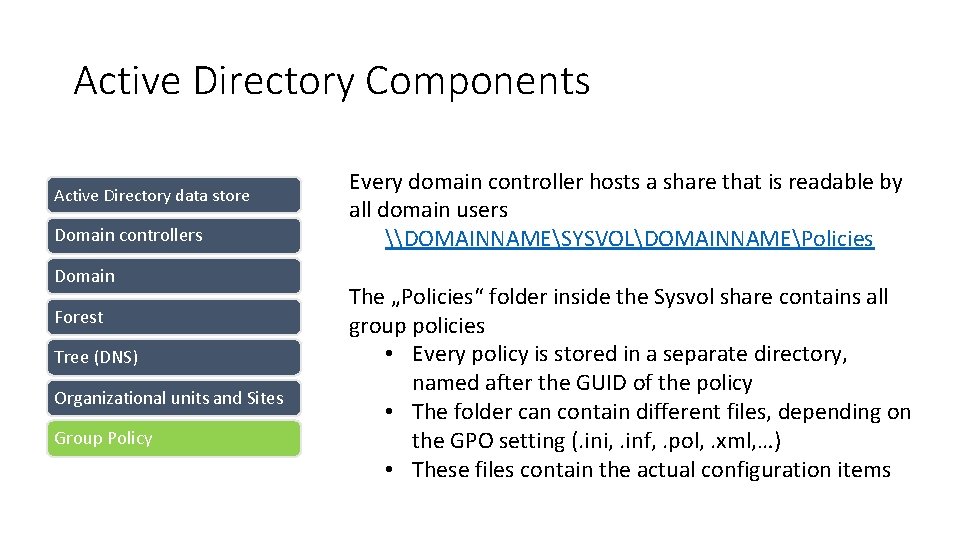
Active Directory Components Active Directory data store Domain controllers Domain Forest Tree (DNS) Organizational units and Sites Group Policy Every domain controller hosts a share that is readable by all domain users \DOMAINNAMESYSVOLDOMAINNAMEPolicies The „Policies“ folder inside the Sysvol share contains all group policies • Every policy is stored in a separate directory, named after the GUID of the policy • The folder can contain different files, depending on the GPO setting (. ini, . inf, . pol, . xml, …) • These files contain the actual configuration items
Reconnaissance Enumerate all the things
What do we want to know? And where could we find it?
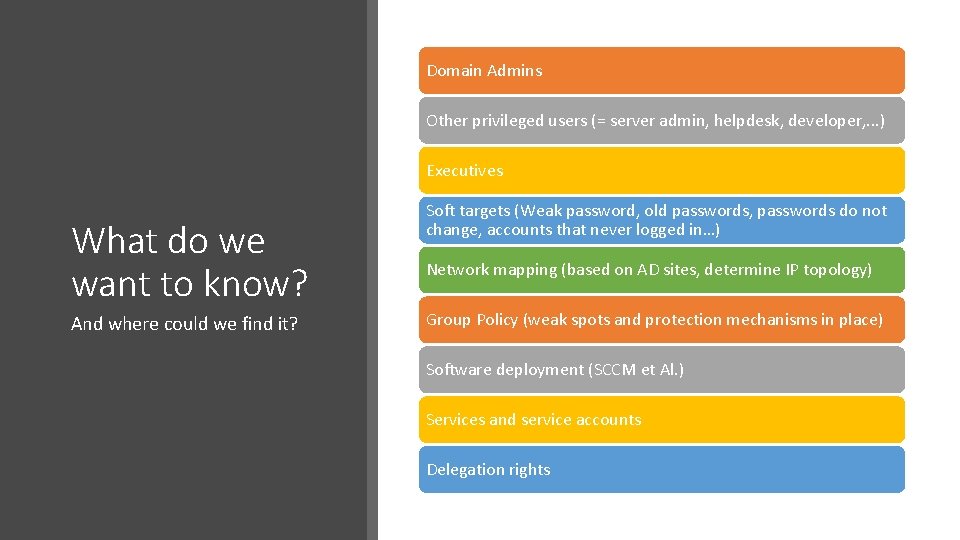
Domain Admins Other privileged users (= server admin, helpdesk, developer, . . . ) Executives What do we want to know? And where could we find it? Soft targets (Weak password, old passwords, passwords do not change, accounts that never logged in…) Network mapping (based on AD sites, determine IP topology) Group Policy (weak spots and protection mechanisms in place) Software deployment (SCCM et Al. ) Services and service accounts Delegation rights
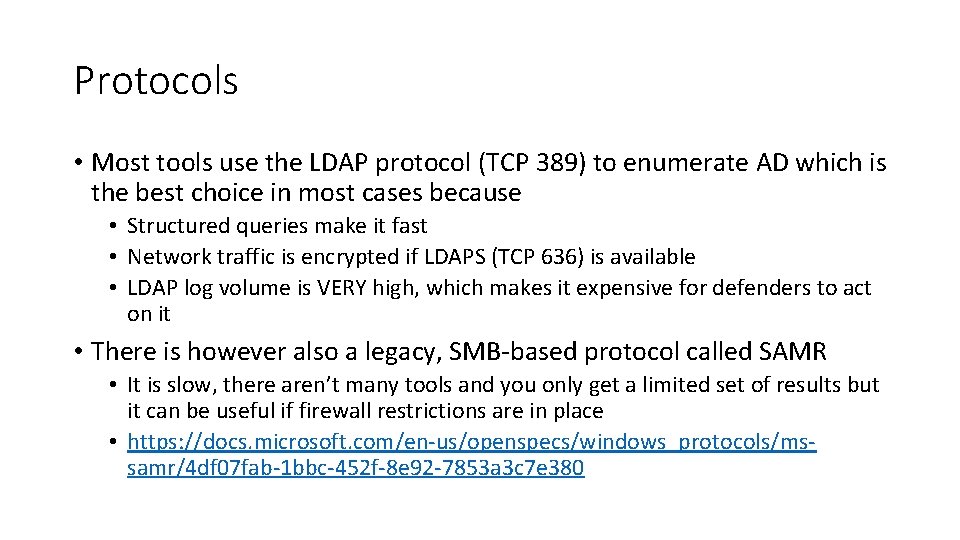
Protocols • Most tools use the LDAP protocol (TCP 389) to enumerate AD which is the best choice in most cases because • Structured queries make it fast • Network traffic is encrypted if LDAPS (TCP 636) is available • LDAP log volume is VERY high, which makes it expensive for defenders to act on it • There is however also a legacy, SMB-based protocol called SAMR • It is slow, there aren’t many tools and you only get a limited set of results but it can be useful if firewall restrictions are in place • https: //docs. microsoft. com/en-us/openspecs/windows_protocols/mssamr/4 df 07 fab-1 bbc-452 f-8 e 92 -7853 a 3 c 7 e 380
Exercise 1: Reconnaissance Photo by Daniel Cheung
Authentication-based Attacks NTLM, Kerberos, oh my…
NTLM Oh boy…
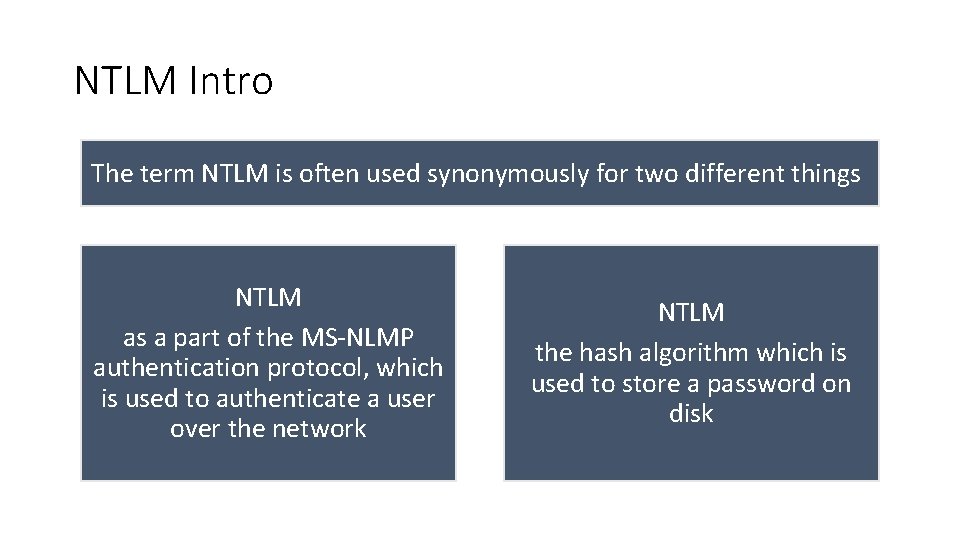
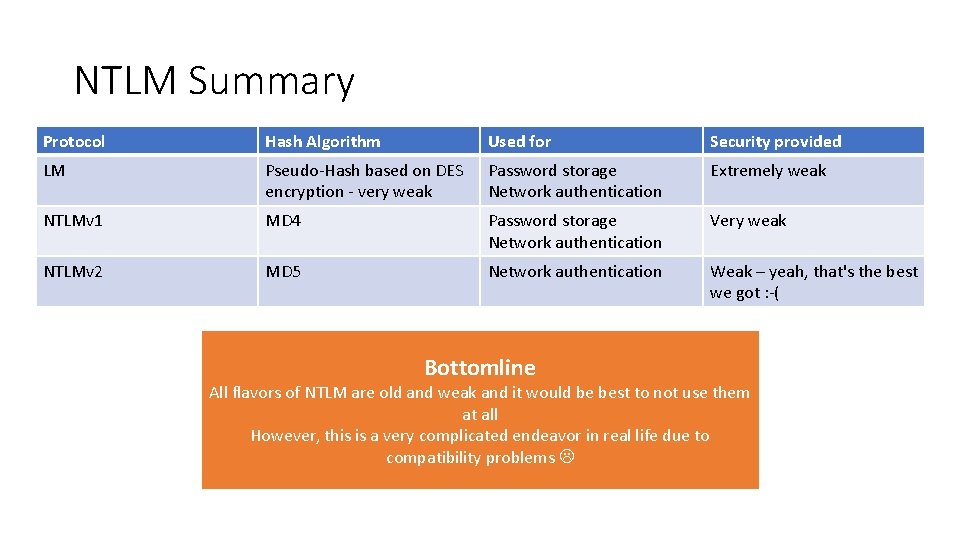
NTLM Intro The term NTLM is often used synonymously for two different things NTLM as a part of the MS-NLMP authentication protocol, which is used to authenticate a user over the network NTLM the hash algorithm which is used to store a password on disk
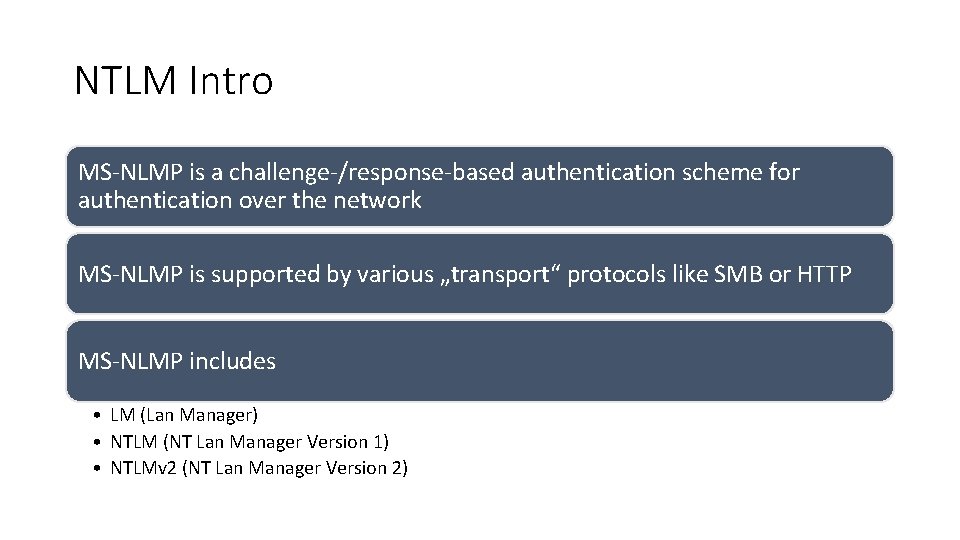
NTLM Intro MS-NLMP is a challenge-/response-based authentication scheme for authentication over the network MS-NLMP is supported by various „transport“ protocols like SMB or HTTP MS-NLMP includes • LM (Lan Manager) • NTLM (NT Lan Manager Version 1) • NTLMv 2 (NT Lan Manager Version 2)
NTLM Summary Protocol Hash Algorithm Used for Security provided LM Pseudo-Hash based on DES encryption - very weak Password storage Network authentication Extremely weak NTLMv 1 MD 4 Password storage Network authentication Very weak NTLMv 2 MD 5 Network authentication Weak – yeah, that's the best we got : -( Bottomline All flavors of NTLM are old and weak and it would be best to not use them at all However, this is a very complicated endeavor in real life due to compatibility problems
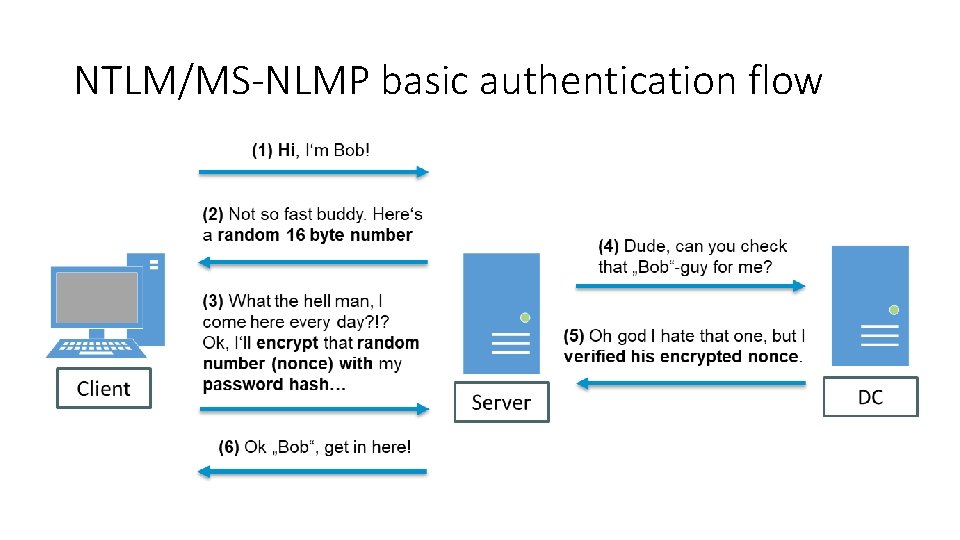
NTLM/MS-NLMP basic authentication flow
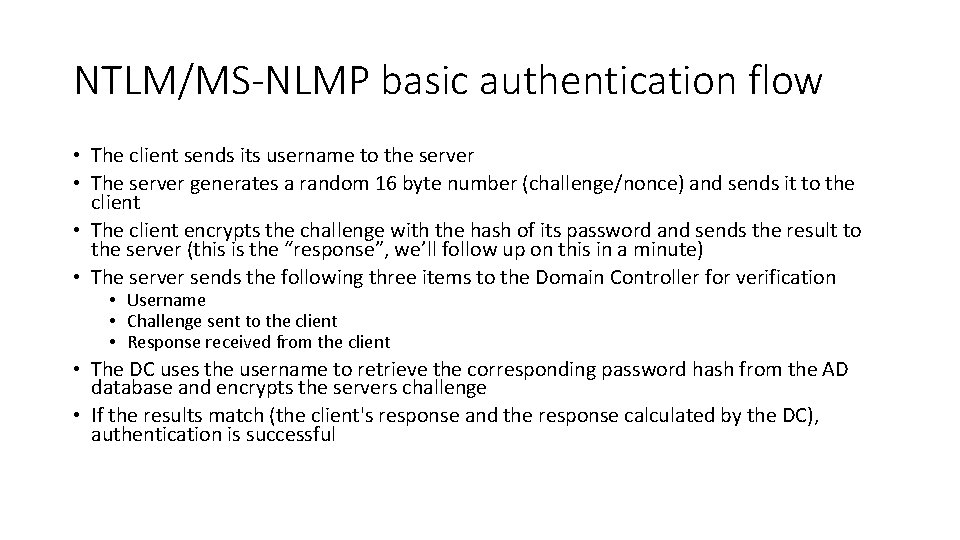
NTLM/MS-NLMP basic authentication flow • The client sends its username to the server • The server generates a random 16 byte number (challenge/nonce) and sends it to the client • The client encrypts the challenge with the hash of its password and sends the result to the server (this is the “response”, we’ll follow up on this in a minute) • The server sends the following three items to the Domain Controller for verification • Username • Challenge sent to the client • Response received from the client • The DC uses the username to retrieve the corresponding password hash from the AD database and encrypts the servers challenge • If the results match (the client's response and the response calculated by the DC), authentication is successful
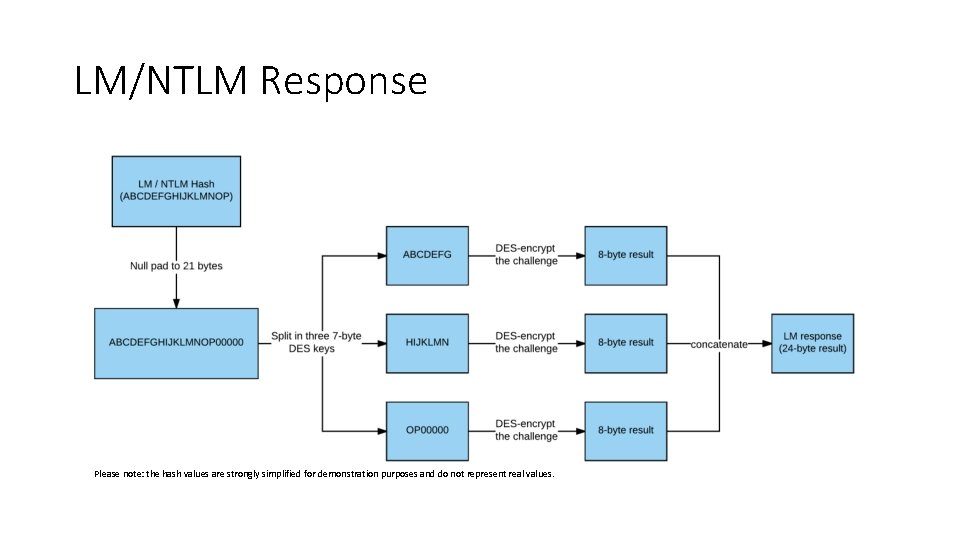
LM/NTLM Response Please note: the hash values are strongly simplified for demonstration purposes and do not represent real values.
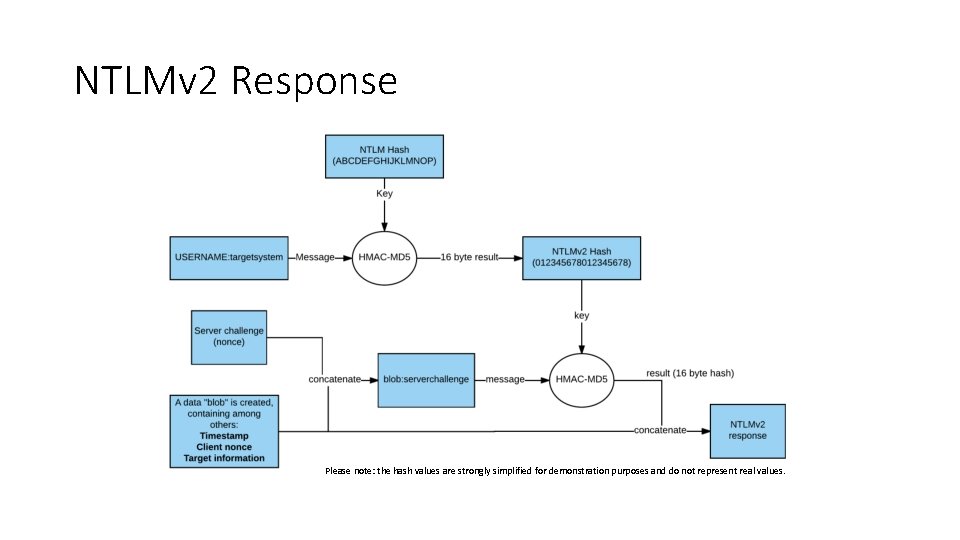
NTLMv 2 Response Please note: the hash values are strongly simplified for demonstration purposes and do not represent real values.
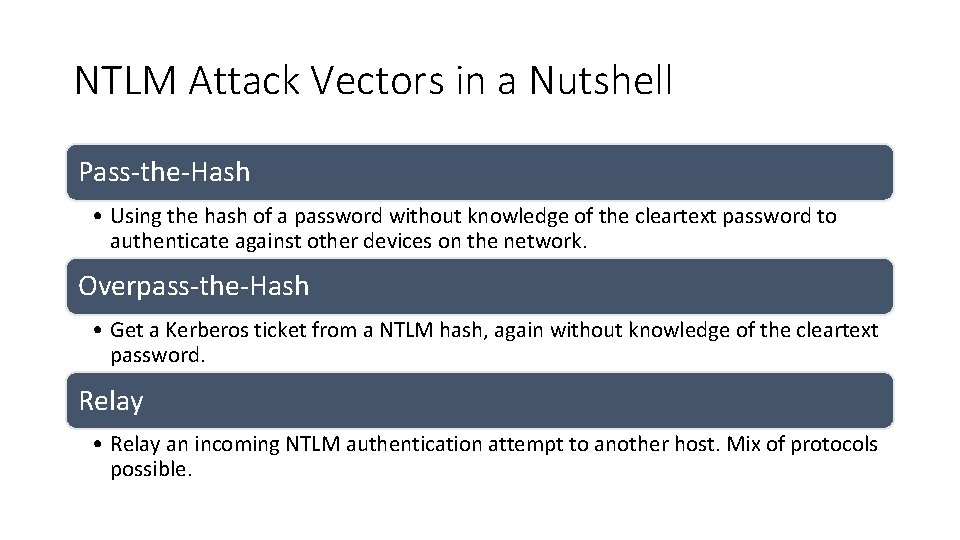
NTLM Attack Vectors in a Nutshell Pass-the-Hash • Using the hash of a password without knowledge of the cleartext password to authenticate against other devices on the network. Overpass-the-Hash • Get a Kerberos ticket from a NTLM hash, again without knowledge of the cleartext password. Relay • Relay an incoming NTLM authentication attempt to another host. Mix of protocols possible.
Pass-the-Hash Attack • The Pass-the-Hash attack abuses the previously described fact, that the password of the user is not required to successfully authenticate over the network, as long as the hash of the password is available • Cracking the password is no longer necessary(!) • Typical attack vectors are • Password hashes of local admin accounts, as long as they are identical across systems (e. g. all clients) • Hashes of privileged accounts (e. g. service accounts or administrators) acquired from memory
Exercise 2: NTLM Photo by Daniel Cheung
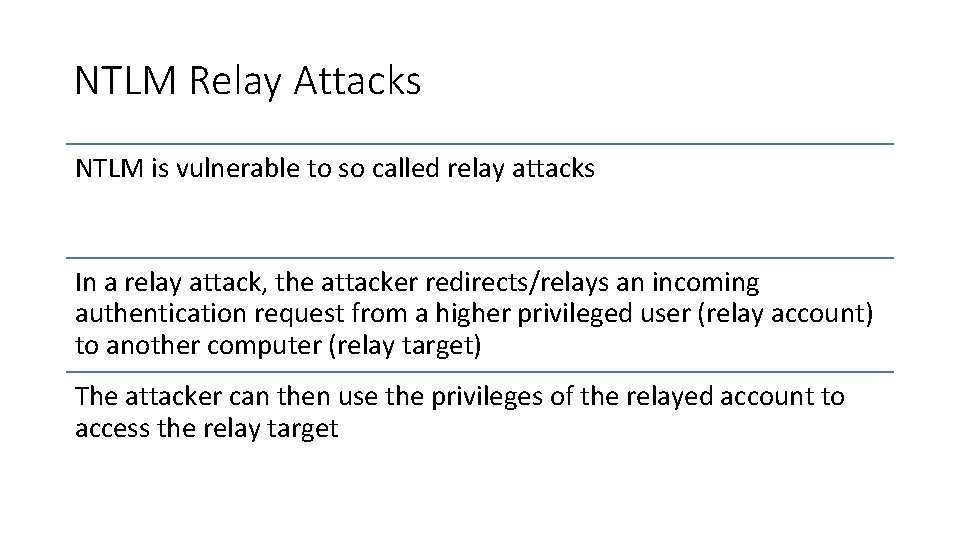
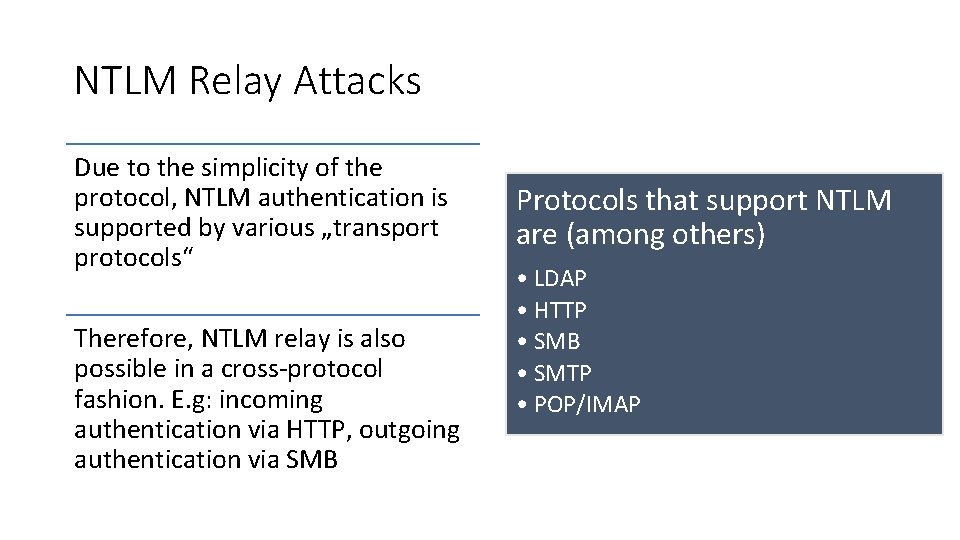
NTLM Relay Attacks NTLM is vulnerable to so called relay attacks In a relay attack, the attacker redirects/relays an incoming authentication request from a higher privileged user (relay account) to another computer (relay target) The attacker can then use the privileges of the relayed account to access the relay target
NTLM Relay Attacks Due to the simplicity of the protocol, NTLM authentication is supported by various „transport protocols“ Therefore, NTLM relay is also possible in a cross-protocol fashion. E. g: incoming authentication via HTTP, outgoing authentication via SMB Protocols that support NTLM are (among others) • LDAP • HTTP • SMB • SMTP • POP/IMAP
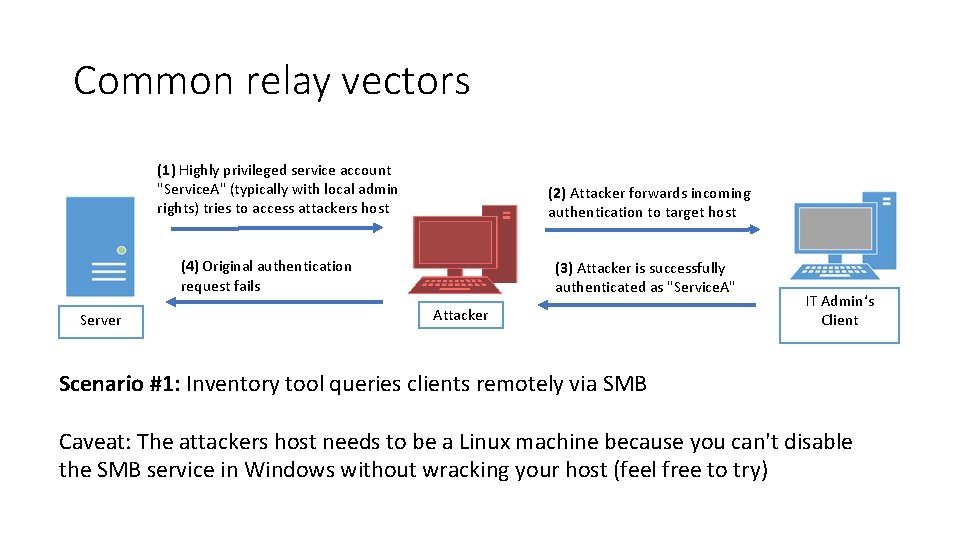
Common relay vectors (1) Highly privileged service account "Service. A" (typically with local admin rights) tries to access attackers host (2) Attacker forwards incoming authentication to target host (4) Original authentication request fails Server (3) Attacker is successfully authenticated as "Service. A" Attacker IT Admin‘s Client Scenario #1: Inventory tool queries clients remotely via SMB Caveat: The attackers host needs to be a Linux machine because you can't disable the SMB service in Windows without wracking your host (feel free to try)
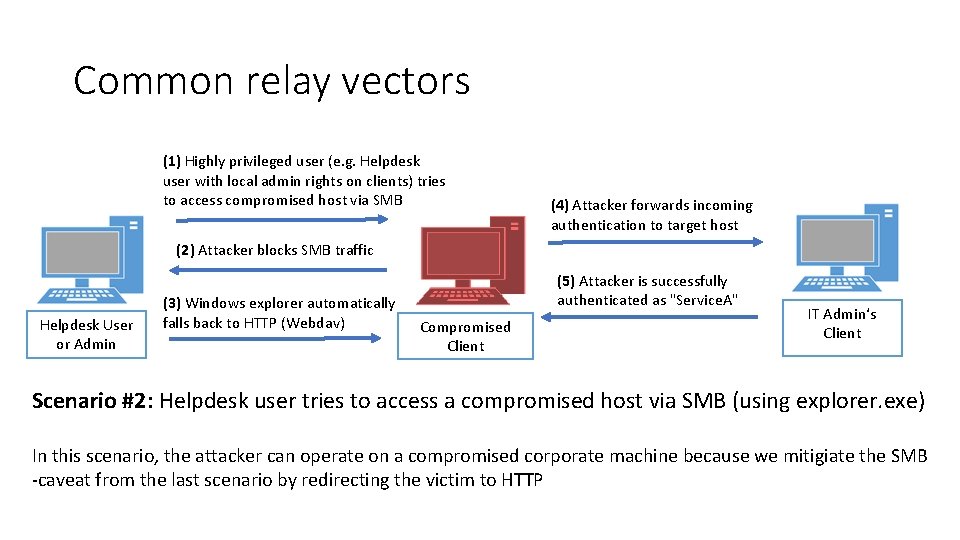
Common relay vectors (1) Highly privileged user (e. g. Helpdesk user with local admin rights on clients) tries to access compromised host via SMB (4) Attacker forwards incoming authentication to target host (2) Attacker blocks SMB traffic Helpdesk User or Admin (3) Windows explorer automatically falls back to HTTP (Webdav) (5) Attacker is successfully authenticated as "Service. A" Compromised Client IT Admin‘s Client Scenario #2: Helpdesk user tries to access a compromised host via SMB (using explorer. exe) In this scenario, the attacker can operate on a compromised corporate machine because we mitigiate the SMB -caveat from the last scenario by redirecting the victim to HTTP
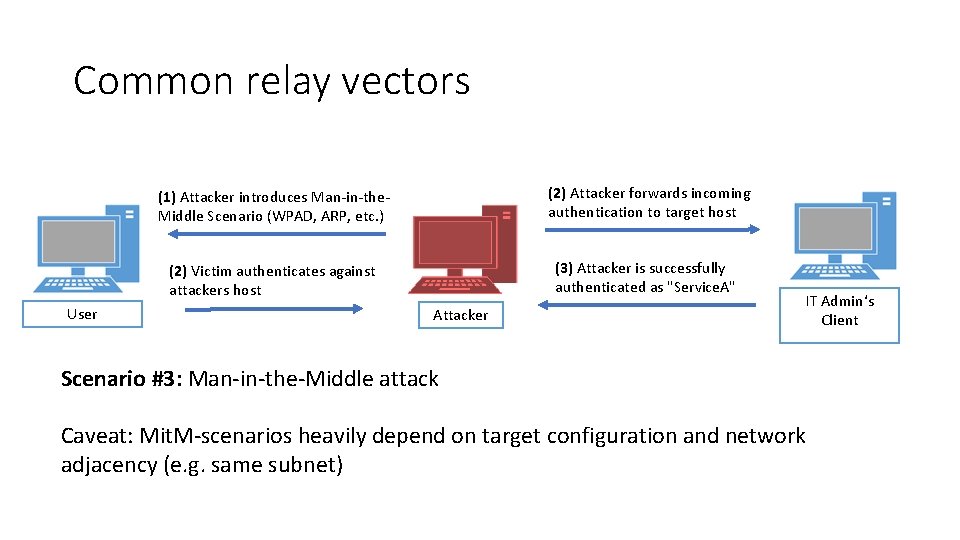
Common relay vectors User (1) Attacker introduces Man-in-the. Middle Scenario (WPAD, ARP, etc. ) (2) Attacker forwards incoming authentication to target host (2) Victim authenticates against attackers host (3) Attacker is successfully authenticated as "Service. A" Attacker IT Admin‘s Client Scenario #3: Man-in-the-Middle attack Caveat: Mit. M-scenarios heavily depend on target configuration and network adjacency (e. g. same subnet)
Kerberos The guard dog who protects the gate to the underworld
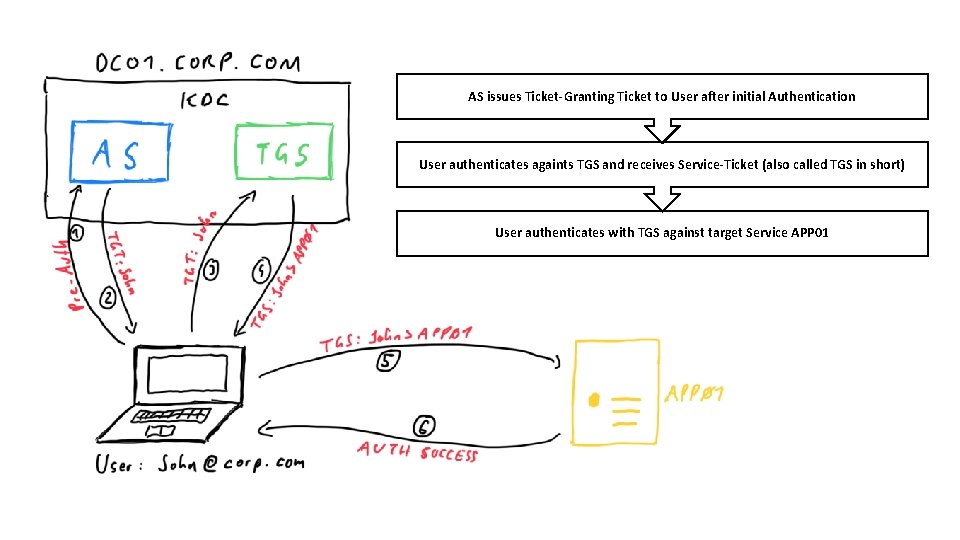
This is Jack attends Secure. Con – a conference for security experts.
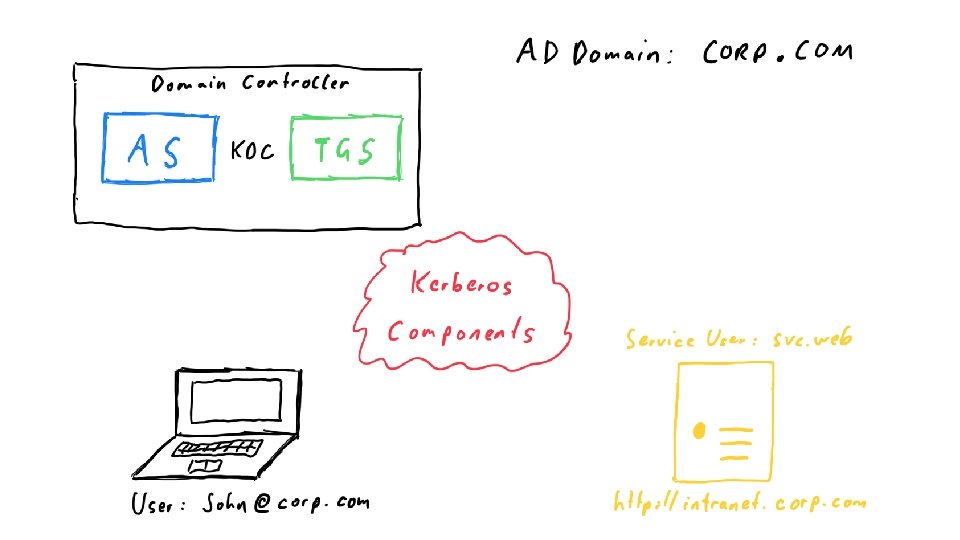
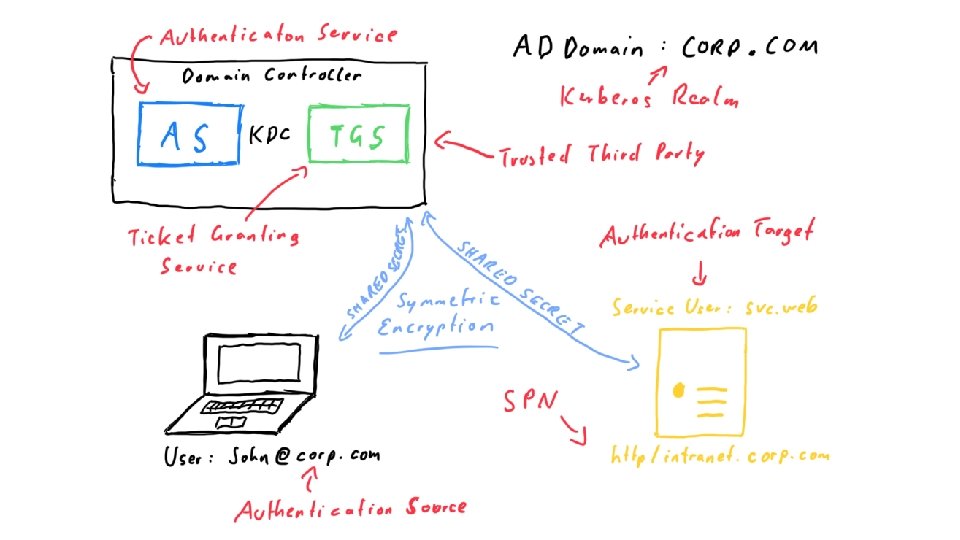
AS issues Ticket-Granting Ticket to User after initial Authentication User authenticates againts TGS and receives Service-Ticket (also called TGS in short) User authenticates with TGS against target Service APP 01
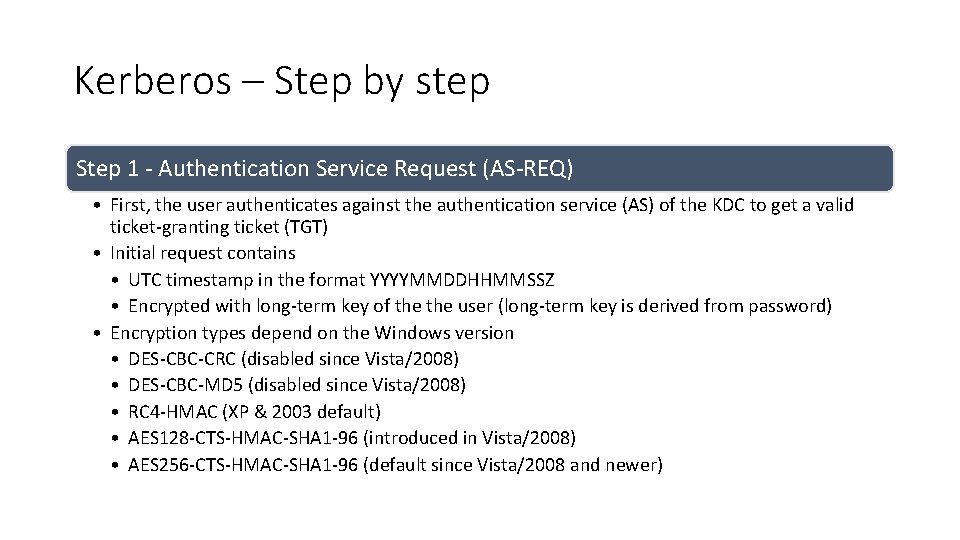
Kerberos – Step by step Step 1 - Authentication Service Request (AS-REQ) • First, the user authenticates against the authentication service (AS) of the KDC to get a valid ticket-granting ticket (TGT) • Initial request contains • UTC timestamp in the format YYYYMMDDHHMMSSZ • Encrypted with long-term key of the user (long-term key is derived from password) • Encryption types depend on the Windows version • DES-CBC-CRC (disabled since Vista/2008) • DES-CBC-MD 5 (disabled since Vista/2008) • RC 4 -HMAC (XP & 2003 default) • AES 128 -CTS-HMAC-SHA 1 -96 (introduced in Vista/2008) • AES 256 -CTS-HMAC-SHA 1 -96 (default since Vista/2008 and newer)
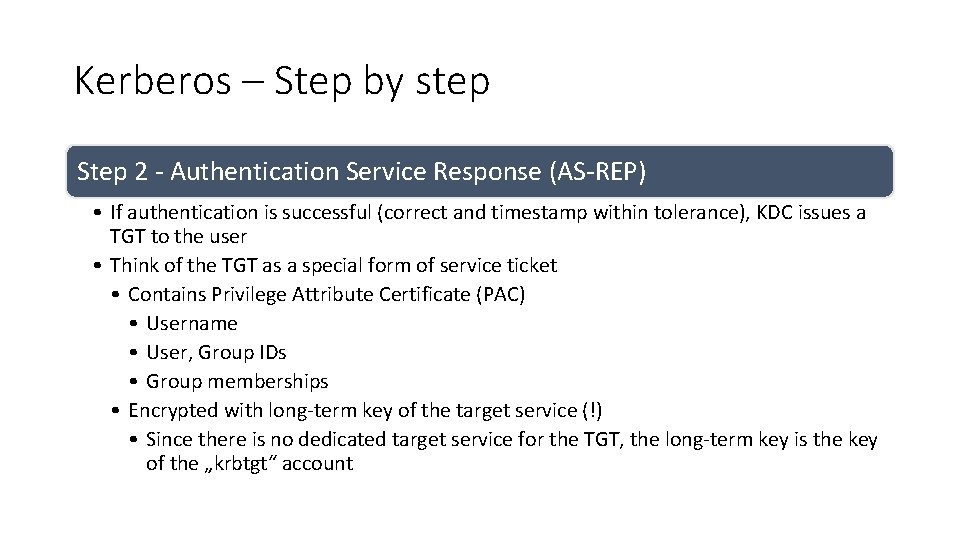
Kerberos – Step by step Step 2 - Authentication Service Response (AS-REP) • If authentication is successful (correct and timestamp within tolerance), KDC issues a TGT to the user • Think of the TGT as a special form of service ticket • Contains Privilege Attribute Certificate (PAC) • Username • User, Group IDs • Group memberships • Encrypted with long-term key of the target service (!) • Since there is no dedicated target service for the TGT, the long-term key is the key of the „krbtgt“ account
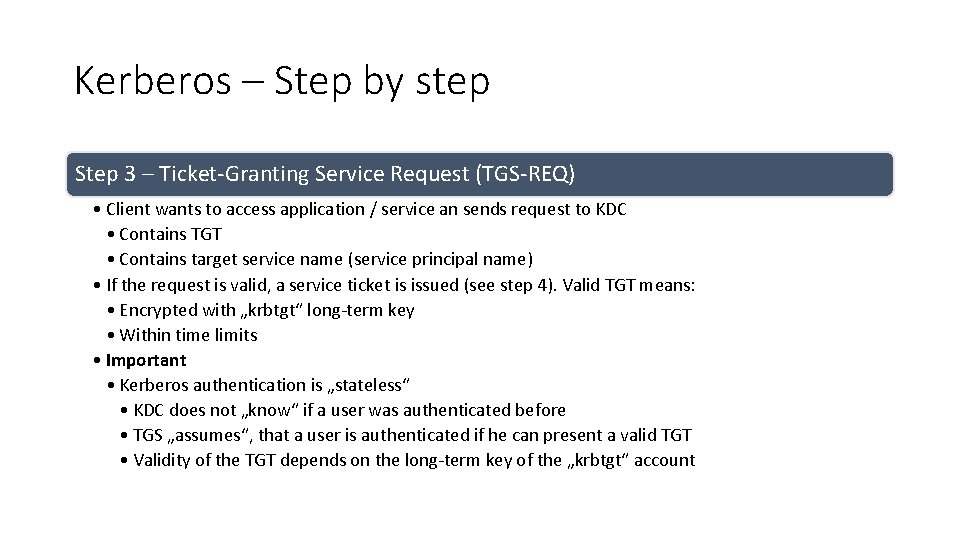
Kerberos – Step by step Step 3 – Ticket-Granting Service Request (TGS-REQ) • Client wants to access application / service an sends request to KDC • Contains TGT • Contains target service name (service principal name) • If the request is valid, a service ticket is issued (see step 4). Valid TGT means: • Encrypted with „krbtgt“ long-term key • Within time limits • Important • Kerberos authentication is „stateless“ • KDC does not „know“ if a user was authenticated before • TGS „assumes“, that a user is authenticated if he can present a valid TGT • Validity of the TGT depends on the long-term key of the „krbtgt“ account
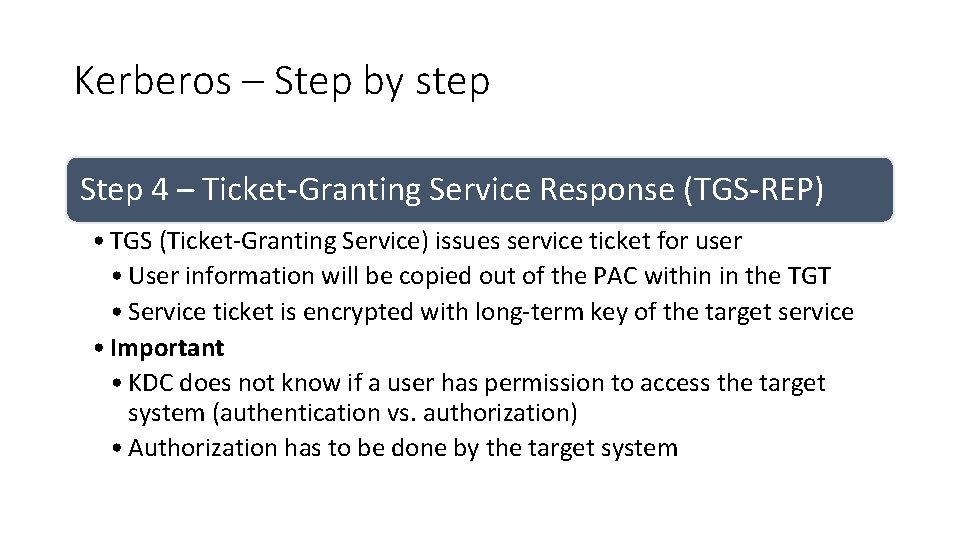
Kerberos – Step by step Step 4 – Ticket-Granting Service Response (TGS-REP) • TGS (Ticket-Granting Service) issues service ticket for user • User information will be copied out of the PAC within in the TGT • Service ticket is encrypted with long-term key of the target service • Important • KDC does not know if a user has permission to access the target system (authentication vs. authorization) • Authorization has to be done by the target system
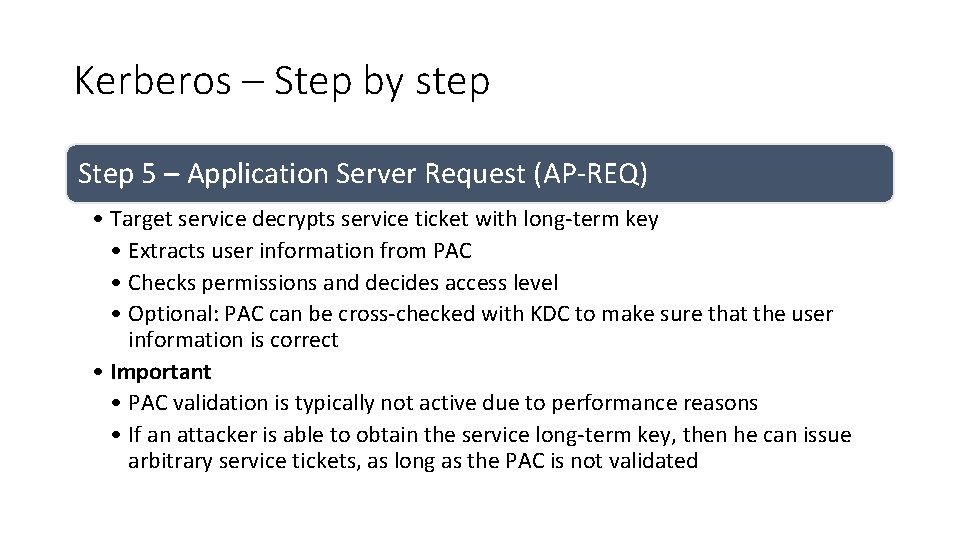
Kerberos – Step by step Step 5 – Application Server Request (AP-REQ) • Target service decrypts service ticket with long-term key • Extracts user information from PAC • Checks permissions and decides access level • Optional: PAC can be cross-checked with KDC to make sure that the user information is correct • Important • PAC validation is typically not active due to performance reasons • If an attacker is able to obtain the service long-term key, then he can issue arbitrary service tickets, as long as the PAC is not validated
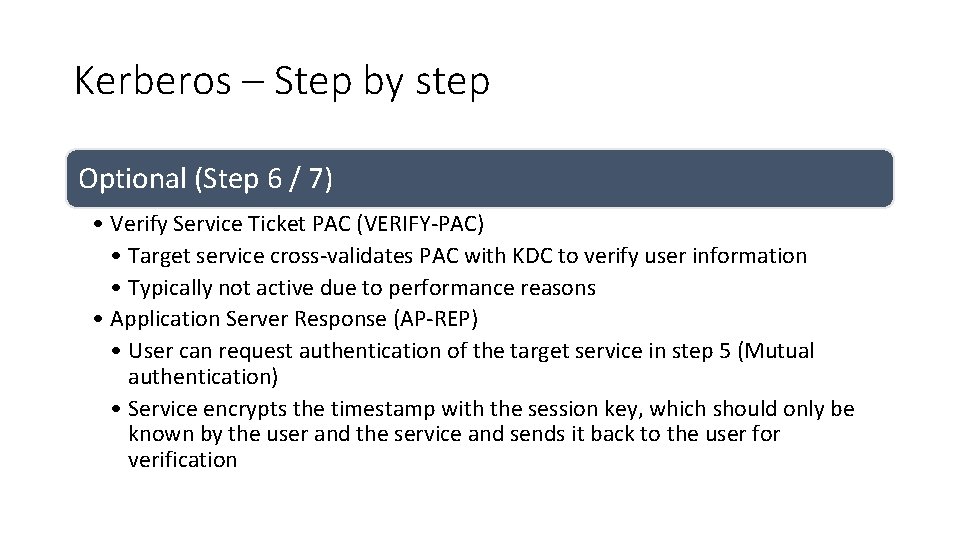
Kerberos – Step by step Optional (Step 6 / 7) • Verify Service Ticket PAC (VERIFY-PAC) • Target service cross-validates PAC with KDC to verify user information • Typically not active due to performance reasons • Application Server Response (AP-REP) • User can request authentication of the target service in step 5 (Mutual authentication) • Service encrypts the timestamp with the session key, which should only be known by the user and the service and sends it back to the user for verification
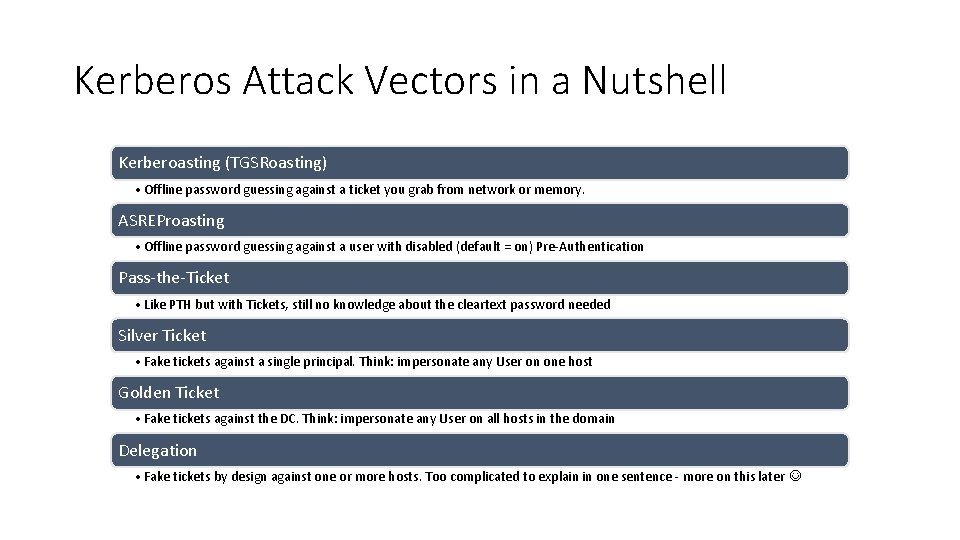
Kerberos Attack Vectors in a Nutshell Kerberoasting (TGSRoasting) • Offline password guessing against a ticket you grab from network or memory. ASREProasting • Offline password guessing against a user with disabled (default = on) Pre-Authentication Pass-the-Ticket • Like PTH but with Tickets, still no knowledge about the cleartext password needed Silver Ticket • Fake tickets against a single principal. Think: impersonate any User on one host Golden Ticket • Fake tickets against the DC. Think: impersonate any User on all hosts in the domain Delegation • Fake tickets by design against one or more hosts. Too complicated to explain in one sentence - more on this later
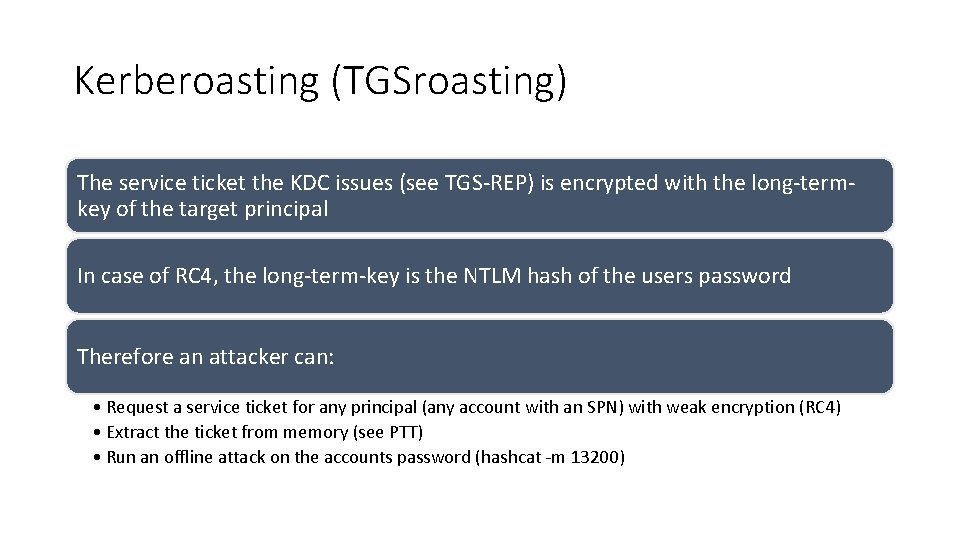
Kerberoasting (TGSroasting) The service ticket the KDC issues (see TGS-REP) is encrypted with the long-termkey of the target principal In case of RC 4, the long-term-key is the NTLM hash of the users password Therefore an attacker can: • Request a service ticket for any principal (any account with an SPN) with weak encryption (RC 4) • Extract the ticket from memory (see PTT) • Run an offline attack on the accounts password (hashcat -m 13200)
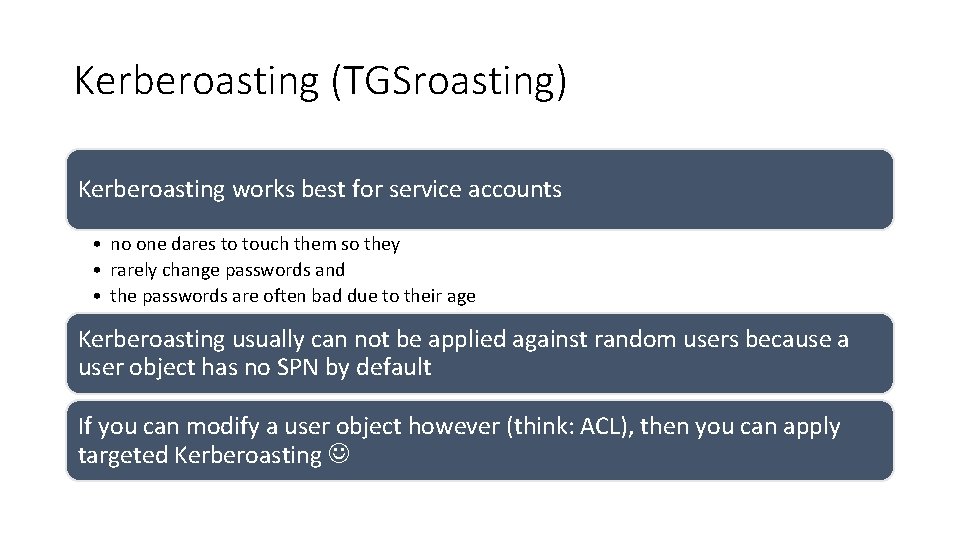
Kerberoasting (TGSroasting) Kerberoasting works best for service accounts • no one dares to touch them so they • rarely change passwords and • the passwords are often bad due to their age Kerberoasting usually can not be applied against random users because a user object has no SPN by default If you can modify a user object however (think: ACL), then you can apply targeted Kerberoasting
Exercise 3: Kerberoasting Photo by Daniel Cheung
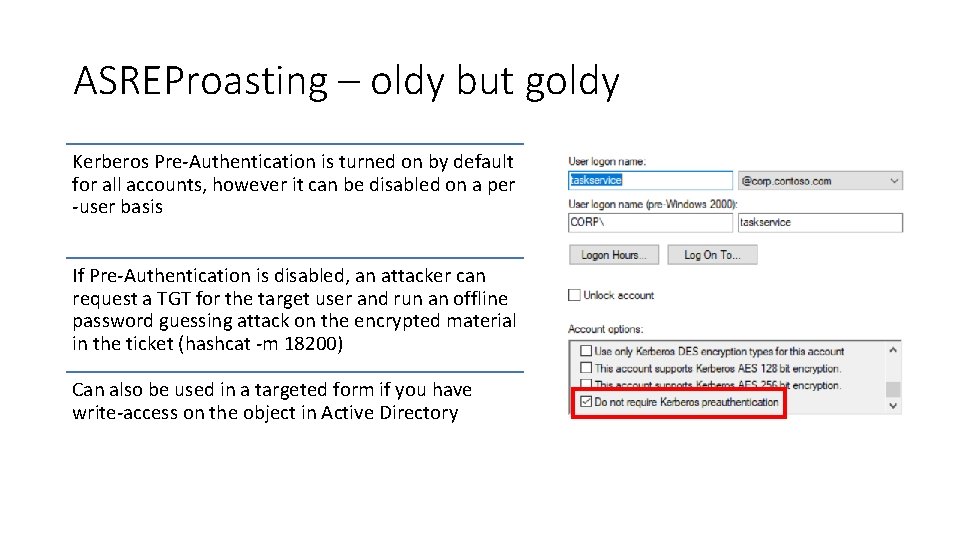
ASREProasting – oldy but goldy Kerberos Pre-Authentication is turned on by default for all accounts, however it can be disabled on a per -user basis If Pre-Authentication is disabled, an attacker can request a TGT for the target user and run an offline password guessing attack on the encrypted material in the ticket (hashcat -m 18200) Can also be used in a targeted form if you have write-access on the object in Active Directory
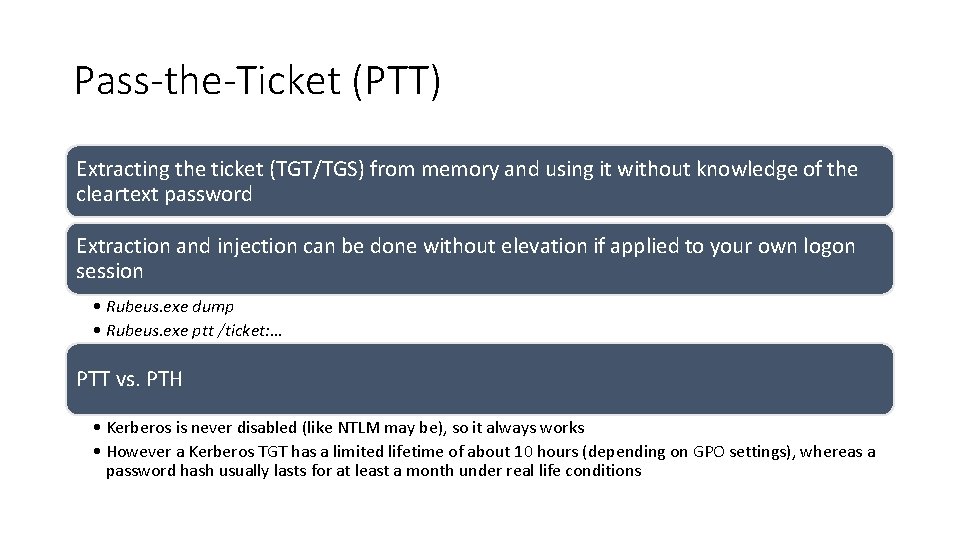
Pass-the-Ticket (PTT) Extracting the ticket (TGT/TGS) from memory and using it without knowledge of the cleartext password Extraction and injection can be done without elevation if applied to your own logon session • Rubeus. exe dump • Rubeus. exe ptt /ticket: … PTT vs. PTH • Kerberos is never disabled (like NTLM may be), so it always works • However a Kerberos TGT has a limited lifetime of about 10 hours (depending on GPO settings), whereas a password hash usually lasts for at least a month under real life conditions
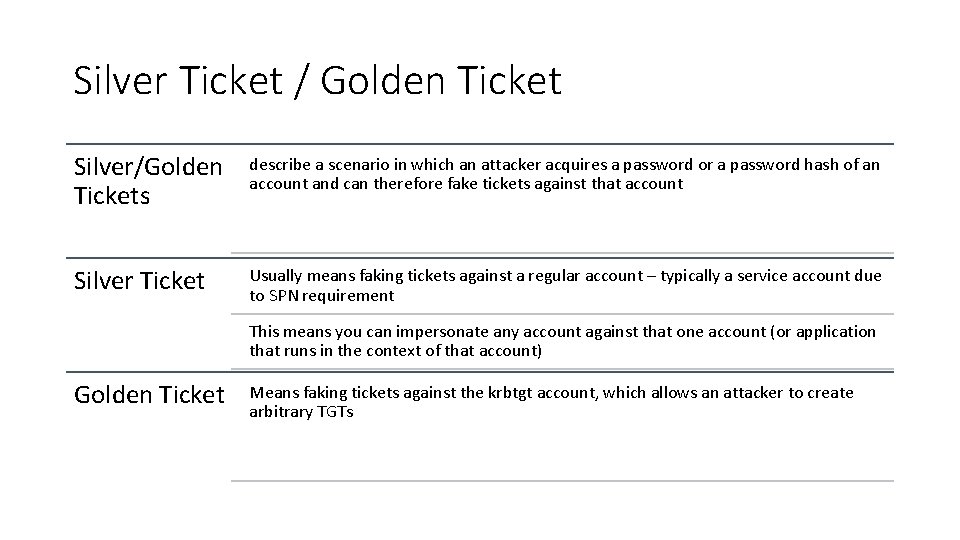
Silver Ticket / Golden Ticket Silver/Golden Tickets describe a scenario in which an attacker acquires a password or a password hash of an account and can therefore fake tickets against that account Silver Ticket Usually means faking tickets against a regular account – typically a service account due to SPN requirement This means you can impersonate any account against that one account (or application that runs in the context of that account) Golden Ticket Means faking tickets against the krbtgt account, which allows an attacker to create arbitrary TGTs
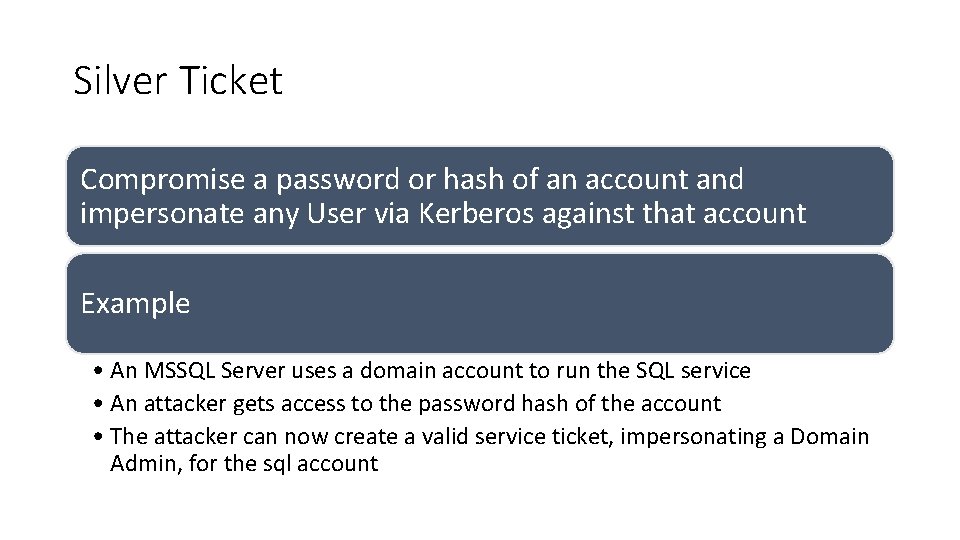
Silver Ticket Compromise a password or hash of an account and impersonate any User via Kerberos against that account Example • An MSSQL Server uses a domain account to run the SQL service • An attacker gets access to the password hash of the account • The attacker can now create a valid service ticket, impersonating a Domain Admin, for the sql account
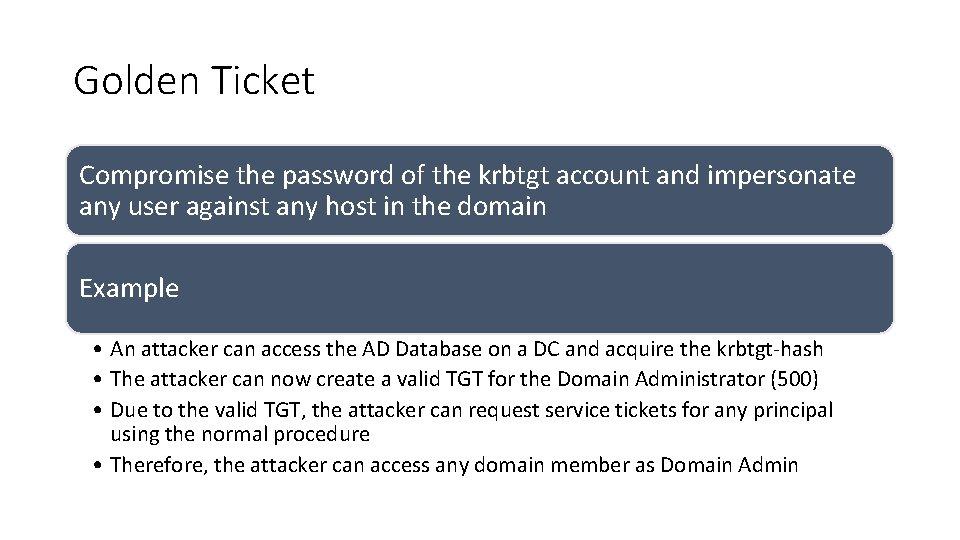
Golden Ticket Compromise the password of the krbtgt account and impersonate any user against any host in the domain Example • An attacker can access the AD Database on a DC and acquire the krbtgt-hash • The attacker can now create a valid TGT for the Domain Administrator (500) • Due to the valid TGT, the attacker can request service tickets for any principal using the normal procedure • Therefore, the attacker can access any domain member as Domain Admin
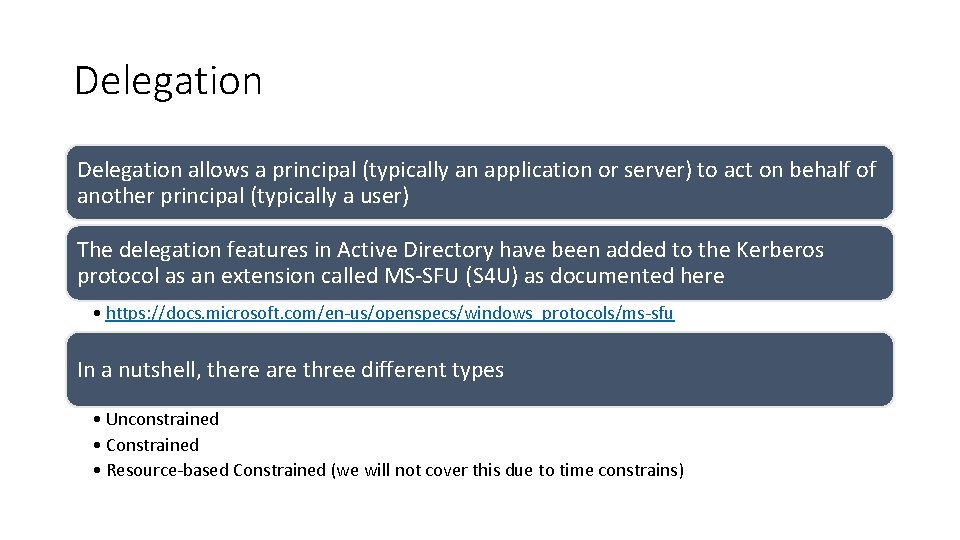
Delegation allows a principal (typically an application or server) to act on behalf of another principal (typically a user) The delegation features in Active Directory have been added to the Kerberos protocol as an extension called MS-SFU (S 4 U) as documented here • https: //docs. microsoft. com/en-us/openspecs/windows_protocols/ms-sfu In a nutshell, there are three different types • Unconstrained • Constrained • Resource-based Constrained (we will not cover this due to time constrains)
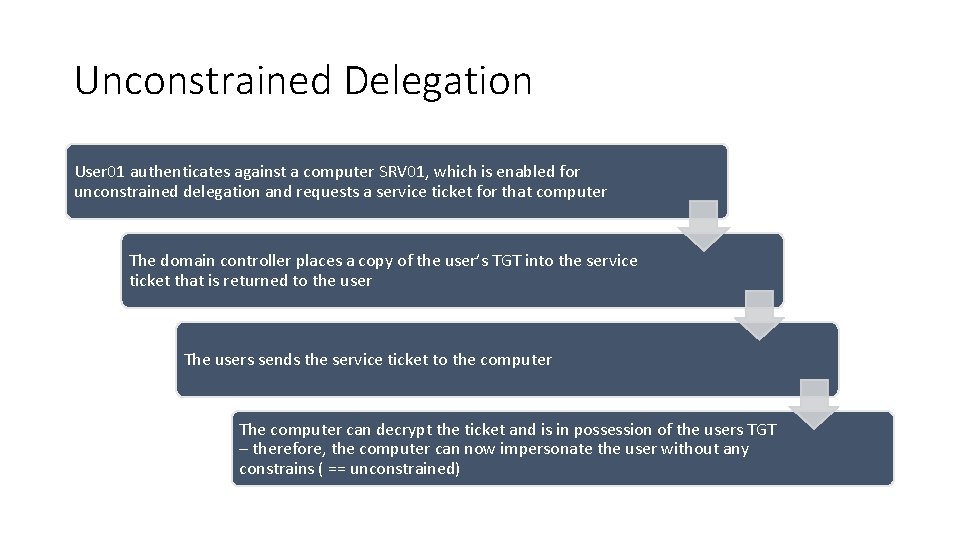
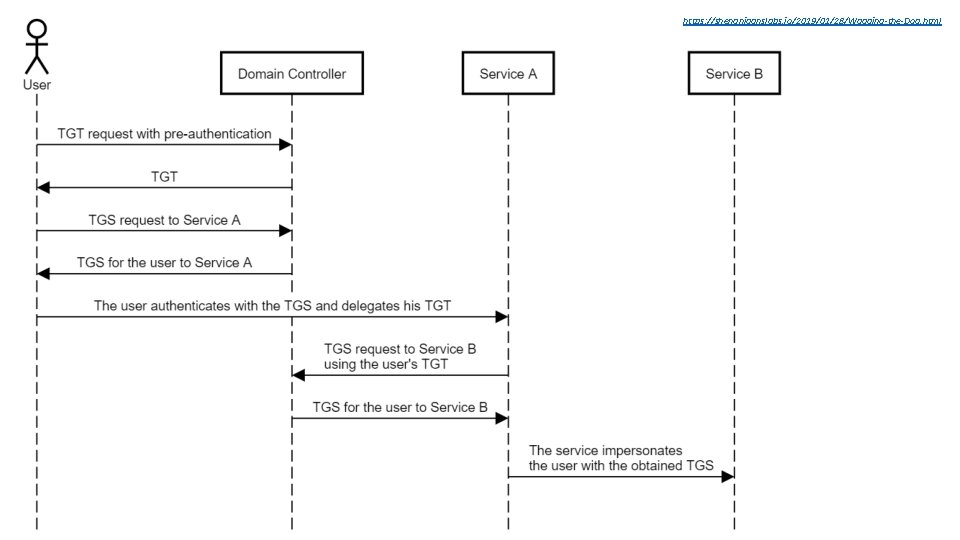
Unconstrained Delegation User 01 authenticates against a computer SRV 01, which is enabled for unconstrained delegation and requests a service ticket for that computer The domain controller places a copy of the user’s TGT into the service ticket that is returned to the user The users sends the service ticket to the computer The computer can decrypt the ticket and is in possession of the users TGT – therefore, the computer can now impersonate the user without any constrains ( == unconstrained)
https: //shenaniganslabs. io/2019/01/28/Wagging-the-Dog. html
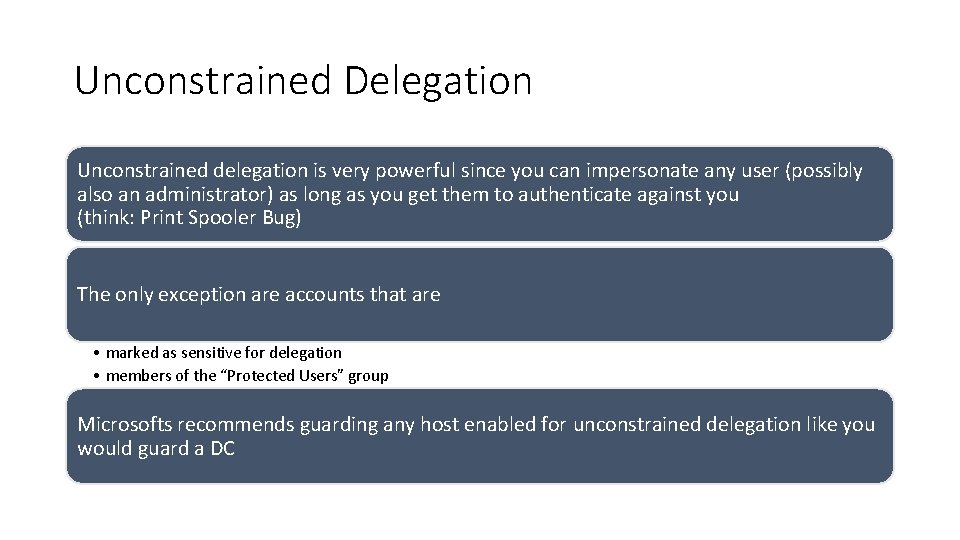
Unconstrained Delegation Unconstrained delegation is very powerful since you can impersonate any user (possibly also an administrator) as long as you get them to authenticate against you (think: Print Spooler Bug) The only exception are accounts that are • marked as sensitive for delegation • members of the “Protected Users” group Microsofts recommends guarding any host enabled for unconstrained delegation like you would guard a DC
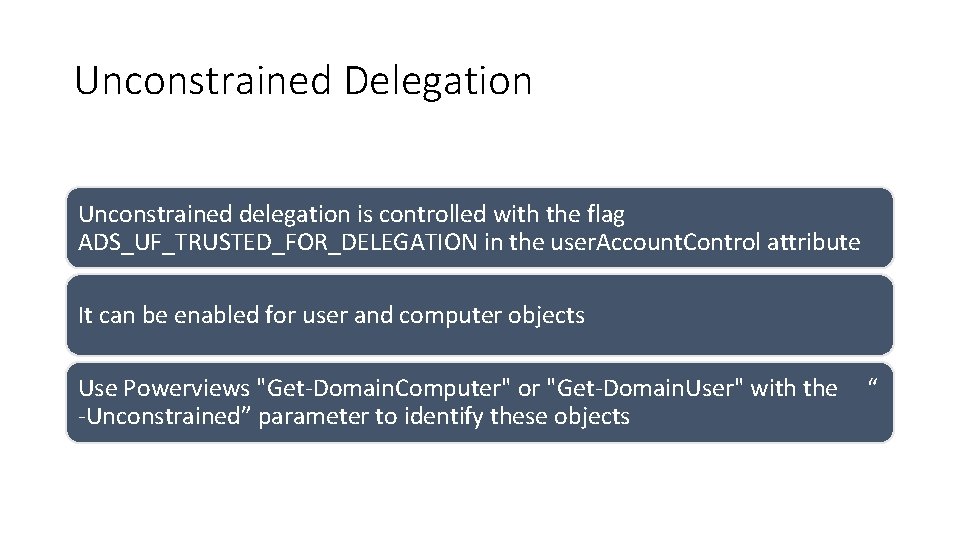
Unconstrained Delegation Unconstrained delegation is controlled with the flag ADS_UF_TRUSTED_FOR_DELEGATION in the user. Account. Control attribute It can be enabled for user and computer objects Use Powerviews "Get-Domain. Computer" or "Get-Domain. User" with the -Unconstrained” parameter to identify these objects “
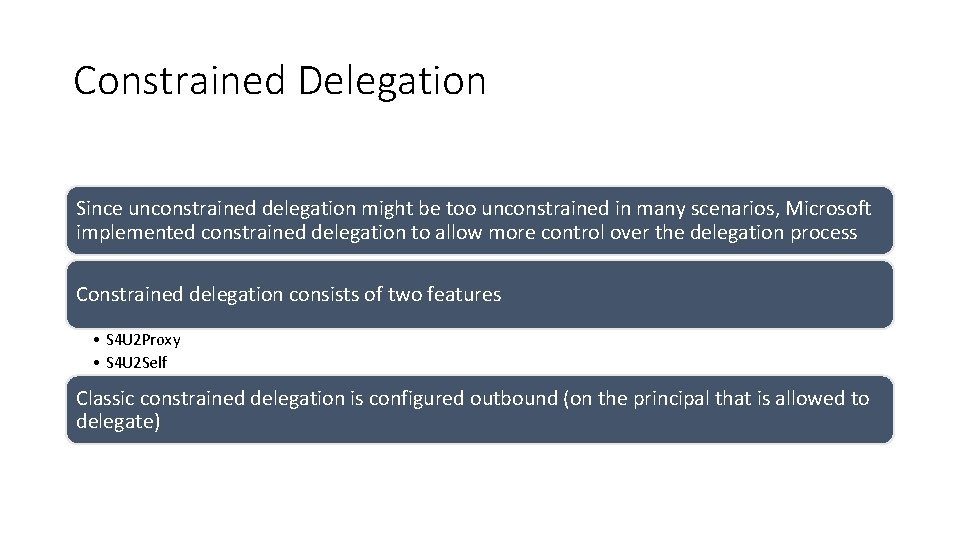
Constrained Delegation Since unconstrained delegation might be too unconstrained in many scenarios, Microsoft implemented constrained delegation to allow more control over the delegation process Constrained delegation consists of two features • S 4 U 2 Proxy • S 4 U 2 Self Classic constrained delegation is configured outbound (on the principal that is allowed to delegate)
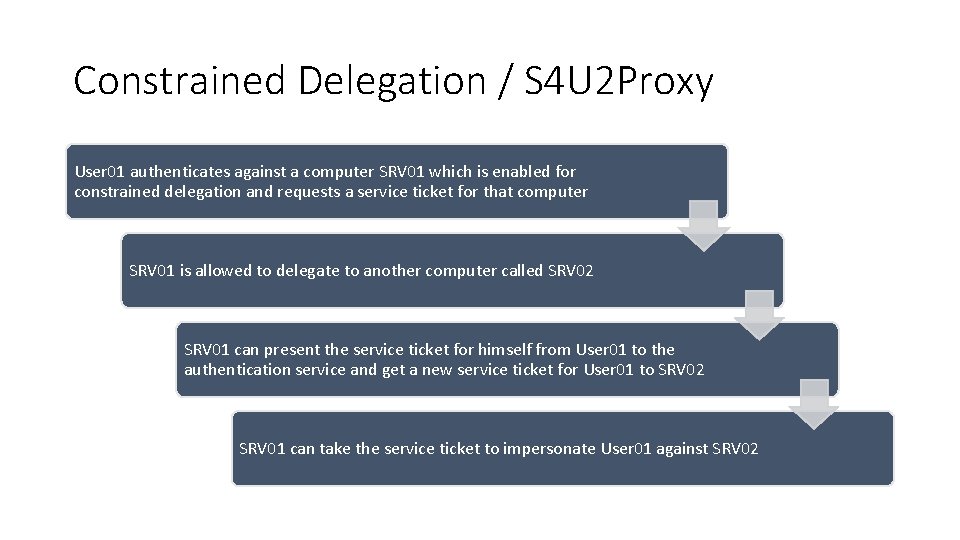
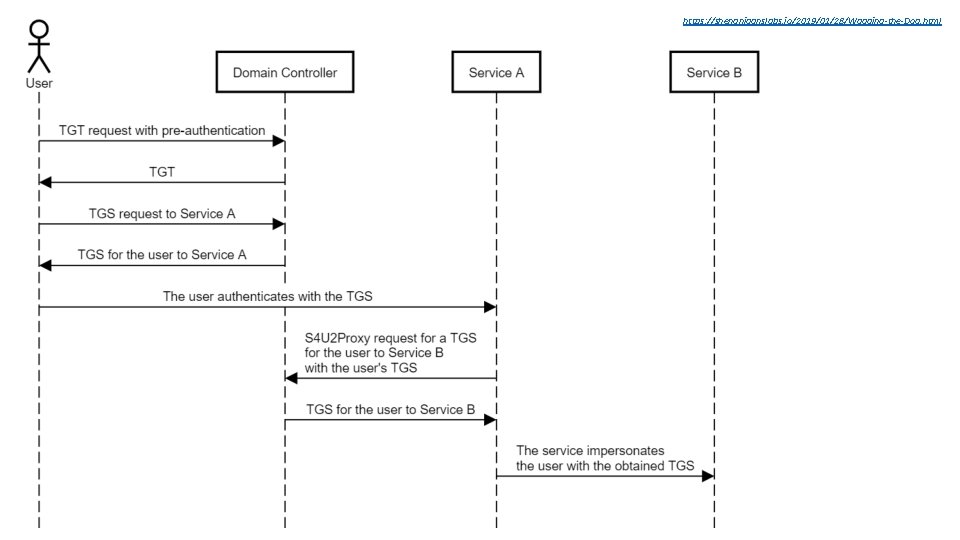
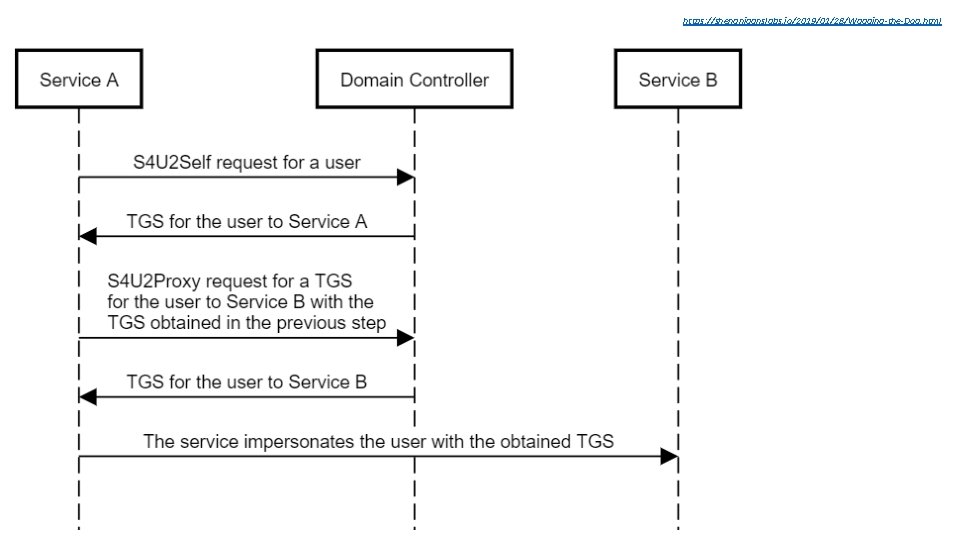
Constrained Delegation / S 4 U 2 Proxy User 01 authenticates against a computer SRV 01 which is enabled for constrained delegation and requests a service ticket for that computer SRV 01 is allowed to delegate to another computer called SRV 02 SRV 01 can present the service ticket for himself from User 01 to the authentication service and get a new service ticket for User 01 to SRV 02 SRV 01 can take the service ticket to impersonate User 01 against SRV 02
https: //shenaniganslabs. io/2019/01/28/Wagging-the-Dog. html S 4 U 2 Proxy
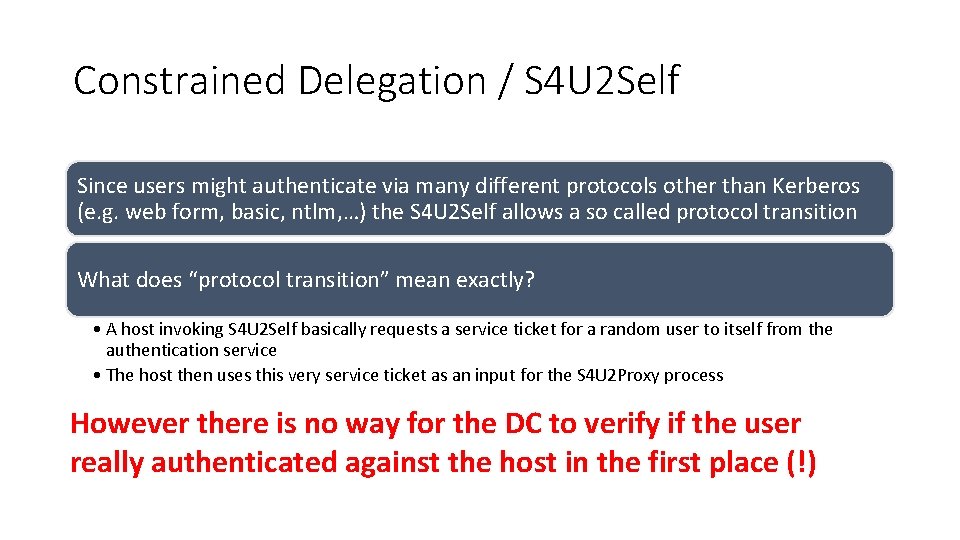
Constrained Delegation / S 4 U 2 Self Since users might authenticate via many different protocols other than Kerberos (e. g. web form, basic, ntlm, …) the S 4 U 2 Self allows a so called protocol transition What does “protocol transition” mean exactly? • A host invoking S 4 U 2 Self basically requests a service ticket for a random user to itself from the authentication service • The host then uses this very service ticket as an input for the S 4 U 2 Proxy process However there is no way for the DC to verify if the user really authenticated against the host in the first place (!)
Constrained Delegation / S 4 U 2 Self Since users might authenticate via many different protocols other than Kerberos (e. g. web form, basic, ntlm, …) the S 4 U 2 Self allows a so called protocol transition What does “protocol transition” mean exactly? • A host invoking S 4 U 2 Self basically requests a service ticket for a random user to itself from the authentication service • The host then uses this very service ticket as an input for the S 4 U 2 Proxy process However there is no way for the DC to verify if the user really authenticated against the host in the first place (!)
https: //shenaniganslabs. io/2019/01/28/Wagging-the-Dog. html
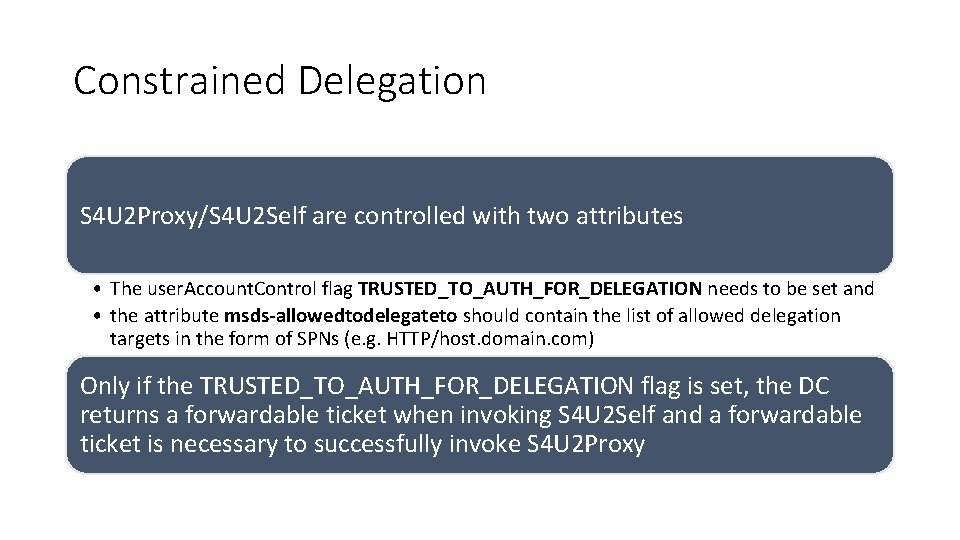
Constrained Delegation S 4 U 2 Proxy/S 4 U 2 Self are controlled with two attributes • The user. Account. Control flag TRUSTED_TO_AUTH_FOR_DELEGATION needs to be set and • the attribute msds-allowedtodelegateto should contain the list of allowed delegation targets in the form of SPNs (e. g. HTTP/host. domain. com) Only if the TRUSTED_TO_AUTH_FOR_DELEGATION flag is set, the DC returns a forwardable ticket when invoking S 4 U 2 Self and a forwardable ticket is necessary to successfully invoke S 4 U 2 Proxy
Exercise 4: Delegation Photo by Daniel Cheung
ACL-based Attacks An ACE up your sleeve
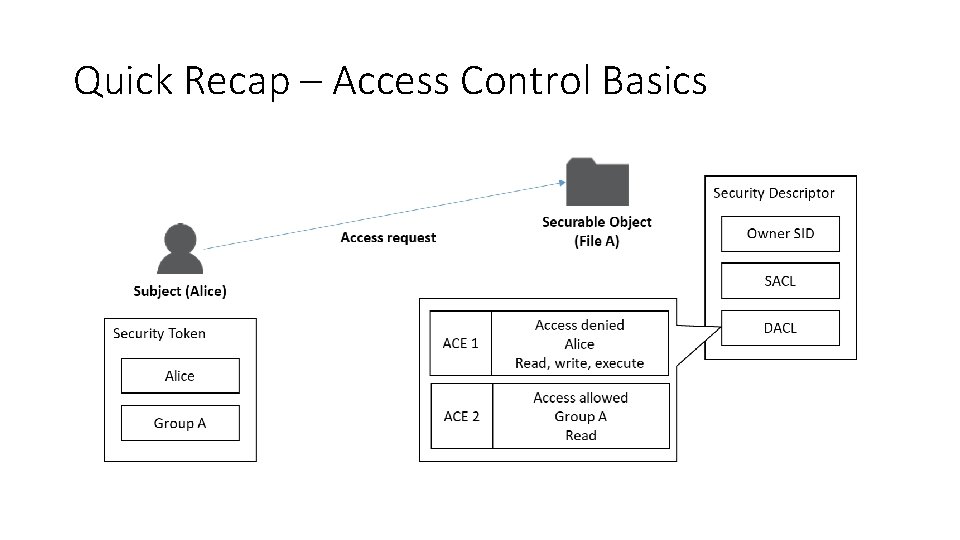
Quick Recap – Access Control Basics
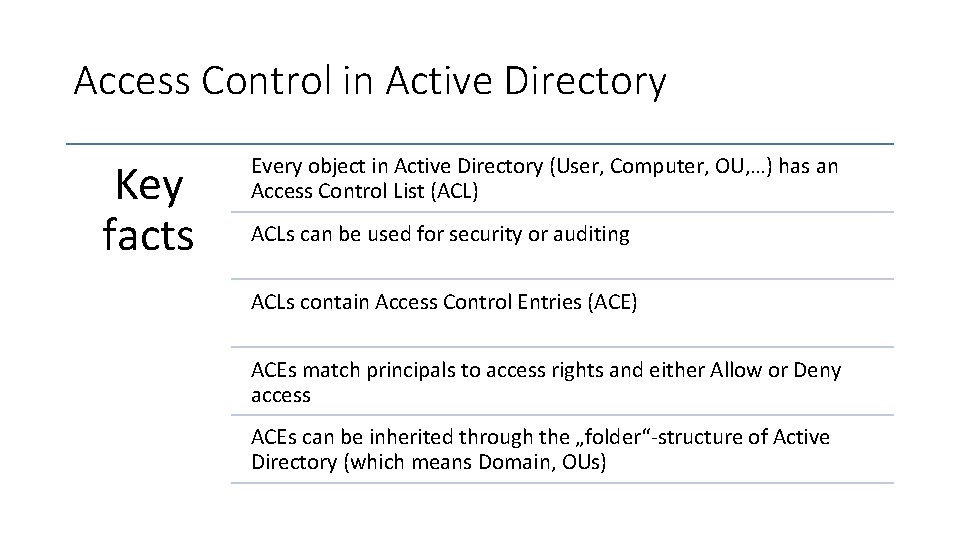
Access Control in Active Directory Key facts Every object in Active Directory (User, Computer, OU, …) has an Access Control List (ACL) ACLs can be used for security or auditing ACLs contain Access Control Entries (ACE) ACEs match principals to access rights and either Allow or Deny access ACEs can be inherited through the „folder“-structure of Active Directory (which means Domain, OUs)
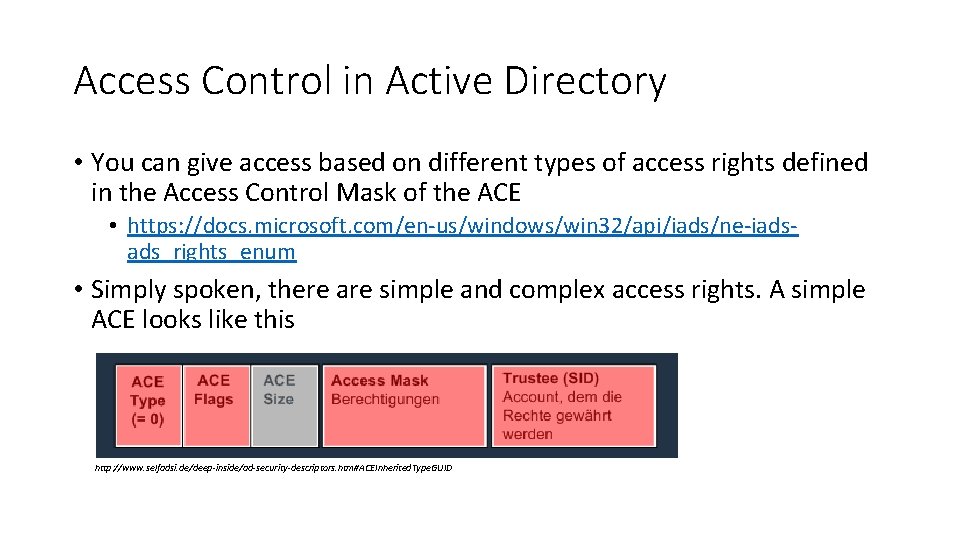
Access Control in Active Directory • You can give access based on different types of access rights defined in the Access Control Mask of the ACE • https: //docs. microsoft. com/en-us/windows/win 32/api/iads/ne-iadsads_rights_enum • Simply spoken, there are simple and complex access rights. A simple ACE looks like this http: //www. selfadsi. de/deep-inside/ad-security-descriptors. htm#ACEInherited. Type. GUID
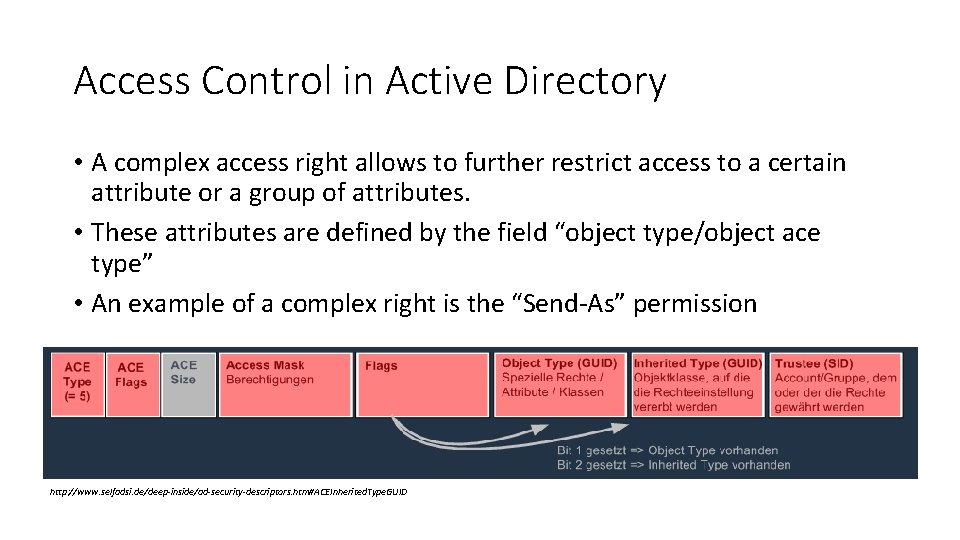
Access Control in Active Directory • A complex access right allows to further restrict access to a certain attribute or a group of attributes. • These attributes are defined by the field “object type/object ace type” • An example of a complex right is the “Send-As” permission http: //www. selfadsi. de/deep-inside/ad-security-descriptors. htm#ACEInherited. Type. GUID
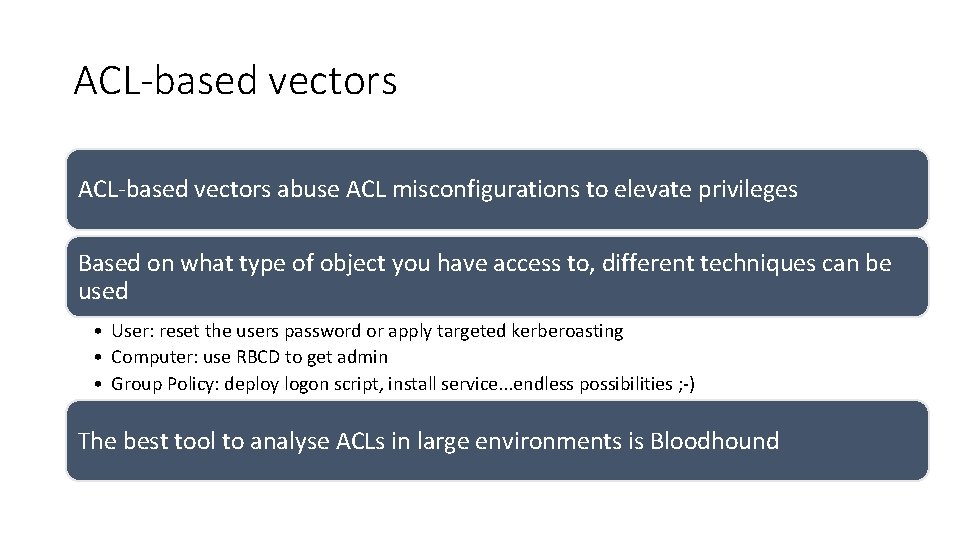
ACL-based vectors abuse ACL misconfigurations to elevate privileges Based on what type of object you have access to, different techniques can be used • User: reset the users password or apply targeted kerberoasting • Computer: use RBCD to get admin • Group Policy: deploy logon script, install service. . . endless possibilities ; -) The best tool to analyse ACLs in large environments is Bloodhound
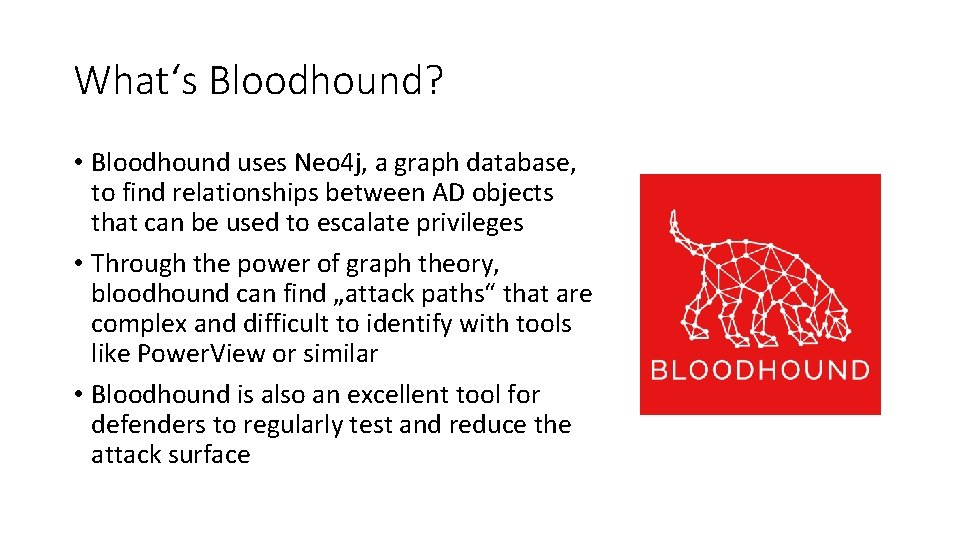
What‘s Bloodhound? • Bloodhound uses Neo 4 j, a graph database, to find relationships between AD objects that can be used to escalate privileges • Through the power of graph theory, bloodhound can find „attack paths“ that are complex and difficult to identify with tools like Power. View or similar • Bloodhound is also an excellent tool for defenders to regularly test and reduce the attack surface
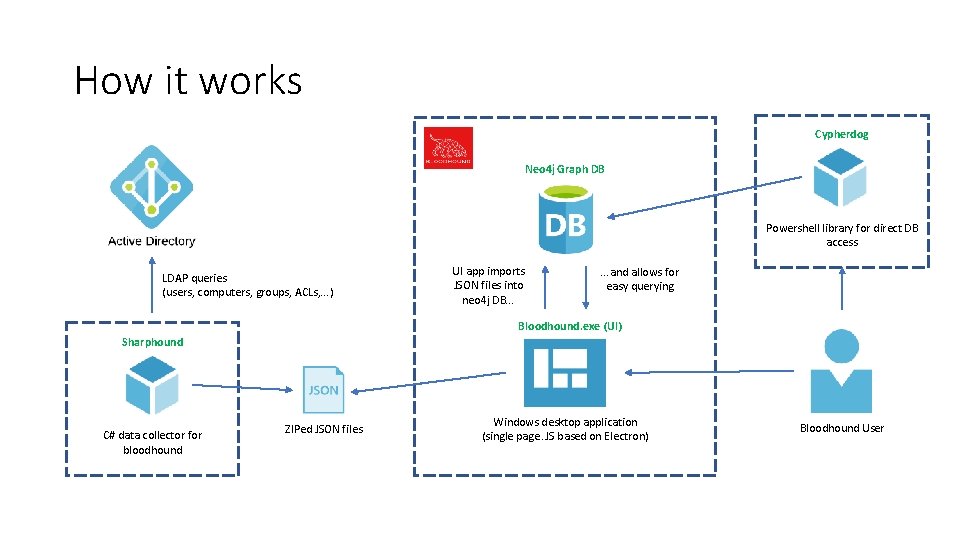
How it works Cypherdog Neo 4 j Graph DB Powershell library for direct DB access LDAP queries (users, computers, groups, ACLs, . . . ) UI app imports JSON files into neo 4 j DB. . . and allows for easy querying Bloodhound. exe (UI) Sharphound C# data collector for bloodhound ZIPed JSON files Windows desktop application (single page. JS based on Electron) Bloodhound User
Exercise 5: ACLbased attacks Photo by Daniel Cheung
Persistence I am the Domain Controller
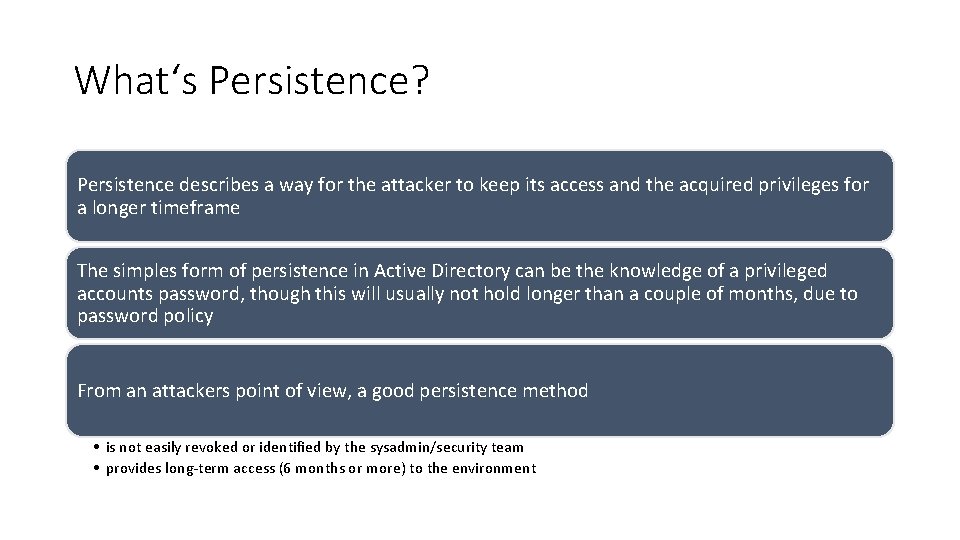
What‘s Persistence? Persistence describes a way for the attacker to keep its access and the acquired privileges for a longer timeframe The simples form of persistence in Active Directory can be the knowledge of a privileged accounts password, though this will usually not hold longer than a couple of months, due to password policy From an attackers point of view, a good persistence method • is not easily revoked or identified by the sysadmin/security team • provides long-term access (6 months or more) to the environment
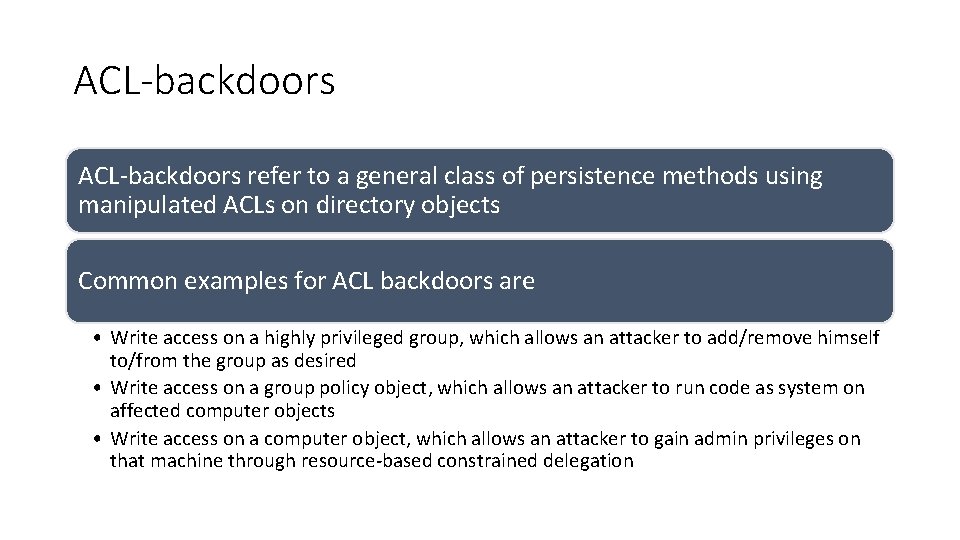
ACL-backdoors refer to a general class of persistence methods using manipulated ACLs on directory objects Common examples for ACL backdoors are • Write access on a highly privileged group, which allows an attacker to add/remove himself to/from the group as desired • Write access on a group policy object, which allows an attacker to run code as system on affected computer objects • Write access on a computer object, which allows an attacker to gain admin privileges on that machine through resource-based constrained delegation
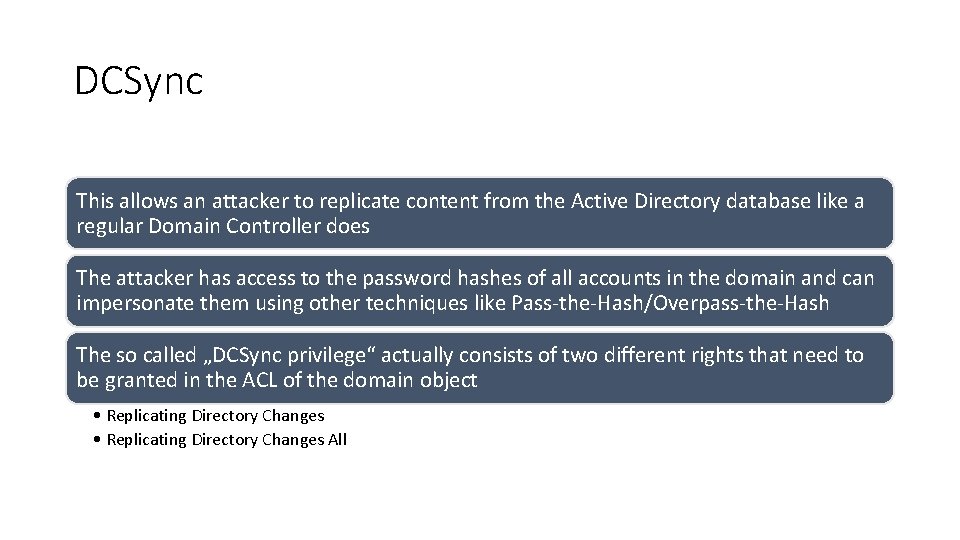
DCSync This allows an attacker to replicate content from the Active Directory database like a regular Domain Controller does The attacker has access to the password hashes of all accounts in the domain and can impersonate them using other techniques like Pass-the-Hash/Overpass-the-Hash The so called „DCSync privilege“ actually consists of two different rights that need to be granted in the ACL of the domain object • Replicating Directory Changes All
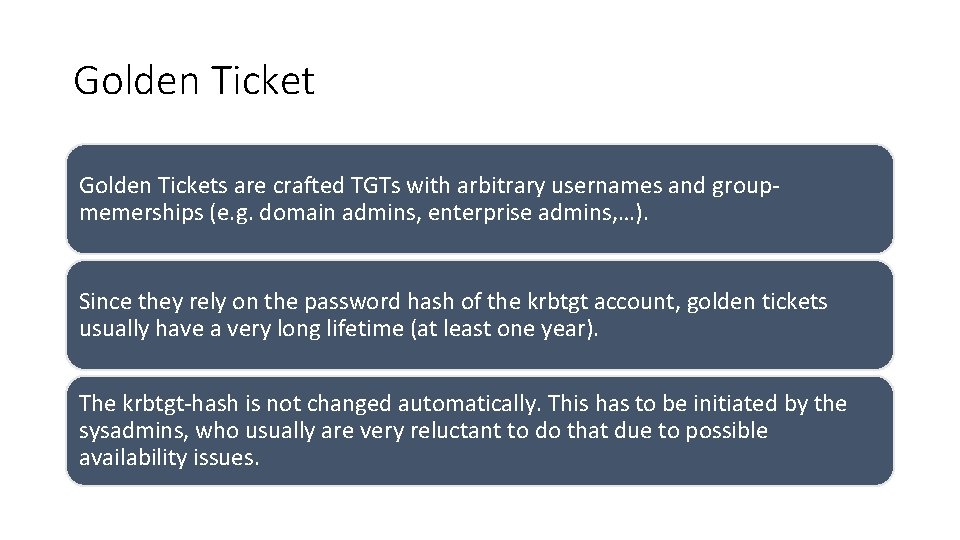
Golden Tickets are crafted TGTs with arbitrary usernames and groupmemerships (e. g. domain admins, enterprise admins, …). Since they rely on the password hash of the krbtgt account, golden tickets usually have a very long lifetime (at least one year). The krbtgt-hash is not changed automatically. This has to be initiated by the sysadmins, who usually are very reluctant to do that due to possible availability issues.
Exercise 6: Persistence Photo by Daniel Cheung
Before we move on… Time for Q&A Photo by Daniel Cheung