
Active Directory Integration in Large and Complex Environments




- Slides: 47
Active Directory Integration in Large and Complex Environments Pete Zerger, MVP Consulting Partner AKOS Technology Services Session Code: MGT 307
Agenda Active Directory Integration - What it does and how it works Configuration steps Configuring child and untrusted domains Using LDAP for granular control Agent deployment and maintenance Troubleshooting and testing
Takeaways Updated version of the ‘Definitive Guide to AD Integration’ Sample management packs to correct issues and automate important processes Chance to win an autographed copy of, Operations Manager 2007 Unleashed
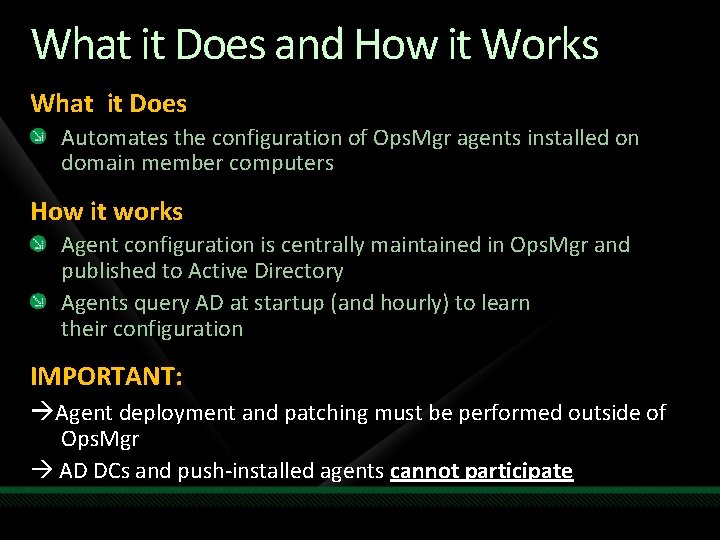
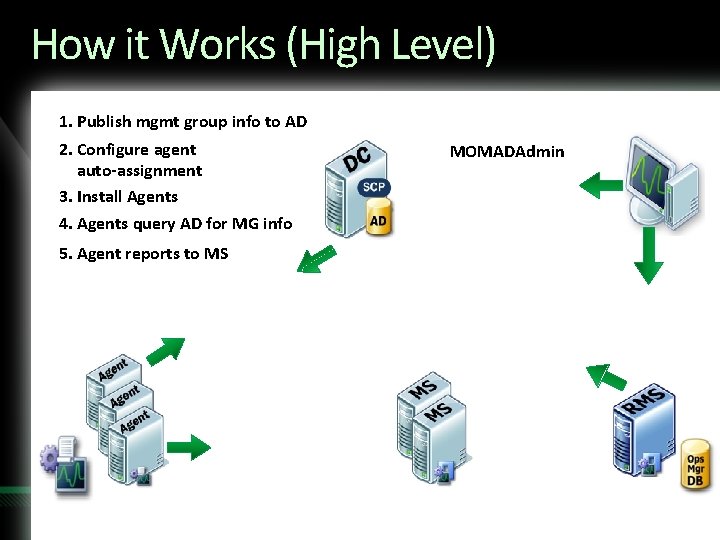
What it Does and How it Works What it Does Automates the configuration of Ops. Mgr agents installed on domain member computers How it works Agent configuration is centrally maintained in Ops. Mgr and published to Active Directory Agents query AD at startup (and hourly) to learn their configuration IMPORTANT: Agent deployment and patching must be performed outside of Ops. Mgr AD DCs and push-installed agents cannot participate
How it Works (High Level) 1. Publish mgmt group info to AD 2. Configure agent auto-assignment 3. Install Agents 4. Agents query AD for MG info 5. Agent reports to MS MOMADAdmin
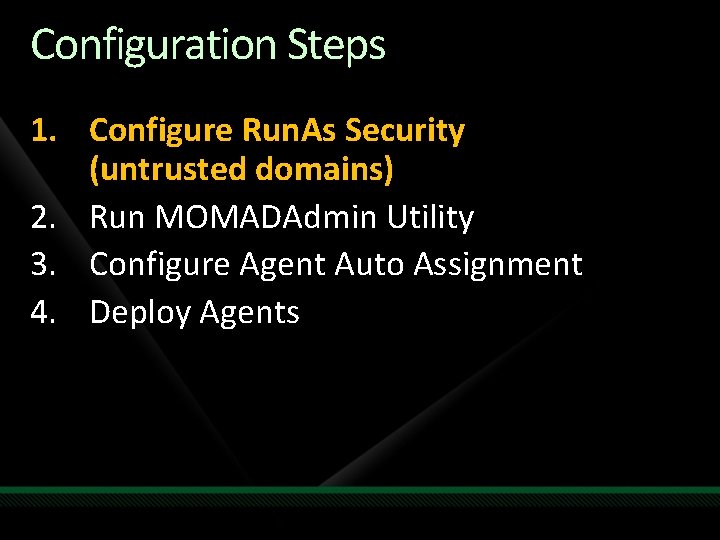
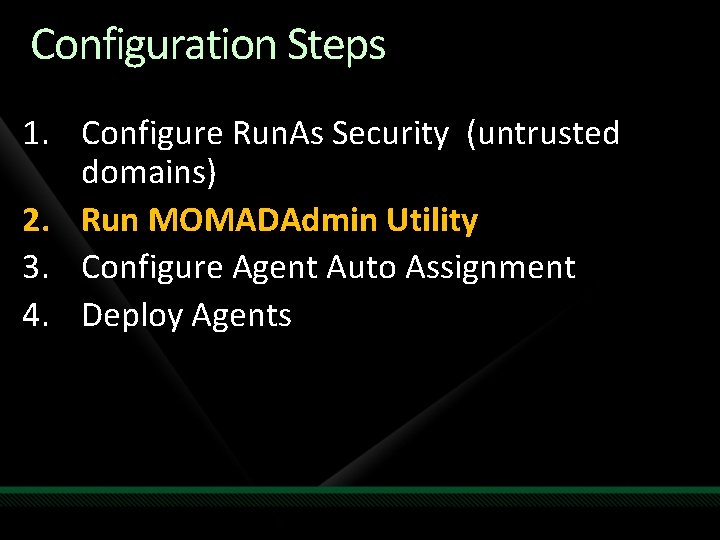
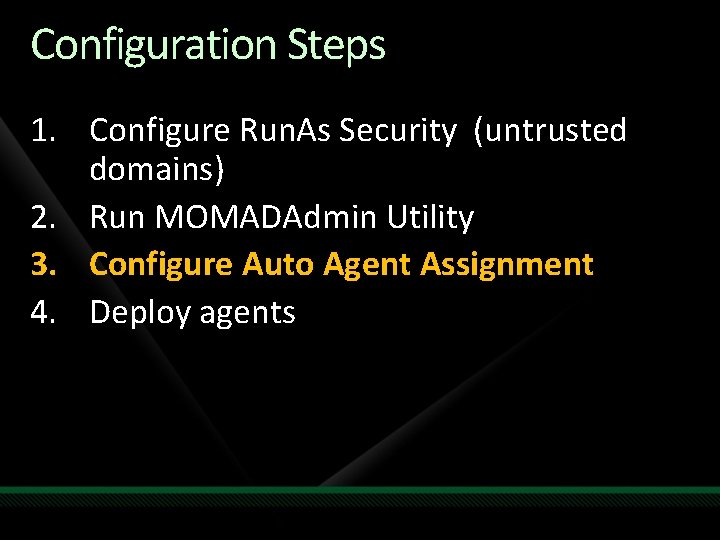
Configuration Steps 1. Configure Run. As Security (untrusted domains) 2. Run MOMADAdmin Utility 3. Configure Agent Auto Assignment 4. Deploy Agents
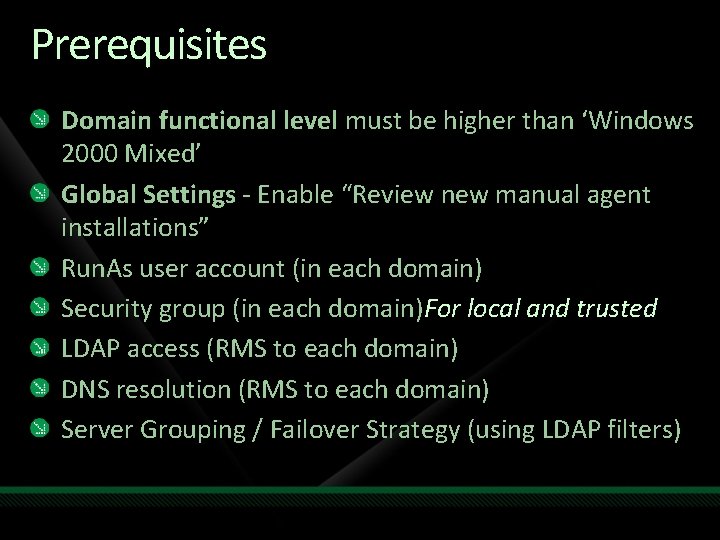
Prerequisites Domain functional level must be higher than ‘Windows 2000 Mixed’ Global Settings - Enable “Review new manual agent installations” Run. As user account (in each domain) Security group (in each domain)For local and trusted LDAP access (RMS to each domain) DNS resolution (RMS to each domain) Server Grouping / Failover Strategy (using LDAP filters)
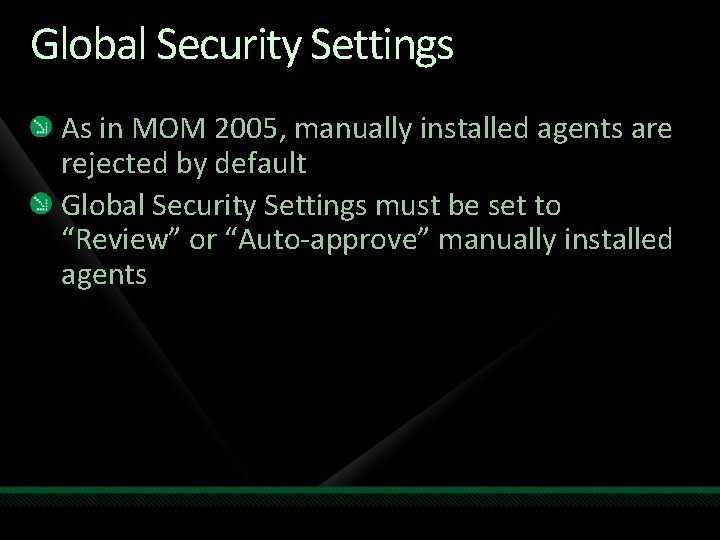
Global Security Settings As in MOM 2005, manually installed agents are rejected by default Global Security Settings must be set to “Review” or “Auto-approve” manually installed agents
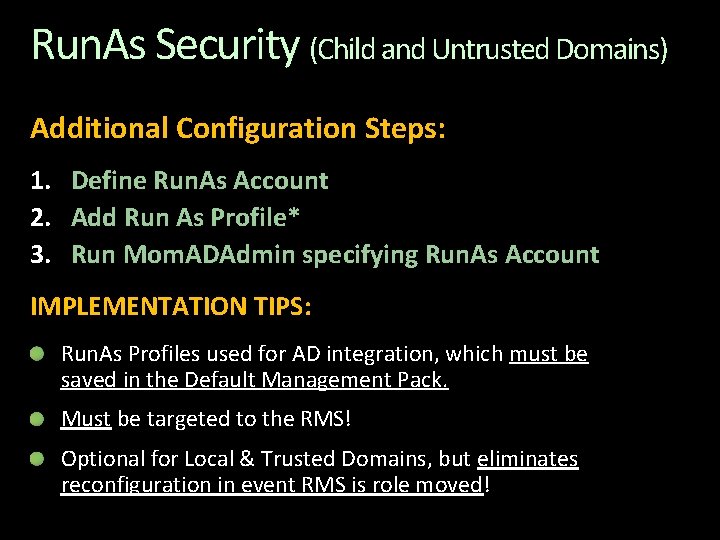
Run. As Security (Child and Untrusted Domains) Additional Configuration Steps: 1. Define Run. As Account 2. Add Run As Profile* 3. Run Mom. ADAdmin specifying Run. As Account IMPLEMENTATION TIPS: Run. As Profiles used for AD integration, which must be saved in the Default Management Pack. Must be targeted to the RMS! Optional for Local & Trusted Domains, but eliminates reconfiguration in event RMS is role moved!
demo 1. Configure Run. As Security for Untrusted Domains
Configuration Steps 1. Configure Run. As Security (untrusted domains) 2. Run MOMADAdmin Utility 3. Configure Agent Auto Assignment 4. Deploy Agents
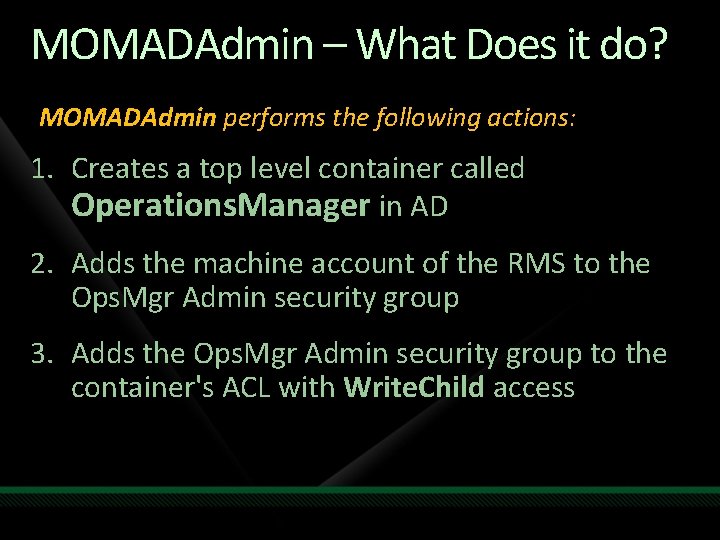
MOMADAdmin – What Does it do? MOMADAdmin performs the following actions: 1. Creates a top level container called Operations. Manager in AD 2. Adds the machine account of the RMS to the Ops. Mgr Admin security group 3. Adds the Ops. Mgr Admin security group to the container's ACL with Write. Child access
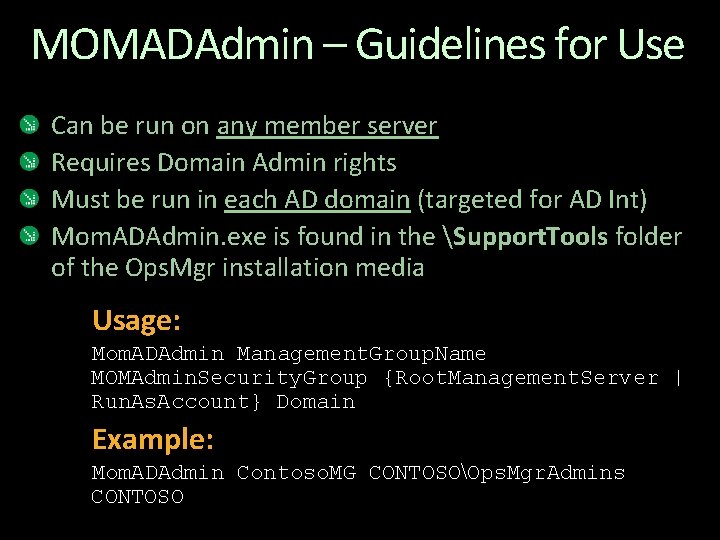
MOMADAdmin – Guidelines for Use Can be run on any member server Requires Domain Admin rights Must be run in each AD domain (targeted for AD Int) Mom. ADAdmin. exe is found in the Support. Tools folder of the Ops. Mgr installation media Usage: Mom. ADAdmin Management. Group. Name MOMAdmin. Security. Group {Root. Management. Server | Run. As. Account} Domain Example: Mom. ADAdmin Contoso. MG CONTOSOOps. Mgr. Admins CONTOSO
demo 2. Run MOMADAdmin Utility Prepare active directory and MG for AD Integration
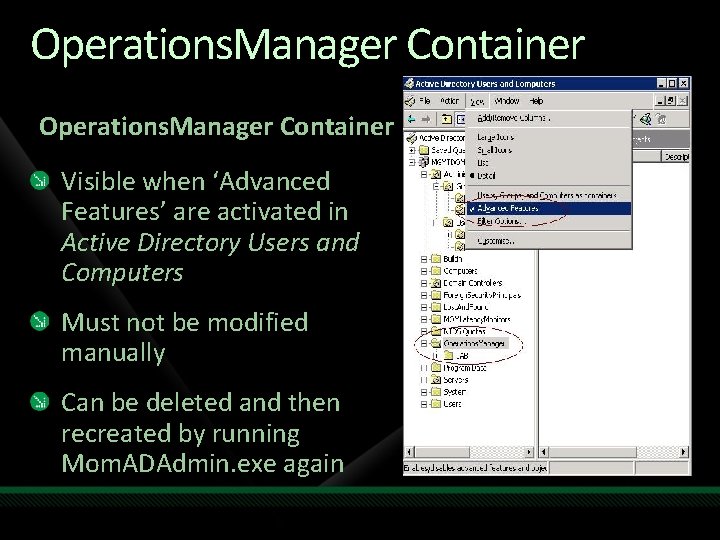
Operations. Manager Container Visible when ‘Advanced Features’ are activated in Active Directory Users and Computers Must not be modified manually Can be deleted and then recreated by running Mom. ADAdmin. exe again
Configuration Steps 1. Configure Run. As Security (untrusted domains) 2. Run MOMADAdmin Utility 3. Configure Auto Agent Assignment 4. Deploy agents
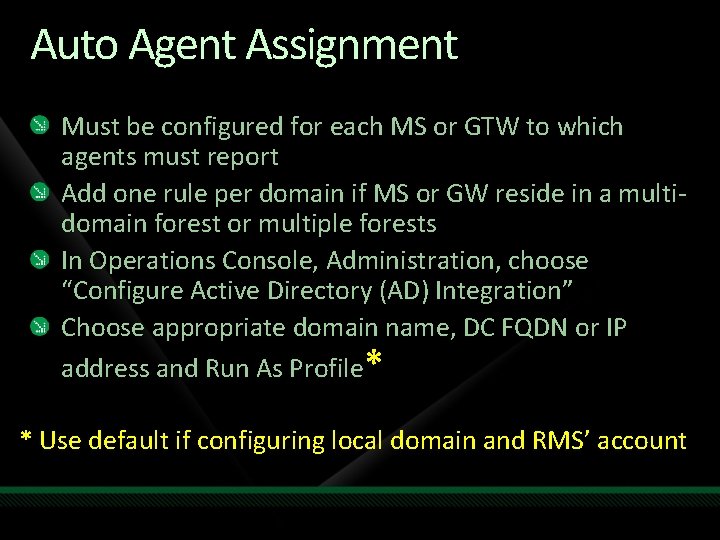
Auto Agent Assignment Must be configured for each MS or GTW to which agents must report Add one rule per domain if MS or GW reside in a multidomain forest or multiple forests In Operations Console, Administration, choose “Configure Active Directory (AD) Integration” Choose appropriate domain name, DC FQDN or IP address and Run As Profile* * Use default if configuring local domain and RMS’ account
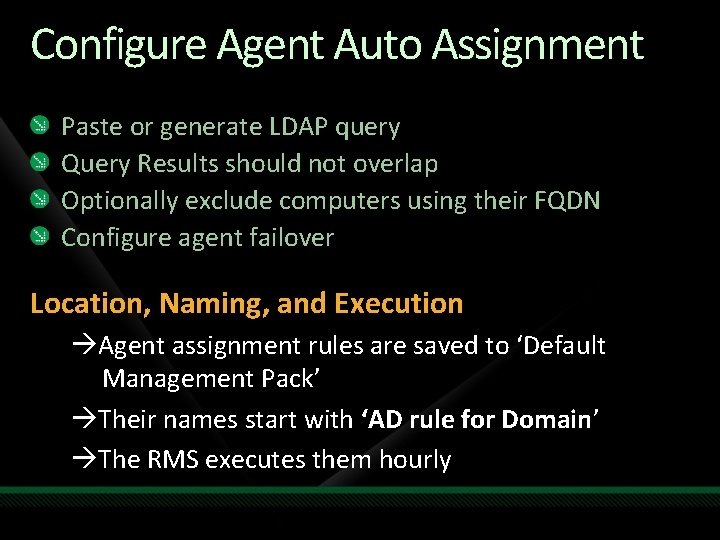
Configure Agent Auto Assignment Paste or generate LDAP query Query Results should not overlap Optionally exclude computers using their FQDN Configure agent failover Location, Naming, and Execution Agent assignment rules are saved to ‘Default Management Pack’ Their names start with ‘AD rule for Domain’ The RMS executes them hourly
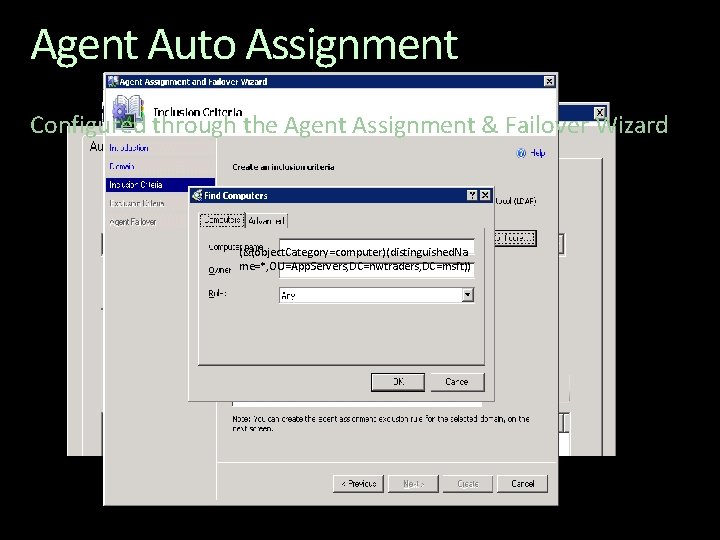
Agent Auto Assignment Configured through the Agent Assignment & Failover Wizard (&(object. Category=computer)(distinguished. Na me=*, OU=App. Servers, DC=nwtraders, DC=msft))
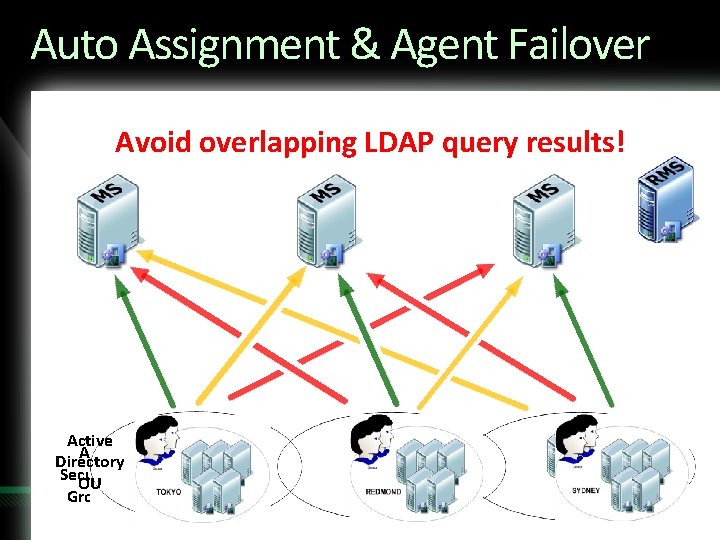
Auto Assignment & Agent Failover Avoid overlapping LDAP query results! Active AD Directory Security OU Group
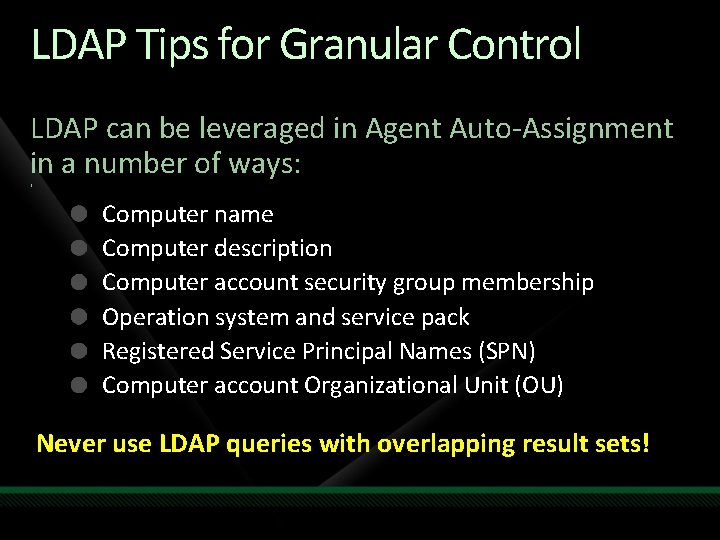
LDAP Tips for Granular Control LDAP can be leveraged in Agent Auto-Assignment in a number of ways: ‘ Computer name Computer description Computer account security group membership Operation system and service pack Registered Service Principal Names (SPN) Computer account Organizational Unit (OU) Never use LDAP queries with overlapping result sets!
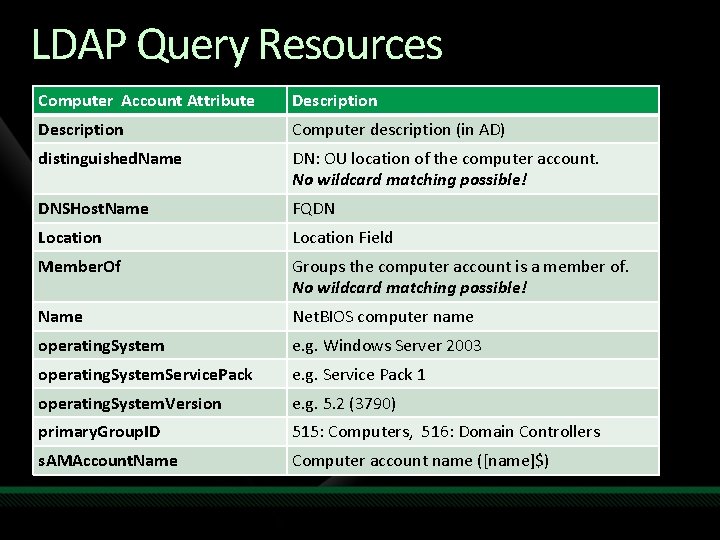
LDAP Query Resources Computer Account Attribute Description Computer description (in AD) distinguished. Name DN: OU location of the computer account. No wildcard matching possible! DNSHost. Name FQDN Location Field Member. Of Groups the computer account is a member of. No wildcard matching possible! Name Net. BIOS computer name operating. System e. g. Windows Server 2003 operating. System. Service. Pack e. g. Service Pack 1 operating. System. Version e. g. 5. 2 (3790) primary. Group. ID 515: Computers, 516: Domain Controllers s. AMAccount. Name Computer account name ([name]$)
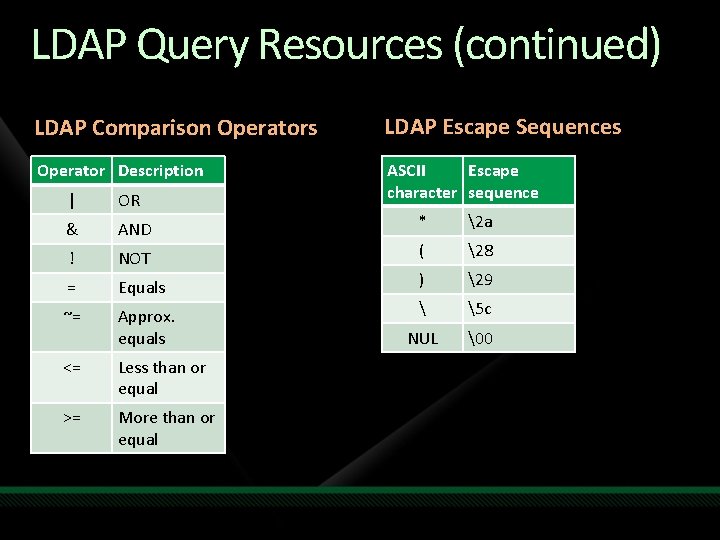
LDAP Query Resources (continued) LDAP Comparison Operators LDAP Escape Sequences Operator Description ASCII Escape character sequence | OR & AND ! NOT = Equals ~= Approx. equals <= Less than or equal >= More than or equal * 2 a ( 28 ) 29 5 c NUL 0
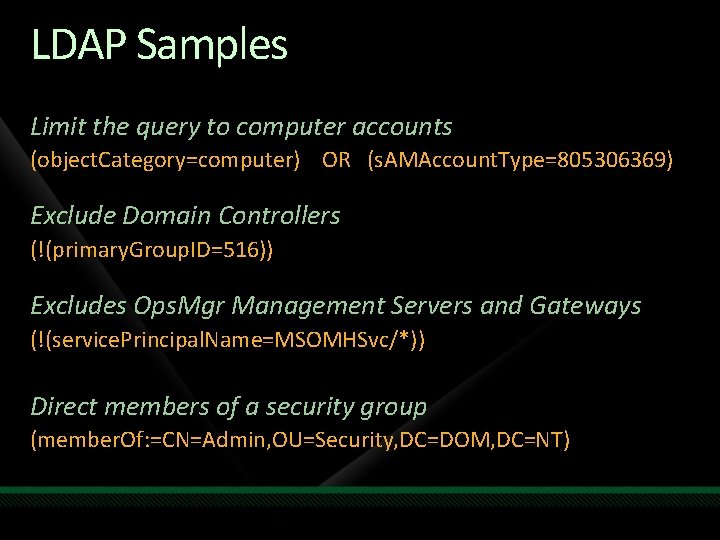
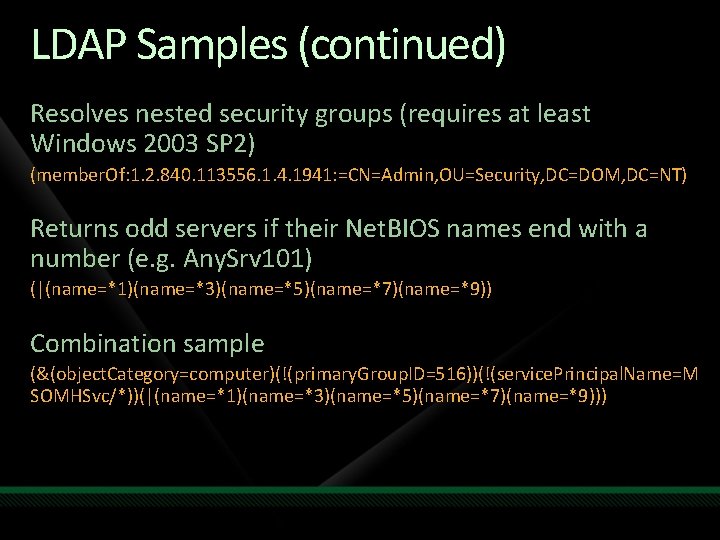
LDAP Samples Limit the query to computer accounts (object. Category=computer) OR (s. AMAccount. Type=805306369) Exclude Domain Controllers (!(primary. Group. ID=516)) Excludes Ops. Mgr Management Servers and Gateways (!(service. Principal. Name=MSOMHSvc/*)) Direct members of a security group (member. Of: =CN=Admin, OU=Security, DC=DOM, DC=NT)
LDAP Samples (continued) Resolves nested security groups (requires at least Windows 2003 SP 2) (member. Of: 1. 2. 840. 113556. 1. 4. 1941: =CN=Admin, OU=Security, DC=DOM, DC=NT) Returns odd servers if their Net. BIOS names end with a number (e. g. Any. Srv 101) (|(name=*1)(name=*3)(name=*5)(name=*7)(name=*9)) Combination sample (&(object. Category=computer)(!(primary. Group. ID=516))(!(service. Principal. Name=M SOMHSvc/*))(|(name=*1)(name=*3)(name=*5)(name=*7)(name=*9)))
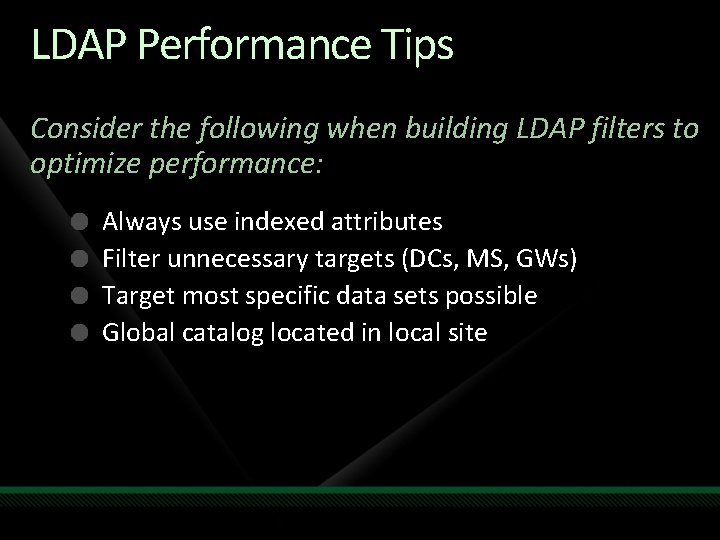
LDAP Performance Tips Consider the following when building LDAP filters to optimize performance: Always use indexed attributes Filter unnecessary targets (DCs, MS, GWs) Target most specific data sets possible Global catalog located in local site
demo Testing LDAP Filters Verifying query results BEFORE you deploy
demo 3. Configure Agent Auto Assignment Define agent failover and load distribution
Agent Deployment Agents deployment methods for AD integration can include the following: Manual installation (from install media) As part of OS image Group Policy Configuration Manager 2007 Hotfixes applicable to agent must be deployed manually when using any of the above methods!
Configuration Steps 1. Configure Run. As Security (untrusted domains) 2. Run MOMADAdmin Utility 3. Configure Auto Agent Assignment 4. Deploy Agents
Configuration Steps 1. Configure Run. As Security (untrusted domains) 2. Run MOMADAdmin Utility 3. Configure Auto Agent Assignment 4. Deploy Agents
demo 4. Deploy Agents Manual deployment for AD Integration
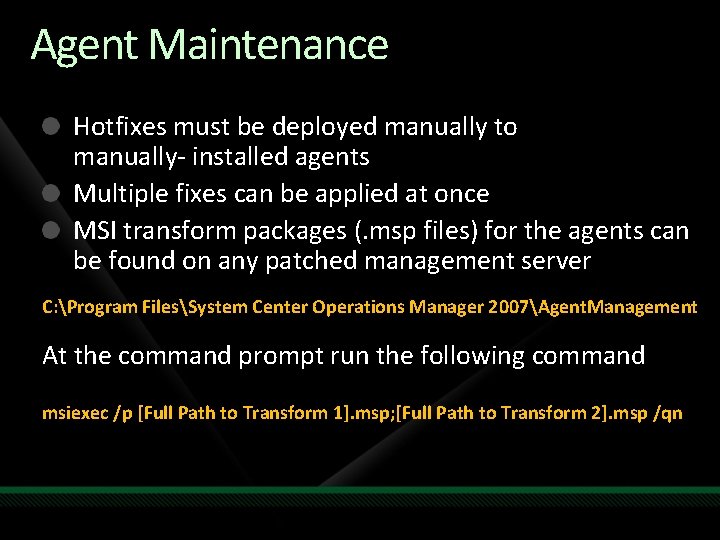
Agent Maintenance Hotfixes must be deployed manually to manually- installed agents Multiple fixes can be applied at once MSI transform packages (. msp files) for the agents can be found on any patched management server C: Program FilesSystem Center Operations Manager 2007Agent. Management At the command prompt run the following command msiexec /p [Full Path to Transform 1]. msp; [Full Path to Transform 2]. msp /qn
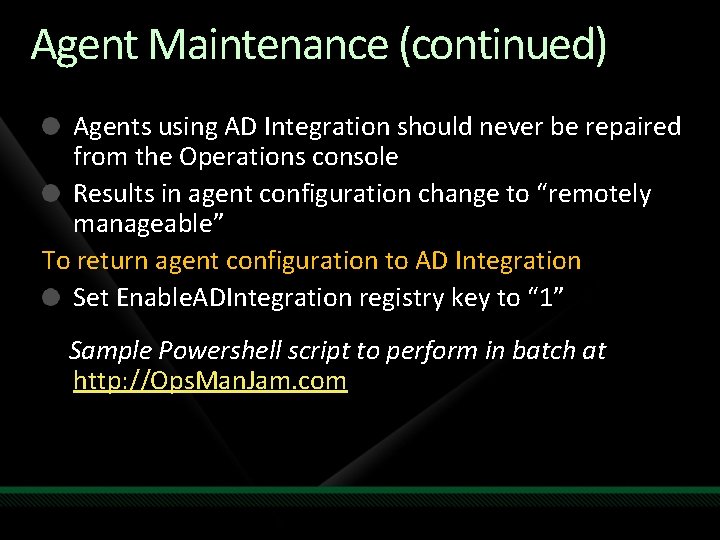
Agent Maintenance (continued) Agents using AD Integration should never be repaired from the Operations console Results in agent configuration change to “remotely manageable” To return agent configuration to AD Integration Set Enable. ADIntegration registry key to “ 1” Sample Powershell script to perform in batch at http: //Ops. Man. Jam. com
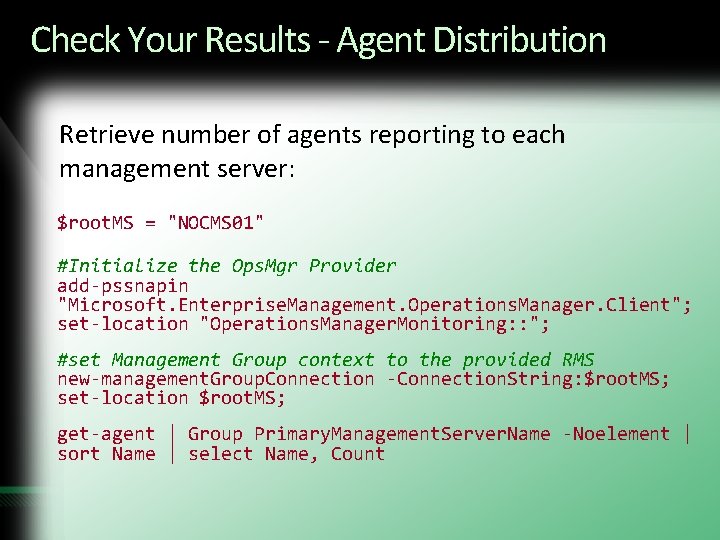
Check Your Results - Agent Distribution Retrieve number of agents reporting to each management server: $root. MS = "NOCMS 01" #Initialize the Ops. Mgr Provider add-pssnapin "Microsoft. Enterprise. Management. Operations. Manager. Client"; set-location "Operations. Manager. Monitoring: : "; #set Management Group context to the provided RMS new-management. Group. Connection -Connection. String: $root. MS; set-location $root. MS; get-agent | Group Primary. Management. Server. Name -Noelement | sort Name | select Name, Count
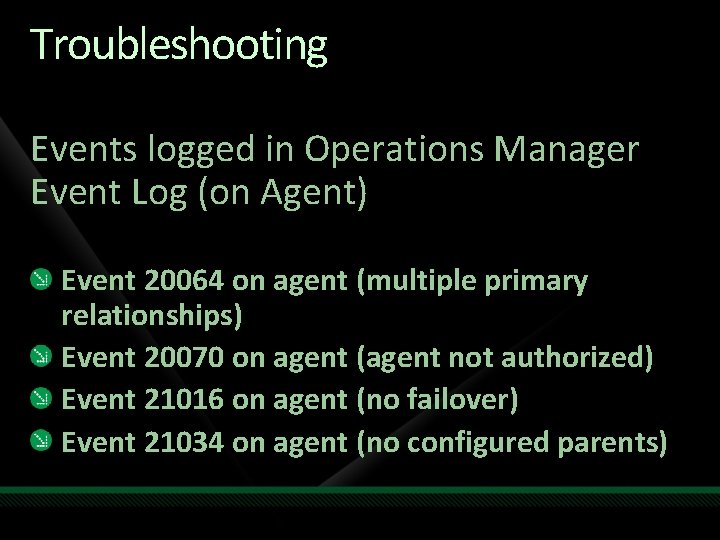
Troubleshooting Events logged in Operations Manager Event Log (on Agent) Event 20064 on agent (multiple primary relationships) Event 20070 on agent (agent not authorized) Event 21016 on agent (no failover) Event 21034 on agent (no configured parents)
Troubleshooting (continued) Beware when using Powershell to configure agent failover instead of AD Integration Use with caution, especially in distributed environments Can result in ‘orphaned agents’ pointing to an unreachable Management Server!
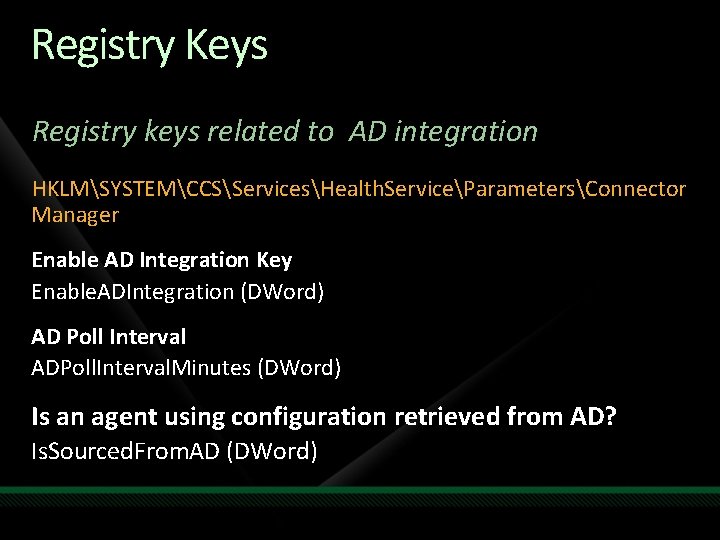
Registry Keys Registry keys related to AD integration HKLMSYSTEMCCSServicesHealth. ServiceParametersConnector Manager Enable AD Integration Key Enable. ADIntegration (DWord) AD Poll Interval ADPoll. Interval. Minutes (DWord) Is an agent using configuration retrieved from AD? Is. Sourced. From. AD (DWord)
Additional Resources Creating an LDAP Query Filter http: //msdn 2. microsoft. com/en-us/library/ms 675768. aspx Microsoft Webcast: Enable AD Integration http: //www. microsoft. com/winme/0703/28666/Active_Directory_Integratio n_Edited. asx AD Integration Deep Dive http: //blogs. msdn. com/steverac/archive/2008/03/20/opsmgr-ad-integration -how-it-works. aspx Ops. Mgr Team Blog: How AD Integration Works http: //blogs. technet. com/momteam/archive/2008/01/02/understandinghow-active-directory-integration-feature-works-in-opsmgr-2007. aspx
Additional Resources Ops. Mgr Team Blog: How AD Integration Works http: //blogs. technet. com/momteam/archive/2008/01/02/understandinghow-active-directory-integration-feature-works-in-opsmgr-2007. aspx Manageability Blog: Enable Untrusted Domain Integration http: //blogs. technet. com/smsandmom/archive/2008/05/21/opsmgr-2007 how-to-enable-ad-integration-for-an-untrusted-domain. aspx To Repair or Not to Repair http: //www. opsmanjam. com/Lists/Ops. Man. Jam%20 Announcements/Disp. For m. aspx? ID=12 Advanced AD Integration Whitepaper http: //systemcenterforum. org/wp-content/uploads/ADIntegration_final. pdf
Special Thanks to the following for their input Raphael Burri Steve Rachui (Microsoft) Rob Kuehfus (Microsoft)
question & answer
Resources www. microsoft. com/teched www. microsoft. com/learning Sessions On-Demand & Community Microsoft Certification & Training Resources http: //microsoft. com/technet http: //microsoft. com/msdn Resources for IT Professionals Resources for Developers www. microsoft. com/learning Microsoft Certification and Training Resources
Management Track Resources Key Microsoft Sites System Center on Microsoft. com: http: //www. microsoft. com/systemcenter System Center on Tech. Net: http: //technet. microsoft. com/systemcenter/ Virtualization on Microsoft. com: http: //www. microsoft. com/virtualization Community Resources System Center Team Blog: http: //blogs. technet. com/systemcenter System Center Central: http: //www. systemcentercentral. com System Center Community: http: //www. my. ITforum. com System Center on Tech. Net Edge: http: //edge. technet. com/systemcenter System Center on Twitter: http: //twitter. com/system_center Virtualization Feed: http: //www. virtualizationfeed. com System Center Influencers Program: Content, connections, and resources for influencers in the System Center Community. For information, contact scnetsup@microsoft. com
Complete an evaluation on Comm. Net and enter to win!
© 2009 Microsoft Corporation. All rights reserved. Microsoft, Windows Vista and other product names are or may be registered trademarks and/or trademarks in the U. S. and/or other countries. The information herein is for informational purposes only and represents the current view of Microsoft Corporation as of the date of this presentation. Because Microsoft must respond to changing market conditions, it should not be interpreted to be a commitment on the part of Microsoft, and Microsoft cannot guarantee the accuracy of any information provided after the date of this presentation. MICROSOFT MAKES NO WARRANTIES, EXPRESS, IMPLIED OR STATUTORY, AS TO THE INFORMATION IN THIS PRESENTATION.