
Active Directory Fundamentals What we will cover u

- Slides: 38
Active Directory Fundamentals
What we will cover: u u u Domains, Trees, Forests Domain Controllers, Sites The Domain Naming Service (DNS) Replication Operations Masters Lots of demos….
Prerequisite Knowledge u Understanding of what a directory service is Level 200+
Agenda u u u Active Directory Logical Concepts Active Directory Physical Concepts DNS Replication Operations Masters
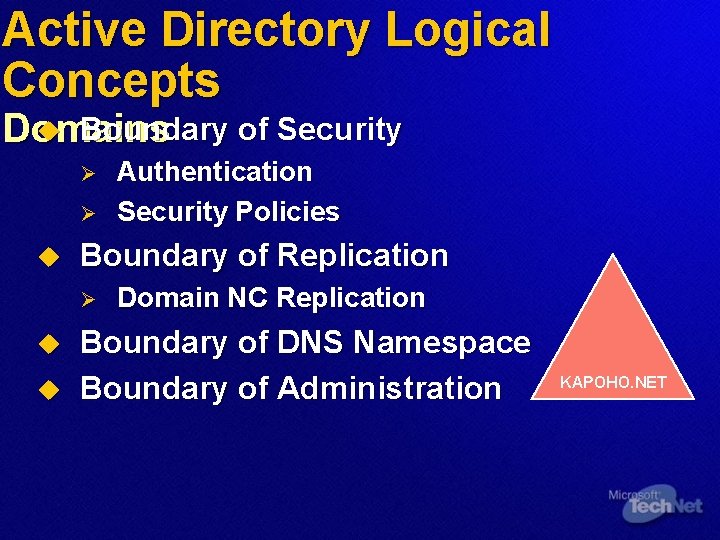
Active Directory Logical Concepts u Boundary of Security Domains Ø Ø u Boundary of Replication Ø u u Authentication Security Policies Domain NC Replication Boundary of DNS Namespace Boundary of Administration KAPOHO. NET
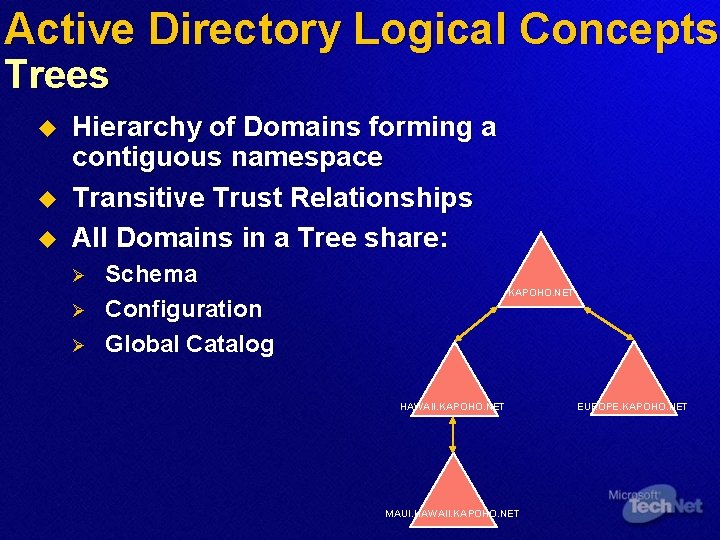
Active Directory Logical Concepts Trees u u u Hierarchy of Domains forming a contiguous namespace Transitive Trust Relationships All Domains in a Tree share: Ø Ø Ø Schema Configuration Global Catalog KAPOHO. NET HAWAII. KAPOHO. NET MAUI. HAWAII. KAPOHO. NET EUROPE. KAPOHO. NET
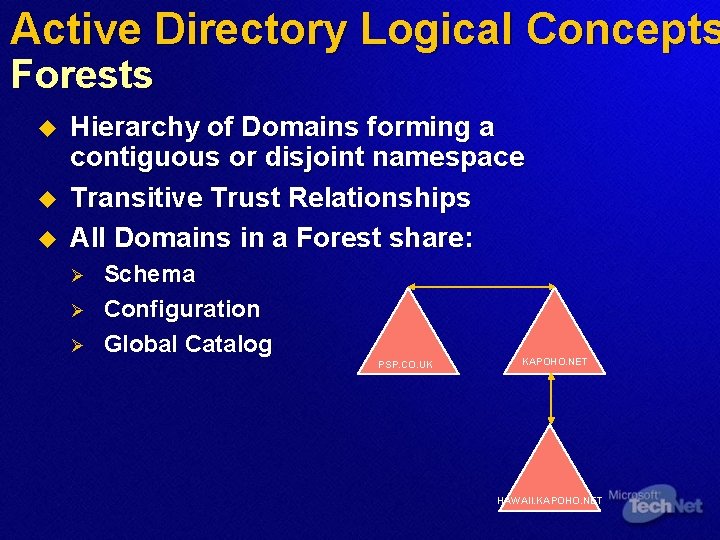
Active Directory Logical Concepts Forests u u u Hierarchy of Domains forming a contiguous or disjoint namespace Transitive Trust Relationships All Domains in a Forest share: Ø Ø Ø Schema Configuration Global Catalog PSP. CO. UK KAPOHO. NET HAWAII. KAPOHO. NET
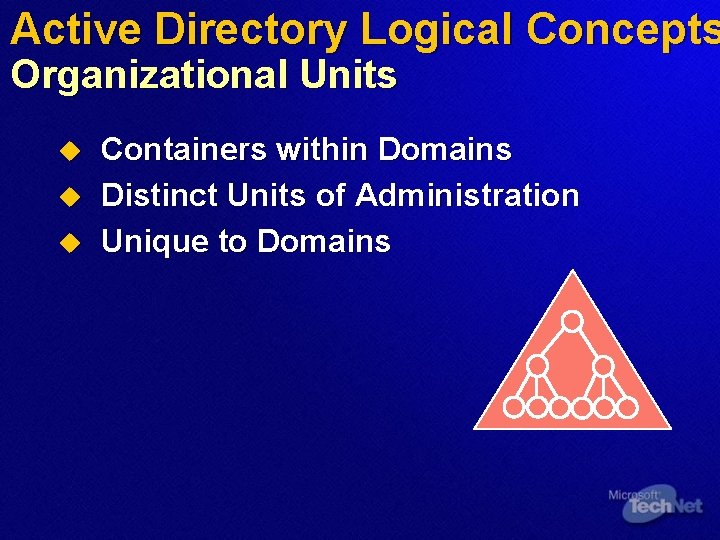
Active Directory Logical Concepts Organizational Units u u u Containers within Domains Distinct Units of Administration Unique to Domains
Agenda u u u Active Directory Logical Concepts Active Directory Physical Concepts DNS Replication Operations Masters
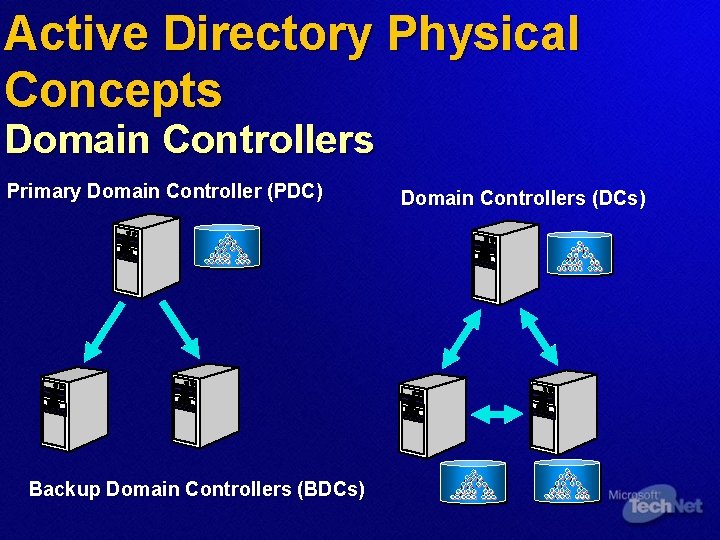
Active Directory Physical Concepts Domain Controllers Primary Domain Controller (PDC) Backup Domain Controllers (BDCs) Domain Controllers (DCs)
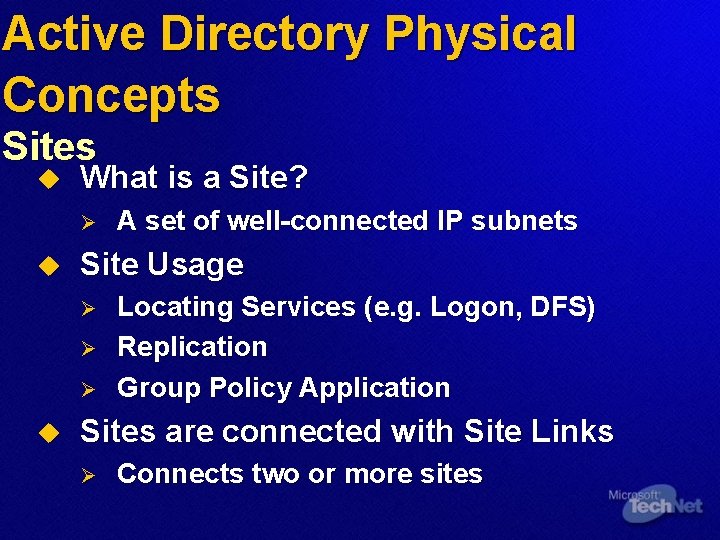
Active Directory Physical Concepts Sites u What is a Site? Ø u Site Usage Ø Ø Ø u A set of well-connected IP subnets Locating Services (e. g. Logon, DFS) Replication Group Policy Application Sites are connected with Site Links Ø Connects two or more sites
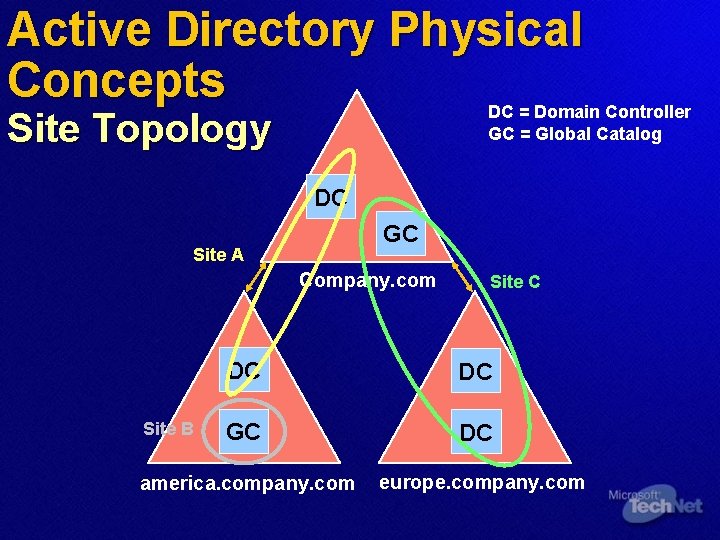
Active Directory Physical Concepts DC = Domain Controller GC = Global Catalog Site Topology DC GC Site A Company. com Site B Site C DC DC GC DC america. company. com europe. company. com
Active Directory Physical Concepts Global Catalog u u Partial Replica of all Objects in the Forest Configurable subset of Attributes Fast Forest-wide searches Required at Logon for Universal Group Membership
Agenda u u u Active Directory Logical Concepts Active Directory Physical Concepts DNS Replication Operations Masters
DNS Requirements u u u SRV Records to locate services (req’d) DDNS for Dynamic Update (desired) Windows 2000 and up, DNS also provides: Ø Ø Incremental Zone Transfers Integration with Active Directory Ø Single replication topology Ø Multi-master replication Ø Secure Dynamic updates
DNS Implementations u No existing DNS infrastructure Ø u u Deploy Microsoft DNS Check existing DNS meets requirements Existing DNS not adequate: Ø Ø Ø Choice 1: Update Server Choice 2: Migrate to Microsoft DNS Choice 3: Delegate a subdomain to Microsoft DNS
Agenda u u u Active Directory Logical Concepts Active Directory Physical Concepts DNS Replication Operations Masters
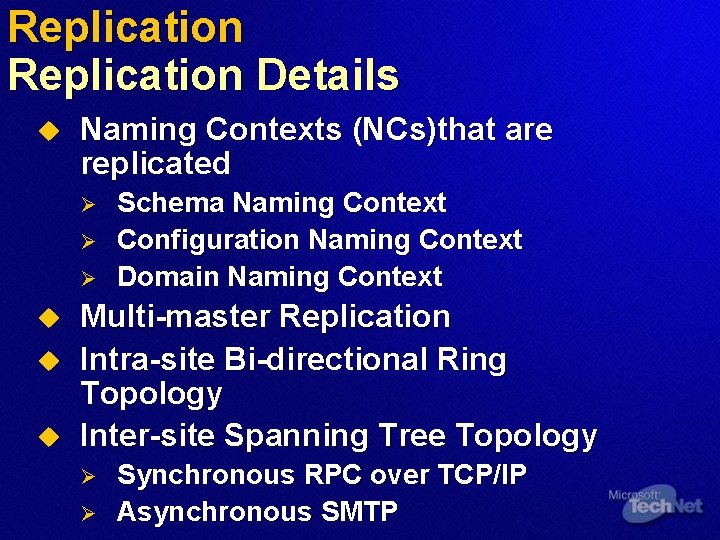
Replication Details u Naming Contexts (NCs)that are replicated Ø Ø Ø u u u Schema Naming Context Configuration Naming Context Domain Naming Context Multi-master Replication Intra-site Bi-directional Ring Topology Inter-site Spanning Tree Topology Ø Ø Synchronous RPC over TCP/IP Asynchronous SMTP
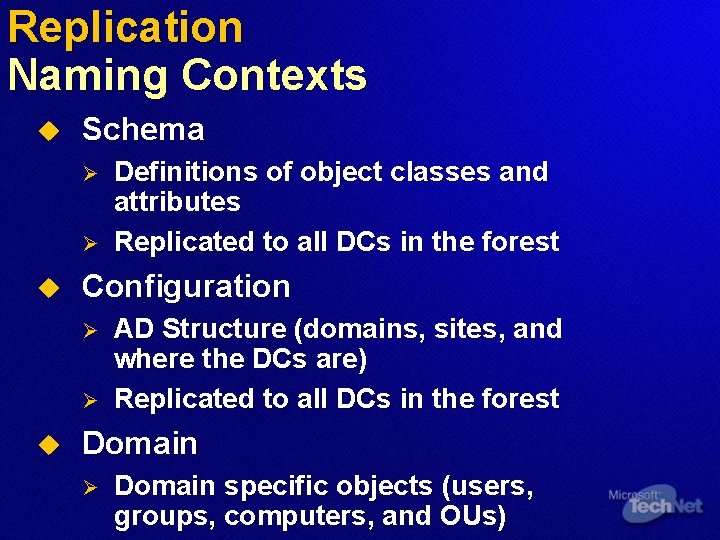
Replication Naming Contexts u Schema Ø Ø u Configuration Ø Ø u Definitions of object classes and attributes Replicated to all DCs in the forest AD Structure (domains, sites, and where the DCs are) Replicated to all DCs in the forest Domain Ø Domain specific objects (users, groups, computers, and OUs)
Replication Topologies u u Intra-site Replication: AD replication between DCs within a Site Inter-site Replication: AD replication between Sites
Replication Intra-site Replication u u RPC replication within a Site No compression Ø u Uses notification process Ø Ø u Assumes good network connections 5 minutes -2 k Less – 2 k 3 KCC generates a bi-directional Ring with extra edges Tip: Always let KCC generate the intra-site replication topology when possible
Replication Inter-Site Replication u u Replication between Sites DS-RPC (RPC over IP) or SMTP Transports SMTP can be used only between Ø GCs across Sites Ø DCs of different domains and in different sites Compression Ø 10%-20% u of original size Scheduled
Replication Site-links, Bridges and Bridgehead Servers u Site-links link two or more sites Ø Ø u Site-link Bridges Ø u u Costs and schedules can be specified Transitive (can be disabled) Bridge two or more site-links Bridgehead servers KCC generates a minimum cost spanning tree Tip: Always let KCC generate the replication topology
Agenda u u u Active Directory Logical Concepts Active Directory Physical Concepts DNS Replication Operations Masters
Operations Masters Schema and Domain u Schema Ø Ø u Performs updates to schema Sends updates to all DCs One per forest Default is the first DC installed Domain Ø Ø Ø Performs add/remove of domains and cross-references to external DS One per forest Default is the first DC installed
Operations Masters PDC, RID and Infrastructure u Primary Domain Controller (PDC) Ø Ø u Relative Identifier (RID) Ø Ø u Acts as a PDC for requests from NT clients One per domain Generates pools of security identifiers to be distributed to DCs in the domain One per domain Infrastructure Ø Ø Ø Updates SIDs on objects across domains One per domain Not required in a single-domain forest
Summary u u u There are Logical and Physical concepts in Active Directory DNS Plenty of Information
For More Information… u Main Tech. Net Web site at u Additional resources to support this Session page can be found at www. microsoft. com/technet/tnt 1 -98
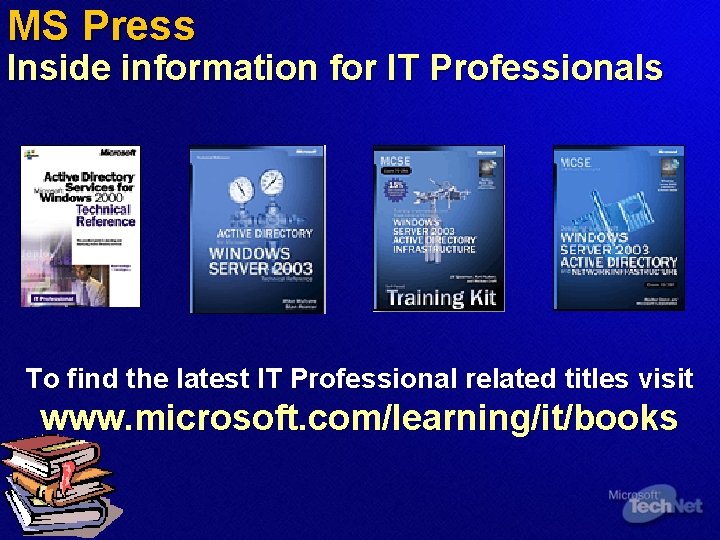
MS Press Inside information for IT Professionals To find the latest IT Professional related titles visit www. microsoft. com/learning/it/books
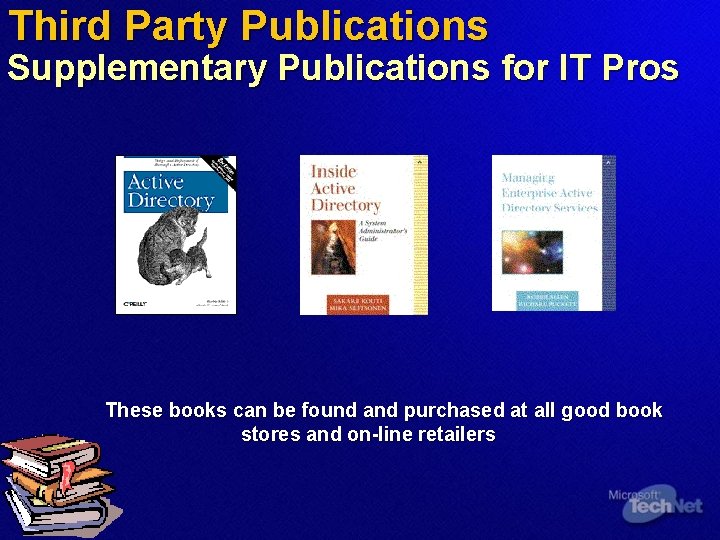
Third Party Publications Supplementary Publications for IT Pros These books can be found and purchased at all good book stores and on-line retailers
Microsoft Learning Training Resources for IT Professionals u Planning, Implementing, and Maintaining a Microsoft Windows Server 2003 Active Directory Infrastructure Ø Course Number: 2279 Ø Availability: Now Ø Detailed Syllabus: www. microsoft. com/learning To locate a training provider, please access www. microsoft. com/learning Microsoft Certified Technical Education Centers are Microsoft’s premier partners for training services
Assess your Readiness Microsoft Skills Assessment What is Microsoft Skills Assessment? u Self-study learning tool to evaluate readiness for product and technology solutions, instead of job-roles (certification) Windows Server 2003, Exchange Server 2003, Windows Storage Server 2003, Visual Studio. NET, Office 2003 Free, online, unproctored, and available to anyone Answers, “Am I ready? ” Determines skills gaps, provides learning plans with Microsoft Official Curriculum courses, plus more Microsoft learning content suggestions such as Tech. Net resources Post your High Score to see how you stack up u visit u u u http: //www. microsoft. com/assessment
Become a Microsoft Certified Systems Administrator u What is the MCSA certification? (MCSA) For IT professionals who manage and maintain Ø u How do I become an MCSA on Microsoft Windows 2003? Ø Ø u For IT professionals who manage and maintain networks and systems based on the Microsoft Windows Server operating system Pass 3 core exams Pass 1 elective exam or 2 Comp. TIA certifications Where do I get more information? Ø For more information about certification requirements, exams, and training, visit www. microsoft. com/mcsa
Become A Microsoft Certified Systems Engineer (MCSE) u What is the MCSE certification? Ø u How do I become an MCSE on Microsoft Windows 2003? Ø Ø u Premier certification for IT professionals who analyze the business requirements and design, plan, and implement the infrastructure for business solutions based on the Microsoft Windows Server System integrated server software. Pass 6 core exams Pass 1 elective exams from a comprehensive list Where do I get more information? Ø For more information about certification requirements, exams, and training options, visit www. microsoft. com/mcse
Demonstrate Your Security or Messaging Specialization u What are MCSA/MCSE specializations? Ø u What specializations are available? Ø Ø u MCSA and MCSE specializations allow IT professionals to highlight specific expertise or technical focus within their job role. MCSA: Security MCSE: Security MCSA: Messaging MCSE: Messaging Where do I get more information? Ø For more information about MCSA and MCSE specialization requirements, exams, and training options, visit www. microsoft. com/mcsa or www. microsoft. com/mcse
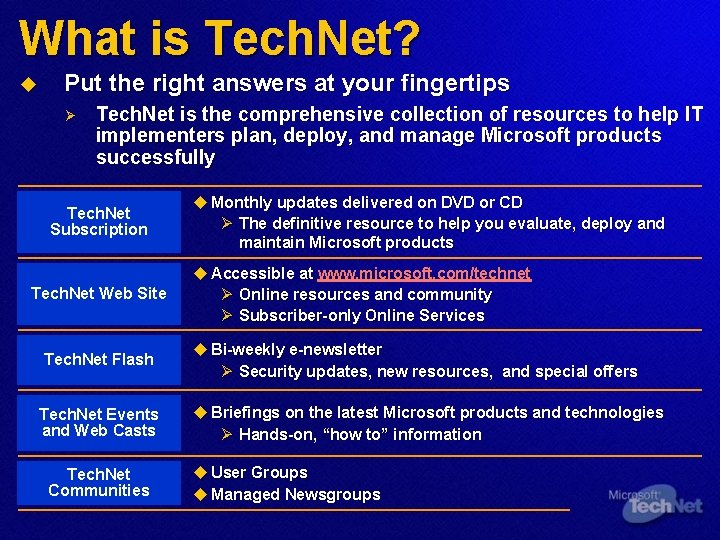
What is Tech. Net? u Put the right answers at your fingertips Ø Tech. Net is the comprehensive collection of resources to help IT implementers plan, deploy, and manage Microsoft products successfully Tech. Net Subscription Tech. Net Web Site Tech. Net Flash Tech. Net Events and Web Casts Tech. Net Communities u Monthly updates delivered on DVD or CD Ø The definitive resource to help you evaluate, deploy and maintain Microsoft products u Accessible at www. microsoft. com/technet Ø Online resources and community Ø Subscriber-only Online Services u Bi-weekly e-newsletter Ø Security updates, new resources, and special offers u Briefings on the latest Microsoft products and technologies Ø Hands-on, “how to” information u User Groups u Managed Newsgroups
Where Can I Get Tech. Net? u Visit Tech. Net Online at www. microsoft. com/technet u Register for the Tech. Net Flash www. microsoft. com/technet/subscriptions/flash. asp u Join the Tech. Net Online forum at www. microsoft. com/technet/itcommunity u Become a Tech. Net Subscriber at www. microsoft. com/technet/buynow/subscribe u Attend More Tech. Net Events or view on-line www. microsoft. com/technet/tcevents/itevents