
Acting Upon A PAR Personnel Action Request Checklist
- Slides: 1
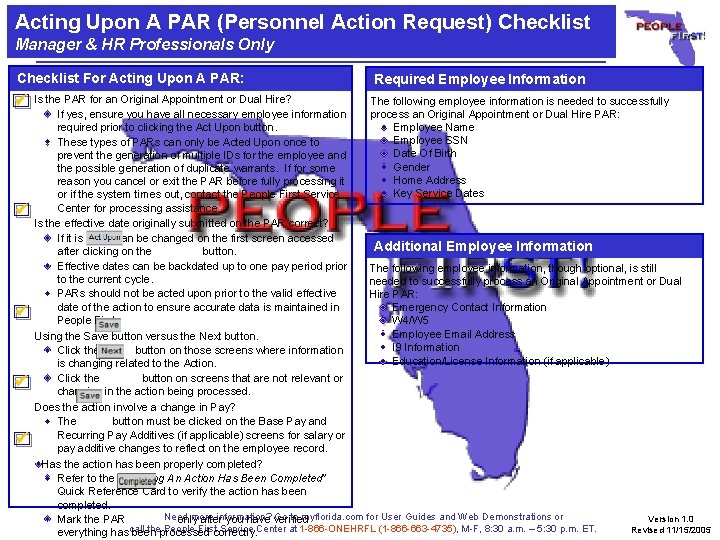
Acting Upon A PAR (Personnel Action Request) Checklist Manager & HR Professionals Only Checklist For Acting Upon A PAR: Required Employee Information Is the PAR for an Original Appointment or Dual Hire? The following employee information is needed to successfully If yes, ensure you have all necessary employee information process an Original Appointment or Dual Hire PAR: required prior to clicking the Act Upon button. Employee Name Employee SSN These types of PARs can only be Acted Upon once to Date Of Birth prevent the generation of multiple IDs for the employee and Gender the possible generation of duplicate warrants. If for some Home Address reason you cancel or exit the PAR before fully processing it Key Service Dates or if the system times out, contact the People First Service Center for processing assistance. Is the effective date originally submitted on the PAR correct? If it is not, it can be changed on the first screen accessed Additional Employee Information after clicking on the button. Effective dates can be backdated up to one pay period prior The following employee information, though optional, is still to the current cycle. needed to successfully process an Original Appointment or Dual PARs should not be acted upon prior to the valid effective Hire PAR: date of the action to ensure accurate data is maintained in Emergency Contact Information People First. W 4/W 5 Employee Email Address Using the Save button versus the Next button. I 9 Information Click the button on those screens where information Education/License Information (if applicable) is changing related to the Action. Click the button on screens that are not relevant or changing in the action being processed. Does the action involve a change in Pay? The button must be clicked on the Base Pay and Recurring Pay Additives (if applicable) screens for salary or pay additive changes to reflect on the employee record. Has the action has been properly completed? Refer to the “Verifying An Action Has Been Completed” Quick Reference Card to verify the action has been completed. Need more information? Go to myflorida. com for User Guides and Web Demonstrations or Version 1. 0 Mark the PAR only after you have verified call the People First Service Center at 1 -866 -ONEHRFL (1 -866 -663 -4735), M-F, 8: 30 a. m. – 5: 30 p. m. ET. Revised 11/15/2005 everything has been processed correctly.