
Access Controls CISSP Guide to Security Essentials Chapter
- Slides: 78
Access Controls CISSP Guide to Security Essentials Chapter 2 Minor changes 6 -13 -11
Objectives • • • Identification and Authentication Centralized Access Control Decentralized Access Control Attacks Testing Access Controls
Controlling Access
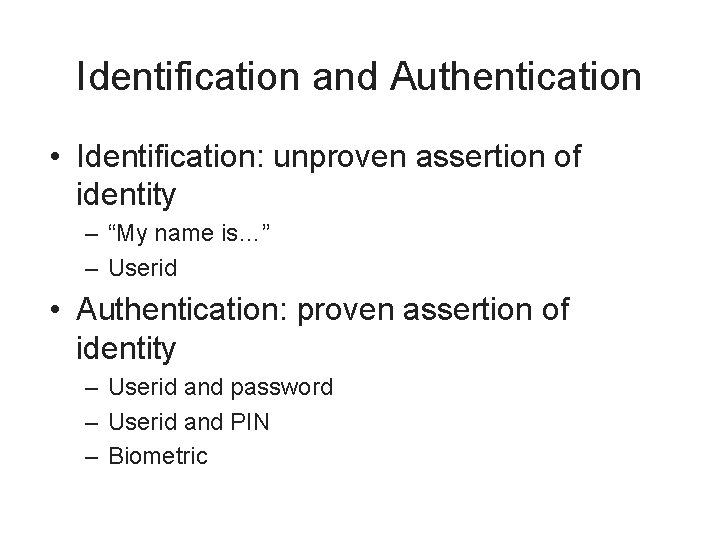
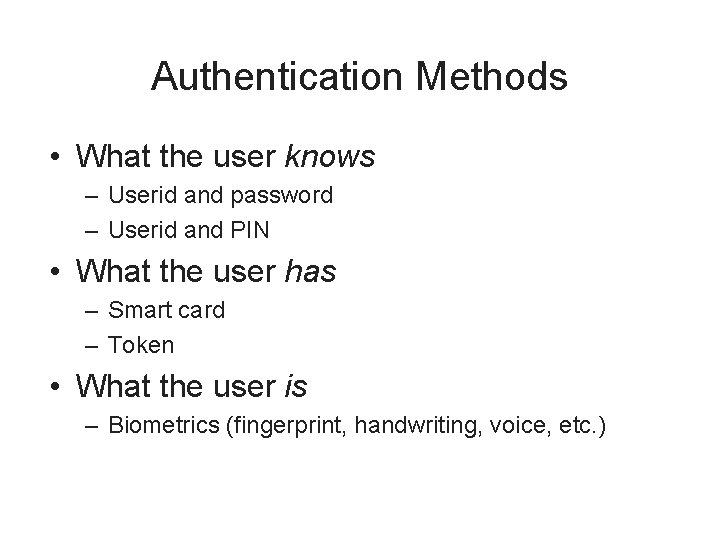
Identification and Authentication • Identification: unproven assertion of identity – “My name is…” – Userid • Authentication: proven assertion of identity – Userid and password – Userid and PIN – Biometric
Authentication Methods • What the user knows – Userid and password – Userid and PIN • What the user has – Smart card – Token • What the user is – Biometrics (fingerprint, handwriting, voice, etc. )
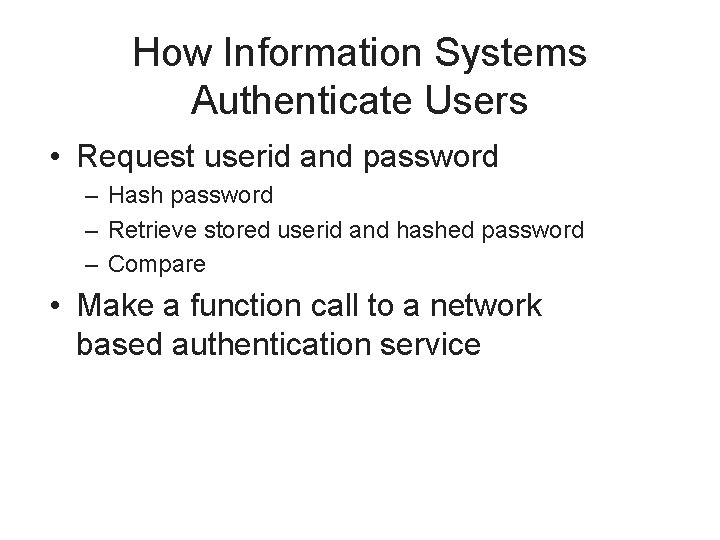
How Information Systems Authenticate Users • Request userid and password – Hash password – Retrieve stored userid and hashed password – Compare • Make a function call to a network based authentication service
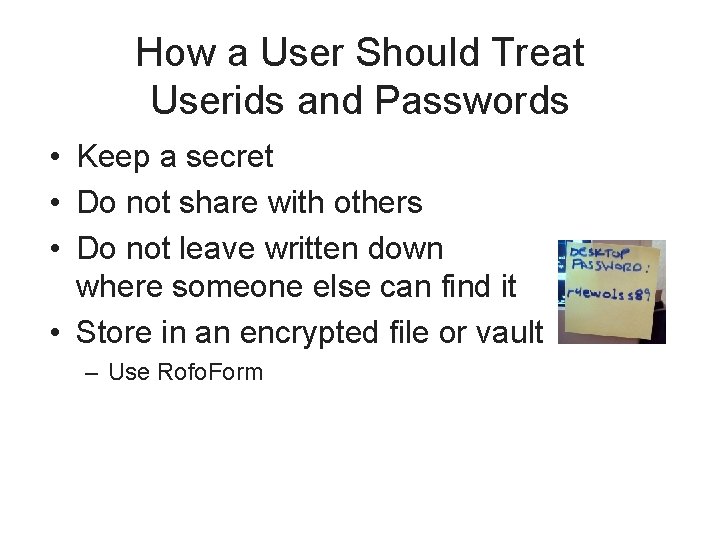
How a User Should Treat Userids and Passwords • Keep a secret • Do not share with others • Do not leave written down where someone else can find it • Store in an encrypted file or vault – Use Rofo. Form
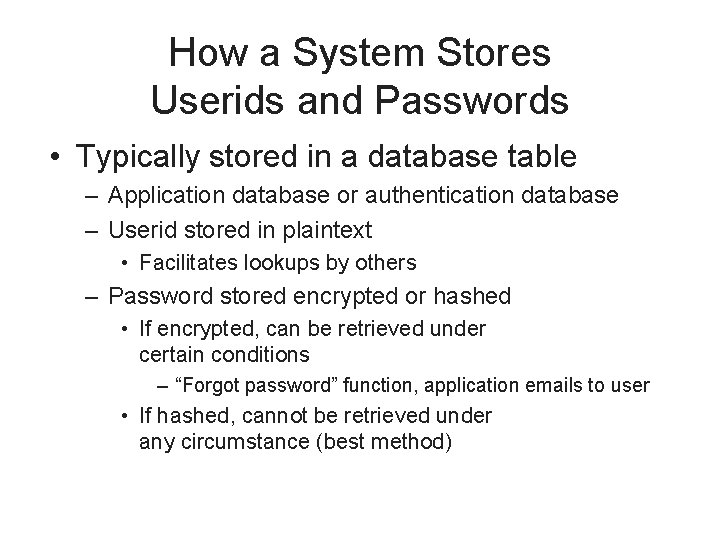
How a System Stores Userids and Passwords • Typically stored in a database table – Application database or authentication database – Userid stored in plaintext • Facilitates lookups by others – Password stored encrypted or hashed • If encrypted, can be retrieved under certain conditions – “Forgot password” function, application emails to user • If hashed, cannot be retrieved under any circumstance (best method)
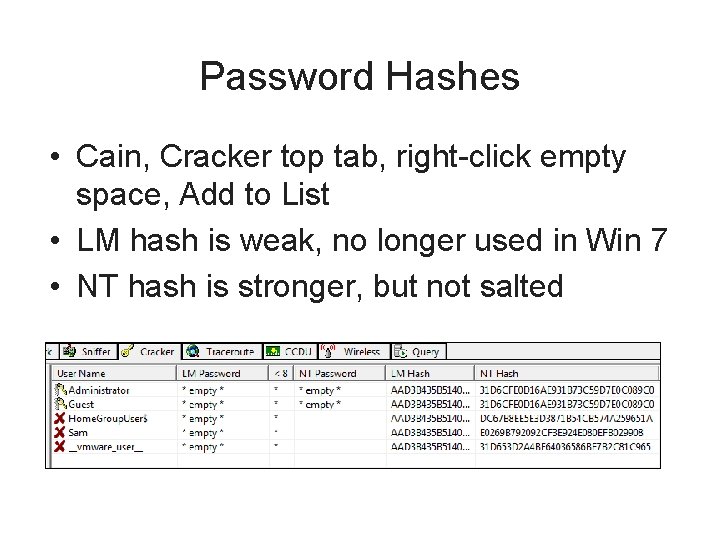
Password Hashes • Cain, Cracker top tab, right-click empty space, Add to List • LM hash is weak, no longer used in Win 7 • NT hash is stronger, but not salted
Strong Authentication • Traditional userid + password authentication has known weaknesses – Easily guessed passwords – Disclosed or shared passwords • Stronger types of authentication available, usually referred to as “strong authentication” – Token – Certificate – Biometrics
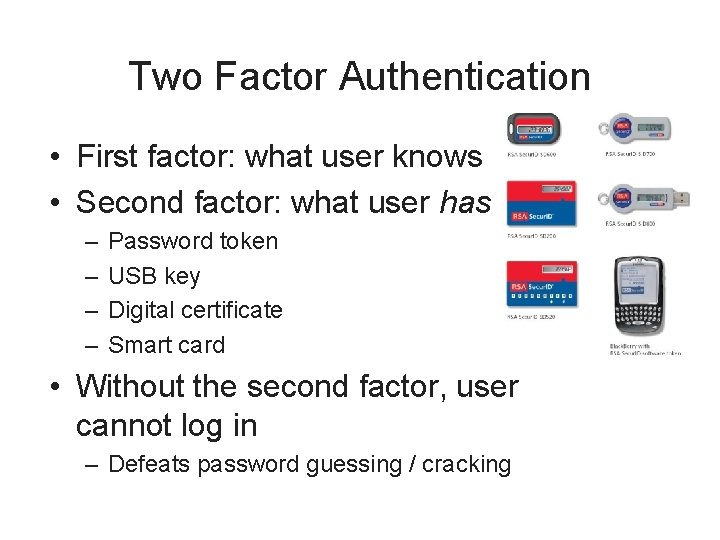
Two Factor Authentication • First factor: what user knows • Second factor: what user has – – Password token USB key Digital certificate Smart card • Without the second factor, user cannot log in – Defeats password guessing / cracking
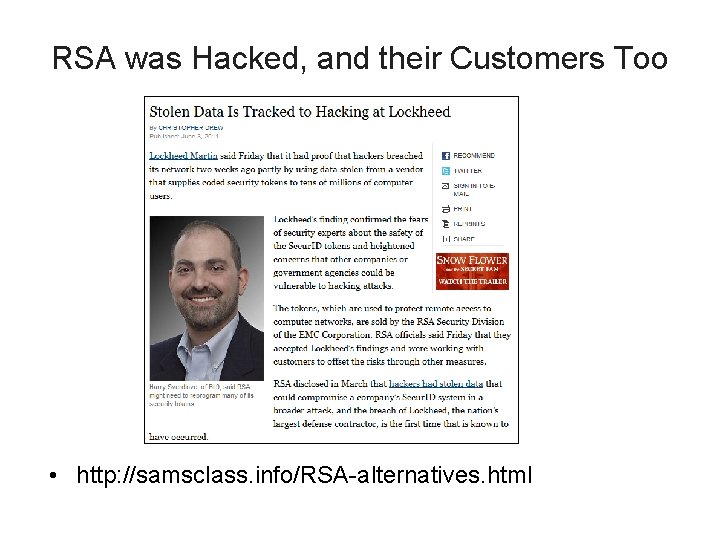
RSA was Hacked, and their Customers Too • http: //samsclass. info/RSA-alternatives. html
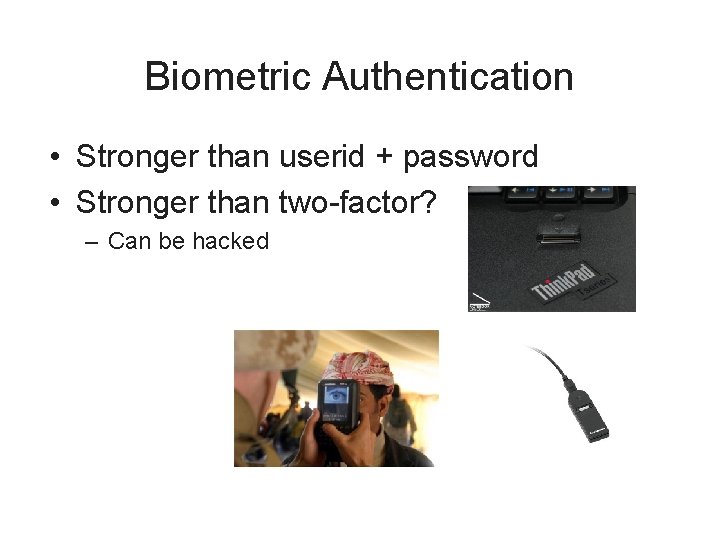
Biometric Authentication • Stronger than userid + password • Stronger than two-factor? – Can be hacked
Biometric Authentication (cont. ) • Measures a part of user’s body – – – Fingerprint Iris scan Signature Voice Etc.
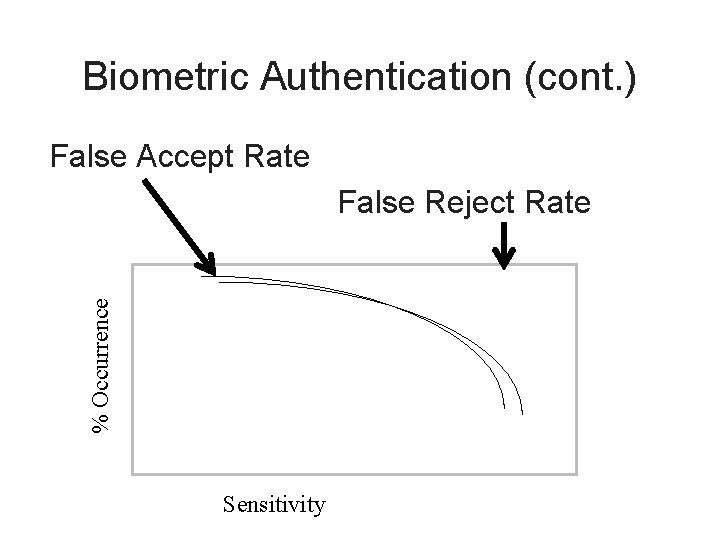
Biometric Authentication (cont. ) False Accept Rate % Occurrence False Reject Rate Sensitivity
Authentication Issues • Password quality • Consistency of user credentials across multiple environments • Too many userids and passwords • Handling password resets • Dealing with compromised passwords • Staff terminations
Access Control Technologies • Centralized management of access controls – LDAP • Active Directory, Microsoft's LDAP – RADIUS • Diameter, upgrade of RADIUS – TACACS • Replaced by TACACS+ and RADIUS – Kerberos • Uses Tickets
Single Sign-On (SSO) • Authenticate once, access many information systems without having to re-authenticate into each • Centralized session management • Often the “holy grail” for identity management – Harder in practice to achieve – integration issues
Reduced Sign-On • Like single sign-on (SSO), single credential for many systems • But… no inter-system session management • User must log into each system separately, but they all use the same userid and password
Weakness of SSO and RSO • Weakness: intruder can access all systems if password is compromised • Best to combine with two-factor / strong authentication
i. Clicker Questions
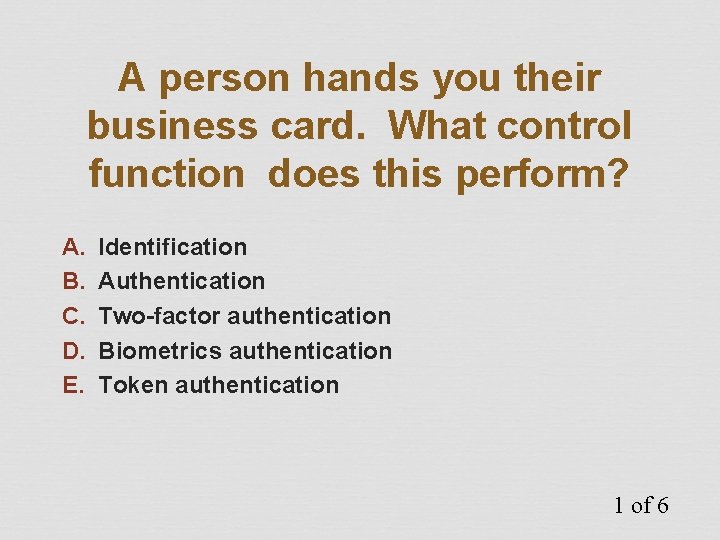
A person hands you their business card. What control function does this perform? A. B. C. D. E. Identification Authentication Two-factor authentication Biometrics authentication Token authentication 1 of 6
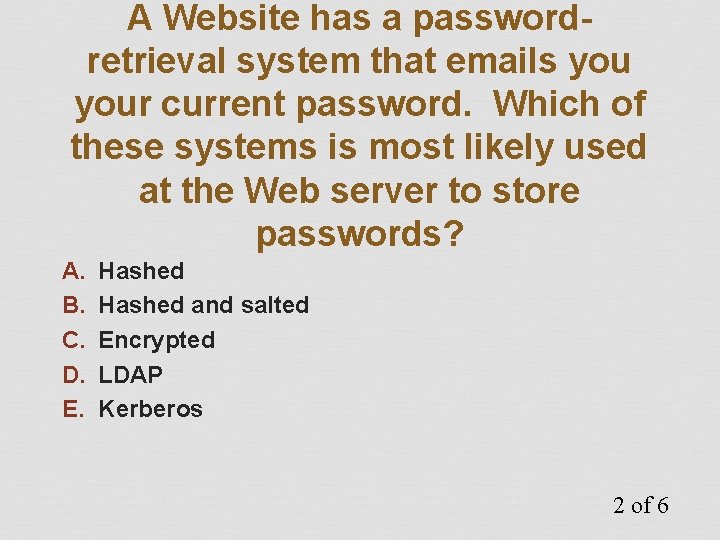
A Website has a passwordretrieval system that emails your current password. Which of these systems is most likely used at the Web server to store passwords? A. B. C. D. E. Hashed and salted Encrypted LDAP Kerberos 2 of 6
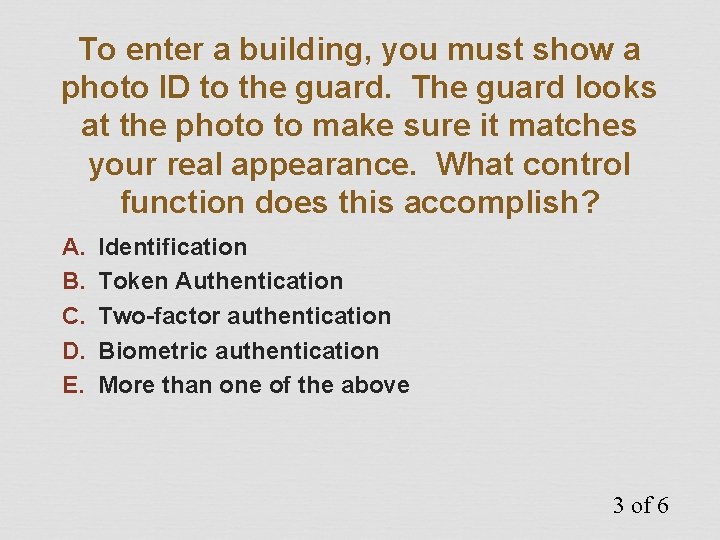
To enter a building, you must show a photo ID to the guard. The guard looks at the photo to make sure it matches your real appearance. What control function does this accomplish? A. B. C. D. E. Identification Token Authentication Two-factor authentication Biometric authentication More than one of the above 3 of 6
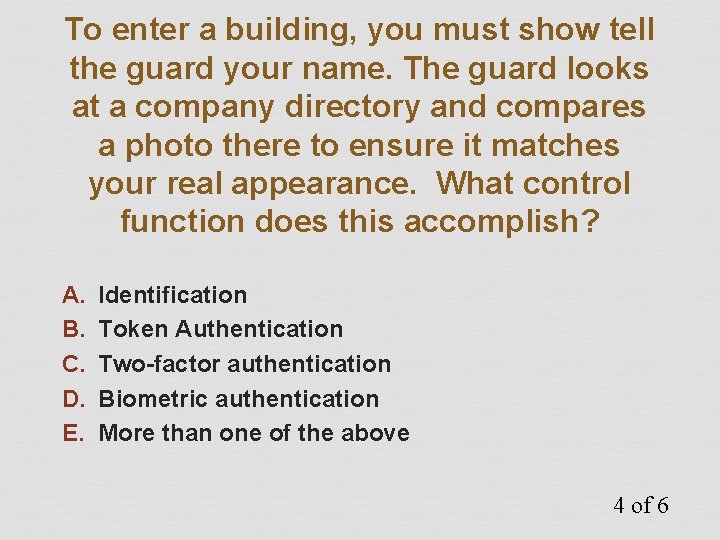
To enter a building, you must show tell the guard your name. The guard looks at a company directory and compares a photo there to ensure it matches your real appearance. What control function does this accomplish? A. B. C. D. E. Identification Token Authentication Two-factor authentication Biometric authentication More than one of the above 4 of 6
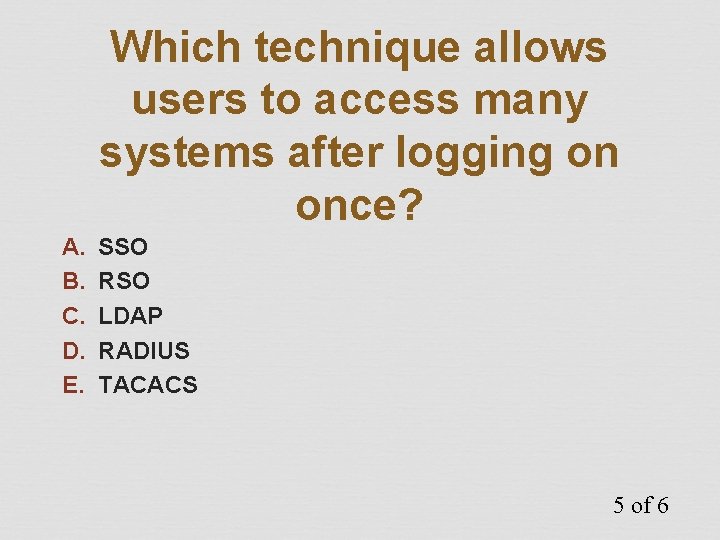
Which technique allows users to access many systems after logging on once? A. B. C. D. E. SSO RSO LDAP RADIUS TACACS 5 of 6
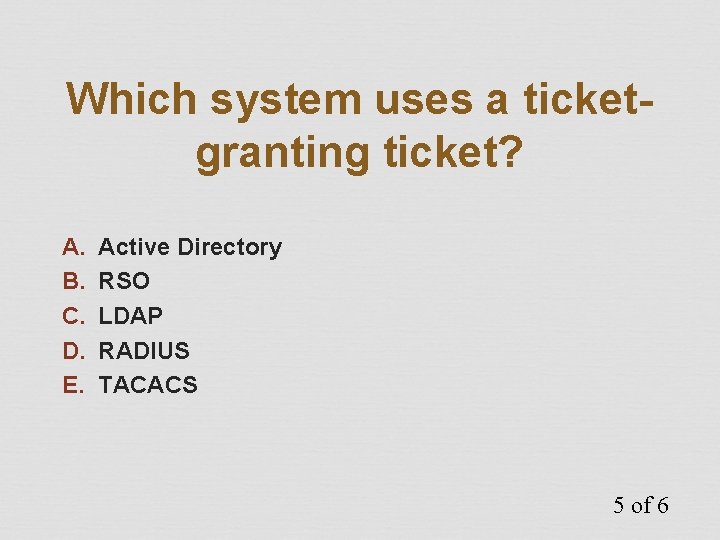
Which system uses a ticketgranting ticket? A. B. C. D. E. Active Directory RSO LDAP RADIUS TACACS 5 of 6
Access Control Attacks
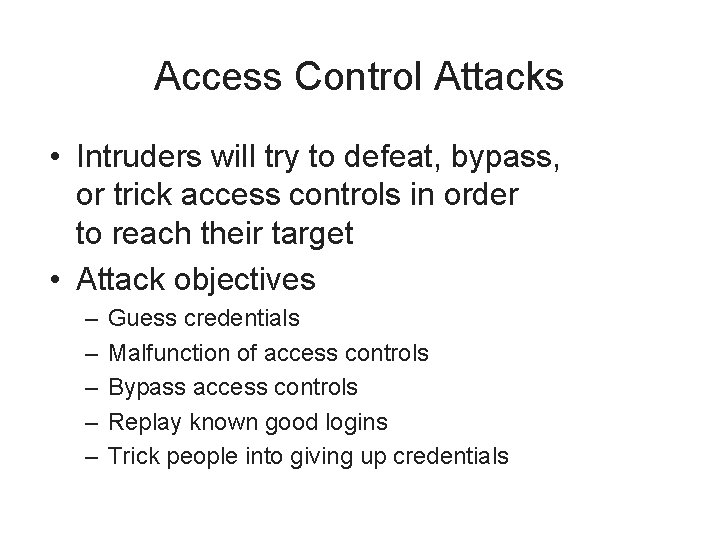
Access Control Attacks • Intruders will try to defeat, bypass, or trick access controls in order to reach their target • Attack objectives – – – Guess credentials Malfunction of access controls Bypass access controls Replay known good logins Trick people into giving up credentials
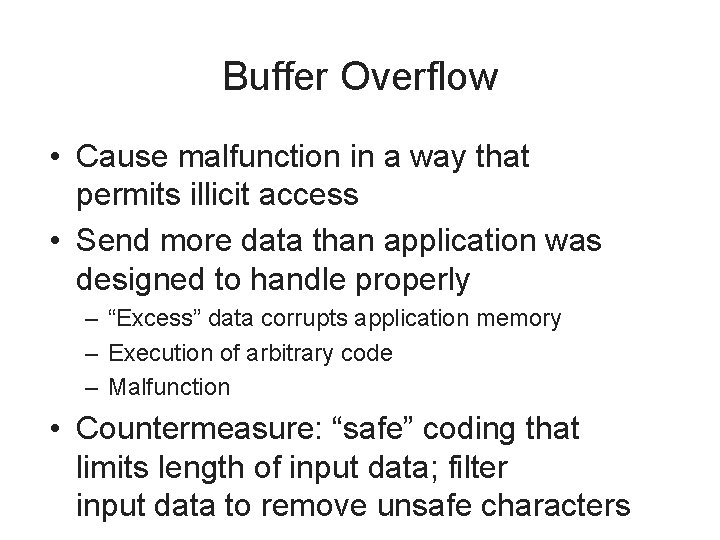
Buffer Overflow • Cause malfunction in a way that permits illicit access • Send more data than application was designed to handle properly – “Excess” data corrupts application memory – Execution of arbitrary code – Malfunction • Countermeasure: “safe” coding that limits length of input data; filter input data to remove unsafe characters
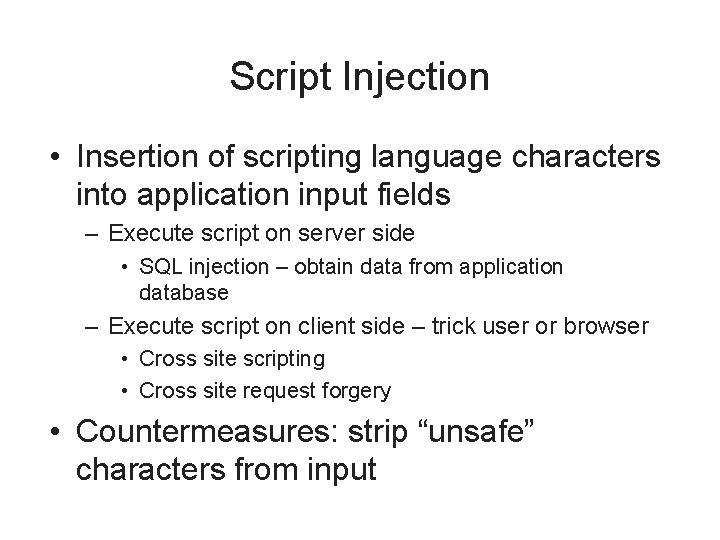
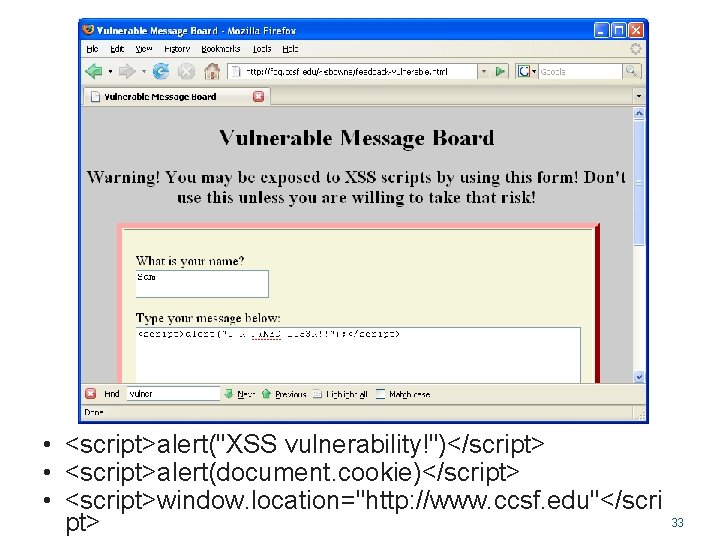
Script Injection • Insertion of scripting language characters into application input fields – Execute script on server side • SQL injection – obtain data from application database – Execute script on client side – trick user or browser • Cross site scripting • Cross site request forgery • Countermeasures: strip “unsafe” characters from input
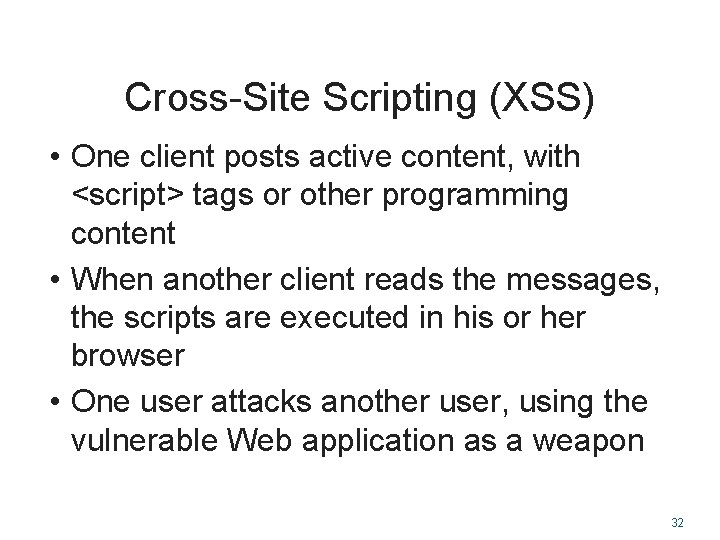
Cross-Site Scripting (XSS) • One client posts active content, with <script> tags or other programming content • When another client reads the messages, the scripts are executed in his or her browser • One user attacks another user, using the vulnerable Web application as a weapon 32
• <script>alert("XSS vulnerability!")</script> • <script>alert(document. cookie)</script> • <script>window. location="http: //www. ccsf. edu"</scri pt> 33
XSS Scripting Effects • Steal another user's authentication cookie – Hijack session • Harvest stored passwords from the target's browser • Take over machine through browser vulnerability • Redirect Webpage • Many, many other evil things… 34
Data Remanence • Literally: data that remains after it has been “deleted” • Examples – – – Deleted hard drive files Data in file system “slack space” Erased files Reformatted hard drive Discarded / lost media: USB keys, backup tapes, CDs • Countermeasures: improve media physical controls
Denial of Service (Do. S) • Actions that cause target system to fail, thereby denying service to legitimate users – Specially crafted input that causes application malfunction – Large volume of input that floods application • Distributed Denial of Service (DDo. S) – Large volume of input from many (hundreds, thousands) of sources • Countermeasures: input filters, patches, high capacity
Dumpster Diving • Literally, going through company trash in the hopes that sensitive printed documents were discarded that can be retrieved – – Personnel reports, financial records E-mail addresses Trade secrets Technical architecture • Countermeasures: on-site shredding
Eavesdropping • Interception of data transmissions – Login credentials – Sensitive information • Methods – Network sniffing (maybe from a compromised system) – Wireless network sniffing • Countermeasures: encryption, stronger encryption
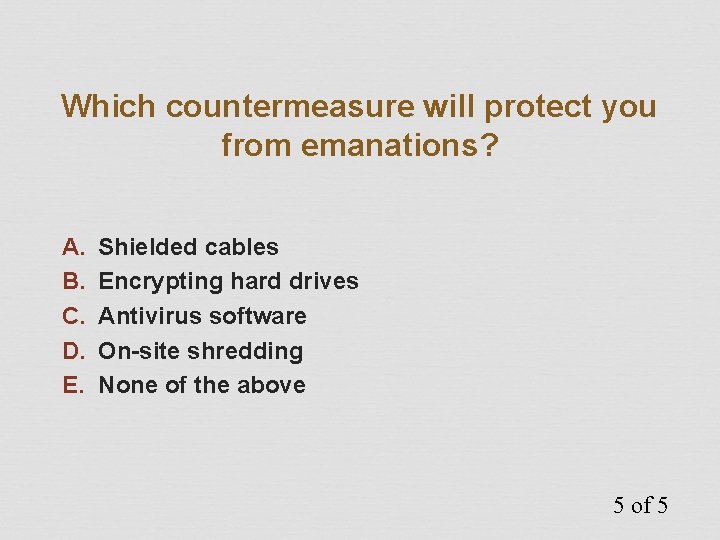
Emanations • Electromagnetic radiation that emanates from computer equipment – Network cabling • More prevalent in networks with coaxial cabling – CRT monitors – Wi-Fi networks • Countermeasures: shielded cables, LCD monitors, lower power or eliminate Wi-Fi
Spoofing and Masquerading • Specially crafted network packets that contain forged address of origin – TCP/IP protocol permits forged MAC and IP address – SMTP protocol permits forged e-mail “From” address • Countermeasures: router / firewall configuration to drop forged packets, judicious use of e-mail for signaling or data transfer
Social Engineering • Tricking people into giving out sensitive information by making them think they are helping someone • Methods – In person – By phone • Schemes – Log-in, remote access, building entrance help • Countermeasures: security awareness training
Phishing • Incoming, fraudulent e-mail messages designed to give the appearance of origin from a legitimate institution – “Bank security breach” – “Tax refund” – “Irish sweepstakes” • Tricks user into providing sensitive data via a forged web site (common) or return e-mail (less common) • Countermeasure: security awareness training
Pharming • Redirection of traffic to a forged website – Attack of DNS server (poison cache, other attacks) – Attack of “hosts” file on client system – Often, a phishing e-mail to lure user to forged website – Forged website has appearance of the real thing • Countermeasures: user awareness training, patches, better controls
Password Guessing • Trying likely passwords to log in as a specific user – Common words – Spouse / partner / pet name – Significant dates / places • Countermeasures: strong, complex passwords, aggressive password policy, lockout policy
Password Cracking • Obtain / retrieve hashed passwords from target • Run password cracking program – Runs on attacker’s system – no one will notice • Attacker logs in to target system using cracked passwords • Countermeasures: frequent password changes, controls on hashed password files, salting hash
Malicious Code • Viruses, worms, Trojan horses, spyware, key logger • Harvest data or cause system malfunction • Countermeasures: anti-virus, antispyware, security awareness training
i. Clicker Questions
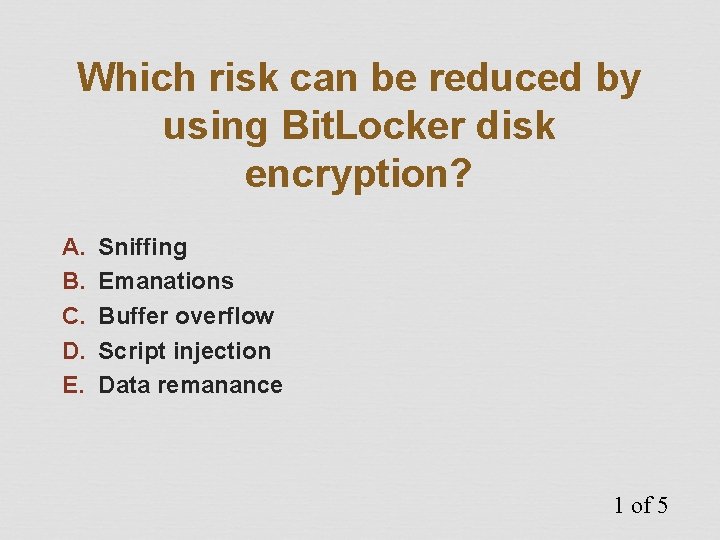
Which risk can be reduced by using Bit. Locker disk encryption? A. B. C. D. E. Sniffing Emanations Buffer overflow Script injection Data remanance 1 of 5
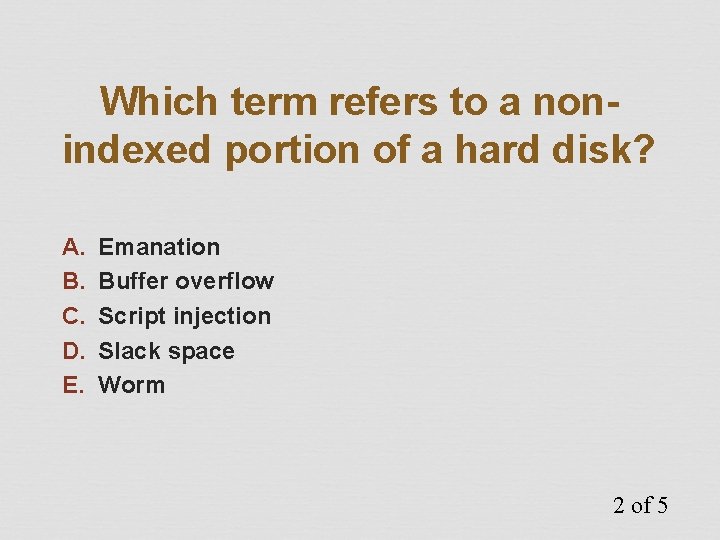
Which term refers to a nonindexed portion of a hard disk? A. B. C. D. E. Emanation Buffer overflow Script injection Slack space Worm 2 of 5
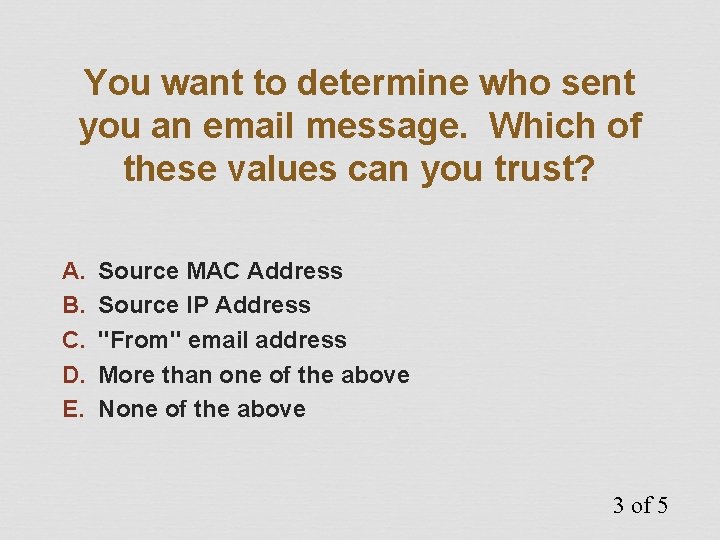
You want to determine who sent you an email message. Which of these values can you trust? A. B. C. D. E. Source MAC Address Source IP Address "From" email address More than one of the above None of the above 3 of 5
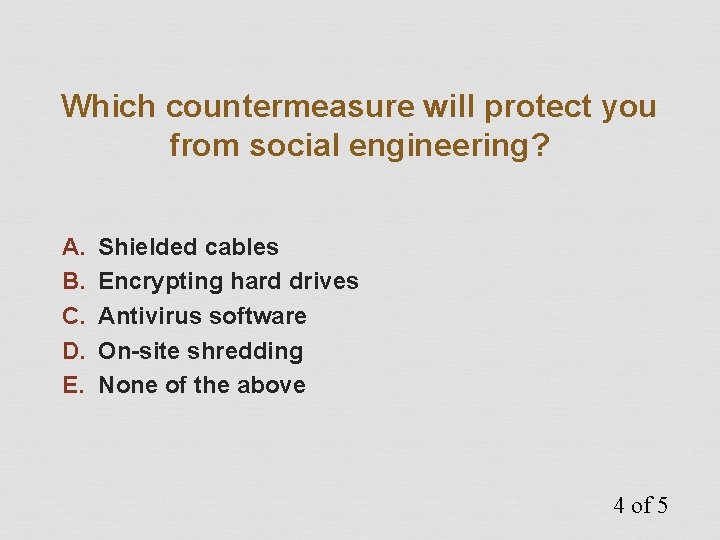
Which countermeasure will protect you from social engineering? A. B. C. D. E. Shielded cables Encrypting hard drives Antivirus software On-site shredding None of the above 4 of 5
Which countermeasure will protect you from emanations? A. B. C. D. E. Shielded cables Encrypting hard drives Antivirus software On-site shredding None of the above 5 of 5
Access Control Concepts
Access Control Concepts • Principles of access control • Types of controls • Categories of controls
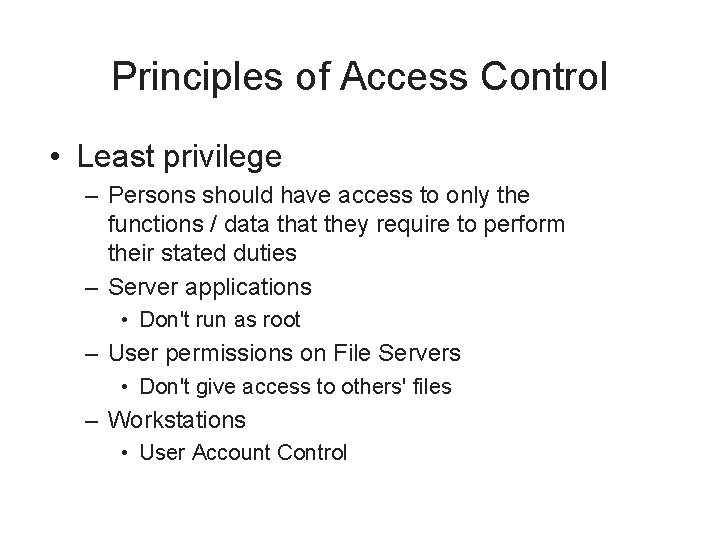
Principles of Access Control • Separation of duties – No single individual should be allowed to perform high-value or sensitive tasks on their own • Financial transactions • Software changes • User account creation / changes
Principles of Access Control • Least privilege – Persons should have access to only the functions / data that they require to perform their stated duties – Server applications • Don't run as root – User permissions on File Servers • Don't give access to others' files – Workstations • User Account Control
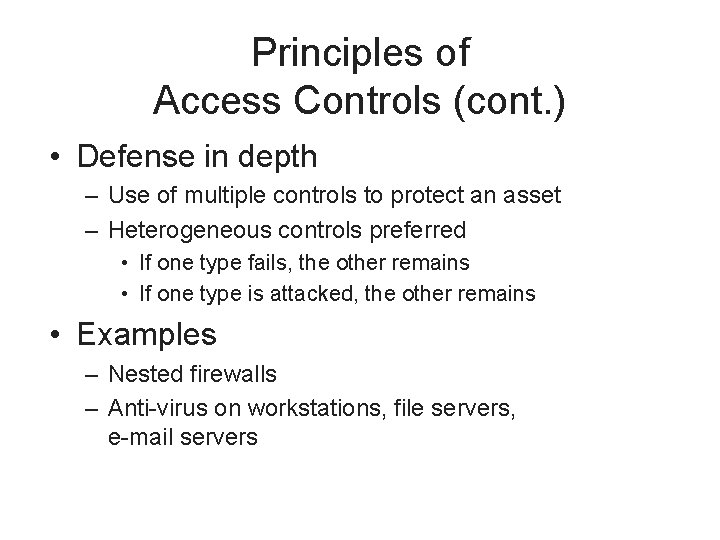
Principles of Access Controls (cont. ) • Defense in depth – Use of multiple controls to protect an asset – Heterogeneous controls preferred • If one type fails, the other remains • If one type is attacked, the other remains • Examples – Nested firewalls – Anti-virus on workstations, file servers, e-mail servers
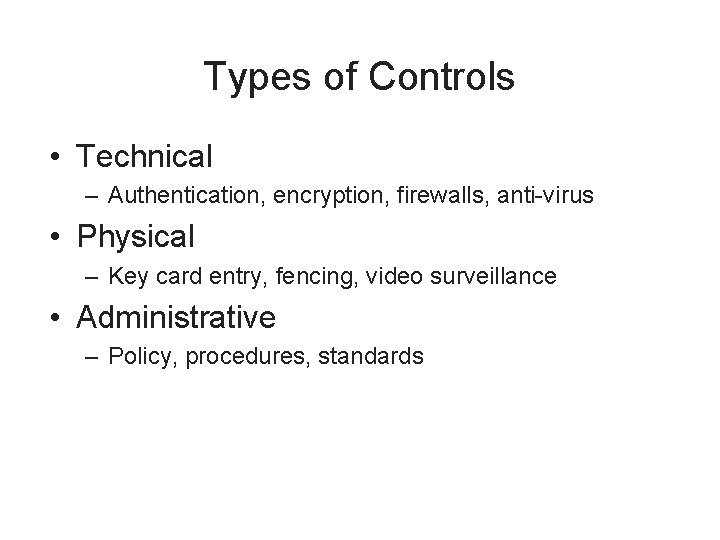
Types of Controls • Technical – Authentication, encryption, firewalls, anti-virus • Physical – Key card entry, fencing, video surveillance • Administrative – Policy, procedures, standards
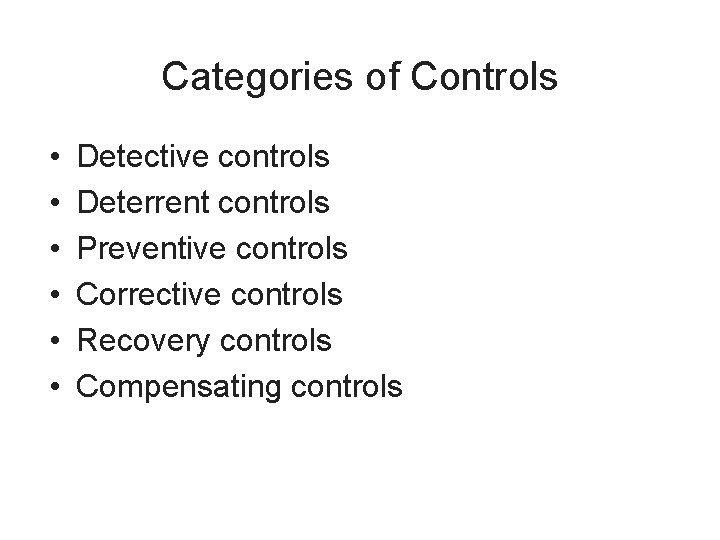
Categories of Controls • • • Detective controls Deterrent controls Preventive controls Corrective controls Recovery controls Compensating controls
Detective Controls • Monitor and record specific types of events • Does not stop or directly influence events – – Video surveillance Audit logs Event logs Intrusion detection system
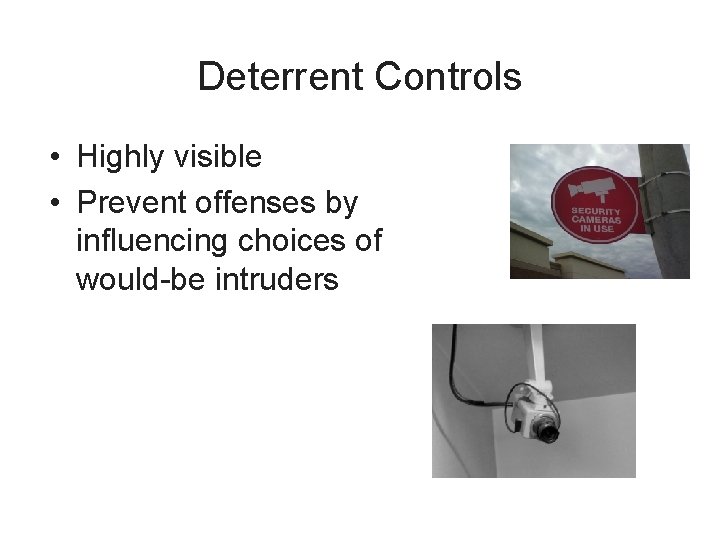
Deterrent Controls • Highly visible • Prevent offenses by influencing choices of would-be intruders
Deterrent Controls (cont. ) • A purely deterrent control does not prevent or even record events – Signs – Guards, guard dogs (may be preventive if they are real) – Razor wire
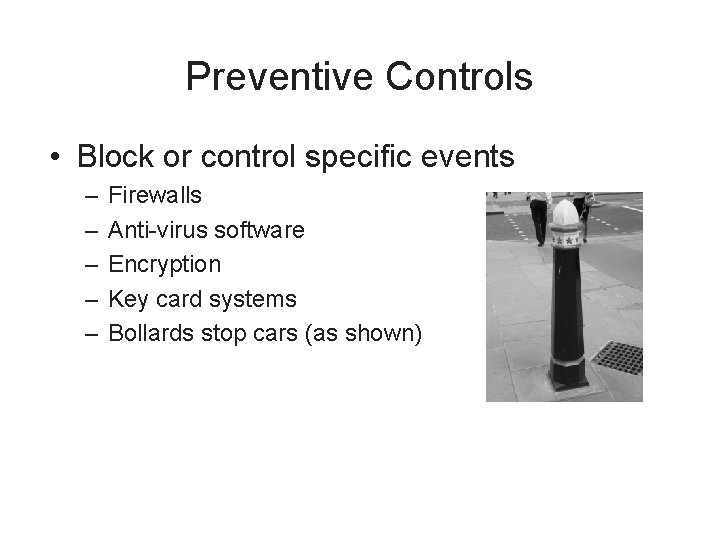
Preventive Controls • Block or control specific events – – – Firewalls Anti-virus software Encryption Key card systems Bollards stop cars (as shown)
Corrective Controls • Post-event controls to prevent recurrence • “Corrective” refers to when it is implemented – Can be preventive, detective, deterrent, administrative • Examples (if implemented after an incident) – Spam filter – Anti-virus on e-mail server – WPA Wi-Fi encryption
Recovery Controls • Post-incident controls to recover systems • Examples – System restoration – Database restoration
Compensating Controls • Control that is introduced that compensates for the absence or failure of a control • “Compensating” refers to why it is implemented – Can be detective, preventive, deterrent, administrative • Examples – Daily monitoring of anti-virus console – Monthly review of administrative logins – Web Application Firewall used to protect buggy application
Testing Access Controls
Testing Access Controls • Access controls are the primary defense that protect assets • Testing helps to verify whether they are working properly • Types of tests – Penetration tests – Application vulnerability tests – Code reviews
Penetration Testing • Automatic scans to discover vulnerabilities – Scan TCP/IP for open ports, discover active “listeners” – Potential vulnerabilities in open services – Test operating system, middleware, server, network device features – Missing patches • Example tools: Nessus, Nikto, SAINT, Superscan, Retina, ISS, Microsoft Baseline Security Analyzer
Application Vulnerability Testing • Discover vulnerabilities in an application • Automated tools and manual tools • Example vulnerabilities – Cross-site scripting, injection flaws, malicious file execution, broken authentication, broken session management, information leakage, insecure use of encryption, and many more
Audit Log Analysis • Regular examination of audit and event logs • Detect unwanted events – Attempted break-ins – System malfunctions – Account abuse, such as credential sharing • Audit log protection – Write-once media – Centralized audit logs
i. Clicker Questions
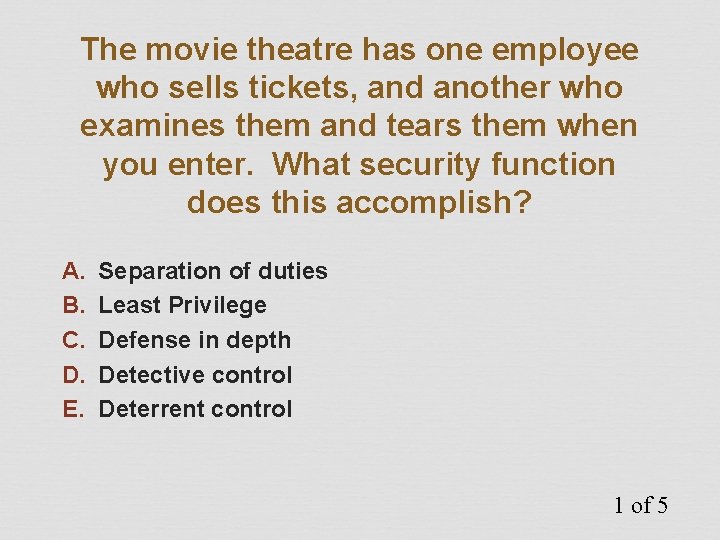
The movie theatre has one employee who sells tickets, and another who examines them and tears them when you enter. What security function does this accomplish? A. B. C. D. E. Separation of duties Least Privilege Defense in depth Detective control Deterrent control 1 of 5
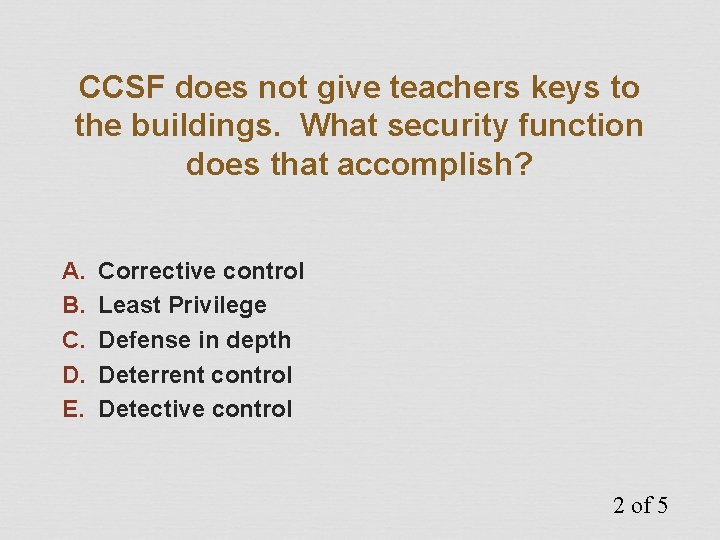
CCSF does not give teachers keys to the buildings. What security function does that accomplish? A. B. C. D. E. Corrective control Least Privilege Defense in depth Deterrent control Detective control 2 of 5
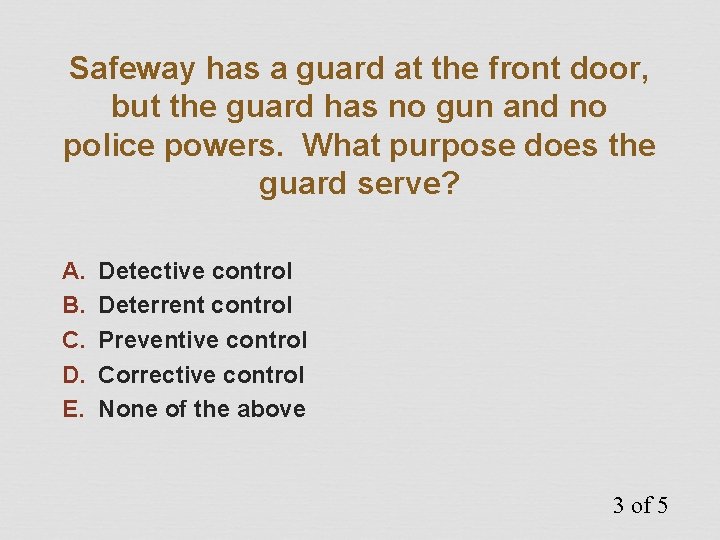
Safeway has a guard at the front door, but the guard has no gun and no police powers. What purpose does the guard serve? A. B. C. D. E. Detective control Deterrent control Preventive control Corrective control None of the above 3 of 5
Employees are stealing on the job, so the company hires a spy to work with them, and send in secret reports. What function does the spy serve? A. B. C. D. E. Defense in depth Detective control Deterrent control Preventive control Corrective control 4 of 5
A company uses Symform to save a copy of critical backup files on the Web. What security function does this accomplish? A. B. C. D. E. Defense in depth Detective control Preventive control Corrective control Recovery control 5 of 5