
Accepting your University offer and enrolment The University

- Slides: 16
Accepting your University offer and enrolment The University of Sydney Page 1
Introduction Accepting your offer and enrolling in your course To view this presentation go to the CET website and select Enrolment : http: //sydney. edu. au/cet/enrolment/inde x. shtml The University of Sydney Page 2
ACCEPT YOUR OFFER Your University of Sydney letter of offer 1. Make sure CET have your current email address 2. We will send you an email with your offer letter attached 3. Make sure your details are correct on the Unconditional offer: ü your name ü course details 4. Read the terms and conditions carefully 5. To accept the offer, log in to Sydney Student : Ø Click on the link on your offer email, or Ø https: //sydneystudent. sydney. edu. au/sitsvision/wrd/siw_lgn The University of Sydney Page 3
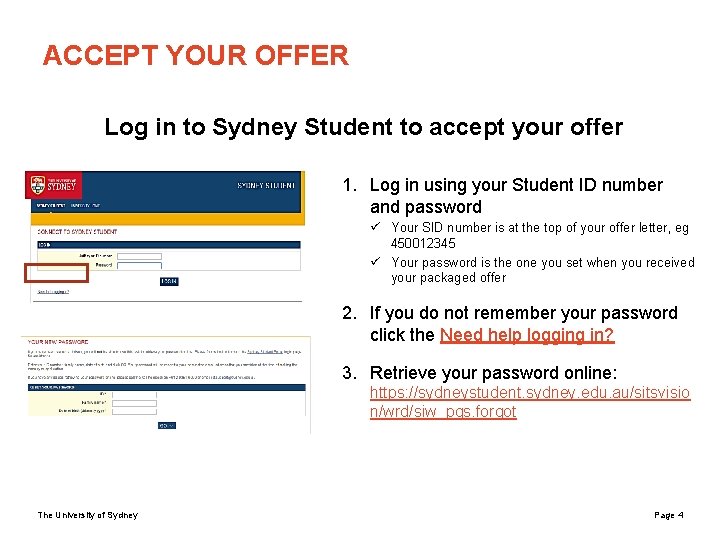
ACCEPT YOUR OFFER Log in to Sydney Student to accept your offer 1. Log in using your Student ID number and password ü Your SID number is at the top of your offer letter, eg 450012345 ü Your password is the one you set when you received your packaged offer 2. If you do not remember your password click the Need help logging in? 3. Retrieve your password online: https: //sydneystudent. sydney. edu. au/sitsvisio n/wrd/siw_pqs. forgot The University of Sydney Page 4
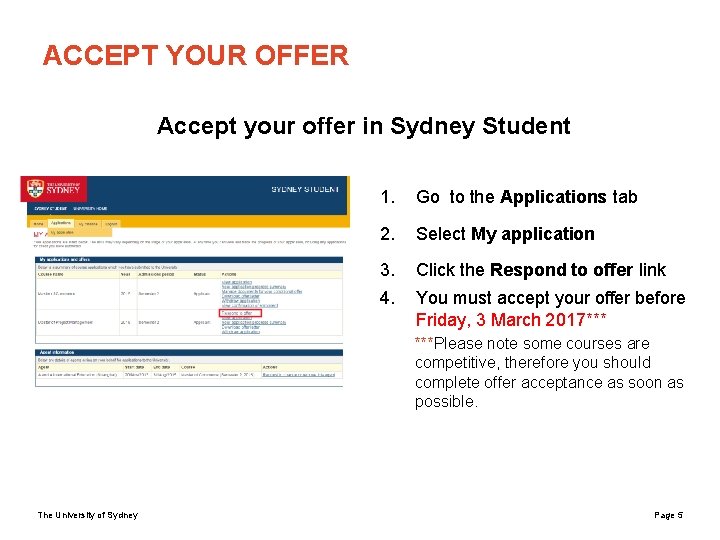
ACCEPT YOUR OFFER Accept your offer in Sydney Student 1. Go to the Applications tab 2. Select My application 3. Click the Respond to offer link 4. You must accept your offer before Friday, 3 March 2017*** ***Please note some courses are competitive, therefore you should complete offer acceptance as soon as possible. The University of Sydney Page 5
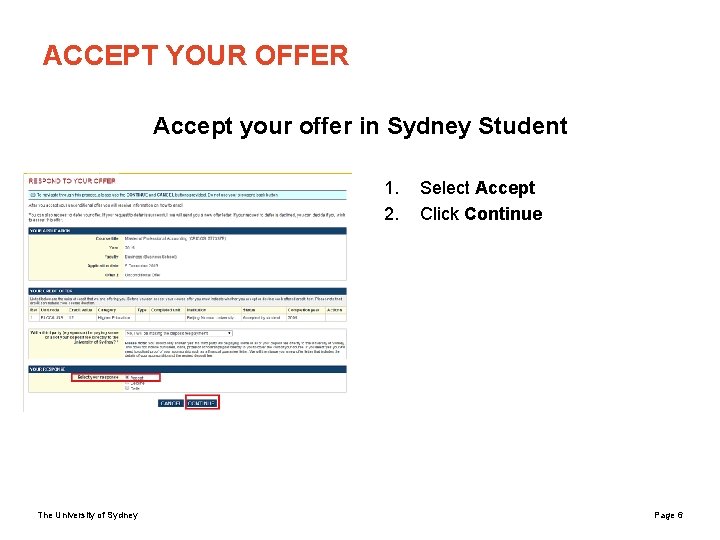
ACCEPT YOUR OFFER Accept your offer in Sydney Student 1. 2. The University of Sydney Select Accept Click Continue Page 6
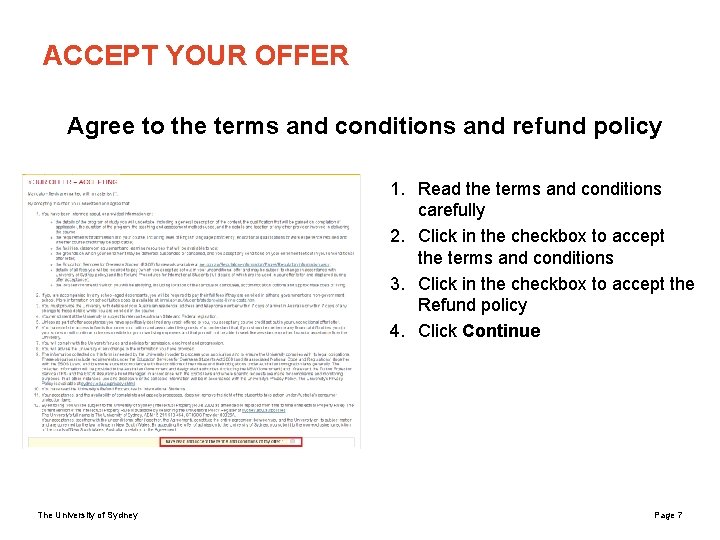
ACCEPT YOUR OFFER Agree to the terms and conditions and refund policy 1. Read the terms and conditions carefully 2. Click in the checkbox to accept the terms and conditions 3. Click in the checkbox to accept the Refund policy 4. Click Continue The University of Sydney Page 7
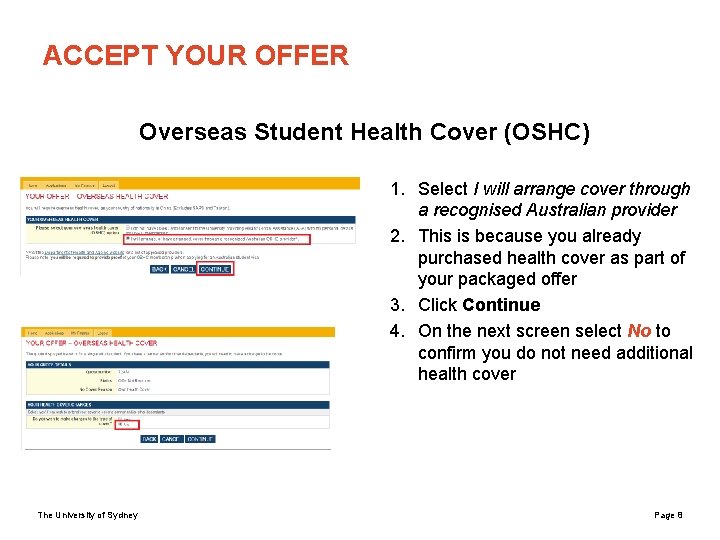
ACCEPT YOUR OFFER Overseas Student Health Cover (OSHC) 1. Select I will arrange cover through a recognised Australian provider 2. This is because you already purchased health cover as part of your packaged offer 3. Click Continue 4. On the next screen select No to confirm you do not need additional health cover The University of Sydney Page 8
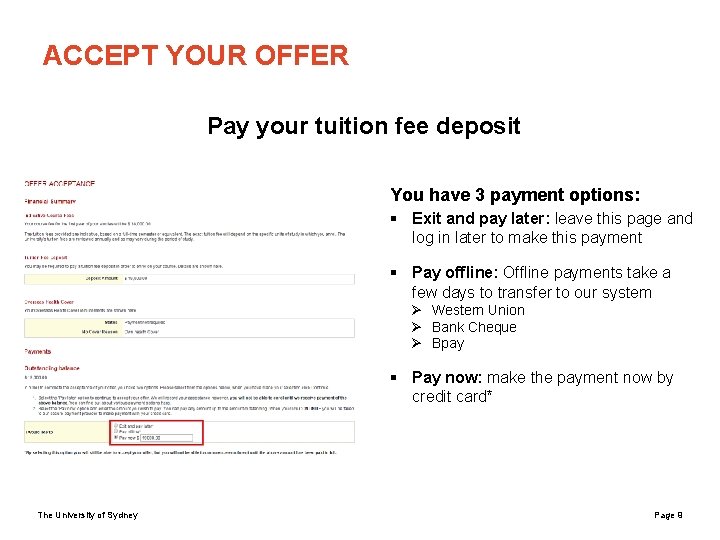
ACCEPT YOUR OFFER Pay your tuition fee deposit You have 3 payment options: § Exit and pay later: leave this page and log in later to make this payment § Pay offline: Offline payments take a few days to transfer to our system Ø Western Union Ø Bank Cheque Ø Bpay § Pay now: make the payment now by credit card* The University of Sydney Page 9
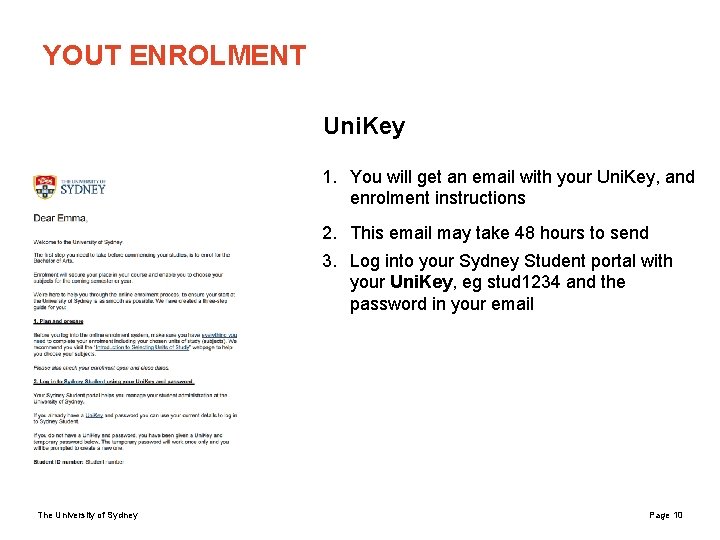
YOUT ENROLMENT Uni. Key 1. You will get an email with your Uni. Key, and enrolment instructions 2. This email may take 48 hours to send 3. Log into your Sydney Student portal with your Uni. Key, eg stud 1234 and the password in your email The University of Sydney Page 10
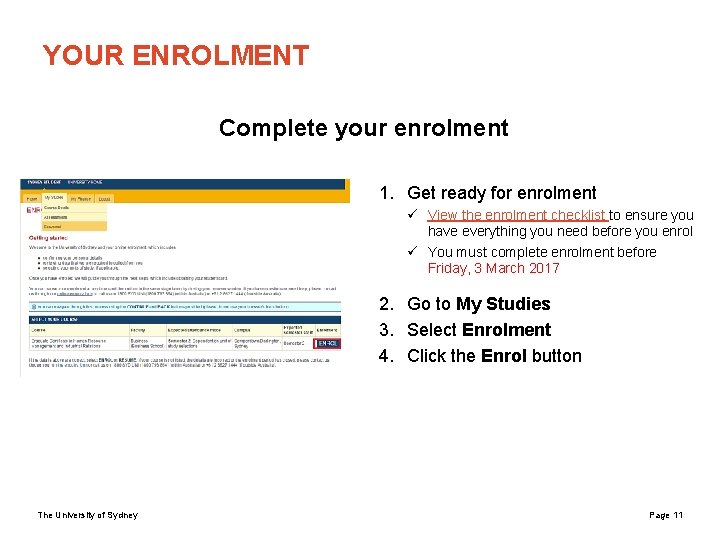
YOUR ENROLMENT Complete your enrolment 1. Get ready for enrolment ü View the enrolment checklist to ensure you have everything you need before you enrol ü You must complete enrolment before Friday, 3 March 2017 2. Go to My Studies 3. Select Enrolment 4. Click the Enrol button The University of Sydney Page 11
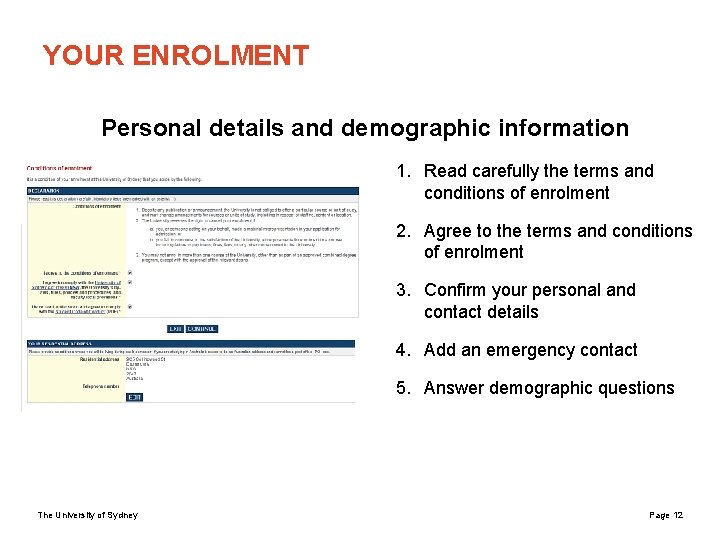
YOUR ENROLMENT Personal details and demographic information 1. Read carefully the terms and conditions of enrolment 2. Agree to the terms and conditions of enrolment 3. Confirm your personal and contact details 4. Add an emergency contact 5. Answer demographic questions The University of Sydney Page 12
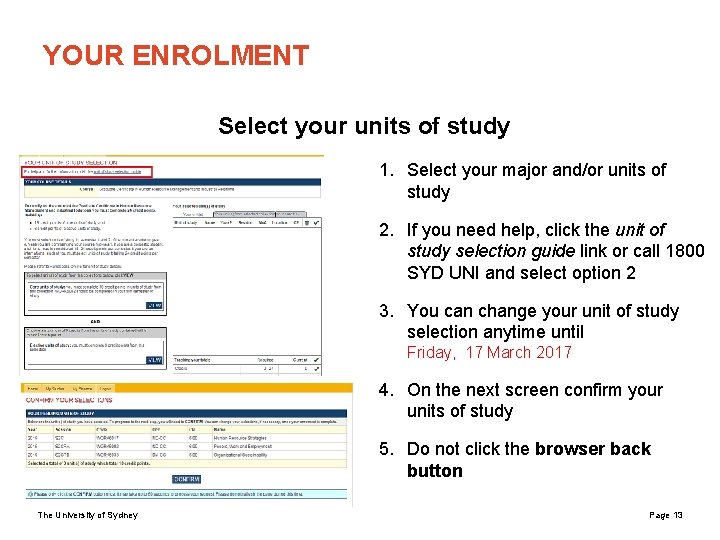
YOUR ENROLMENT Select your units of study 1. Select your major and/or units of study 2. If you need help, click the unit of study selection guide link or call 1800 SYD UNI and select option 2 3. You can change your unit of study selection anytime until Friday, 17 March 2017 4. On the next screen confirm your units of study 5. Do not click the browser back button The University of Sydney Page 13
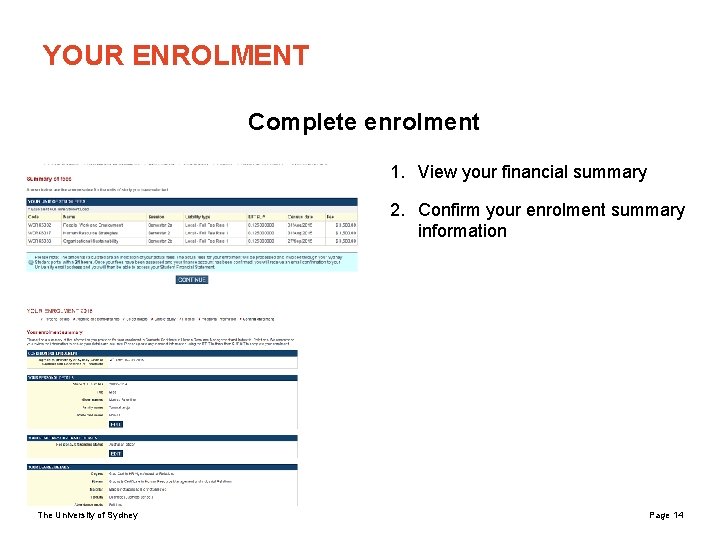
YOUR ENROLMENT Complete enrolment 1. View your financial summary 2. Confirm your enrolment summary information The University of Sydney Page 14
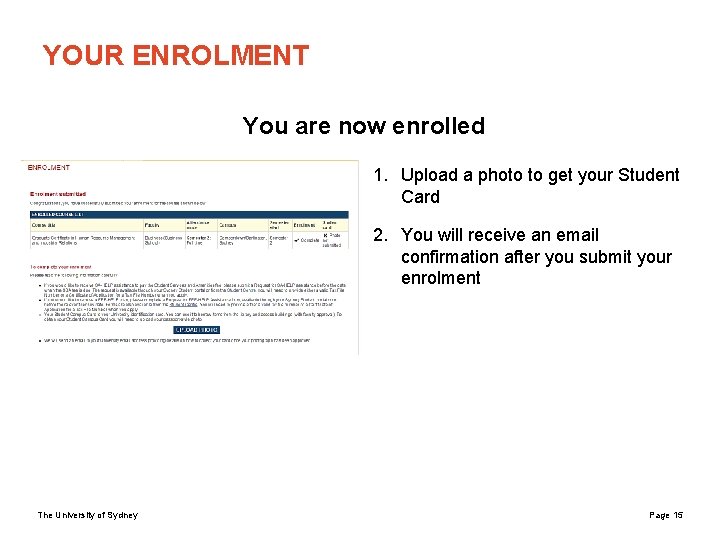
YOUR ENROLMENT You are now enrolled 1. Upload a photo to get your Student Card 2. You will receive an email confirmation after you submit your enrolment The University of Sydney Page 15
Any problems? 1800 SYD UNI (1800 793 864) or +61 2 8627 1444 http: //sydney. edu. au/courses/ask_a_question The University of Sydney Page 16