
Acceptable Use Policy For Students of Humble ISD
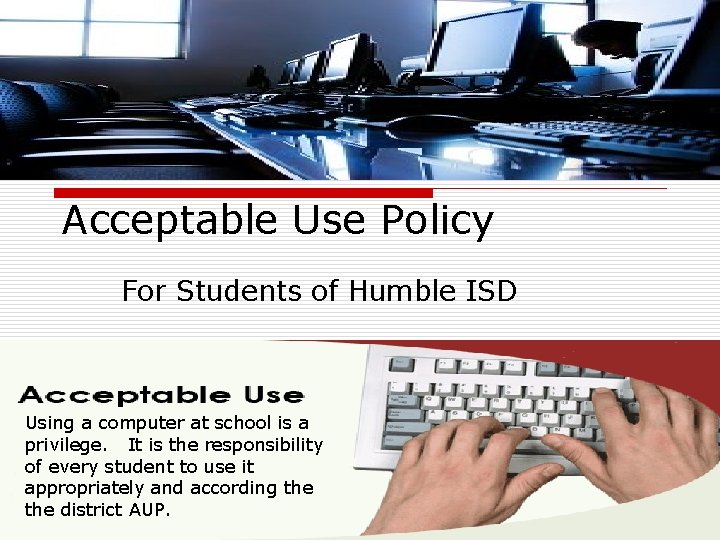
Acceptable Use Policy For Students of Humble ISD Using a computer at school is a privilege. It is the responsibility of every student to use it appropriately and according the district AUP.
What is an AUP ? An acceptable use policy (AUP; also sometimes acceptable usage policy or Fair Use Policy) is a set of rules applied by the owner/manager of a network, website or large computer system that restrict the ways in which the network site or system may be used. AUP documents are written for corporations, businesses, universities, schools, internet service providers, and website owners often to reduce the potential for legal action that may be taken by a user.

Unacceptable Use of Computers and Network o 1. Using the network for any illegal activity o 2. Transmitting material in violation of any federal, state, or local law or school district policy o 3. Violating software copyright or other contracts o 4. Using district technology for financial or commercial or personal gain o 5. Degrading or disrupting equipment or system performance o 6. Vandalizing hardware o 7. Vandalizing the data of another user o 8. Wastefully using finite resources o 9. Unauthorized use of district resources, including hardware (ie. Digital camera, projector, etc. ) and printers for reasons other than school assignments and activities o 10. Gaining unauthorized access to resources or entities
Unacceptable Use of Computers and Network o 11. Invading the privacy of individuals o 12. Using someone else’s username and password o 13. Placing of unlawful information on a system o 14. Using for political lobbying o 15. Intentionally accessing pornographic, inappropriate or unauthorized material either directly or by proxy o 16. Intentionally bypassing district network systems and/or policies o 17. Intentionally transmitting viruses that may result in the loss of recipients' work or systems o 18. Chain letters or any type of use that would cause congestion of the networks or otherwise interfere with the work of others o 19. Installing software onto computers without appropriate approval
Group Activity o Get into your groups o Answer the questions o Prepare a Power. Point n Answer – Explain your questions. n Discuss your scenario and give your solution to the class. Be prepared to explain your reasoning.
- Slides: 5