
ACAP Online Application Process Tutorial February 2016 For
ACAP Online Application Process Tutorial February 2016 For narration, click here
ACAP Accreditation Goes Online! �To be used for all new and renewal applications �Features ◦ File library ◦ Automated notifications and reminders ◦ Guidance for standards ◦ Access 24/7 for completion and updates
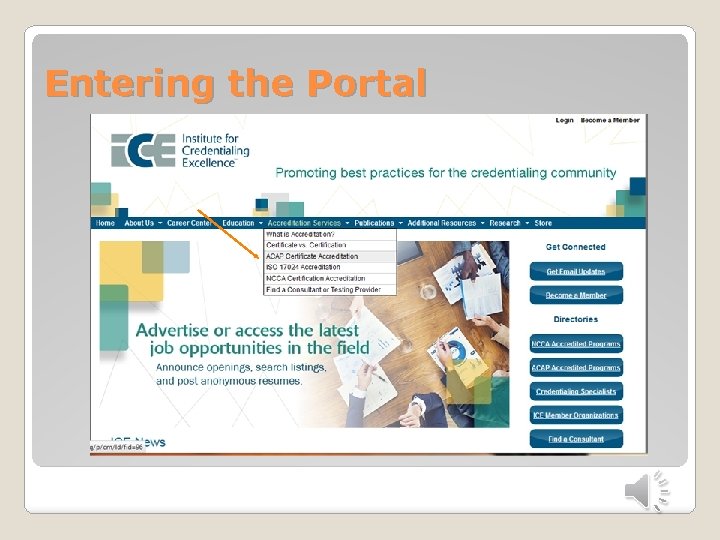
Entering the Portal
�PLACEHOLDER �Show online application portal page – build new for ACAP. Then, go to My account to see next page
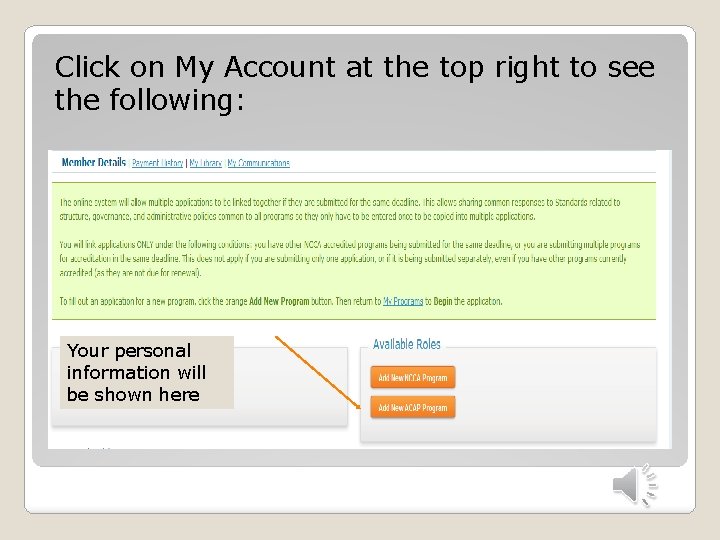
Click on My Account at the top right to see the following: Your personal information will be shown here
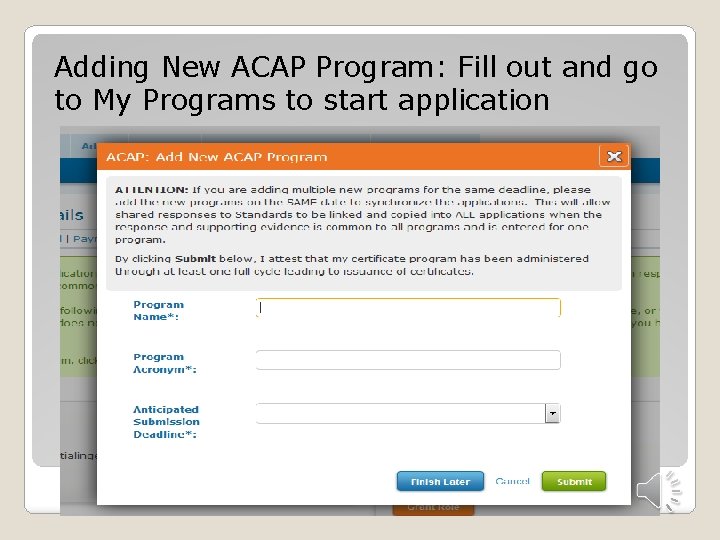
Adding New ACAP Program: Fill out and go to My Programs to start application
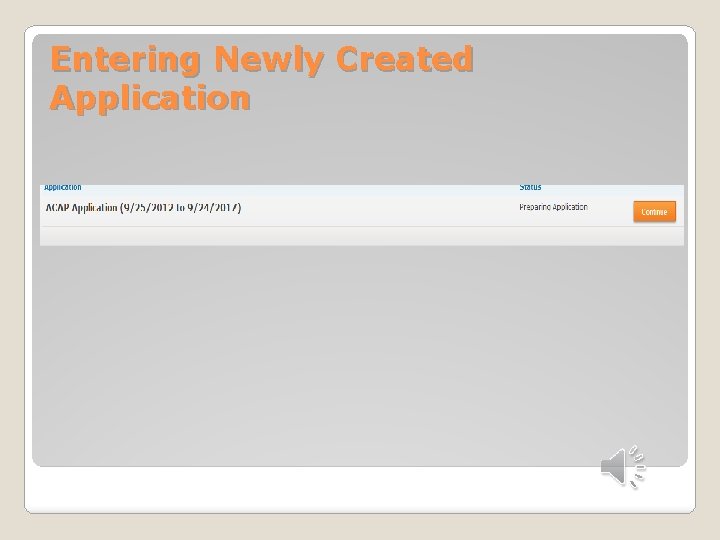
Entering Newly Created Application
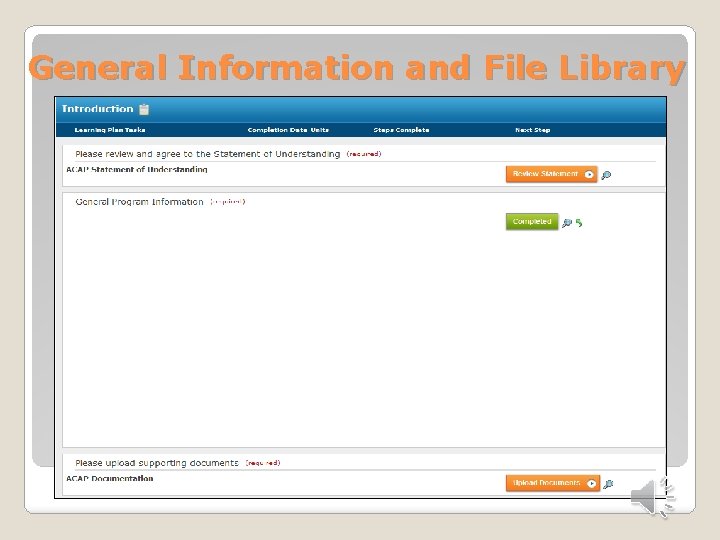
General Information and File Library
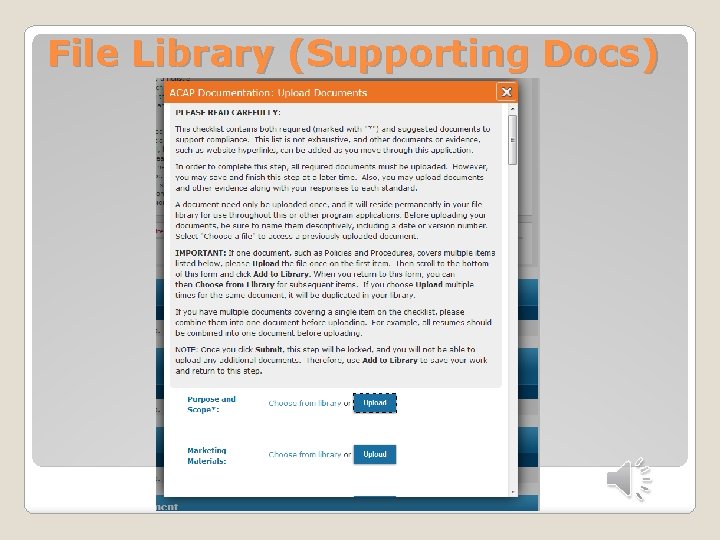
File Library (Supporting Docs)
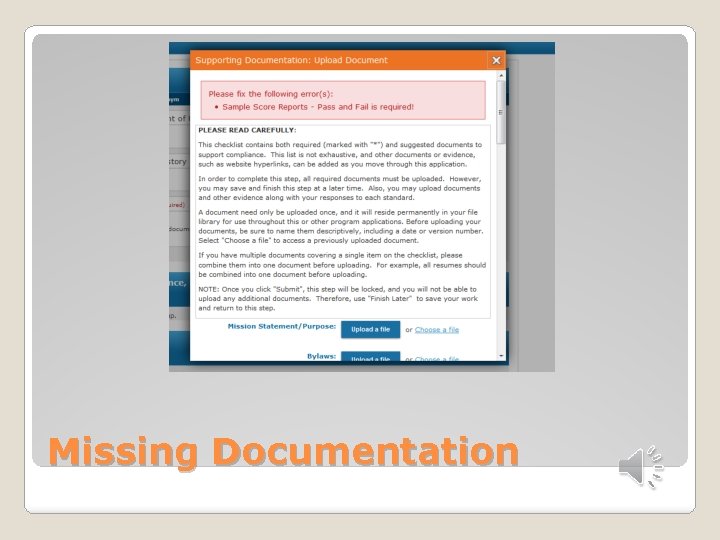
Missing Documentation
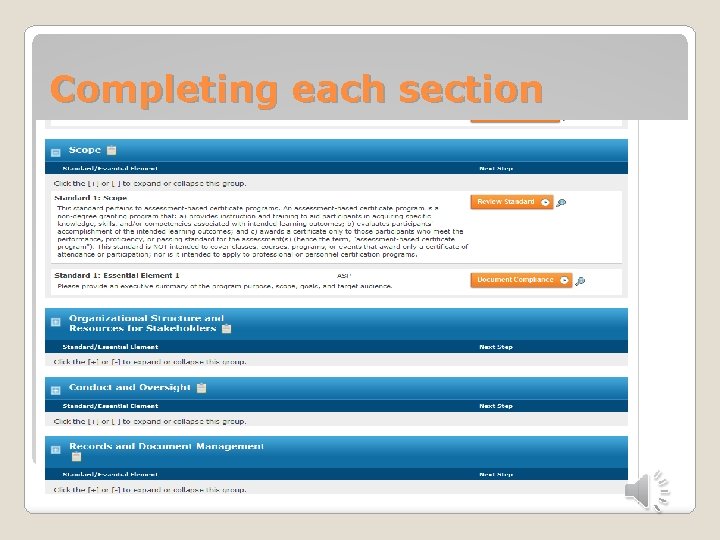
Completing each section
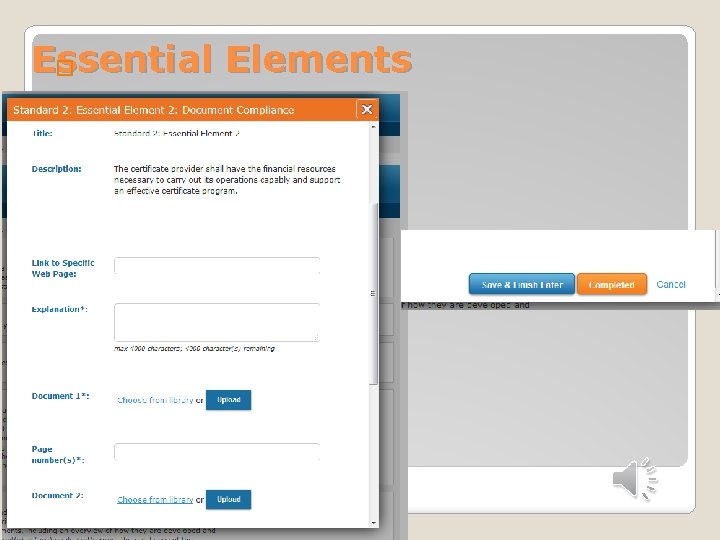
Essential Elements �
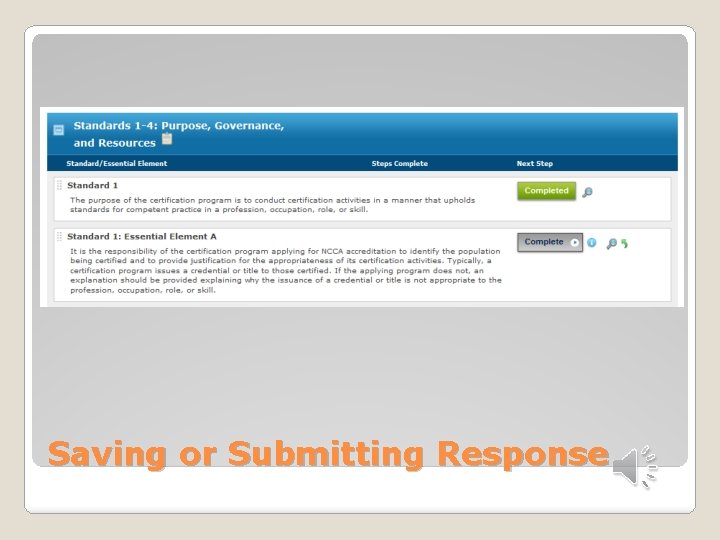
Saving or Submitting Response
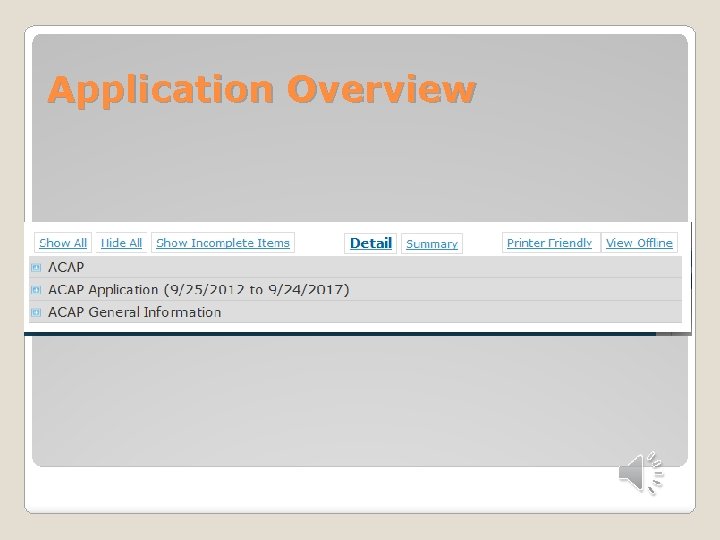
Application Overview
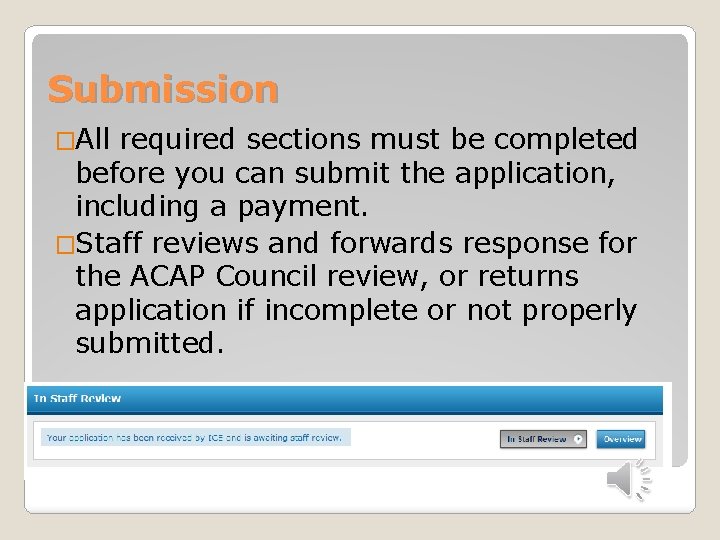
Submission �All required sections must be completed before you can submit the application, including a payment. �Staff reviews and forwards response for the ACAP Council review, or returns application if incomplete or not properly submitted.
Checking Status �Automated e-mails when status is updated �Access to online system 24/7 by logging into account �Upon approval: notification followed by mailed package with certificate �Denial: notification followed by information on appeals process �Deferral: notification and submission of responses and additional evidence
Deferral �E-mail notification as well as online status �Responses with citations “unlocked” by ICE staff for new responses �Access to previous responses and file library �Opportunity to submit additional evidence within 90 days.

Contact Us info@credentialingexcellence. org (202)367 -1165 www. credentialingexcellence. org/ACAP
- Slides: 18