
Academic Licenses of COMSOL Multiphysics at Li U
- Slides: 11
Academic Licenses of COMSOL Multiphysics at Li. U Current version of COMSOL Multiphysics: 5. 4
Contents § Types of Licenses at Li. U § Floating Network License (FNL) for Teachers, Researchers, Ph. D-students and Diploma Workers § Class-Kit License (CKL) for students § COMSOL Installation § Running COMSOL § License Borrowing § Technical Support and Product Updates § Getting Started
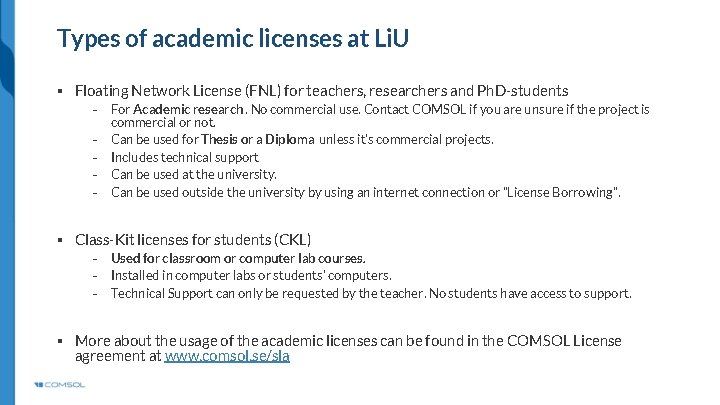
Types of academic licenses at Li. U § Floating Network License (FNL) for teachers, researchers and Ph. D-students ⎯ ⎯ ⎯ For Academic research. No commercial use. Contact COMSOL if you are unsure if the project is commercial or not. Can be used for Thesis or a Diploma unless it’s commercial projects. Includes technical support Can be used at the university. Can be used outside the university by using an internet connection or ”License Borrowing”. § Class-Kit licenses for students (CKL) ⎯ ⎯ ⎯ Used for classroom or computer lab courses. Installed in computer labs or students’ computers. Technical Support can only be requested by the teacher. No students have access to support. § More about the usage of the academic licenses can be found in the COMSOL License agreement at www. comsol. se/sla
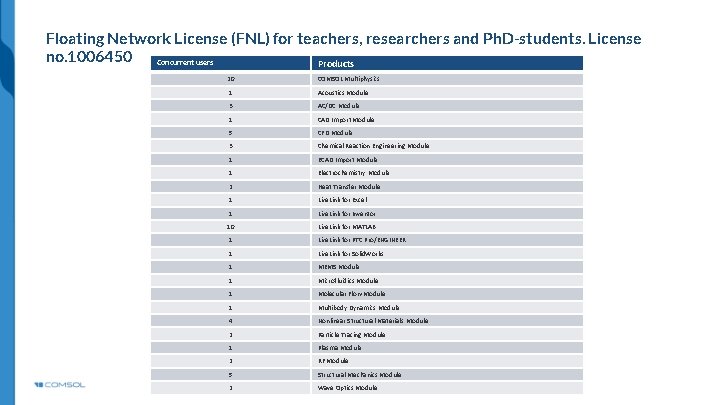
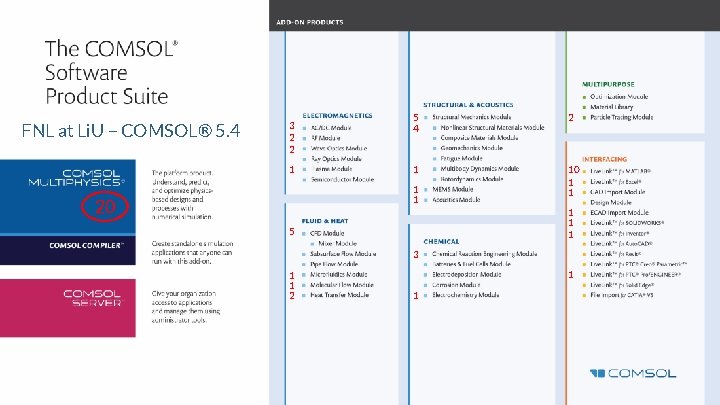
Floating Network License (FNL) for teachers, researchers and Ph. D-students. License no. 1006450 Concurrent users Products 20 COMSOL Multiphysics 1 Acoustics Module 3 AC/DC Module 1 CAD Import Module 5 CFD Module 3 Chemical Reaction Engineering Module 1 ECAD Import Module 1 Electrochemistry Module 2 Heat Transfer Module 1 Live. Link for Excel 1 Live. Link for Inventor 10 Live. Link for MATLAB 1 Live. Link for PTC Pro/ENGINEER 1 Live. Link for Solid. Works 1 MEMS Module 1 Microfluidics Module 1 Molecular Flow Module 1 Multibody Dynamics Module 4 Nonlinear Structural Materials Module 2 Particle Tracing Module 1 Plasma Module 2 RF Module 5 Structural Mechanics Module 2 Wave Optics Module
FNL at Li. U – COMSOL® 5. 4 3 2 2 1 5 4 2 1 10 1 1 20 1 1 1 5 3 1 1 2 1 1
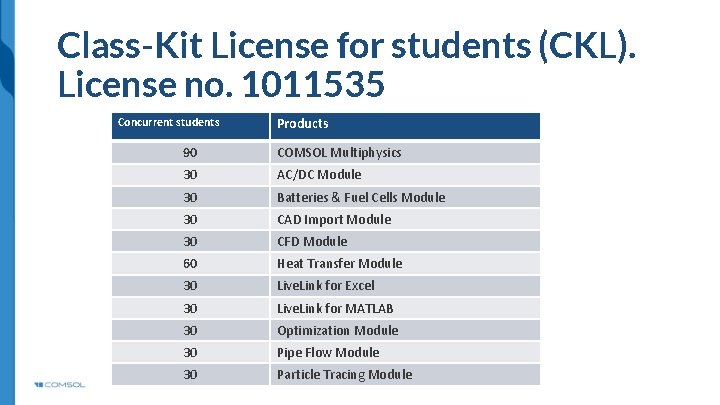
Class-Kit License for students (CKL). License no. 1011535 Concurrent students Products 90 COMSOL Multiphysics 30 AC/DC Module 30 Batteries & Fuel Cells Module 30 CAD Import Module 30 CFD Module 60 Heat Transfer Module 30 Live. Link for Excel 30 Live. Link for MATLAB 30 Optimization Module 30 Pipe Flow Module 30 Particle Tracing Module
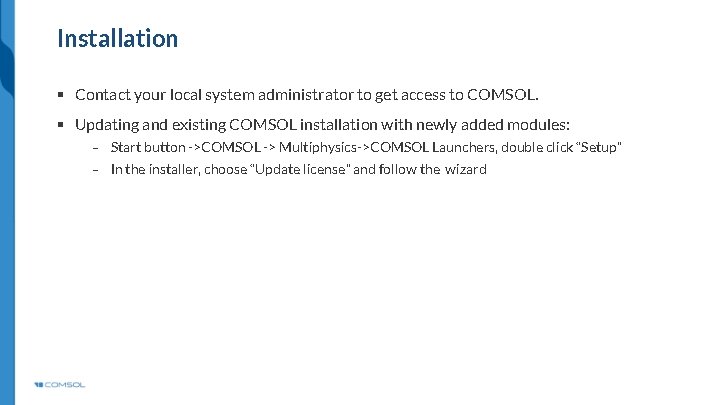
Installation § Contact your local system administrator to get access to COMSOL. § Updating and existing COMSOL installation with newly added modules: ⎯ Start button ->COMSOL -> Multiphysics->COMSOL Launchers, double click “Setup” ⎯ In the installer, choose “Update license” and follow the wizard
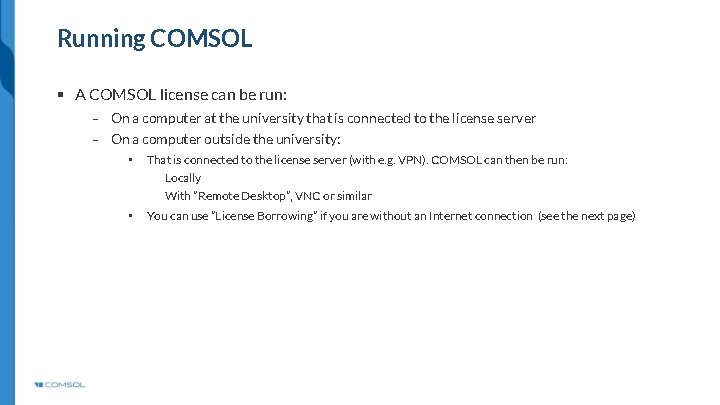
Running COMSOL § A COMSOL license can be run: ⎯ On a computer at the university that is connected to the license server ⎯ On a computer outside the university: • That is connected to the license server (with e. g. VPN). COMSOL can then be run: Locally With ”Remote Desktop”, VNC or similar • You can use ”License Borrowing” if you are without an Internet connection (see the next page)
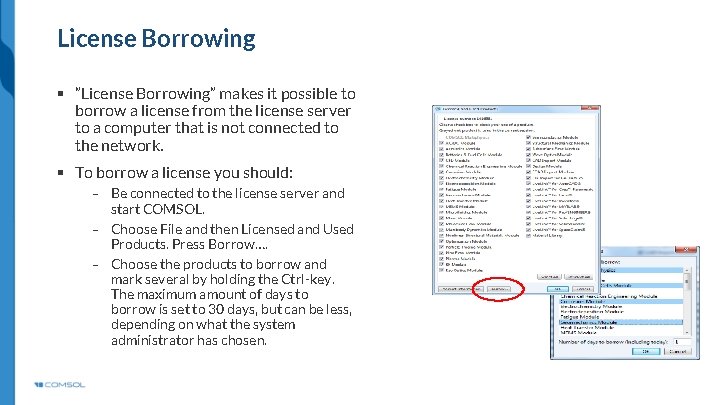
License Borrowing § ”License Borrowing” makes it possible to borrow a license from the license server to a computer that is not connected to the network. § To borrow a license you should: ⎯ Be connected to the license server and start COMSOL. ⎯ Choose File and then Licensed and Used Products. Press Borrow…. ⎯ Choose the products to borrow and mark several by holding the Ctrl-key. The maximum amount of days to borrow is set to 30 days, but can be less, depending on what the system administrator has chosen.
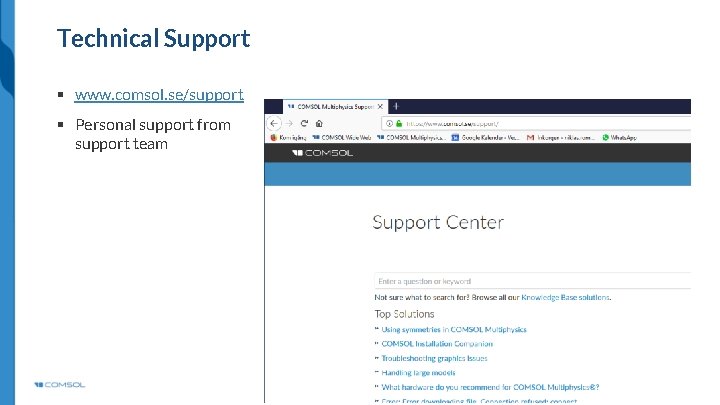
Technical Support § www. comsol. se/support § Personal support from support team
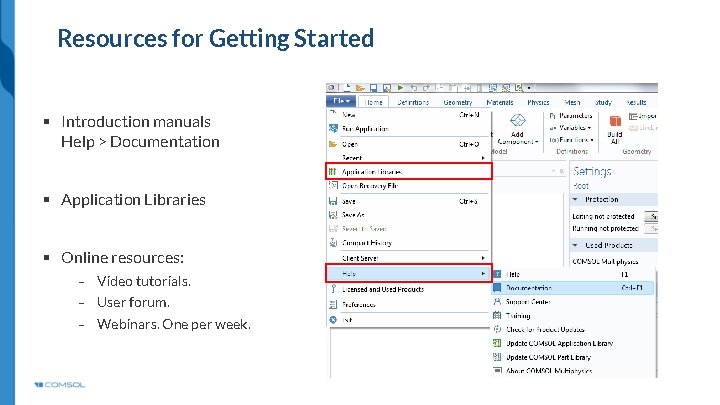
Resources for Getting Started § Introduction manuals Help > Documentation § Application Libraries § Online resources: ⎯ Video tutorials. ⎯ User forum. ⎯ Webinars. One per week.