
Abstract Widgets Dealing with more complex models Abstract
Abstract Widgets Dealing with more complex models
Abstract Widgets n n n Most widgets limited in terms of the complexity of the model they can handle Need to consider how we might use widgets where the model is external to the widget Abstract widgets handle this arrangement by supported common models • Tree widget handles hierarchy • Table widget handles tabular structured data
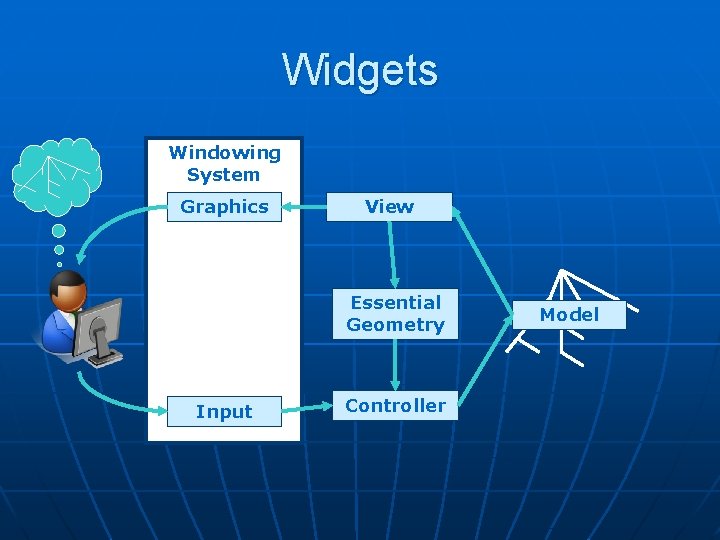
Widgets Windowing System Graphics View Essential Geometry Input Controller Model

Widgets Windowing System Graphics Property Settings WIDGET View Essential Geometry Input Model Controller Abstraction of the Model View Controller Arrangement Model Change Events
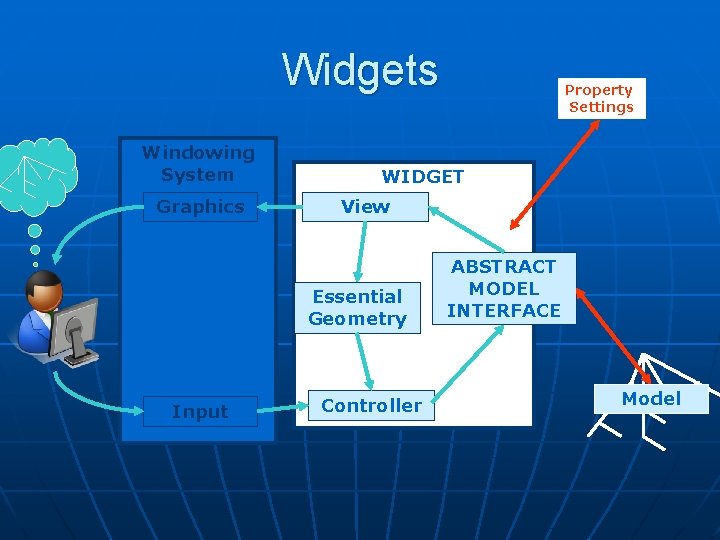
Widgets Windowing System Graphics WIDGET View Essential Geometry Input Property Settings Controller ABSTRACT MODEL INTERFACE Model
Abstract Widgets n n n Separates the model from the widget through a well know abstract model interface Model is implemented externally needs to respond to the abstract interface This allows widgets to be used to control deeper more complex systems • Filestores • Databases

Windowing System Graphics Property Settings WIDGET View Essential Geometry Input Controller ABSTRACT MODEL INTERFACE Translator Object Model

Translator Object n n Translates between the abstract model interface and the means of driving existing APIs for the model The translator class • accepts the model in its constructor • implements all of the widget abstract model methods, • passing them on to the appropriate model methods. n Translator is not another model • It will need to hide complexity of the underlying system but should seek to be “as thin as possible”
Tree Widgets n n Tree are one of the classic abstract model widgets Provide an interactive interface onto hierarchical structures • Browsing through the structure • Amending nodes in the structure n Model is external to the widget • Networks systems • File stores n Interactive elements separated from the underlying model through an abstracted interface
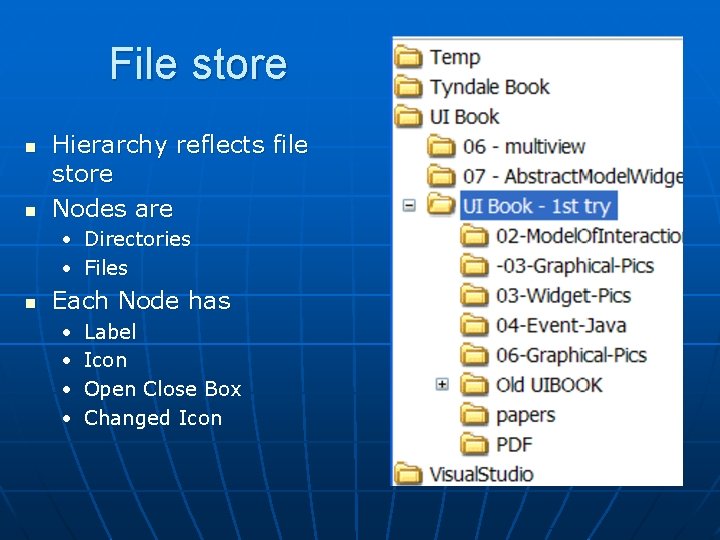
File store n n Hierarchy reflects file store Nodes are • Directories • Files n Each Node has • • Label Icon Open Close Box Changed Icon

Favourites n n Hierarchy reflects user structuring Nodes are • Folders • URLS of each site n Each Node has • • • Label Icon Open Close Box
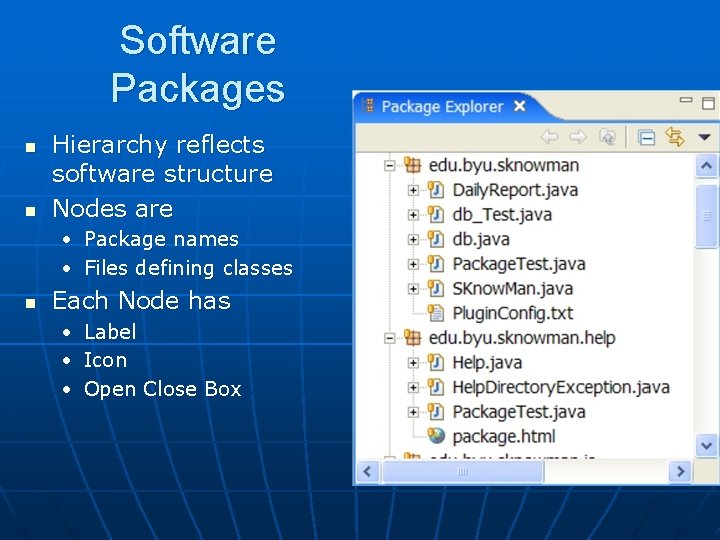
Software Packages n n Hierarchy reflects software structure Nodes are • Package names • Files defining classes n Each Node has • • • Label Icon Open Close Box
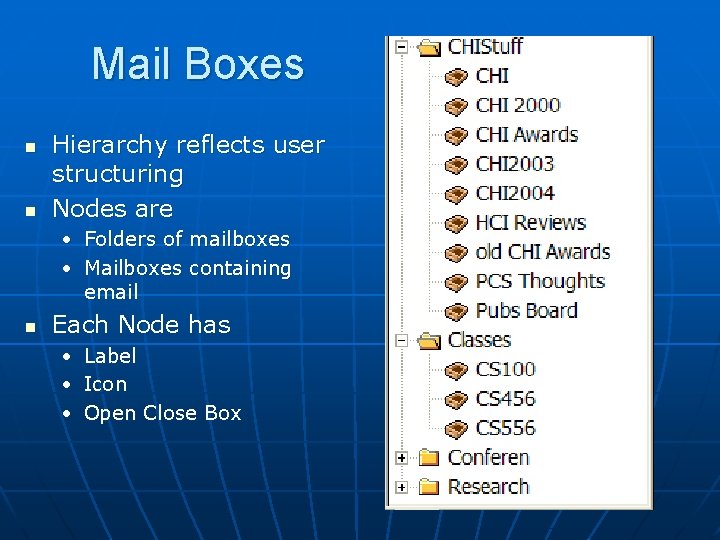
Mail Boxes n n Hierarchy reflects user structuring Nodes are • Folders of mailboxes • Mailboxes containing email n Each Node has • • • Label Icon Open Close Box
Similarities n n All represent a tree as an indented outline using the same layout. Every node of the tree has a textual name and one or two icons. Containers have two icons, one for open and one for closed. They all use little plus/minus boxes to open/close the container Clicking on the name allows the user to change the name of any of the nodes
Differences n n n Containers have variable numbers of children arranged in varying depths in the tree. Every node has a different name. There are different icons for different applications and for different items within those applications. Some use faint gray lines to indicate which nodes are siblings but some do not. The may use a different type and size of font.

Abstract Widget Structure n n n Similarities handled by the widget Differences managed by either the model or properties Properties focus on appearance • Font face, size and style • boolean to display sibling lines • number of pixels to indent at each level n External models handle content differences.

Abstract Widget Interface n n Interface provides all of the information the widget needs to know about the tree Two main components to the interface The model itself that our widget will manipulate to interact with the structure The second is the notification mechanism for the widget to learn about external model changes.
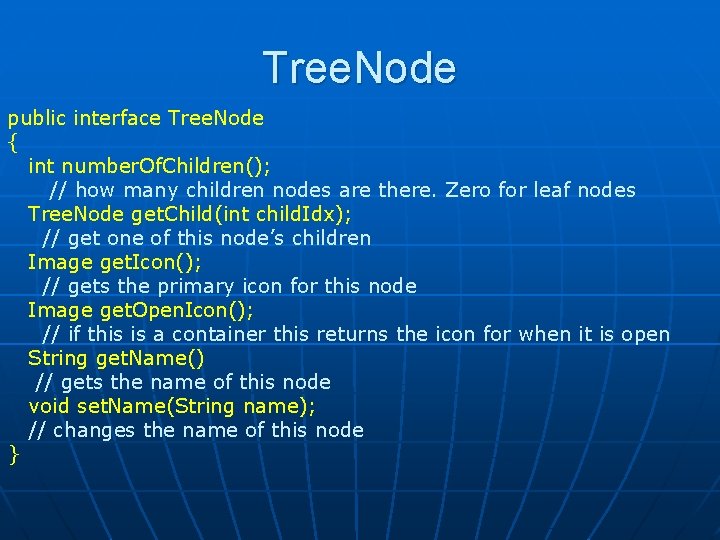
Tree. Node public interface Tree. Node { int number. Of. Children(); // how many children nodes are there. Zero for leaf nodes Tree. Node get. Child(int child. Idx); // get one of this node’s children Image get. Icon(); // gets the primary icon for this node Image get. Open. Icon(); // if this is a container this returns the icon for when it is open String get. Name() // gets the name of this node void set. Name(String name); // changes the name of this node }

Tree. Node Interface -- Browse the Model n n n Provides all the information to move through hierarchical structure allowing the widget to display it. Can recursive tour through the tree and present it as needed. Does not make the widget aware of changes to the underlying model so other elements of the interface are needed
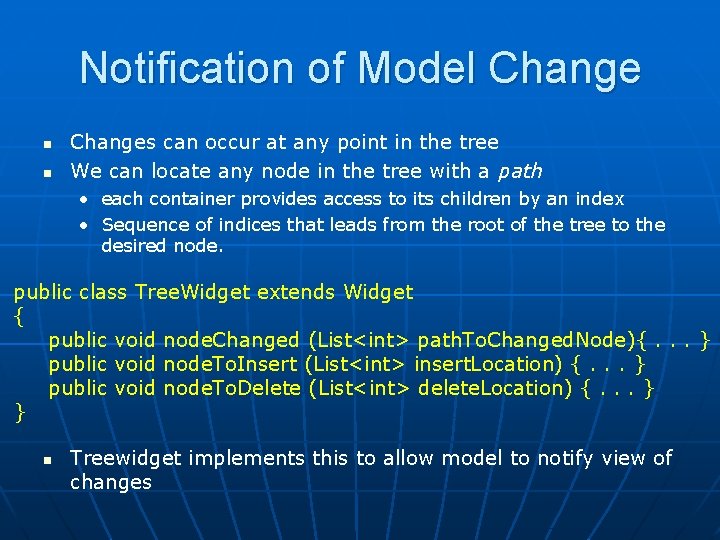
Notification of Model Change n n Changes can occur at any point in the tree We can locate any node in the tree with a path • each container provides access to its children by an index • Sequence of indices that leads from the root of the tree to the desired node. public class Tree. Widget extends Widget { public void node. Changed (List<int> path. To. Changed. Node){. . . } public void node. To. Insert (List<int> insert. Location) {. . . } public void node. To. Delete (List<int> delete. Location) {. . . } } n Treewidget implements this to allow model to notify view of changes
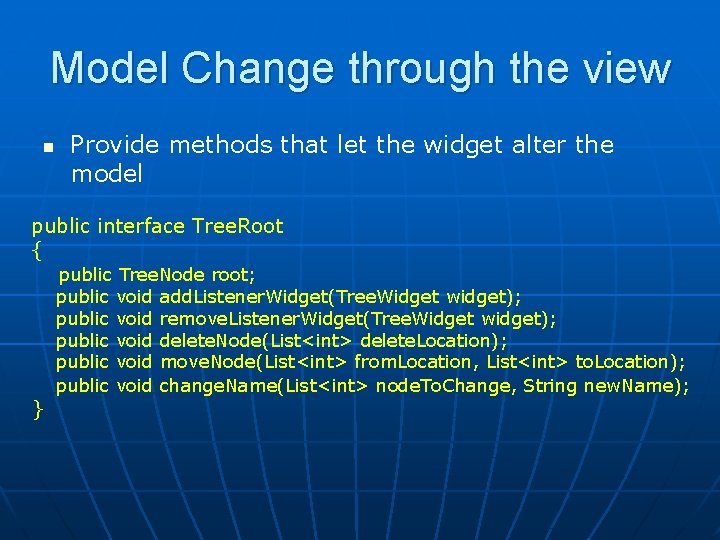
Model Change through the view n Provide methods that let the widget alter the model public interface Tree. Root { public Tree. Node root; public void add. Listener. Widget(Tree. Widget widget); public void remove. Listener. Widget(Tree. Widget widget); public void delete. Node(List<int> delete. Location); public void move. Node(List<int> from. Location, List<int> to. Location); public void change. Name(List<int> node. To. Change, String new. Name); }
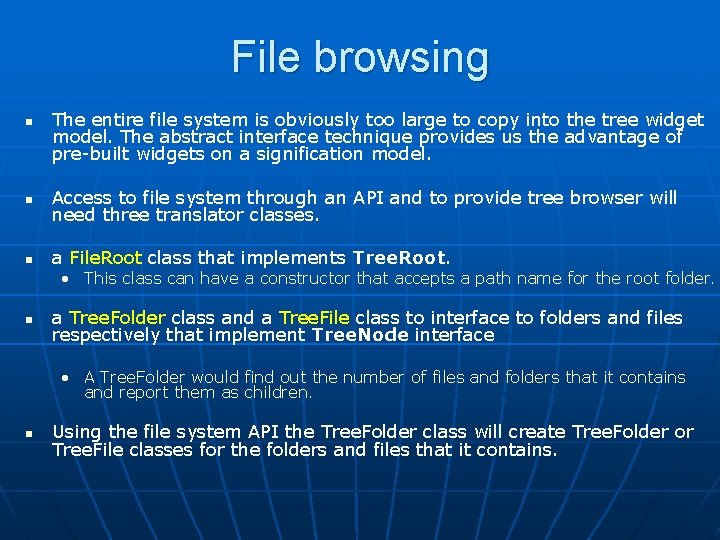
File browsing n The entire file system is obviously too large to copy into the tree widget model. The abstract interface technique provides us the advantage of pre-built widgets on a signification model. n Access to file system through an API and to provide tree browser will need three translator classes. n a File. Root class that implements Tree. Root. • This class can have a constructor that accepts a path name for the root folder. n a Tree. Folder class and a Tree. File class to interface to folders and files respectively that implement Tree. Node interface • A Tree. Folder would find out the number of files and folders that it contains and report them as children. n Using the file system API the Tree. Folder class will create Tree. Folder or Tree. File classes for the folders and files that it contains.
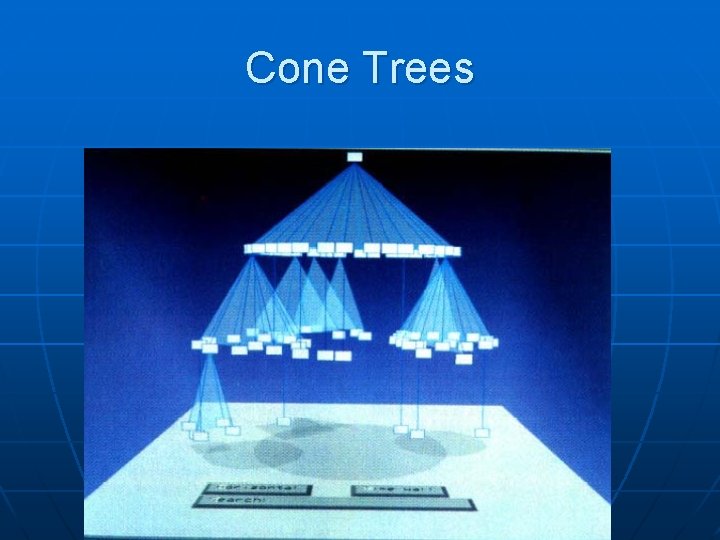
Cone Trees
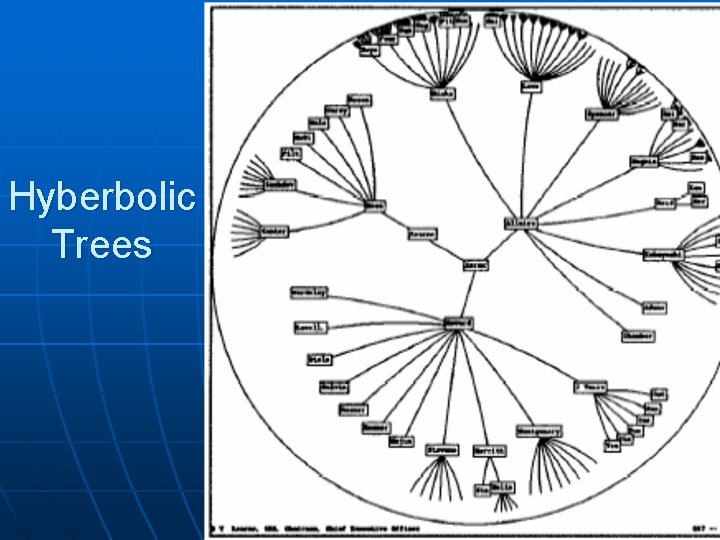
Hyberbolic Trees
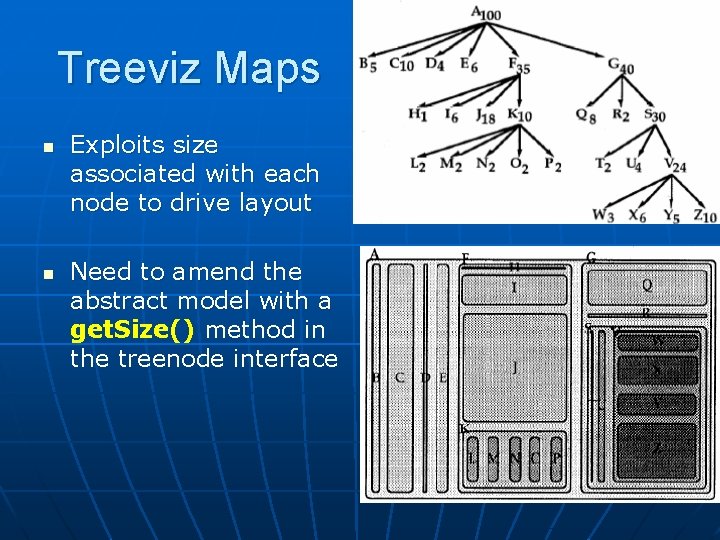
Treeviz Maps n n Exploits size associated with each node to drive layout Need to amend the abstract model with a get. Size() method in the treenode interface


Degree of Interest Trees n Exploits a degree of interest per node to drvie presentation to users
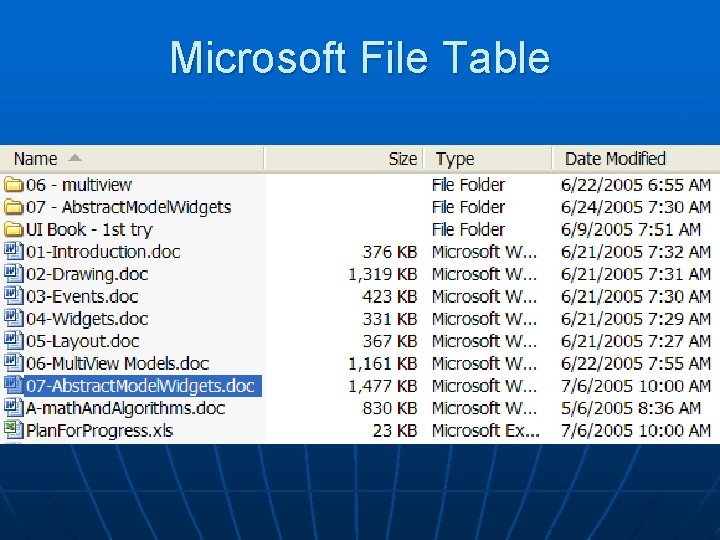
Microsoft File Table
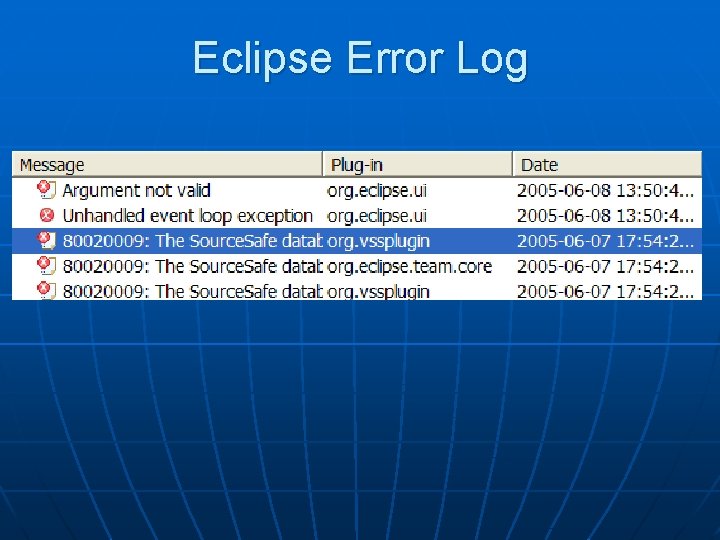
Eclipse Error Log
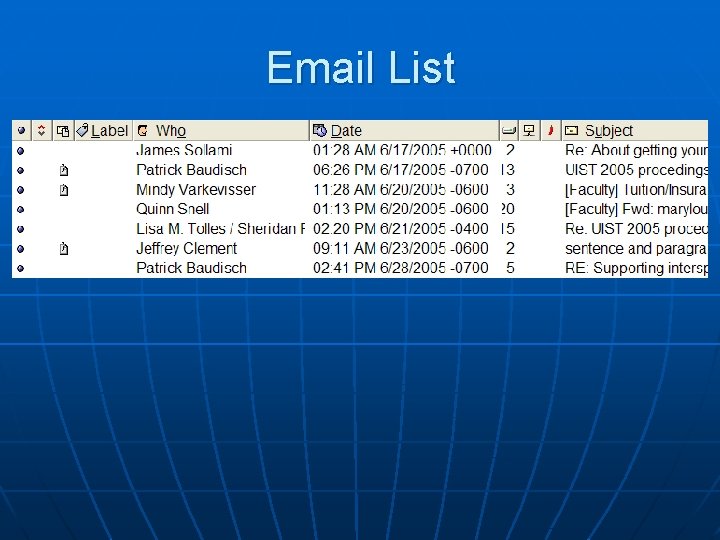
Email List
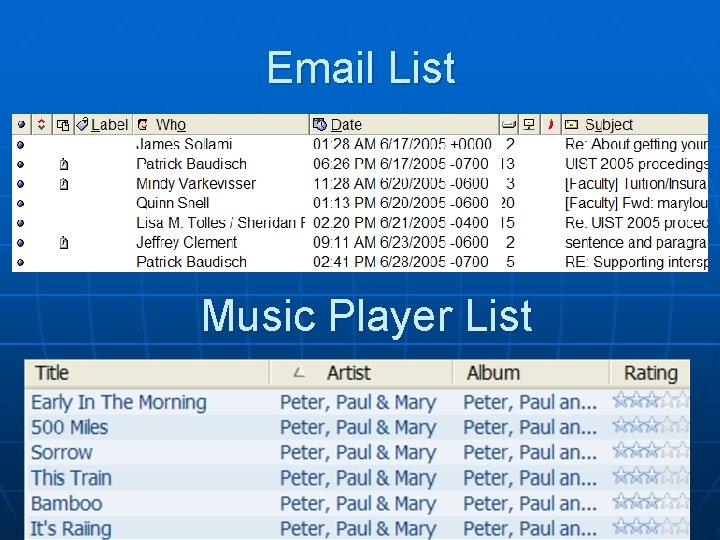
Email List Music Player List
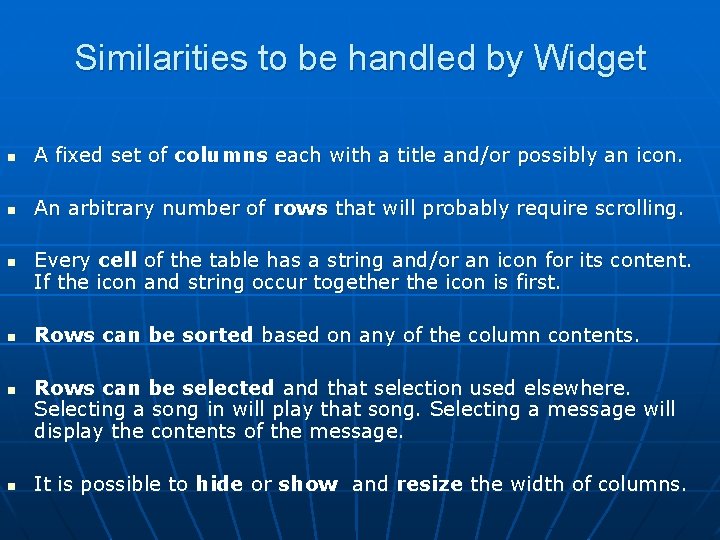
Similarities to be handled by Widget n A fixed set of columns each with a title and/or possibly an icon. n An arbitrary number of rows that will probably require scrolling. n n Every cell of the table has a string and/or an icon for its content. If the icon and string occur together the icon is first. Rows can be sorted based on any of the column contents. Rows can be selected and that selection used elsewhere. Selecting a song in will play that song. Selecting a message will display the contents of the message. It is possible to hide or show and resize the width of columns.
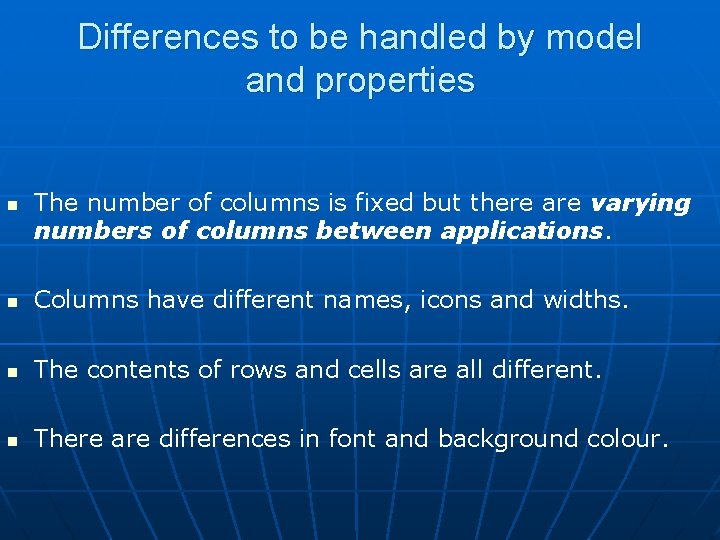
Differences to be handled by model and properties n The number of columns is fixed but there are varying numbers of columns between applications. n Columns have different names, icons and widths. n The contents of rows and cells are all different. n There are differences in font and background colour.
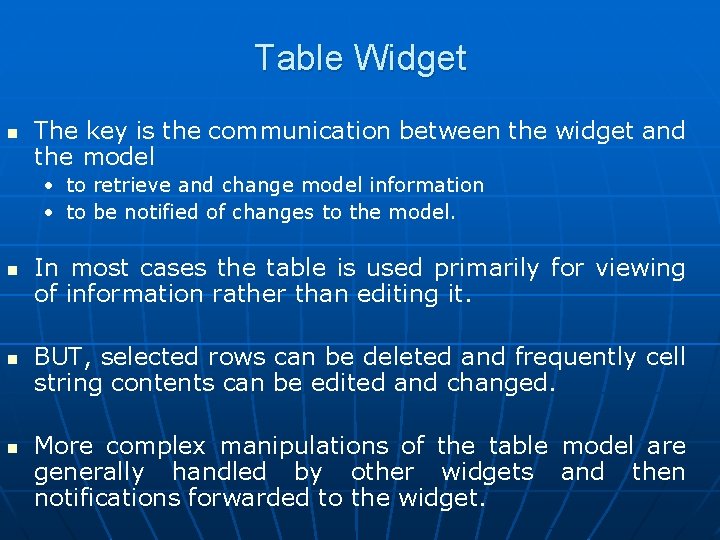
Table Widget n The key is the communication between the widget and the model • to retrieve and change model information • to be notified of changes to the model. n n n In most cases the table is used primarily for viewing of information rather than editing it. BUT, selected rows can be deleted and frequently cell string contents can be edited and changed. More complex manipulations of the table model are generally handled by other widgets and then notifications forwarded to the widget.
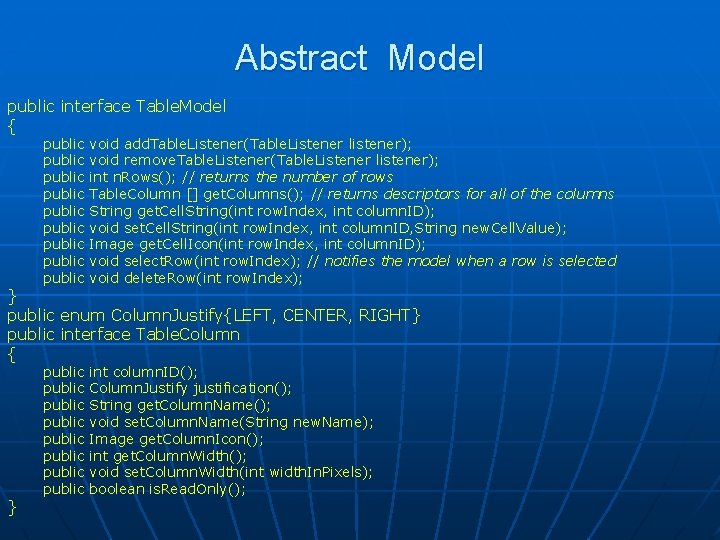
Abstract Model public interface Table. Model { public public public void add. Table. Listener(Table. Listener listener); void remove. Table. Listener(Table. Listener listener); int n. Rows(); // returns the number of rows Table. Column [] get. Columns(); // returns descriptors for all of the columns String get. Cell. String(int row. Index, int column. ID); void set. Cell. String(int row. Index, int column. ID, String new. Cell. Value); Image get. Cell. Icon(int row. Index, int column. ID); void select. Row(int row. Index); // notifies the model when a row is selected void delete. Row(int row. Index); public public int column. ID(); Column. Justify justification(); String get. Column. Name(); void set. Column. Name(String new. Name); Image get. Column. Icon(); int get. Column. Width(); void set. Column. Width(int width. In. Pixels); boolean is. Read. Only(); } public enum Column. Justify{LEFT, CENTER, RIGHT} public interface Table. Column { }
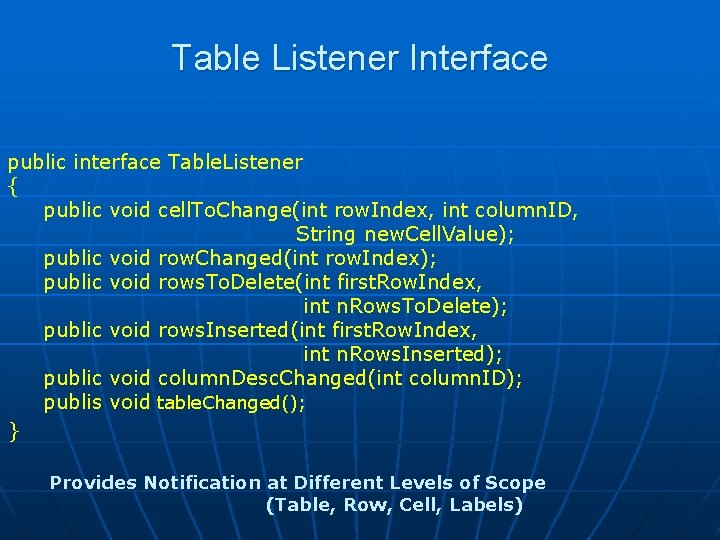
Table Listener Interface public interface Table. Listener { public void cell. To. Change(int row. Index, int column. ID, String new. Cell. Value); public void row. Changed(int row. Index); public void rows. To. Delete(int first. Row. Index, int n. Rows. To. Delete); public void rows. Inserted(int first. Row. Index, int n. Rows. Inserted); public void column. Desc. Changed(int column. ID); publis void table. Changed(); } Provides Notification at Different Levels of Scope (Table, Row, Cell, Labels)
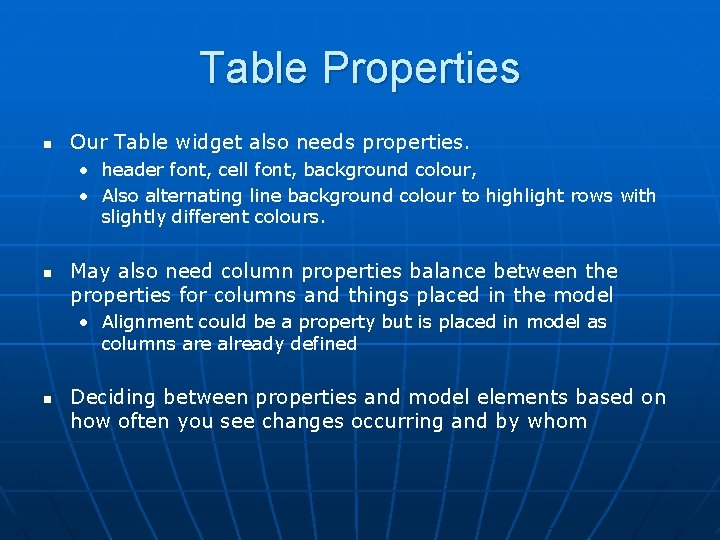
Table Properties n Our Table widget also needs properties. • header font, cell font, background colour, • Also alternating line background colour to highlight rows with slightly different colours. n May also need column properties balance between the properties for columns and things placed in the model • Alignment could be a property but is placed in model as columns are already defined n Deciding between properties and model elements based on how often you see changes occurring and by whom
Drawing Widget n n More complex model than regularly structured tree and table Want to explore how we may have a model to support some form of shared drawing interface Placement of entities within some form of canvas will be vital But what else
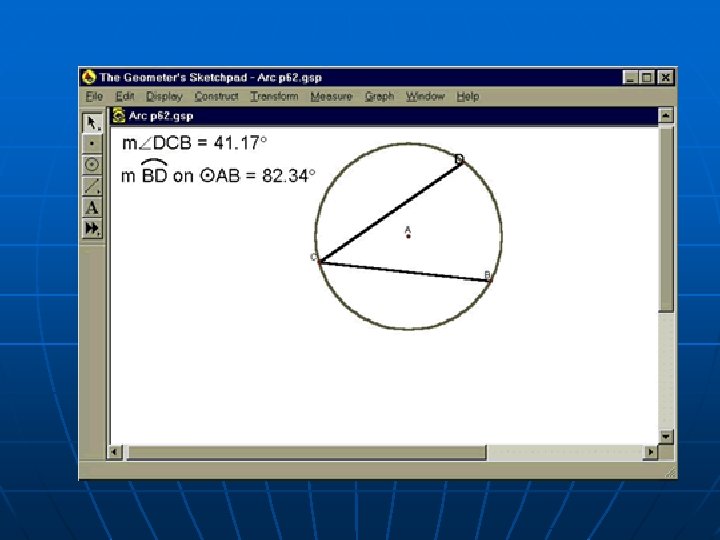
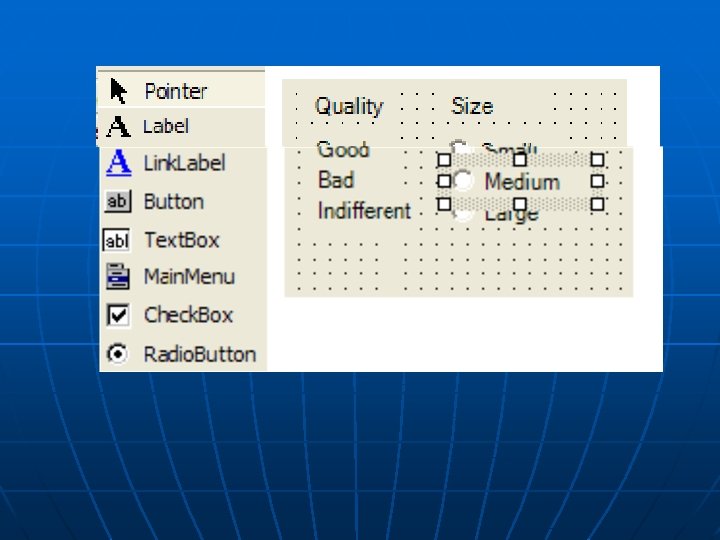
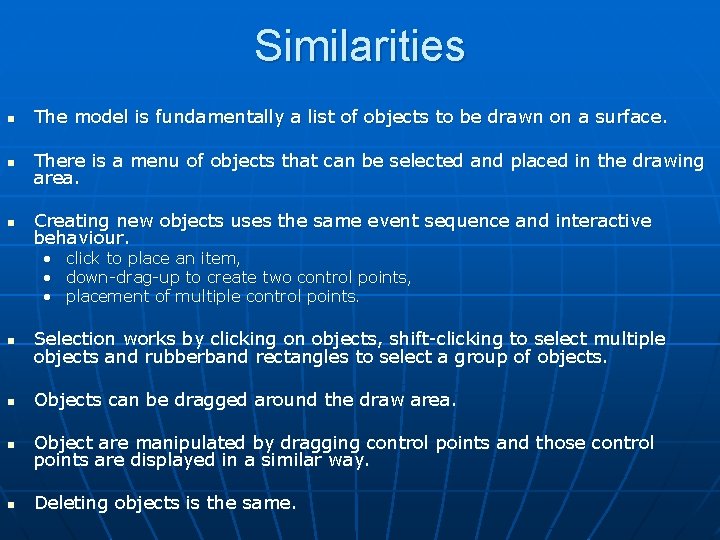
Similarities n The model is fundamentally a list of objects to be drawn on a surface. n There is a menu of objects that can be selected and placed in the drawing area. n Creating new objects uses the same event sequence and interactive behaviour. • • • click to place an item, down-drag-up to create two control points, placement of multiple control points. n Selection works by clicking on objects, shift-clicking to select multiple objects and rubberband rectangles to select a group of objects. n Objects can be dragged around the draw area. n Object are manipulated by dragging control points and those control points are displayed in a similar way. n Deleting objects is the same.
Obvious Differences n n n Set of objects to be created is very different as is their appearance on the menu How each object is drawn and how it relates to its control points is differen The Geometry for selection objects differs
Drawing Model n n Drawing model is simple BUT the model is strongly linked with the presentation. Objects in the drawing model differ in the way that they draw themselves and in the way that they handle their geometry. This fuzzy relationship between the model and the presentation The model for a drawing is simply a sequence of drawing objects that can be pained in order and a list of possible classes for drawing objects.
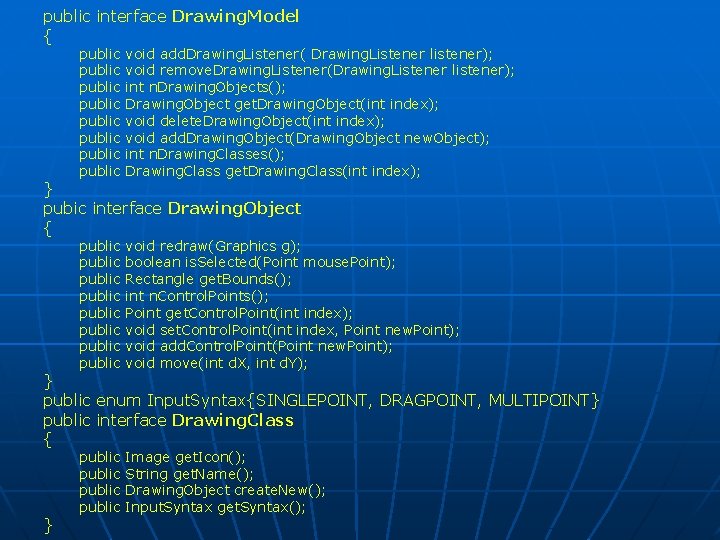
public interface Drawing. Model { public public void add. Drawing. Listener( Drawing. Listener listener); void remove. Drawing. Listener(Drawing. Listener listener); int n. Drawing. Objects(); Drawing. Object get. Drawing. Object(int index); void delete. Drawing. Object(int index); void add. Drawing. Object(Drawing. Object new. Object); int n. Drawing. Classes(); Drawing. Class get. Drawing. Class(int index); public public void redraw(Graphics g); boolean is. Selected(Point mouse. Point); Rectangle get. Bounds(); int n. Control. Points(); Point get. Control. Point(int index); void set. Control. Point(int index, Point new. Point); void add. Control. Point(Point new. Point); void move(int d. X, int d. Y); public Image get. Icon(); String get. Name(); Drawing. Object create. New(); Input. Syntax get. Syntax(); } pubic interface Drawing. Object { } public enum Input. Syntax{SINGLEPOINT, DRAGPOINT, MULTIPOINT} public interface Drawing. Class { }
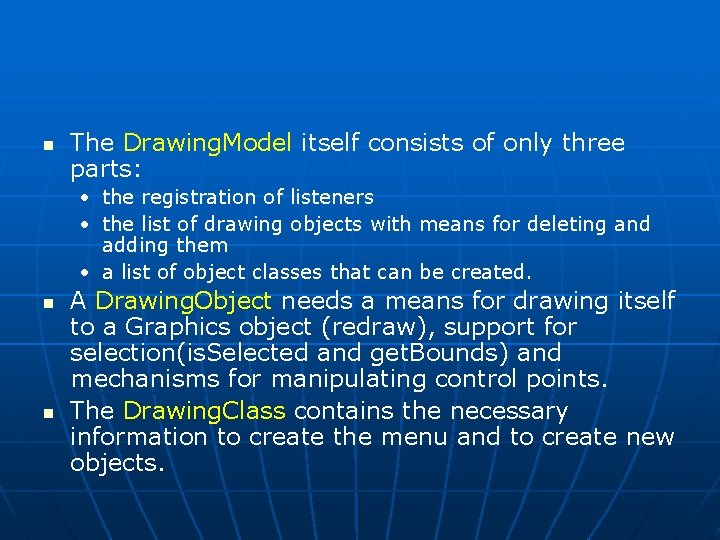
n The Drawing. Model itself consists of only three parts: • the registration of listeners • the list of drawing objects with means for deleting and adding them • a list of object classes that can be created. n n A Drawing. Object needs a means for drawing itself to a Graphics object (redraw), support for selection(is. Selected and get. Bounds) and mechanisms for manipulating control points. The Drawing. Class contains the necessary information to create the menu and to create new objects.
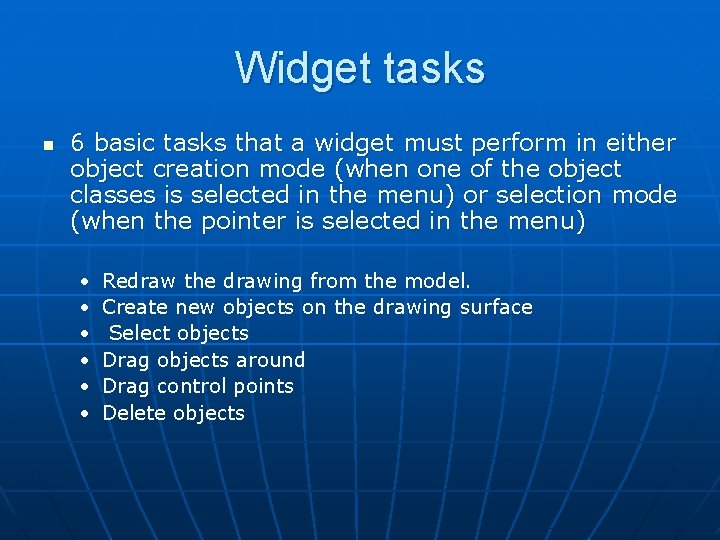
Widget tasks n 6 basic tasks that a widget must perform in either object creation mode (when one of the object classes is selected in the menu) or selection mode (when the pointer is selected in the menu) • • • Redraw the drawing from the model. Create new objects on the drawing surface Select objects Drag objects around Drag control points Delete objects
![Redrawing public class Drawing. Widget { private Drawing. Model my. Model; private int[] selected.](http://slidetodoc.com/presentation_image/33352459dd9490b9a04eb671c0f4aab0/image-49.jpg "Redrawing public class Drawing. Widget { private Drawing. Model my. Model; private int[] selected.")
Redrawing public class Drawing. Widget { private Drawing. Model my. Model; private int[] selected. Objects; . . public void redraw(Graphics g) { for (int i=0; i<my. Model. n. Drawing. Objects(); i++) { my. Model. get. Drawing. Object(i). redraw(g); } for (int i=0; i<selected. Objects. length; i++) { Drawing. Object so=my. Model. get. Drawing. Object(i); for (int cp=0; cp<so. n. Control. Points(); cp++) { Point p=so. get. Control. Point(cp); draw control point at point p } }
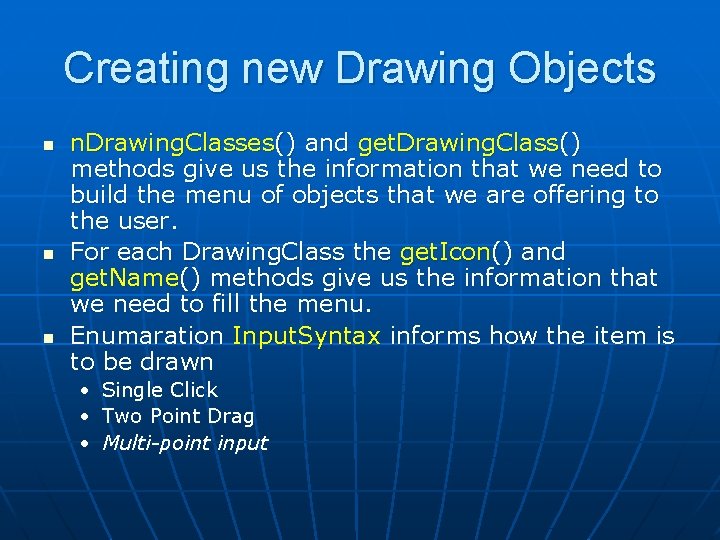
Creating new Drawing Objects n n. Drawing. Classes() and get. Drawing. Class() methods give us the information that we need to build the menu of objects that we are offering to the user. For each Drawing. Class the get. Icon() and get. Name() methods give us the information that we need to fill the menu. Enumaration Input. Syntax informs how the item is to be drawn • • • Single Click Two Point Drag Multi-point input
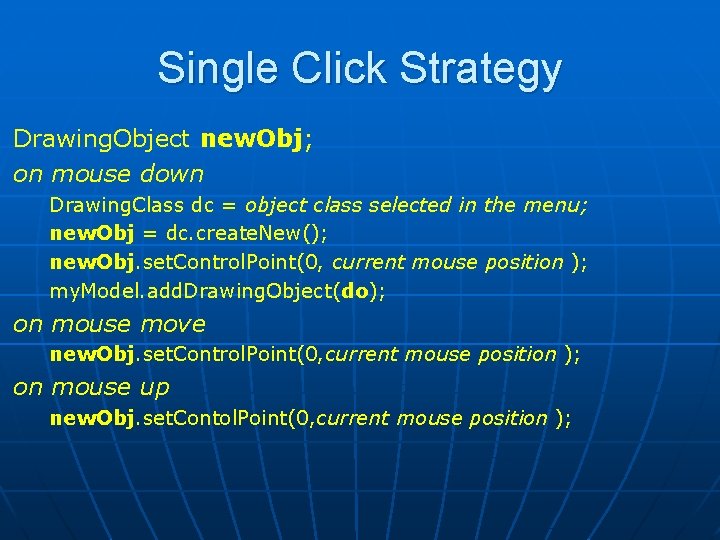
Single Click Strategy Drawing. Object new. Obj; on mouse down Drawing. Class dc = object class selected in the menu; new. Obj = dc. create. New(); new. Obj. set. Control. Point(0, current mouse position ); my. Model. add. Drawing. Object(do); on mouse move new. Obj. set. Control. Point(0, current mouse position ); on mouse up new. Obj. set. Contol. Point(0, current mouse position );
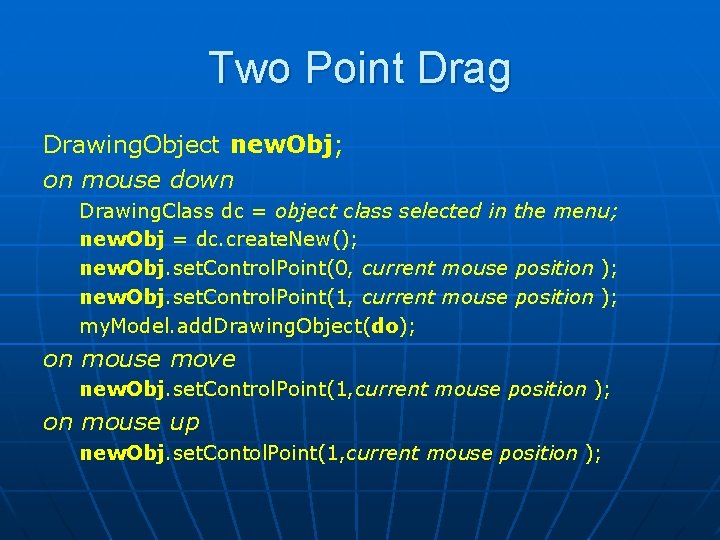
Two Point Drag Drawing. Object new. Obj; on mouse down Drawing. Class dc = object class selected in the menu; new. Obj = dc. create. New(); new. Obj. set. Control. Point(0, current mouse position ); new. Obj. set. Control. Point(1, current mouse position ); my. Model. add. Drawing. Object(do); on mouse move new. Obj. set. Control. Point(1, current mouse position ); on mouse up new. Obj. set. Contol. Point(1, current mouse position );
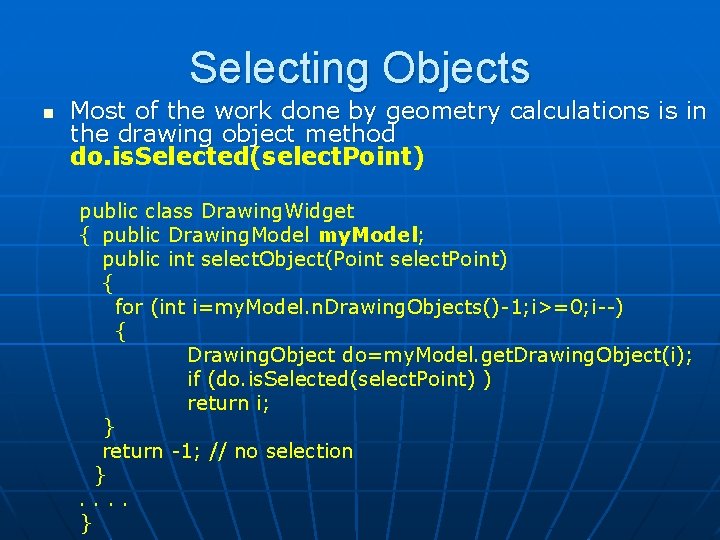
Selecting Objects n Most of the work done by geometry calculations is in the drawing object method do. is. Selected(select. Point) public class Drawing. Widget { public Drawing. Model my. Model; public int select. Object(Point select. Point) { for (int i=my. Model. n. Drawing. Objects()-1; i>=0; i--) { Drawing. Object do=my. Model. get. Drawing. Object(i); if (do. is. Selected(select. Point) ) return i; } return -1; // no selection }. . }
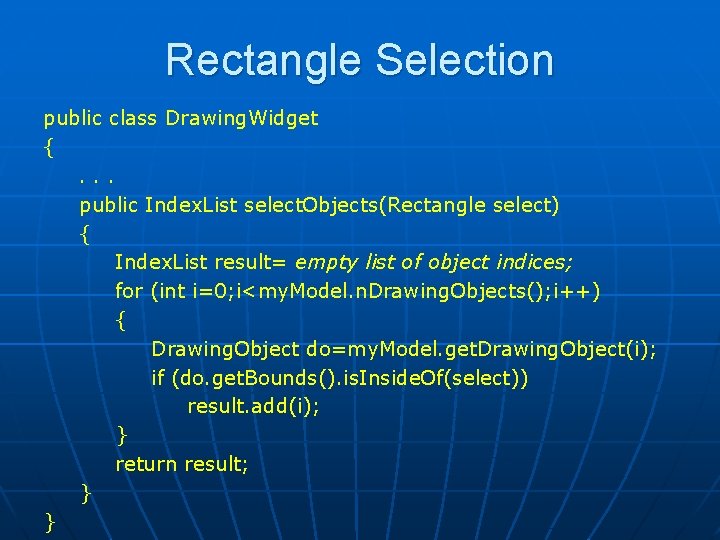
Rectangle Selection public class Drawing. Widget {. . . public Index. List select. Objects(Rectangle select) { Index. List result= empty list of object indices; for (int i=0; i<my. Model. n. Drawing. Objects(); i++) { Drawing. Object do=my. Model. get. Drawing. Object(i); if (do. get. Bounds(). is. Inside. Of(select)) result. add(i); } return result; } }
Summary n n Abstract widgets allow GUI to be linked with more complex models Exploit comonalities across different infromation structures • Trees • Tables n Can be used to provide interfaces to more complex structures • Drawing widget n Next : Examples of the use of JTable and JTree widgets n Read through the swing tutorials.
- Slides: 55