
Absolute referencing Aims To be able to use
Absolute referencing
Aims • To be able to use absolute referencing confidently. Outcomes Perform absolute cell referencing within a spreadsheet. Recognise an absolute reference. Identify when to use an absolute cell reference within a spreadsheet.
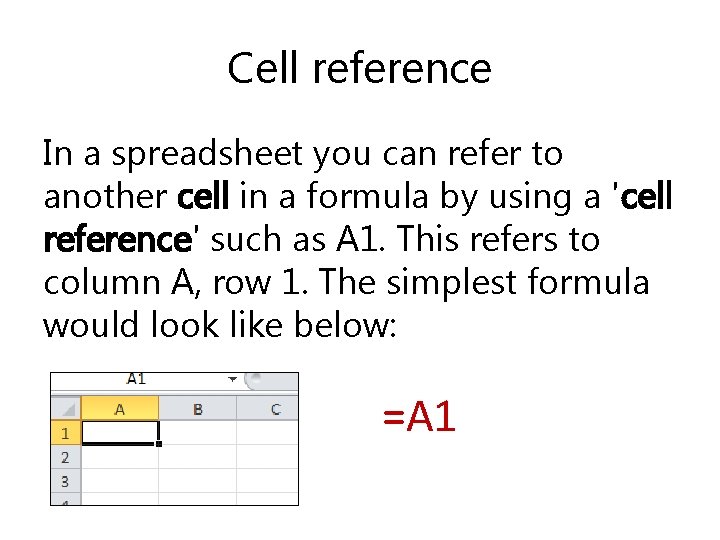
Cell reference In a spreadsheet you can refer to another cell in a formula by using a 'cell reference' such as A 1. This refers to column A, row 1. The simplest formula would look like below: =A 1
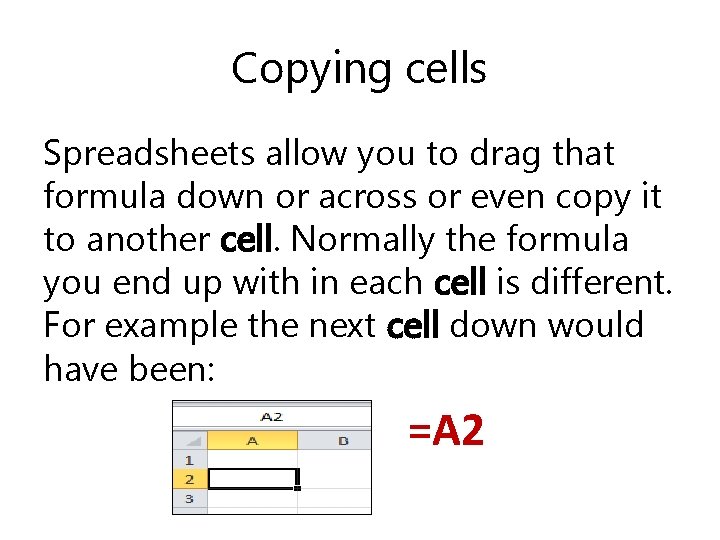
Copying cells Spreadsheets allow you to drag that formula down or across or even copy it to another cell. Normally the formula you end up with in each cell is different. For example the next cell down would have been: =A 2
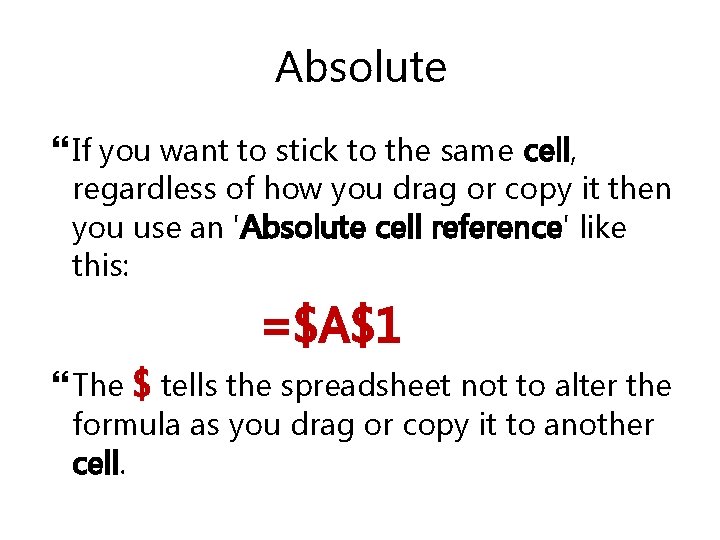
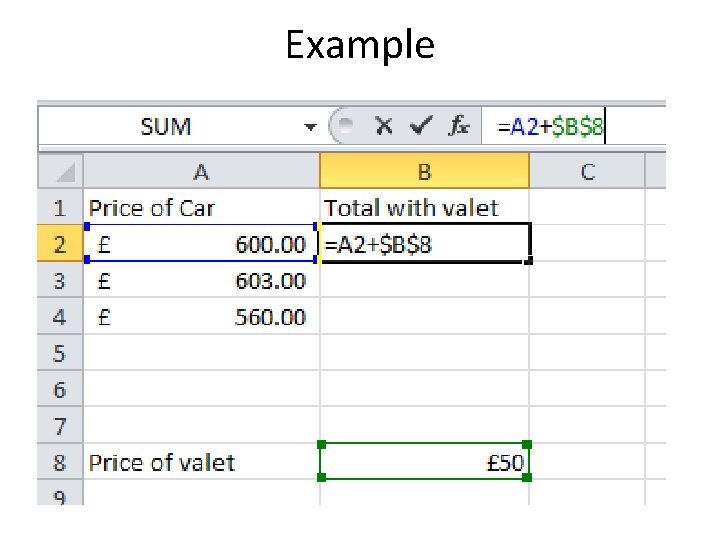
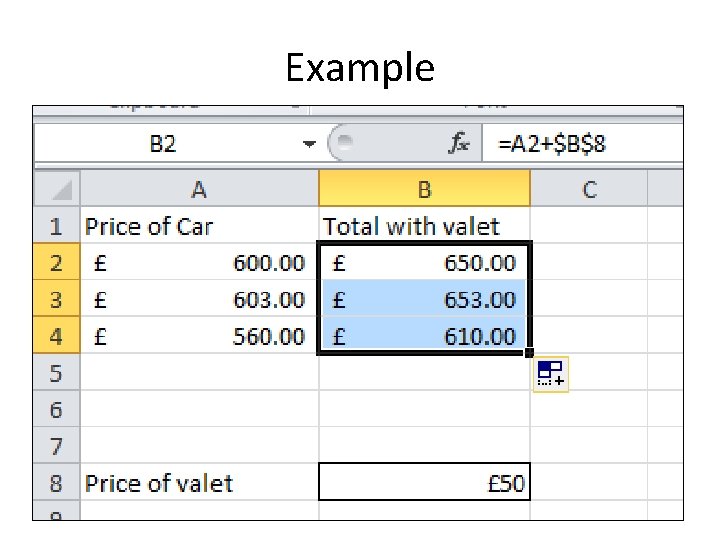
Absolute If you want to stick to the same cell, regardless of how you drag or copy it then you use an 'Absolute cell reference' like this: =$A$1 The $ tells the spreadsheet not to alter the formula as you drag or copy it to another cell.
Example
Example
Absolute referencing video • http: //www. teachict. net/software/excel/with_sound/formula/a bsolutecellreference. html
Objectives üI can perform an absolute Goal: reference in a spreadsheet To be able üI can recognise an use absolute reference. cell üI can identify when to use referencing an absolute cell reference. confidently.
- Slides: 9