
About the Difficulties of Building a PrettyPrinter for
About the Difficulties of Building a Pretty-Printer for Ada Sergey Rybin Moscow State University & ACT Europe Alfred Strohmeier, alfred. strohmeier@epfl. ch http: //lglwww. epfl. ch Software Engineering Lab Swiss Federal Institute of Technology Lausanne (EPFL) June 19, 2002 © Alfred Strohmeier, EPFL
An old well-known problem…. . for which we are still looking for a good solution! l It is not well-defined (what does “pretty” mean here? ) l Large variety of user needs (different people and organizations want/need different formatting styles) l Multilingual formatting (comments are not in the same language, and may use several languages, i. e. text, table, etc. ) l Semantic awareness (formatting comments, cutting long expressions when there is a line length limitation, etc. ) © Alfred Strohmeier, EPFL 2 10/16/2021
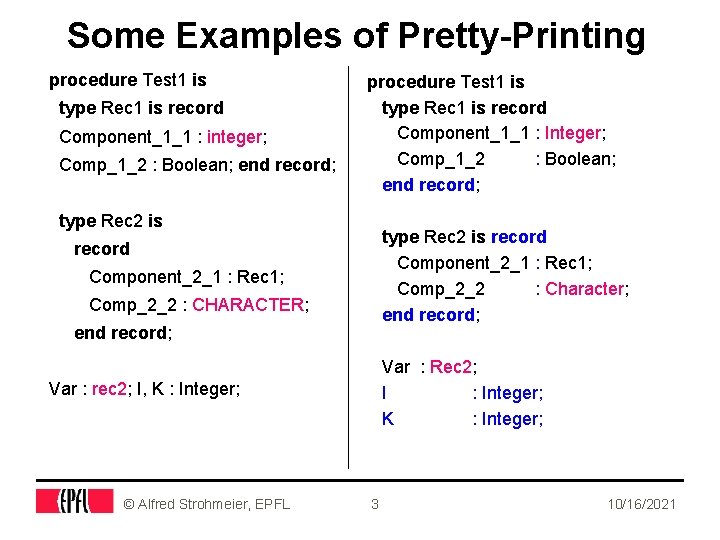
Some Examples of Pretty-Printing procedure Test 1 is type Rec 1 is record Component_1_1 : integer; Comp_1_2 : Boolean; end record; procedure Test 1 is type Rec 1 is record Component_1_1 : Integer; Comp_1_2 : Boolean; end record; type Rec 2 is record Component_2_1 : Rec 1; Comp_2_2 : Character; end record; record Component_2_1 : Rec 1; Comp_2_2 : CHARACTER; end record; Var : Rec 2; I : Integer; K : Integer; Var : rec 2; I, K : Integer; © Alfred Strohmeier, EPFL 3 10/16/2021
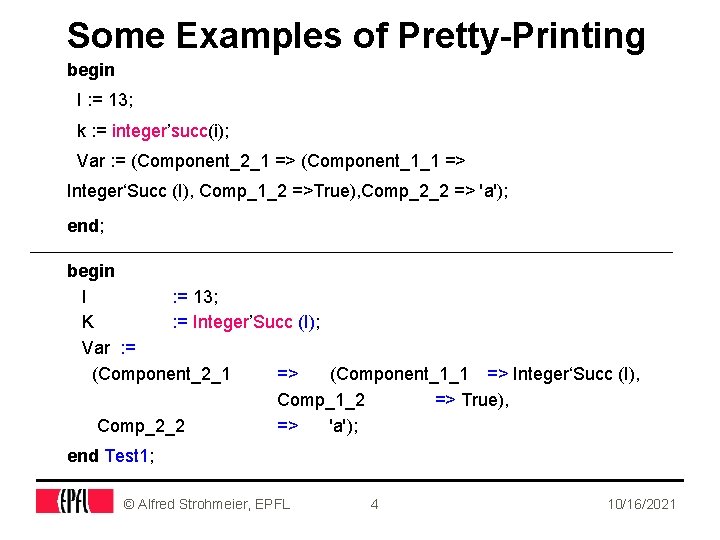
Some Examples of Pretty-Printing begin I : = 13; k : = integer’succ(i); Var : = (Component_2_1 => (Component_1_1 => Integer‘Succ (I), Comp_1_2 =>True), Comp_2_2 => 'a'); end; begin I : = 13; K : = Integer’Succ (I); Var : = (Component_2_1 => (Component_1_1 => Integer‘Succ (I), Comp_1_2 => True), Comp_2_2 => 'a'); end Test 1; © Alfred Strohmeier, EPFL 4 10/16/2021

Same Source Formatted Differently Previous pretty version procedure Test 1 is type Rec 1 is record Component_1_1 : Integer; Comp_1_2 : Boolean; end record; New pretty version PROCEDURE Test 1 IS TYPE Rec 1 IS RECORD Component_1_1 : Integer; Comp_1_2 : Boolean; END RECORD; type Rec 2 is record Component_2_1 : Rec 1; Comp_2_2 : Character; end record; TYPE Rec 2 IS RECORD Component_2_1 : Rec 1; Comp_2_2 : Character; END RECORD; Var : Rec 2; I : Integer; © Alfred Strohmeier, EPFL 5 10/16/2021
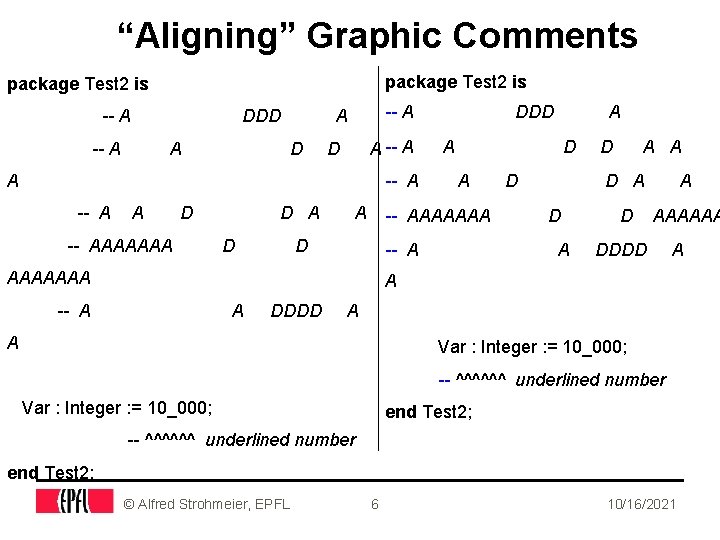
“Aligning” Graphic Comments package Test 2 is -- A DDD -- A A D A -- A A D -- AAAAAAA D A DDD A -- AAAAAAA D -- A AAAAAAA A D D A A D AAAAAA DDDD A A -- A A DDDD A A Var : Integer : = 10_000; -- ^^^^^^ underlined number Var : Integer : = 10_000; end Test 2; -- ^^^^^^ underlined number end Test 2; © Alfred Strohmeier, EPFL 6 10/16/2021
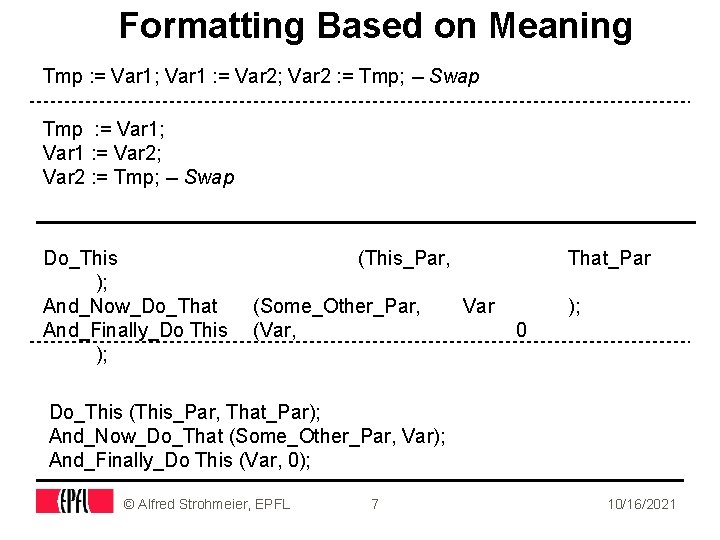
Formatting Based on Meaning Tmp : = Var 1; Var 1 : = Var 2; Var 2 : = Tmp; -- Swap Do_This ); And_Now_Do_That And_Finally_Do This ); (This_Par, (Some_Other_Par, (Var, That_Par Var ); 0 Do_This (This_Par, That_Par); And_Now_Do_That (Some_Other_Par, Var); And_Finally_Do This (Var, 0); © Alfred Strohmeier, EPFL 7 10/16/2021
Choosing the Base Technology What do we need? 1. Syntax 2. Some semantics 3. Concrete syntax (that is, abstract syntax + keywords + delimiters + comments) What about ASIS? l Full support for (abstract) syntax and static semantics l Some means for getting the text images of the components of the source. l Are these means enough? We will see… What else can we use? © Alfred Strohmeier, EPFL 8 10/16/2021

Possible Designs Abstract Syntax Tree l Not a solution, e. g. comments are completely ignored; l See the Display_Source example in GNAT/ASIS Set of Formatting Tools, connected by pipes l normalize identifiers and keywords, e. g. upper/lower case l add/remove spaces around delimiters l align constructs l put line breaks according to the line length limit l and so on. . . © Alfred Strohmeier, EPFL 9 10/16/2021
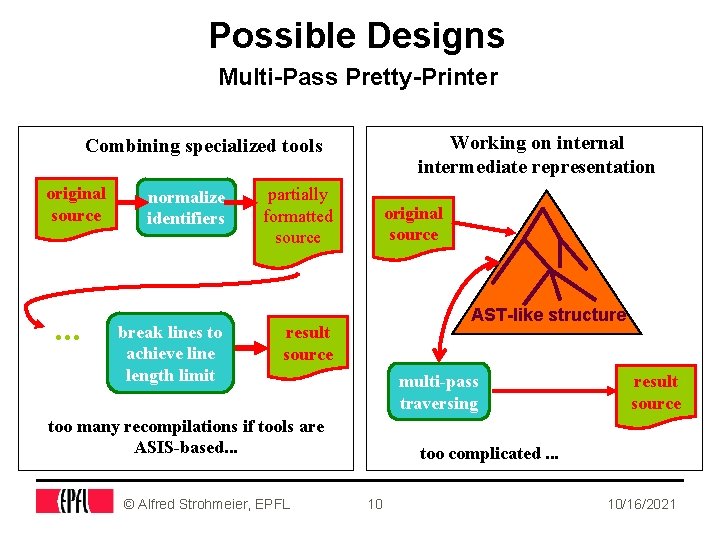
Possible Designs Multi-Pass Pretty-Printer Working on internal intermediate representation Combining specialized tools original source . . . normalize identifiers break lines to achieve line length limit partially formatted source original source AST-like structure result source multi-pass traversing too many recompilations if tools are ASIS-based. . . © Alfred Strohmeier, EPFL result source too complicated. . . 10 10/16/2021
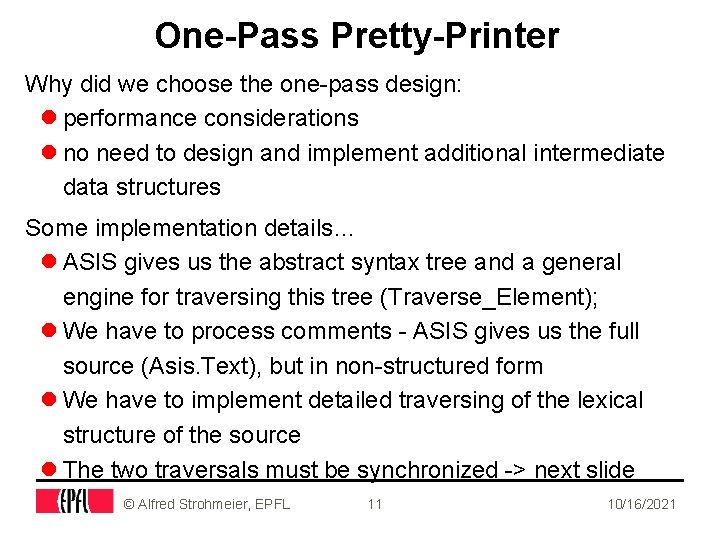
One-Pass Pretty-Printer Why did we choose the one-pass design: l performance considerations l no need to design and implement additional intermediate data structures Some implementation details… l ASIS gives us the abstract syntax tree and a general engine for traversing this tree (Traverse_Element); l We have to process comments - ASIS gives us the full source (Asis. Text), but in non-structured form l We have to implement detailed traversing of the lexical structure of the source l The two traversals must be synchronized -> next slide © Alfred Strohmeier, EPFL 11 10/16/2021
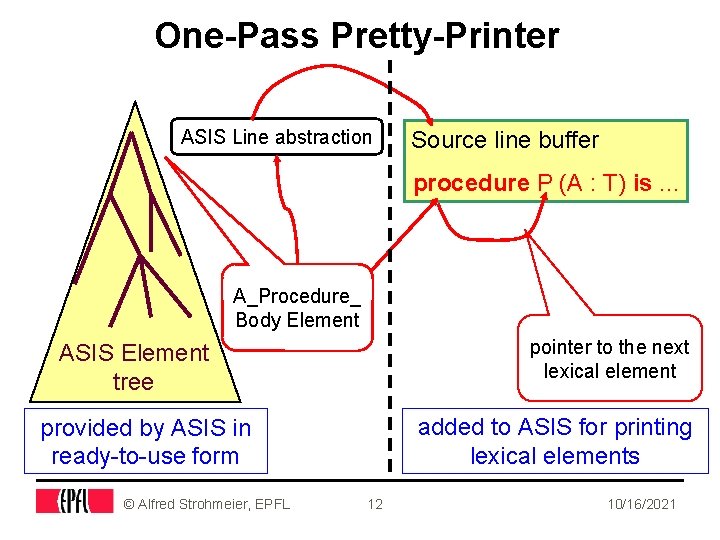
One-Pass Pretty-Printer ASIS Line abstraction Source line buffer procedure P (A : T) is. . . A_Procedure_ Body Element pointer to the next lexical element ASIS Element tree added to ASIS for printing lexical elements provided by ASIS in ready-to-use form © Alfred Strohmeier, EPFL 12 10/16/2021
![The GNAT Pretty-Printer l gnatpp [options] filename • filename - the name of the](http://slidetodoc.com/presentation_image_h2/c900093da8de2f521b0920cce341b1aa/image-13.jpg "The GNAT Pretty-Printer l gnatpp [options] filename • filename - the name of the")
The GNAT Pretty-Printer l gnatpp [options] filename • filename - the name of the Ada source file to be reformatted. The file should contain the compilable Ada source (with the given set of -I options Its name does not have to follow GNAT file name rules. options (in alphabetic order, some omissions) l n - indentation level • n from 1. . 9, the default value is 3 l A(0|1|2|3|4) - set alignment, by default all are ON • 0 - set the default for all the alignments OFF • 1 - align colons in declarations • 2 - align assignments in declarations • 3 - align assignments in assignment statements • 4 - align arrow delimiters in associations © Alfred Strohmeier, EPFL 13 10/16/2021
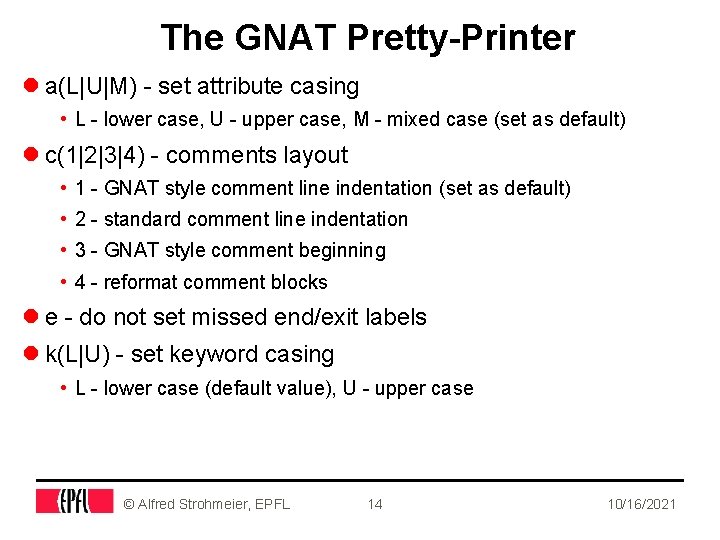
The GNAT Pretty-Printer l a(L|U|M) - set attribute casing • L - lower case, U - upper case, M - mixed case (set as default) l c(1|2|3|4) - comments layout • 1 - GNAT style comment line indentation (set as default) • 2 - standard comment line indentation • 3 - GNAT style comment beginning • 4 - reformat comment blocks l e - do not set missed end/exit labels l k(L|U) - set keyword casing • L - lower case (default value), U - upper case © Alfred Strohmeier, EPFL 14 10/16/2021
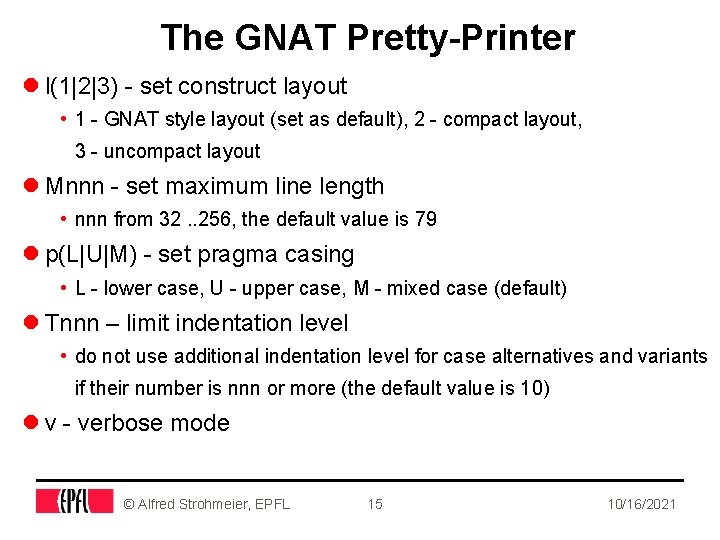
The GNAT Pretty-Printer l l(1|2|3) - set construct layout • 1 - GNAT style layout (set as default), 2 - compact layout, 3 - uncompact layout l Mnnn - set maximum line length • nnn from 32. . 256, the default value is 79 l p(L|U|M) - set pragma casing • L - lower case, U - upper case, M - mixed case (default) l Tnnn – limit indentation level • do not use additional indentation level for case alternatives and variants if their number is nnn or more (the default value is 10) l v - verbose mode © Alfred Strohmeier, EPFL 15 10/16/2021
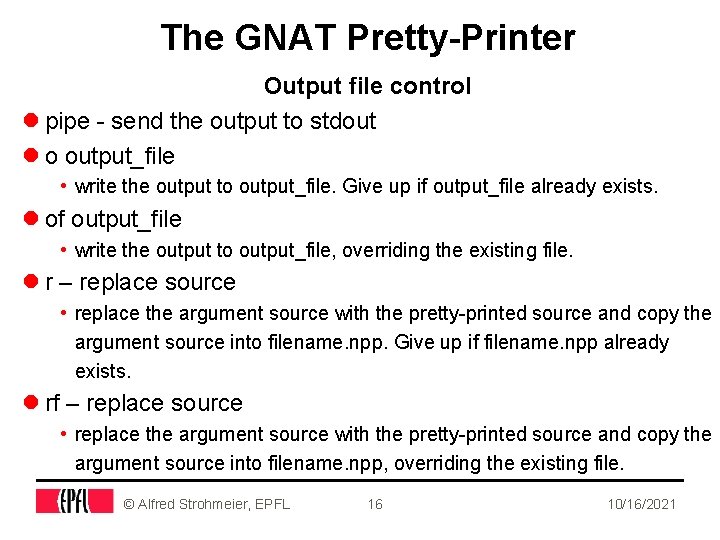
The GNAT Pretty-Printer Output file control l pipe - send the output to stdout l o output_file • write the output to output_file. Give up if output_file already exists. l of output_file • write the output to output_file, overriding the existing file. l r – replace source • replace the argument source with the pretty-printed source and copy the argument source into filename. npp. Give up if filename. npp already exists. l rf – replace source • replace the argument source with the pretty-printed source and copy the argument source into filename. npp, overriding the existing file. © Alfred Strohmeier, EPFL 16 10/16/2021
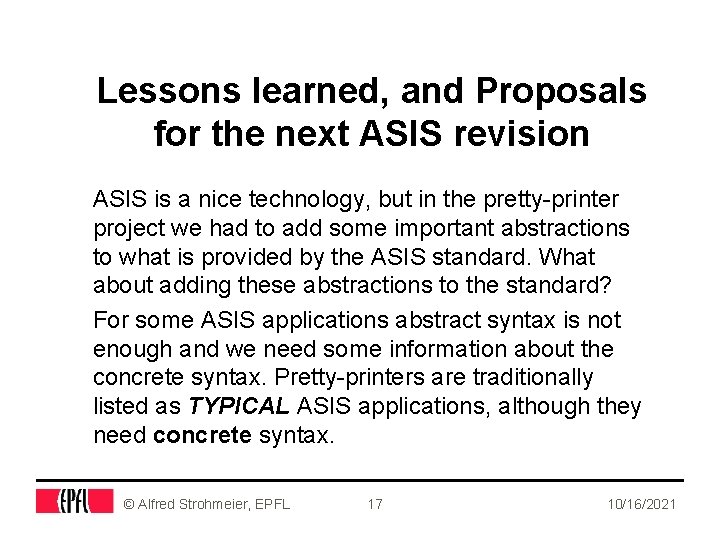
Lessons learned, and Proposals for the next ASIS revision ASIS is a nice technology, but in the pretty-printer project we had to add some important abstractions to what is provided by the ASIS standard. What about adding these abstractions to the standard? For some ASIS applications abstract syntax is not enough and we need some information about the concrete syntax. Pretty-printers are traditionally listed as TYPICAL ASIS applications, although they need concrete syntax. © Alfred Strohmeier, EPFL 17 10/16/2021
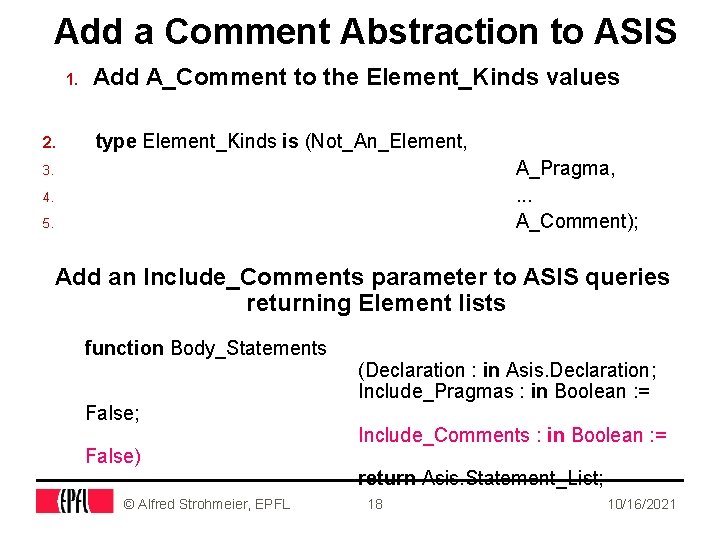
Add a Comment Abstraction to ASIS 1. 2. Add A_Comment to the Element_Kinds values type Element_Kinds is (Not_An_Element, A_Pragma, . . . A_Comment); 3. 4. 5. Add an Include_Comments parameter to ASIS queries returning Element lists function Body_Statements False; False) © Alfred Strohmeier, EPFL (Declaration : in Asis. Declaration; Include_Pragmas : in Boolean : = Include_Comments : in Boolean : = return Asis. Statement_List; 18 10/16/2021
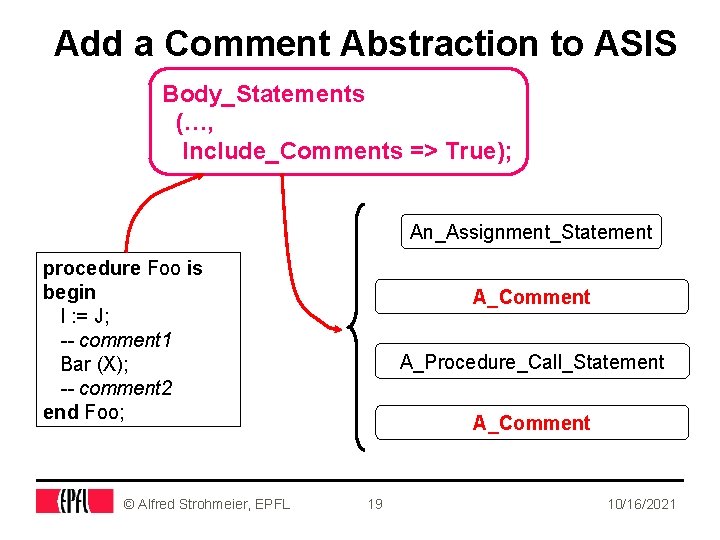
Add a Comment Abstraction to ASIS Body_Statements (…, Include_Comments => True); An_Assignment_Statement procedure Foo is begin I : = J; -- comment 1 Bar (X); -- comment 2 end Foo; © Alfred Strohmeier, EPFL A_Comment A_Procedure_Call_Statement A_Comment 19 10/16/2021
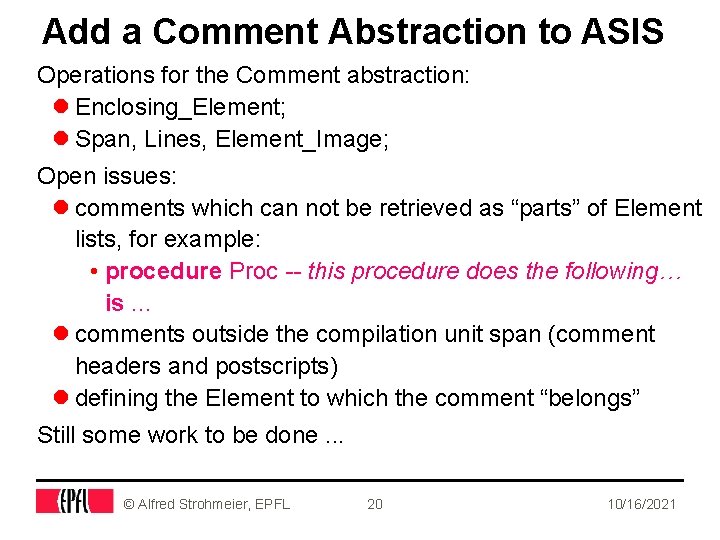
Add a Comment Abstraction to ASIS Operations for the Comment abstraction: l Enclosing_Element; l Span, Lines, Element_Image; Open issues: l comments which can not be retrieved as “parts” of Element lists, for example: • procedure Proc -- this procedure does the following… is. . . l comments outside the compilation unit span (comment headers and postscripts) l defining the Element to which the comment “belongs” Still some work to be done. . . © Alfred Strohmeier, EPFL 20 10/16/2021
Add a Token Abstraction to ASIS l Text images returned by ASIS queries are plain strings whereas many tools need the details (lexical elements). l The idea is to provide in ASIS some basis for implementing simple lexical analysers as ASIS-based tools. l Adding the abstraction of a Token (lexical element) may be a solution here. l This may also solve some problems with comments. © Alfred Strohmeier, EPFL 21 10/16/2021
Add a Token Abstraction to ASIS Getting the Tokens: l From an Element, as Token_Element_Image l From a Line, as Token_Line_Image Operations of the Token type: l Span, String_Image l Enclosing_Element (the innermost element containing the token), Enclosing_Line l Token lists, functions for getting the next and the previous Token © Alfred Strohmeier, EPFL 22 10/16/2021
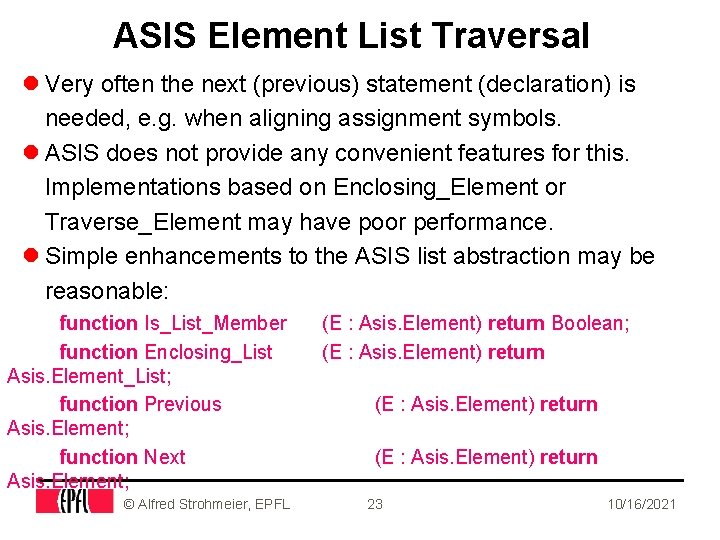
ASIS Element List Traversal l Very often the next (previous) statement (declaration) is needed, e. g. when aligning assignment symbols. l ASIS does not provide any convenient features for this. Implementations based on Enclosing_Element or Traverse_Element may have poor performance. l Simple enhancements to the ASIS list abstraction may be reasonable: function Is_List_Member function Enclosing_List Asis. Element_List; function Previous Asis. Element; function Next Asis. Element; © Alfred Strohmeier, EPFL (E : Asis. Element) return Boolean; (E : Asis. Element) return 23 10/16/2021
Conclusions The pretty-printer project was a good test for the ASIS technology and could be used as a source of ideas for ASIS enhancements. The ASIS-based pretty-printer is approaching the beta-test stage - you will see it soon! © Alfred Strohmeier, EPFL 24 10/16/2021
Style Sheet Arial 36 bold Large 24 Arial 24, to go to enumeration mode, use the arrow on the standard menu. l Here we are with Arial 24, level 1 l and another one • and it works also with Arial 20, level 2 • even smaller with Arial 18, level 3 – level 4 • to escape, use the left arrow, and not the delete key. l Now we are back to a main enumeration. Here is a smaller character for a text, we have to change it by the menu. There are no style lists, or whatever. This is Arial 20. l The enumeration items are changed too, since this is Arial 20. • as we see here the next becomes Arial 18 • and here comes Arial 16 © Alfred Strohmeier, EPFL 25 10/16/2021
- Slides: 25