
Able Player A Fully Accessible Media Player for
Able Player: A Fully Accessible Media Player for Higher Ed Terrill Thompson Technology Accessibility Specialist University of Washington tft@uw. edu @terrillthompson http: //ableplayer. github. io/ableplayer
Video can be inaccessible to. . . People who are unable to hear the video People who are unable to see the video People who are unable to operate a mouse People who don't understand the spoken language • People who need to search the video's content • People who are unable to play the video (due to deaf-blindness, bandwidth, technology limitations, or a busy schedule) • •
Our mission • Explore all aspects of video accessibility using HTML 5 and Able Player
HTML 5 Media Supports Accessibility • • Captions Subtitles Audio description (as text) Adjustable playback rate
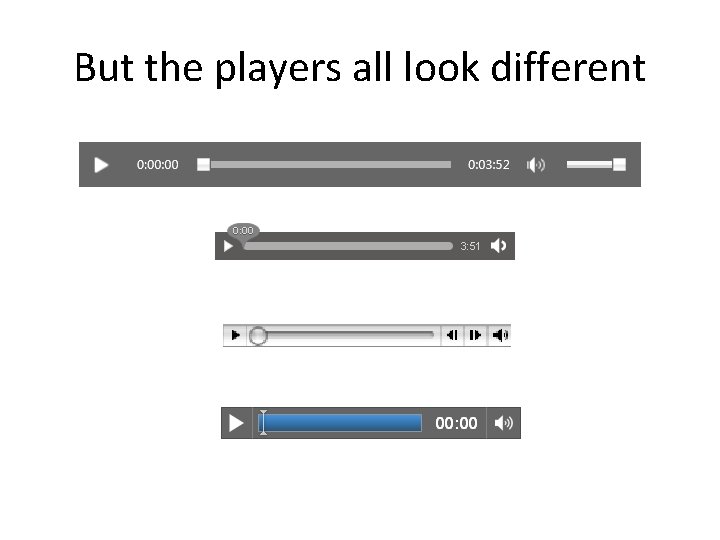
But the players all look different
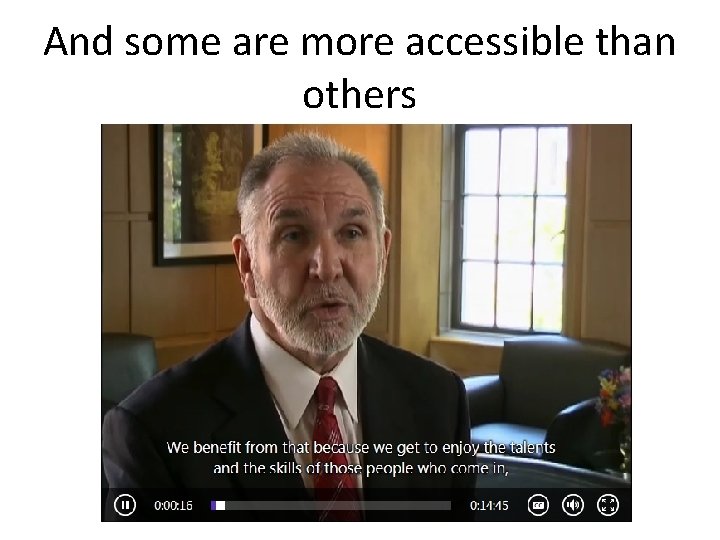
And some are more accessible than others
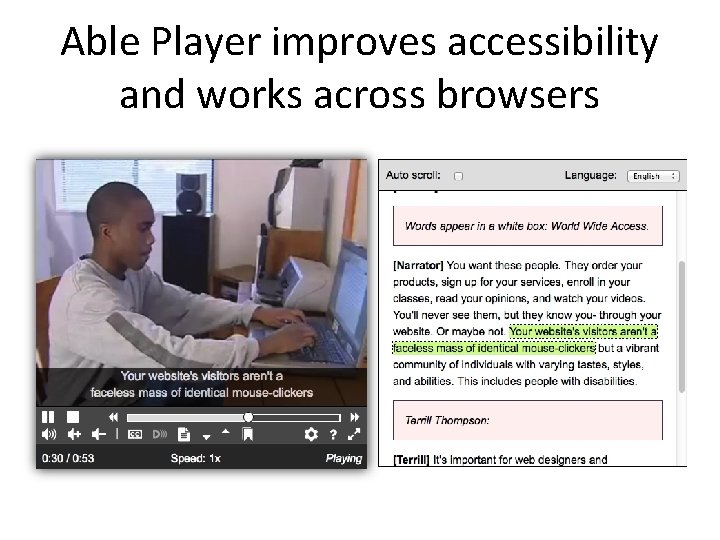
Able Player improves accessibility and works across browsers
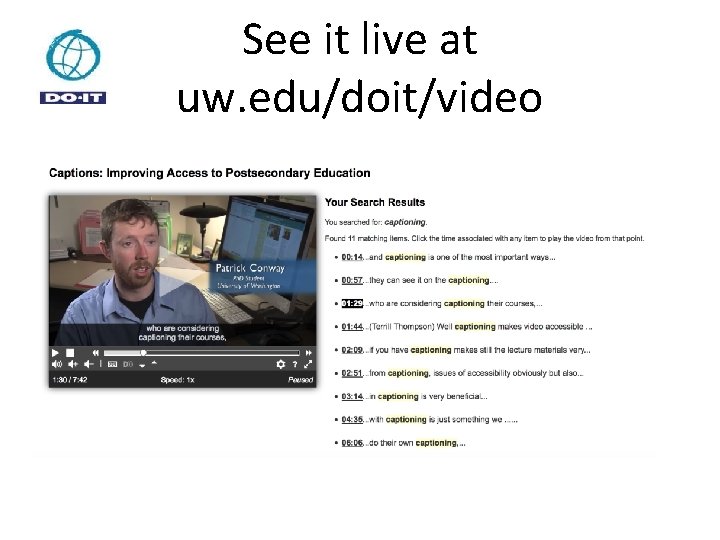
See it live at uw. edu/doit/video
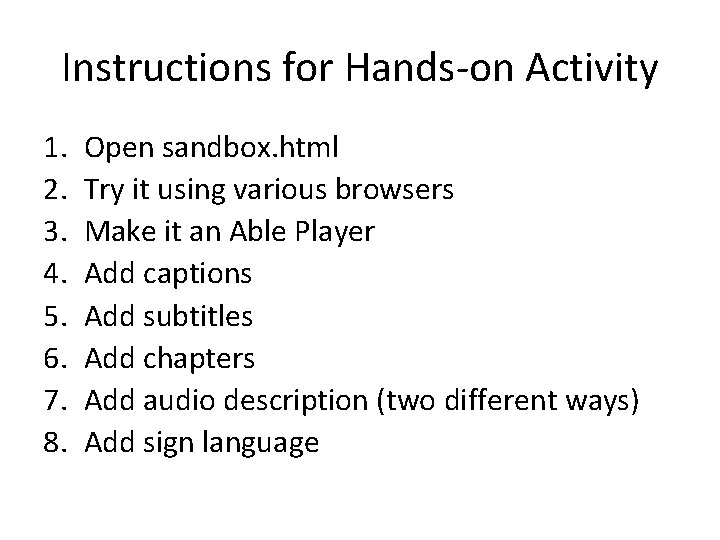
Instructions for Hands-on Activity 1. 2. 3. 4. 5. 6. 7. 8. Open sandbox. html Try it using various browsers Make it an Able Player Add captions Add subtitles Add chapters Add audio description (two different ways) Add sign language
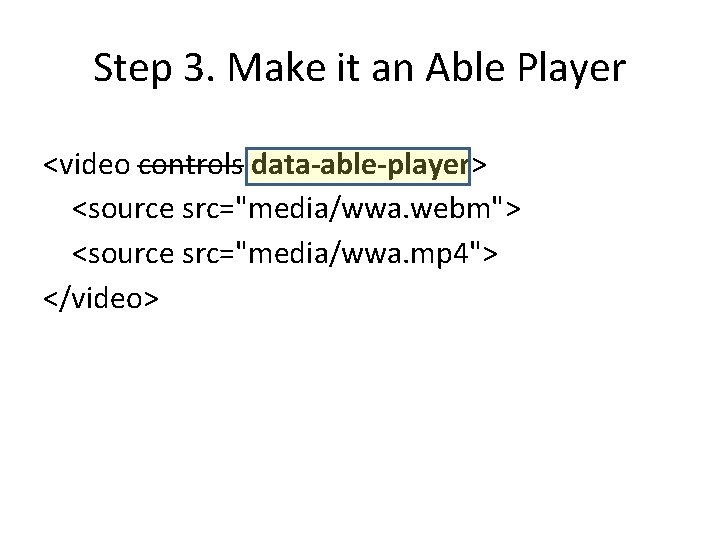
Step 3. Make it an Able Player <video controls data-able-player> <source src="media/wwa. webm"> <source src="media/wwa. mp 4"> </video>
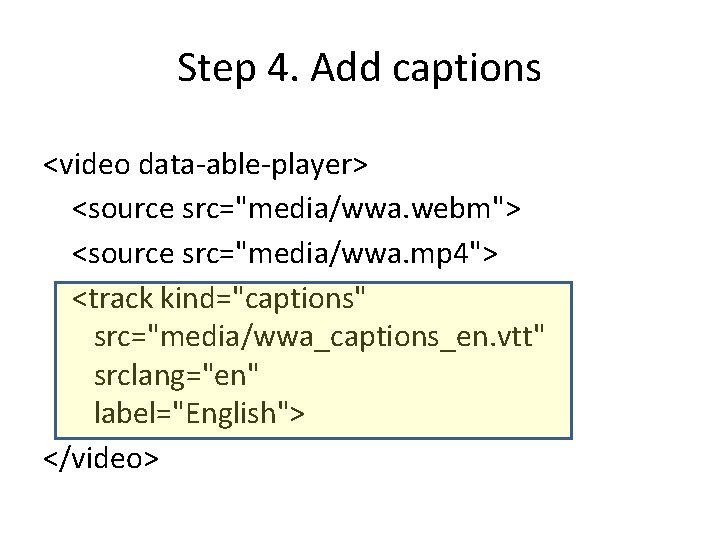
Step 4. Add captions <video data-able-player> <source src="media/wwa. webm"> <source src="media/wwa. mp 4"> <track kind="captions" src="media/wwa_captions_en. vtt" srclang="en" label="English"> </video>
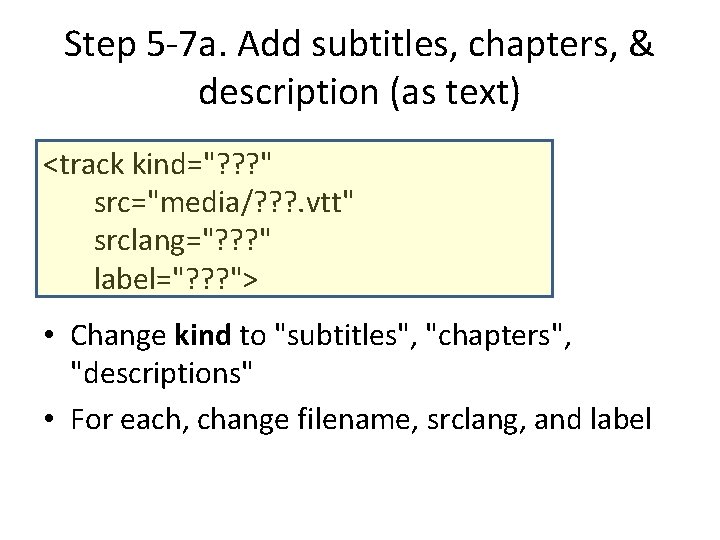
Step 5 -7 a. Add subtitles, chapters, & description (as text) <track kind="? ? ? " src="media/? ? ? . vtt" srclang="? ? ? " label="? ? ? "> • Change kind to "subtitles", "chapters", "descriptions" • For each, change filename, srclang, and label
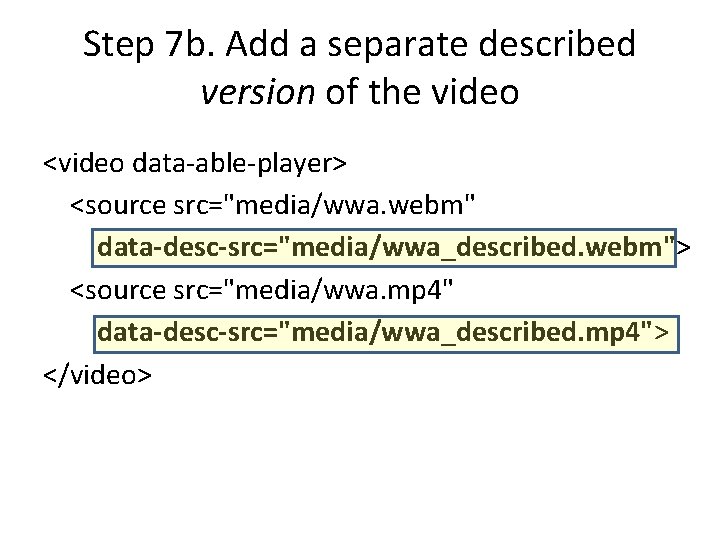
Step 7 b. Add a separate described version of the video <video data-able-player> <source src="media/wwa. webm" data-desc-src="media/wwa_described. webm"> <source src="media/wwa. mp 4" data-desc-src="media/wwa_described. mp 4"> </video>
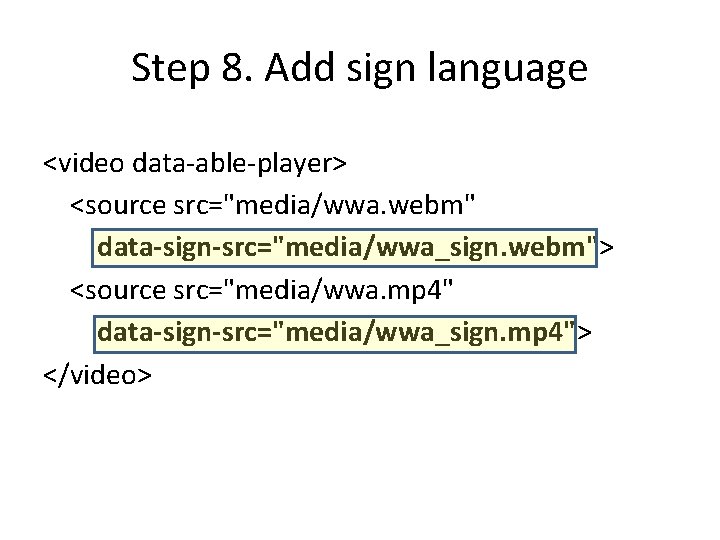
Step 8. Add sign language <video data-able-player> <source src="media/wwa. webm" data-sign-src="media/wwa_sign. webm"> <source src="media/wwa. mp 4" data-sign-src="media/wwa_sign. mp 4"> </video>
- Slides: 14