
A World Without Passwords Molly Dalton mollyadalton People
![Login using no credentials Outlook. com allow. List: [] Login Here All credentials from](https://slidetodoc.com/presentation_image_h/0950a8e7f36dd88995c5969f77402dbe/image-35.jpg "Login using no credentials Outlook. com allow. List: [] Login Here All credentials from")
- Slides: 52
A World Without Passwords Molly Dalton @mollyadalton
“People are prone to taking mental shortcuts. “ - Kevin Mitnick stealer Infamous information Top-notch Information Stealer
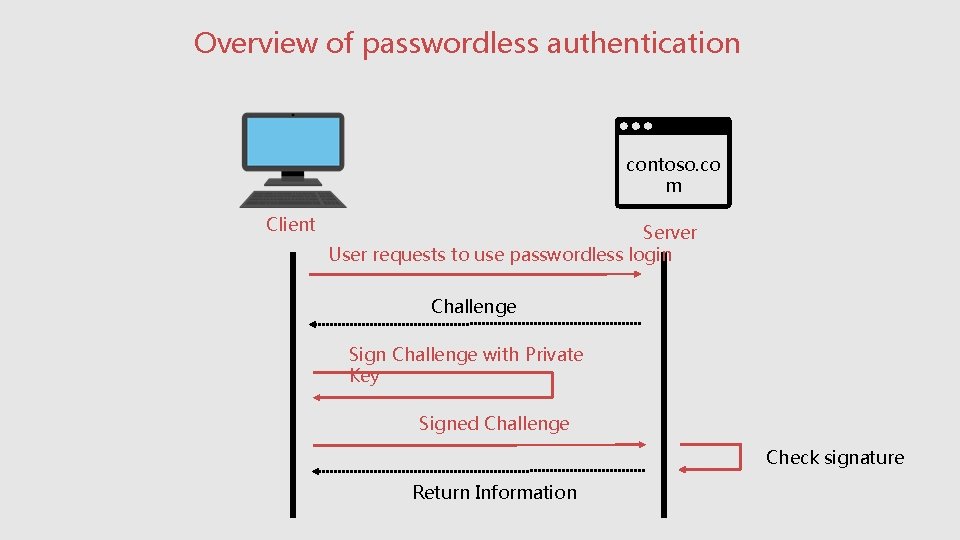
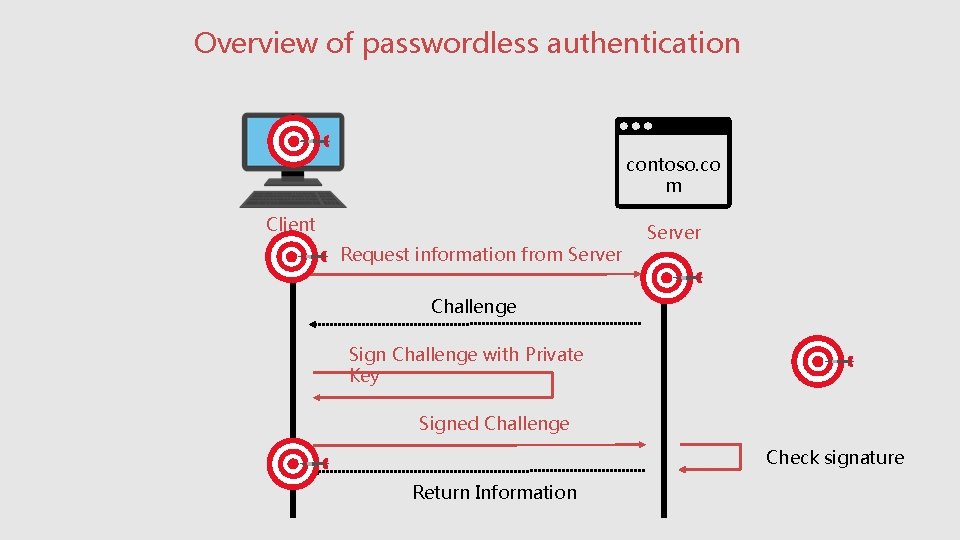
Overview of passwordless authentication contoso. co m Client Server User requests to use passwordless login Challenge Sign Challenge with Private Key Signed Challenge Check signature Return Information
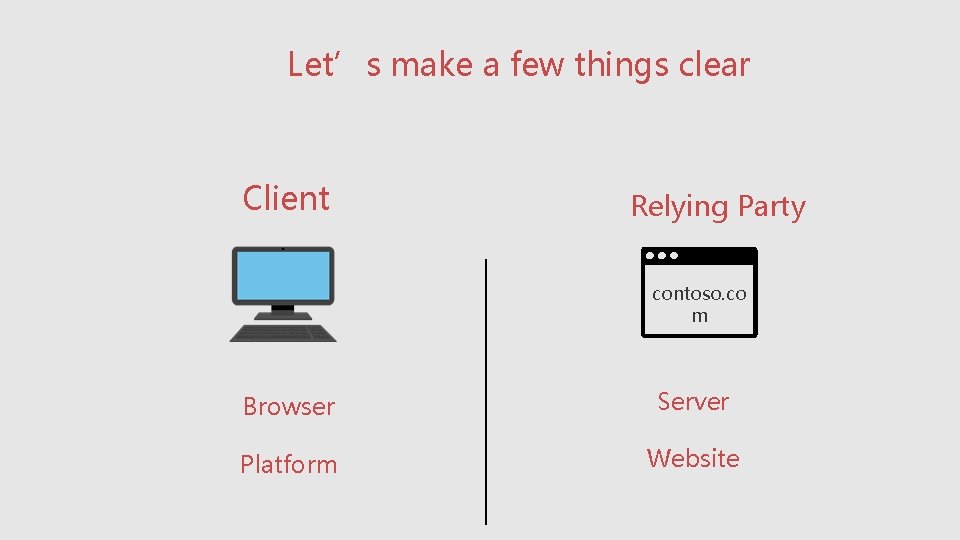
Let’s make a few things clear Client Relying Party contoso. co m Browser Server Platform Website
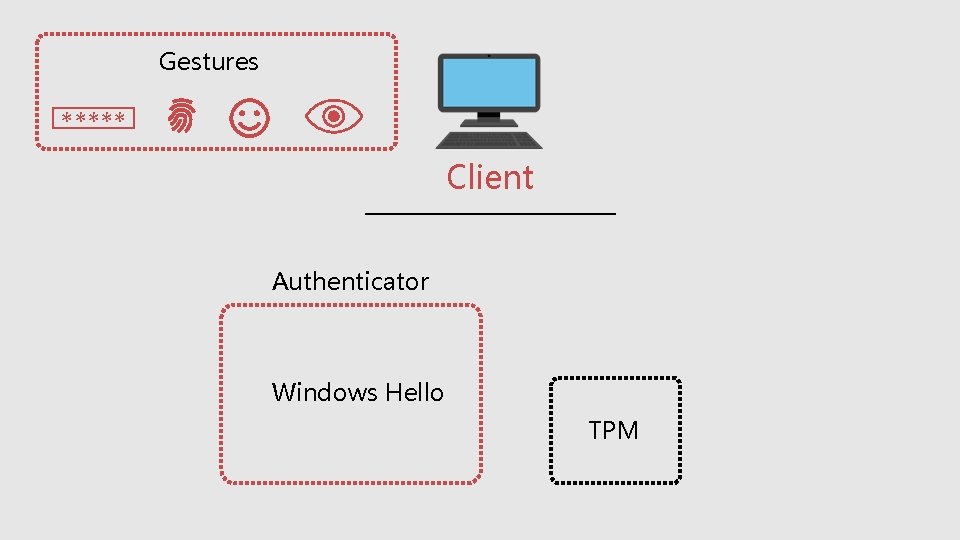
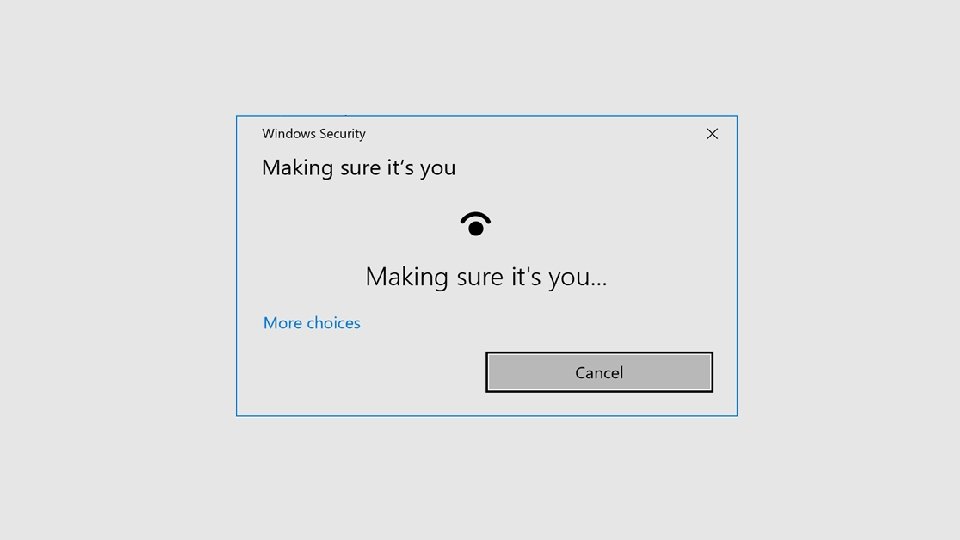
Gestures ***** Client Authenticator Windows Hello TPM
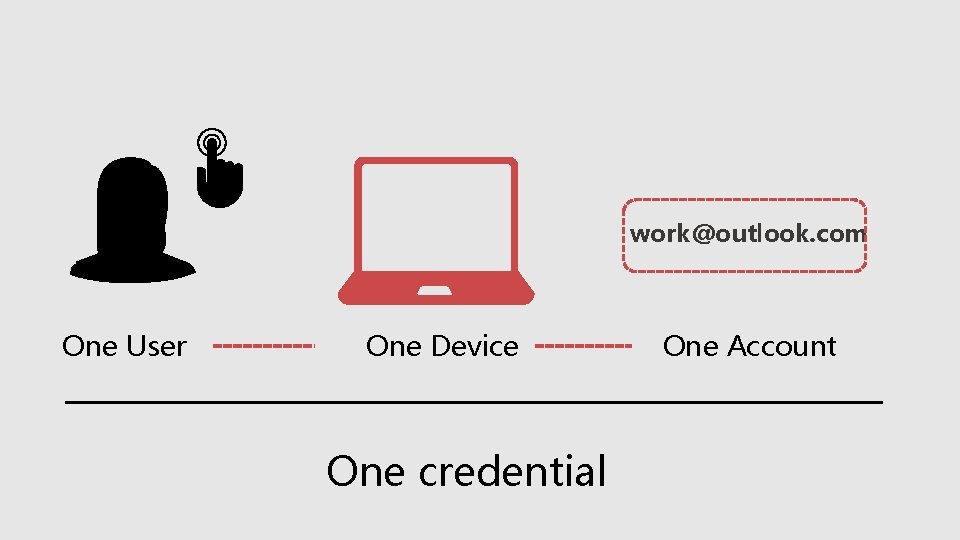
work@outlook. com One User One Device One credential One Account
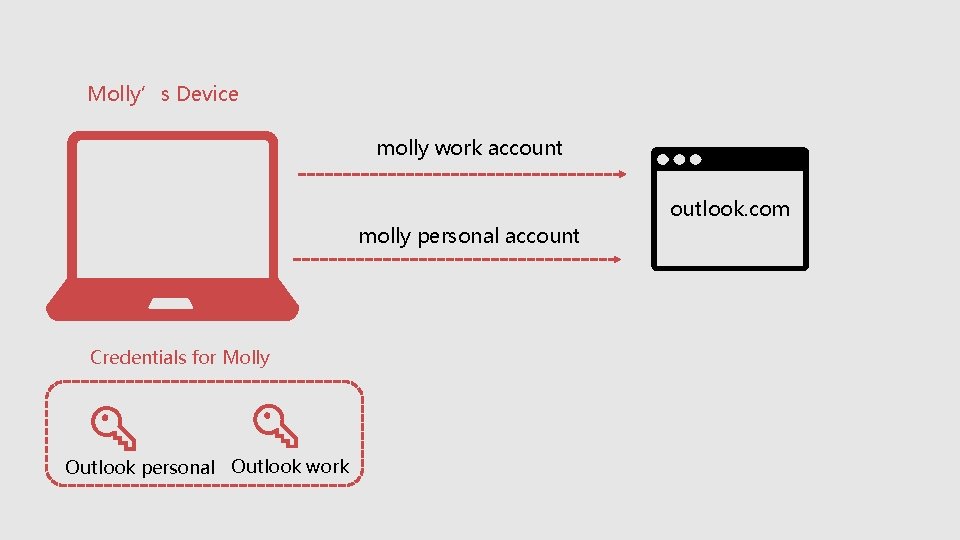
Molly’s Device molly work account outlook. com molly personal account Credentials for Molly Outlook personal Outlook work
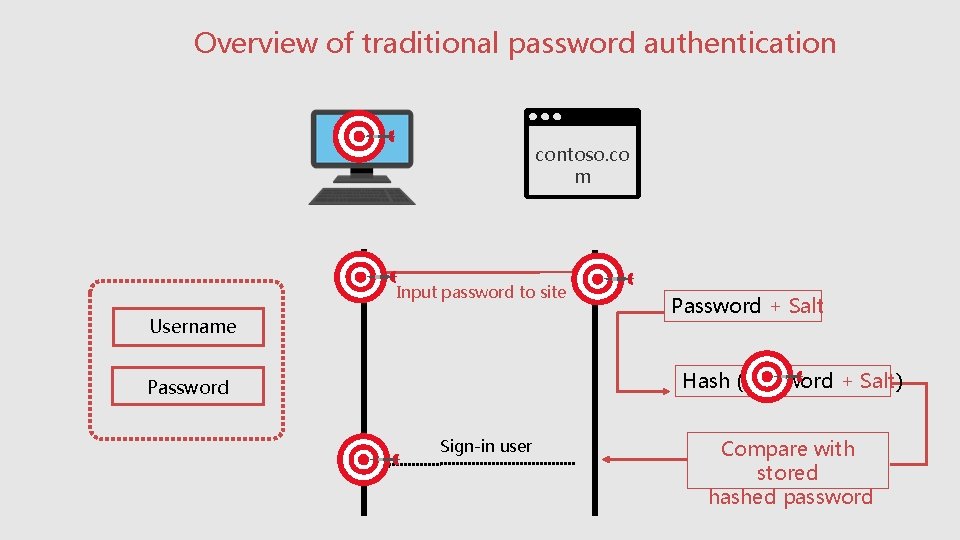
Overview of traditional password authentication contoso. co m Client Server Input password to site Username Password + Salt Hash (Password + Salt) Password Sign-in user Compare with stored hashed password
Overview of passwordless authentication contoso. co m Client Request information from Server Challenge Sign Challenge with Private Key Signed Challenge Check signature Return Information
DEMO
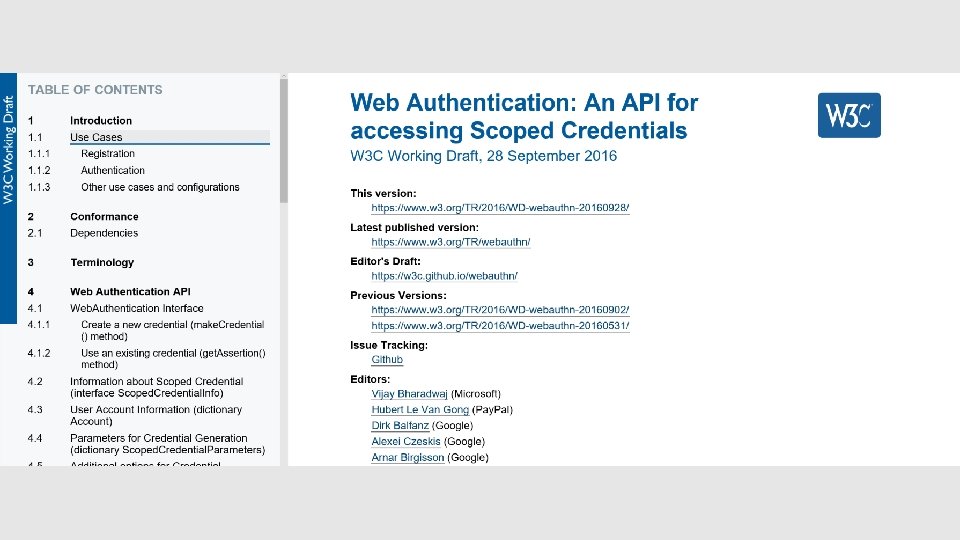
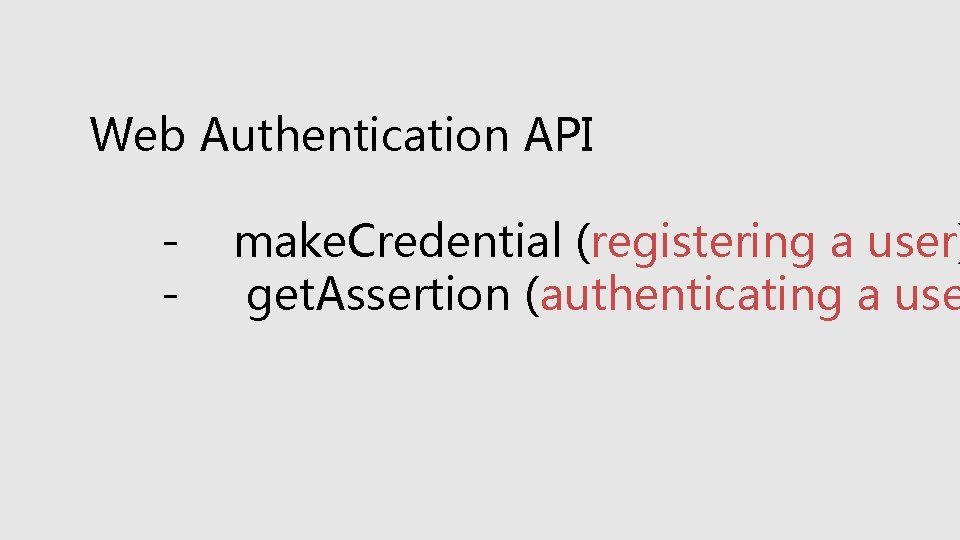
Web Authentication API - make. Credential (registering a user) - get. Assertion (authenticating a use
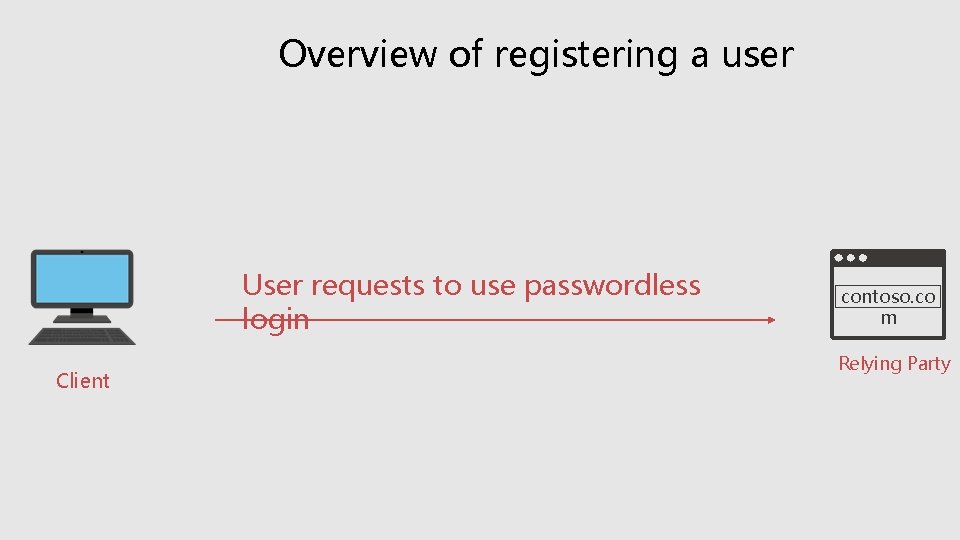
Overview of registering a user User requests to use passwordless login Client contoso. co m Relying Party
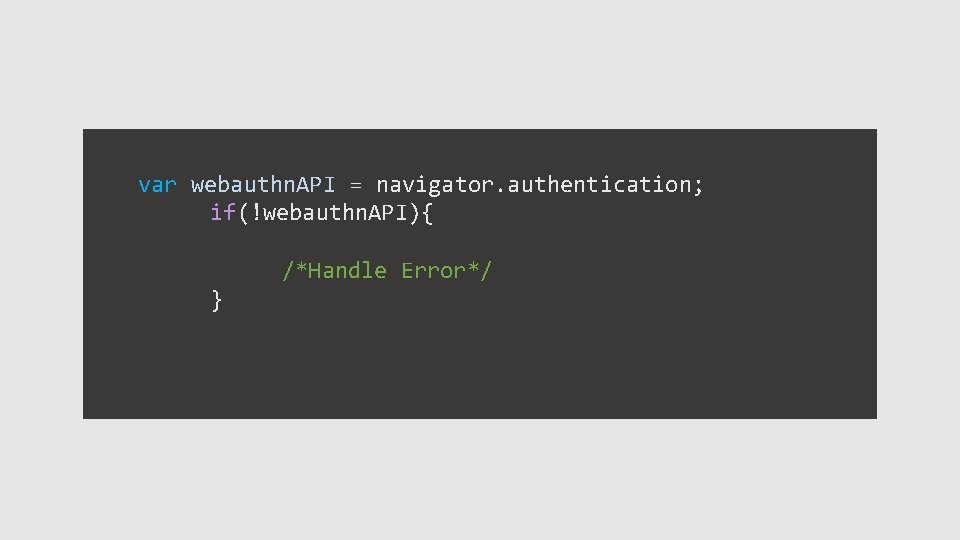
var webauthn. API = navigator. authentication; if(!webauthn. API){ /*Handle Error*/ }
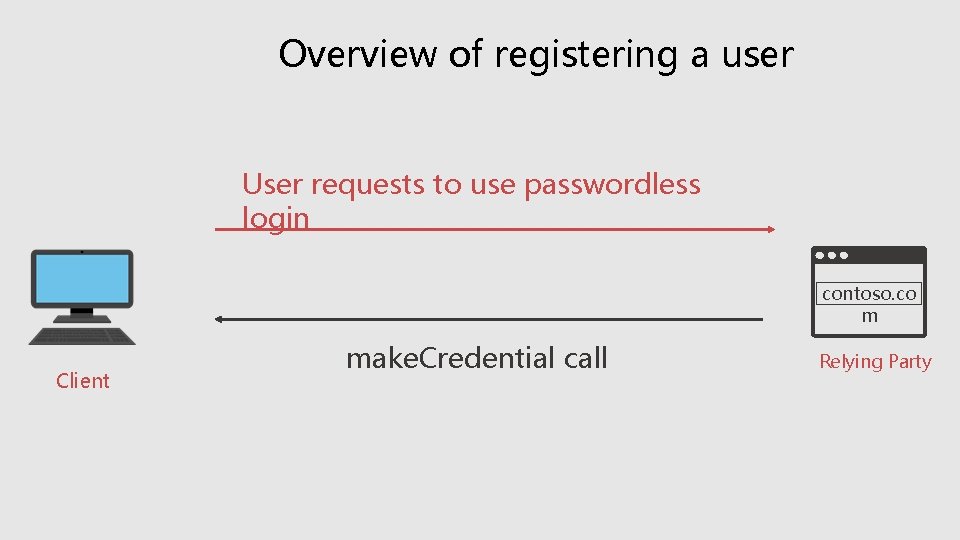
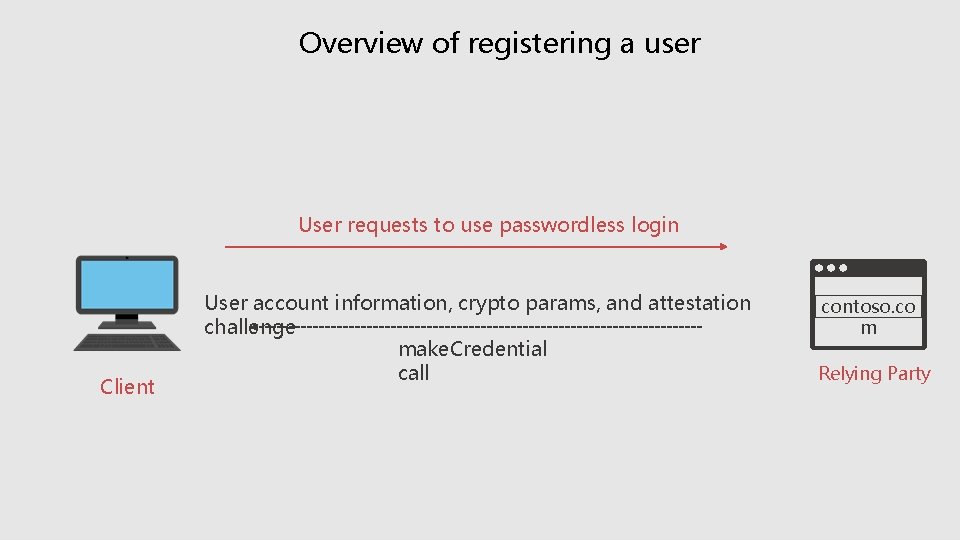
Overview of registering a user User requests to use passwordless login contoso. co m Client make. Credential call Relying Party
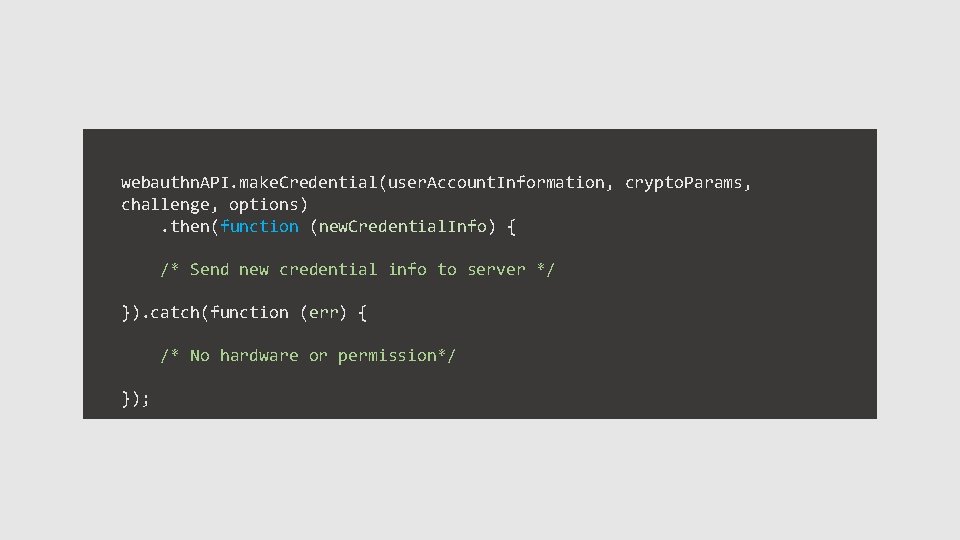
webauthn. API. make. Credential(user. Account. Information, crypto. Params, challenge, options) . then(function (new. Credential. Info) { /* Send new credential info to server */ }). catch(function (err) { /* No hardware or permission*/ });
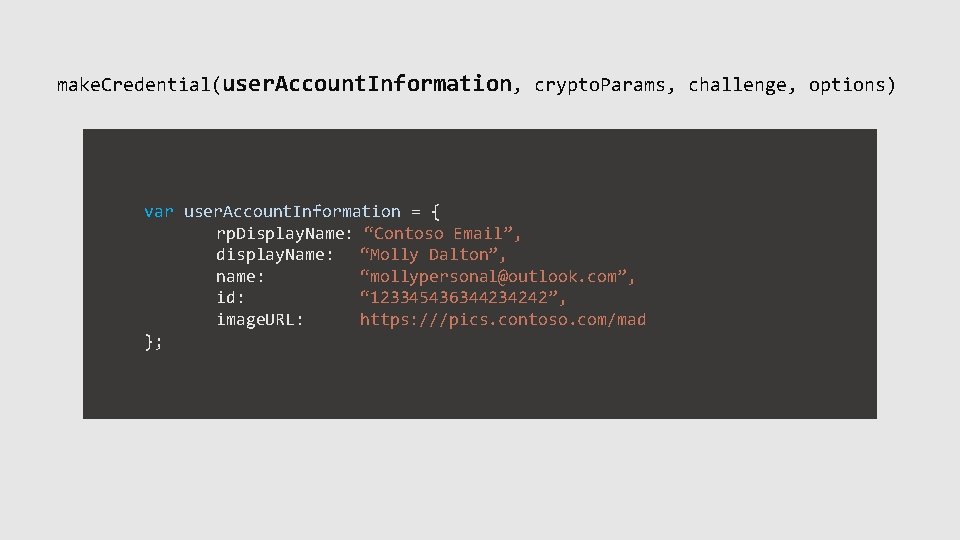
make. Credential(user. Account. Information, crypto. Params, challenge, options) var user. Account. Information = { rp. Display. Name: “Contoso Email”, display. Name: “Molly Dalton”, name: “mollypersonal@outlook. com”, id: “ 123345436344234242”, image. URL: https: ///pics. contoso. com/mad };
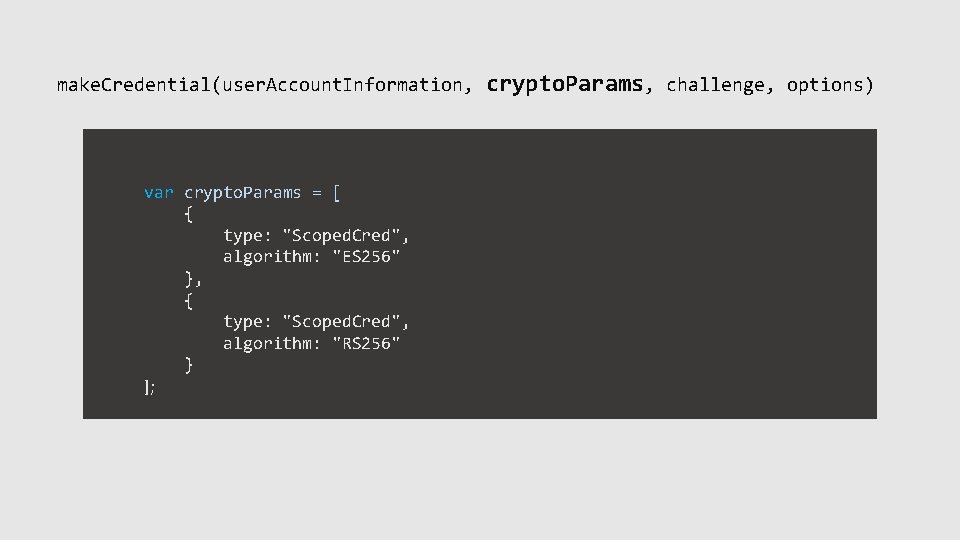
make. Credential(user. Account. Information, crypto. Params, challenge, options) var crypto. Params = [ { type: "Scoped. Cred", algorithm: "ES 256" }, { type: "Scoped. Cred", algorithm: "RS 256" } ];
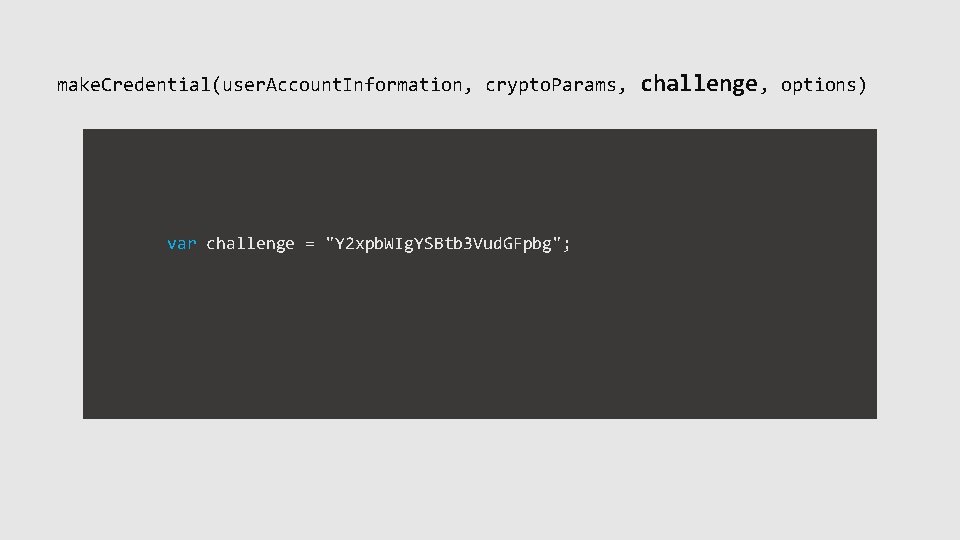
make. Credential(user. Account. Information, crypto. Params, challenge, options) var challenge = "Y 2 xpb. WIg. YSBtb 3 Vud. GFpbg";
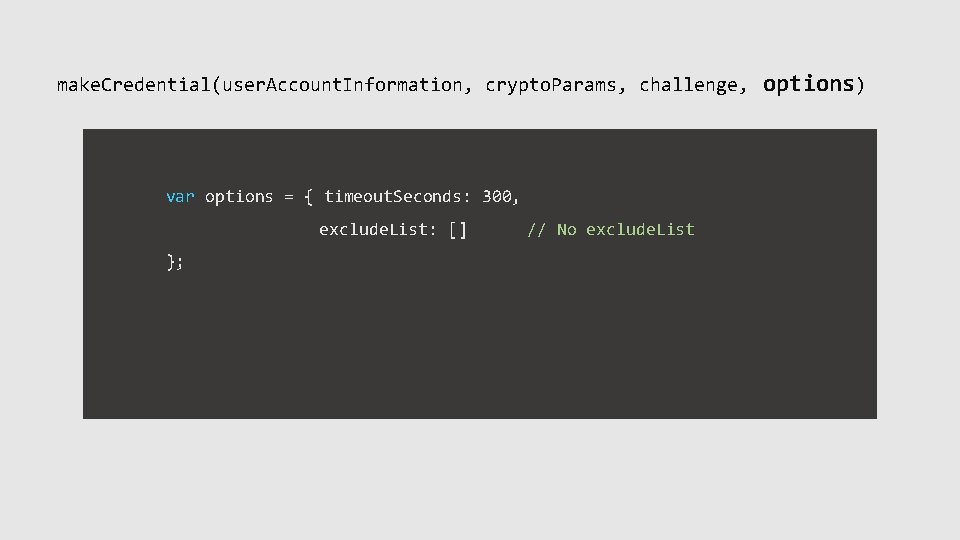
make. Credential(user. Account. Information, crypto. Params, challenge, var options = { timeout. Seconds: 300, exclude. List: [] // No exclude. List }; options)
Overview of registering a user User requests to use passwordless login Client User account information, crypto params, and attestation challenge make. Credential call contoso. co m Relying Party
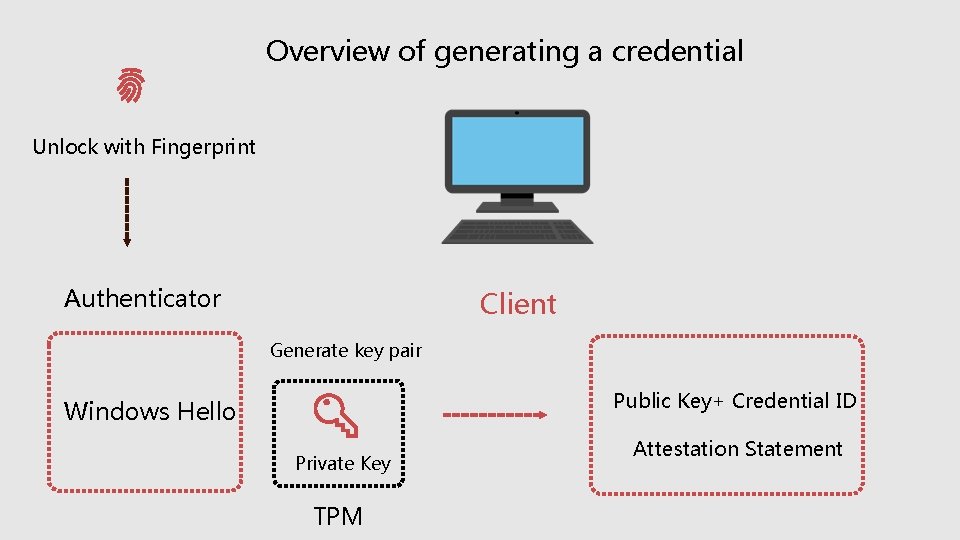
Overview of generating a credential Unlock with Fingerprint Authenticator Client Generate key pair Public Key+ Credential ID Windows Hello Private Key TPM Attestation Statement
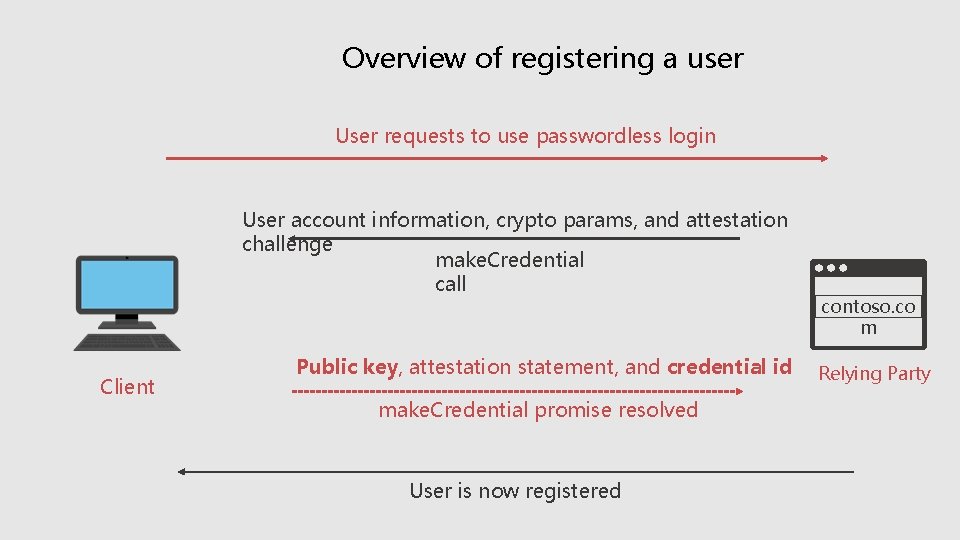
Overview of registering a user User requests to use passwordless login User account information, crypto params, and attestation challenge make. Credential call Client Public key, attestation statement, and credential id make. Credential promise resolved User is now registered contoso. co m Relying Party
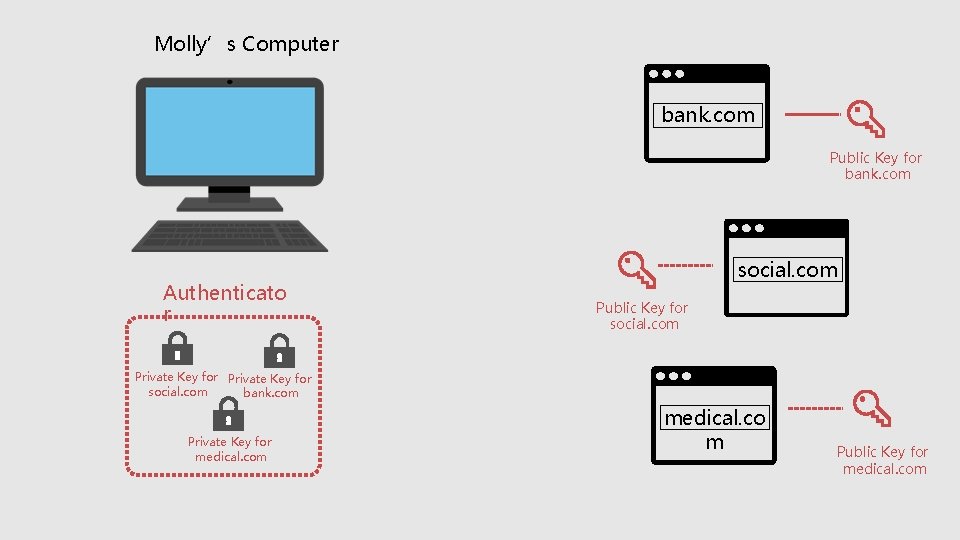
Molly’s Computer bank. com Public Key for bank. com Authenticato r social. com Public Key for social. com Private Key for social. com bank. com Private Key for medical. com medical. co m Public Key for medical. com
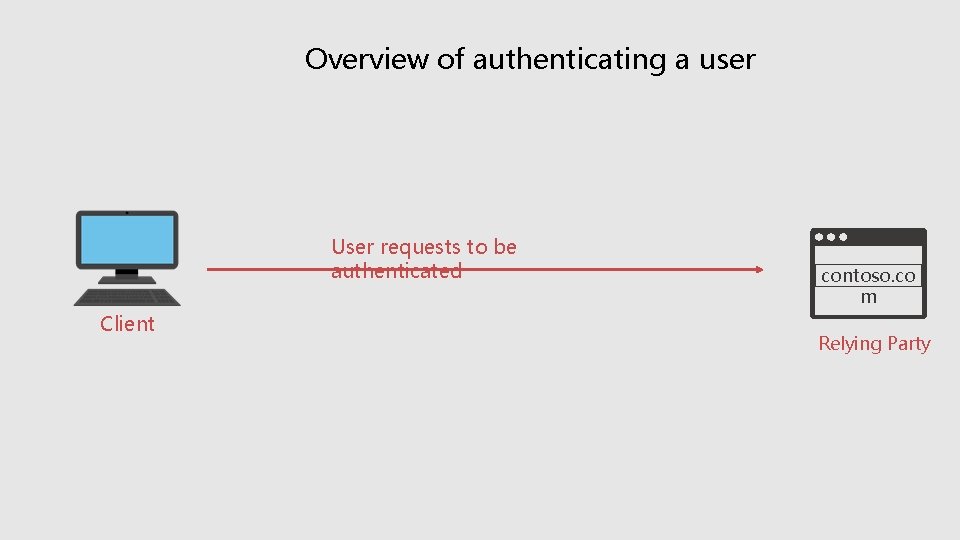
Overview of authenticating a user User requests to be authenticated Client contoso. co m Relying Party
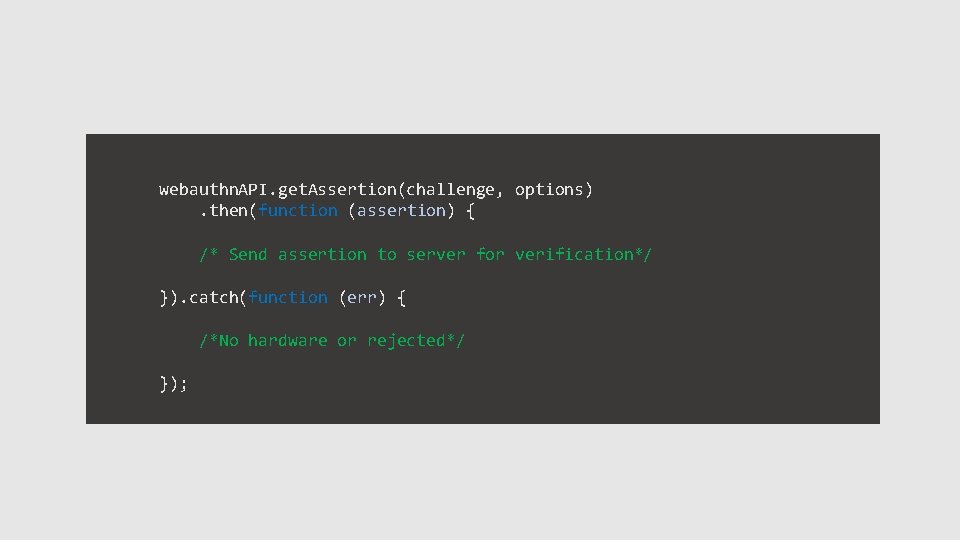
webauthn. API. get. Assertion(challenge, options) . then(function (assertion) { /* Send assertion to server for verification*/ }). catch(function (err) { /*No hardware or rejected*/ });
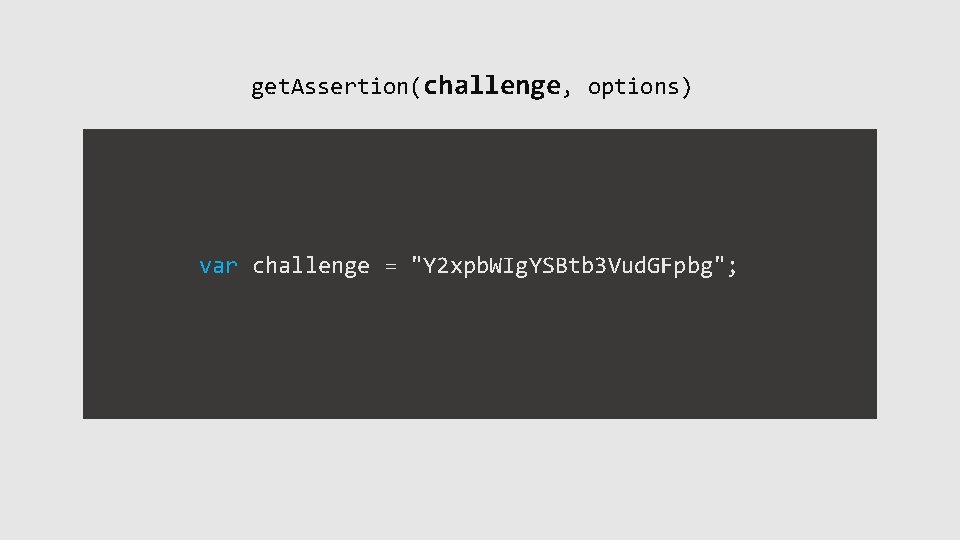
get. Assertion(challenge, options) var challenge = "Y 2 xpb. WIg. YSBtb 3 Vud. GFpbg";
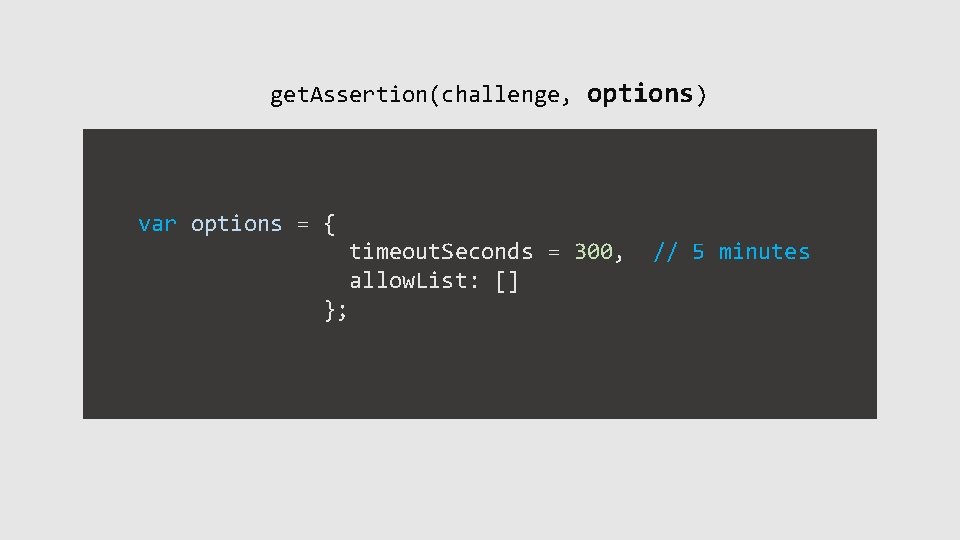
get. Assertion(challenge, options) var options = { timeout. Seconds = 300, // 5 minutes allow. List: [] };
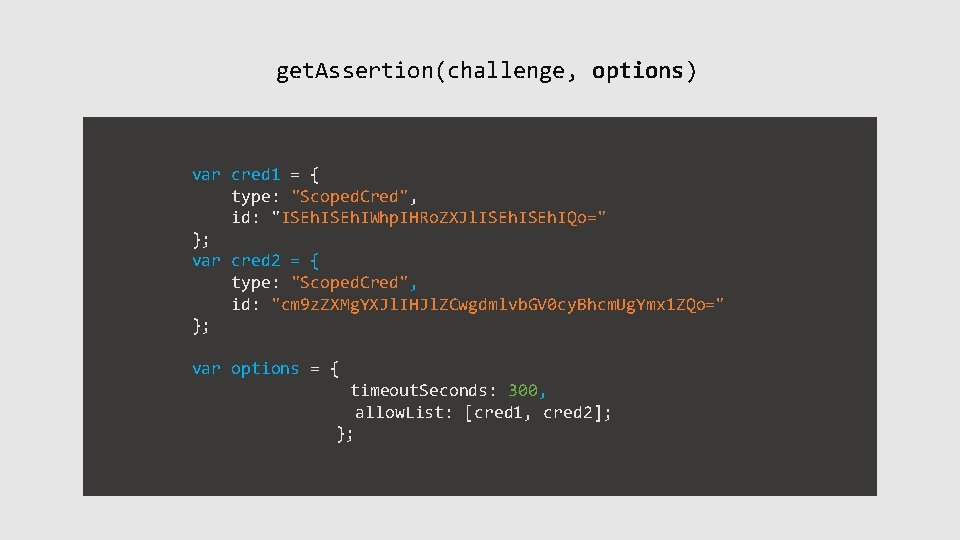
get. Assertion(challenge, options) var cred 1 = { type: "Scoped. Cred", id: "ISEh. IWhp. IHRo. ZXJl. ISEh. IQo=" }; var cred 2 = { type: "Scoped. Cred", id: "cm 9 z. ZXMg. YXJl. IHJl. ZCwgdmlvb. GV 0 cy. Bhcm. Ug. Ymx 1 ZQo=" }; var options = { timeout. Seconds: 300, allow. List: [cred 1, cred 2]; };
Login using no credentials Outlook. com allow. List: [] Login Here All credentials from Outlook. com
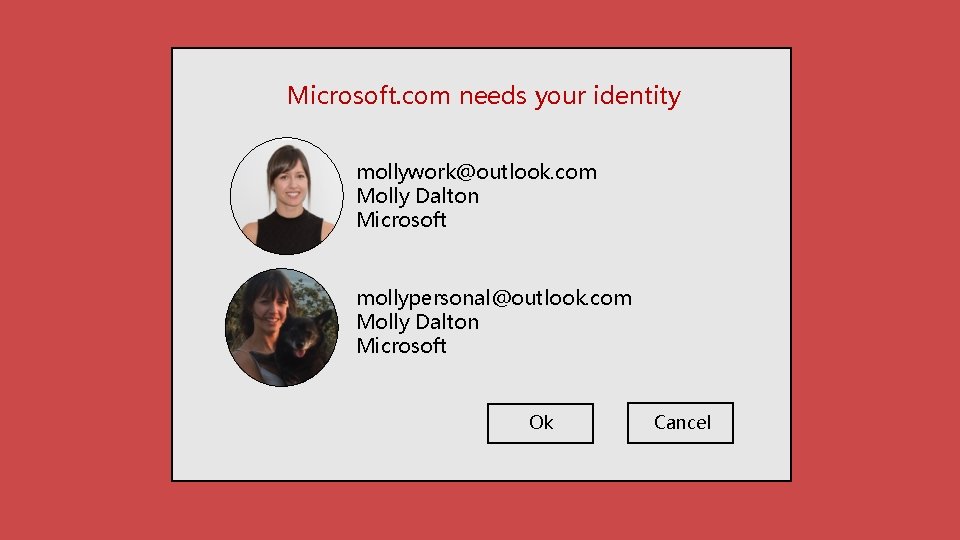
Microsoft. com needs your identity mollywork@outlook. com Molly Dalton Microsoft mollypersonal@outlook. com Molly Dalton Microsoft Ok Cancel
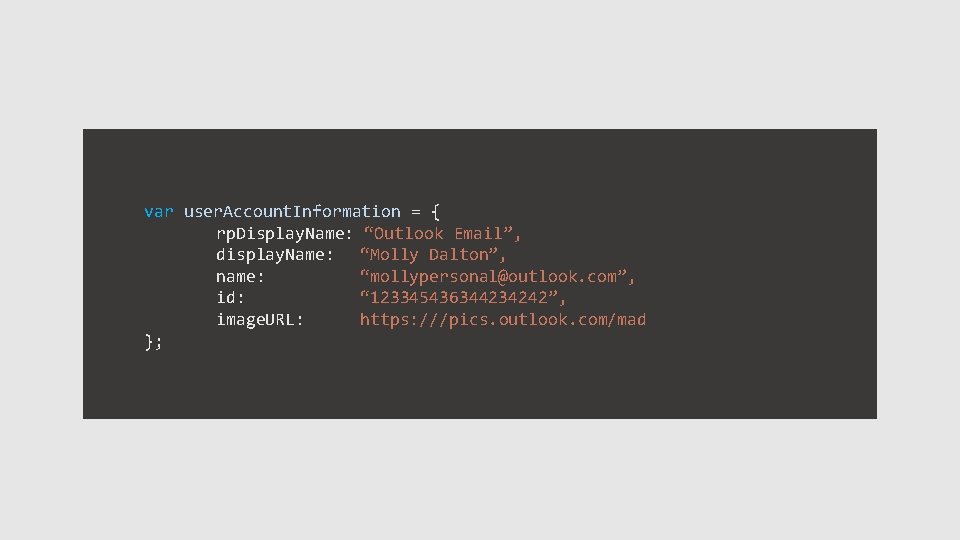
var user. Account. Information = { rp. Display. Name: “Outlook Email”, display. Name: “Molly Dalton”, name: “mollypersonal@outlook. com”, id: “ 123345436344234242”, image. URL: https: ///pics. outlook. com/mad };
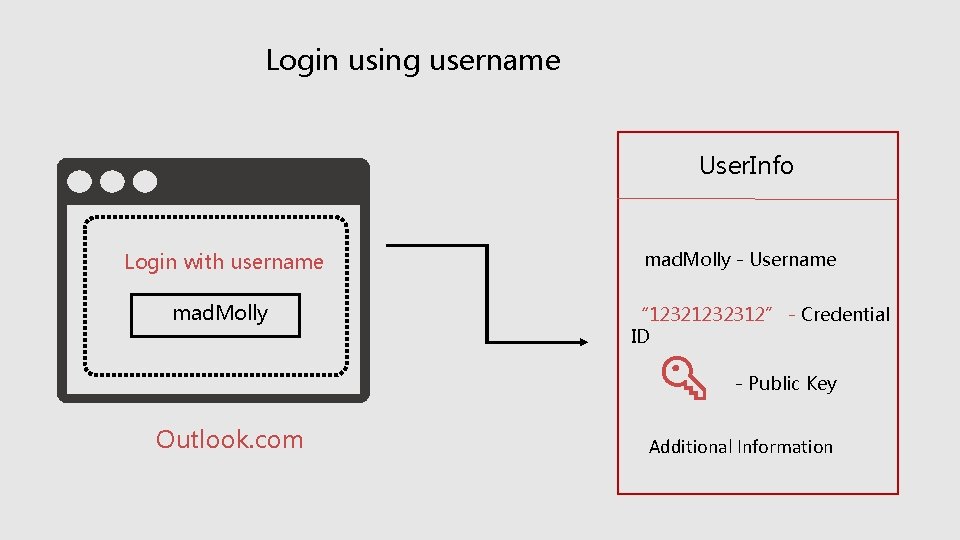
Login using username User. Info Login with username mad. Molly - Username “ 1232312” - Credential ID - Public Key Outlook. com Additional Information
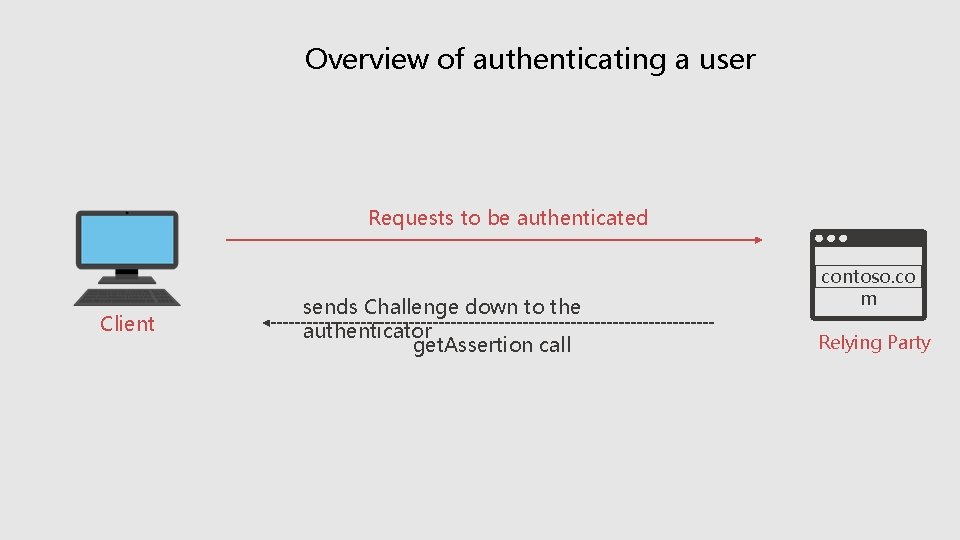
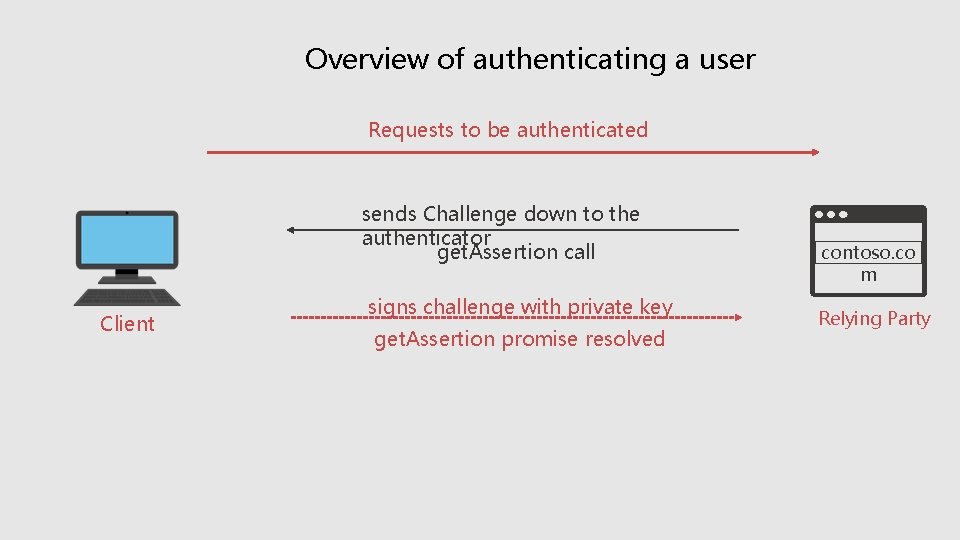
Overview of authenticating a user Requests to be authenticated Client sends Challenge down to the authenticator get. Assertion call contoso. co m Relying Party
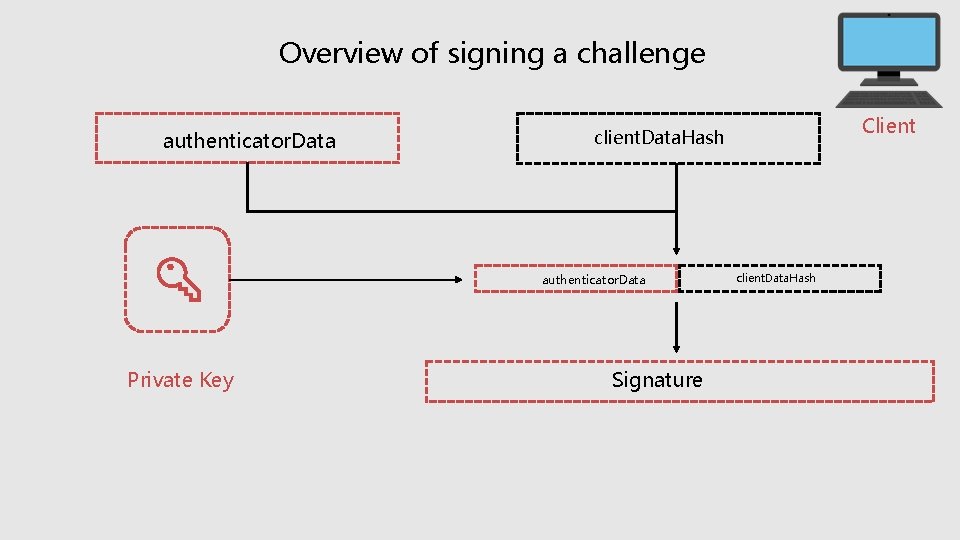
Overview of signing a challenge authenticator. Data Private Key Client client. Data. Hash Signature client. Data. Hash
Overview of authenticating a user Requests to be authenticated sends Challenge down to the authenticator get. Assertion call Client signs challenge with private key get. Assertion promise resolved contoso. co m Relying Party
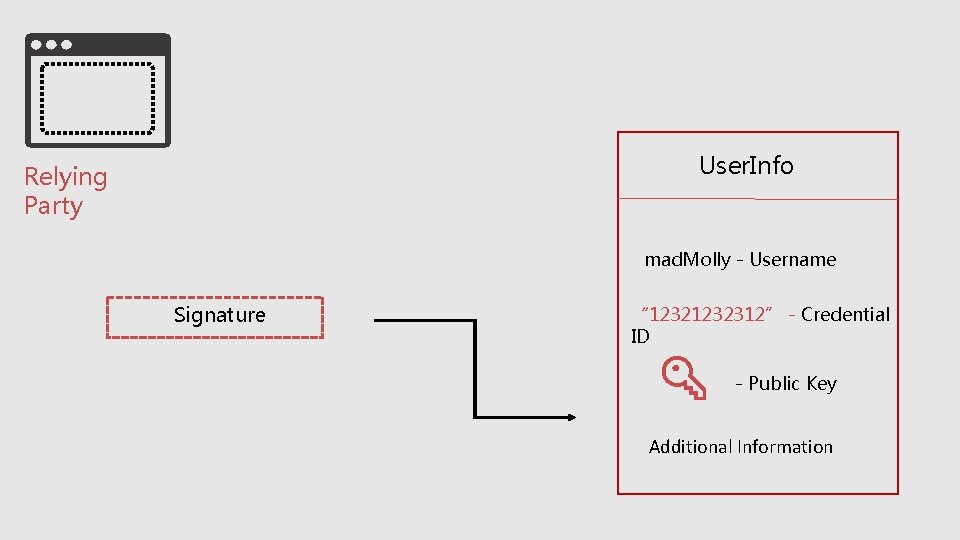
User. Info Relying Party mad. Molly - Username Signature “ 1232312” - Credential ID - Public Key Additional Information
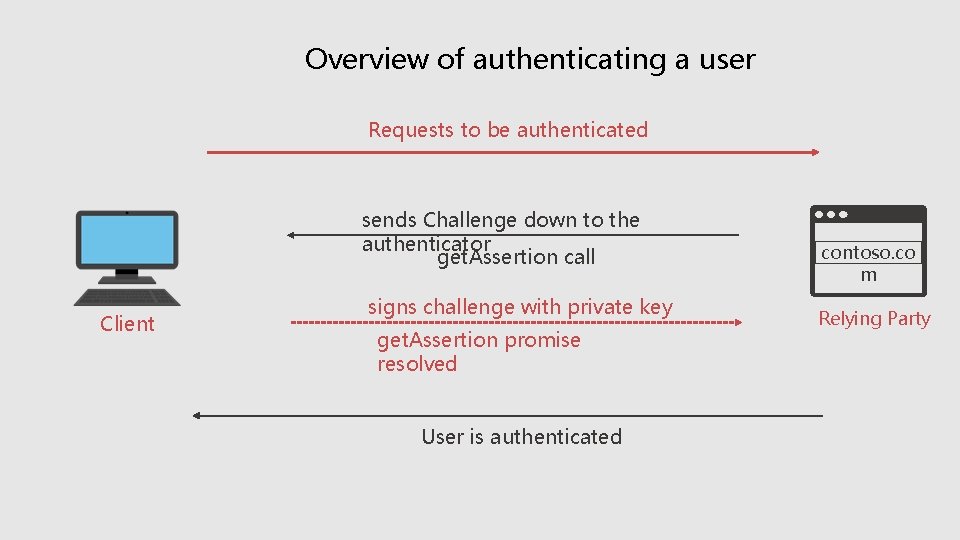
Overview of authenticating a user Requests to be authenticated sends Challenge down to the authenticator get. Assertion call Client signs challenge with private key get. Assertion promise resolved User is authenticated contoso. co m Relying Party
What’s next
1. Experimental version now
2. Polyfill available
3. Build experience with new update
4. Read the spec
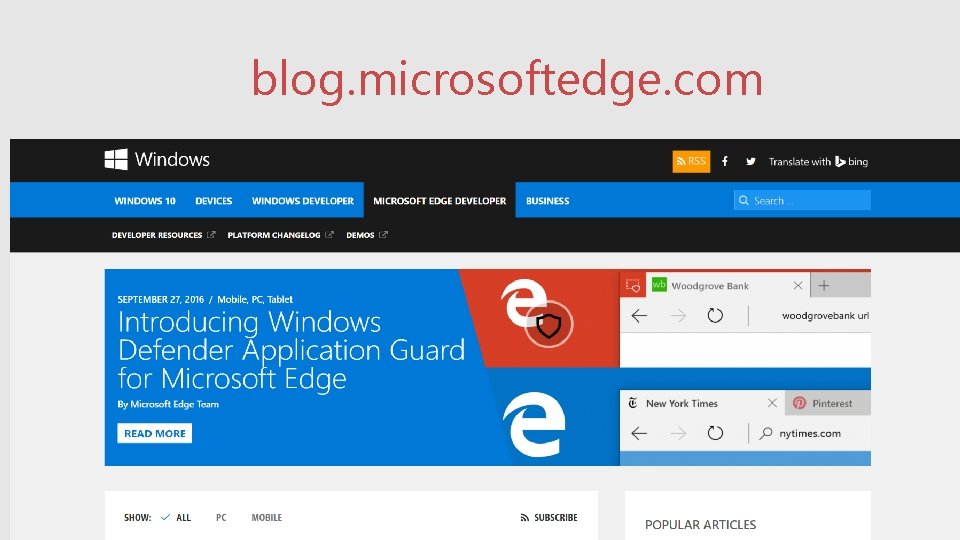
blog. microsoftedge. com
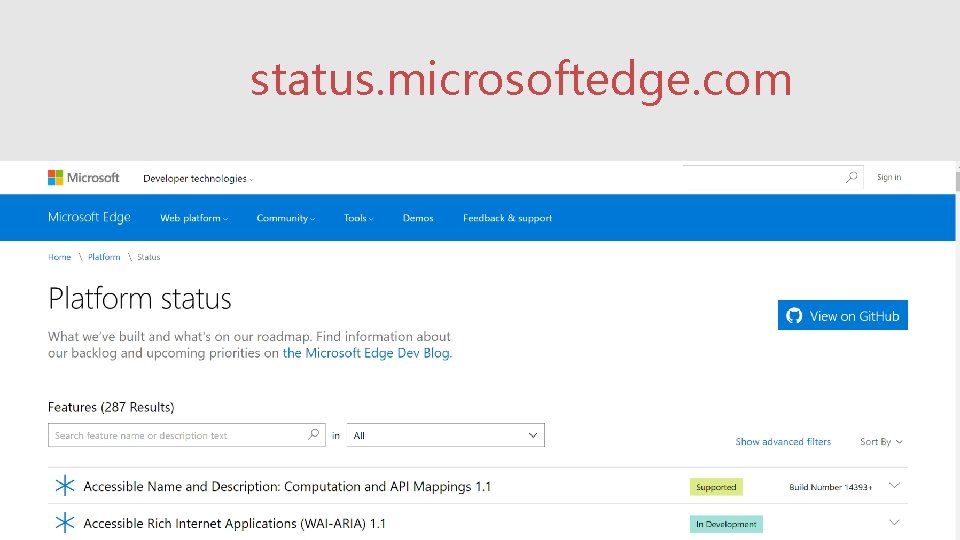
status. microsoftedge. com
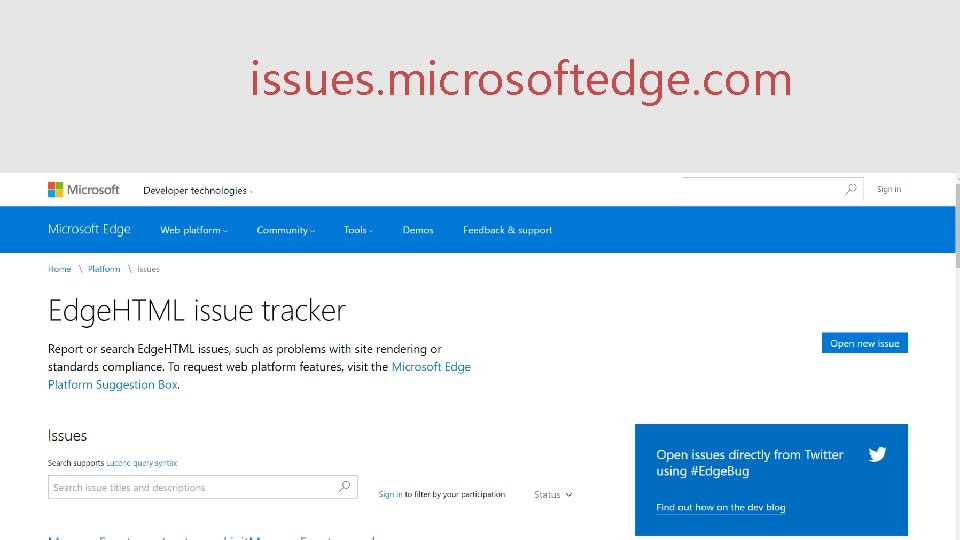
issues. microsoftedge. com