
A Very Brief Introduction to Python COMP 3009
A (Very) Brief Introduction to Python COMP 3009 J: Information Retrieval Dr. David Lillis (david. lillis@ucd. ie) UCD School of Computer Science Beijing Dublin International College
Announcement BDIC’s Moodle is not yet online. As a temporary measure, I will post lecture/lab materials to this page until Moodle is available: http: //lill. is/COMP 3009 J This URL is case-sensitive. As usual, if you have problems, please contact me by email at david. lillis@ucd. ie
Introduction The programming language we will use for this module is Python is an object-oriented scripting language that is very accessible: you can create simple Python programs very easily. It has gained rapidly in popularity in recent years and is frequently used for text and data analysis. As we will do a lot of text processing, it is an ideal choice for our purposes.
Getting Python 3. 6. 0 is currently the latest version of Python 2 is a slightly different language, and is not compatible with Python 3. Download page is here: https: //www. python. org/downloads/ Useful links: Python 3 Tutorial: https: //docs. python. org/3/tutorial/ Standard Library https: //docs. python. org/3/library/

Running Python If you want to practice running some Python commands, you can run the interpreter and start typing! In your terminal, just type “python” or “python 3” (it depends on your platform), and you will see a command prompt something like this: Python 3. 5. 1 (v 3. 5. 1: 37 a 07 cee 5969, Dec 5 2015, 21: 12: 44) [GCC 4. 2. 1 (Apple Inc. build 5666) (dot 3)] on darwin Type "help", "copyright", "credits" or "license" for more information. >>> This console will automatically print the value of any expression you type. Some python programmers like to use this as their calculators. Alternative you can save a program in a file (usually using a. py extension), and run it by typing something like: python 3 myfile. py
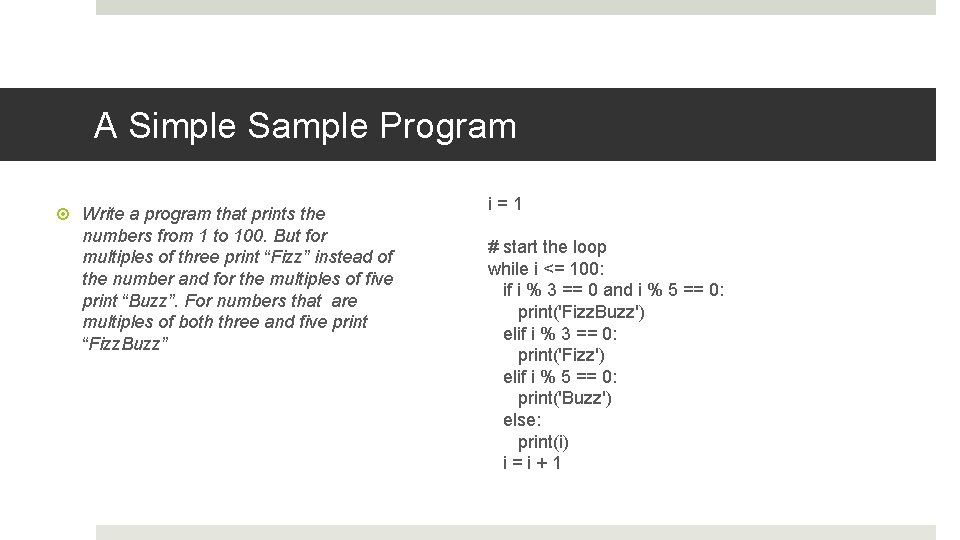
A Simple Sample Program Write a program that prints the numbers from 1 to 100. But for multiples of three print “Fizz” instead of the number and for the multiples of five print “Buzz”. For numbers that are multiples of both three and five print “Fizz. Buzz” i=1 # start the loop while i <= 100: if i % 3 == 0 and i % 5 == 0: print('Fizz. Buzz') elif i % 3 == 0: print('Fizz') elif i % 5 == 0: print('Buzz') else: print(i) i=i+1
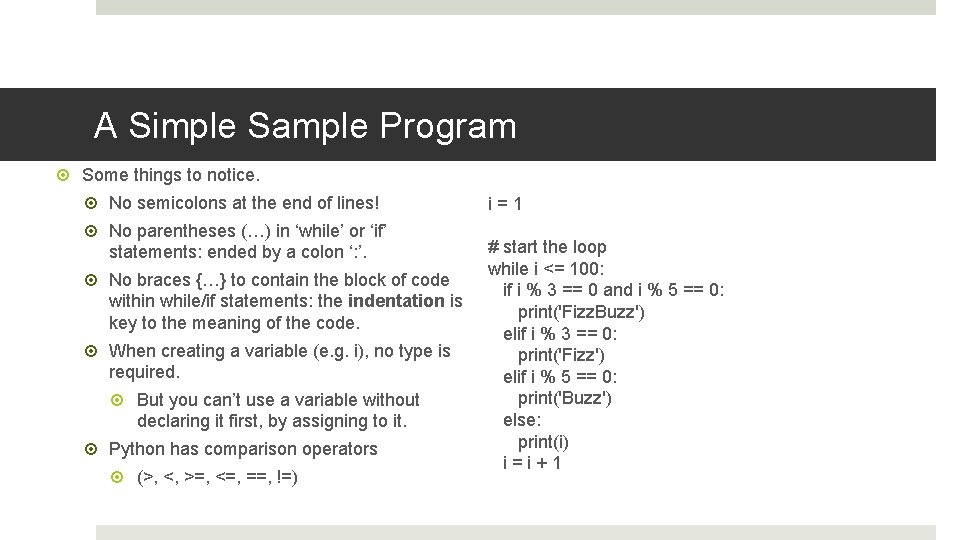
A Simple Sample Program Some things to notice. No semicolons at the end of lines! No parentheses (…) in ‘while’ or ‘if’ statements: ended by a colon ‘: ’. No braces {…} to contain the block of code within while/if statements: the indentation is key to the meaning of the code. When creating a variable (e. g. i), no type is required. But you can’t use a variable without declaring it first, by assigning to it. Python has comparison operators (>, <, >=, <=, ==, !=) i=1 # start the loop while i <= 100: if i % 3 == 0 and i % 5 == 0: print('Fizz. Buzz') elif i % 3 == 0: print('Fizz') elif i % 5 == 0: print('Buzz') else: print(i) i=i+1
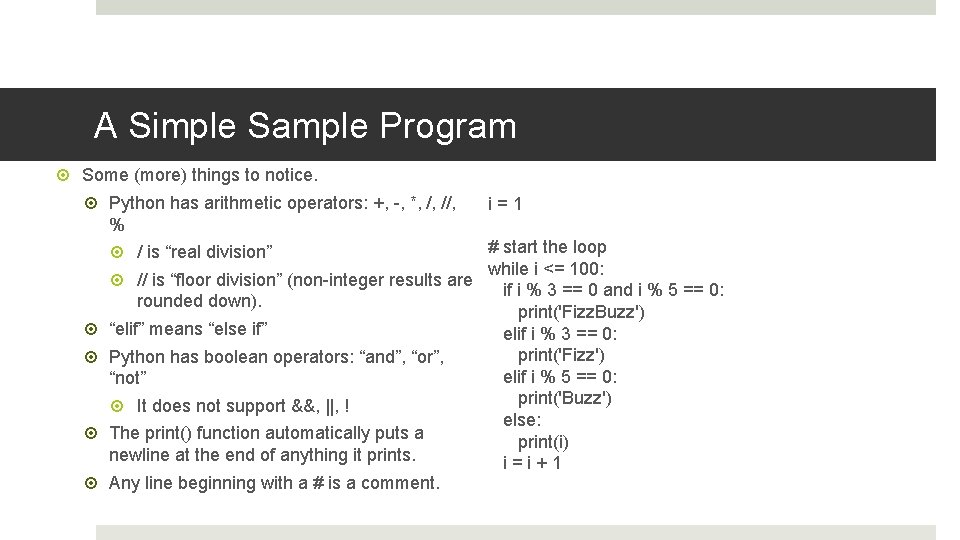
A Simple Sample Program Some (more) things to notice. Python has arithmetic operators: +, -, *, /, //, i=1 % # start the loop / is “real division” while i <= 100: // is “floor division” (non-integer results are if i % 3 == 0 and i % 5 == 0: rounded down). print('Fizz. Buzz') “elif” means “else if” elif i % 3 == 0: print('Fizz') Python has boolean operators: “and”, “or”, elif i % 5 == 0: “not” print('Buzz') It does not support &&, ||, ! else: The print() function automatically puts a print(i) newline at the end of anything it prints. i=i+1 Any line beginning with a # is a comment.

Data Types Python uses dynamic typing, which means that when you declare a variable, you do not need to say what type of data it holds. Similar to Java. Script, which also uses dynamic typing. Unlike Java and C, which use static typing. a = 2 b = 'a string' However, Python also uses strong typing, so it will not always convert one type into another unless a function is used for the conversion. Similar to Java, C, which use strong typing. Unlike Java. Script, which uses weak typing. 1 + '2' # adding an int and a str gives a “Type. Error” 1 + int('2') # you must explicitly convert the str to an int str(1) + '2' # or the other way around!
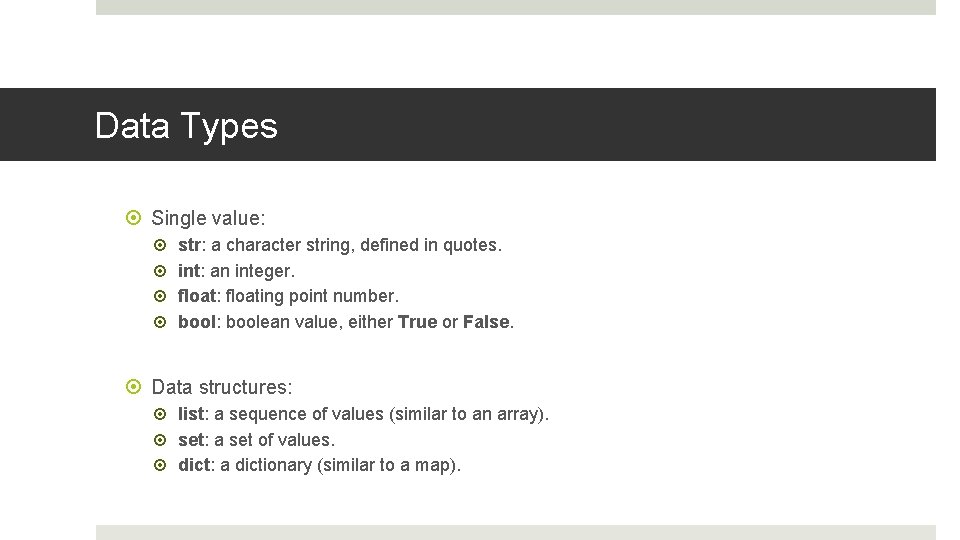
Data Types Single value: str: a character string, defined in quotes. int: an integer. float: floating point number. bool: boolean value, either True or False. Data structures: list: a sequence of values (similar to an array). set: a set of values. dict: a dictionary (similar to a map).
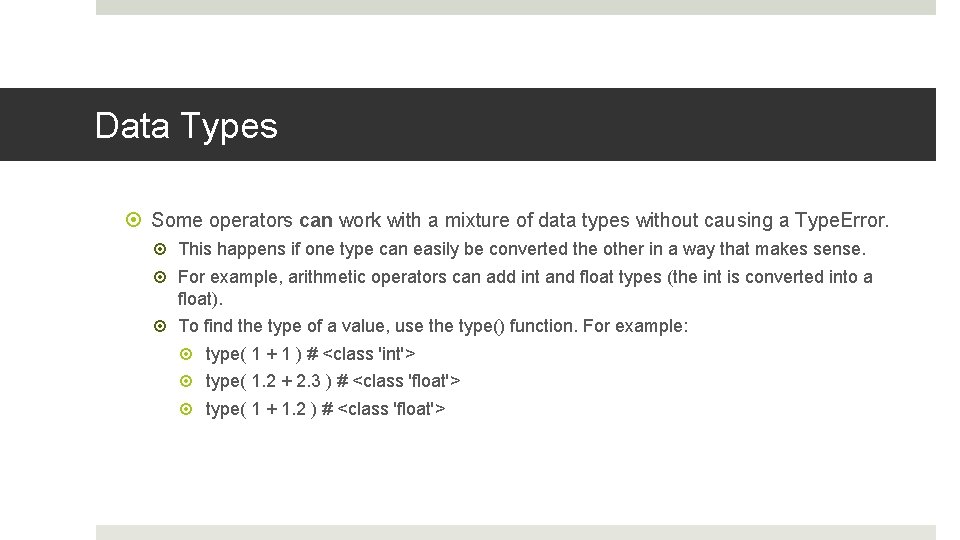
Data Types Some operators can work with a mixture of data types without causing a Type. Error. This happens if one type can easily be converted the other in a way that makes sense. For example, arithmetic operators can add int and float types (the int is converted into a float). To find the type of a value, use the type() function. For example: type( 1 + 1 ) # <class 'int'> type( 1. 2 + 2. 3 ) # <class 'float'> type( 1 + 1. 2 ) # <class 'float'>
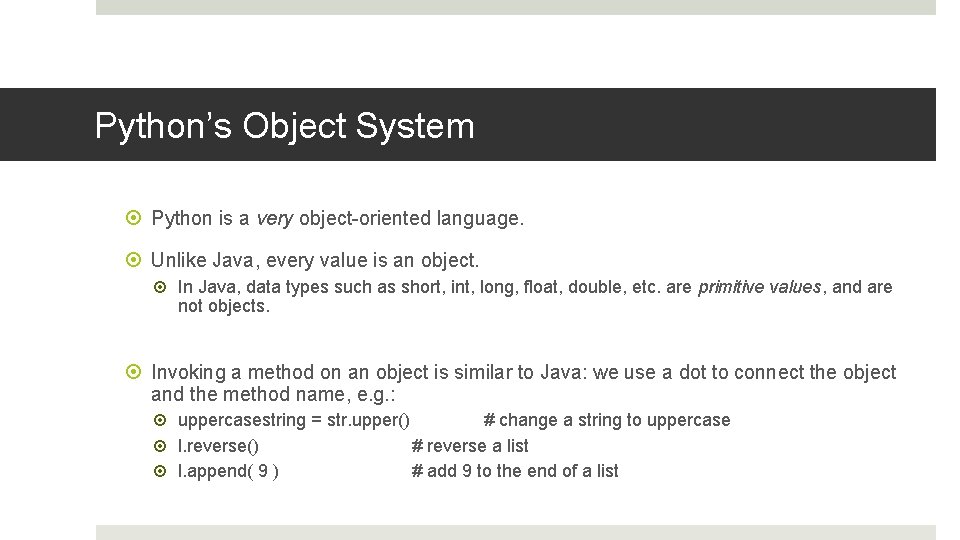
Python’s Object System Python is a very object-oriented language. Unlike Java, every value is an object. In Java, data types such as short, int, long, float, double, etc. are primitive values, and are not objects. Invoking a method on an object is similar to Java: we use a dot to connect the object and the method name, e. g. : uppercasestring = str. upper() # change a string to uppercase l. reverse() # reverse a list l. append( 9 ) # add 9 to the end of a list
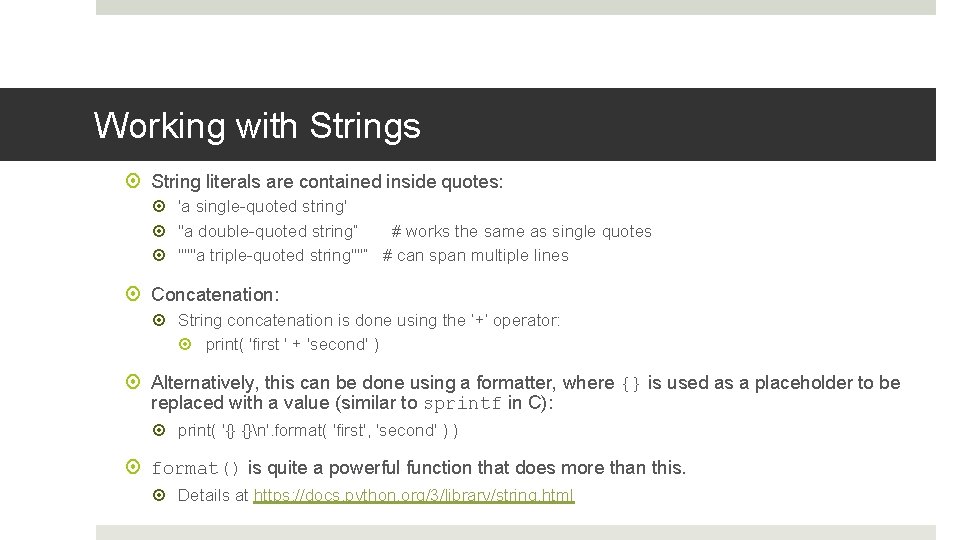
Working with Strings String literals are contained inside quotes: 'a single-quoted string' "a double-quoted string” # works the same as single quotes """a triple-quoted string""” # can span multiple lines Concatenation: String concatenation is done using the ‘+’ operator: print( 'first ' + 'second' ) Alternatively, this can be done using a formatter, where {} is used as a placeholder to be replaced with a value (similar to sprintf in C): print( '{} {}n'. format( 'first', 'second' ) ) format() is quite a powerful function that does more than this. Details at https: //docs. python. org/3/library/string. html
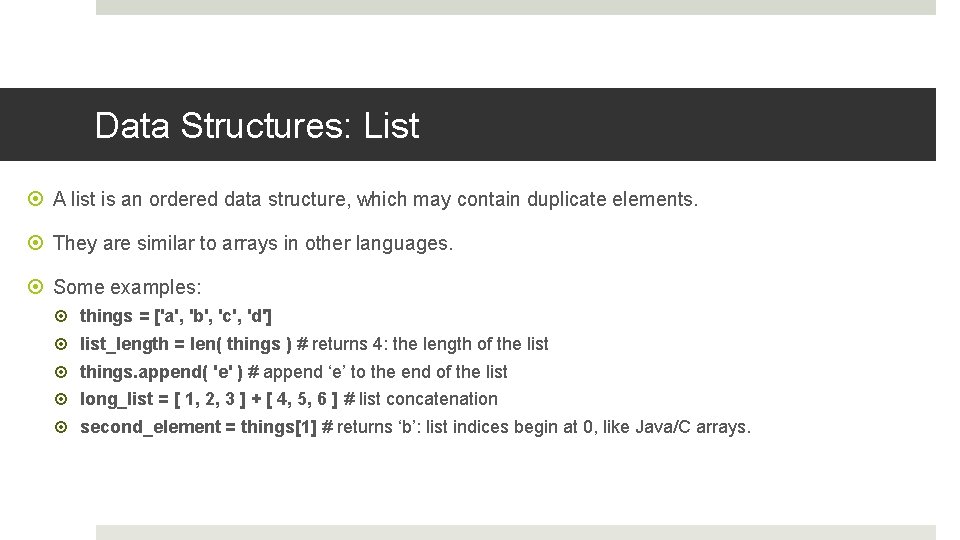
Data Structures: List A list is an ordered data structure, which may contain duplicate elements. They are similar to arrays in other languages. Some examples: things = ['a', 'b', 'c', 'd'] list_length = len( things ) # returns 4: the length of the list things. append( 'e' ) # append ‘e’ to the end of the list long_list = [ 1, 2, 3 ] + [ 4, 5, 6 ] # list concatenation second_element = things[1] # returns ‘b’: list indices begin at 0, like Java/C arrays.
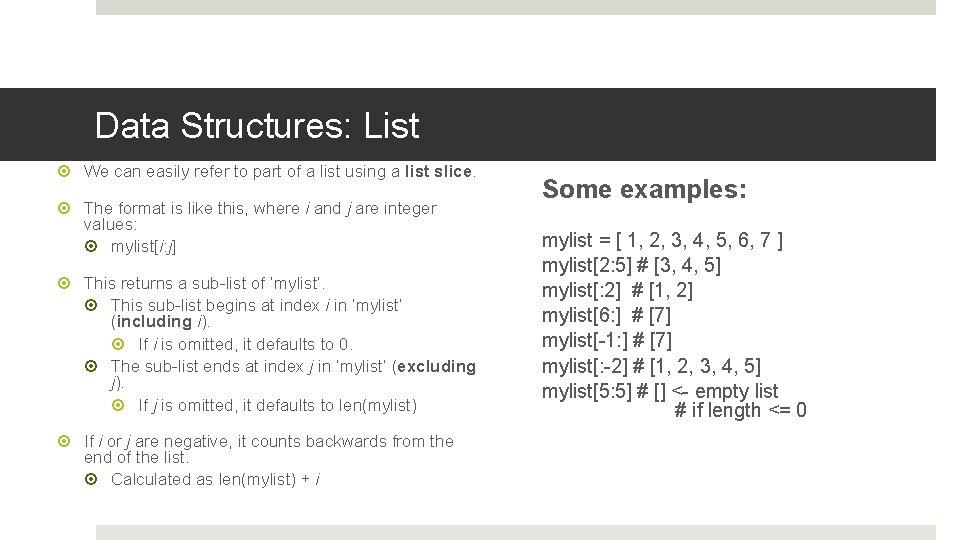
Data Structures: List We can easily refer to part of a list using a list slice. The format is like this, where i and j are integer values: mylist[i: j] This returns a sub-list of ‘mylist’. This sub-list begins at index i in ‘mylist’ (including i). If i is omitted, it defaults to 0. The sub-list ends at index j in ‘mylist’ (excluding j). If j is omitted, it defaults to len(mylist) If i or j are negative, it counts backwards from the end of the list. Calculated as len(mylist) + i Some examples: mylist = [ 1, 2, 3, 4, 5, 6, 7 ] mylist[2: 5] # [3, 4, 5] mylist[: 2] # [1, 2] mylist[6: ] # [7] mylist[-1: ] # [7] mylist[: -2] # [1, 2, 3, 4, 5] mylist[5: 5] # [] <- empty list # if length <= 0
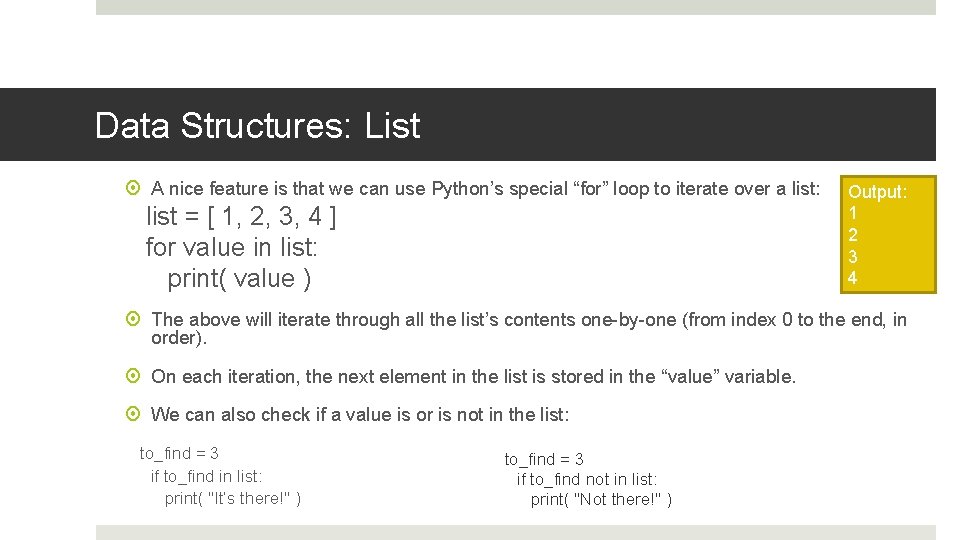
Data Structures: List A nice feature is that we can use Python’s special “for” loop to iterate over a list: list = [ 1, 2, 3, 4 ] for value in list: print( value ) Output: 1 2 3 4 The above will iterate through all the list’s contents one-by-one (from index 0 to the end, in order). On each iteration, the next element in the list is stored in the “value” variable. We can also check if a value is or is not in the list: to_find = 3 if to_find in list: print( "It’s there!" ) to_find = 3 if to_find not in list: print( "Not there!" )
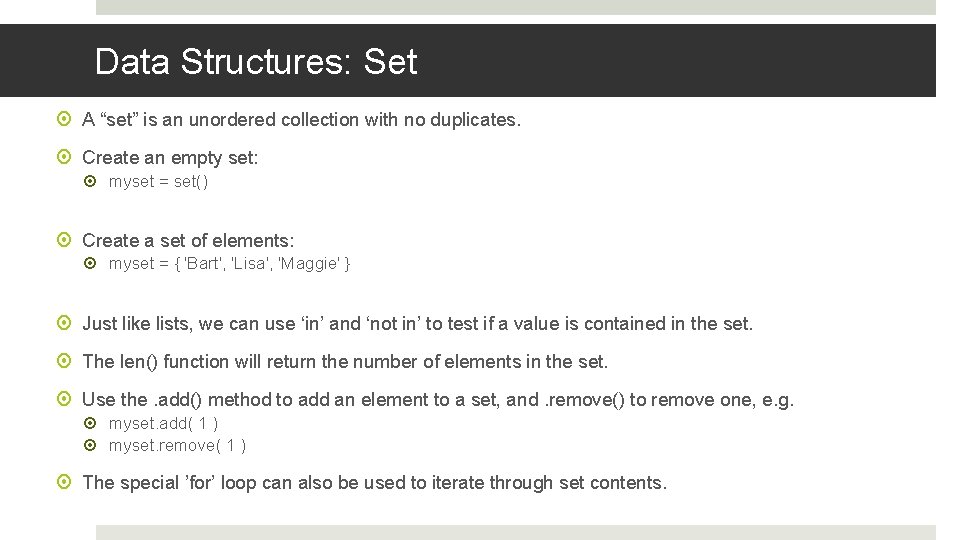
Data Structures: Set A “set” is an unordered collection with no duplicates. Create an empty set: myset = set() Create a set of elements: myset = { 'Bart', 'Lisa', 'Maggie' } Just like lists, we can use ‘in’ and ‘not in’ to test if a value is contained in the set. The len() function will return the number of elements in the set. Use the. add() method to add an element to a set, and. remove() to remove one, e. g. myset. add( 1 ) myset. remove( 1 ) The special ’for’ loop can also be used to iterate through set contents.
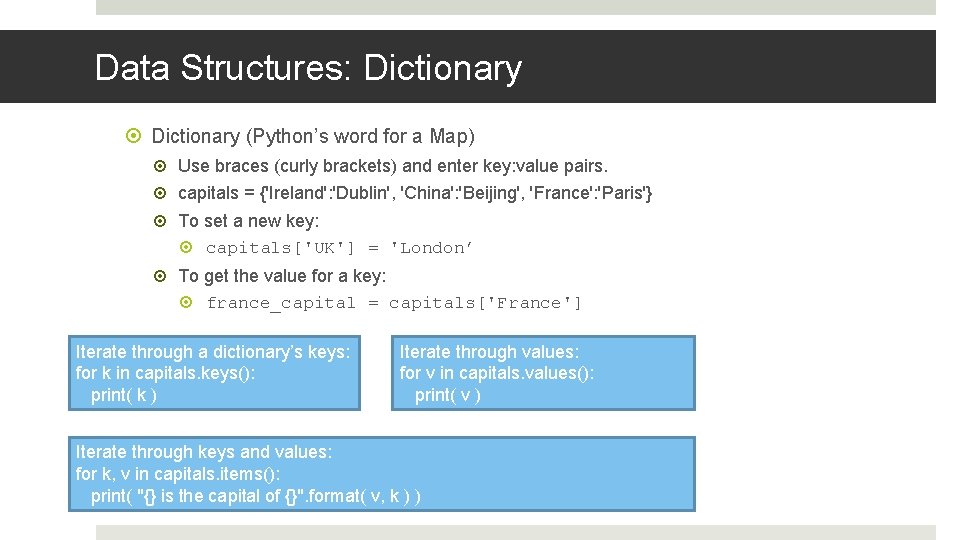
Data Structures: Dictionary (Python’s word for a Map) Use braces (curly brackets) and enter key: value pairs. capitals = {'Ireland': 'Dublin', 'China': 'Beijing', 'France': 'Paris'} To set a new key: capitals['UK'] = 'London’ To get the value for a key: france_capital = capitals['France'] Iterate through a dictionary’s keys: for k in capitals. keys(): print( k ) Iterate through values: for v in capitals. values(): print( v ) Iterate through keys and values: for k, v in capitals. items(): print( "{} is the capital of {}". format( v, k ) )
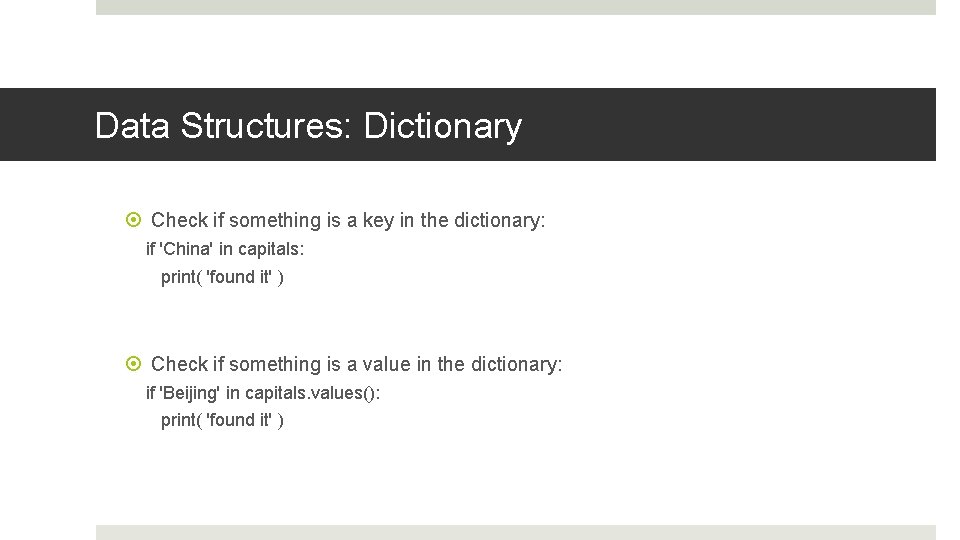
Data Structures: Dictionary Check if something is a key in the dictionary: if 'China' in capitals: print( 'found it' ) Check if something is a value in the dictionary: if 'Beijing' in capitals. values(): print( 'found it' )
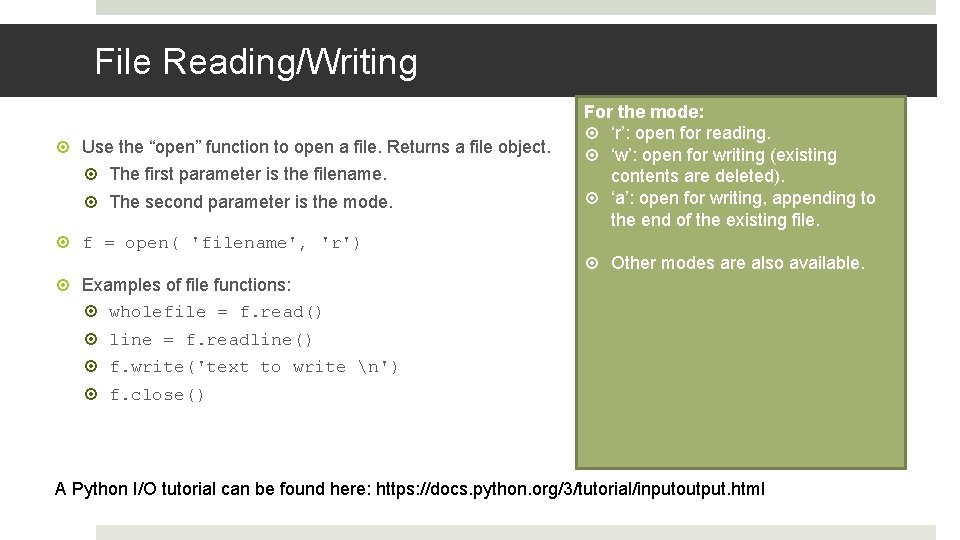
File Reading/Writing Use the “open” function to open a file. Returns a file object. The first parameter is the filename. The second parameter is the mode. f = open( 'filename', 'r') For the mode: ‘r’: open for reading. ‘w’: open for writing (existing contents are deleted). ‘a’: open for writing, appending to the end of the existing file. Other modes are also available. Examples of file functions: wholefile = f. read() line = f. readline() f. write('text to write n') f. close() A Python I/O tutorial can be found here: https: //docs. python. org/3/tutorial/inputoutput. html
![def maxmin( list ): min = list[0] Functions max = list[0] for value in](http://slidetodoc.com/presentation_image_h2/fc231d325c9ee2749359ac8242970aa9/image-21.jpg "def maxmin( list ): min = list[0] Functions max = list[0] for value in")
def maxmin( list ): min = list[0] Functions max = list[0] for value in list: Functions are defined using the ‘def’ keyword. A function also has a name; … and some parameters, which have names. Unlike Java/C, we do not specify a return type. Also, the parameters don’t have specified types. if value < min: min = value if value > max: max = value return max, min # we can call it like this: Also unlike Java/C, a Python function can mx, mn = maxmin([21, 12, 1, 3, 87]) return more than one value.
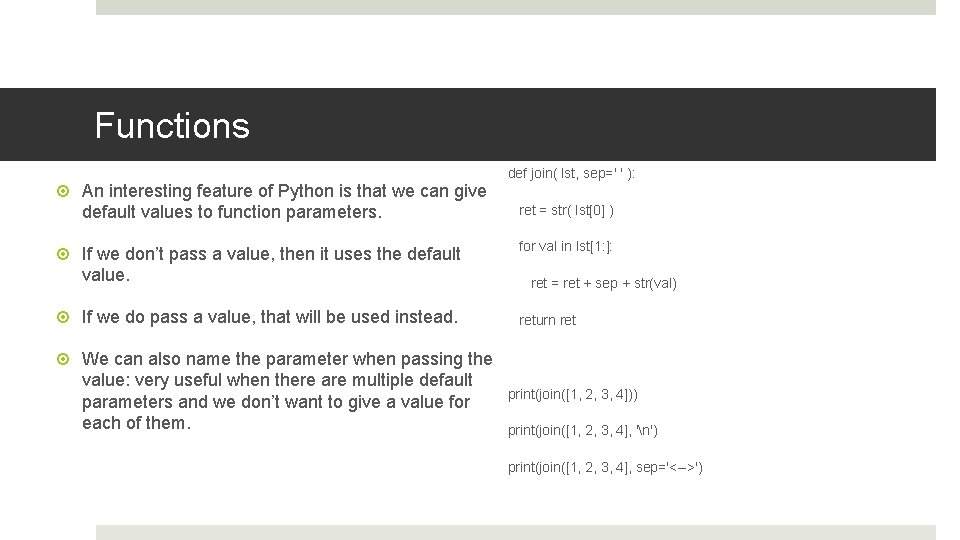
Functions An interesting feature of Python is that we can give default values to function parameters. def join( lst, sep=' ' ): ret = str( lst[0] ) If we don’t pass a value, then it uses the default value. for val in lst[1: ]: If we do pass a value, that will be used instead. return ret We can also name the parameter when passing the value: very useful when there are multiple default parameters and we don’t want to give a value for each of them. ret = ret + sep + str(val) print(join([1, 2, 3, 4])) print(join([1, 2, 3, 4], 'n') print(join([1, 2, 3, 4], sep='<-->')
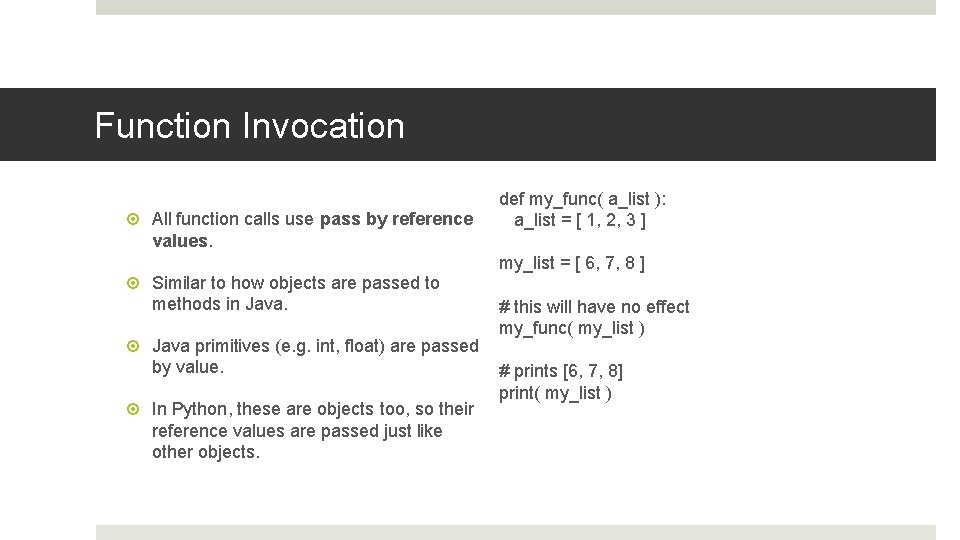
Function Invocation All function calls use pass by reference values. Similar to how objects are passed to methods in Java primitives (e. g. int, float) are passed by value. In Python, these are objects too, so their reference values are passed just like other objects. def my_func( a_list ): a_list = [ 1, 2, 3 ] my_list = [ 6, 7, 8 ] # this will have no effect my_func( my_list ) # prints [6, 7, 8] print( my_list )
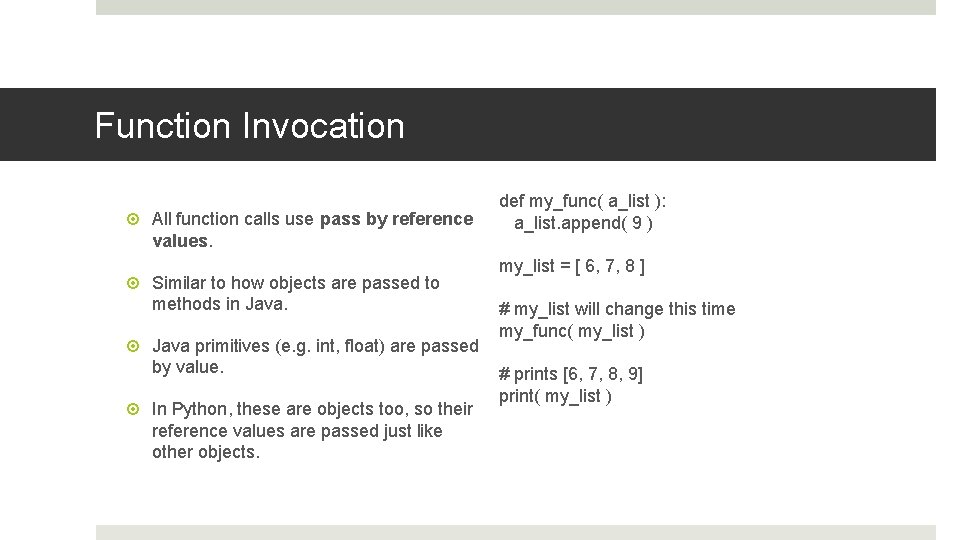
Function Invocation All function calls use pass by reference values. Similar to how objects are passed to methods in Java primitives (e. g. int, float) are passed by value. In Python, these are objects too, so their reference values are passed just like other objects. def my_func( a_list ): a_list. append( 9 ) my_list = [ 6, 7, 8 ] # my_list will change this time my_func( my_list ) # prints [6, 7, 8, 9] print( my_list )
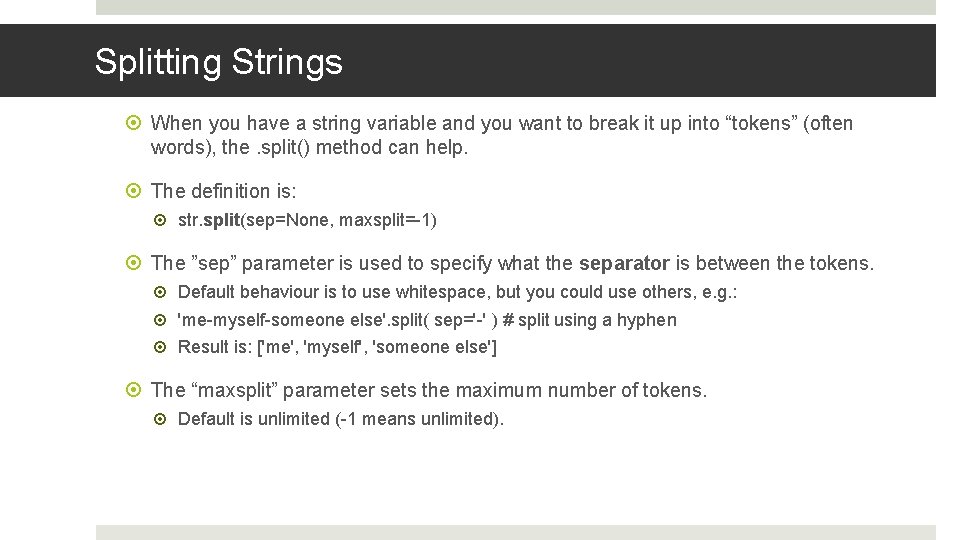
Splitting Strings When you have a string variable and you want to break it up into “tokens” (often words), the. split() method can help. The definition is: str. split(sep=None, maxsplit=-1) The ”sep” parameter is used to specify what the separator is between the tokens. Default behaviour is to use whitespace, but you could use others, e. g. : 'me-myself-someone else'. split( sep='-' ) # split using a hyphen Result is: ['me', 'myself', 'someone else'] The “maxsplit” parameter sets the maximum number of tokens. Default is unlimited (-1 means unlimited).
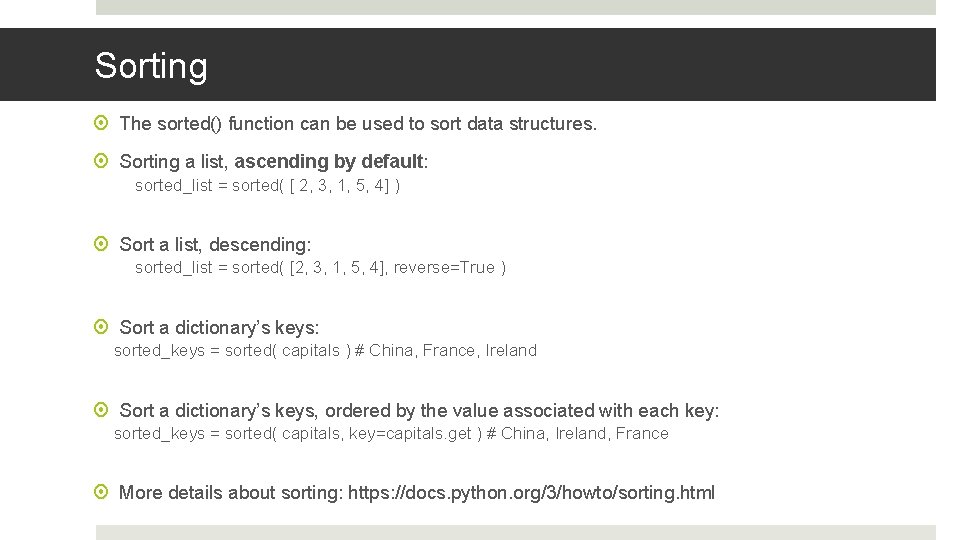
Sorting The sorted() function can be used to sort data structures. Sorting a list, ascending by default: sorted_list = sorted( [ 2, 3, 1, 5, 4] ) Sort a list, descending: sorted_list = sorted( [2, 3, 1, 5, 4], reverse=True ) Sort a dictionary’s keys: sorted_keys = sorted( capitals ) # China, France, Ireland Sort a dictionary’s keys, ordered by the value associated with each key: sorted_keys = sorted( capitals, key=capitals. get ) # China, Ireland, France More details about sorting: https: //docs. python. org/3/howto/sorting. html
Conclusion In this module, we will use the Python programming language to write programs that perform IR tasks. We will begin practicing in the labs next week (labs begin on Friday March 20 th). Today, we have seen how to run the Python interpreter; how logic, data and datatypes work; how to read and write from a file; some string processing; and how sorting is done in Python. During the semester, you will sometimes need to search the documentation and the internet for other Pythonn functions and techniques that you will need.
- Slides: 27