
A Universal Design Approach for Providing Computer Access

- Slides: 57
A Universal Design Approach for Providing Computer Access Sheryl Burgstahler Terrill Thompson University of Washington Seattle
Access to IT is Important Because IT: § changes the way we live, work, learn, & communicate, & play § drives advances in other fields § powers the economy 2
Presentation Outline • • About our two Centers at UW Approaches to Access Assistive Technology Universal Design Approach Implications for Practice The UW Experience Resources
Two UW Centers Access Technology Center (ATC) § Founded 1984 § Funded by UW DO-IT Center § Founded 1992 § Supported with federal, state, corporate, private funds § Expanded to DO-IT Japan in 2007
DO-IT Center Disabilities, Opportunities, Internetworking, & Technology
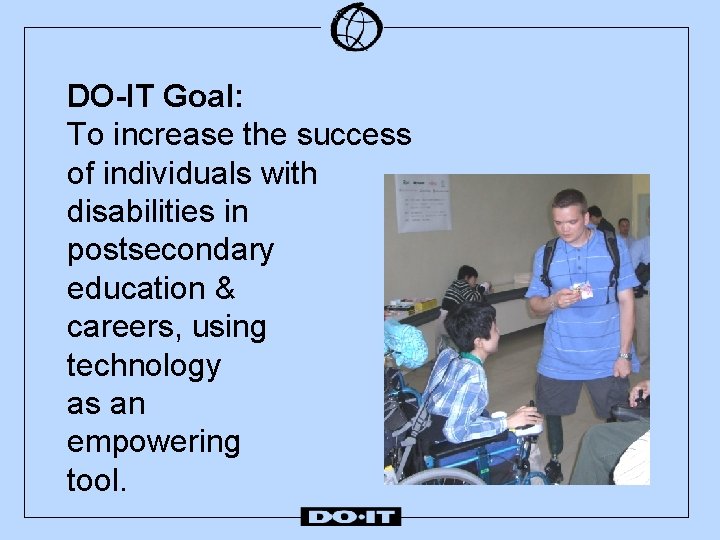
DO-IT Goal: To increase the success of individuals with disabilities in postsecondary education & careers, using technology as an empowering tool.
DO-IT Addresses Challenges § diminished support systems after high § § school little access to successful role models inadequate self-advocacy skills lack of or ineffective accommodations low expectations on the part of people with whom they interact & …
…lack of access to technology that can increase: • independence • productivity • participation in • education • careers • family life • community • recreation
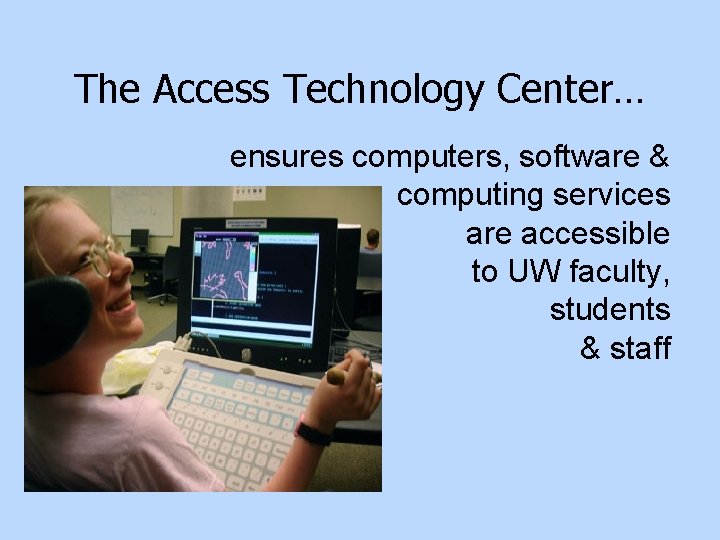
The Access Technology Center… ensures computers, software & computing services are accessible to UW faculty, students & staff
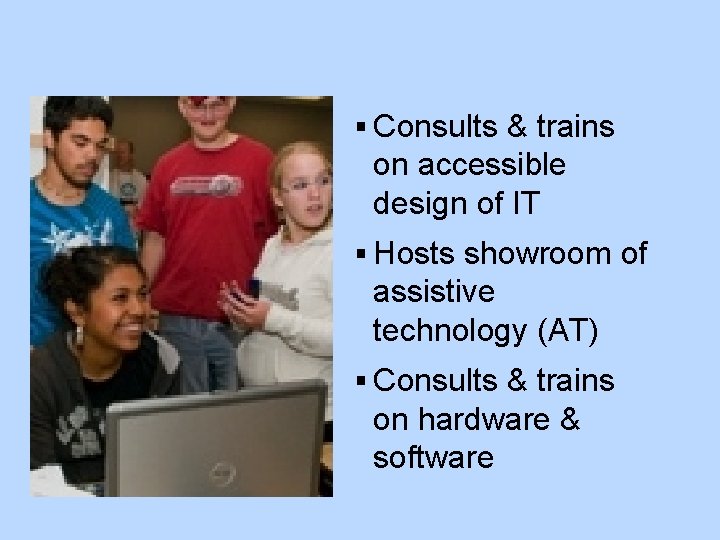
§ Consults & trains on accessible design of IT § Hosts showroom of assistive technology (AT) § Consults & trains on hardware & software
§ Integrates AT into campus computer labs
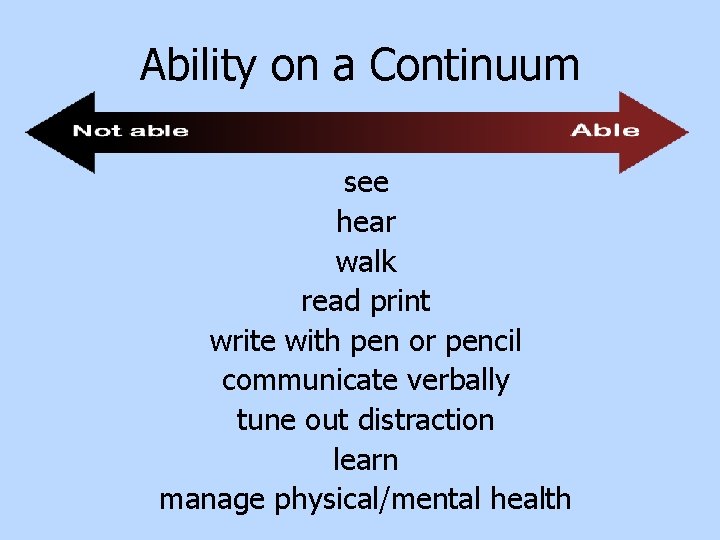
Ability on a Continuum see hear walk read print write with pen or pencil communicate verbally tune out distraction learn manage physical/mental health
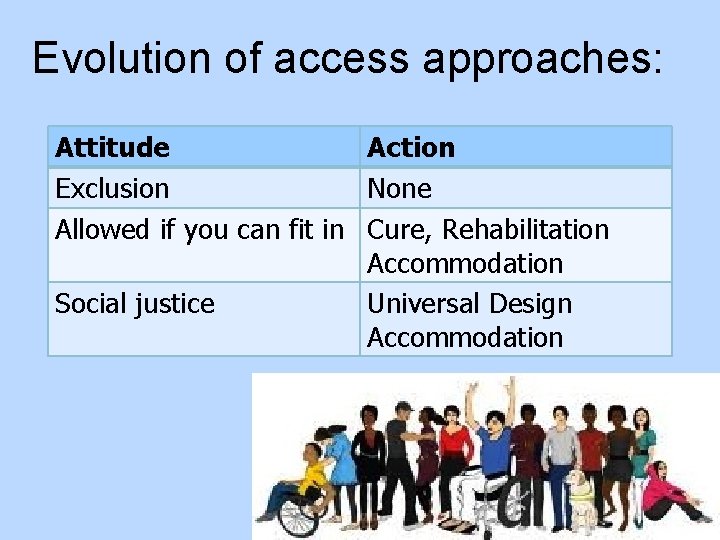
Evolution of access approaches: Attitude Action Exclusion None Allowed if you can fit in Cure, Rehabilitation Accommodation Social justice Universal Design Accommodation
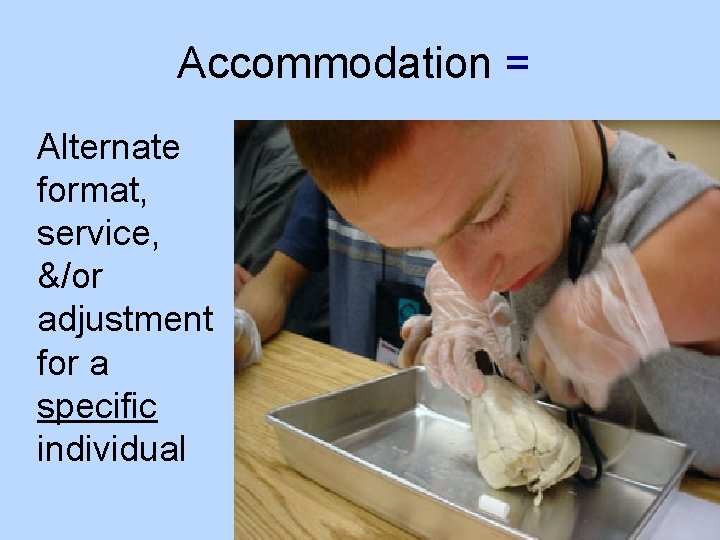
Accommodation = Alternate format, service, &/or adjustment for a specific individual
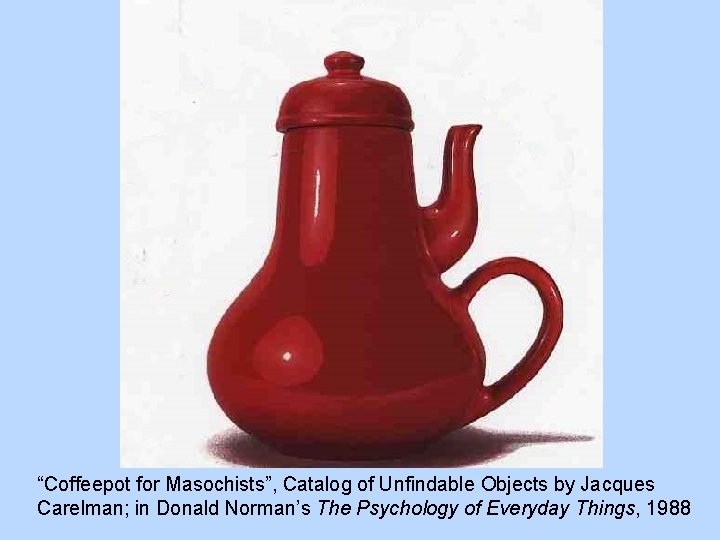
“Coffeepot for Masochists”, Catalog of Unfindable Objects by Jacques Carelman; in Donald Norman’s The Psychology of Everyday Things, 1988
Universal design = “the design of products & environments to be usable by all people, to the greatest extent possible, without the need for adaptation or specialized design. ” The Center for Universal Design www. design. ncsu. edu/cud
How could you universally design a name tag?
UD in education is: • an attitude that values diversity, equity, & inclusion. • a goal. • a process. • practices that make educational products & environments welcoming, accessible, & usable for everyone.
Apply universal design to: • Student services • Instruction • Technology • Physical spaces…
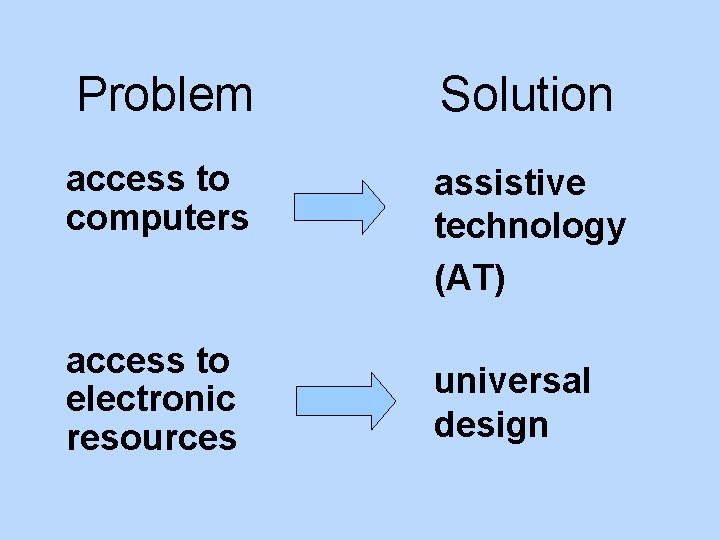
Problem Solution access to computers assistive technology (AT) access to electronic resources universal design
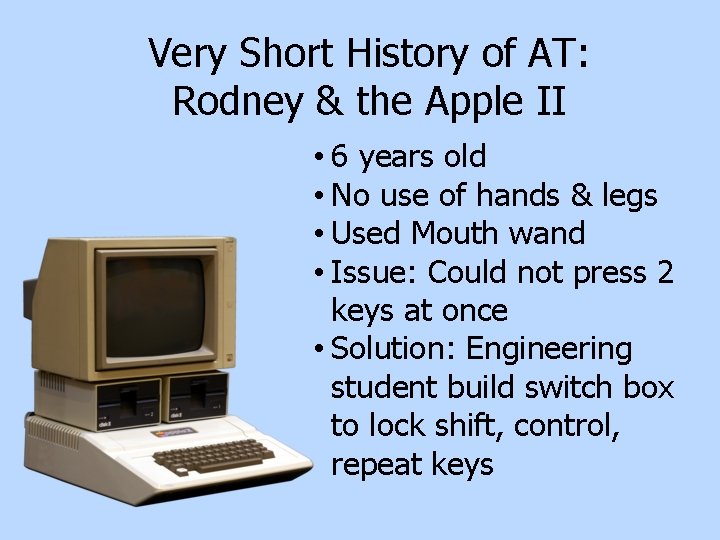
Very Short History of AT: Rodney & the Apple II • 6 years old • No use of hands & legs • Used Mouth wand • Issue: Could not press 2 keys at once • Solution: Engineering student build switch box to lock shift, control, repeat keys
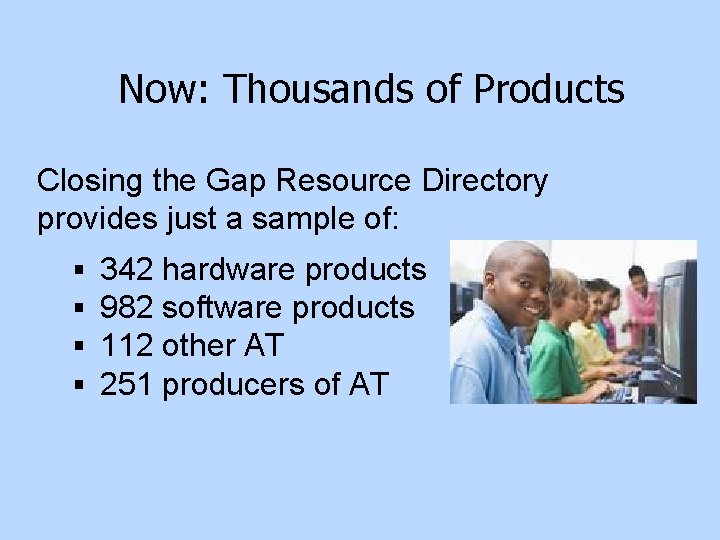
Now: Thousands of Products Closing the Gap Resource Directory provides just a sample of: § § 342 hardware products 982 software products 112 other AT 251 producers of AT
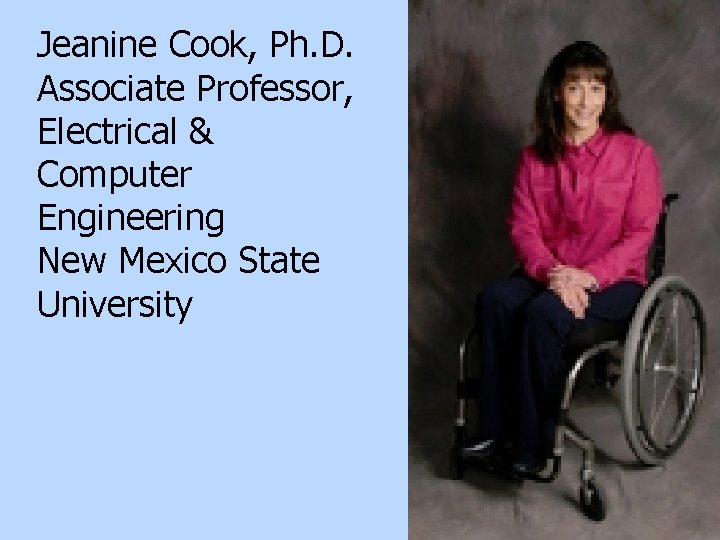
Jeanine Cook, Ph. D. Associate Professor, Electrical & Computer Engineering New Mexico State University 23
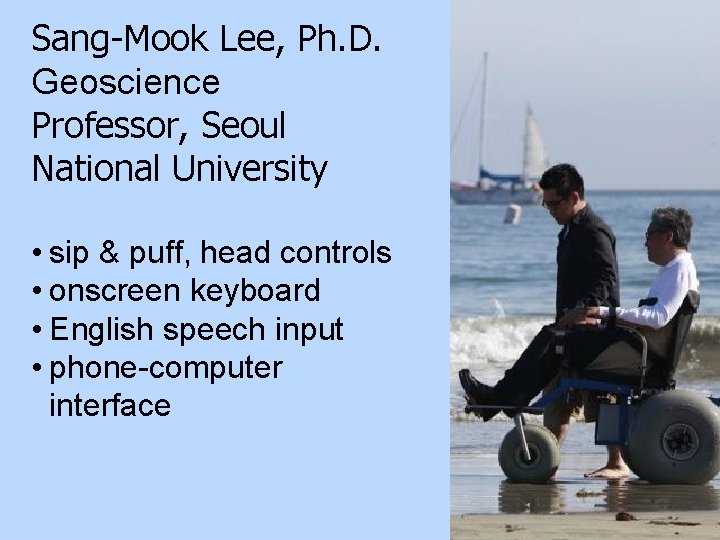
Sang-Mook Lee, Ph. D. Geoscience Professor, Seoul National University • sip & puff, head controls • onscreen keyboard • English speech input • phone-computer interface 24
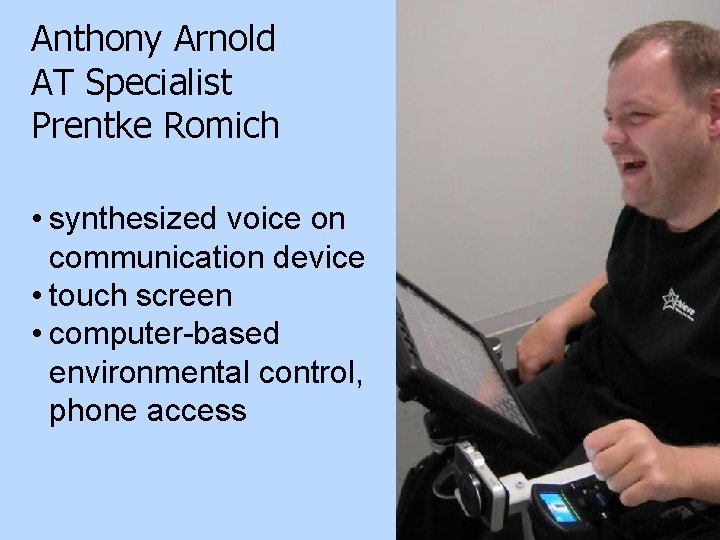
Anthony Arnold AT Specialist Prentke Romich • synthesized voice on communication device • touch screen • computer-based environmental control, phone access 25
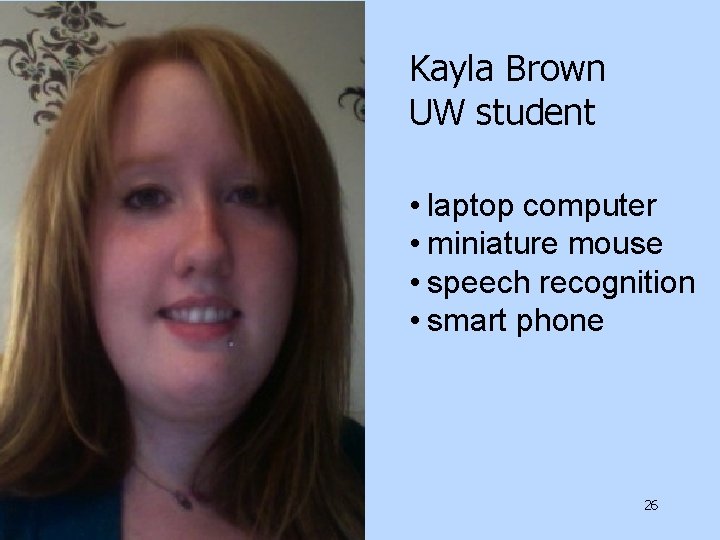
Kayla Brown UW student • laptop computer • miniature mouse • speech recognition • smart phone 26
Jessie Shulman BA, Informatics Business Analyst Amazon. com • speech output • speech input • grammar/spell checker 27
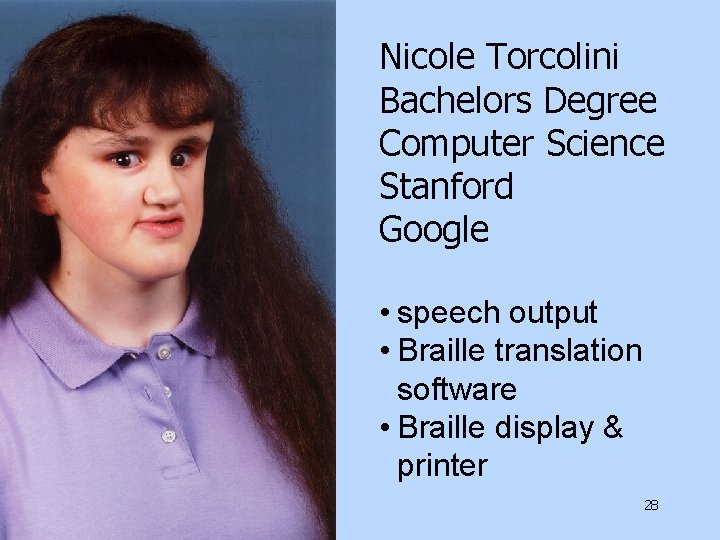
Nicole Torcolini Bachelors Degree Computer Science Stanford Google • speech output • Braille translation software • Braille display & printer 28
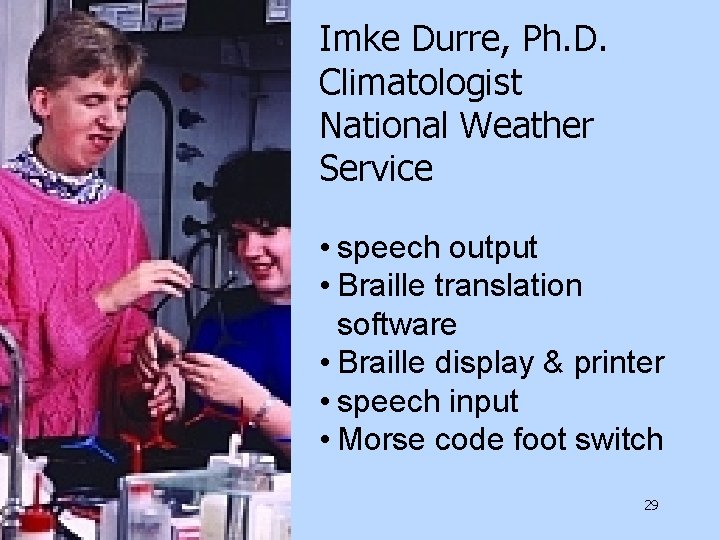
Imke Durre, Ph. D. Climatologist National Weather Service • speech output • Braille translation software • Braille display & printer • speech input • Morse code foot switch 29
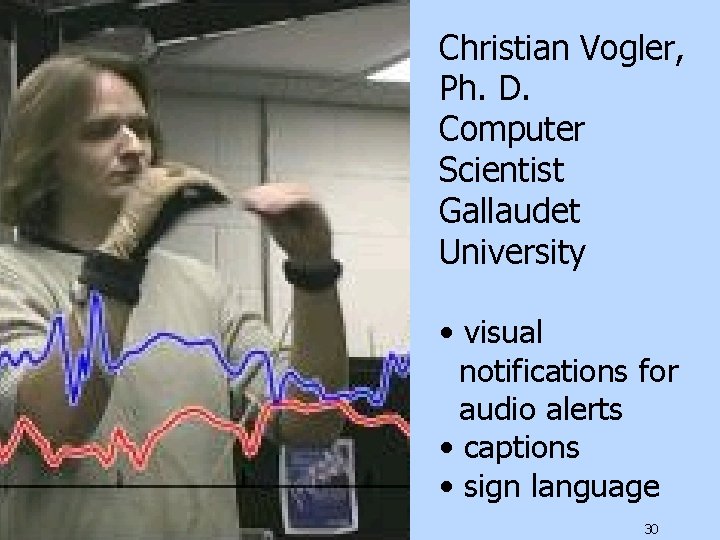
Christian Vogler, Ph. D. Computer Scientist Gallaudet University • visual notifications for audio alerts • captions • sign language 30
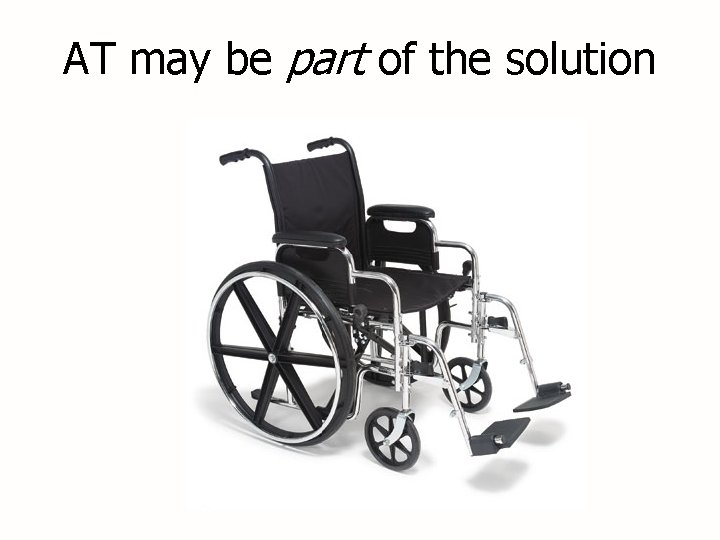
AT may be part of the solution
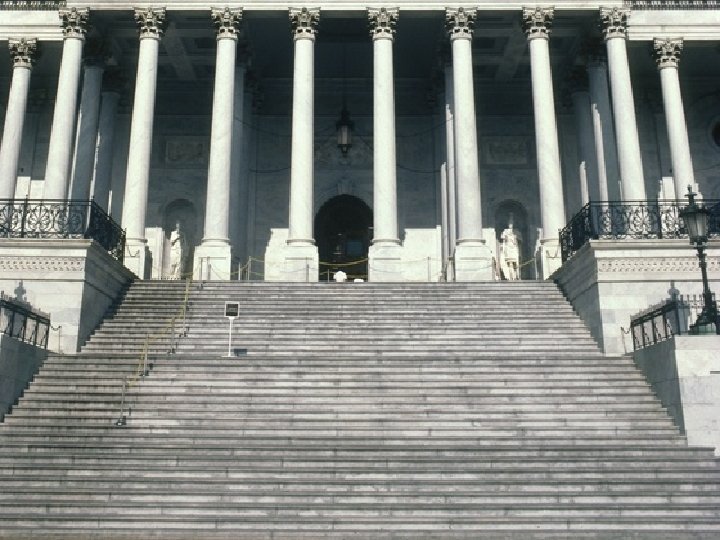
Image: Many Stairs
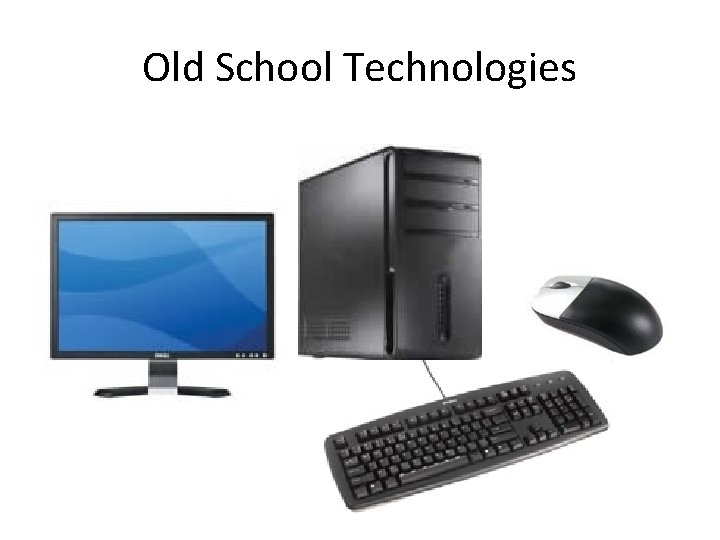
Old School Technologies
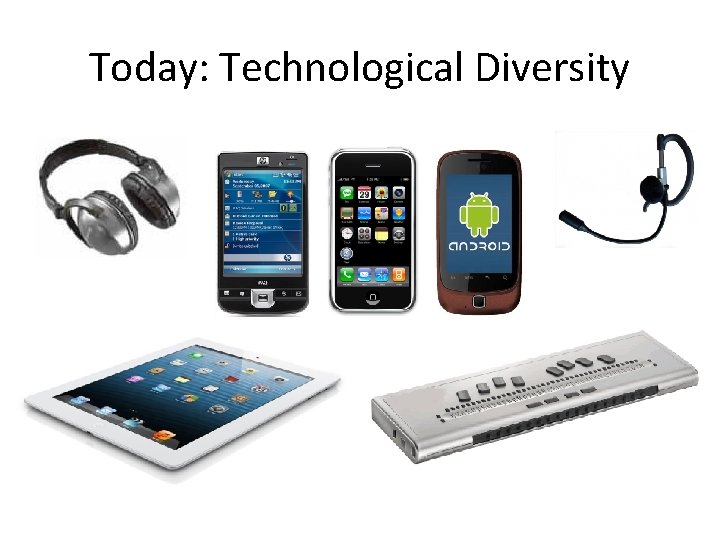
Today: Technological Diversity
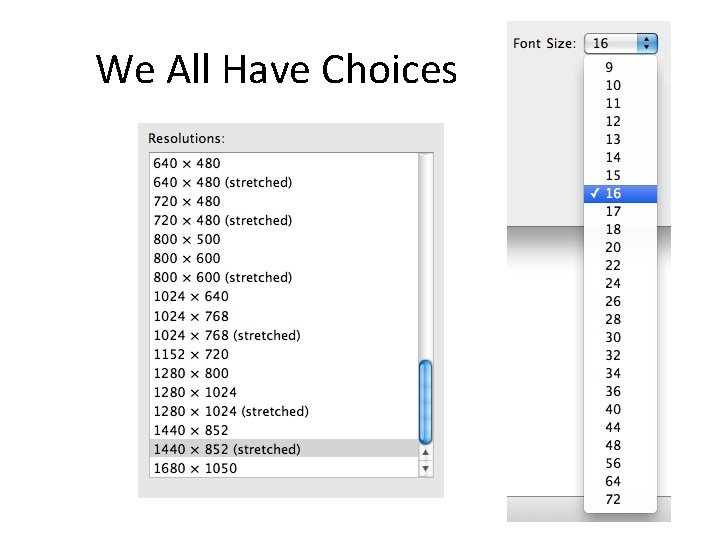
We All Have Choices
Today's Design Process • Make no assumptions about users' needs or technologies • Design and develop according to standards
A Very Brief History of the World Wide Web
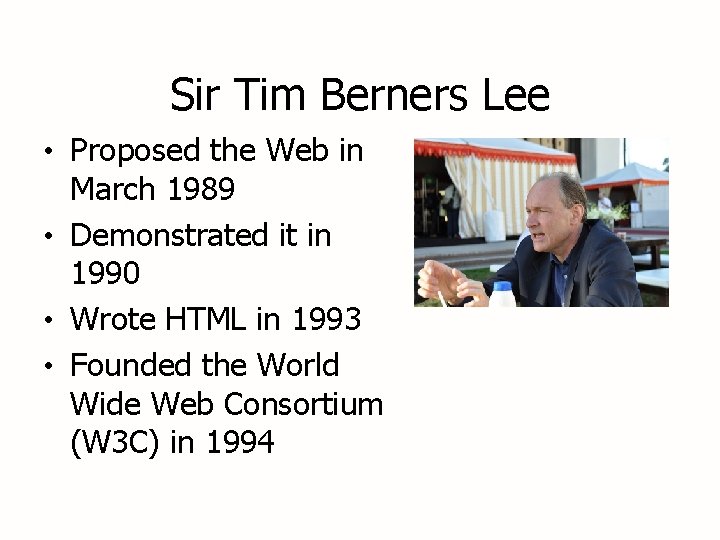
Sir Tim Berners Lee • Proposed the Web in March 1989 • Demonstrated it in 1990 • Wrote HTML in 1993 • Founded the World Wide Web Consortium (W 3 C) in 1994
HTML 1. 2 • Written by Tim Berners-Lee in a memo in June 1993 • Introduced the <img> tag • Simultaneously introduced the ALT attribute for people who couldn't see the image
W 3 C Accessibility Standards Web Content Accessibility Guidelines (WCAG) • 1. 0 published in 1999 • 2. 0 (the current version) published in 2008 • Three levels of success criteria - 26 “Level A” success criteria – the most important - 13 “Level AA” success criteria – also important - 23 “Level AAA” success criteria – maximum accessibility • Four principles (POUR): - Perceivable - Operable - Understandable - Robust
More W 3 C Accessibility Standards • Authoring Tool Accessibility Guidelines 1. 0 • User Agent Accessibility Guidelines 1. 0 • Accessible Rich Internet Applications (ARIA) • Defines new markup that communicates: • Role (e. g. , menu, slider, dialog, alert) • State (e. g. , is this hidden? Is it expanded? ) • Properties (e. g. , what are the maximum and minimum values on a slider? What is the current value? )
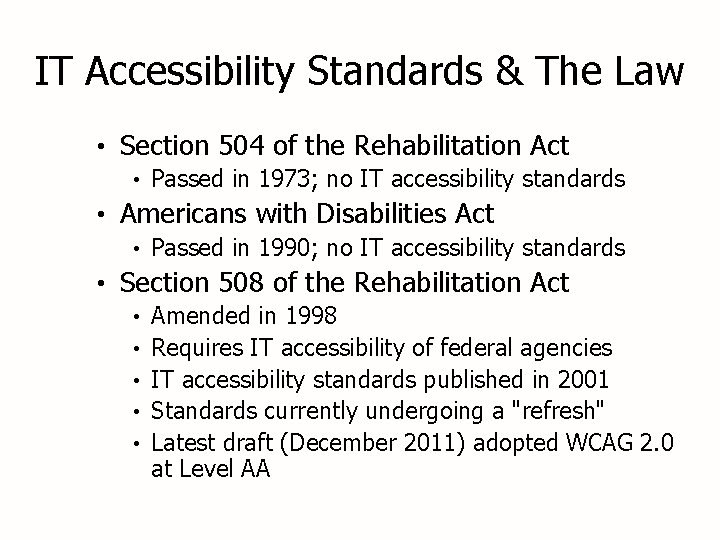
IT Accessibility Standards & The Law • Section 504 of the Rehabilitation Act • Passed in 1973; no IT accessibility standards • Americans with Disabilities Act • Passed in 1990; no IT accessibility standards • Section 508 of the Rehabilitation Act • • • Amended in 1998 Requires IT accessibility of federal agencies IT accessibility standards published in 2001 Standards currently undergoing a "refresh" Latest draft (December 2011) adopted WCAG 2. 0 at Level AA
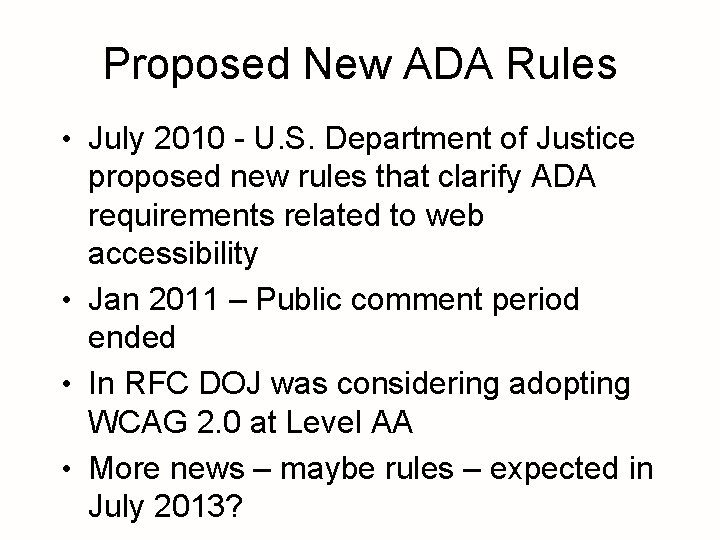
Proposed New ADA Rules • July 2010 - U. S. Department of Justice proposed new rules that clarify ADA requirements related to web accessibility • Jan 2011 – Public comment period ended • In RFC DOJ was considering adopting WCAG 2. 0 at Level AA • More news – maybe rules – expected in July 2013?
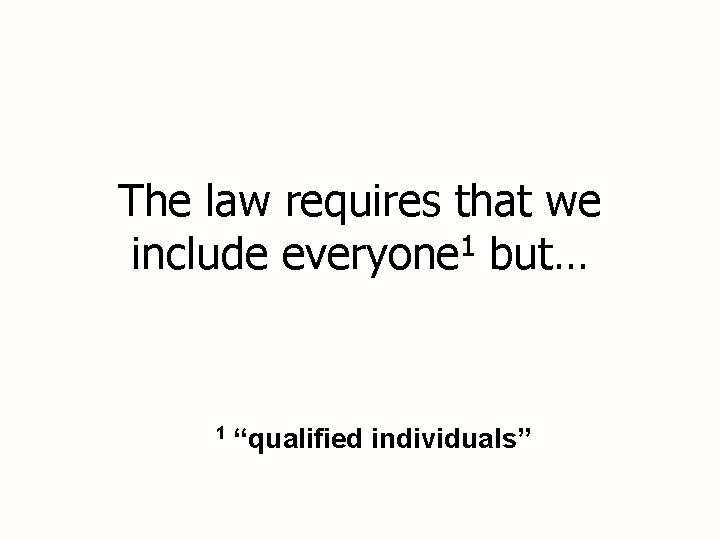
The law requires that we 1 include everyone but… 1 “qualified individuals”
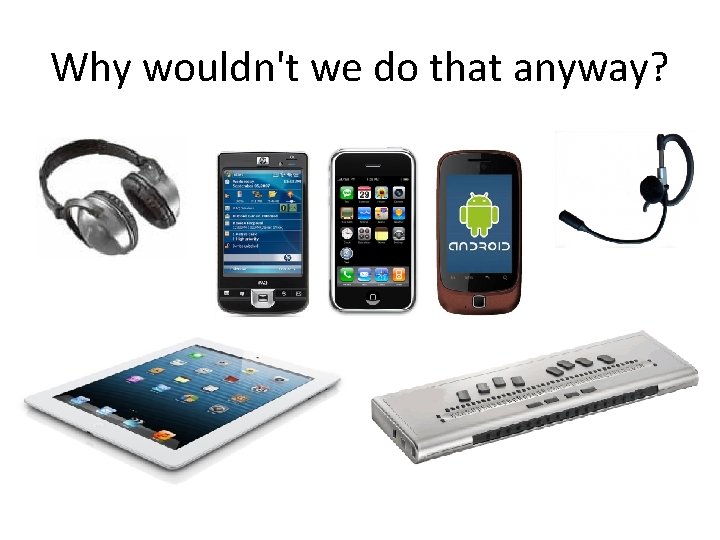
Why wouldn't we do that anyway?
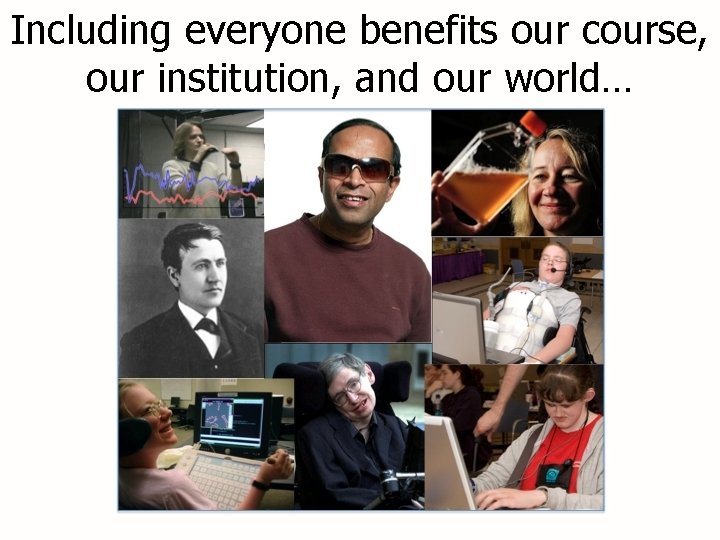
Including everyone benefits our course, our institution, and our world…
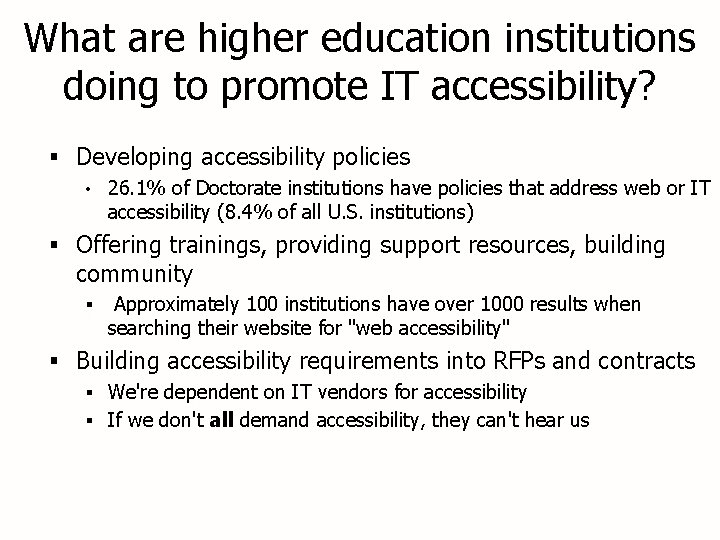
What are higher education institutions doing to promote IT accessibility? § Developing accessibility policies • 26. 1% of Doctorate institutions have policies that address web or IT accessibility (8. 4% of all U. S. institutions) § Offering trainings, providing support resources, building community § Approximately 100 institutions have over 1000 results when searching their website for "web accessibility" § Building accessibility requirements into RFPs and contracts § We're dependent on IT vendors for accessibility § If we don't all demand accessibility, they can't hear us
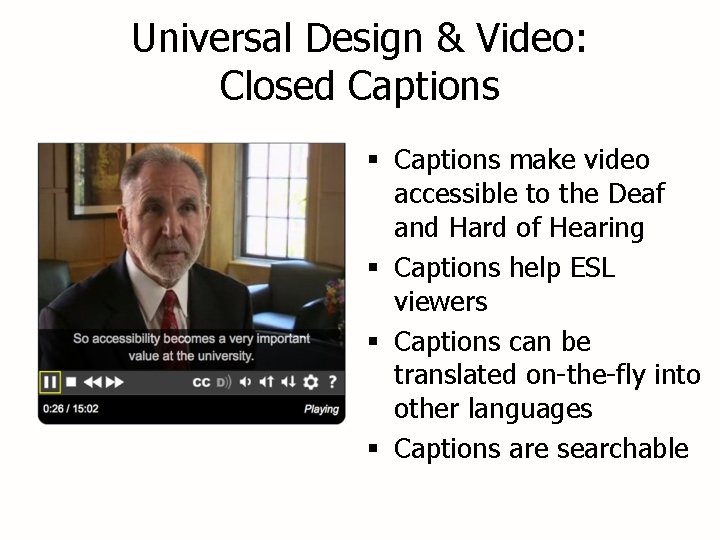
Universal Design & Video: Closed Captions § Captions make video accessible to the Deaf and Hard of Hearing § Captions help ESL viewers § Captions can be translated on-the-fly into other languages § Captions are searchable
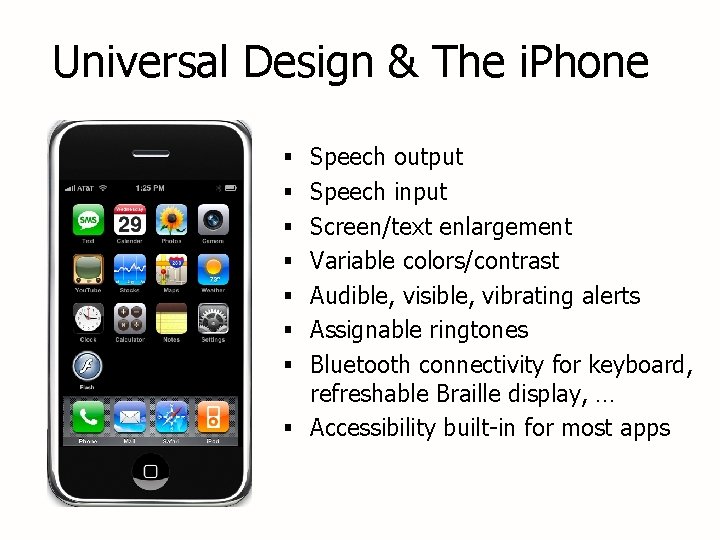
Universal Design & The i. Phone § Speech output § Speech input § Screen/text enlargement § Variable colors/contrast § Audible, visible, vibrating alerts § Assignable ringtones § Bluetooth connectivity for keyboard, refreshable Braille display, … § Accessibility built-in for most apps
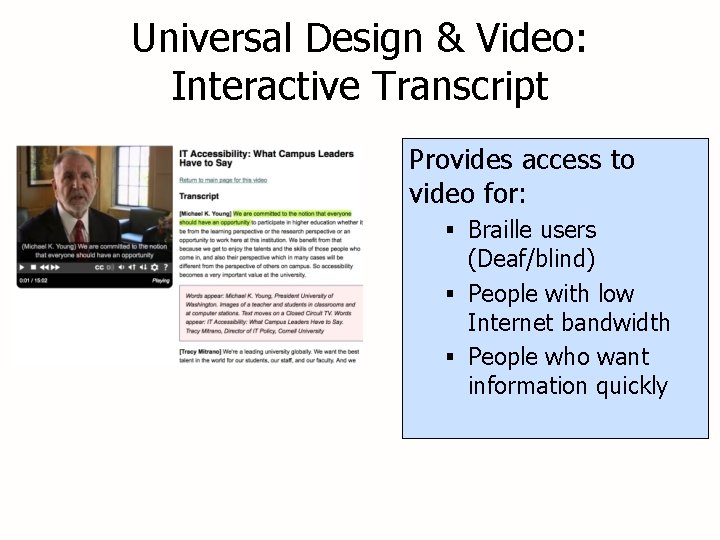
Universal Design & Video: Interactive Transcript Provides access to video for: § Braille users (Deaf/blind) § People with low Internet bandwidth § People who want information quickly
Share Your Stories What are you doing on your campus that exemplifies a Universal Design approach to technology access?
The UW Experience Reporting structures & roles of § Access Technology Center, § Learning Technologies & § Disability Resources for Students
The UW Experience IT Accessibility Task Force with representation from: § UW External Affairs § UW-IT § Disability Resources for Students § Office of Risk Management
The UW Experience IT Accessibility Task Force focused on three areas: § Enhancement of online UW-IT § Promote accessible IT § Explore policies/processes
The UW Experience IT Accessibility Task Force accomplishments of members: § Collaborated to create accessible Word. Press and Drupal Templates/Themes § Updated content/organization of IT Accessibility website & added videos § Video captioning RFP § Risk assessment report developed § UW Marketing helping to promote accessibility § Continuing to work together
Resources § IT Accessibility Website www. uw. edu/accessibility § DO-IT Video www. uw. edu/doit/video § Center on Universal Design in Education www. uw. edu/doit/CUDE
Questions?