
A TOOL FOR CUSTOMISING ELECTRONIC FORMS WEB QUESTIONNAIRES
A TOOL FOR CUSTOMISING ELECTRONIC FORMS. WEB QUESTIONNAIRES. LAURA ATANCE APARICIO AUDITOR (SPANISH COURT OF AUDIT) VILNIUS, SEPTEMBER 2016
MAIN ISSUES: Specify which Audit Institutions carry out the audit of municipalities in Spain Describe the work of the Spanish Court of Audit regarding municipalities Need for a tool for carrying out the audits and improving the level of the accountability: WEBSITE + ELECTRONIC OFFICE Description one of the Electronic Office’s tool: WEB QUESTIONNAIRE 2

TERRITORIAL ORGANIZATION SPANISH CONSTITUTION 1978 CENTRAL GOVERNMENT AUTONOMUOS COMMUNITIES (regional level) LOCAL ENTITIES
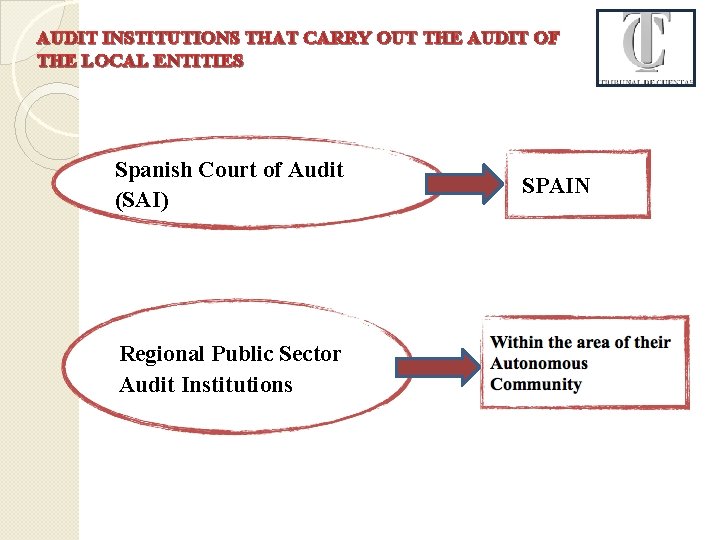
AUDIT INSTITUTIONS THAT CARRY OUT THE AUDIT OF THE LOCAL ENTITIES Spanish Court of Audit (SAI) Regional Public Sector Audit Institutions SPAIN
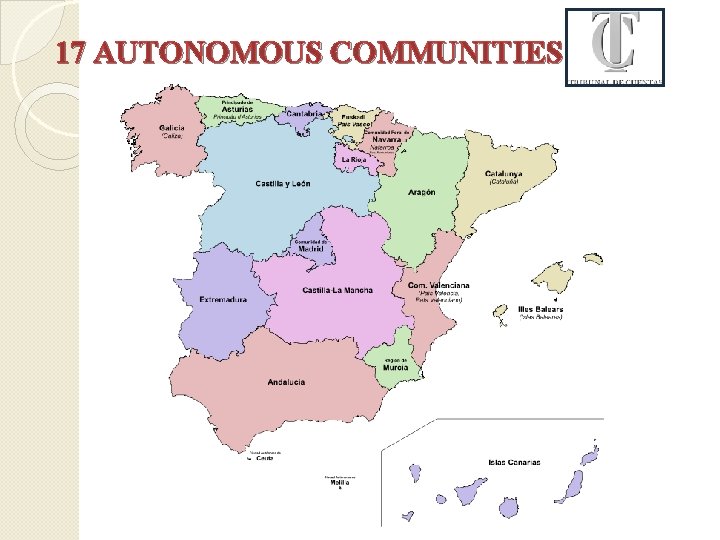
17 AUTONOMOUS COMMUNITIES
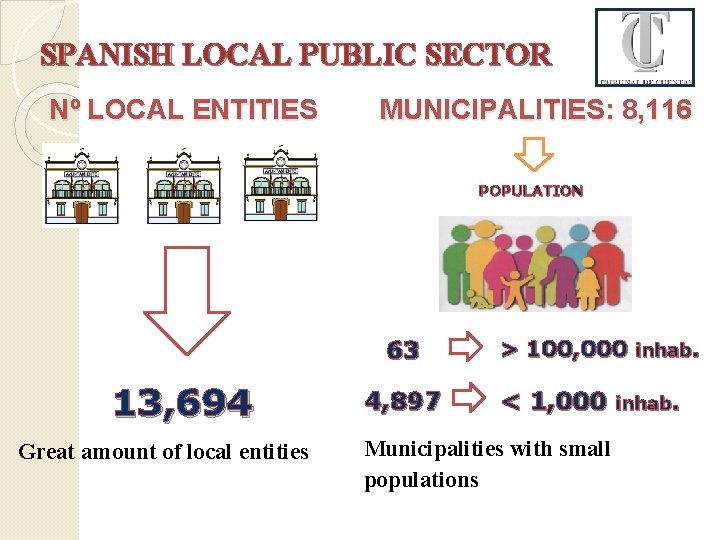
SPANISH LOCAL PUBLIC SECTOR Nº LOCAL ENTITIES MUNICIPALITIES: 8, 116 POPULATION 63 13, 694 Great amount of local entities 4, 897 > 100, 000 inhab. < 1, 000 Municipalities with small populations inhab.
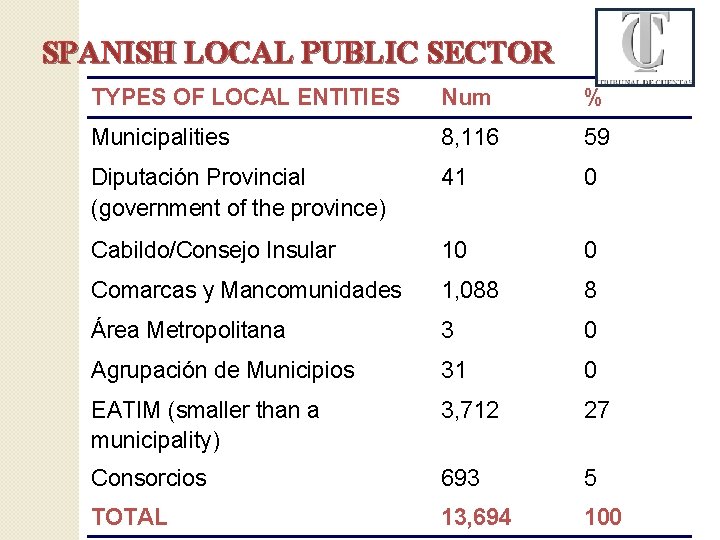
SPANISH LOCAL PUBLIC SECTOR TYPES OF LOCAL ENTITIES Num % Municipalities 8, 116 59 Diputación Provincial (government of the province) 41 0 Cabildo/Consejo Insular 10 0 Comarcas y Mancomunidades 1, 088 8 Área Metropolitana 3 0 Agrupación de Municipios 31 0 EATIM (smaller than a municipality) 3, 712 27 Consorcios 693 5 TOTAL 13, 694 100
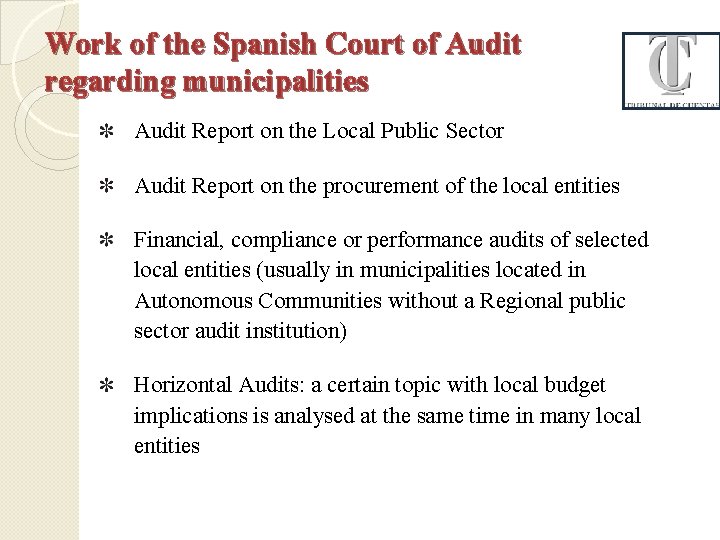
Work of the Spanish Court of Audit regarding municipalities Audit Report on the Local Public Sector Audit Report on the procurement of the local entities Financial, compliance or performance audits of selected local entities (usually in municipalities located in Autonomous Communities without a Regional public sector audit institution) Horizontal Audits: a certain topic with local budget implications is analysed at the same time in many local entities
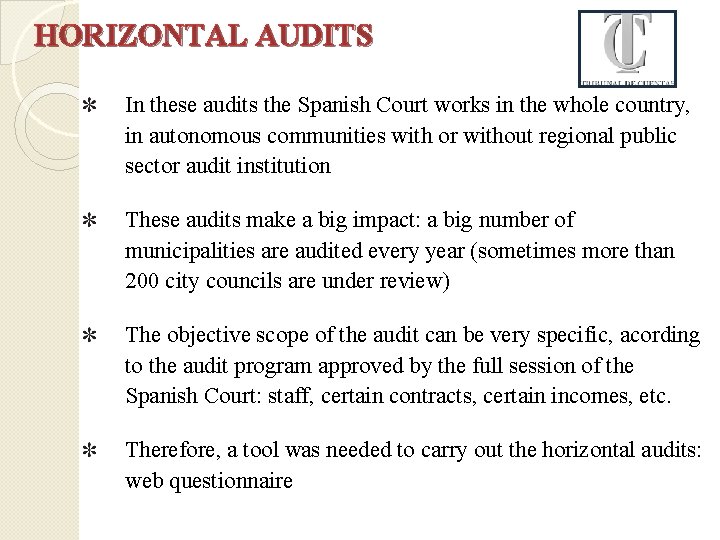
HORIZONTAL AUDITS In these audits the Spanish Court works in the whole country, in autonomous communities with or without regional public sector audit institution These audits make a big impact: a big number of municipalities are audited every year (sometimes more than 200 city councils are under review) The objective scope of the audit can be very specific, acording to the audit program approved by the full session of the Spanish Court: staff, certain contracts, certain incomes, etc. Therefore, a tool was needed to carry out the horizontal audits: web questionnaire

LOCATION WEB QUESTIONNAIRE WEBSITE ELECTRONIC OFFICE Internal information Interaction with various agents through different tools
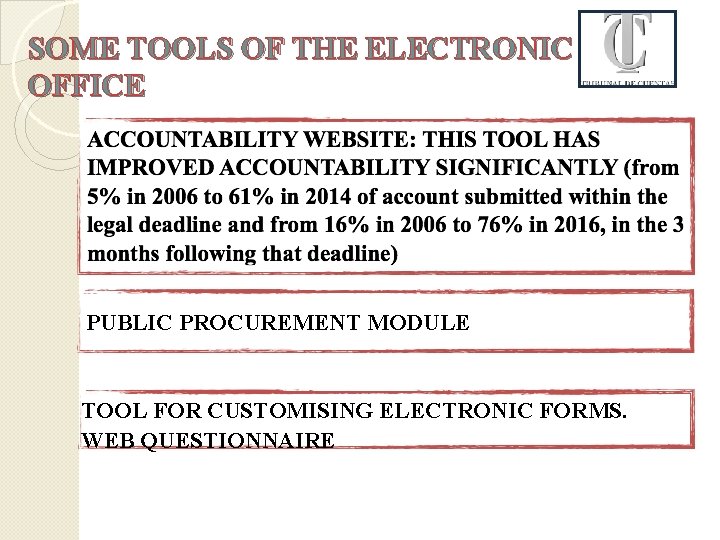
SOME TOOLS OF THE ELECTRONIC OFFICE PUBLIC PROCUREMENT MODULE TOOL FOR CUSTOMISING ELECTRONIC FORMS. WEB QUESTIONNAIRE
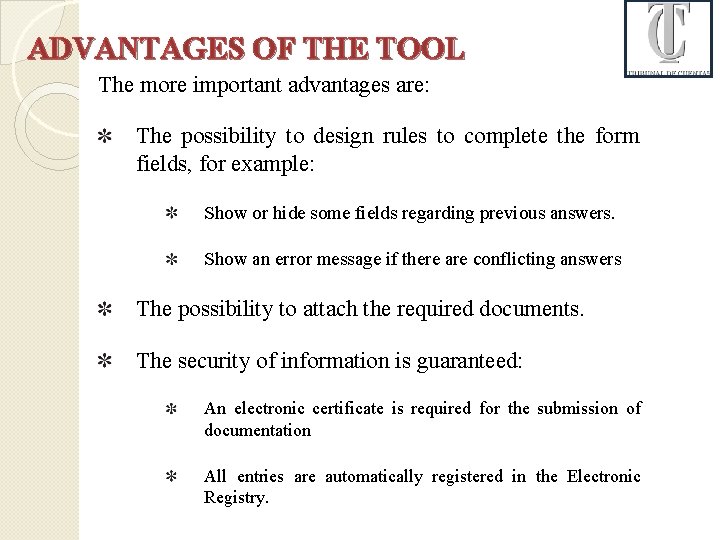
ADVANTAGES OF THE TOOL The more important advantages are: The possibility to design rules to complete the form fields, for example: Show or hide some fields regarding previous answers. Show an error message if there are conflicting answers The possibility to attach the required documents. The security of information is guaranteed: An electronic certificate is required for the submission of documentation All entries are automatically registered in the Electronic Registry.
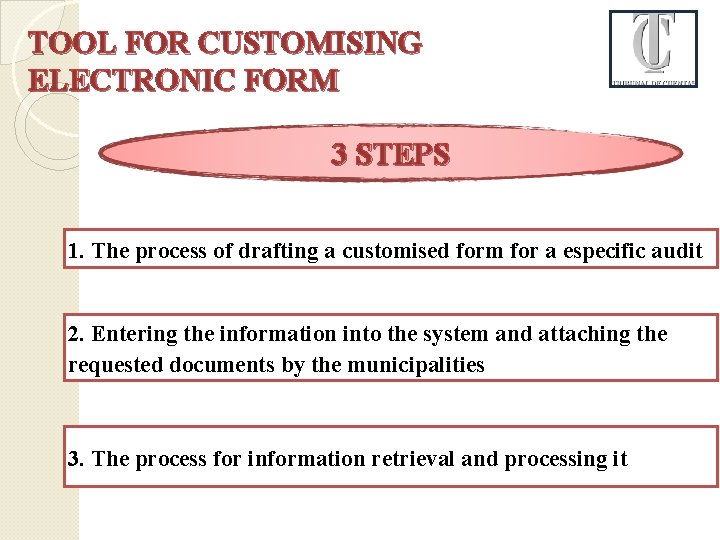
TOOL FOR CUSTOMISING ELECTRONIC FORM 3 STEPS 1. The process of drafting a customised form for a especific audit 2. Entering the information into the system and attaching the requested documents by the municipalities 3. The process for information retrieval and processing it
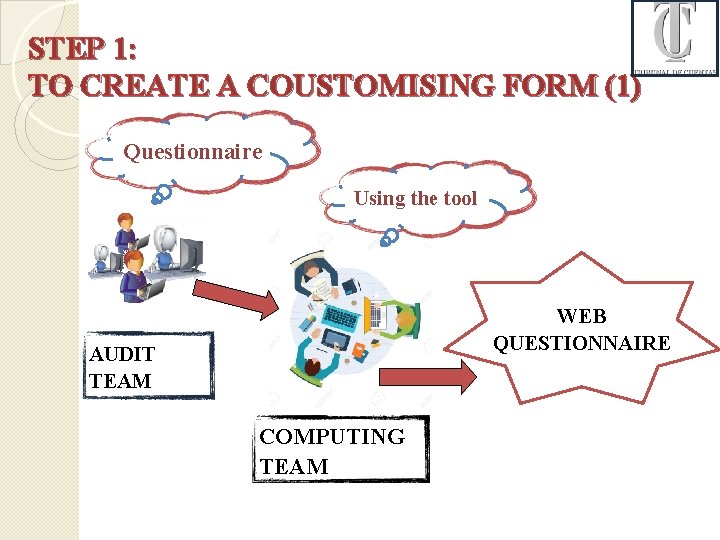
STEP 1: TO CREATE A COUSTOMISING FORM (1) Questionnaire Using the tool WEB QUESTIONNAIRE AUDIT TEAM COMPUTING TEAM
STEP 1: TO CREATE A COUSTOMISING FORM (2) THE AUDIT TEAM DESIGNS THE FORM: 1. Regarding the audit objectives we design the form including all the information we need. This step is very important because the selection of the samples is based on the answers. 2. When we know exactly what information we need, we specify the questions, mandatory or not, the form fields (text, number, a date. . ), some conditions for filling the fields, etc. 3. Finally we define the documents which must be attached.
STEP 1: TO CREATE A COUSTOMISING FORM (3) THE COMPUTING TEAM PREPARES AN ELECTRONIC FORM (OR WEB QUESTIONNAIRE) 1. They use the tool that supports the creation and management of the electronic form. 2. If the audit team thinks new utilities are needed, the computing team establishes new informatic developments (for example the possibility of printing some fields or design conditional logic regarding some answers).
STEP 1: TO CREATE A COUSTOMISING FORM(4) THE COMMUNICATION BETWEEN THE AUDIT TEAM AND THE COMPUTING TEAM IS CONSTANT 1. Usually we have a meeting at the beginning of the process. 2. During the process, both teams write as many emails as needed and have diferent meetings. 3. When a draft is prepared the audit team checks it in preproduction. 4. Finally the computing team uploads it to the electronic office.
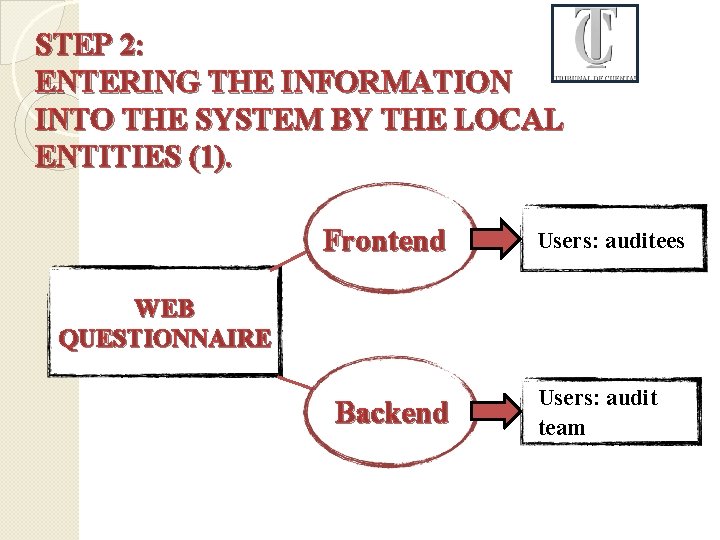
STEP 2: ENTERING THE INFORMATION INTO THE SYSTEM BY THE LOCAL ENTITIES (1). Frontend Users: auditees WEB QUESTIONNAIRE Backend Users: audit team
STEP 2: ENTERING THE INFORMATION INTO THE SYSTEM BY THE LOCAL ENTITIES (2). 1. With the User Code and Password given by the Spanish Court, the municipalities log into the form located in the electronic office. 2. Through a simple and guided navigation, the auditees can fill in the form providing relevant information and attaching electronic documents. 3. The Web Questionnaire is divided into several distinct blocks which can be filled by different people at the same time depending on their professional expertise-, and all data is recorded.

STEP 2: ENTERING THE INFORMATION INTO THE SYSTEM BY THE LOCAL ENTITIES (3). 1. The security of information is guaranteed. To submit a completed form it is required to have a digital certificate. 2. All entries are automatically registered in the Electronic Registry of the Court of Audit. 3. The Electronic Registry provides auditees a verification code. 4. The auditees can access submitted information whenever they want.
STEP 3: EASY PROCESSING OF THE INFORMATION RECEIVED (1). 1. Through the backend the audit team can see which entities are working in the form. 2. The Spanish Court receives the information in a structured form previously produced by the audit team. 3. The received information has two parts: Data, which is exported into a database, facilitating its analysis and subsequent use. Electronic documents, which are downloaded into specified folders.
STEP 3: EASY PROCESSING OF THE INFORMATION RECEIVED (2). The audit team use the received information basically for 3 purposes: To obtain the necessary data for the general part of the report. To do the comparative analysis between different entities. Sample design, size and selection of items for testing, because depending on the answers, it migth be more interesting to analyse determinated group of items.

AND FINALLY, WITH ALL THIS INFORMATION… We can write our report…
THANK YOU FOR YOUR ATTENTION MUCHAS GRACIAS POR SU ATENCIÓN Laura Atance Aparicio Auditor (Spanish Court of Audit) laura. atance@tcu. es
- Slides: 24