
A Simple i OS Application 8 Why APPLE



- Slides: 36
A Simple i. OS Application 演讲者 高二(8)班 夏宇凡
Why APPLE?
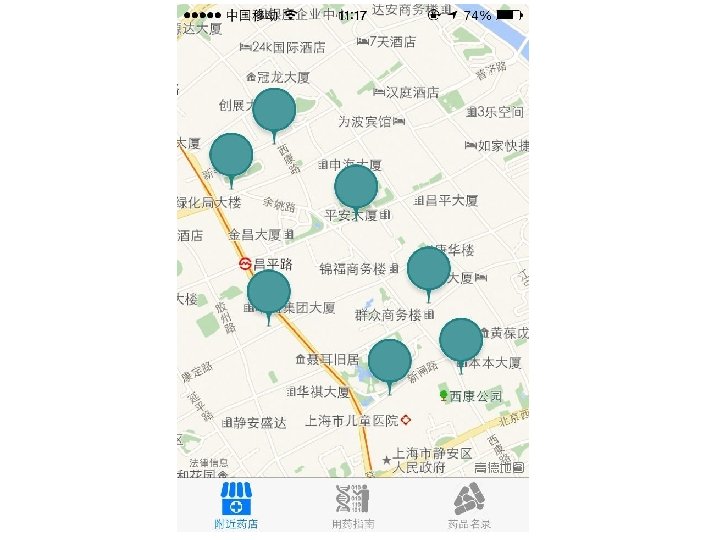
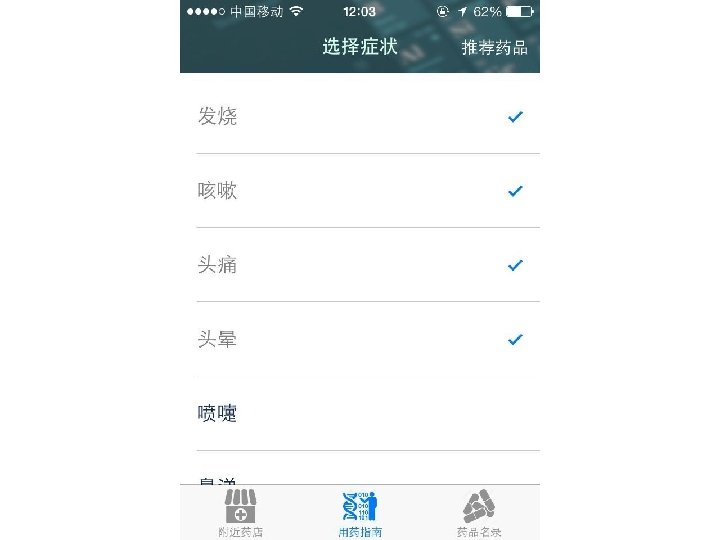
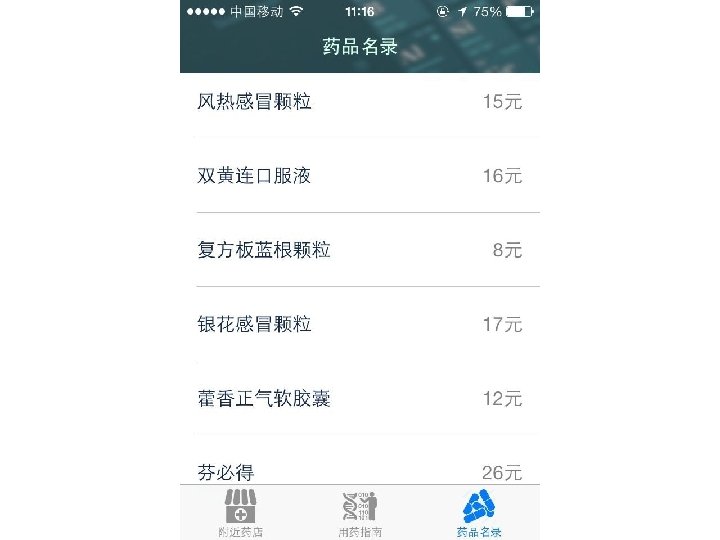
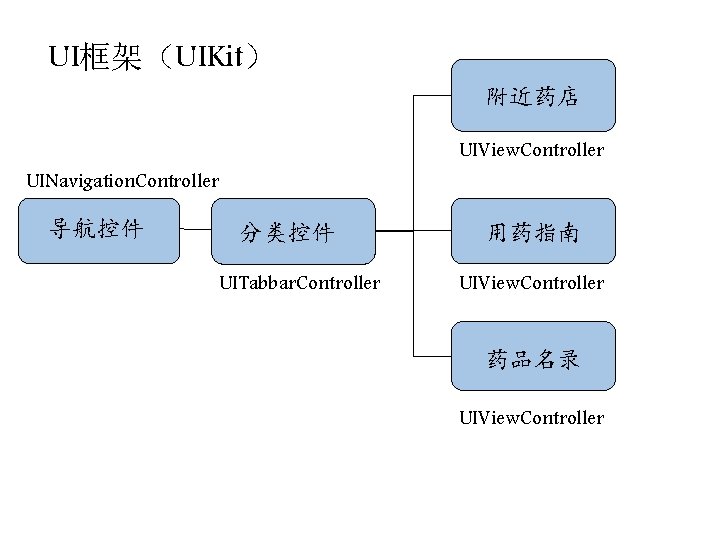
UI框架(UIKit) 附近药店 UIView. Controller UINavigation. Controller 导航控件 分类控件 UITabbar. Controller 用药指南 UIView. Controller 药品名录 UIView. Controller
objective-c
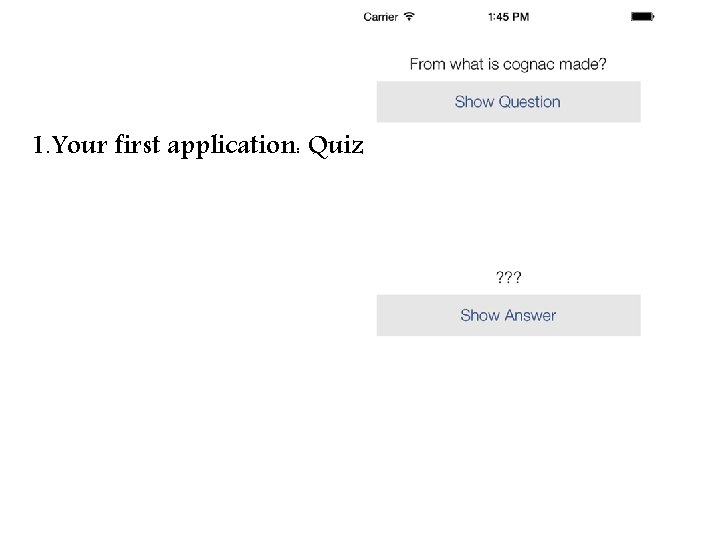
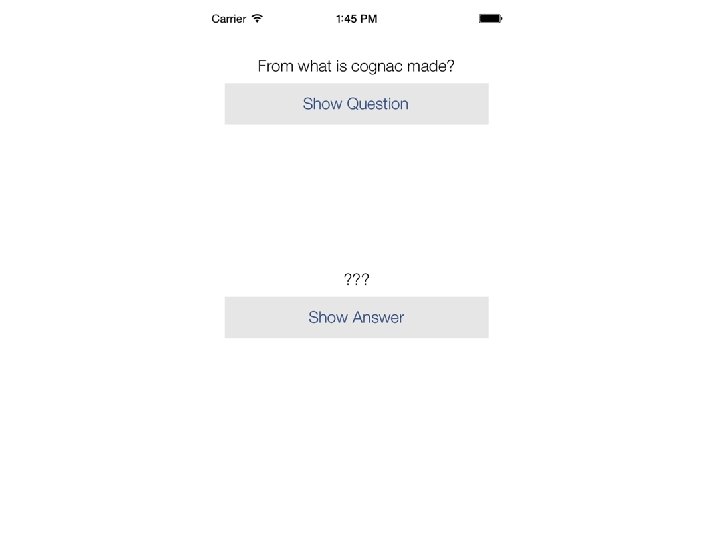
1. Your first application: Quiz
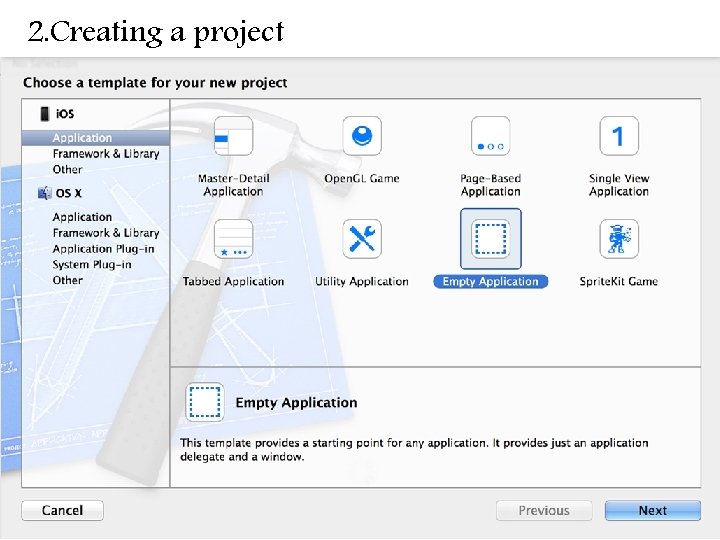
2. Creating a project
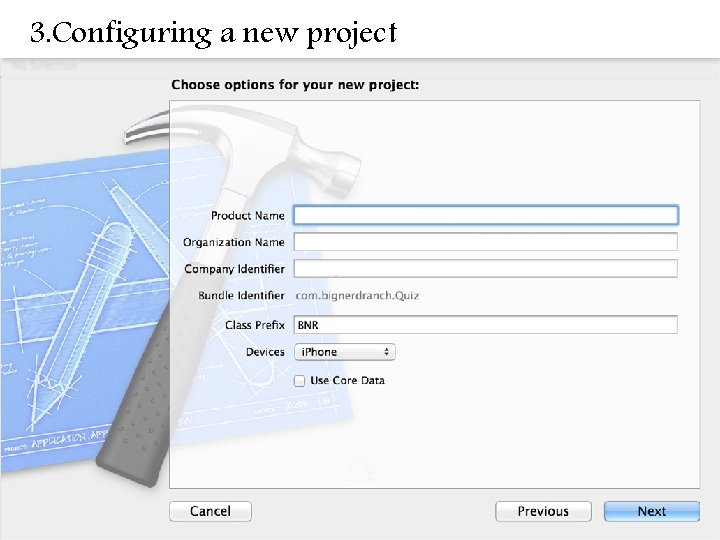
3. Configuring a new project
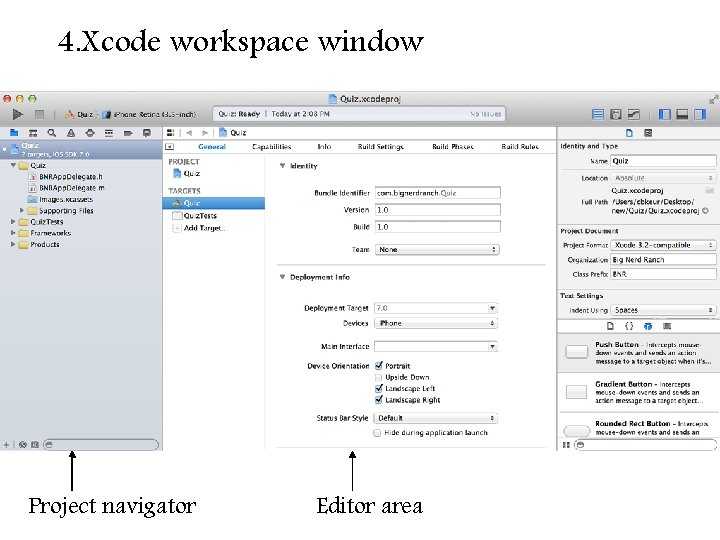
4. Xcode workspace window Project navigator Editor area
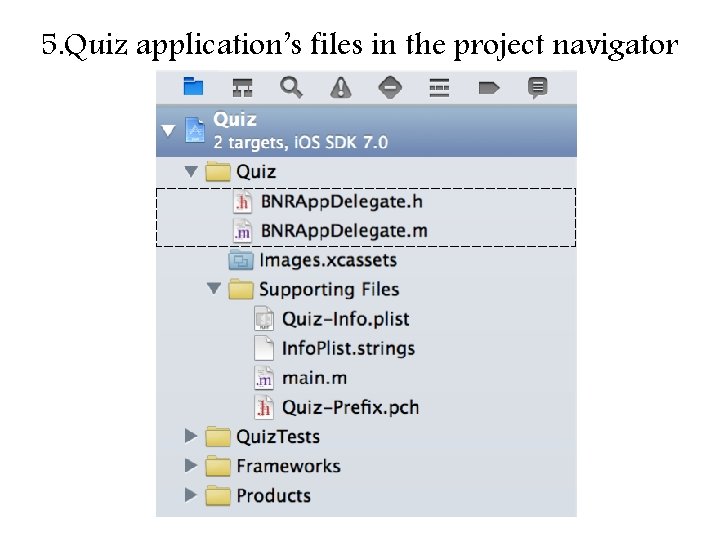
5. Quiz application’s files in the project navigator
6. MVC pattern
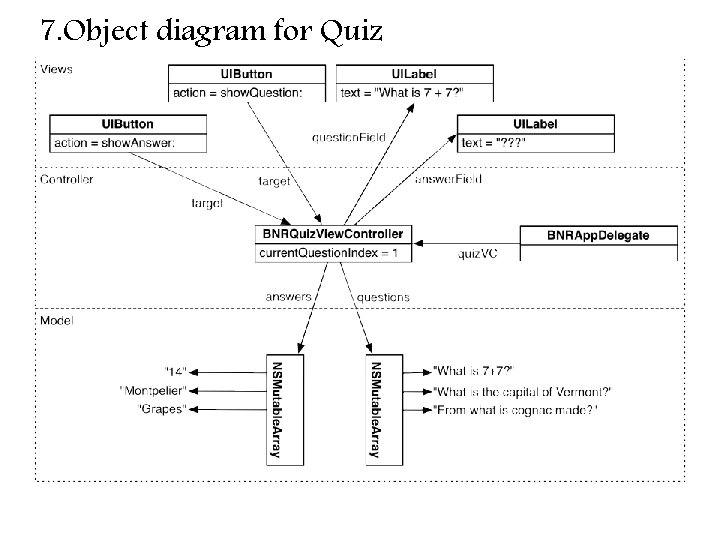
7. Object diagram for Quiz
8. Creating an Objective-C class
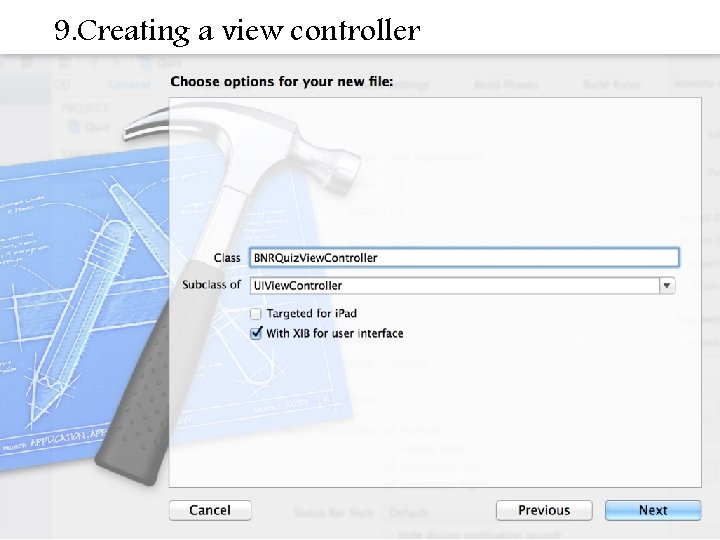
9. Creating a view controller
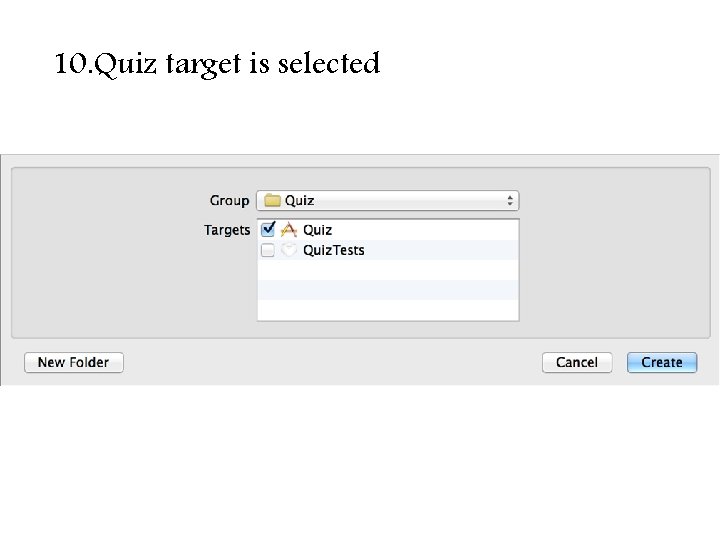
10. Quiz target is selected
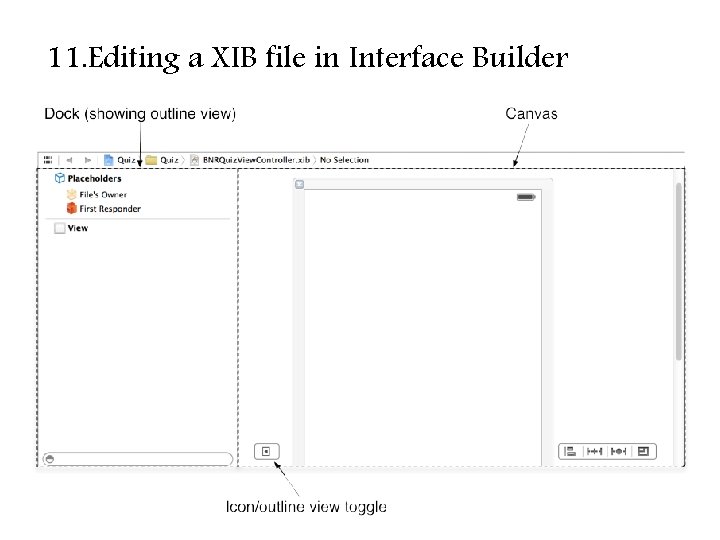
11. Editing a XIB file in Interface Builder
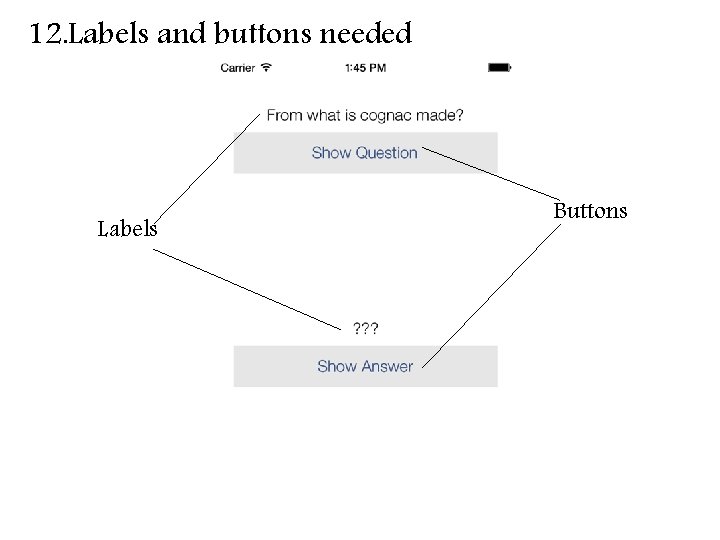
12. Labels and buttons needed Labels Buttons
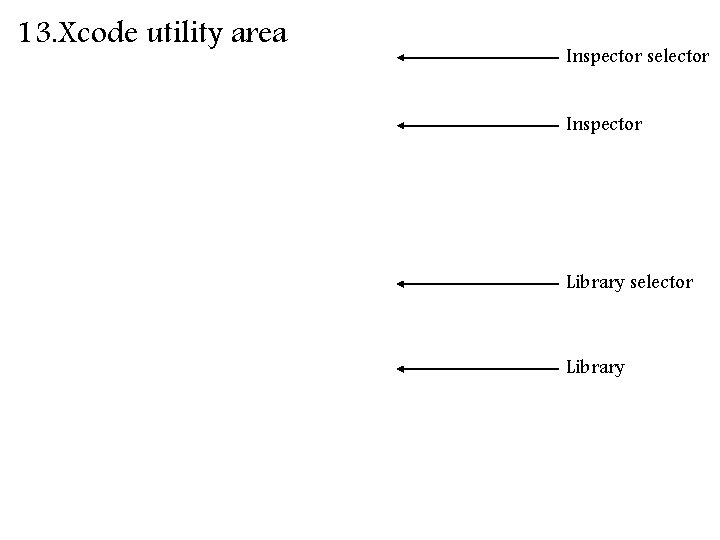
13. Xcode utility area Inspector selector Inspector Library selector Library
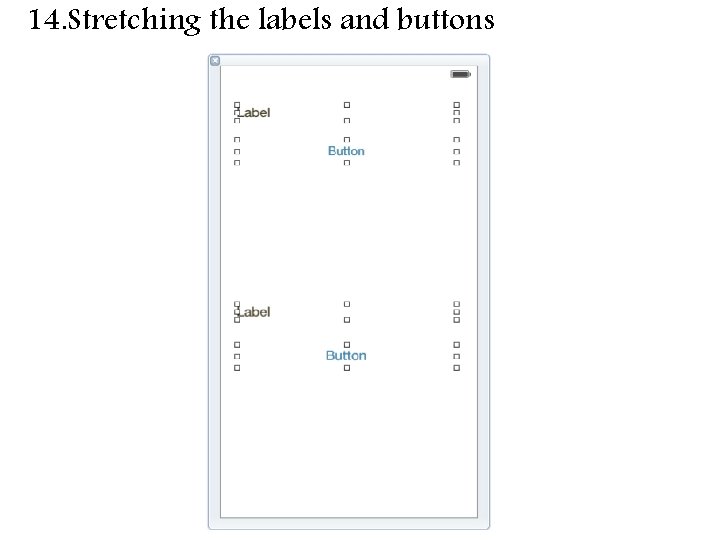
14. Stretching the labels and buttons
15. Setting the text on the labels and buttons
16. Centering the label text 居中文本
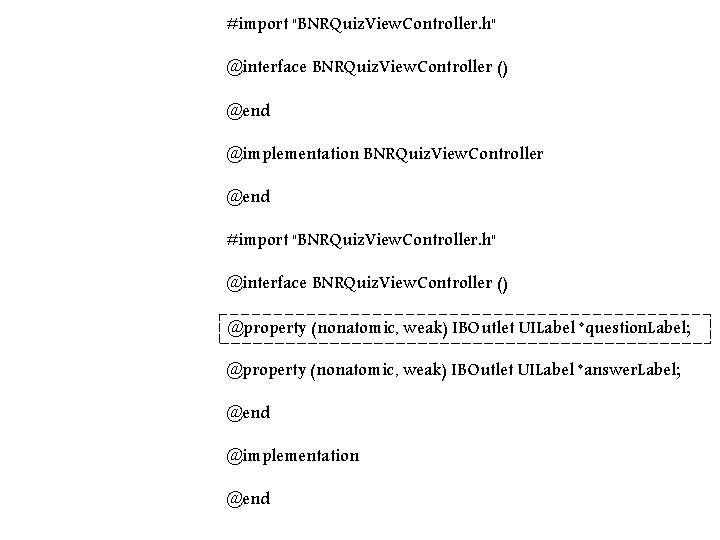
#import "BNRQuiz. View. Controller. h" @interface BNRQuiz. View. Controller () @end @implementation BNRQuiz. View. Controller @end #import "BNRQuiz. View. Controller. h" @interface BNRQuiz. View. Controller () @property (nonatomic, weak) IBOutlet UILabel *question. Label; @property (nonatomic, weak) IBOutlet UILabel *answer. Label; @end @implementation @end
17. Setting answer. Label
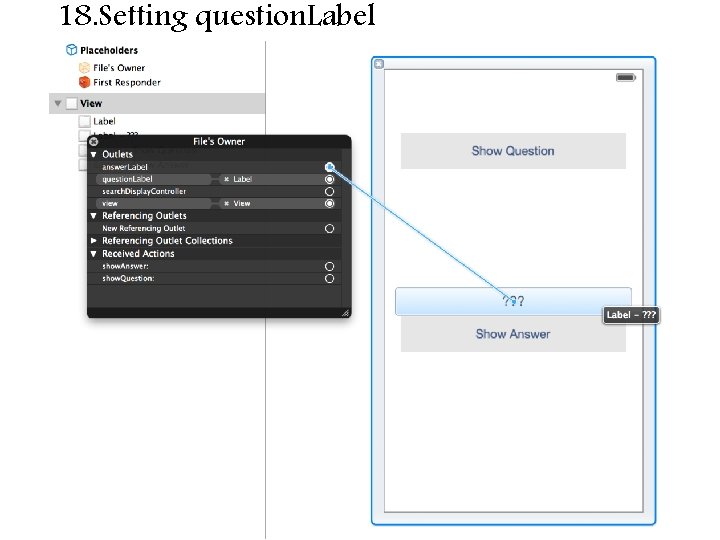
18. Setting question. Label
19. Setting Show Question target/action
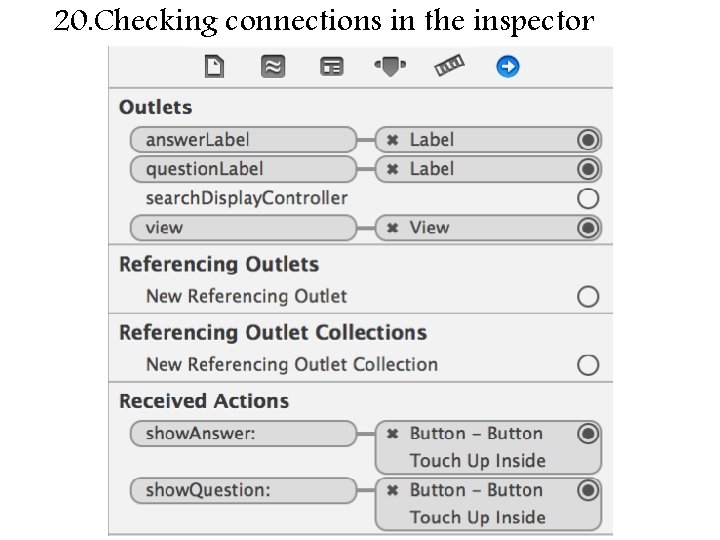
20. Checking connections in the inspector
21. Adding the App Icon to the Asset Catalog