
A Rough Guide to RAC Julian Dyke Independent
- Slides: 63
A Rough Guide to RAC Julian Dyke Independent Consultant Web Version © 2005 Julian Dyke juliandyke. com
Agenda u u u 2 © 2005 Julian Dyke Introduction Availability Scalability Manageability Total Cost of Ownership Conclusion juliandyke. com
Introduction 3 © 2005 Julian Dyke juliandyke. com
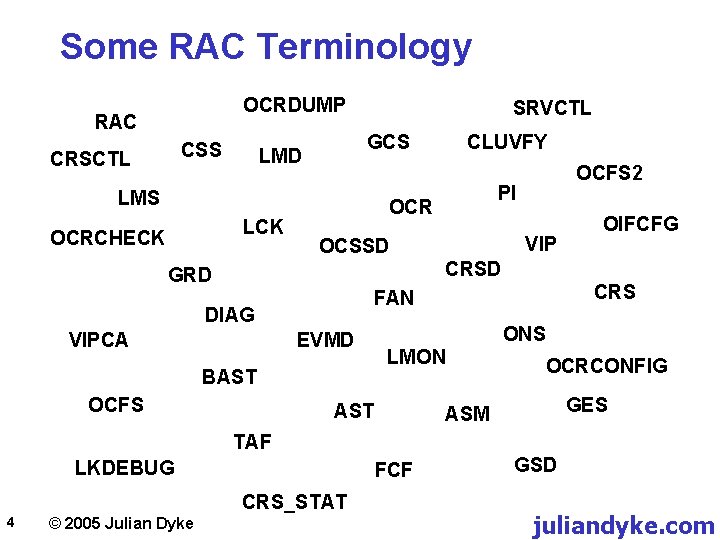
Some RAC Terminology OCRDUMP RAC CSS CRSCTL SRVCTL GCS LMD LMS LCK OCRCHECK CLUVFY OCFS 2 PI OCR VIP OCSSD OIFCFG CRSD GRD DIAG VIPCA EVMD BAST OCFS CRS FAN ONS LMON AST OCRCONFIG GES ASM TAF LKDEBUG FCF CRS_STAT 4 © 2005 Julian Dyke GSD juliandyke. com
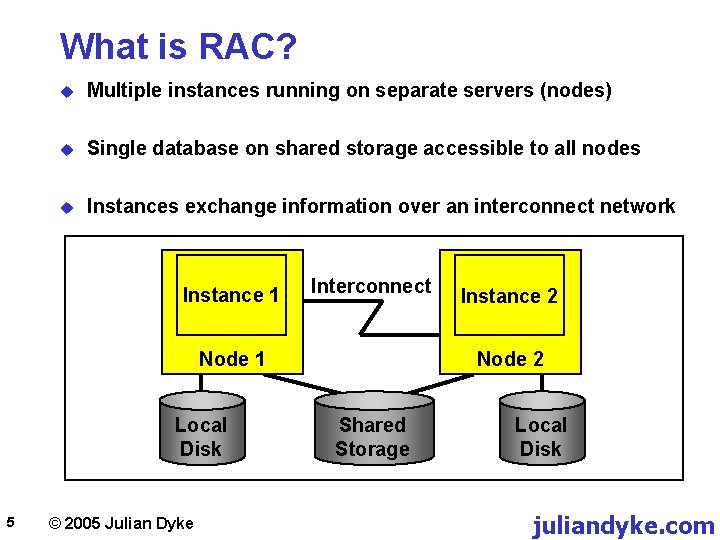
What is RAC? u Multiple instances running on separate servers (nodes) u Single database on shared storage accessible to all nodes u Instances exchange information over an interconnect network Instance 1 Interconnect Node 1 Local Disk 5 © 2005 Julian Dyke Instance 2 Node 2 Shared Storage Local Disk juliandyke. com
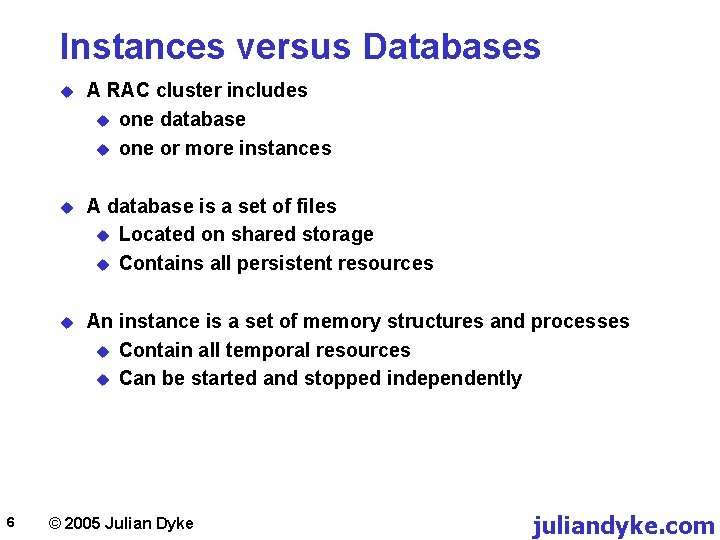
Instances versus Databases 6 u A RAC cluster includes u one database u one or more instances u A database is a set of files u Located on shared storage u Contains all persistent resources u An instance is a set of memory structures and processes u Contain all temporal resources u Can be started and stopped independently © 2005 Julian Dyke juliandyke. com
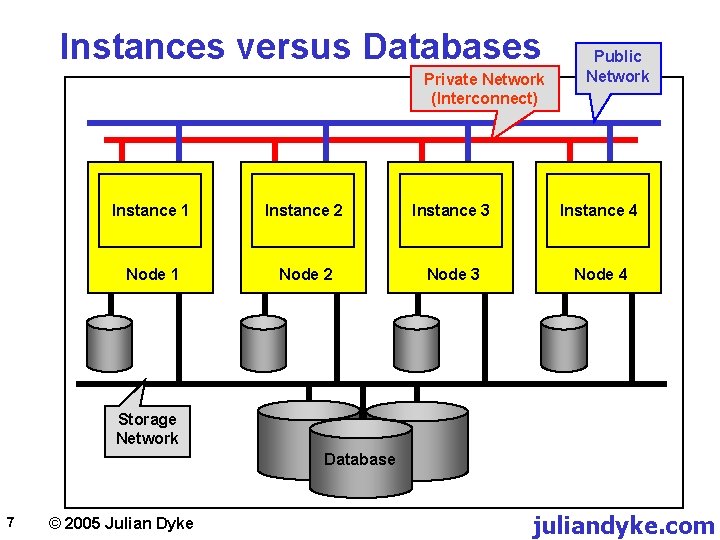
Instances versus Databases Private Network (Interconnect) Public Network Instance 1 Instance 2 Instance 3 Instance 4 Node 1 Node 2 Node 3 Node 4 Storage Network Database 7 © 2005 Julian Dyke juliandyke. com
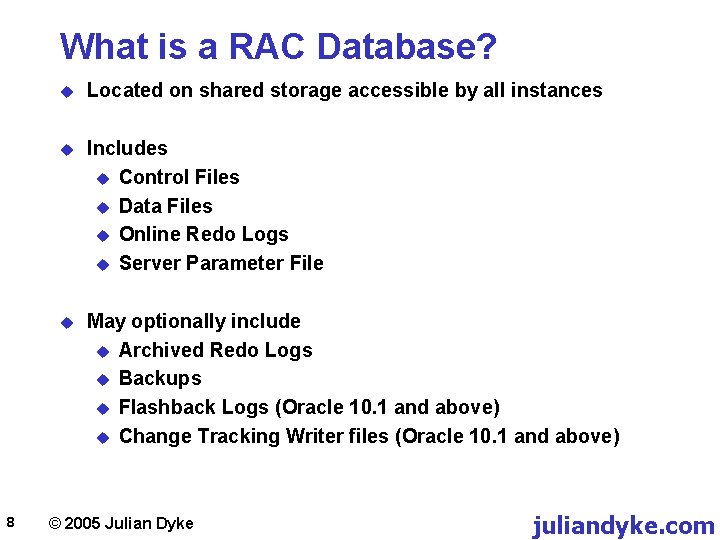
What is a RAC Database? 8 u Located on shared storage accessible by all instances u Includes u Control Files u Data Files u Online Redo Logs u Server Parameter File u May optionally include u Archived Redo Logs u Backups u Flashback Logs (Oracle 10. 1 and above) u Change Tracking Writer files (Oracle 10. 1 and above) © 2005 Julian Dyke juliandyke. com
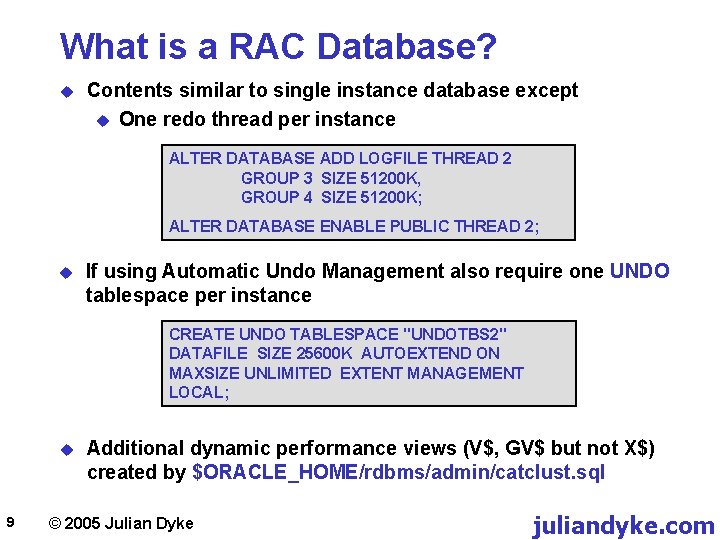
What is a RAC Database? u Contents similar to single instance database except u One redo thread per instance ALTER DATABASE ADD LOGFILE THREAD 2 GROUP 3 SIZE 51200 K, GROUP 4 SIZE 51200 K; ALTER DATABASE ENABLE PUBLIC THREAD 2; u If using Automatic Undo Management also require one UNDO tablespace per instance CREATE UNDO TABLESPACE "UNDOTBS 2" DATAFILE SIZE 25600 K AUTOEXTEND ON MAXSIZE UNLIMITED EXTENT MANAGEMENT LOCAL; u 9 Additional dynamic performance views (V$, GV$ but not X$) created by $ORACLE_HOME/rdbms/admin/catclust. sql © 2005 Julian Dyke juliandyke. com
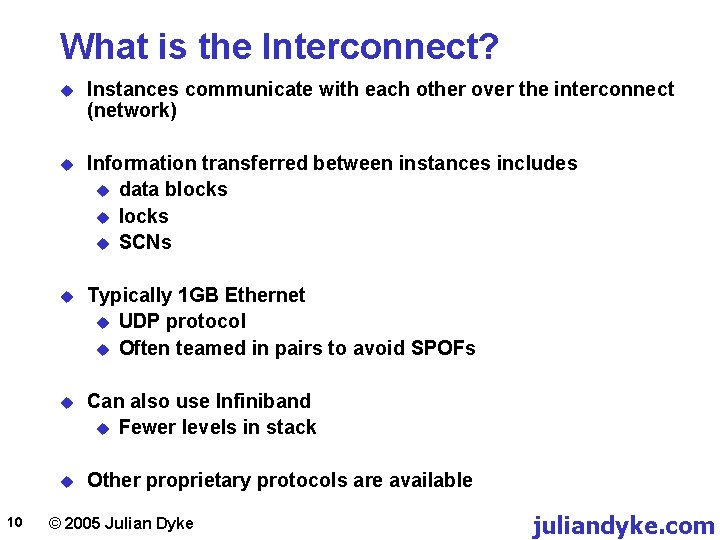
What is the Interconnect? 10 u Instances communicate with each other over the interconnect (network) u Information transferred between instances includes u data blocks u SCNs u Typically 1 GB Ethernet u UDP protocol u Often teamed in pairs to avoid SPOFs u Can also use Infiniband u Fewer levels in stack u Other proprietary protocols are available © 2005 Julian Dyke juliandyke. com
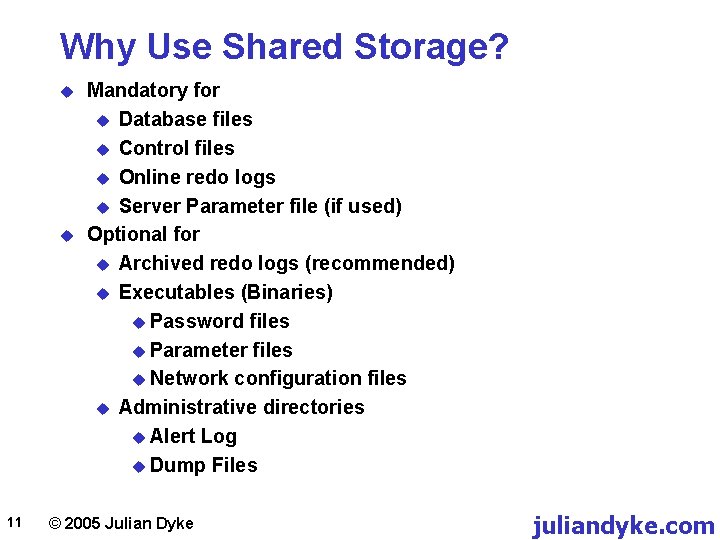
Why Use Shared Storage? u u 11 Mandatory for u Database files u Control files u Online redo logs u Server Parameter file (if used) Optional for u Archived redo logs (recommended) u Executables (Binaries) u Password files u Parameter files u Network configuration files u Administrative directories u Alert Log u Dump Files © 2005 Julian Dyke juliandyke. com
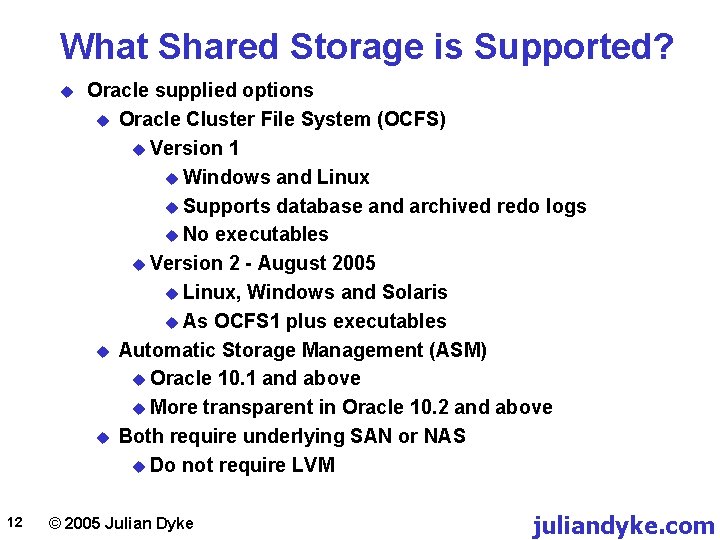
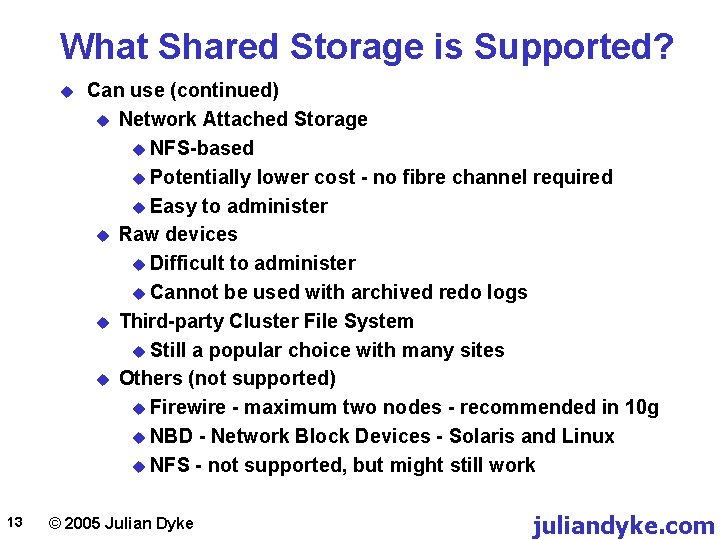
What Shared Storage is Supported? u 12 Oracle supplied options u Oracle Cluster File System (OCFS) u Version 1 u Windows and Linux u Supports database and archived redo logs u No executables u Version 2 - August 2005 u Linux, Windows and Solaris u As OCFS 1 plus executables u Automatic Storage Management (ASM) u Oracle 10. 1 and above u More transparent in Oracle 10. 2 and above u Both require underlying SAN or NAS u Do not require LVM © 2005 Julian Dyke juliandyke. com
What Shared Storage is Supported? u 13 Can use (continued) u Network Attached Storage u NFS-based u Potentially lower cost - no fibre channel required u Easy to administer u Raw devices u Difficult to administer u Cannot be used with archived redo logs u Third-party Cluster File System u Still a popular choice with many sites u Others (not supported) u Firewire - maximum two nodes - recommended in 10 g u NBD - Network Block Devices - Solaris and Linux u NFS - not supported, but might still work © 2005 Julian Dyke juliandyke. com
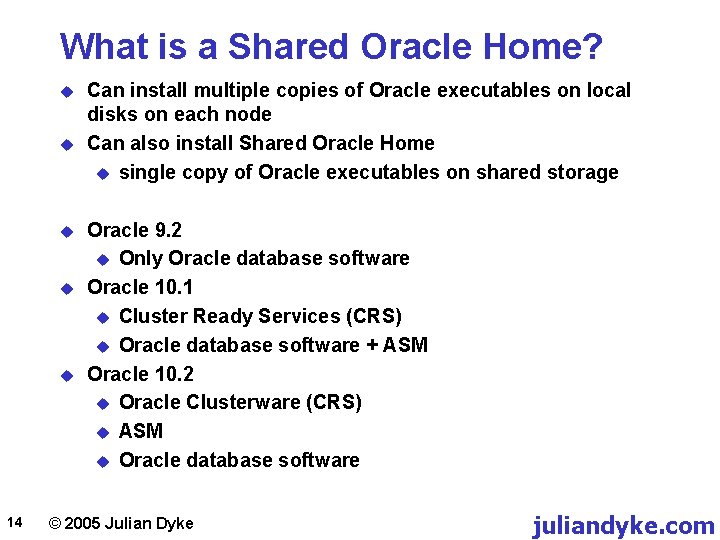
What is a Shared Oracle Home? u u u 14 Can install multiple copies of Oracle executables on local disks on each node Can also install Shared Oracle Home u single copy of Oracle executables on shared storage Oracle 9. 2 u Only Oracle database software Oracle 10. 1 u Cluster Ready Services (CRS) u Oracle database software + ASM Oracle 10. 2 u Oracle Clusterware (CRS) u ASM u Oracle database software © 2005 Julian Dyke juliandyke. com
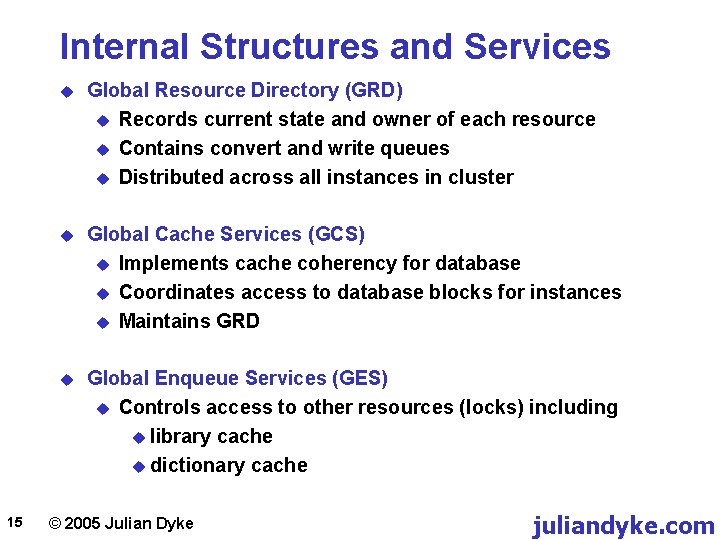
Internal Structures and Services 15 u Global Resource Directory (GRD) u Records current state and owner of each resource u Contains convert and write queues u Distributed across all instances in cluster u Global Cache Services (GCS) u Implements cache coherency for database u Coordinates access to database blocks for instances u Maintains GRD u Global Enqueue Services (GES) u Controls access to other resources (locks) including u library cache u dictionary cache © 2005 Julian Dyke juliandyke. com
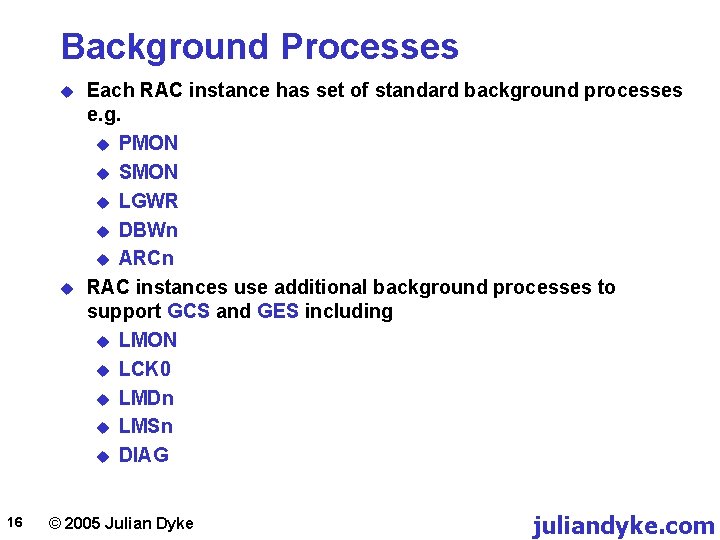
Background Processes u u 16 Each RAC instance has set of standard background processes e. g. u PMON u SMON u LGWR u DBWn u ARCn RAC instances use additional background processes to support GCS and GES including u LMON u LCK 0 u LMDn u LMSn u DIAG © 2005 Julian Dyke juliandyke. com
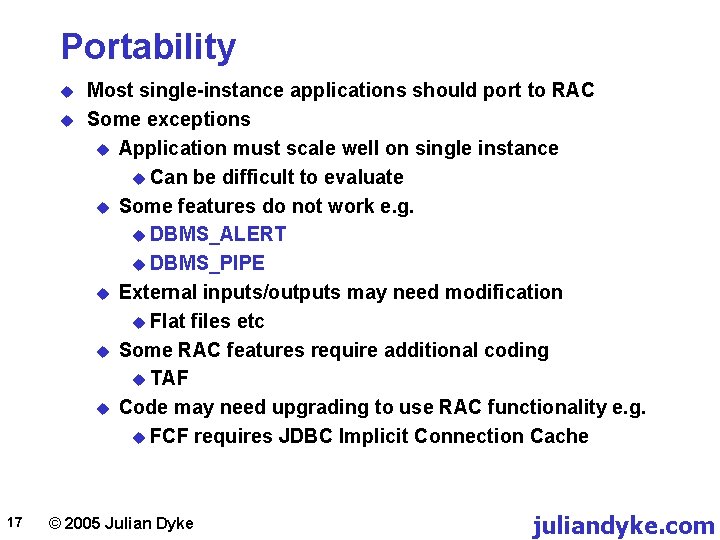
Portability u u 17 Most single-instance applications should port to RAC Some exceptions u Application must scale well on single instance u Can be difficult to evaluate u Some features do not work e. g. u DBMS_ALERT u DBMS_PIPE u External inputs/outputs may need modification u Flat files etc u Some RAC features require additional coding u TAF u Code may need upgrading to use RAC functionality e. g. u FCF requires JDBC Implicit Connection Cache © 2005 Julian Dyke juliandyke. com
Why Do Users Deploy RAC? u 18 Users may deploy RAC to achieve u Increasing availability u Increasing scalability u Improving maintainability u Reduction in total cost of ownership © 2005 Julian Dyke juliandyke. com
Why Do DBAs Deploy RAC? u 19 DBAs may want to deploy RAC because: u Realistic next step for experienced Oracle DBAs u Intellectual challenge u Job protection - ties organisation to Oracle technology u Possible improved earnings u It looks good on their CV © 2005 Julian Dyke juliandyke. com
Availability 20 © 2005 Julian Dyke juliandyke. com
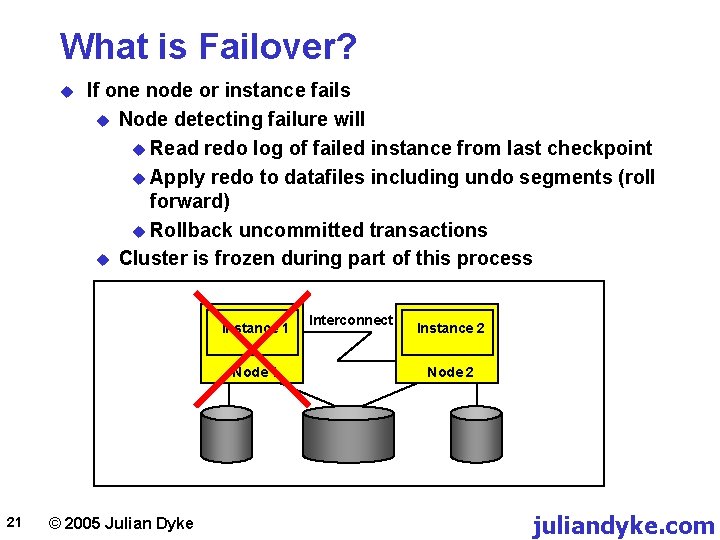
What is Failover? u If one node or instance fails u Node detecting failure will u Read redo log of failed instance from last checkpoint u Apply redo to datafiles including undo segments (roll forward) u Rollback uncommitted transactions u Cluster is frozen during part of this process Instance 1 Node 1 21 © 2005 Julian Dyke Interconnect Instance 2 Node 2 juliandyke. com
What are Database Services? 22 u Database Services are logical groups of sessions u Can be configured using u DBCA u Enterprise Manager (10. 2 and above) u Can also be configured using u SRVCTL (Oracle Cluster Registry only) u SQL*Plus (Data Dictionary only) u Text editor (Network Configuration) u In Oracle 10. 1 and above, each service has u Preferred Nodes (used by default) u Available Nodes (used if preferred node fails) © 2005 Julian Dyke juliandyke. com
What are Database Services? 23 u Can be used with Resource Manager to control resource usage e. g. u CPU u Parallel execution u Can be used for monitoring u V$SERVICE_STATS u Can be used for diagnostics u DBMS_MONITOR u trace u statistics © 2005 Julian Dyke juliandyke. com
What is Oracle Clusterware? u u u 24 Introduced in Oracle 10. 1 (Cluster Ready Services - CRS) Renamed in Oracle 10. 2 to Oracle Clusterware Cluster Manager providing u Node membership services u Global resource management u High availability functions On Linux u Configured in /etc/inittab u Implemented using three daemons u CRS - Cluster Ready Service u CSS - Cluster Synchronization Service u EVM - Event Manager In Oracle 10. 2 includes High Availability framework u Allows non-Oracle applications to be managed © 2005 Julian Dyke juliandyke. com
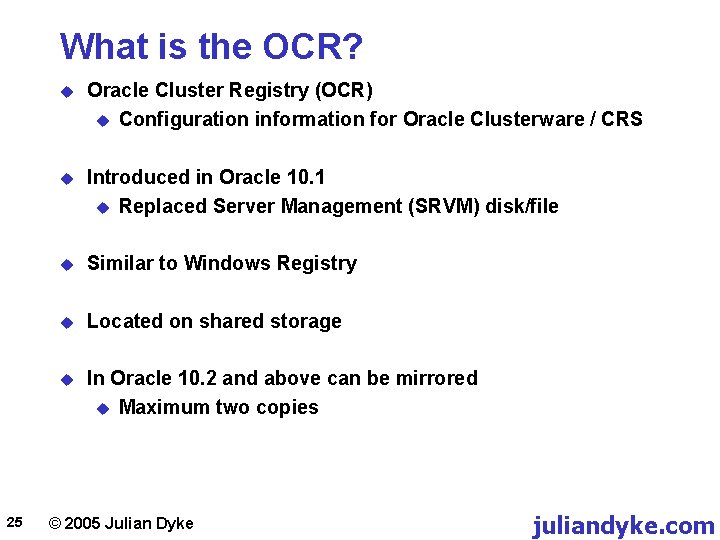
What is the OCR? 25 u Oracle Cluster Registry (OCR) u Configuration information for Oracle Clusterware / CRS u Introduced in Oracle 10. 1 u Replaced Server Management (SRVM) disk/file u Similar to Windows Registry u Located on shared storage u In Oracle 10. 2 and above can be mirrored u Maximum two copies © 2005 Julian Dyke juliandyke. com
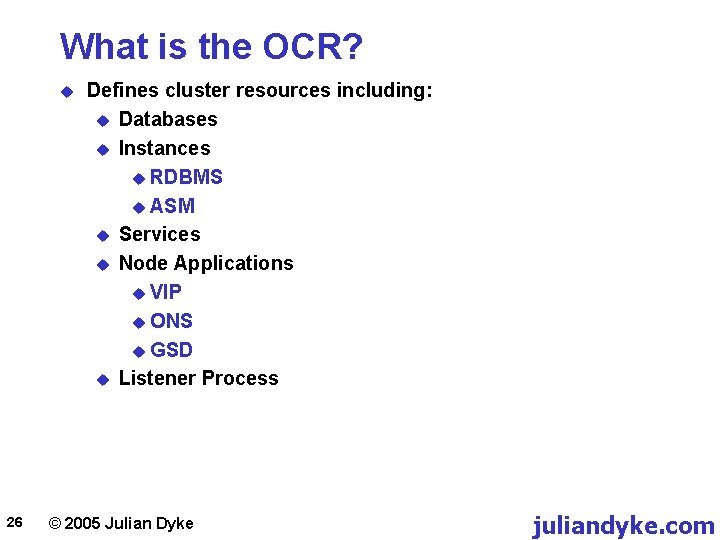
What is the OCR? u 26 Defines cluster resources including: u Databases u Instances u RDBMS u ASM u Services u Node Applications u VIP u ONS u GSD u Listener Process © 2005 Julian Dyke juliandyke. com
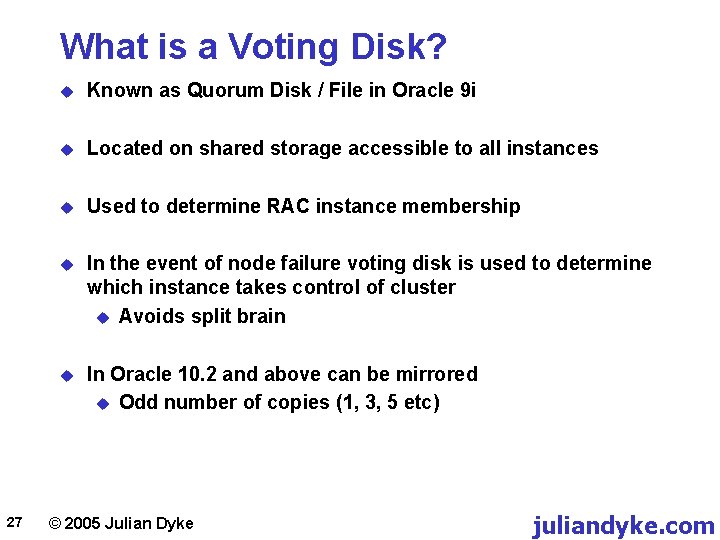
What is a Voting Disk? 27 u Known as Quorum Disk / File in Oracle 9 i u Located on shared storage accessible to all instances u Used to determine RAC instance membership u In the event of node failure voting disk is used to determine which instance takes control of cluster u Avoids split brain u In Oracle 10. 2 and above can be mirrored u Odd number of copies (1, 3, 5 etc) © 2005 Julian Dyke juliandyke. com
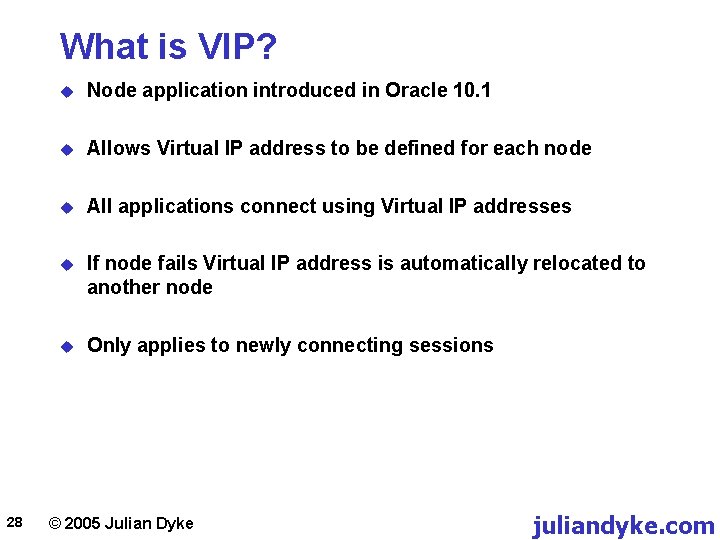
What is VIP? 28 u Node application introduced in Oracle 10. 1 u Allows Virtual IP address to be defined for each node u All applications connect using Virtual IP addresses u If node fails Virtual IP address is automatically relocated to another node u Only applies to newly connecting sessions © 2005 Julian Dyke juliandyke. com
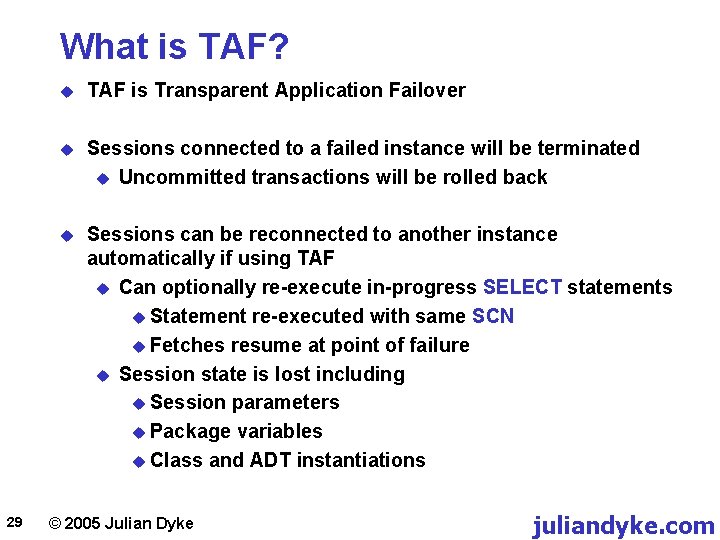
What is TAF? 29 u TAF is Transparent Application Failover u Sessions connected to a failed instance will be terminated u Uncommitted transactions will be rolled back u Sessions can be reconnected to another instance automatically if using TAF u Can optionally re-execute in-progress SELECT statements u Statement re-executed with same SCN u Fetches resume at point of failure u Session state is lost including u Session parameters u Package variables u Class and ADT instantiations © 2005 Julian Dyke juliandyke. com
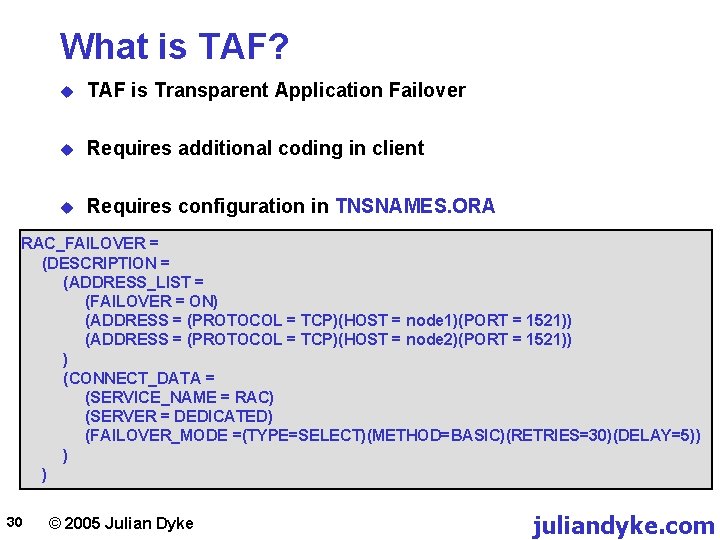
What is TAF? u TAF is Transparent Application Failover u Requires additional coding in client u Requires configuration in TNSNAMES. ORA RAC_FAILOVER = (DESCRIPTION = (ADDRESS_LIST = (FAILOVER = ON) (ADDRESS = (PROTOCOL = TCP)(HOST = node 1)(PORT = 1521)) (ADDRESS = (PROTOCOL = TCP)(HOST = node 2)(PORT = 1521)) ) (CONNECT_DATA = (SERVICE_NAME = RAC) (SERVER = DEDICATED) (FAILOVER_MODE =(TYPE=SELECT)(METHOD=BASIC)(RETRIES=30)(DELAY=5)) ) ) 30 © 2005 Julian Dyke juliandyke. com
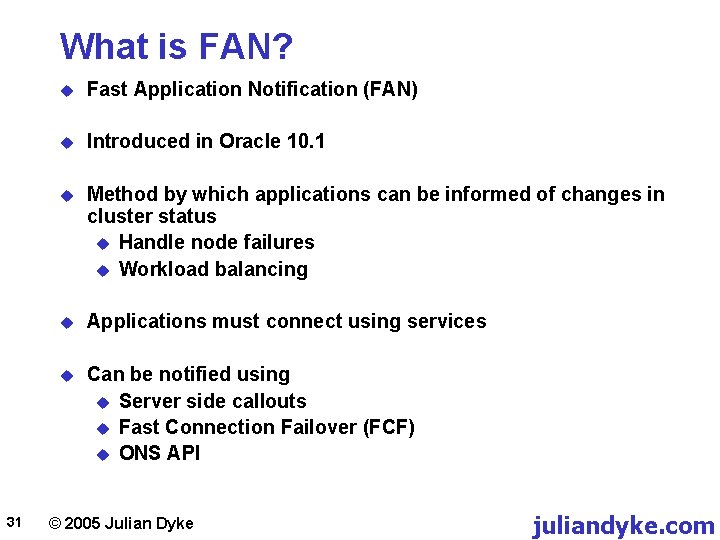
What is FAN? 31 u Fast Application Notification (FAN) u Introduced in Oracle 10. 1 u Method by which applications can be informed of changes in cluster status u Handle node failures u Workload balancing u Applications must connect using services u Can be notified using u Server side callouts u Fast Connection Failover (FCF) u ONS API © 2005 Julian Dyke juliandyke. com
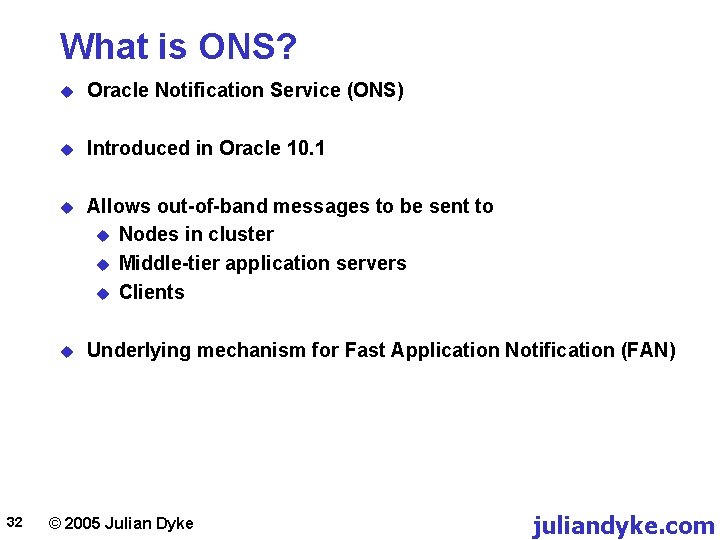
What is ONS? 32 u Oracle Notification Service (ONS) u Introduced in Oracle 10. 1 u Allows out-of-band messages to be sent to u Nodes in cluster u Middle-tier application servers u Clients u Underlying mechanism for Fast Application Notification (FAN) © 2005 Julian Dyke juliandyke. com
Does RAC Increase Availability? 33 u Depends on definition of availability u May achieve less unplanned downtime u May have more time to respond to failures u Instance failover means any node can fail without total loss of service u Must provide have overcapacity in cluster to survive failover u Additional Oracle and RAC licenses u Load can be distributed over all running nodes u Can use Grid to provision additional nodes © 2005 Julian Dyke juliandyke. com
Does RAC Increase Availability? 34 u Can still get data corruptions u Human errors / software errors u Only one logical copy of data u Only one logical copy of application / Oracle software u Lots of possibility for human errors u Power / network cabling / storage configuration u Upgrades and patches are more complex u Can upgrade software on subset of nodes u If database is affected then still need downtime © 2005 Julian Dyke juliandyke. com
Scalability 35 © 2005 Julian Dyke juliandyke. com
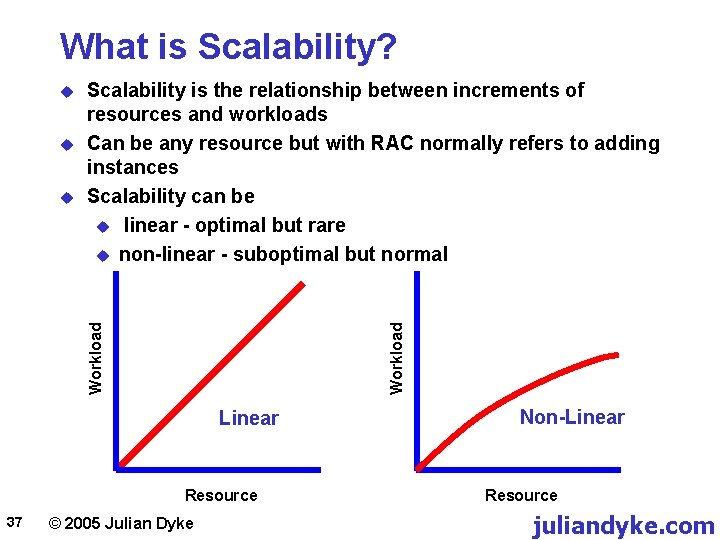
What is Scalability? 36 u RAC overhead means that linear scalability is difficult to achieve u Global Cache Services (blocks) u Global Enqueue Services (locks) u As number of instances increases, probability that instance is a resource master decreases u Scaling factor of 1. 8 is considered good u Dependent on application design and implementation u Scaling factor improves with u Node affinity u Elimination of contention © 2005 Julian Dyke juliandyke. com
What is Scalability? u Workload u Scalability is the relationship between increments of resources and workloads Can be any resource but with RAC normally refers to adding instances Scalability can be u linear - optimal but rare u non-linear - suboptimal but normal Workload u Linear Resource 37 © 2005 Julian Dyke Non-Linear Resource juliandyke. com
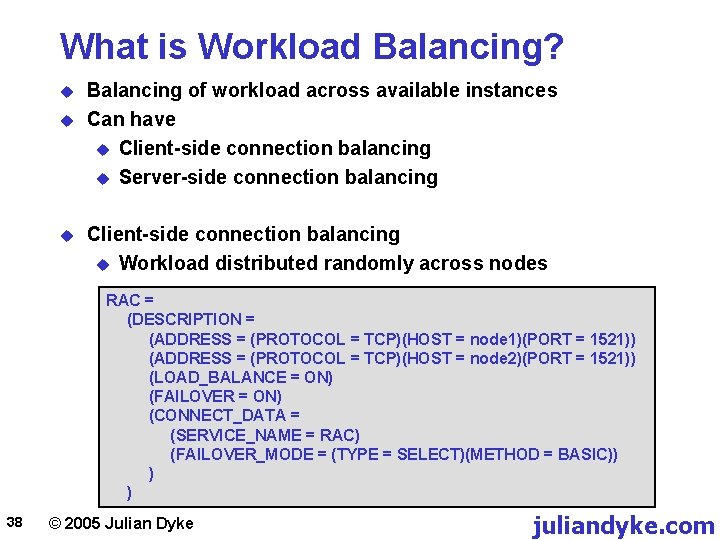
What is Workload Balancing? u u u Balancing of workload across available instances Can have u Client-side connection balancing u Server-side connection balancing Client-side connection balancing u Workload distributed randomly across nodes RAC = (DESCRIPTION = (ADDRESS = (PROTOCOL = TCP)(HOST = node 1)(PORT = 1521)) (ADDRESS = (PROTOCOL = TCP)(HOST = node 2)(PORT = 1521)) (LOAD_BALANCE = ON) (FAILOVER = ON) (CONNECT_DATA = (SERVICE_NAME = RAC) (FAILOVER_MODE = (TYPE = SELECT)(METHOD = BASIC)) ) ) 38 © 2005 Julian Dyke juliandyke. com
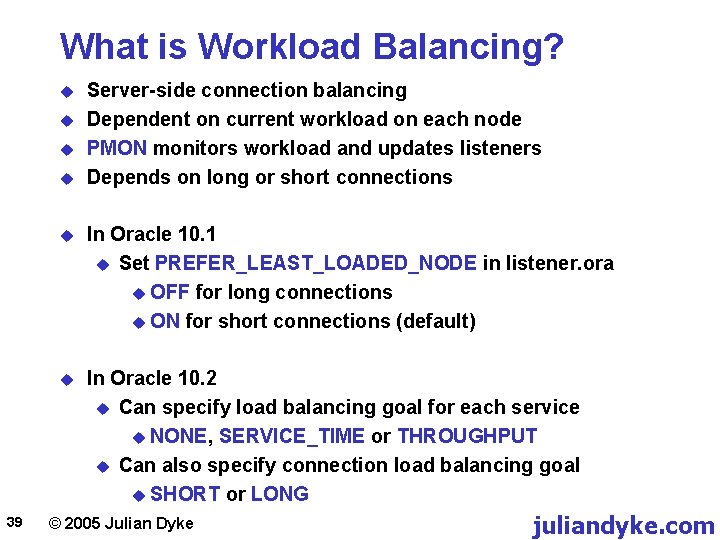
What is Workload Balancing? u u 39 Server-side connection balancing Dependent on current workload on each node PMON monitors workload and updates listeners Depends on long or short connections u In Oracle 10. 1 u Set PREFER_LEAST_LOADED_NODE in listener. ora u OFF for long connections u ON for short connections (default) u In Oracle 10. 2 u Can specify load balancing goal for each service u NONE, SERVICE_TIME or THROUGHPUT u Can also specify connection load balancing goal u SHORT or LONG © 2005 Julian Dyke juliandyke. com
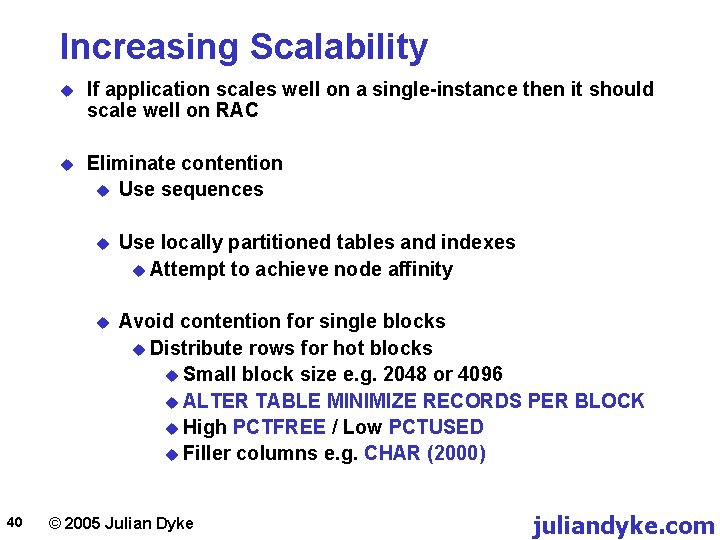
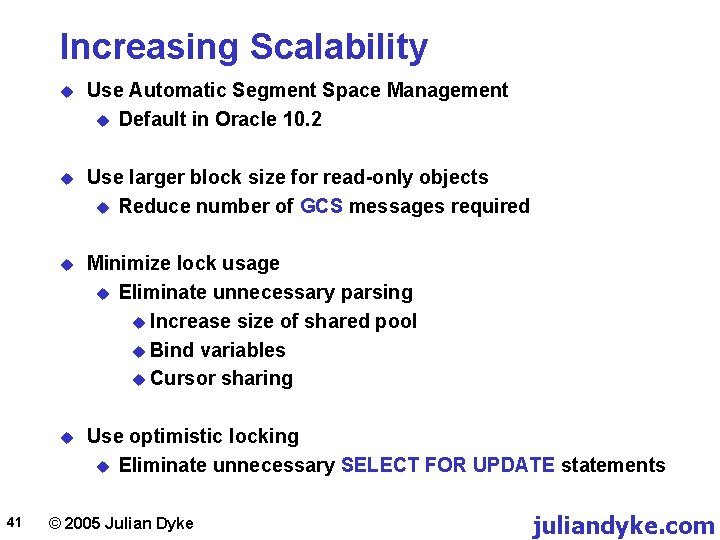
Increasing Scalability 40 u If application scales well on a single-instance then it should scale well on RAC u Eliminate contention u Use sequences u Use locally partitioned tables and indexes u Attempt to achieve node affinity u Avoid contention for single blocks u Distribute rows for hot blocks u Small block size e. g. 2048 or 4096 u ALTER TABLE MINIMIZE RECORDS PER BLOCK u High PCTFREE / Low PCTUSED u Filler columns e. g. CHAR (2000) © 2005 Julian Dyke juliandyke. com
Increasing Scalability 41 u Use Automatic Segment Space Management u Default in Oracle 10. 2 u Use larger block size for read-only objects u Reduce number of GCS messages required u Minimize lock usage u Eliminate unnecessary parsing u Increase size of shared pool u Bind variables u Cursor sharing u Use optimistic locking u Eliminate unnecessary SELECT FOR UPDATE statements © 2005 Julian Dyke juliandyke. com
Manageability 42 © 2005 Julian Dyke juliandyke. com
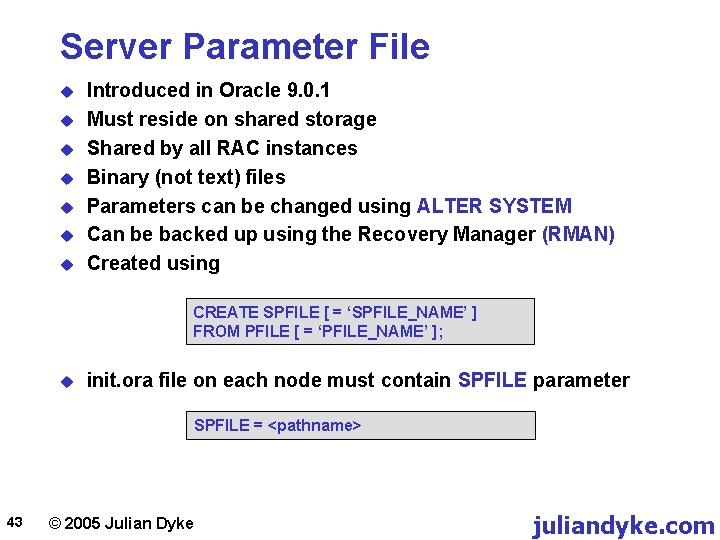
Server Parameter File u u u u Introduced in Oracle 9. 0. 1 Must reside on shared storage Shared by all RAC instances Binary (not text) files Parameters can be changed using ALTER SYSTEM Can be backed up using the Recovery Manager (RMAN) Created using CREATE SPFILE [ = ‘SPFILE_NAME’ ] FROM PFILE [ = ‘PFILE_NAME’ ]; u init. ora file on each node must contain SPFILE parameter SPFILE = <pathname> 43 © 2005 Julian Dyke juliandyke. com
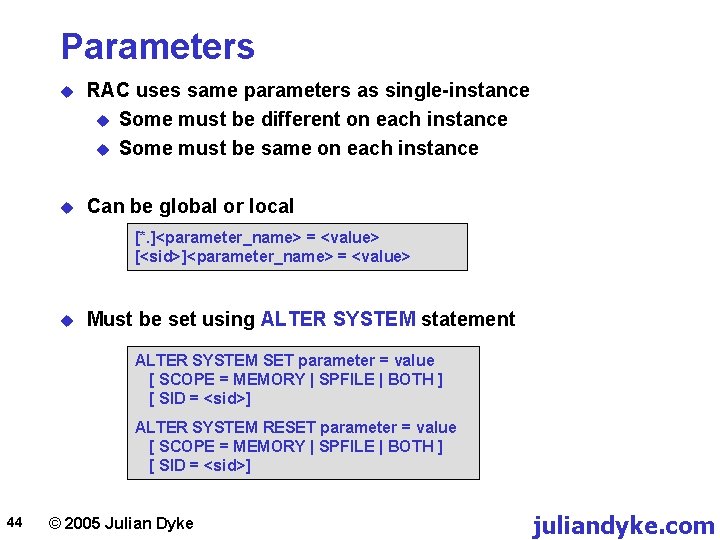
Parameters u RAC uses same parameters as single-instance u Some must be different on each instance u Some must be same on each instance u Can be global or local [*. ]<parameter_name> = <value> [<sid>]<parameter_name> = <value> u Must be set using ALTER SYSTEM statement ALTER SYSTEM SET parameter = value [ SCOPE = MEMORY | SPFILE | BOTH ] [ SID = <sid>] ALTER SYSTEM RESET parameter = value [ SCOPE = MEMORY | SPFILE | BOTH ] [ SID = <sid>] 44 © 2005 Julian Dyke juliandyke. com
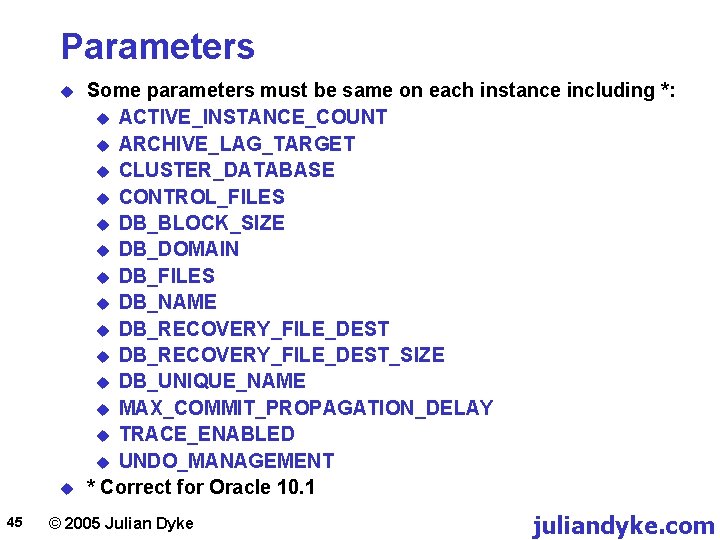
Parameters u u 45 Some parameters must be same on each instance including *: u ACTIVE_INSTANCE_COUNT u ARCHIVE_LAG_TARGET u CLUSTER_DATABASE u CONTROL_FILES u DB_BLOCK_SIZE u DB_DOMAIN u DB_FILES u DB_NAME u DB_RECOVERY_FILE_DEST_SIZE u DB_UNIQUE_NAME u MAX_COMMIT_PROPAGATION_DELAY u TRACE_ENABLED u UNDO_MANAGEMENT * Correct for Oracle 10. 1 © 2005 Julian Dyke juliandyke. com
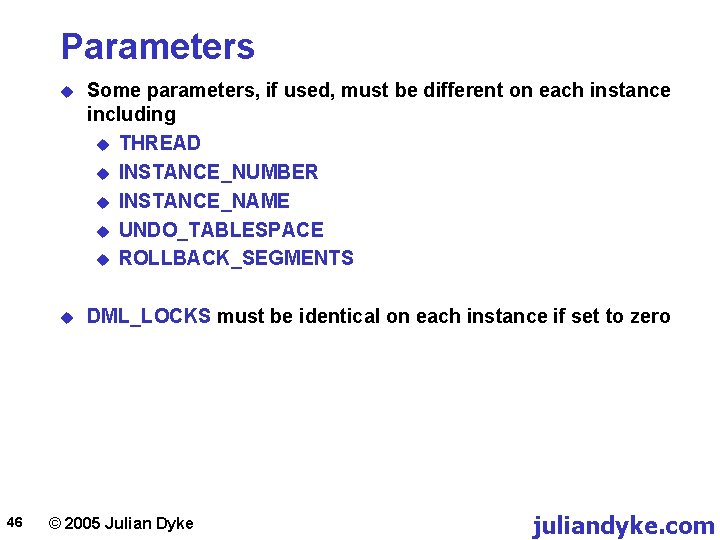
Parameters 46 u Some parameters, if used, must be different on each instance including u THREAD u INSTANCE_NUMBER u INSTANCE_NAME u UNDO_TABLESPACE u ROLLBACK_SEGMENTS u DML_LOCKS must be identical on each instance if set to zero © 2005 Julian Dyke juliandyke. com
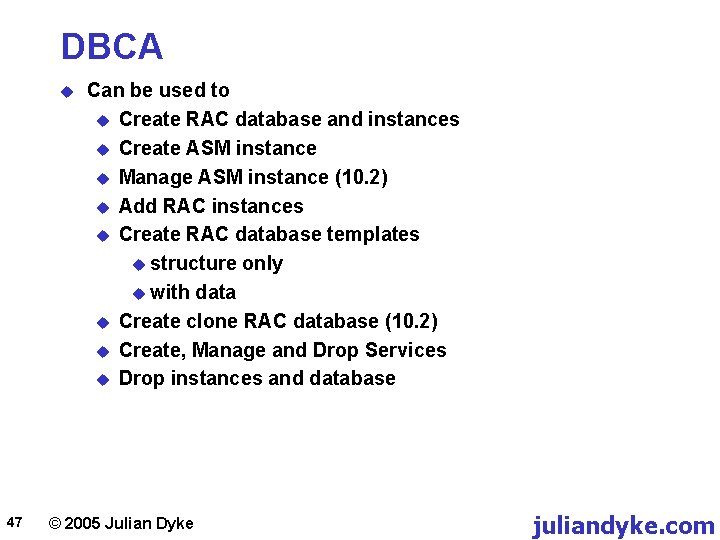
DBCA u 47 Can be used to u Create RAC database and instances u Create ASM instance u Manage ASM instance (10. 2) u Add RAC instances u Create RAC database templates u structure only u with data u Create clone RAC database (10. 2) u Create, Manage and Drop Services u Drop instances and database © 2005 Julian Dyke juliandyke. com
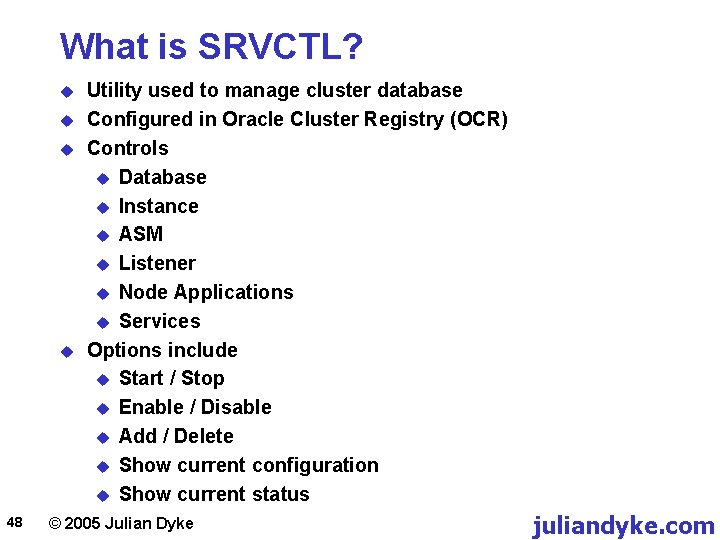
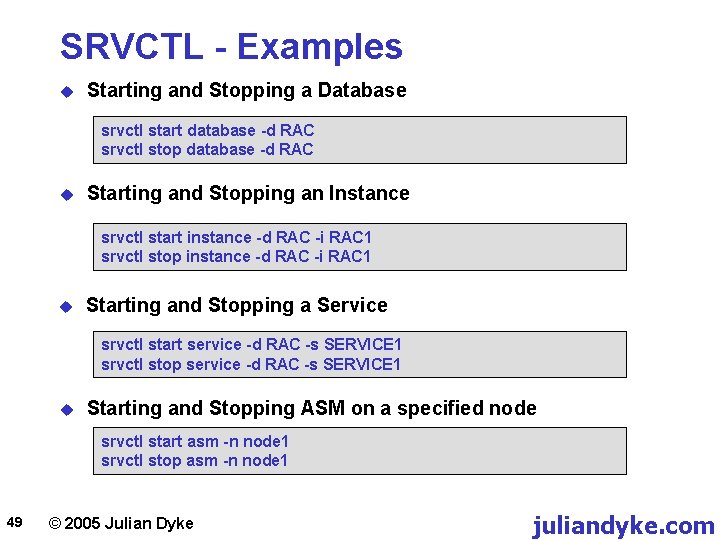
What is SRVCTL? u u 48 Utility used to manage cluster database Configured in Oracle Cluster Registry (OCR) Controls u Database u Instance u ASM u Listener u Node Applications u Services Options include u Start / Stop u Enable / Disable u Add / Delete u Show current configuration u Show current status © 2005 Julian Dyke juliandyke. com
SRVCTL - Examples u Starting and Stopping a Database srvctl start database -d RAC srvctl stop database -d RAC u Starting and Stopping an Instance srvctl start instance -d RAC -i RAC 1 srvctl stop instance -d RAC -i RAC 1 u Starting and Stopping a Service srvctl start service -d RAC -s SERVICE 1 srvctl stop service -d RAC -s SERVICE 1 u Starting and Stopping ASM on a specified node srvctl start asm -n node 1 srvctl stop asm -n node 1 49 © 2005 Julian Dyke juliandyke. com
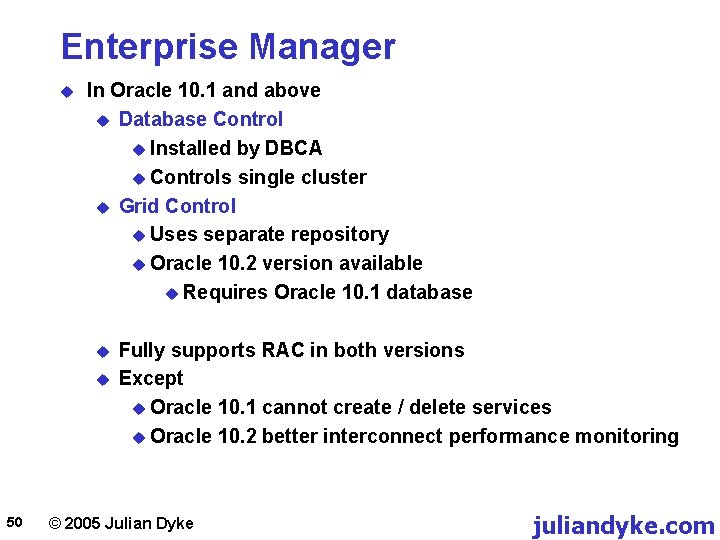
Enterprise Manager u In Oracle 10. 1 and above u Database Control u Installed by DBCA u Controls single cluster u Grid Control u Uses separate repository u Oracle 10. 2 version available u Requires Oracle 10. 1 database u u 50 Fully supports RAC in both versions Except u Oracle 10. 1 cannot create / delete services u Oracle 10. 2 better interconnect performance monitoring © 2005 Julian Dyke juliandyke. com
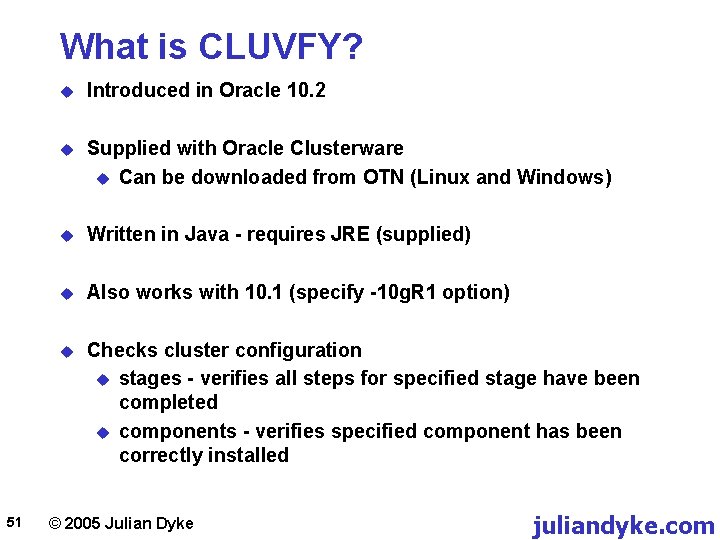
What is CLUVFY? 51 u Introduced in Oracle 10. 2 u Supplied with Oracle Clusterware u Can be downloaded from OTN (Linux and Windows) u Written in Java - requires JRE (supplied) u Also works with 10. 1 (specify -10 g. R 1 option) u Checks cluster configuration u stages - verifies all steps for specified stage have been completed u components - verifies specified component has been correctly installed © 2005 Julian Dyke juliandyke. com
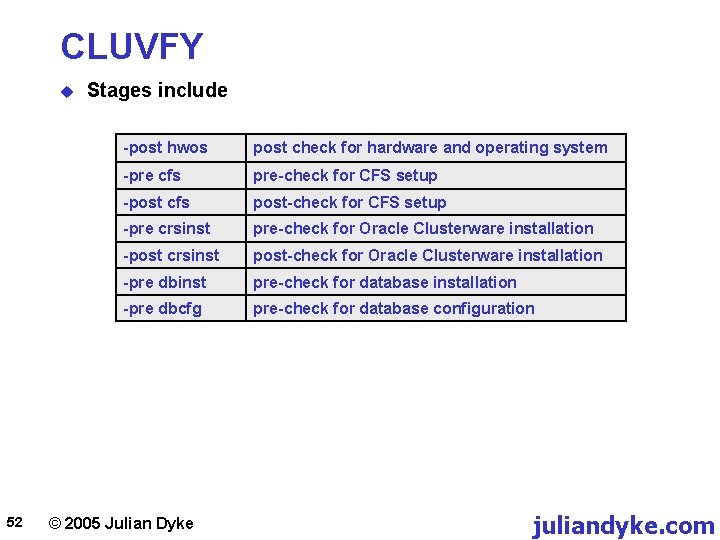
CLUVFY u 52 Stages include -post hwos post check for hardware and operating system -pre cfs pre-check for CFS setup -post cfs post-check for CFS setup -pre crsinst pre-check for Oracle Clusterware installation -post crsinst post-check for Oracle Clusterware installation -pre dbinst pre-check for database installation -pre dbcfg pre-check for database configuration © 2005 Julian Dyke juliandyke. com
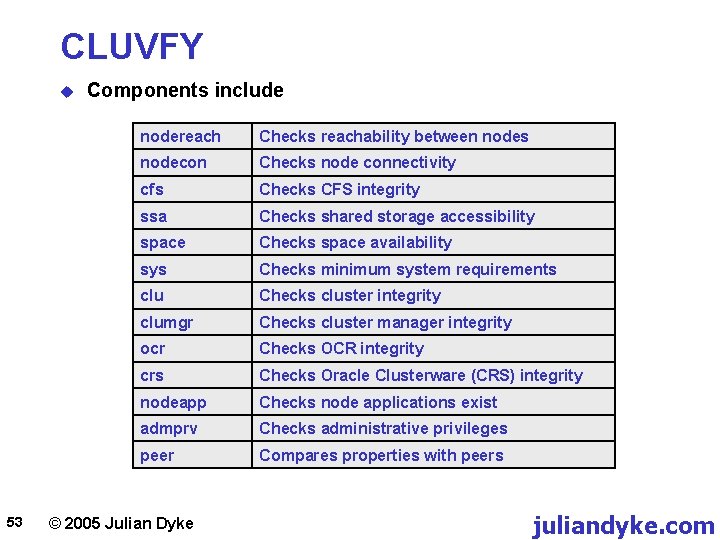
CLUVFY u 53 Components include nodereach Checks reachability between nodes nodecon Checks node connectivity cfs Checks CFS integrity ssa Checks shared storage accessibility space Checks space availability sys Checks minimum system requirements clu Checks cluster integrity clumgr Checks cluster manager integrity ocr Checks OCR integrity crs Checks Oracle Clusterware (CRS) integrity nodeapp Checks node applications exist admprv Checks administrative privileges peer Compares properties with peers © 2005 Julian Dyke juliandyke. com
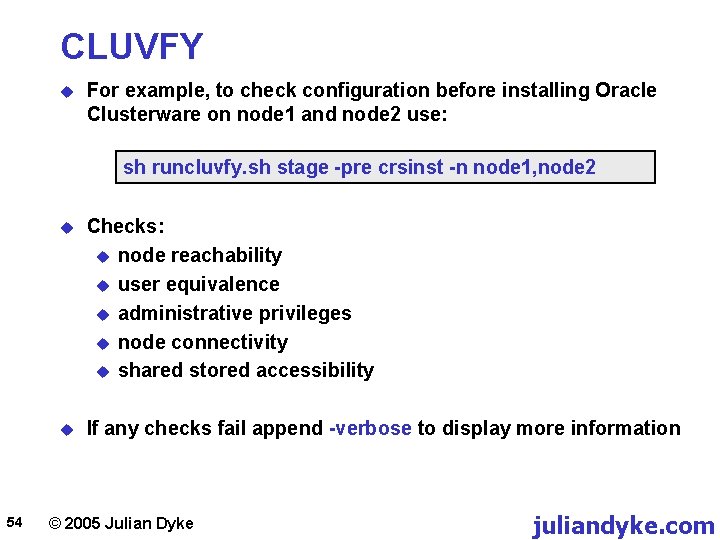
CLUVFY u For example, to check configuration before installing Oracle Clusterware on node 1 and node 2 use: sh runcluvfy. sh stage -pre crsinst -n node 1, node 2 54 u Checks: u node reachability u user equivalence u administrative privileges u node connectivity u shared stored accessibility u If any checks fail append -verbose to display more information © 2005 Julian Dyke juliandyke. com
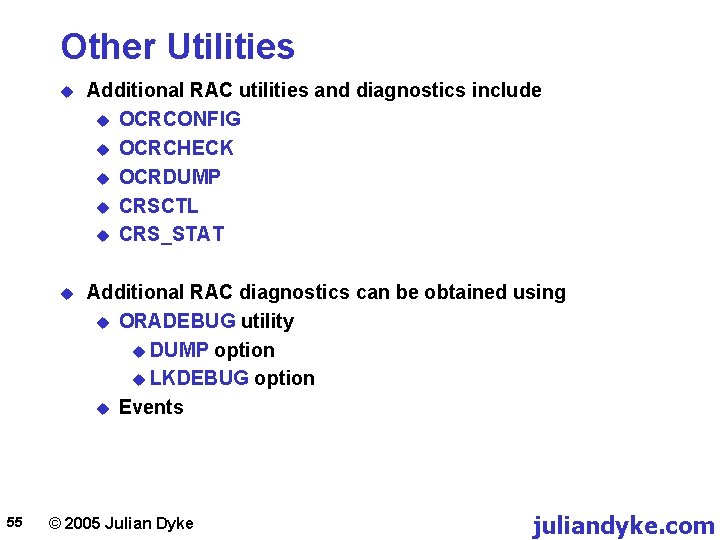
Other Utilities 55 u Additional RAC utilities and diagnostics include u OCRCONFIG u OCRCHECK u OCRDUMP u CRSCTL u CRS_STAT u Additional RAC diagnostics can be obtained using u ORADEBUG utility u DUMP option u LKDEBUG option u Events © 2005 Julian Dyke juliandyke. com
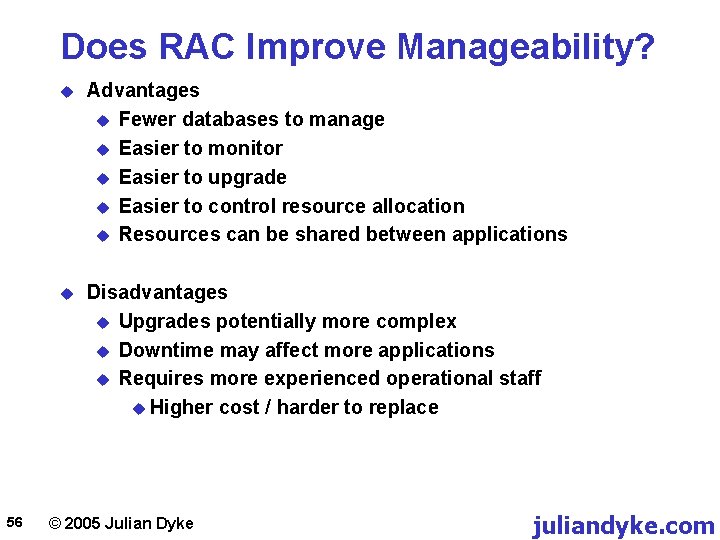
Does RAC Improve Manageability? 56 u Advantages u Fewer databases to manage u Easier to monitor u Easier to upgrade u Easier to control resource allocation u Resources can be shared between applications u Disadvantages u Upgrades potentially more complex u Downtime may affect more applications u Requires more experienced operational staff u Higher cost / harder to replace © 2005 Julian Dyke juliandyke. com
Total Cost of Ownership 57 © 2005 Julian Dyke juliandyke. com
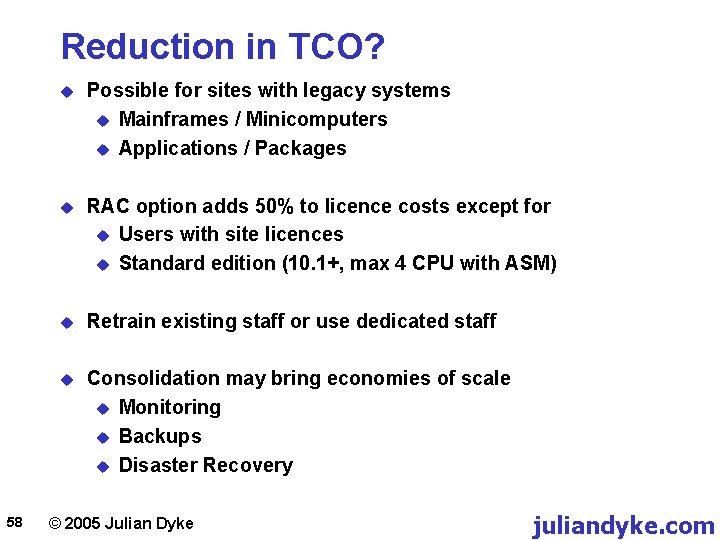
Reduction in TCO? 58 u Possible for sites with legacy systems u Mainframes / Minicomputers u Applications / Packages u RAC option adds 50% to licence costs except for u Users with site licences u Standard edition (10. 1+, max 4 CPU with ASM) u Retrain existing staff or use dedicated staff u Consolidation may bring economies of scale u Monitoring u Backups u Disaster Recovery © 2005 Julian Dyke juliandyke. com
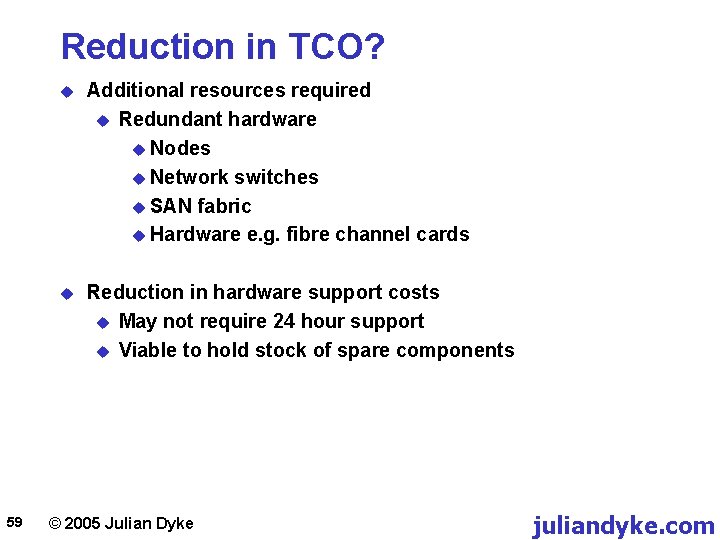
Reduction in TCO? 59 u Additional resources required u Redundant hardware u Nodes u Network switches u SAN fabric u Hardware e. g. fibre channel cards u Reduction in hardware support costs u May not require 24 hour support u Viable to hold stock of spare components © 2005 Julian Dyke juliandyke. com
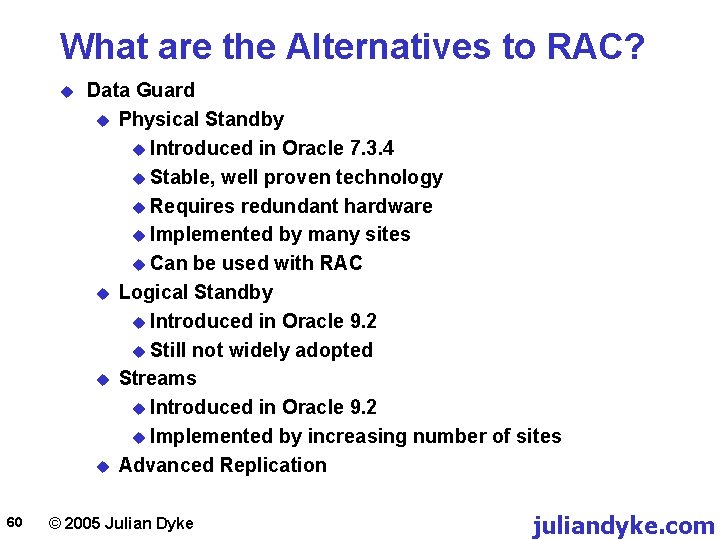
What are the Alternatives to RAC? u 60 Data Guard u Physical Standby u Introduced in Oracle 7. 3. 4 u Stable, well proven technology u Requires redundant hardware u Implemented by many sites u Can be used with RAC u Logical Standby u Introduced in Oracle 9. 2 u Still not widely adopted u Streams u Introduced in Oracle 9. 2 u Implemented by increasing number of sites u Advanced Replication © 2005 Julian Dyke juliandyke. com
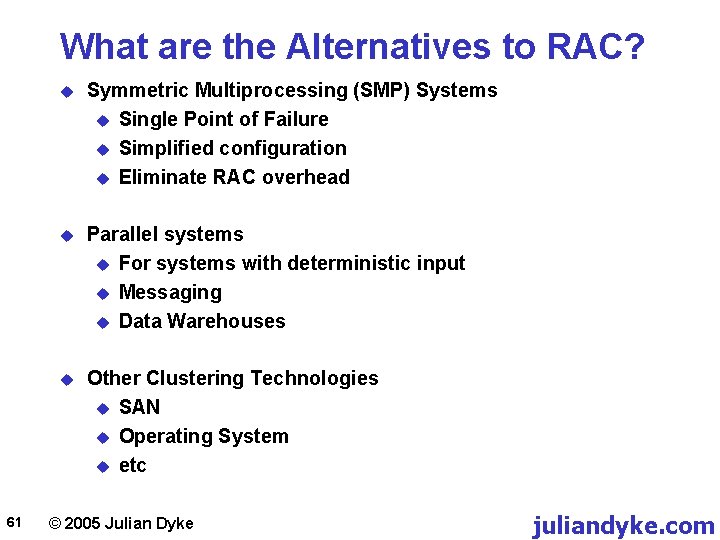
What are the Alternatives to RAC? 61 u Symmetric Multiprocessing (SMP) Systems u Single Point of Failure u Simplified configuration u Eliminate RAC overhead u Parallel systems u For systems with deterministic input u Messaging u Data Warehouses u Other Clustering Technologies u SAN u Operating System u etc © 2005 Julian Dyke juliandyke. com
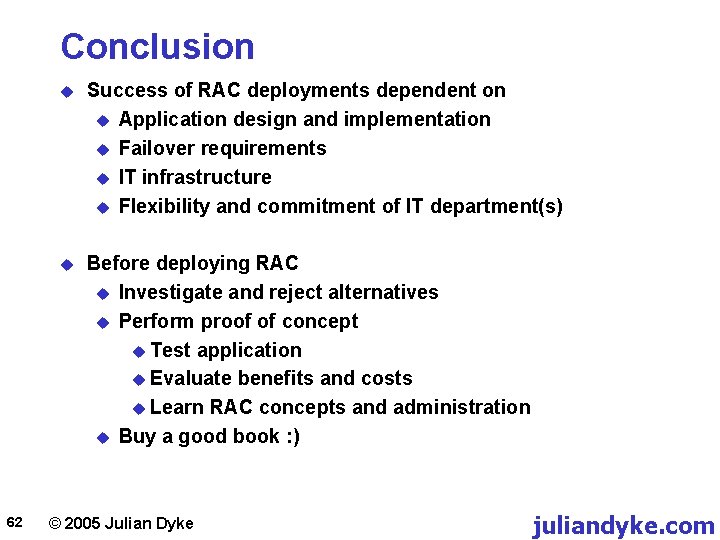
Conclusion 62 u Success of RAC deployments dependent on u Application design and implementation u Failover requirements u IT infrastructure u Flexibility and commitment of IT department(s) u Before deploying RAC u Investigate and reject alternatives u Perform proof of concept u Test application u Evaluate benefits and costs u Learn RAC concepts and administration u Buy a good book : ) © 2005 Julian Dyke juliandyke. com
Thank you for your interest For more information and to provide feedback please contact me My e-mail address is: info@juliandyke. com My website address is: www. juliandyke. com 63 © 2005 Julian Dyke juliandyke. com