
A Quick Guide Through Data Entry Tools Dr

- Slides: 6
A Quick Guide Through Data Entry Tools Dr Washington Ochola – COL Consultant
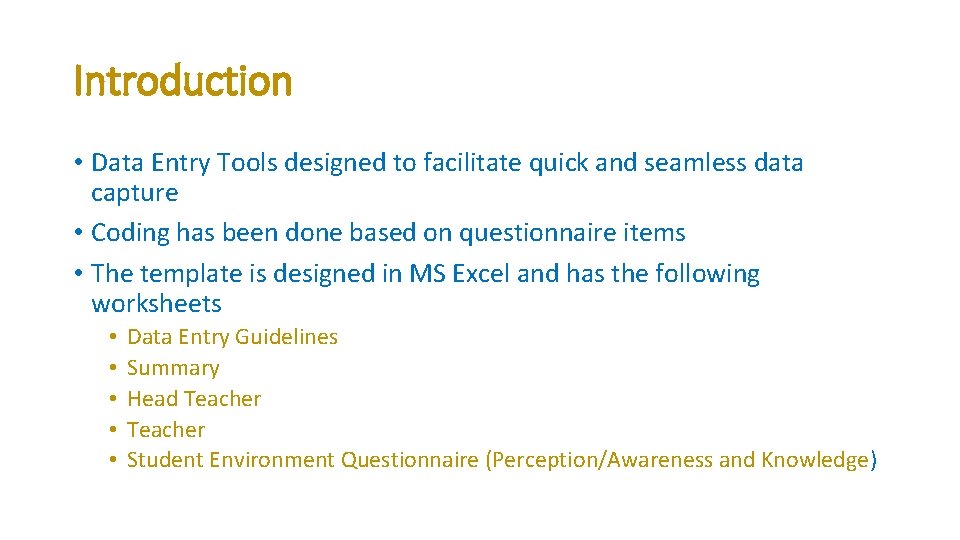
Introduction • Data Entry Tools designed to facilitate quick and seamless data capture • Coding has been done based on questionnaire items • The template is designed in MS Excel and has the following worksheets • • • Data Entry Guidelines Summary Head Teacher Student Environment Questionnaire (Perception/Awareness and Knowledge)
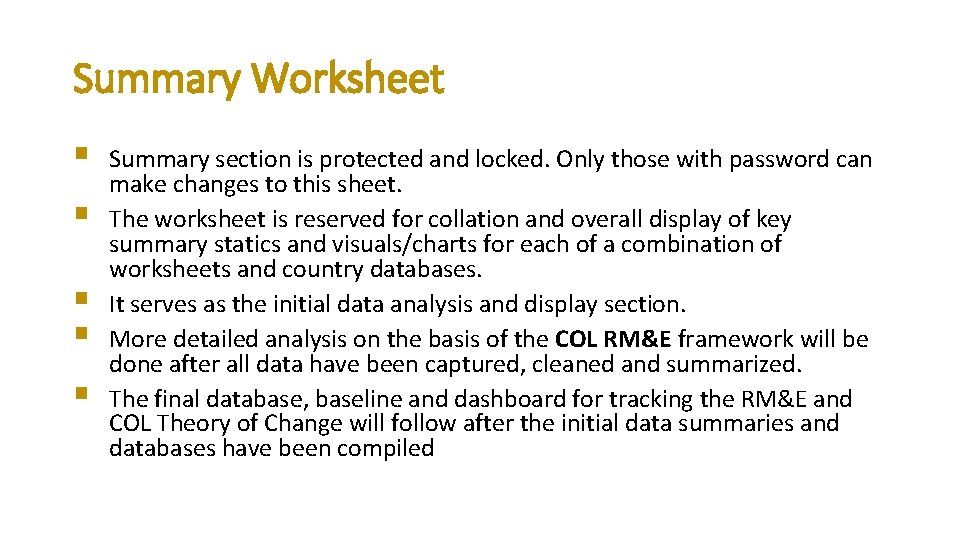
Summary Worksheet § § § Summary section is protected and locked. Only those with password can make changes to this sheet. The worksheet is reserved for collation and overall display of key summary statics and visuals/charts for each of a combination of worksheets and country databases. It serves as the initial data analysis and display section. More detailed analysis on the basis of the COL RM&E framework will be done after all data have been captured, cleaned and summarized. The final database, baseline and dashboard for tracking the RM&E and COL Theory of Change will follow after the initial data summaries and databases have been compiled
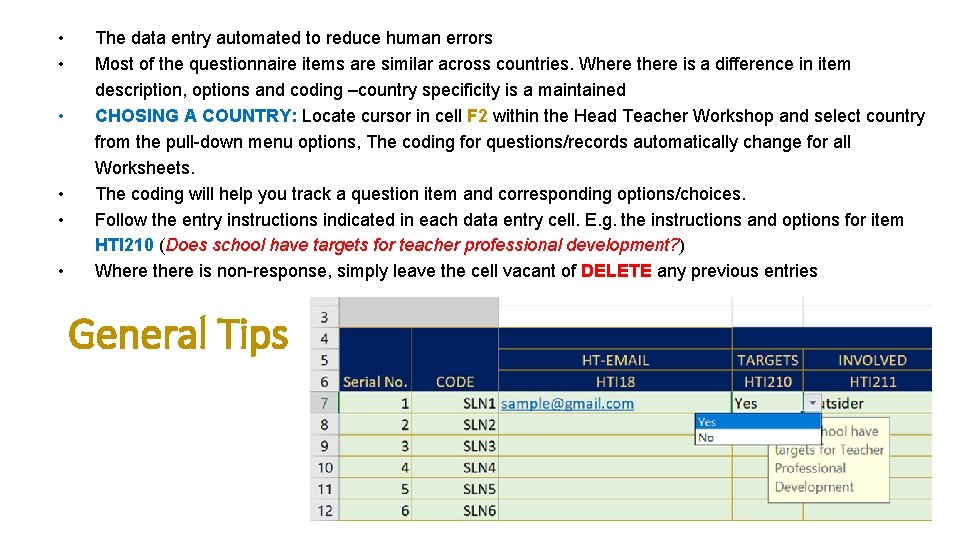
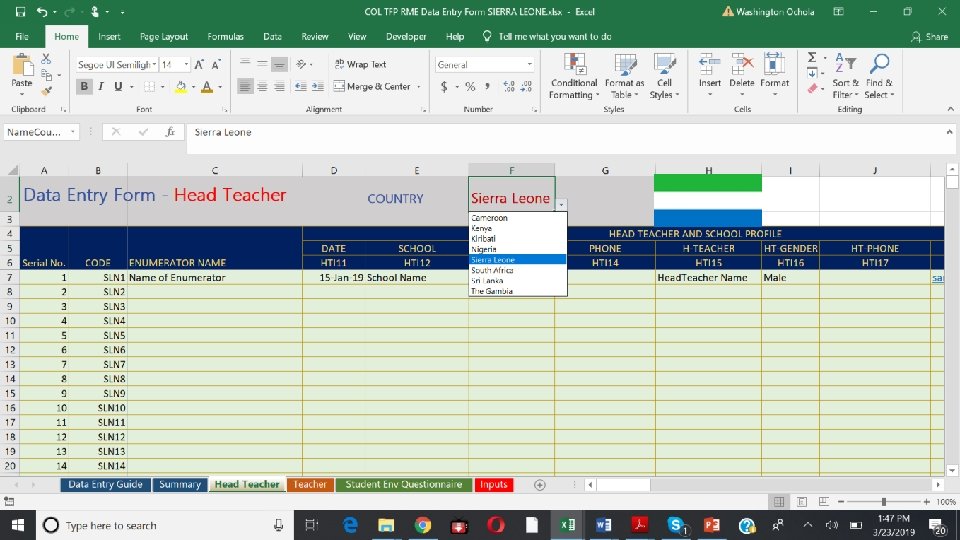
• • • The data entry automated to reduce human errors Most of the questionnaire items are similar across countries. Where there is a difference in item description, options and coding –country specificity is a maintained CHOSING A COUNTRY: Locate cursor in cell F 2 within the Head Teacher Workshop and select country from the pull-down menu options, The coding for questions/records automatically change for all Worksheets. The coding will help you track a question item and corresponding options/choices. Follow the entry instructions indicated in each data entry cell. E. g. the instructions and options for item HTI 210 (Does school have targets for teacher professional development? ) Where there is non-response, simply leave the cell vacant of DELETE any previous entries General Tips
End of Show 1