
A Practical Method to Create Innovative Online Courses
- Slides: 14
A Practical Method to Create Innovative Online Courses Liz Romero, Ph. D & Maria Glass, Ph. D Digital Pedagogy Institute August 20, 2015 1
Agenda § Learning Management System (LMS) § Guiding Principles § Course Development Checklist § Methodology § Creating Stories Online – Examples from GBC ESL § Planning § A Checklist for Success 2
Learning Management System (LMS) Blackboard • Free: https: //www. coursesites. com/webapps/Bb-sites-course-creation-BBLEARN/pages/getstarted. html • Institutional: https: //bb-gbc. blackboard. com/ 3
Guiding Principles � Learning Management System (Foundation) � Outcome-Based Learning � Learning by Doing – Experience and Skills � Learning by Solving Problems � Approach Proceeds the Tactic/Tool � Support Institutional Goals � Universal Design Learning Standards 4
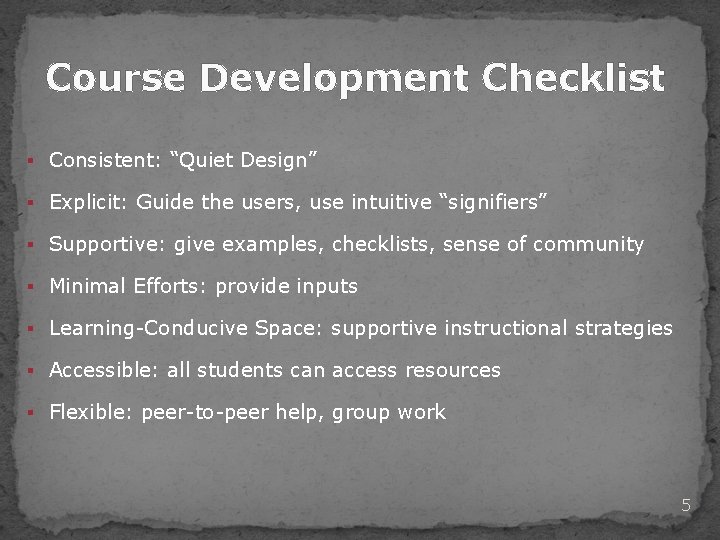
Course Development Checklist § Consistent: “Quiet Design” § Explicit: Guide the users, use intuitive “signifiers” § Supportive: give examples, checklists, sense of community § Minimal Efforts: provide inputs § Learning-Conducive Space: supportive instructional strategies § Accessible: all students can access resources § Flexible: peer-to-peer help, group work 5
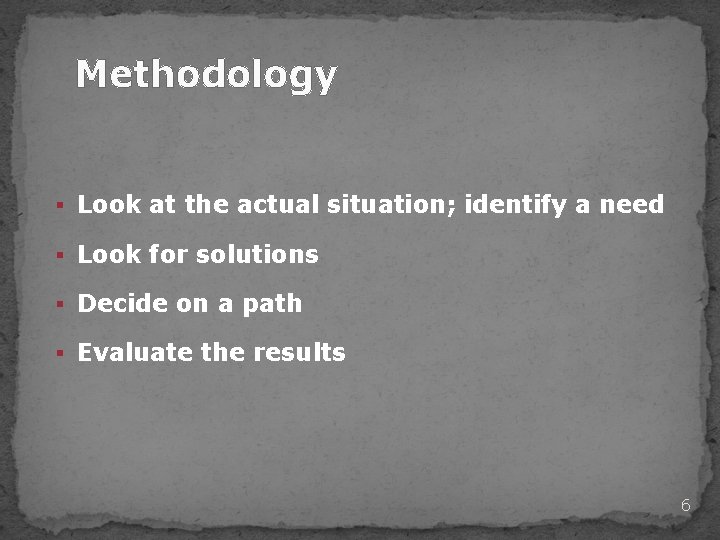
Methodology § Look at the actual situation; identify a need § Look for solutions § Decide on a path § Evaluate the results 6
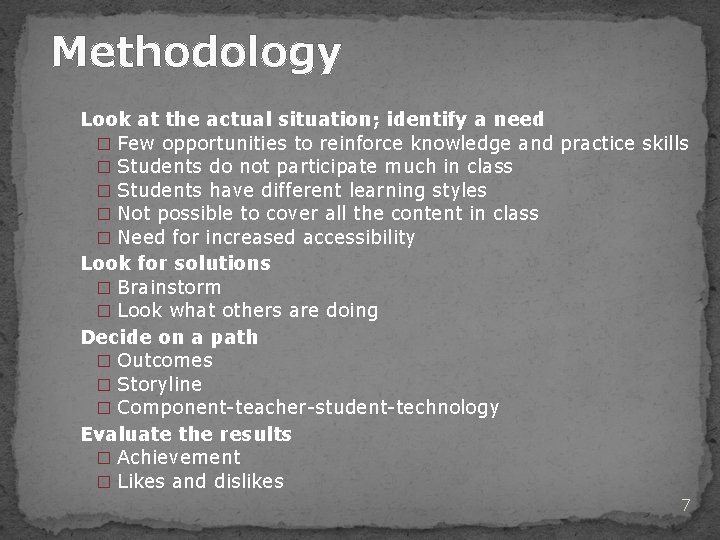
Methodology Look at the actual situation; identify a need � Few opportunities to reinforce knowledge and practice skills � Students do not participate much in class � Students have different learning styles � Not possible to cover all the content in class � Need for increased accessibility Look for solutions � Brainstorm � Look what others are doing Decide on a path � Outcomes � Storyline � Component-teacher-student-technology Evaluate the results � Achievement � Likes and dislikes 7
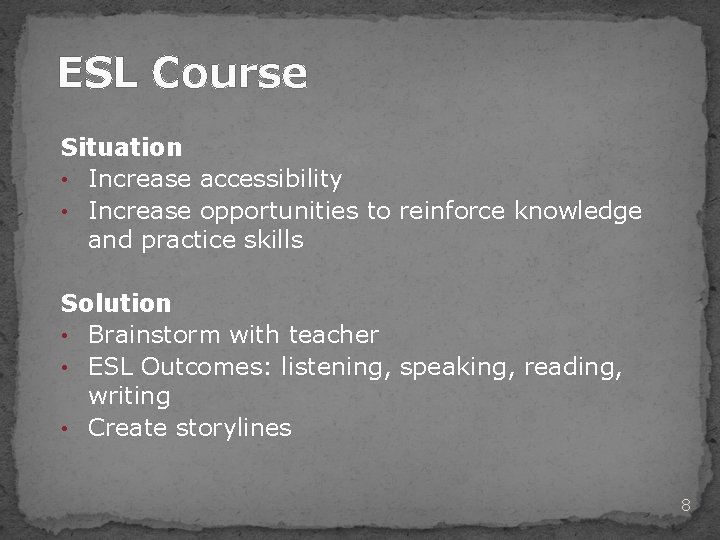
ESL Course Situation • Increase accessibility • Increase opportunities to reinforce knowledge and practice skills Solution • Brainstorm with teacher • ESL Outcomes: listening, speaking, reading, writing • Create storylines 8
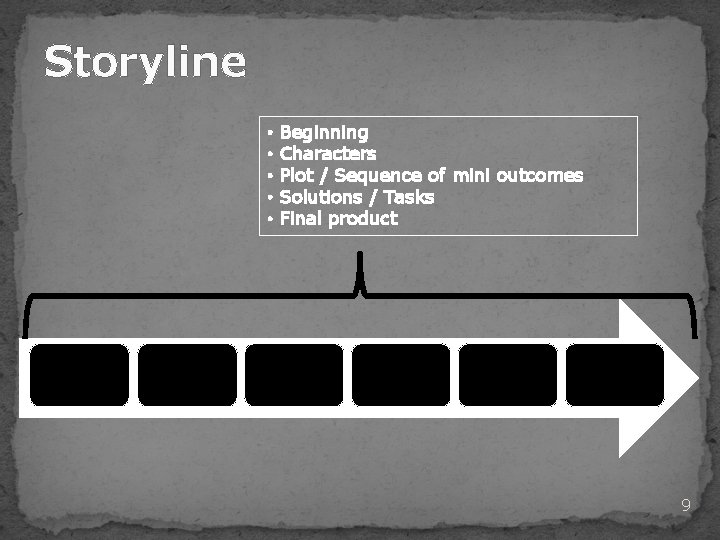
Storyline • • • Beginning Characters Plot / Sequence of mini outcomes Solutions / Tasks Final product 9
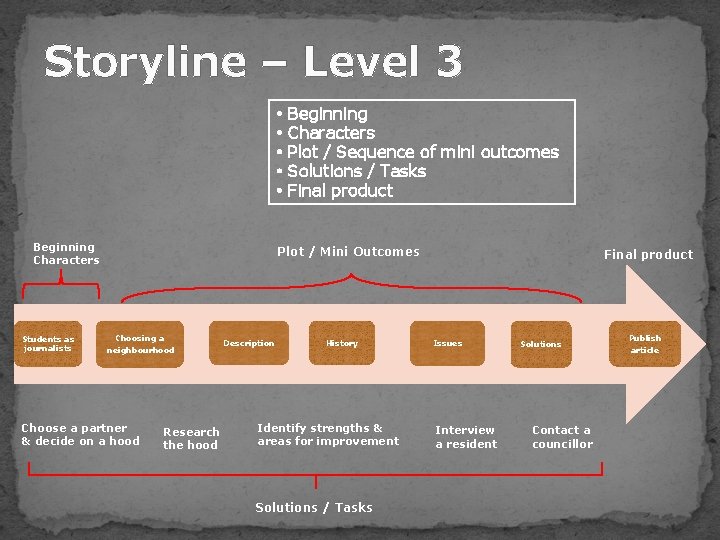
Storyline – Level 3 • • • Beginning Characters Students as journalists Beginning Characters Plot / Sequence of mini outcomes Solutions / Tasks Final product Plot / Mini Outcomes Choosing a neighbourhood Choose a partner & decide on a hood Research the hood Description History Identify strengths & areas for improvement Solutions / Tasks Final product Issues Interview a resident Solutions Contact a councillor Publish article
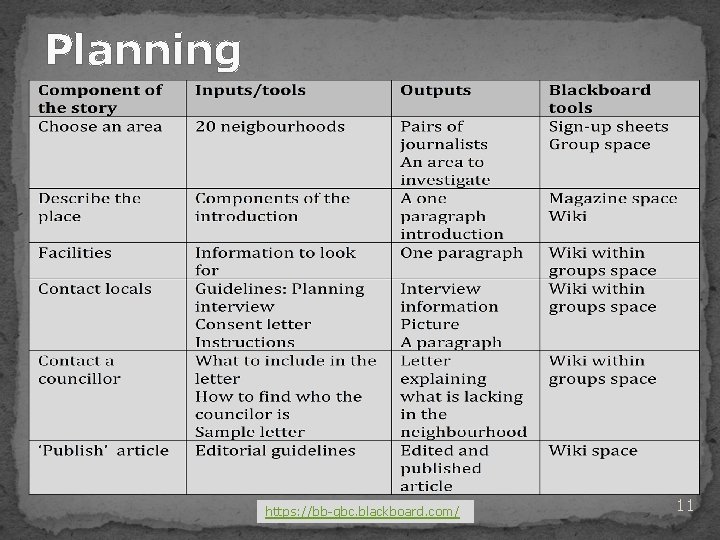
Planning https: //bb-gbc. blackboard. com/ 11
Lessons Learned • Use computer lab time to introduce tasks • Show enthusiasm - key to success • Give on-going support to students/teachers • Showcase student work
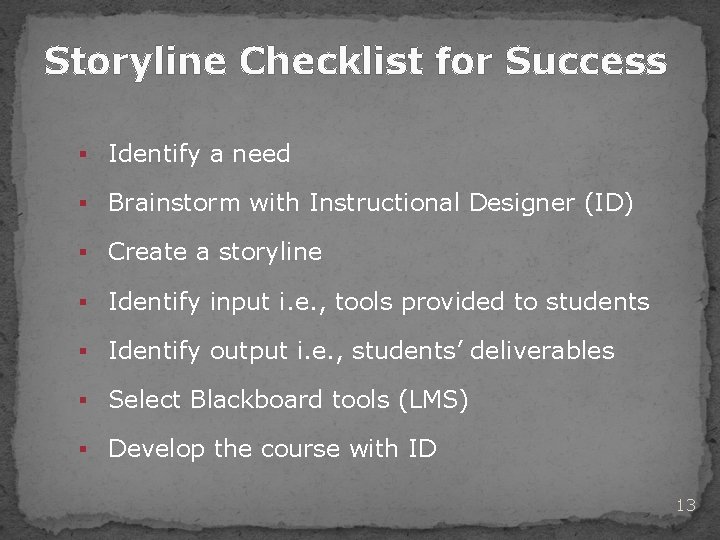
Storyline Checklist for Success § Identify a need § Brainstorm with Instructional Designer (ID) § Create a storyline § Identify input i. e. , tools provided to students § Identify output i. e. , students’ deliverables § Select Blackboard tools (LMS) § Develop the course with ID 13
Thank you! Contact Information: Liz Romero, Ph. D Instructional Designer lromero 1@georgebrown. ca Maria Glass, Ph. D ESL Instructor mglass@georgebrown. ca 14