
A Next Generation OCS A Next Generation OCS




- Slides: 9
A Next Generation OCS &
A Next Generation OCS What is Ethernet/IP? • Open Network specified by ODVA • Uses standard Ethernet components • Based on CIP Common Industrial Protocol • Allen-Bradley’s bet for the future
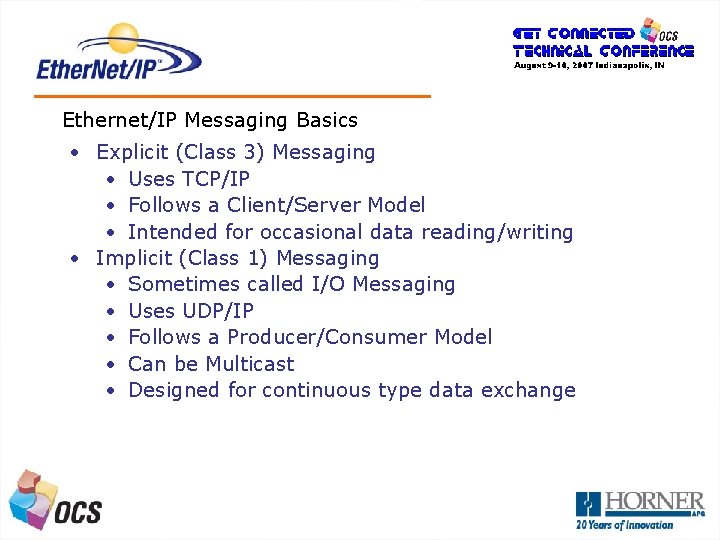
A Next Generation OCS Ethernet/IP Messaging Basics • Explicit (Class 3) Messaging • Uses TCP/IP • Follows a Client/Server Model • Intended for occasional data reading/writing • Implicit (Class 1) Messaging • Sometimes called I/O Messaging • Uses UDP/IP • Follows a Producer/Consumer Model • Can be Multicast • Designed for continuous type data exchange
A Next Generation OCS Does OCS Do Ethernet/IP? • The OCS has an embedded Ethernet/IP Driver in all models with “full” Ethernet functionality • NX, QX (also SVGA OCS, ETN 200/300) • This implementation is well-defined, but not well understood (SUP 740 Ethernet Supplement) • The INTENTION of the OCS Ethernet/IP implementation is to allow an OCS/RCS to act as an I/O Drop on an Ethernet/IP Network • Additional functionality will be added to the OCS’ Ethernet/IP capability in 2008
A Next Generation OCS How Do I Setup OCS/RCS with an Ethernet/IP I/O Connection? • Select Ethernet/IP Checkbox in Cscape • Select Size and Location of Produced and Consumed Data (up to 256 bytes) • Assign 16 -bit Status Register Control. Logix PLC-5 E SLC 5/05 Compact. Logix NX OCS
A Next Generation OCS What’s Involved on the A-B side? • The appropriate A-B software configuration tool must be used (ie RSLogix 5000) • The goal is to setup an I/O Data Connection between the PLC and the OCS/RCS • Used to transfer data between a PLC and a field device (OCS/RCS) • PLC is the “Originator” • I/O Device (OCS/RCS) is the “Target” • PLC Input flows T>O • PLC Output flows O>T • Target Device must be present in the PLC’s I/O tree
A Next Generation OCS RSLogix 5000 Configuration • From the Controller Properties pane, add a new Ethernet “Module” into the I/O tree • Point to I/O Configuration, Right-click and select “Add Module”. Select the interface module (eg 1756 -ENBT or 1756 -ENET/B) and apply changes • Point to the EIP interface module, right click and select “Insert Module” and choose “ETHERNET MODULE Generic Ethernet Module”
A Next Generation OCS RSLogix 5000 Configuration • Select the Module Properties tag and configure the following: • Name. This will also be used as the tag. An example is “NXOCS”. • COMM Format. The OCS supports INT, DINT, REAL • IP Address • Select the Module Properties tag • Input Assembly Instance and Size. This is for data produced by the OCS. Set this to 100. Set the size to the same number of bytes produced by the OCS • Output Assembly Instance and Size. This is for data consumed by the OCS. Set this to 101. • Configuration Assembly Instance and Size. Set the size to 0.
A Next Generation OCS Tag Creation Example Tags: • Tags associated with the OCS will be inserted into the Control. Logix’ I/O tree after NXOCS: I. Data[0] the completion of the module NXOCS: I. Data[1] selection and configuration process. . . • The tag name is the same NXOCS: I. Data[127] name given to the module in the module properties screentag • Select the Module Properties • The ‘: O’ tag is the PLC output data consumed by the OCS. • The ‘: I’ tag is the PLC input data produced by the OCS. • the ‘: S’ tag (if created) is unused with the OCS