
A New Computer Science Curriculum for All School
- Slides: 36
A New Computer Science Curriculum for All School Levels in Poland Maciej M. Sysło University of Toruń, University of Wrocław syslo@mat. umk. pl, http: //mmsyslo. pl/
Overview § § § § School system in Poland informatics education Informatics education – shifts in approach Computational thinking (CT) The new curriculum The role of programming Introducing computer science concepts – examples Supporting activities Maciej M. Sysło
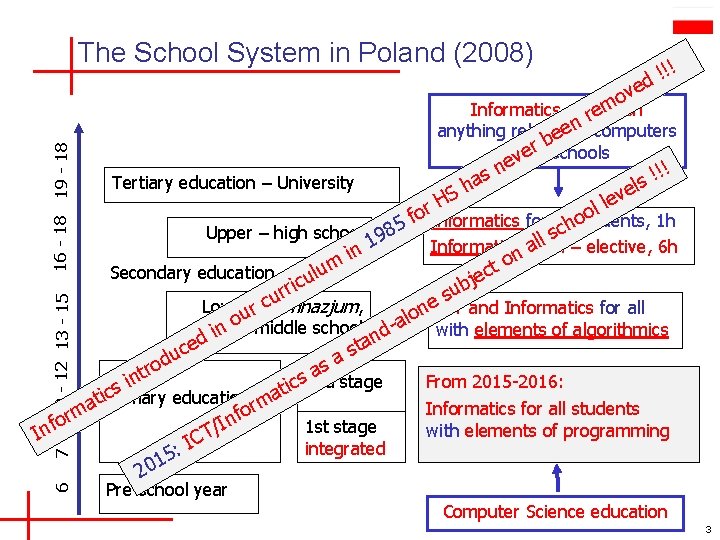
The School System in Poland (2008) 19 - 18 v o m !! ! d e Informatics education re n anything related eeto computers b r vein schools Tertiary education – University ne s a h S H !! ! s l e lev 6 7 - 9 10 - 12 13 - 15 16 - 18 ol or. Informatics for all students, f o 1 h h c Upper – high school 985 l s – elective, 6 h l 1 Informatics adv. a in n o m t Secondary education ec ulu j c i b rr su u c e Lowerur– gimnazjum, n ICT and Informatics for all o n middle school nd-a with elements of algorithmics i ed ta c s u sa od r a t in From 2015 -2016: cs 2 nd stage i s t c ti. Primary education rma a Informatics forlessons all students Computer (ICT) o m f r n o I f 1 st stage / with elements of programming T In C I integrated 5: 1 20 Pre-school year Computer Science education 3
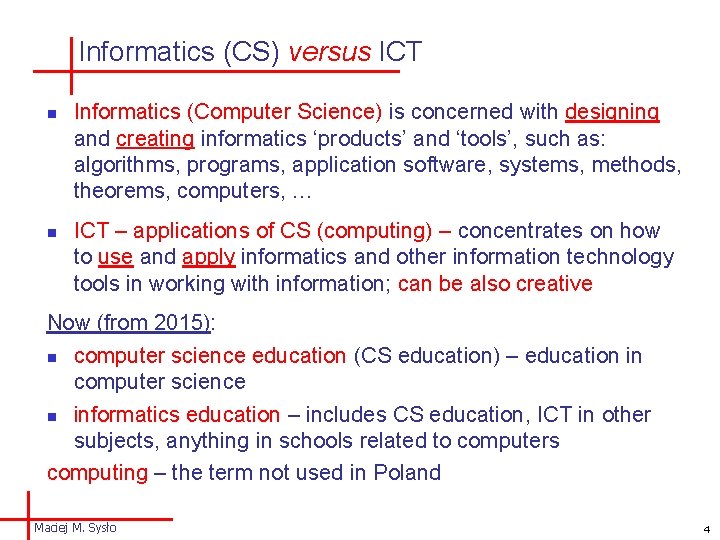
Informatics (CS) versus ICT n n Informatics (Computer Science) is concerned with designing and creating informatics ‘products’ and ‘tools’, such as: algorithms, programs, application software, systems, methods, theorems, computers, … ICT – applications of CS (computing) – concentrates on how to use and apply informatics and other information technology tools in working with information; can be also creative Now (from 2015): n computer science education (CS education) – education in computer science n informatics education – includes CS education, ICT in other subjects, anything in schools related to computers computing – the term not used in Poland Maciej M. Sysło 4
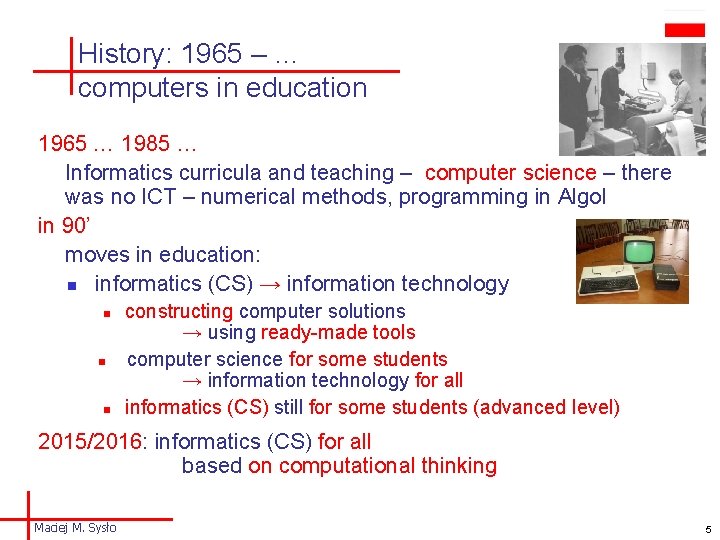
History: 1965 – … computers in education 1965 … 1985 … Informatics curricula and teaching – computer science – there was no ICT – numerical methods, programming in Algol in 90’ moves in education: n informatics (CS) → information technology n n n constructing computer solutions → using ready-made tools computer science for some students → information technology for all informatics (CS) still for some students (advanced level) 2015/2016: informatics (CS) for all based on computational thinking Maciej M. Sysło 5
Computer science education in crisis some answers n n students have tested enough ICT in their upbringing and they want something different, in particular at a university level the traditional school and university curricula in computing are unattractive to present-day students (but not only students) do not distinguish between using and studying (computer tools) opposed to a vocational qualification, the mission of schools and universities is to develop understanding, rather than skills only The lack of adequate CS education in schools On the other hand – there is still a demand for experts and specialists in computing and its applications Maciej M. Sysło 6
Informatics education – shifts in approach n ICT for all n n n 60’ – 90’: algorithmic thinking: creating programs, algorithmics, programming – there was no ICT 90’ – ICT era: step back: basic computer literacy – the capability to use today’s technology beginning of 2000: fluency with ICT – the capability to use new technology as it evolves J. Wing, 2006: computational thinking – competencies built on the power and limits of computing: 3 R (Reading + w. Riting + a. Rithmetic) + computational thinking Shift: algorithmic thinking to computational thinking informatics for informatics to informatics for all Maciej M. Sysło 7
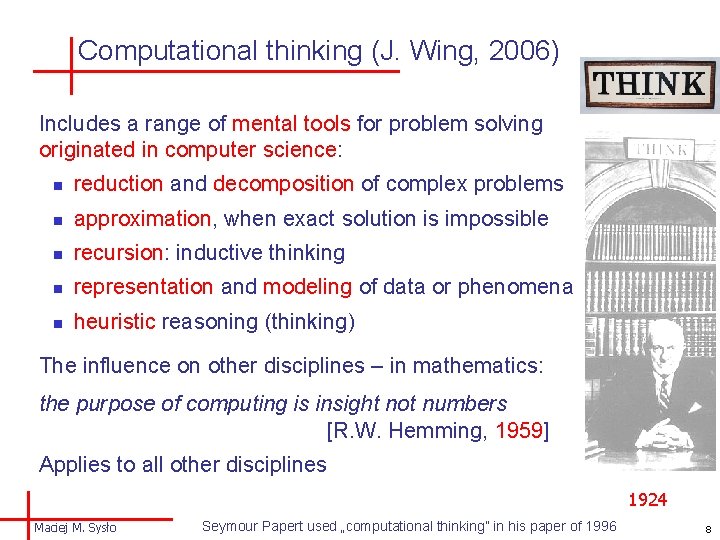
Computational thinking (J. Wing, 2006) Includes a range of mental tools for problem solving originated in computer science: n reduction and decomposition of complex problems n approximation, when exact solution is impossible n recursion: inductive thinking n representation and modeling of data or phenomena n heuristic reasoning (thinking) The influence on other disciplines – in mathematics: the purpose of computing is insight not numbers [R. W. Hemming, 1959] Applies to all other disciplines 1924 Maciej M. Sysło Seymour Papert used „computational thinking” in his paper of 1996 8
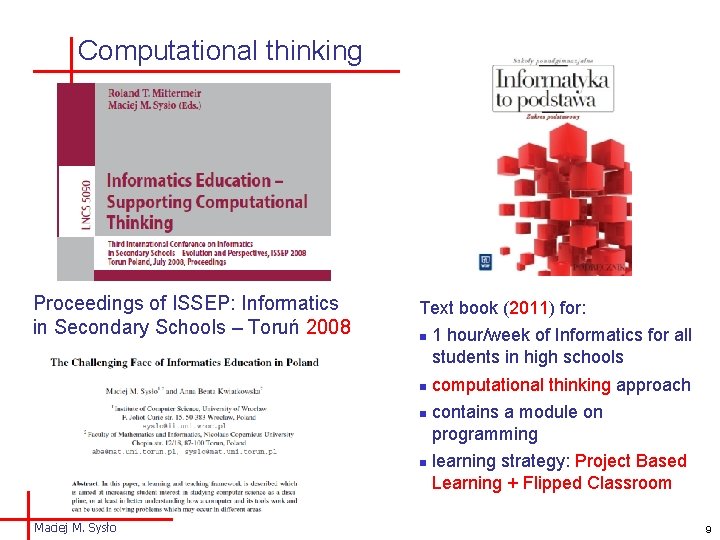
Computational thinking Proceedings of ISSEP: Informatics in Secondary Schools – Toruń 2008 Text book (2011) for: n n Maciej M. Sysło 1 hour/week of Informatics for all students in high schools computational thinking approach contains a module on programming learning strategy: Project Based Learning + Flipped Classroom 9
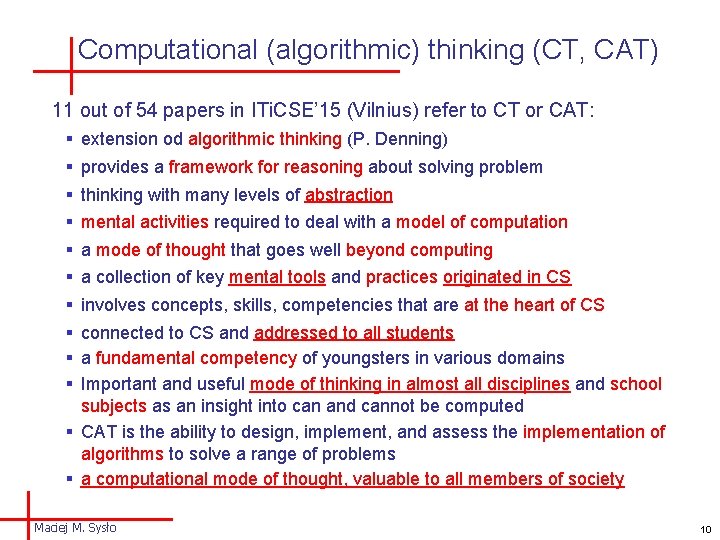
Computational (algorithmic) thinking (CT, CAT) 11 out of 54 papers in ITi. CSE’ 15 (Vilnius) refer to CT or CAT: § extension od algorithmic thinking (P. Denning) § provides a framework for reasoning about solving problem § thinking with many levels of abstraction § mental activities required to deal with a model of computation § a mode of thought that goes well beyond computing § a collection of key mental tools and practices originated in CS § involves concepts, skills, competencies that are at the heart of CS § connected to CS and addressed to all students § a fundamental competency of youngsters in various domains § Important and useful mode of thinking in almost all disciplines and school subjects as an insight into can and cannot be computed § CAT is the ability to design, implement, and assess the implementation of algorithms to solve a range of problems § a computational mode of thought, valuable to all members of society Maciej M. Sysło 10
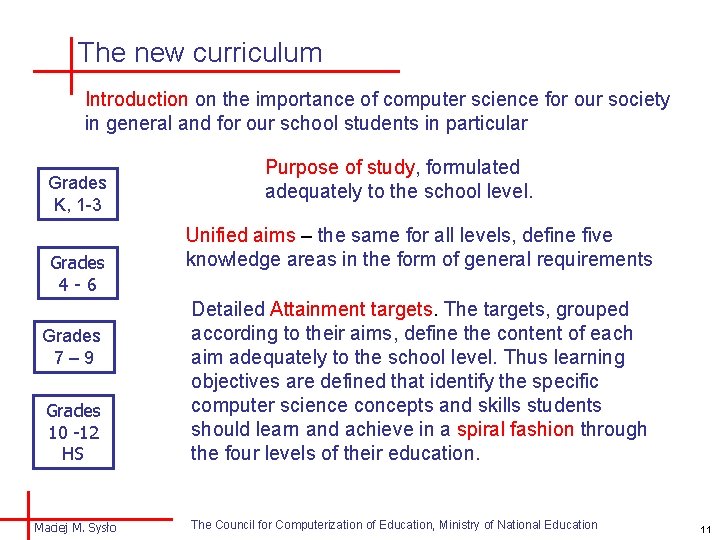
The new curriculum Introduction on the importance of computer science for our society in general and for our school students in particular Grades K, 1 -3 Grades 4 -6 Grades 7– 9 Grades 10 -12 HS Maciej M. Sysło Purpose of study, formulated adequately to the school level. Unified aims – the same for all levels, define five knowledge areas in the form of general requirements Detailed Attainment targets. The targets, grouped according to their aims, define the content of each aim adequately to the school level. Thus learning objectives are defined that identify the specific computer science concepts and skills students should learn and achieve in a spiral fashion through the four levels of their education. The Council for Computerization of Education, Ministry of National Education 11
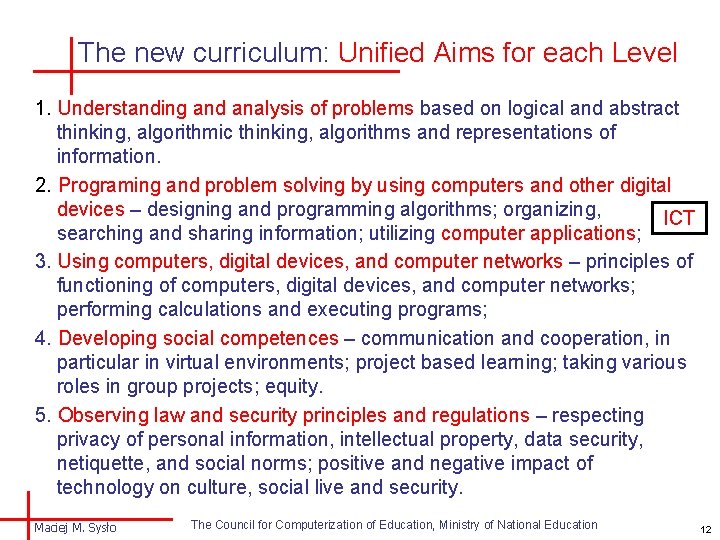
The new curriculum: Unified Aims for each Level 1. Understanding and analysis of problems based on logical and abstract thinking, algorithmic thinking, algorithms and representations of information. 2. Programing and problem solving by using computers and other digital devices – designing and programming algorithms; organizing, ICT searching and sharing information; utilizing computer applications; 3. Using computers, digital devices, and computer networks – principles of functioning of computers, digital devices, and computer networks; performing calculations and executing programs; 4. Developing social competences – communication and cooperation, in particular in virtual environments; project based learning; taking various roles in group projects; equity. 5. Observing law and security principles and regulations – respecting privacy of personal information, intellectual property, data security, netiquette, and social norms; positive and negative impact of technology on culture, social live and security. Maciej M. Sysło The Council for Computerization of Education, Ministry of National Education 12
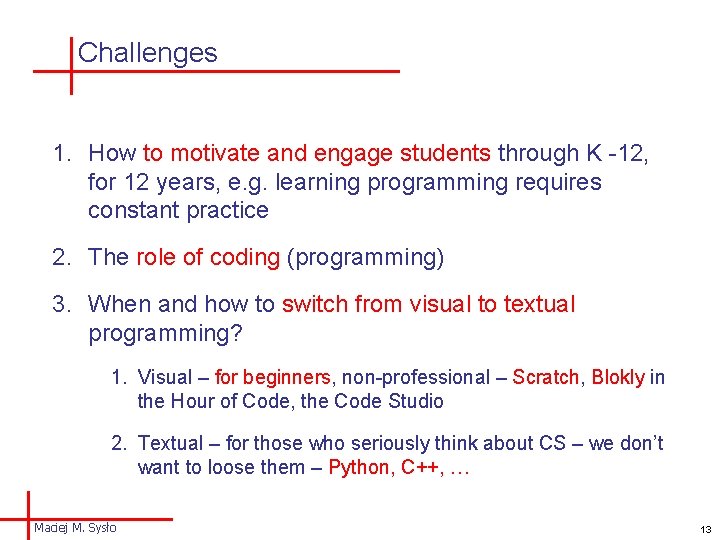
Challenges 1. How to motivate and engage students through K -12, for 12 years, e. g. learning programming requires constant practice 2. The role of coding (programming) 3. When and how to switch from visual to textual programming? 1. Visual – for beginners, non-professional – Scratch, Blokly in the Hour of Code, the Code Studio 2. Textual – for those who seriously think about CS – we don’t want to loose them – Python, C++, … Maciej M. Sysło 13
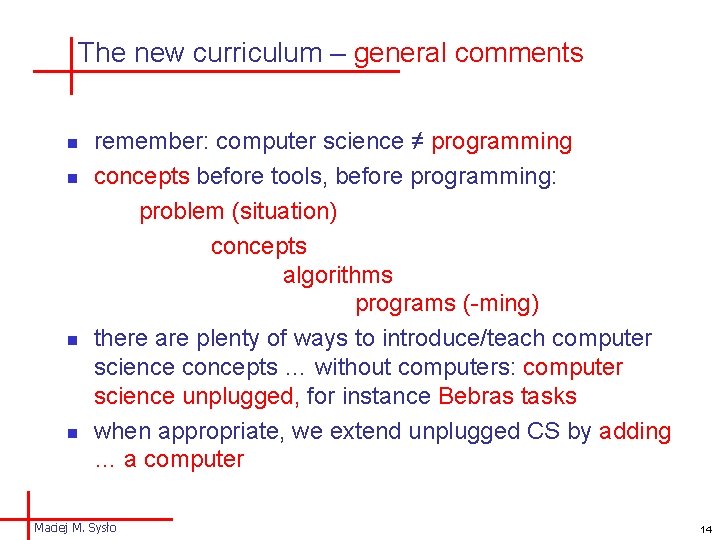
The new curriculum – general comments n n remember: computer science ≠ programming concepts before tools, before programming: problem (situation) concepts algorithms programs (-ming) there are plenty of ways to introduce/teach computer science concepts … without computers: computer science unplugged, for instance Bebras tasks when appropriate, we extend unplugged CS by adding … a computer Maciej M. Sysło 14
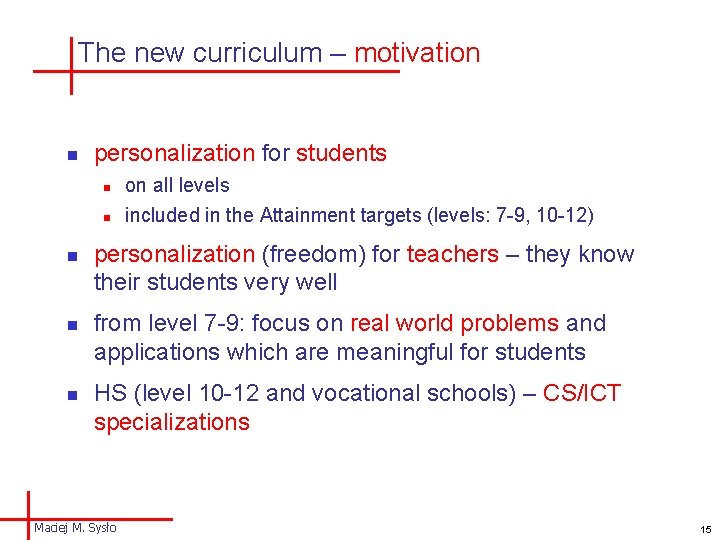
The new curriculum – motivation n n personalization for students n on all levels n included in the Attainment targets (levels: 7 -9, 10 -12) personalization (freedom) for teachers – they know their students very well from level 7 -9: focus on real world problems and applications which are meaningful for students HS (level 10 -12 and vocational schools) – CS/ICT specializations Maciej M. Sysło 15
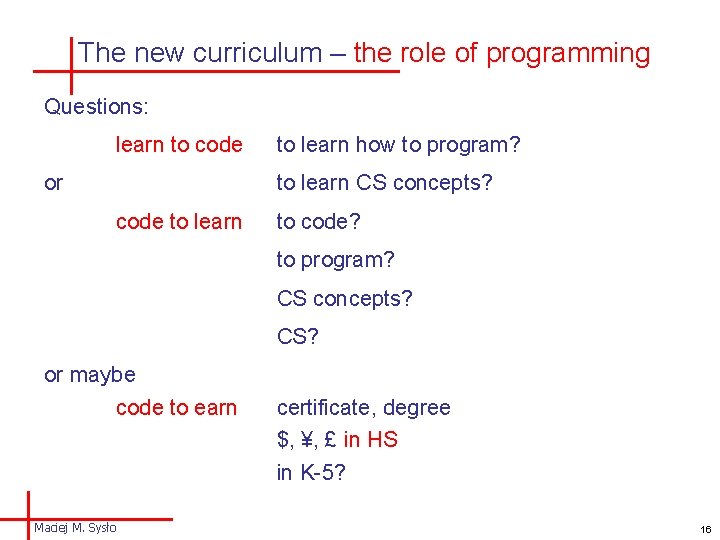
The new curriculum – the role of programming Questions: learn to code or to learn how to program? to learn CS concepts? code to learn to code? to program? CS concepts? CS? or maybe code to earn Maciej M. Sysło certificate, degree $, ¥, £ in HS in K-5? 16
The new curriculum – the role of programming n n remember: computer science ≠ programming how to use extra curricular coding activities (the Hour of Code) in the classroom? Programming n programming is a tool, not a goal n which programming language? – there are 3000 n n n any, which can be used to introduce and illustrate concepts introduce new constructs when needed a program is a message for a computer and also to other people different languages different programming methods visual versus textual languages and programming Maciej M. Sysło 17
Introducing CS concepts – to kids (1 -3, 4 -6) • Examples from the Childrens’ universities (with A. B. Kwiatkowska) • We use all three forms of children activities: • visual learning (pictures, objects, abstract and physical models, …) • auditory learning (exchange ideas, discussions, group work, …) • kinesthetic learning (physical activities) • We work in environments consisting of three stages: • cooperative games and puzzles that use concrete meaningful objects – discovering concepts (Bebras tasks, The Hour of Code) • computational thinking about the objects and concepts – algorithms, solutions • programming – Scratch, The Hour of Code, Logo, Python • We also combine our hobbies with problem scenarios: collecting computing instruments and graph theory as my „research hobby” • Bebras tasks – the source of problem situations • The Hour of Code – introduction to (visual) programming with puzzles Maciej M. Sysło 18
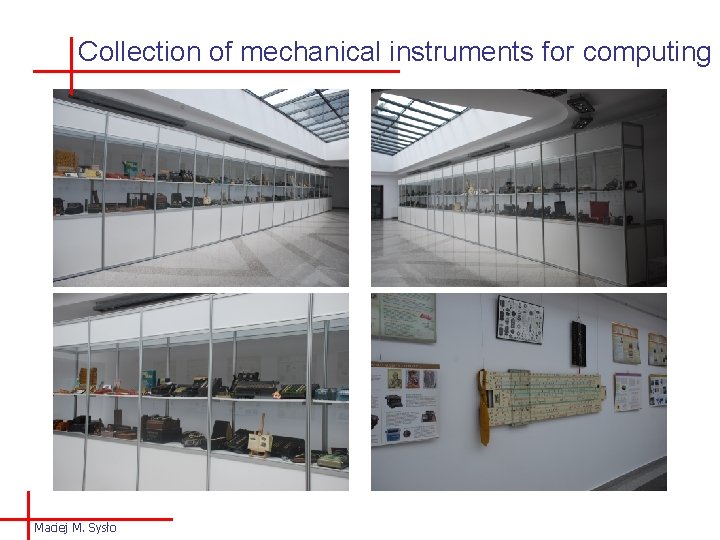
Collection of mechanical instruments for computing Maciej M. Sysło
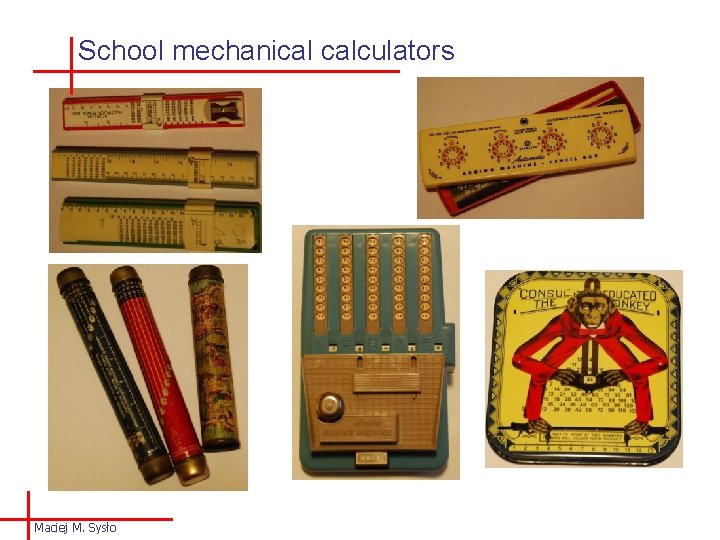
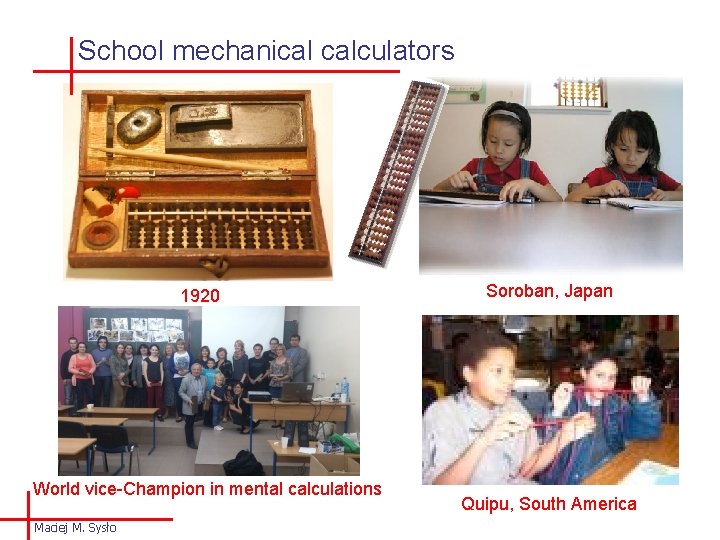
School mechanical calculators Maciej M. Sysło
School mechanical calculators 1920 World vice-Champion in mental calculations Maciej M. Sysło Soroban, Japan Quipu, South America
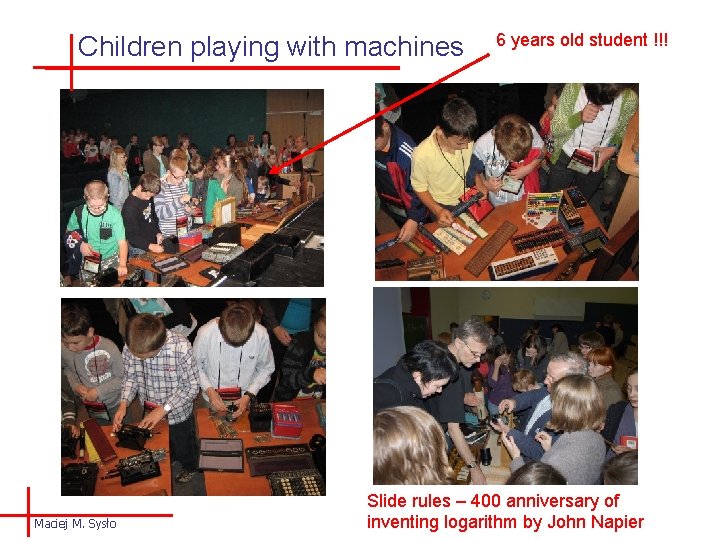
Children playing with machines Maciej M. Sysło 6 years old student !!! Slide rules – 400 anniversary of inventing logarithm by John Napier
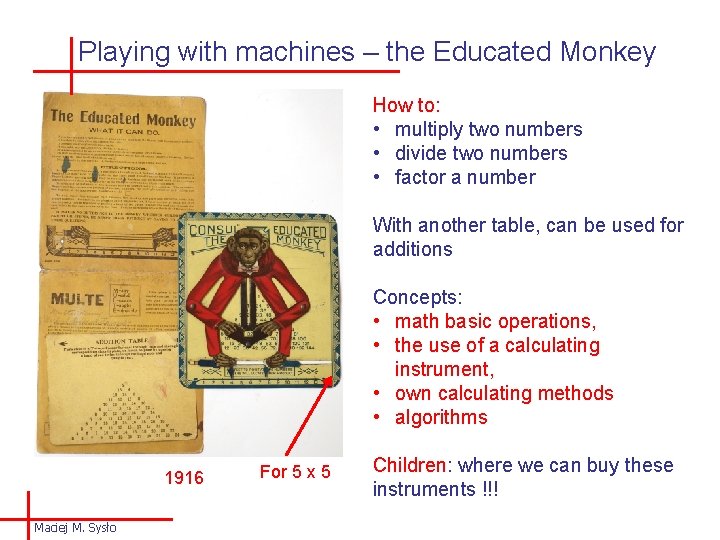
Playing with machines – the Educated Monkey How to: • multiply two numbers • divide two numbers • factor a number With another table, can be used for additions Concepts: • math basic operations, • the use of a calculating instrument, • own calculating methods • algorithms 1916 Maciej M. Sysło For 5 x 5 Children: where we can buy these instruments !!!
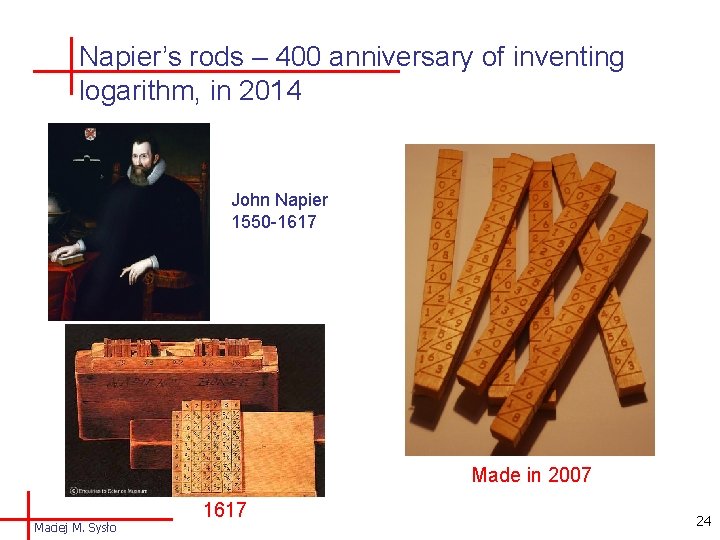
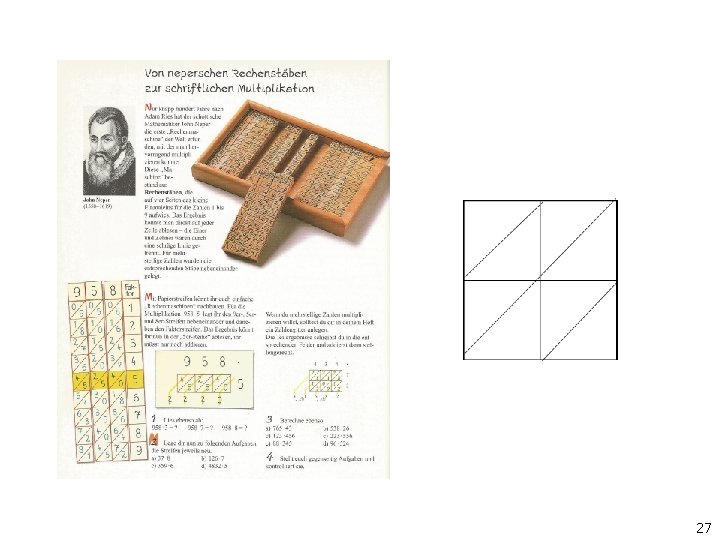
Napier’s rods – 400 anniversary of inventing logarithm, in 2014 John Napier 1550 -1617 Made in 2007 Maciej M. Sysło 1617 24
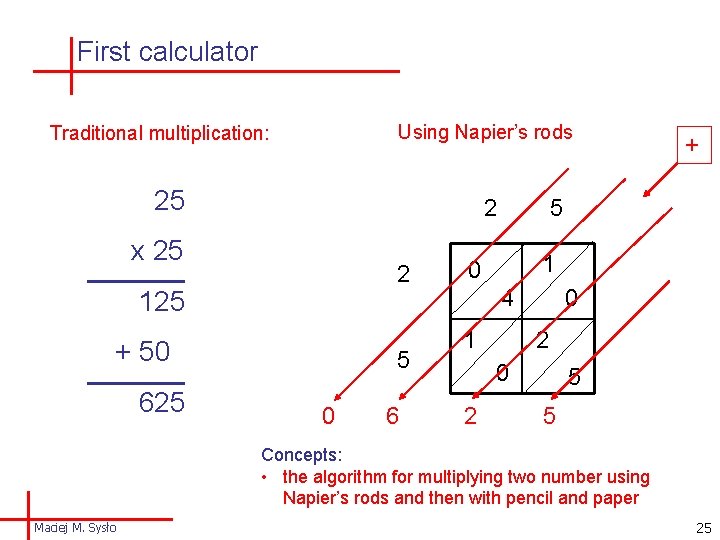
First calculator Using Napier’s rods Traditional multiplication: 25 2 x 25 2 125 + 50 625 5 0 6 5 1 0 4 1 0 2 + 5 5 Concepts: • the algorithm for multiplying two number using Napier’s rods and then with pencil and paper Maciej M. Sysło 25
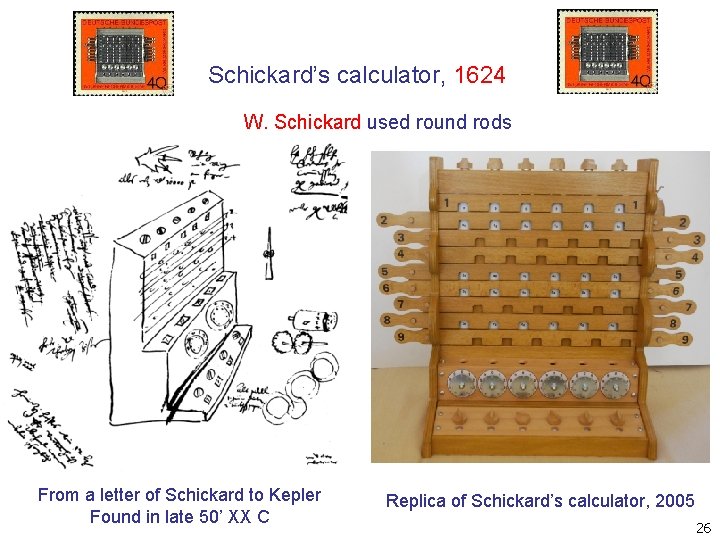
Schickard’s calculator, 1624 W. Schickard used round rods From a letter of Schickard to Kepler Found in late 50’ XX C Replica of Schickard’s calculator, 2005 26
27
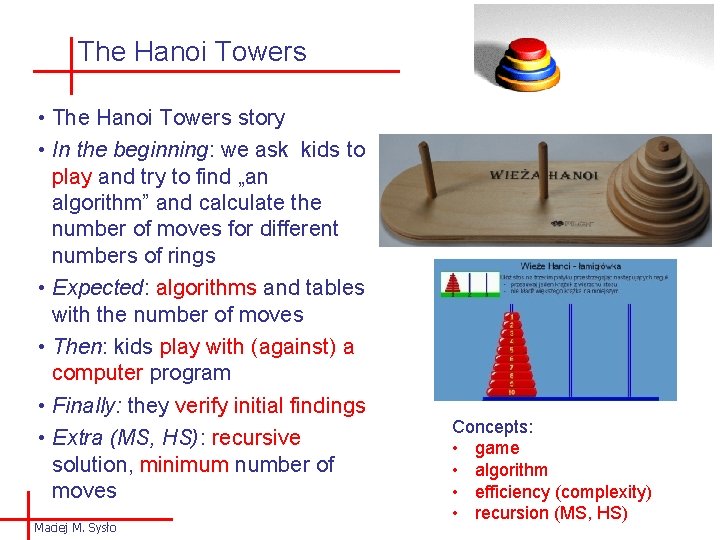
The Hanoi Towers • The Hanoi Towers story • In the beginning: we ask kids to play and try to find „an algorithm” and calculate the number of moves for different numbers of rings • Expected: algorithms and tables with the number of moves • Then: kids play with (against) a computer program • Finally: they verify initial findings • Extra (MS, HS): recursive solution, minimum number of moves Maciej M. Sysło Concepts: • game • algorithm • efficiency (complexity) • recursion (MS, HS)
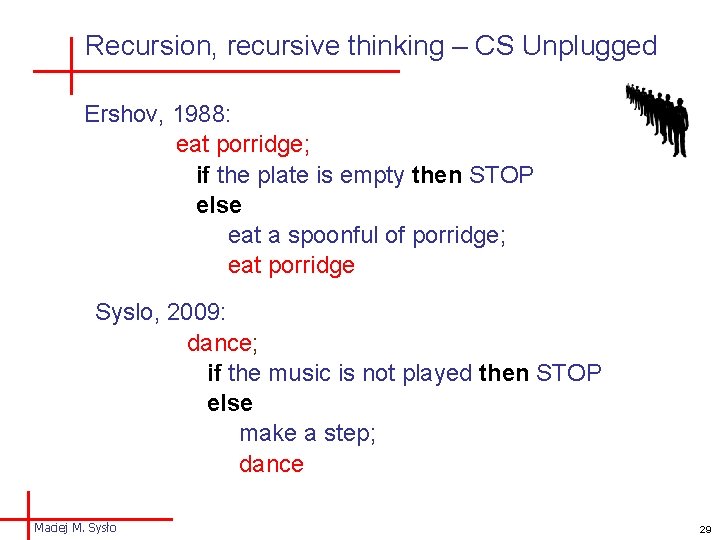
Recursion, recursive thinking – CS Unplugged Ershov, 1988: eat porridge; if the plate is empty then STOP else eat a spoonful of porridge; eat porridge Syslo, 2009: dance; if the music is not played then STOP else make a step; dance Maciej M. Sysło 29
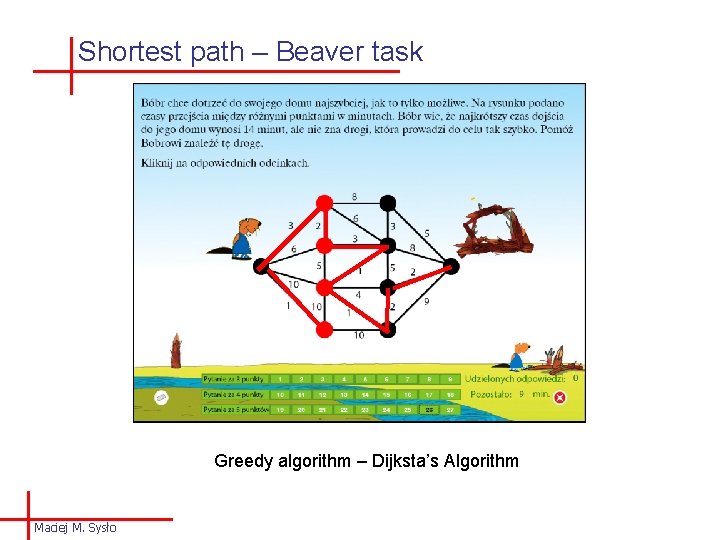
Shortest path – Beaver task Greedy algorithm – Dijksta’s Algorithm Maciej M. Sysło
Shortest path – introduction Kids are working with real situation – motivates them: • Computer: Find your house and your school on the Google map • Find your way to/from school • Find shortest paths (distance and time) to/from school by different transportation means: on foot, by bicycle, by car, public transportation • Paper and pencil: Table to compare which is the shortest path (time/distance) to school? Maciej M. Sysło
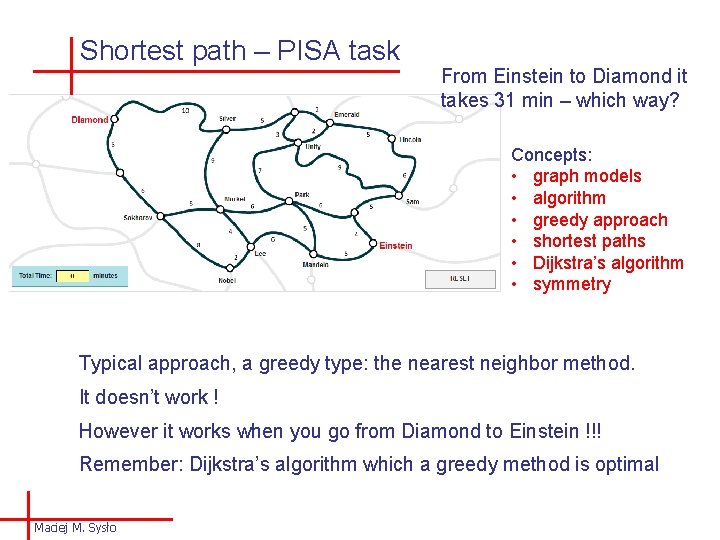
Shortest path – PISA task From Einstein to Diamond it takes 31 min – which way? Concepts: • graph models • algorithm • greedy approach • shortest paths • Dijkstra’s algorithm • symmetry Typical approach, a greedy type: the nearest neighbor method. It doesn’t work ! However it works when you go from Diamond to Einstein !!! Remember: Dijkstra’s algorithm which a greedy method is optimal Maciej M. Sysło
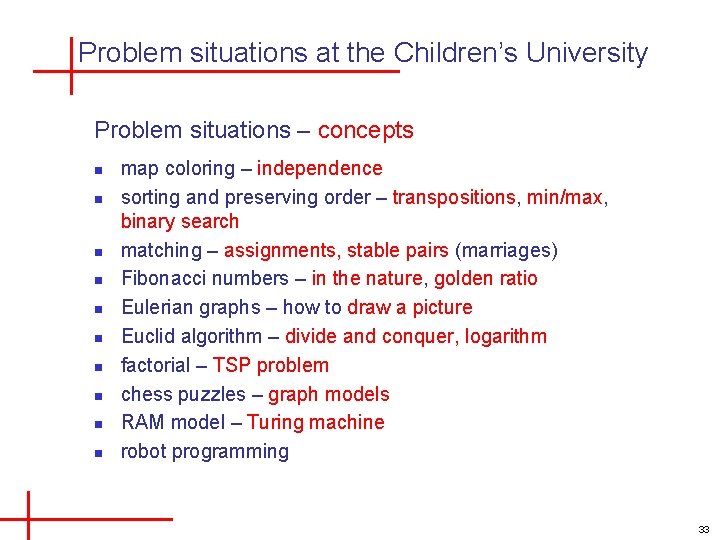
Problem situations at the Children’s University Problem situations – concepts n n n n n map coloring – independence sorting and preserving order – transpositions, min/max, binary search matching – assignments, stable pairs (marriages) Fibonacci numbers – in the nature, golden ratio Eulerian graphs – how to draw a picture Euclid algorithm – divide and conquer, logarithm factorial – TSP problem chess puzzles – graph models RAM model – Turing machine robot programming 33
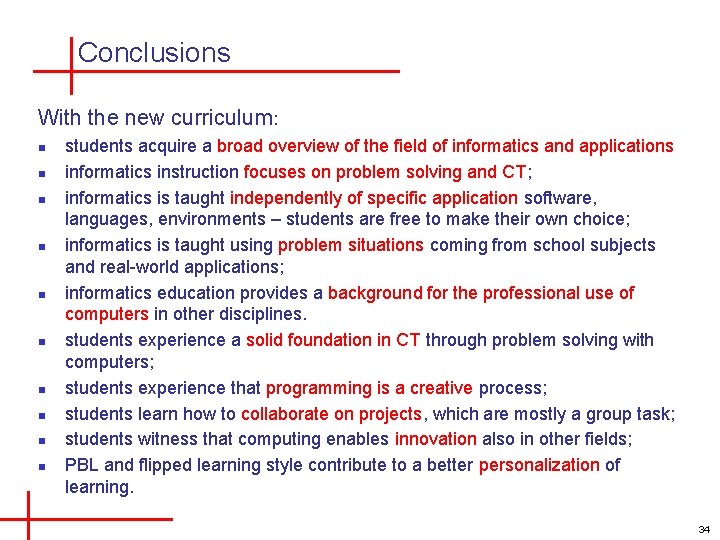
Conclusions With the new curriculum: n n n n n students acquire a broad overview of the field of informatics and applications informatics instruction focuses on problem solving and CT; informatics is taught independently of specific application software, languages, environments – students are free to make their own choice; informatics is taught using problem situations coming from school subjects and real-world applications; informatics education provides a background for the professional use of computers in other disciplines. students experience a solid foundation in CT through problem solving with computers; students experience that programming is a creative process; students learn how to collaborate on projects, which are mostly a group task; students witness that computing enables innovation also in other fields; PBL and flipped learning style contribute to a better personalization of learning. 34
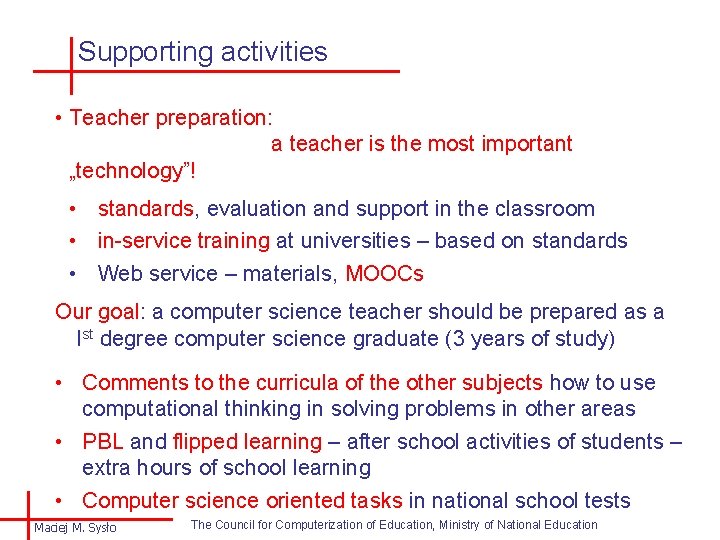
Supporting activities • Teacher preparation: a teacher is the most important „technology”! • standards, evaluation and support in the classroom • in-service training at universities – based on standards • Web service – materials, MOOCs Our goal: a computer science teacher should be prepared as a Ist degree computer science graduate (3 years of study) • Comments to the curricula of the other subjects how to use computational thinking in solving problems in other areas • PBL and flipped learning – after school activities of students – extra hours of school learning • Computer science oriented tasks in national school tests Maciej M. Sysło The Council for Computerization of Education, Ministry of National Education
Thank you for your attention and don’t forget to: