
A More Efficient Office Tiffany Wilson Financial Aid

- Slides: 23
A More Efficient Office Tiffany Wilson Financial Aid Services, Consultant
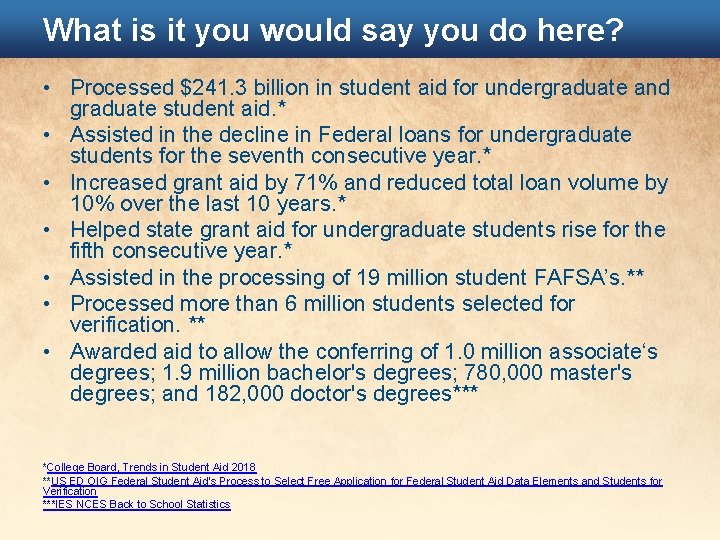
What is it you would say you do here? • Processed $241. 3 billion in student aid for undergraduate and graduate student aid. * • Assisted in the decline in Federal loans for undergraduate students for the seventh consecutive year. * • Increased grant aid by 71% and reduced total loan volume by 10% over the last 10 years. * • Helped state grant aid for undergraduate students rise for the fifth consecutive year. * • Assisted in the processing of 19 million student FAFSA’s. ** • Processed more than 6 million students selected for verification. ** • Awarded aid to allow the conferring of 1. 0 million associate‘s degrees; 1. 9 million bachelor's degrees; 780, 000 master's degrees; and 182, 000 doctor's degrees*** *College Board, Trends in Student Aid 2018 **US ED OIG Federal Student Aid’s Process to Select Free Application for Federal Student Aid Data Elements and Students for Verification ***IES NCES Back to School Statistics
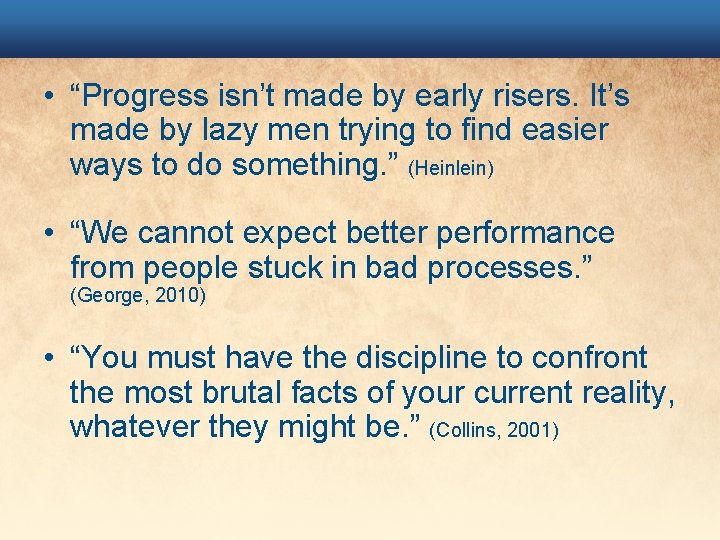
• “Progress isn’t made by early risers. It’s made by lazy men trying to find easier ways to do something. ” (Heinlein) • “We cannot expect better performance from people stuck in bad processes. ” (George, 2010) • “You must have the discipline to confront the most brutal facts of your current reality, whatever they might be. ” (Collins, 2001)
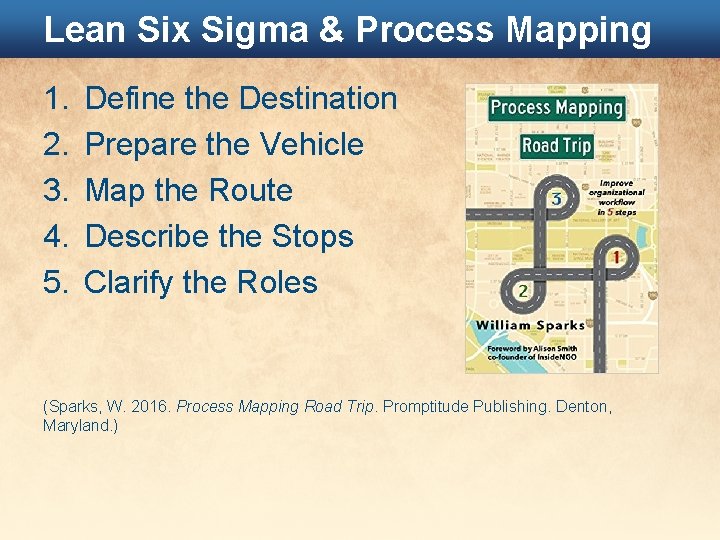
Lean Six Sigma & Process Mapping 1. 2. 3. 4. 5. Define the Destination Prepare the Vehicle Map the Route Describe the Stops Clarify the Roles (Sparks, W. 2016. Process Mapping Road Trip. Promptitude Publishing. Denton, Maryland. )
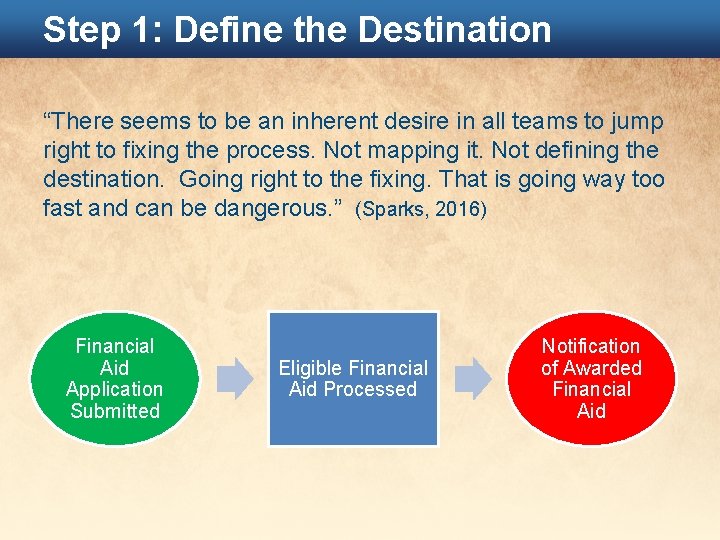
Step 1: Define the Destination “There seems to be an inherent desire in all teams to jump right to fixing the process. Not mapping it. Not defining the destination. Going right to the fixing. That is going way too fast and can be dangerous. ” (Sparks, 2016) Financial Aid Application Submitted Eligible Financial Aid Processed Notification of Awarded Financial Aid
Financial Aid Destination Provide notification on awarded federal financial aid for Okey Doke University students meeting all Graduate admission requirements and enrolled in an approved program, taught at an approved location with all verification items submitted and validated by a trained financial aid member while maintaining fund limitations and eligibility requirements and meeting the goals of the University.
Example Destinations • • V 5 Verifications Unusual Enrollment History Exit Counseling Gainful Employment Reporting FISAP Completion Direct Loan Reconciliation Mailing of Financial Aid Award Letters Employee Training and Succession Planning
Create a Destination Description • Work through ONE process during a staff meeting. • Invite other stakeholders involved in the process. • Create for all stakeholders. Exclude “Financial Aidese”. “G 5 drawdowns as a result of the Direct Loan reconciliation and for our Mc. Kinney-Vento students who recently provided affirmative confirmation. ” • Develop the process based on the current reality, not the optimal reality. That comes next.
Step 2: Prepare the Vehicle • Start with the very first action in the process. – What action triggers the workflow? – How is this action communicated? • Exactly how this action travels from the first person to the next person will reveal the vehicle. (i. e. forms, websites, queuing systems, electronic workflow, e-mail, etc. )
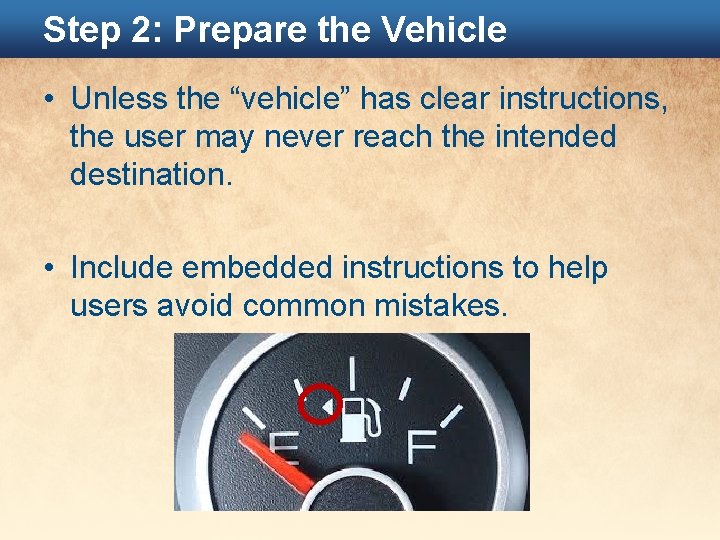
Step 2: Prepare the Vehicle • Unless the “vehicle” has clear instructions, the user may never reach the intended destination. • Include embedded instructions to help users avoid common mistakes.
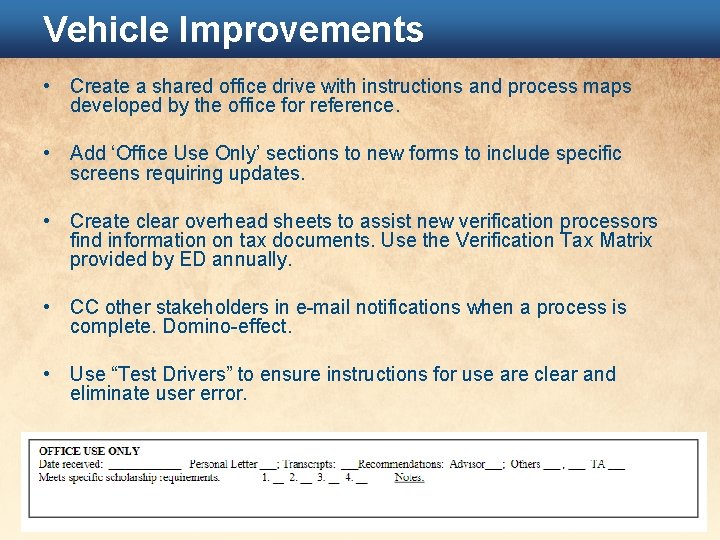
Vehicle Improvements • Create a shared office drive with instructions and process maps developed by the office for reference. • Add ‘Office Use Only’ sections to new forms to include specific screens requiring updates. • Create clear overhead sheets to assist new verification processors find information on tax documents. Use the Verification Tax Matrix provided by ED annually. • CC other stakeholders in e-mail notifications when a process is complete. Domino-effect. • Use “Test Drivers” to ensure instructions for use are clear and eliminate user error.
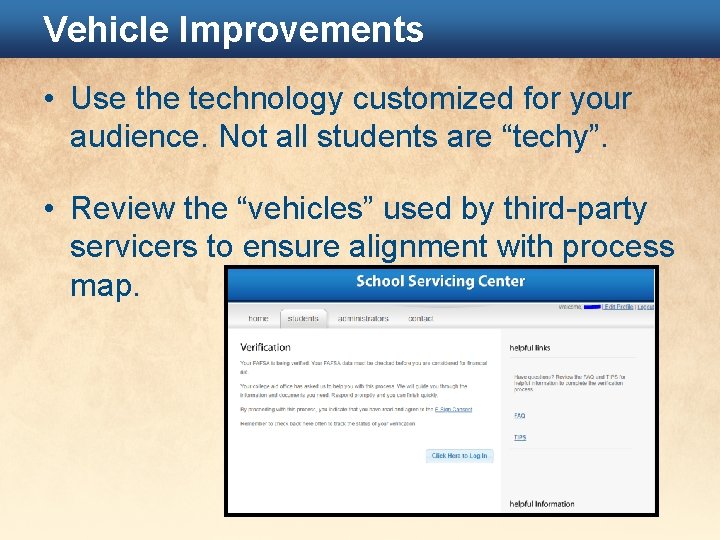
Vehicle Improvements • Use the technology customized for your audience. Not all students are “techy”. • Review the “vehicles” used by third-party servicers to ensure alignment with process map.
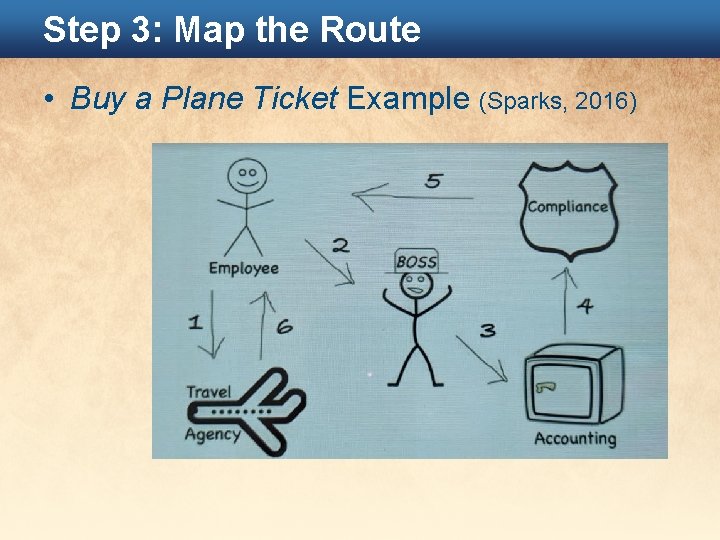
Step 3: Map the Route • Buy a Plane Ticket Example (Sparks, 2016)
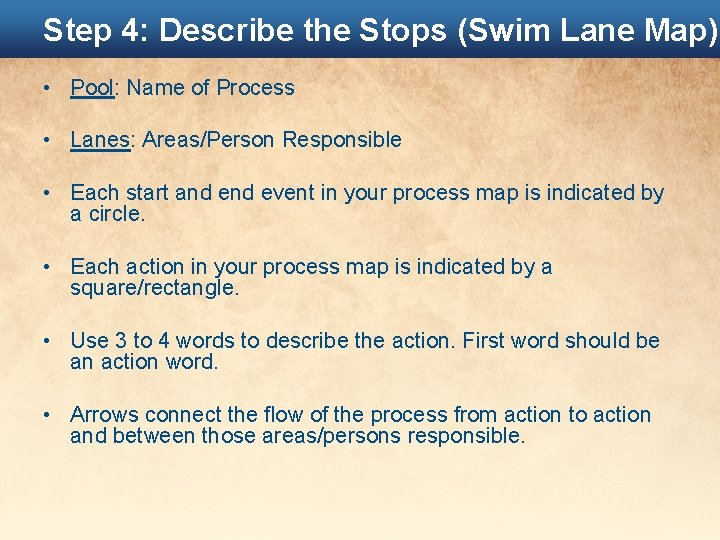
Step 4: Describe the Stops (Swim Lane Map) • Pool: Name of Process • Lanes: Areas/Person Responsible • Each start and event in your process map is indicated by a circle. • Each action in your process map is indicated by a square/rectangle. • Use 3 to 4 words to describe the action. First word should be an action word. • Arrows connect the flow of the process from action to action and between those areas/persons responsible.
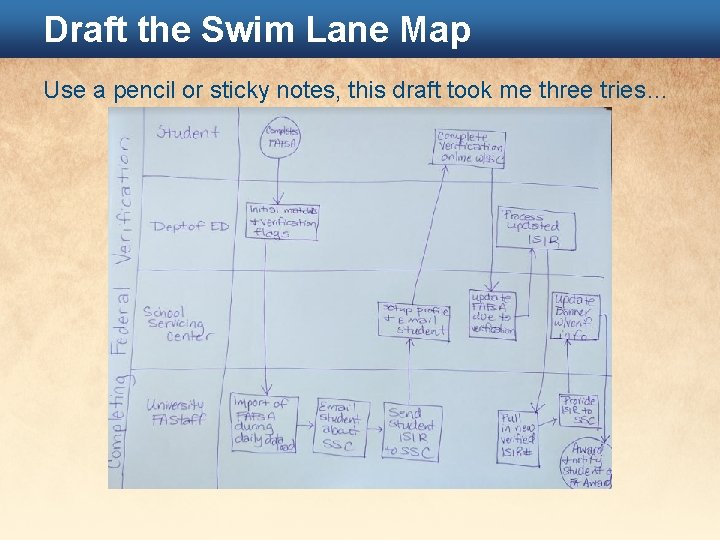
Draft the Swim Lane Map Use a pencil or sticky notes, this draft took me three tries…
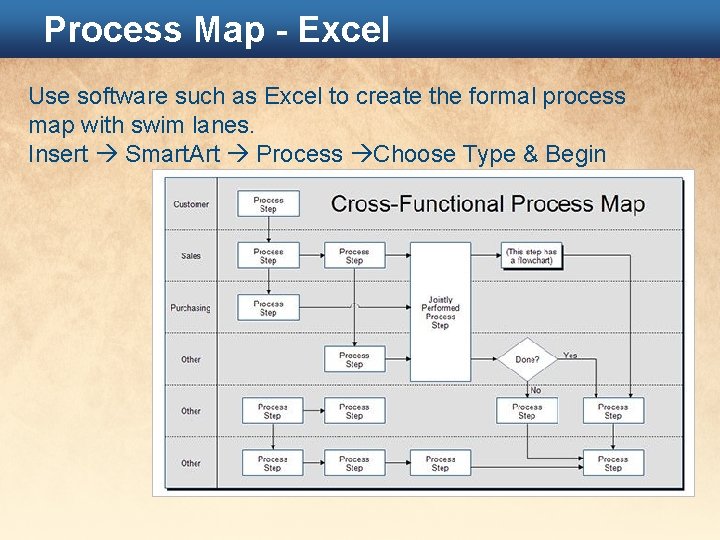
Process Map - Excel Use software such as Excel to create the formal process map with swim lanes. Insert Smart. Art Process Choose Type & Begin
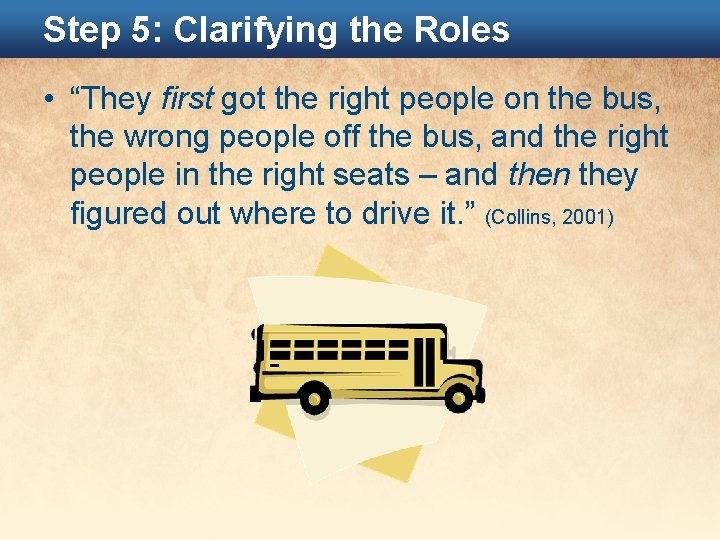
Step 5: Clarifying the Roles • “They first got the right people on the bus, the wrong people off the bus, and the right people in the right seats – and then they figured out where to drive it. ” (Collins, 2001)
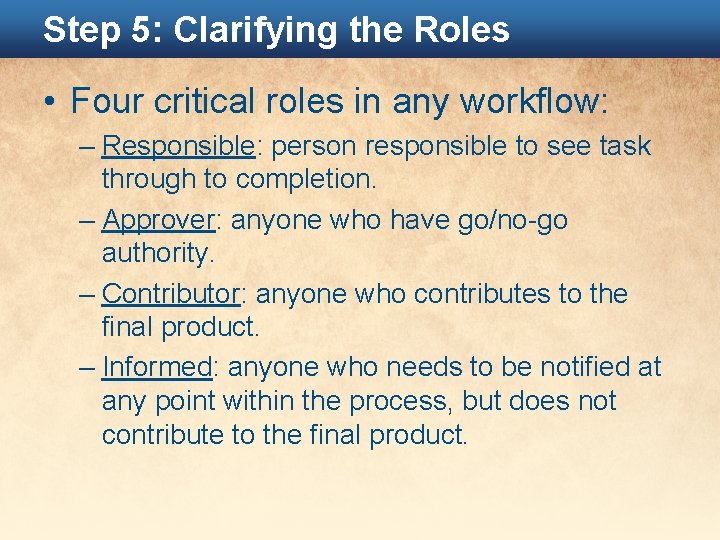
Step 5: Clarifying the Roles • Four critical roles in any workflow: – Responsible: person responsible to see task through to completion. – Approver: anyone who have go/no-go authority. – Contributor: anyone who contributes to the final product. – Informed: anyone who needs to be notified at any point within the process, but does not contribute to the final product.
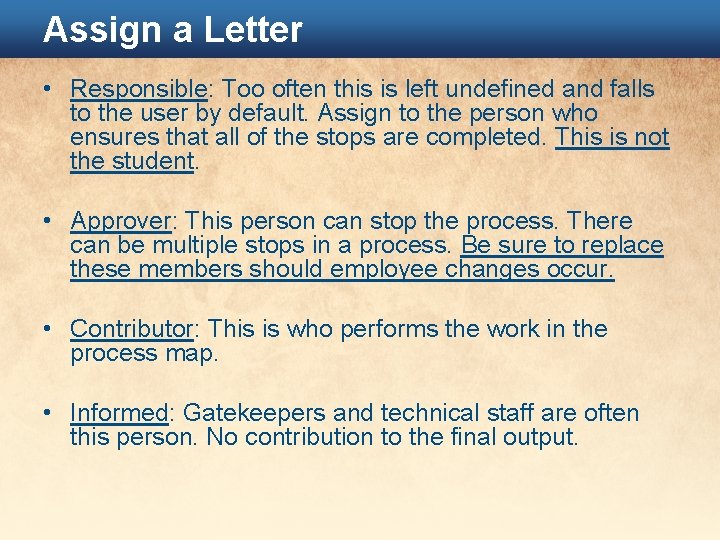
Assign a Letter • Responsible: Too often this is left undefined and falls to the user by default. Assign to the person who ensures that all of the stops are completed. This is not the student. • Approver: This person can stop the process. There can be multiple stops in a process. Be sure to replace these members should employee changes occur. • Contributor: This is who performs the work in the process map. • Informed: Gatekeepers and technical staff are often this person. No contribution to the final output.
Final Tips • Go slow, don’t steamroll. • Compromise when necessary. • Ask people to test a new way temporarily. • Remind people where they are going. • Be transparent and open-minded in the evaluation process. • Attach constraints and time needed for each action in the process map. • If additional resources are needed, don’t whine. Present your case with irrefutable data and poise.
What Now? NASFAA Policies & Procedures Builder • Guides you step-by-step through the creation of a centralized, accessible policies and procedures manual. • Enter responses through the template to create one or manuals for your institution. Includes all required sections for federal compliance • Copy, paste, and format existing and new content easily with familiar document management functions • Tools for inclusion of images and related files • Regulatory references easily accessible throughout the template and can be embedded in the manuals to simplify your research
Thank you. Tiffany Wilson Financial Aid Services, Consultant www. financialaidservices. org