
A Members Guide to the MembersOnly Area Association
![A Member’s Guide to the Members-Only Area [Association name here!] An illustrated guide to](https://slidetodoc.com/presentation_image_h2/83bbe9efcdf2603afef80b031d5ab61d/image-1.jpg "A Member’s Guide to the Members-Only Area [Association name here!] An illustrated guide to")
A Member’s Guide to the Members-Only Area [Association name here!] An illustrated guide to getting the most out of our interactive self-service website Brought to you by
Instructions for using this guide ● Delete this slide. ● Wherever appropriate, insert your own association information. ● ● Delete any slides that are irrelevant to your organization or website. Add other slides and screenshots of your own website pages, where appropriate. ● Link to this guide in the Portal Welcome Message for your members to access. Admin > Set Preferences > Web Preferences > Welcome Message ● Include this information on your website and in your new member orientation!

Membership has its privileges ● Our website is powered by Member. Clicks, the association industry’s most powerful Association Management Software system. ● Our website offers many self-service and exclusive benefits that only members and/or their employees can take advantage of. ● To ensure only members receive these benefits, these areas of our site require a valid log in. ● The pages in this guide will teach you how to log in and update your information, as well as take advantage of as many benefits as possible. ● The more you update and personalize your membership, the more value you will receive from us!
What can I do here? ● Change username/ password ● Update your contact information ● Upload media (enhanced listings only) ● Stay informed ● Pay your bills ● Take a survey ● Referral report (YTD) ● Add a coupon Insert a picture of your website here
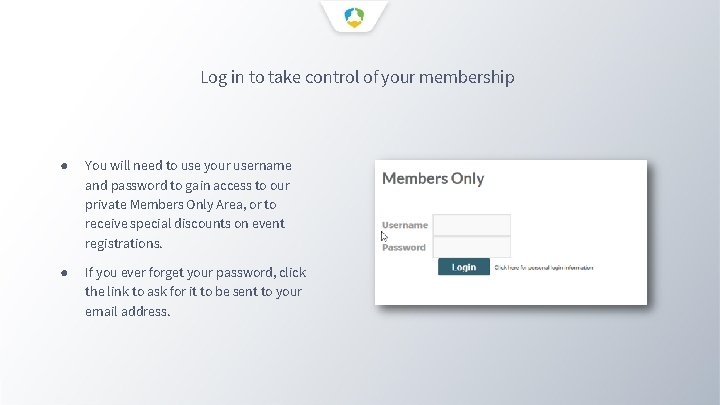
Log in to take control of your membership ● You will need to use your username and password to gain access to our private Members Only Area, or to receive special discounts on event registrations. ● If you ever forget your password, click the link to ask for it to be sent to your email address.
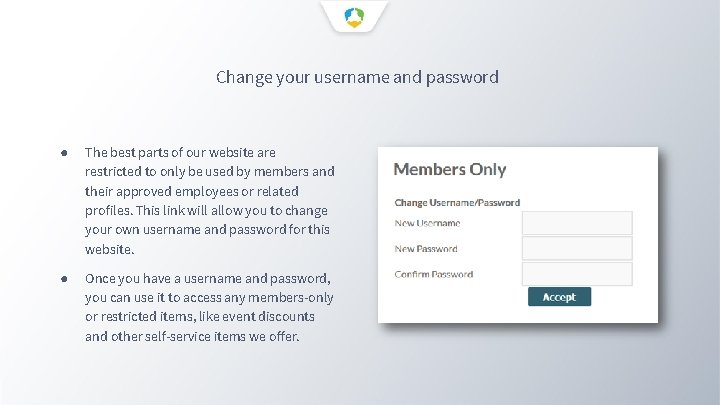
Change your username and password ● The best parts of our website are restricted to only be used by members and their approved employees or related profiles. This link will allow you to change your own username and password for this website. ● Once you have a username and password, you can use it to access any members-only or restricted items, like event discounts and other self-service items we offer.
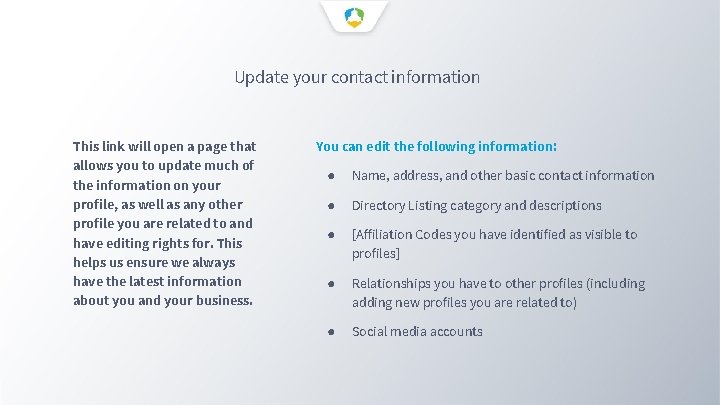
Update your contact information This link will open a page that allows you to update much of the information on your profile, as well as any other profile you are related to and have editing rights for. This helps us ensure we always have the latest information about you and your business. You can edit the following information: ● Name, address, and other basic contact information ● Directory Listing category and descriptions ● [Affiliation Codes you have identified as visible to profiles] ● Relationships you have to other profiles (including adding new profiles you are related to) ● Social media accounts
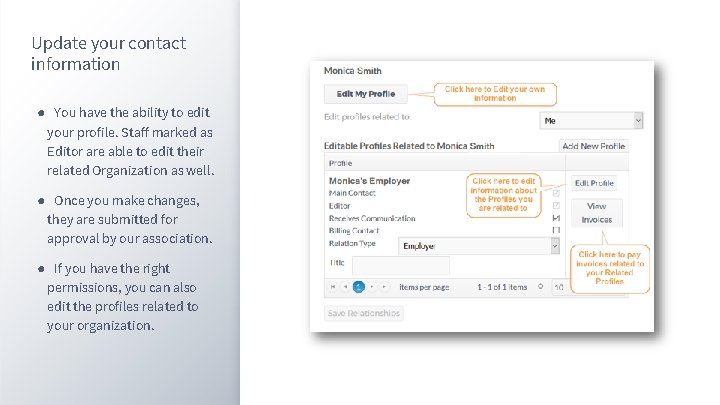
Update your contact information ● You have the ability to edit your profile. Staff marked as Editor are able to edit their related Organization as well. ● Once you make changes, they are submitted for approval by our association. ● If you have the right permissions, you can also edit the profiles related to your organization.
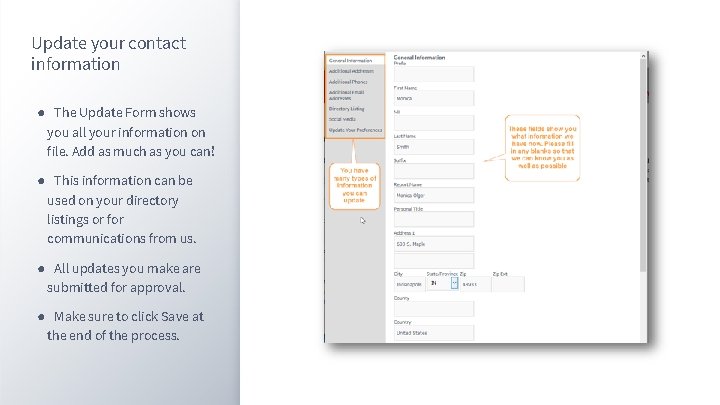
Update your contact information ● The Update Form shows you all your information on file. Add as much as you can! ● This information can be used on your directory listings or for communications from us. ● All updates you make are submitted for approval. ● Make sure to click Save at the end of the process.
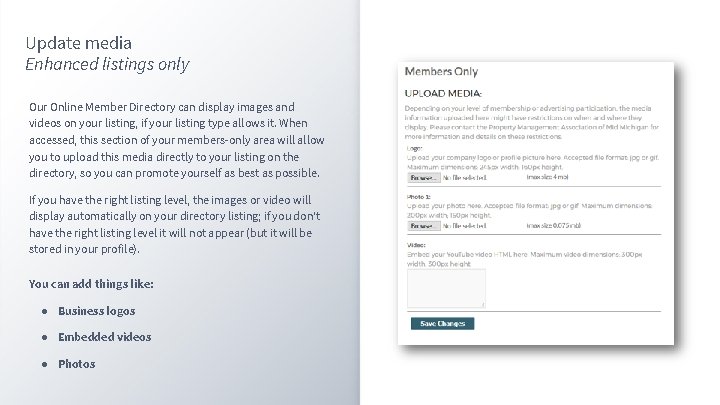
Update media Enhanced listings only Our Online Member Directory can display images and videos on your listing, if your listing type allows it. When accessed, this section of your members-only area will allow you to upload this media directly to your listing on the directory, so you can promote yourself as best as possible. If you have the right listing level, the images or video will display automatically on your directory listing; if you don't have the right listing level it will not appear (but it will be stored in your profile). You can add things like: ● Business logos ● Embedded videos ● Photos
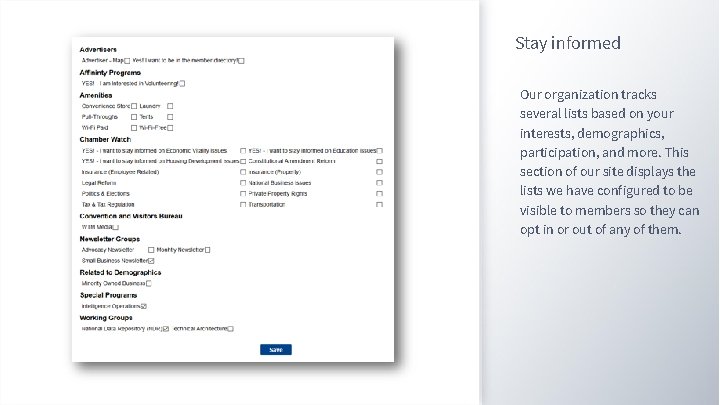
Stay informed Our organization tracks several lists based on your interests, demographics, participation, and more. This section of our site displays the lists we have configured to be visible to members so they can opt in or out of any of them.
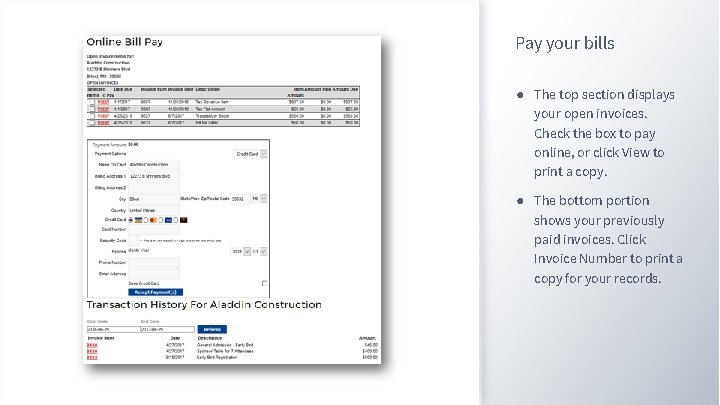
Pay your bills ● The top section displays your open invoices. Check the box to pay online, or click View to print a copy. ● The bottom portion shows your previously paid invoices. Click Invoice Number to print a copy for your records.
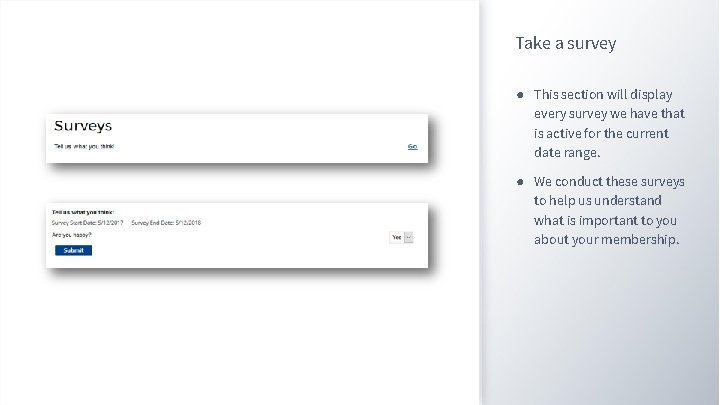
Take a survey ● This section will display every survey we have that is active for the current date range. ● We conduct these surveys to help us understand what is important to you about your membership.
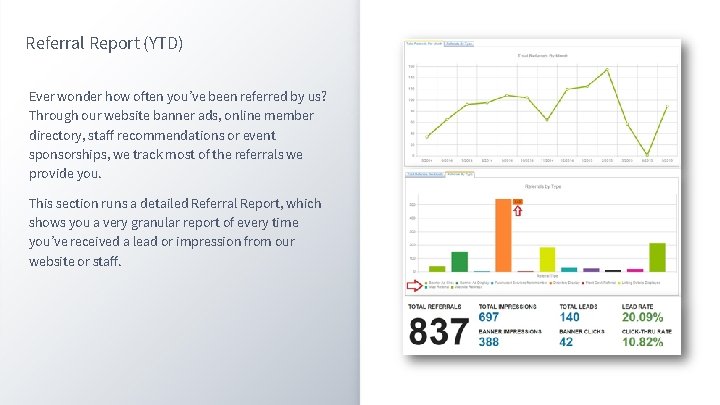
Referral Report (YTD) Ever wonder how often you’ve been referred by us? Through our website banner ads, online member directory, staff recommendations or event sponsorships, we track most of the referrals we provide you. This section runs a detailed Referral Report, which shows you a very granular report of every time you’ve received a lead or impression from our website or staff.
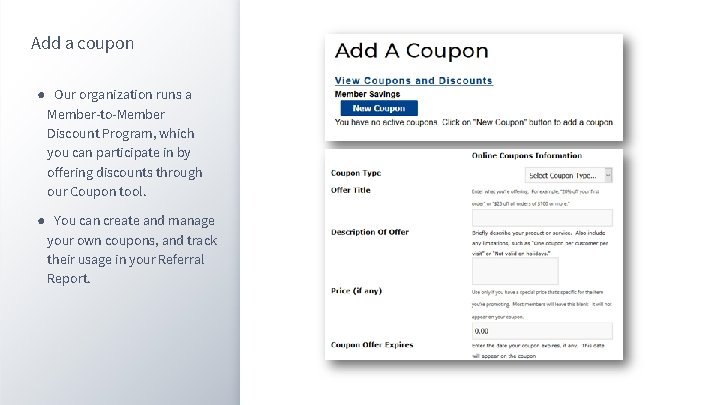
Add a coupon ● Our organization runs a Member-to-Member Discount Program, which you can participate in by offering discounts through our Coupon tool. ● You can create and manage your own coupons, and track their usage in your Referral Report.
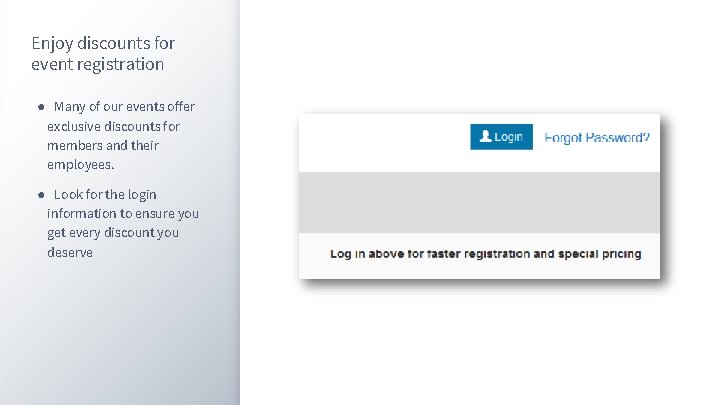
Enjoy discounts for event registration ● Many of our events offer exclusive discounts for members and their employees. ● Look for the login information to ensure you get every discount you deserve
- Slides: 17