
A mastery homework system where you practice until
- Slides: 27
A mastery homework system where you practice until you succeed.
What is OWL? 4 Online Web-Based Learning and Homework System 4 Available 24 hours/day; 7 days/week 4 A “Mastery” homework system where you practice until you succeed. 4 Online Resources help you obtain correct answers 4 OWL: helps you pass your test, class, and learn chemistry!
Will OWL help you get a better grade? 20% improvement in grades… 2 letter grade difference between those who complete OWL and those who do little. Professor Beverly Clement, Blinn College YES! Anywhere between 10 -20% point difference between the students who have done 90% of the required OWL assignments and those who have not. Professor Diana Mason, University of North Texas
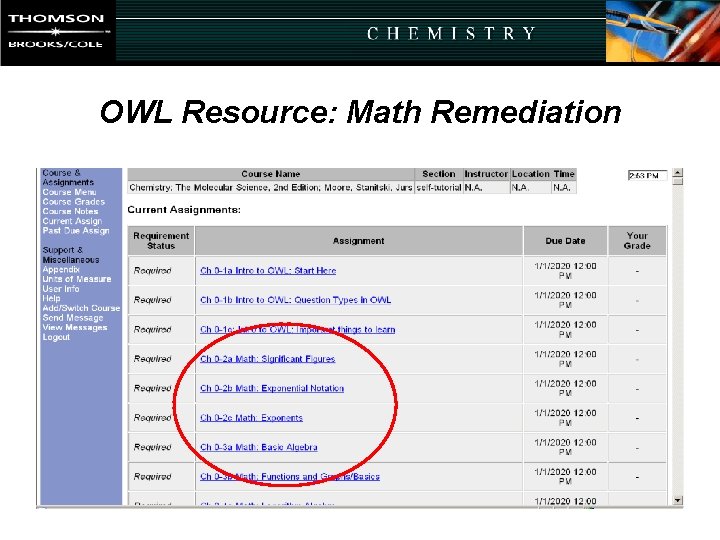
OWL Resource: Math Remediation
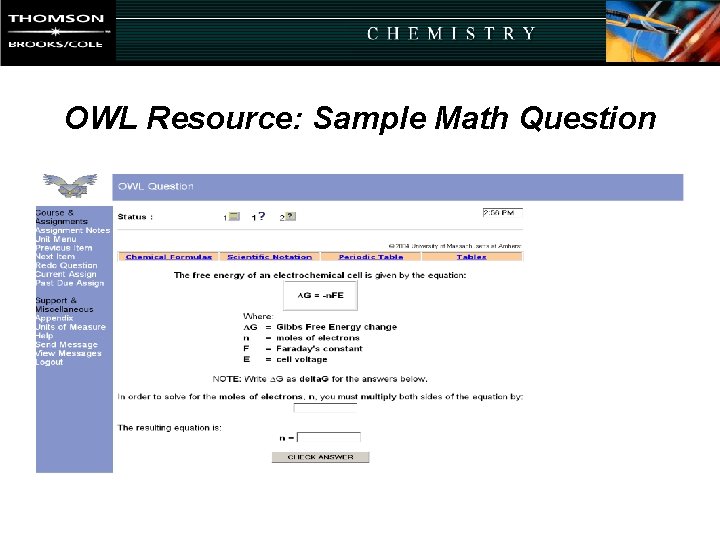
OWL Resource: Sample Math Question
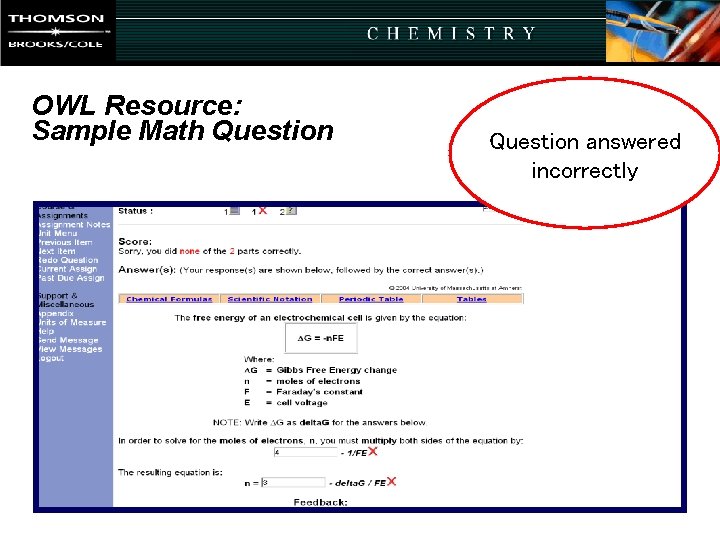
OWL Resource: Sample Math Question answered incorrectly
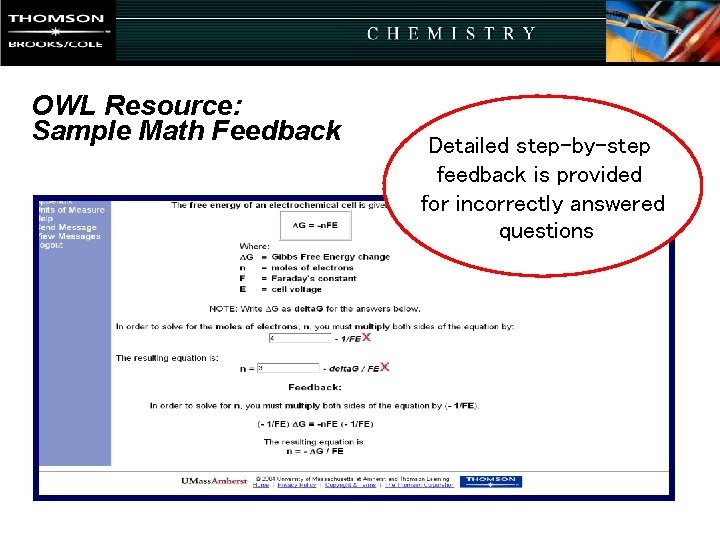
OWL Resource: Sample Math Feedback Detailed step-by-step feedback is provided for incorrectly answered questions
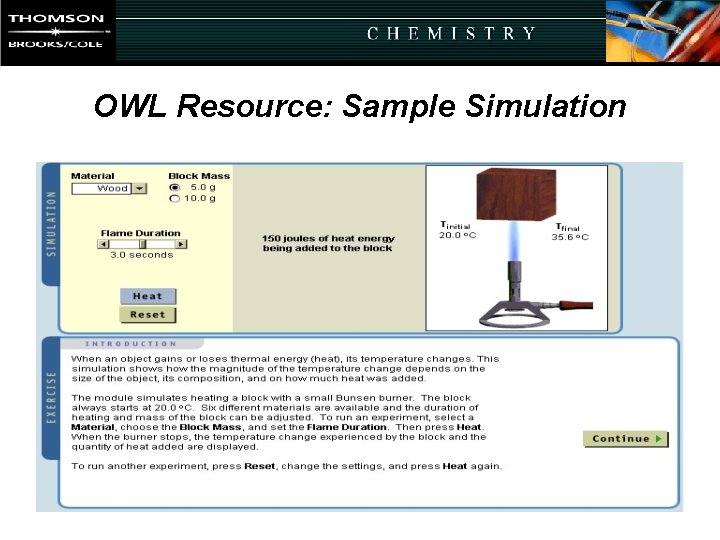
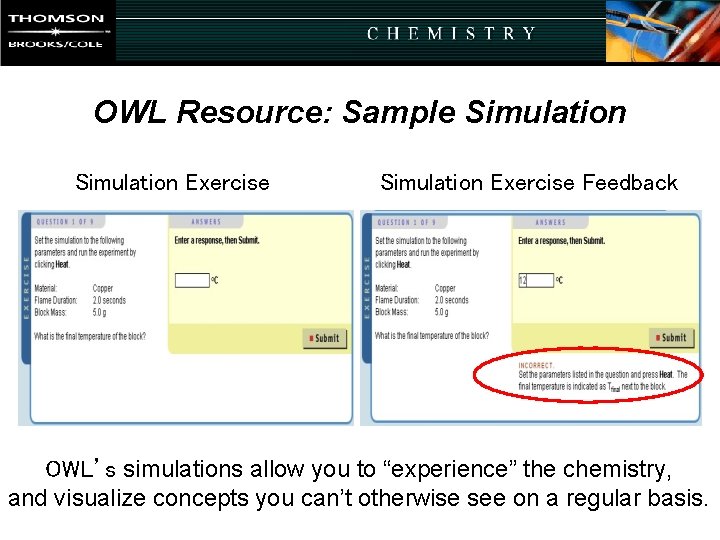
OWL Resource: Sample Simulation
OWL Resource: Sample Simulation Exercise Feedback OWL’s simulations allow you to “experience” the chemistry, and visualize concepts you can’t otherwise see on a regular basis.
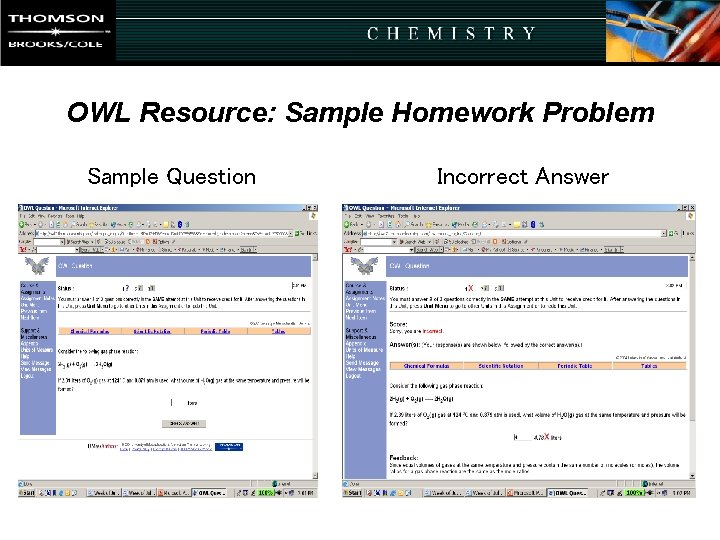
OWL Resource: Sample Homework Problem Sample Question Incorrect Answer
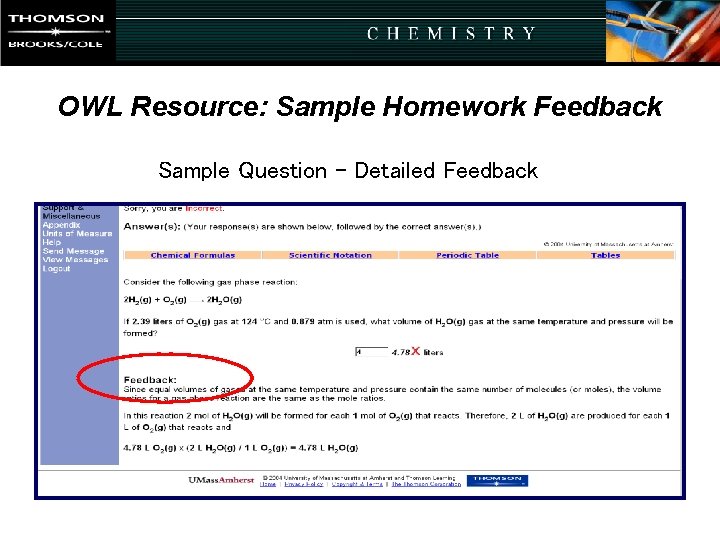
OWL Resource: Sample Homework Feedback Sample Question - Detailed Feedback
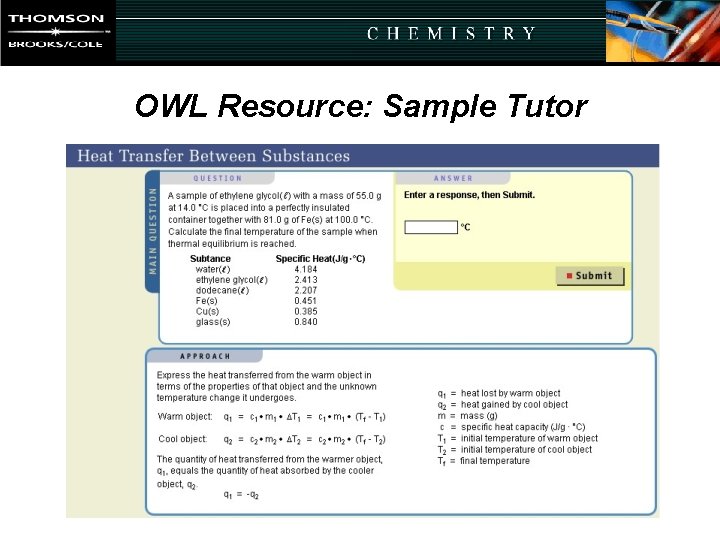
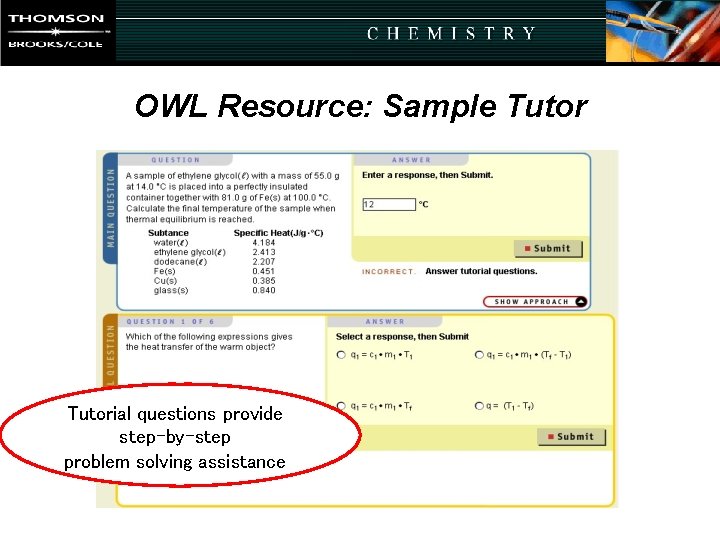
OWL Resource: Sample Tutor
OWL Resource: Sample Tutorial questions provide step-by-step problem solving assistance
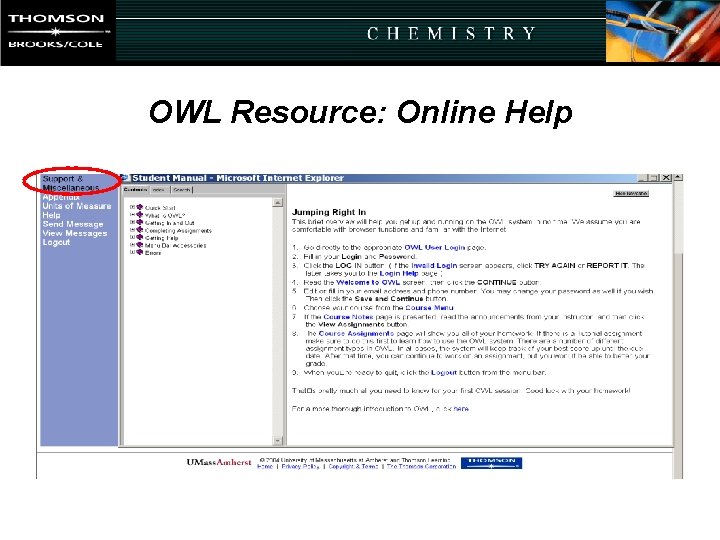
OWL Resource: Online Help
Getting Started
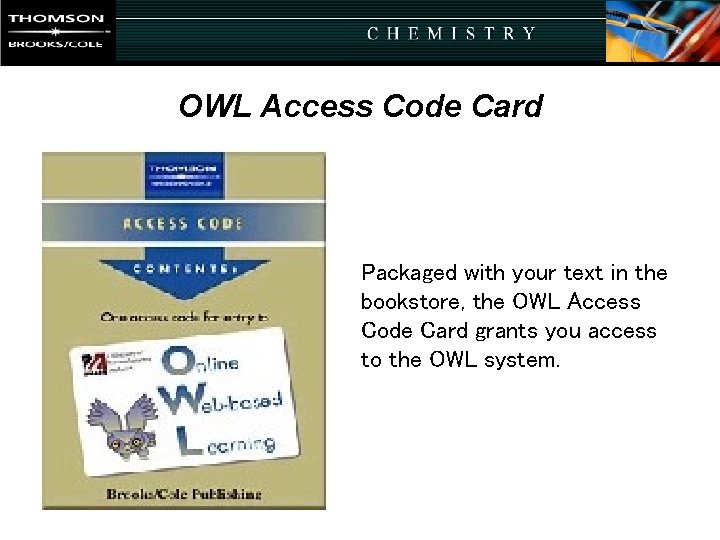
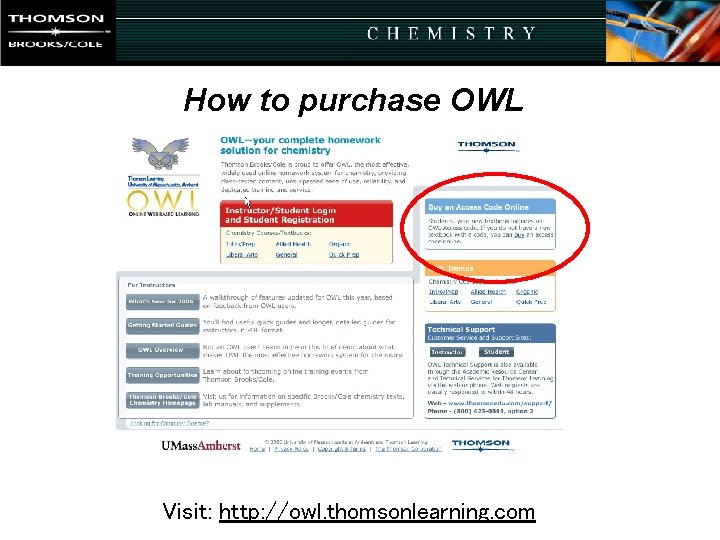
OWL Access Code Card Packaged with your text in the bookstore, the OWL Access Code Card grants you access to the OWL system.
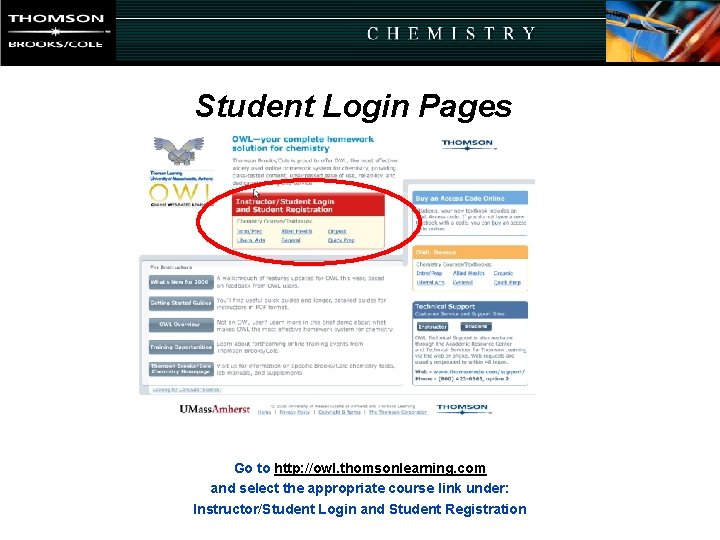
Student Login Pages Go to http: //owl. thomsonlearning. com and select the appropriate course link under: Instructor/Student Login and Student Registration
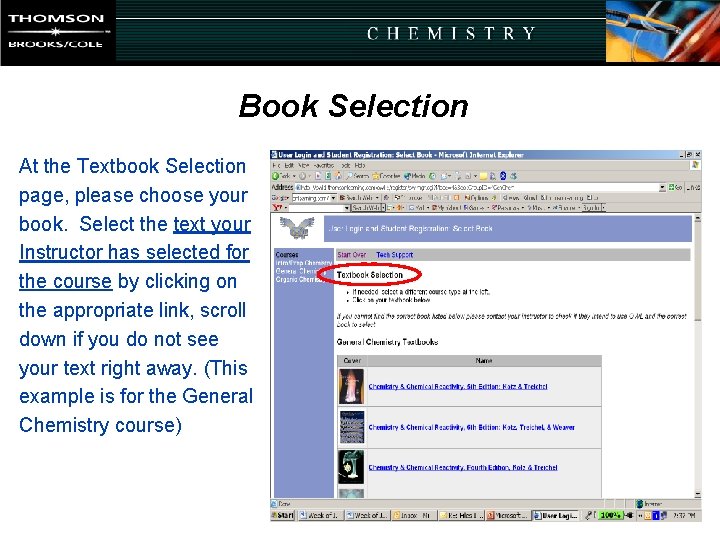
Book Selection At the Textbook Selection page, please choose your book. Select the text your Instructor has selected for the course by clicking on the appropriate link, scroll down if you do not see your text right away. (This example is for the General Chemistry course)
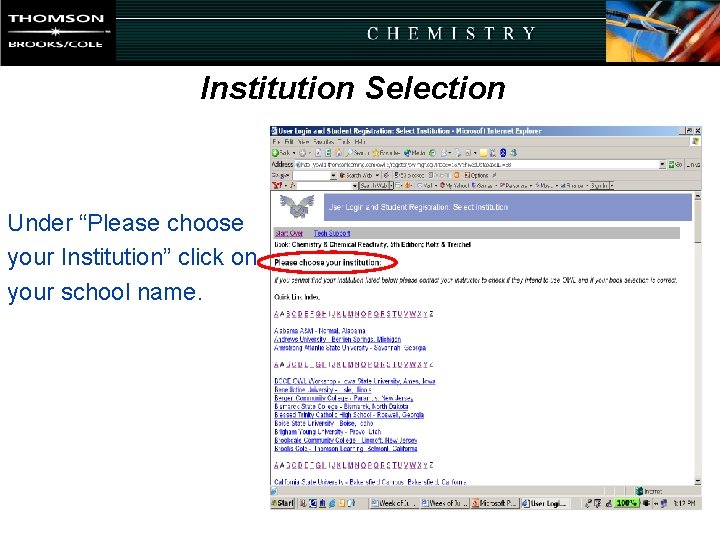
Institution Selection Under “Please choose your Institution” click on your school name.
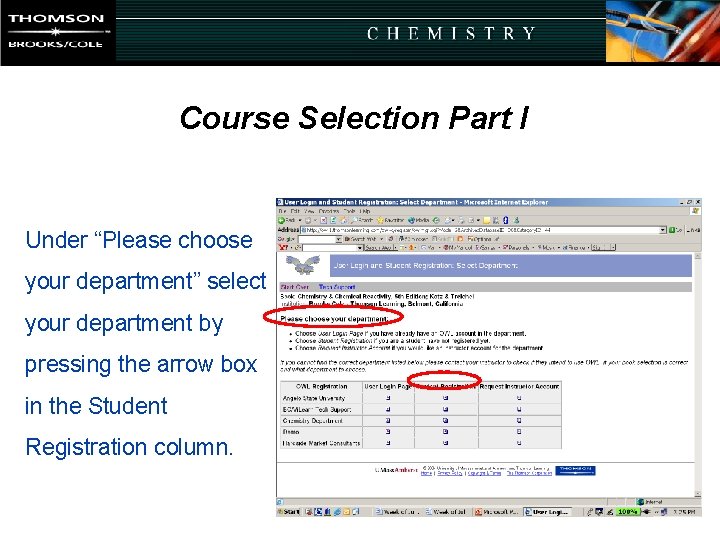
Course Selection Part I Under “Please choose your department” select your department by pressing the arrow box in the Student Registration column.
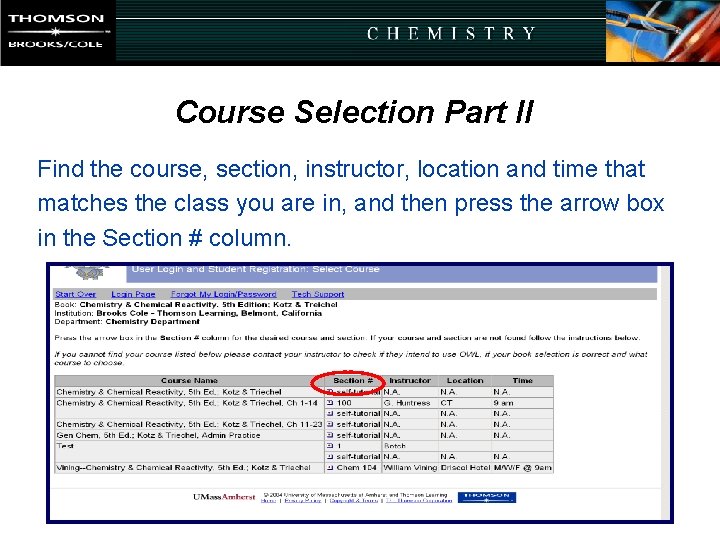
Course Selection Part II Find the course, section, instructor, location and time that matches the class you are in, and then press the arrow box in the Section # column.
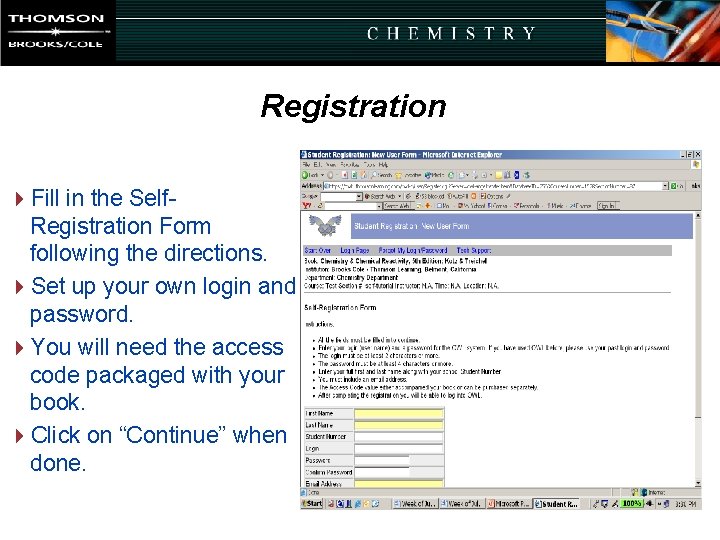
Registration 4 Fill in the Self. Registration Form following the directions. 4 Set up your own login and password. 4 You will need the access code packaged with your book. 4 Click on “Continue” when done.
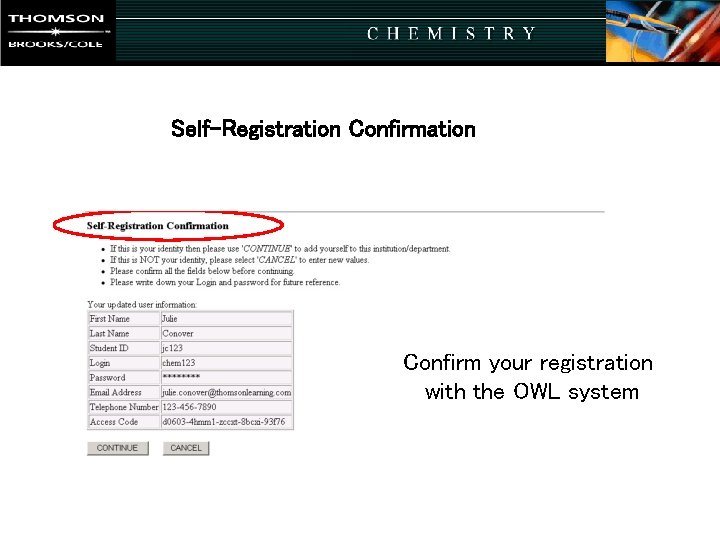
Registration Confirmation Self-Registration Confirm your registration with the OWL system
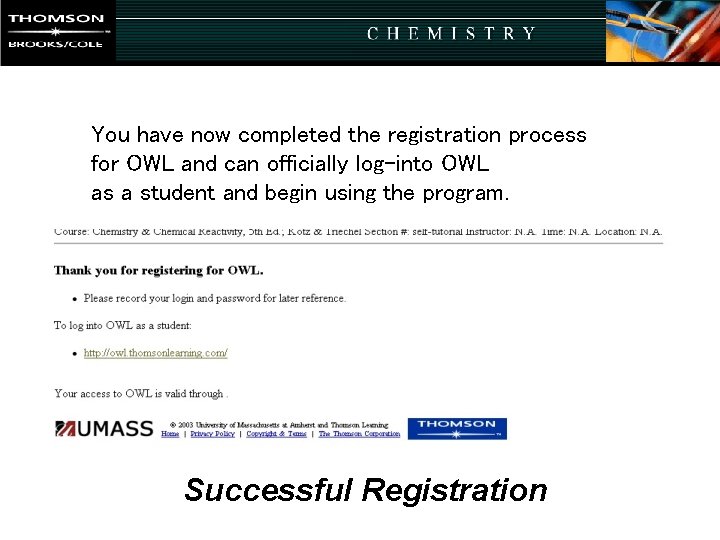
You have now completed the registration process for OWL and can officially log-into OWL as a student and begin using the program. Successful Registration
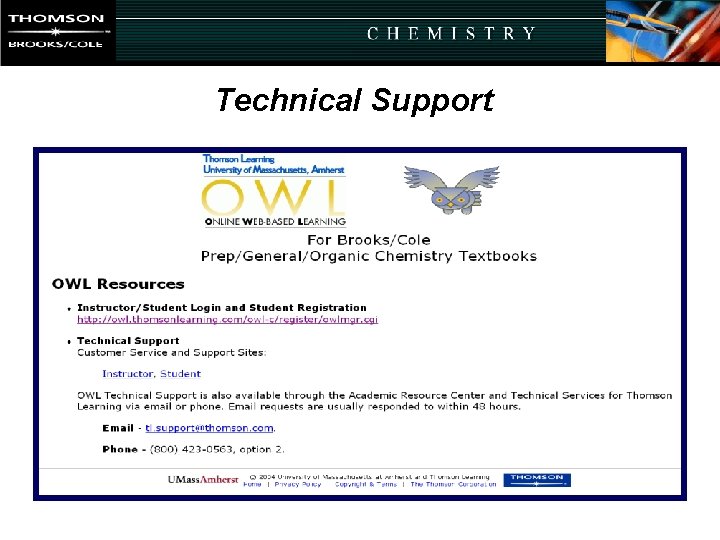
Technical Support
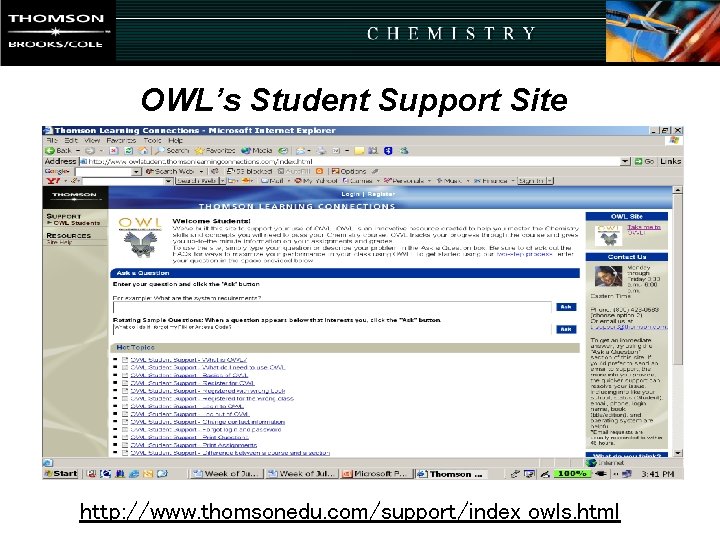
OWL’s Student Support Site http: //www. thomsonedu. com/support/index_owls. html
How to purchase OWL Visit: http: //owl. thomsonlearning. com