
A MAP OF THE GEOLOGICAL HAZARDS OF CALIFORNIA
- Slides: 8
A MAP OF THE GEOLOGICAL HAZARDS OF CALIFORNIA By Chris Henningfeld
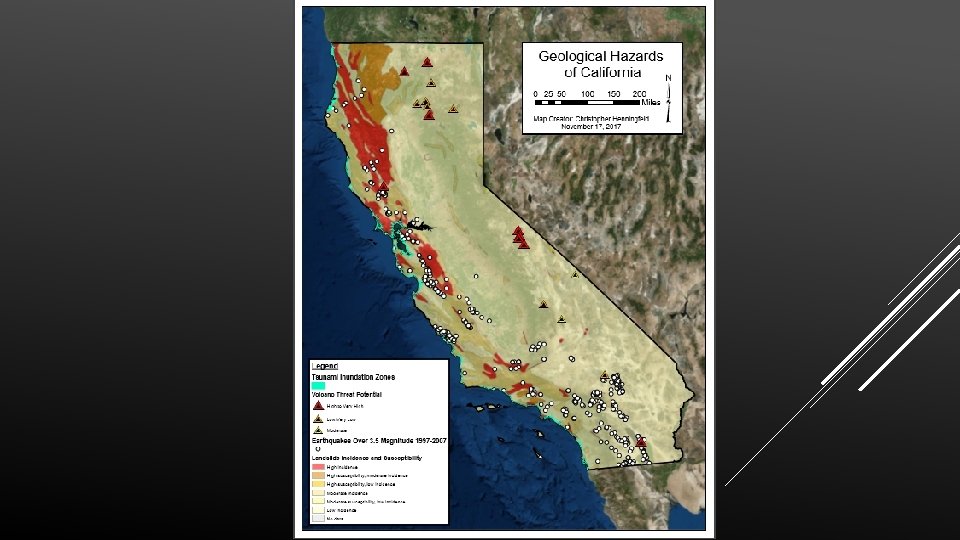
Project Goals 1. Create an easily understandable, aesthetically pleasing map of the geological hazards of California. 2. Focus on the cartography process. 3. Secondary focus on symbology. 4. Utilize Arc. GIS online for relevant data for my map. 5. Strive to meet “National Geographic Standard” with the final map.
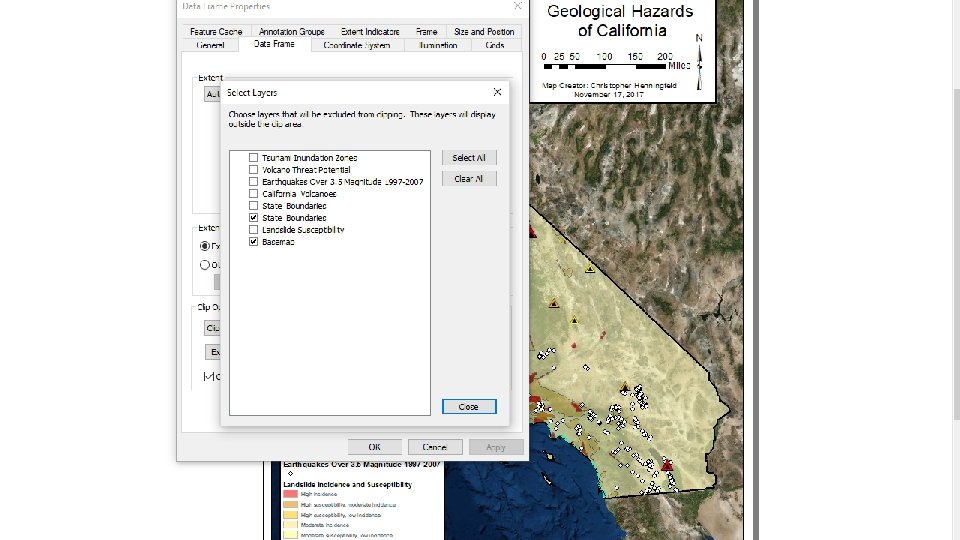
Process v The first thing I did was begin looking at other maps made by professionals. This helped me to get ideas for the layout and design. v Second, I browsed around Arc. GIS Online to see what I could find that was relevant to my project. As it turns out, Arc. GIS online was basically the Mother Lode of data for my project. Every layer of my final map with the exception of the base map came from Arc. GIS Online. v Third, I began to put my map together using the data I was able to find on Arc. GIS Online. The main tasks were to clip any extraneous data, refine the map symbology, and piece together a nice, professional looking map.
Problems I Ran Into v Half of the data I got from Arc. GIS Online covered too large of an area on the map when the layer was imported (i. e. extended beyond the borders of CA). v Clipping said data proved to be a bit tedious, but not too bad. v Getting the transparency of each individual layer just right (maybe more OCD on my end than an actual problem). v Layer names not appearing properly in the legend.
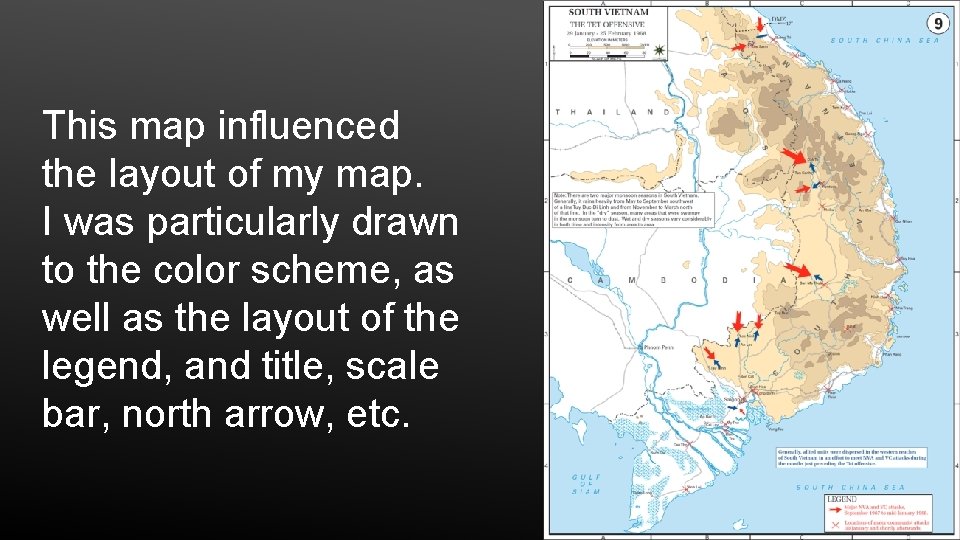
This map influenced the layout of my map. I was particularly drawn to the color scheme, as well as the layout of the legend, and title, scale bar, north arrow, etc.
What I Learned v Arc. GIS Online is excellent. v Browsing maps made by professionals is a great way to get ideas about layout and design. v There are multiple ways to clip something. v Attention to detail is a critical part of the cartography process.