
A Little Bit of Active Server Pages ASP
A Little Bit of Active Server Pages (ASP) Jim Fawcett CSE 775 – Distributed Objects Spring 2005
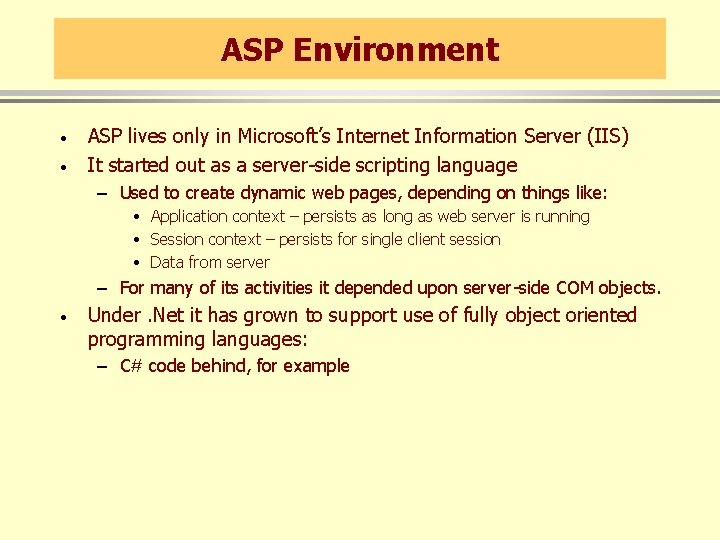
ASP Environment · · ASP lives only in Microsoft’s Internet Information Server (IIS) It started out as a server-side scripting language – Used to create dynamic web pages, depending on things like: • Application context – persists as long as web server is running • Session context – persists for single client session • Data from server – For many of its activities it depended upon server-side COM objects. · Under. Net it has grown to support use of fully object oriented programming languages: – C# code behind, for example

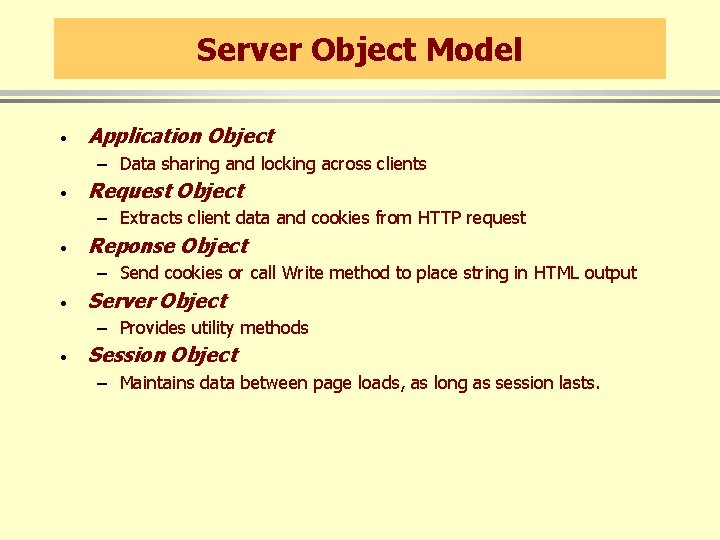
Server Object Model · Application Object – Data sharing and locking across clients · Request Object – Extracts client data and cookies from HTTP request · Reponse Object – Send cookies or call Write method to place string in HTML output · Server Object – Provides utility methods · Session Object – Maintains data between page loads, as long as session lasts.
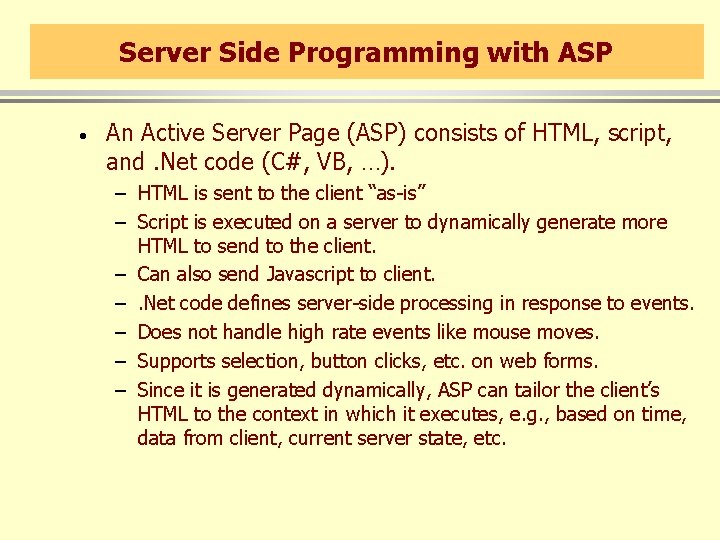
Server Side Programming with ASP · An Active Server Page (ASP) consists of HTML, script, and. Net code (C#, VB, …). – HTML is sent to the client “as-is” – Script is executed on a server to dynamically generate more HTML to send to the client. – Can also send Javascript to client. –. Net code defines server-side processing in response to events. – Does not handle high rate events like mouse moves. – Supports selection, button clicks, etc. on web forms. – Since it is generated dynamically, ASP can tailor the client’s HTML to the context in which it executes, e. g. , based on time, data from client, current server state, etc.
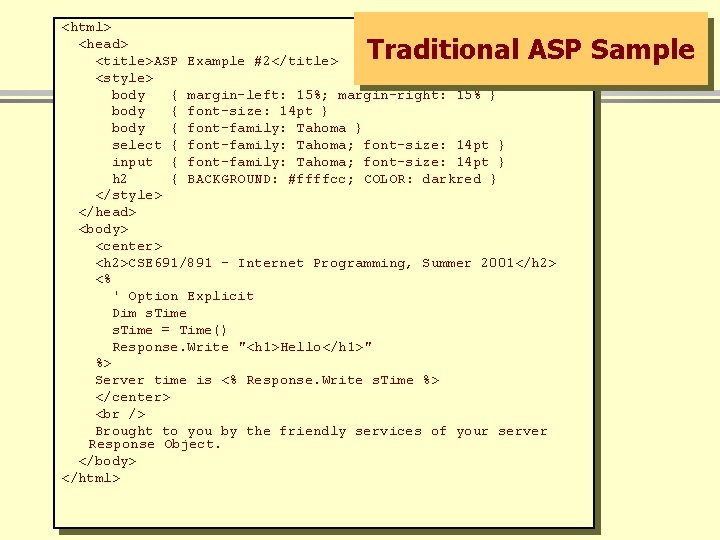
<html> <head> <title>ASP Example #2</title> <style> body { margin-left: 15%; margin-right: 15% } body { font-size: 14 pt } body { font-family: Tahoma } select { font-family: Tahoma; font-size: 14 pt } input { font-family: Tahoma; font-size: 14 pt } h 2 { BACKGROUND: #ffffcc; COLOR: darkred } </style> </head> <body> <center> <h 2>CSE 691/891 - Internet Programming, Summer 2001</h 2> <% ' Option Explicit Dim s. Time = Time() Response. Write "<h 1>Hello</h 1>" %> Server time is <% Response. Write s. Time %> </center> Brought to you by the friendly services of your server Response Object. </body> </html> Traditional ASP Sample
ASP. Net Sample
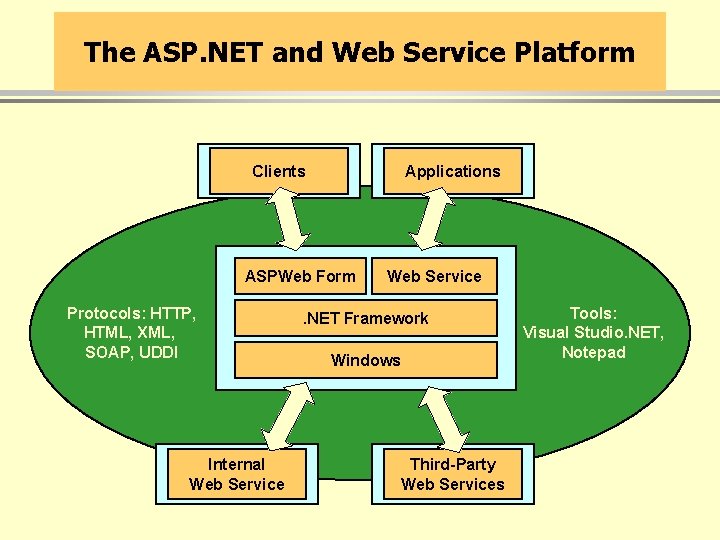
The ASP. NET and Web Service Platform Clients Applications ASPWeb Form Protocols: HTTP, HTML, XML, SOAP, UDDI Internal Web Service . NET Framework Windows Third-Party Web Services Tools: Visual Studio. NET, Notepad
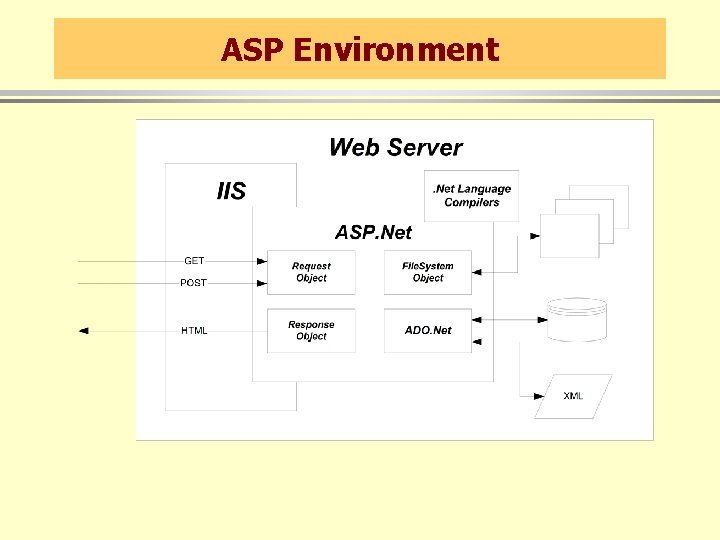
ASP Environment
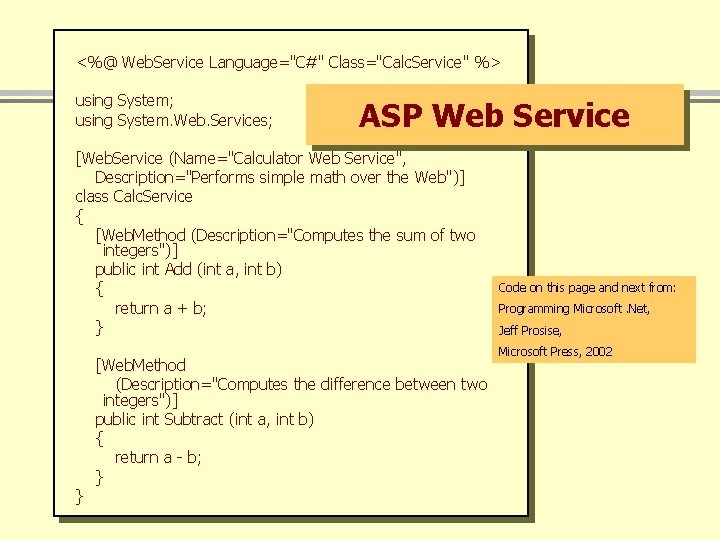
<%@ Web. Service Language="C#" Class="Calc. Service" %> using System; using System. Web. Services; ASP Web Service [Web. Service (Name="Calculator Web Service", Description="Performs simple math over the Web")] class Calc. Service { [Web. Method (Description="Computes the sum of two integers")] public int Add (int a, int b) { return a + b; } } [Web. Method (Description="Computes the difference between two integers")] public int Subtract (int a, int b) { return a - b; } Code on this page and next from: Programming Microsoft. Net, Jeff Prosise, Microsoft Press, 2002
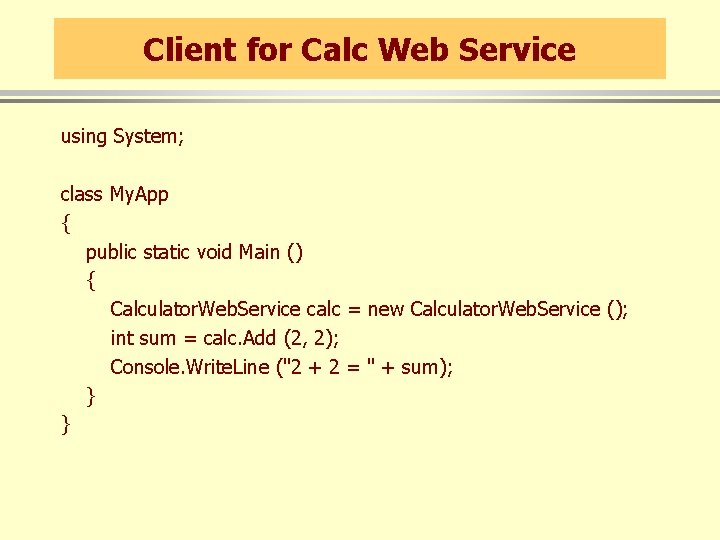
Client for Calc Web Service using System; class My. App { public static void Main () { Calculator. Web. Service calc = new Calculator. Web. Service (); int sum = calc. Add (2, 2); Console. Write. Line ("2 + 2 = " + sum); } }
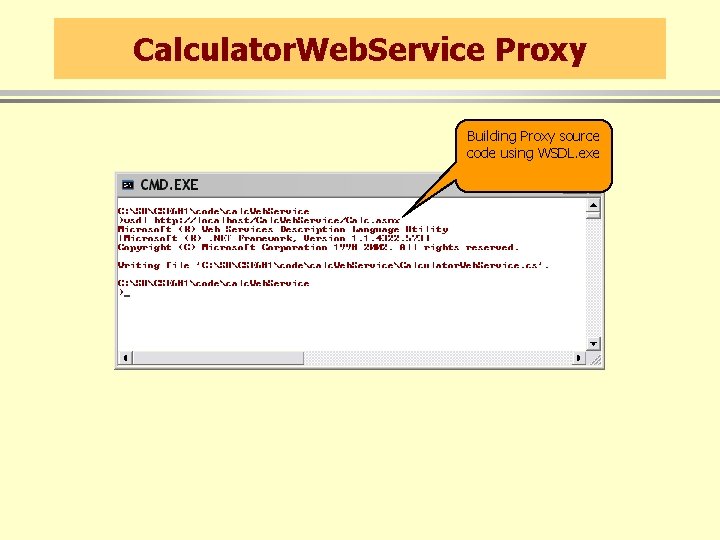
Calculator. Web. Service Proxy Building Proxy source code using WSDL. exe
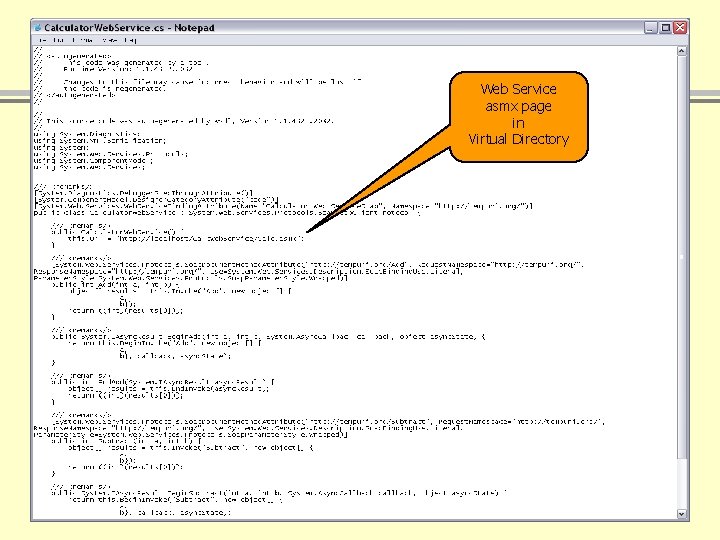
Web Service asmx page in Virtual Directory
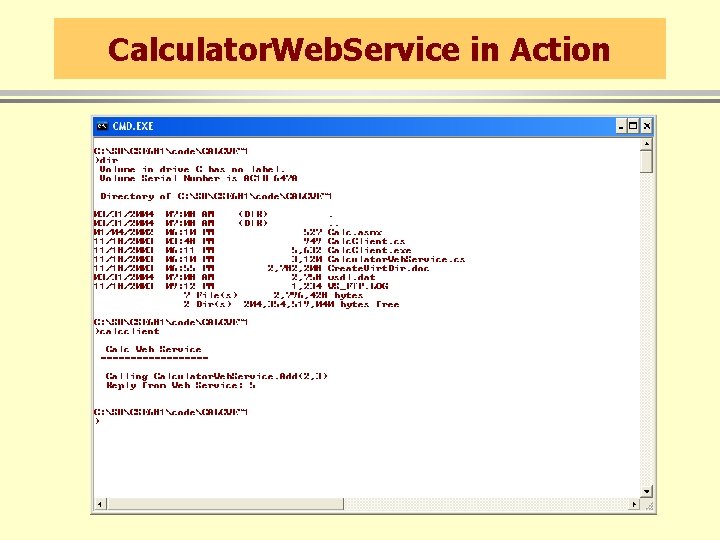
Calculator. Web. Service in Action
End of Presentation
- Slides: 15