
A HighLevel Model For Software Development What is
- Slides: 39
A High-Level Model For Software Development What is involved in the process of designing, writing and maintaining computer programs? What are some ways that an algorithm can be specified? James Tam
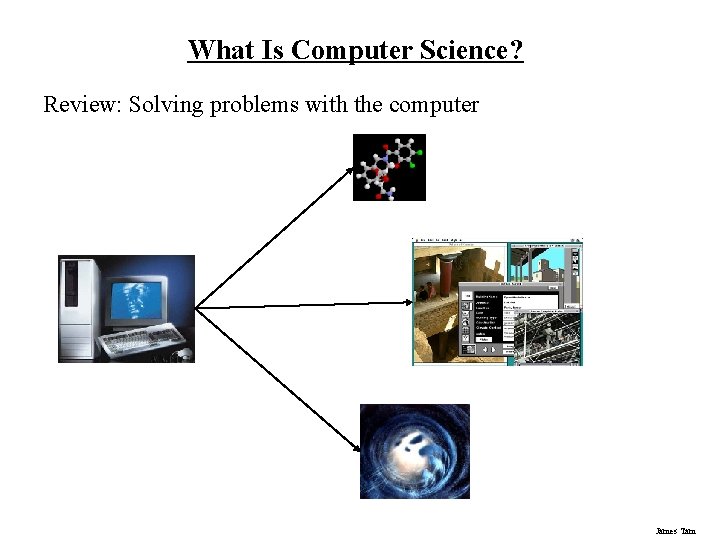
What Is Computer Science? Review: Solving problems with the computer James Tam
A Model For Creating Computer Software Specify the problem Determine how to solve the problem Implement the solution Maintenance of the solution James Tam
Specifying The Problem Determine what problem will be solved by the computer Verify the problem James Tam
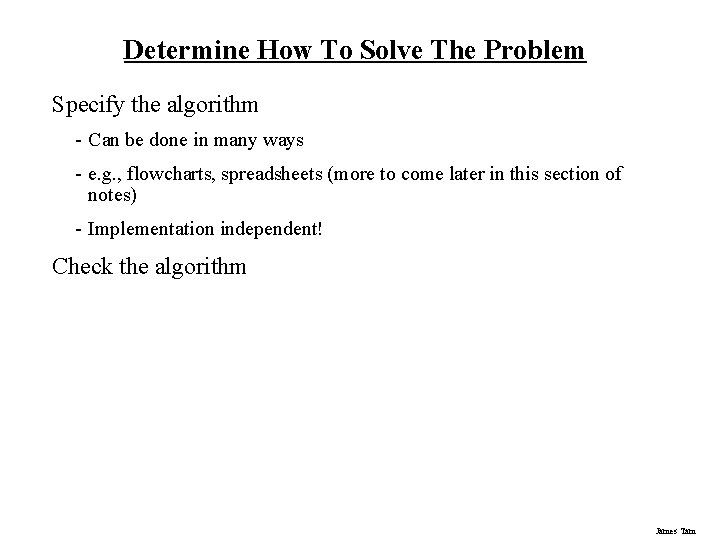
Determine How To Solve The Problem Specify the algorithm - Can be done in many ways - e. g. , flowcharts, spreadsheets (more to come later in this section of notes) - Implementation independent! Check the algorithm James Tam
Implement The Design Translating the high level algorithm to an actual programming language (e. g. , Pascal) Test the program This step is covered in the balance of this course (and the next course, CPSC 233) James Tam
Maintaining The Design Modify the program according to changing needs and to address problems (software bugs) Includes the application of techniques for good design (Software Engineering). Some in CPSC 233 (more in CPSC 333) James Tam
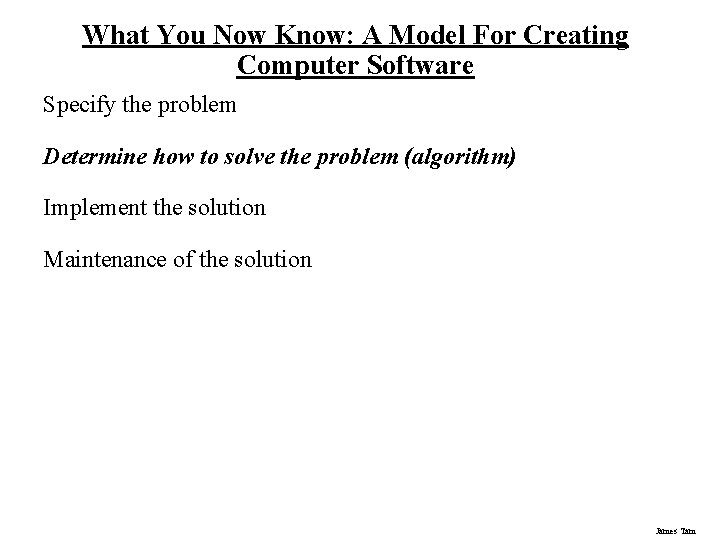
What You Now Know: A Model For Creating Computer Software Specify the problem Determine how to solve the problem (algorithm) Implement the solution Maintenance of the solution James Tam
What Is An Algorithm? The steps needed to solve a problem Characteristics • Specific • Unambiguous • Language independent James Tam
Ways Of Specifying The Algorithm Pseudo-code Flowcharts James Tam
Pseudo-Code Employs 'programming-like' statements to depict the algorithm No standard format (language independent) James Tam
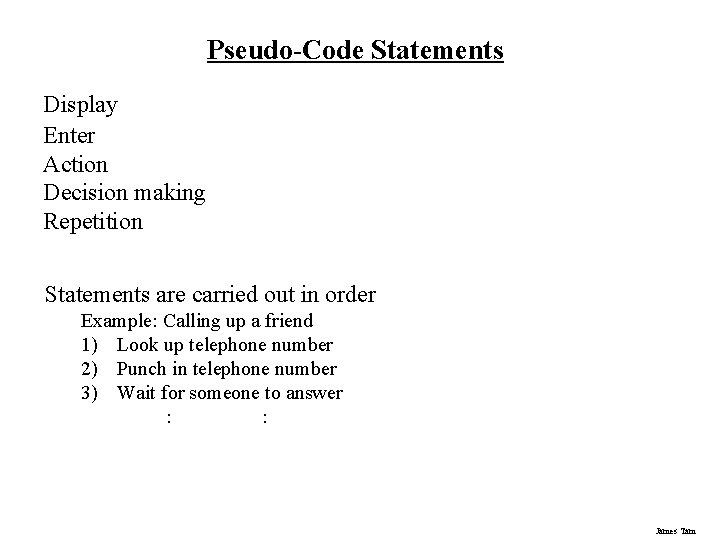
Pseudo-Code Statements Display Enter Action Decision making Repetition Statements are carried out in order Example: Calling up a friend 1) Look up telephone number 2) Punch in telephone number 3) Wait for someone to answer : : James Tam
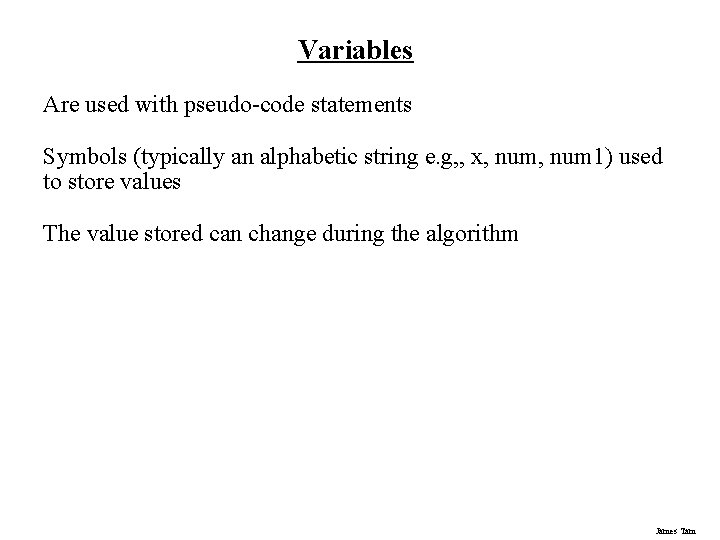
Variables Are used with pseudo-code statements Symbols (typically an alphabetic string e. g, , x, num 1) used to store values The value stored can change during the algorithm James Tam
Constants Are used with pseudo-code statements They are values that cannot be changed James Tam
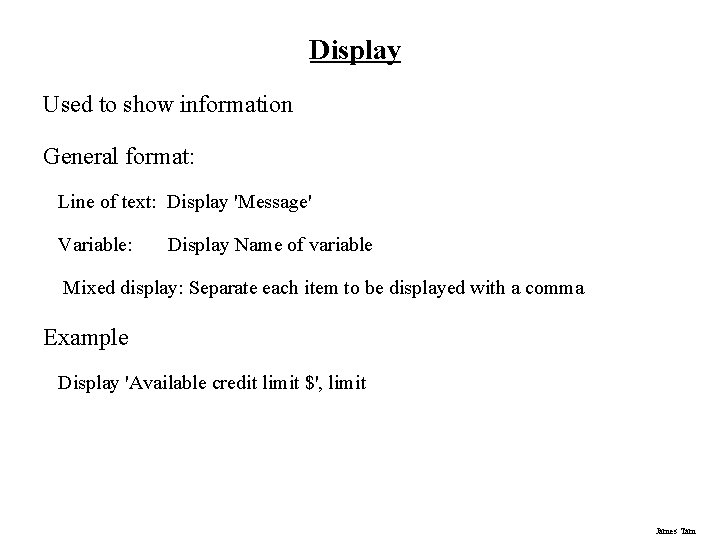
Display Used to show information General format: Line of text: Display 'Message' Variable: Display Name of variable Mixed display: Separate each item to be displayed with a comma Example Display 'Available credit limit $', limit James Tam
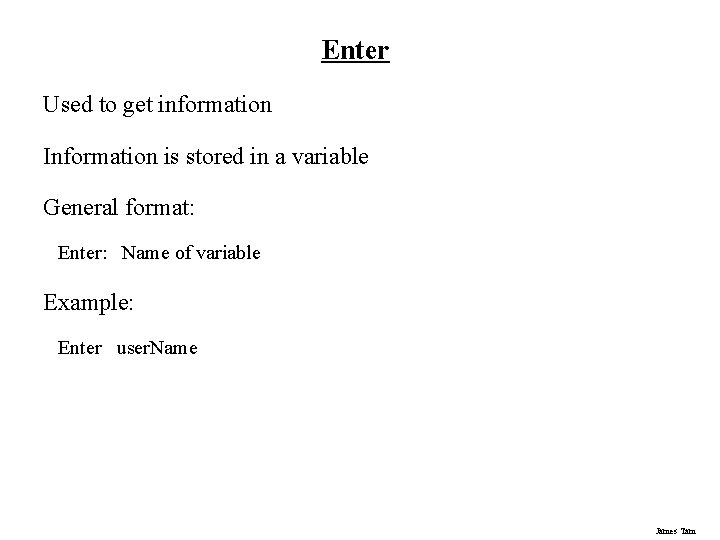
Enter Used to get information Information is stored in a variable General format: Enter: Name of variable Example: Enter user. Name James Tam
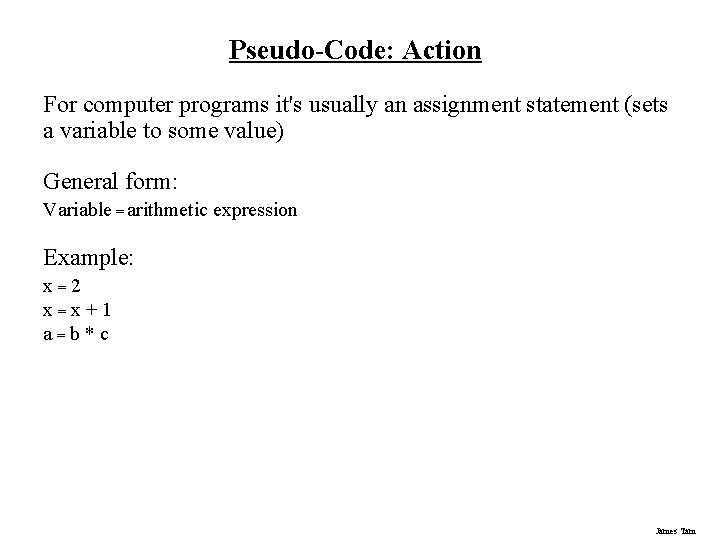
Pseudo-Code: Action For computer programs it's usually an assignment statement (sets a variable to some value) General form: Variable = arithmetic expression Example: x=2 x=x+1 a=b*c James Tam
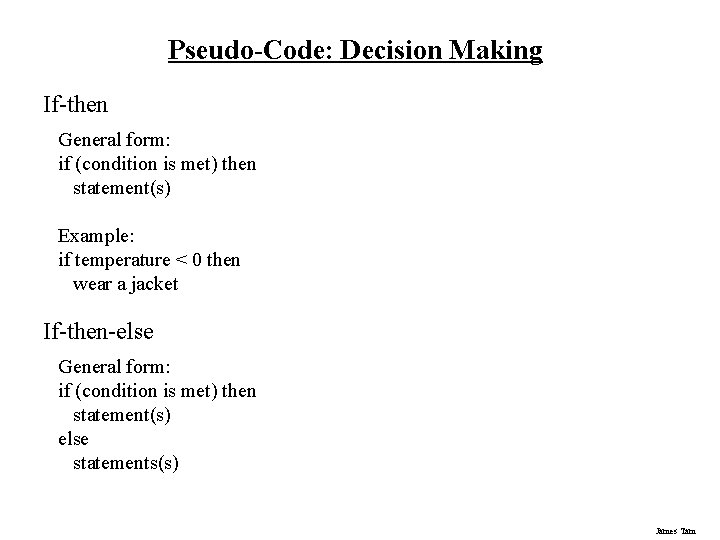
Pseudo-Code: Decision Making If-then General form: if (condition is met) then statement(s) Example: if temperature < 0 then wear a jacket If-then-else General form: if (condition is met) then statement(s) else statements(s) James Tam
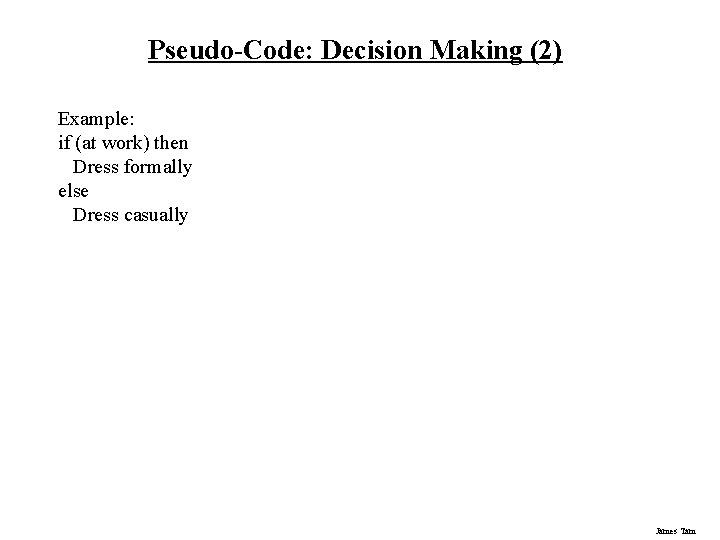
Pseudo-Code: Decision Making (2) Example: if (at work) then Dress formally else Dress casually James Tam
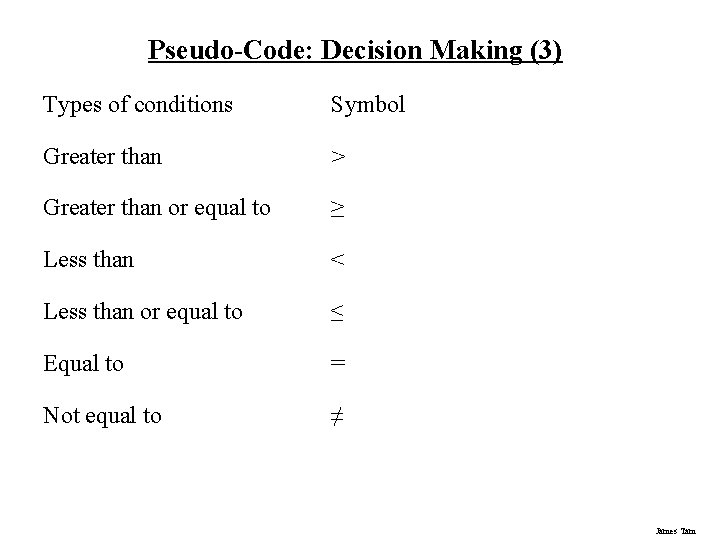
Pseudo-Code: Decision Making (3) Types of conditions Symbol Greater than > Greater than or equal to ≥ Less than < Less than or equal to ≤ Equal to = Not equal to ≠ James Tam
Pseudo-Code: Repetition repeat-until while-do James Tam
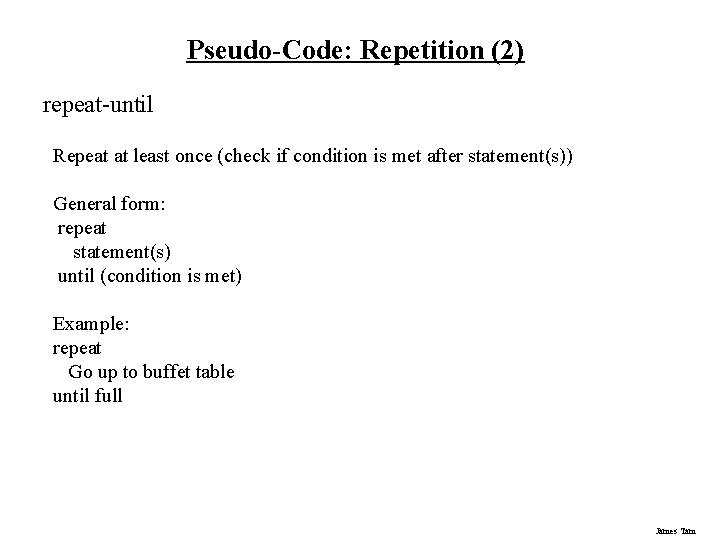
Pseudo-Code: Repetition (2) repeat-until Repeat at least once (check if condition is met after statement(s)) General form: repeat statement(s) until (condition is met) Example: repeat Go up to buffet table until full James Tam
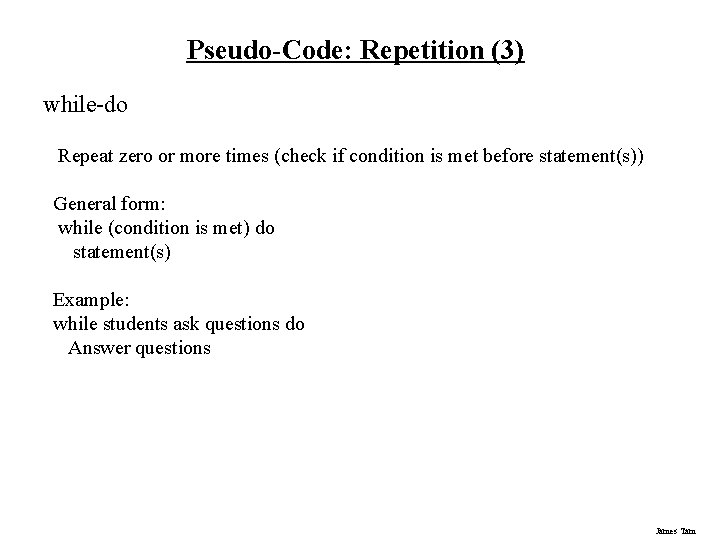
Pseudo-Code: Repetition (3) while-do Repeat zero or more times (check if condition is met before statement(s)) General form: while (condition is met) do statement(s) Example: while students ask questions do Answer questions James Tam
Pseudo-Code: Fast Food Example Use pseudo-code to specify the algorithm for a person who ordering food at a fast food restaurant. At the food counter, the person can either order or not order the following items: a burger, fries and a drink. After placing her order the person then goes to the cashier. James Tam
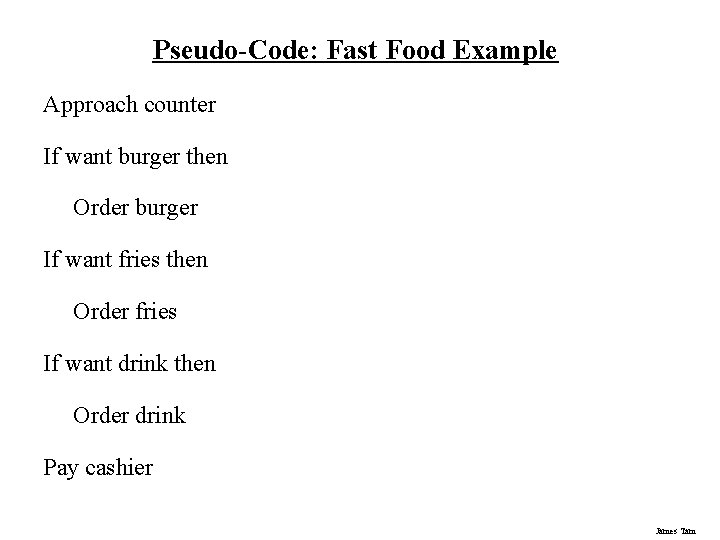
Pseudo-Code: Fast Food Example Approach counter If want burger then Order burger If want fries then Order fries If want drink then Order drink Pay cashier James Tam
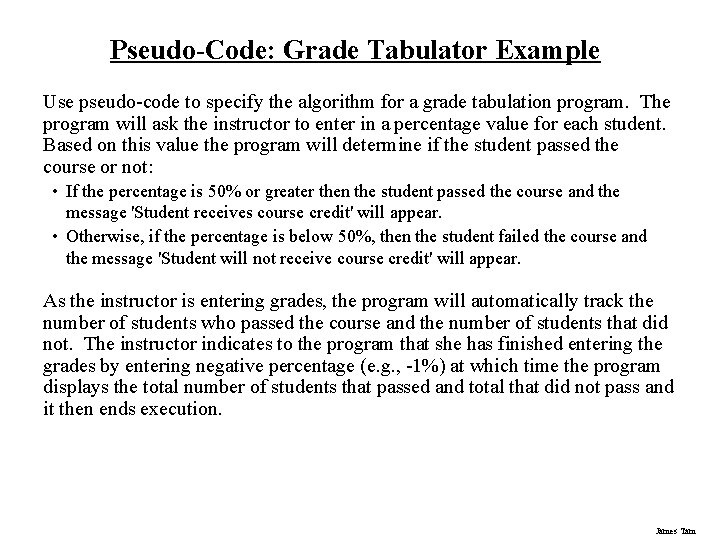
Pseudo-Code: Grade Tabulator Example Use pseudo-code to specify the algorithm for a grade tabulation program. The program will ask the instructor to enter in a percentage value for each student. Based on this value the program will determine if the student passed the course or not: • If the percentage is 50% or greater then the student passed the course and the message 'Student receives course credit' will appear. • Otherwise, if the percentage is below 50%, then the student failed the course and the message 'Student will not receive course credit' will appear. As the instructor is entering grades, the program will automatically track the number of students who passed the course and the number of students that did not. The instructor indicates to the program that she has finished entering the grades by entering negative percentage (e. g. , -1%) at which time the program displays the total number of students that passed and total that did not pass and it then ends execution. James Tam
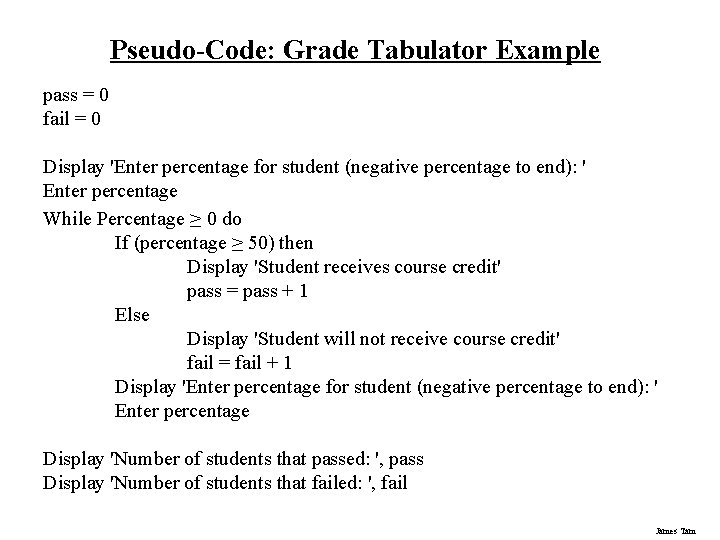
Pseudo-Code: Grade Tabulator Example pass = 0 fail = 0 Display 'Enter percentage for student (negative percentage to end): ' Enter percentage While Percentage ≥ 0 do If (percentage ≥ 50) then Display 'Student receives course credit' pass = pass + 1 Else Display 'Student will not receive course credit' fail = fail + 1 Display 'Enter percentage for student (negative percentage to end): ' Enter percentage Display 'Number of students that passed: ', pass Display 'Number of students that failed: ', fail James Tam
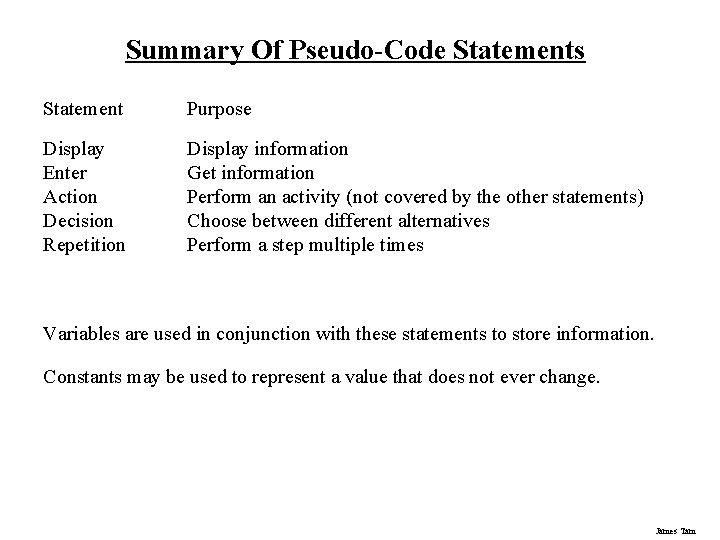
Summary Of Pseudo-Code Statements Statement Purpose Display Enter Action Decision Repetition Display information Get information Perform an activity (not covered by the other statements) Choose between different alternatives Perform a step multiple times Variables are used in conjunction with these statements to store information. Constants may be used to represent a value that does not ever change. James Tam
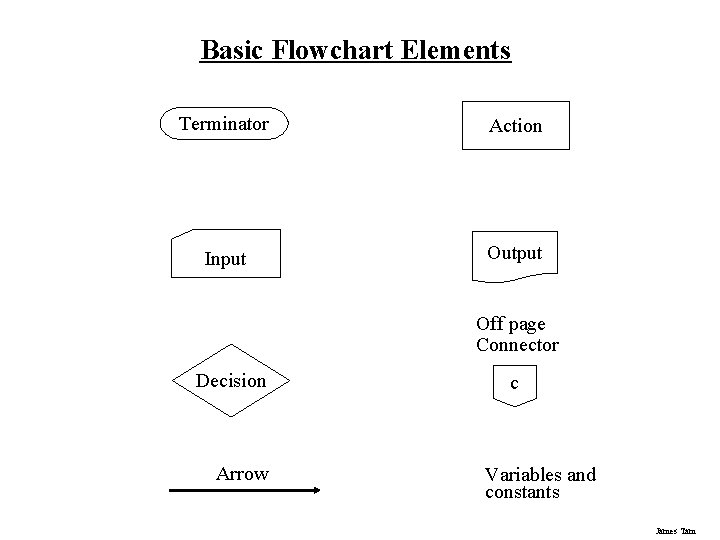
Basic Flowchart Elements Terminator Action Input Output Off page Connector Decision Arrow c Variables and constants James Tam
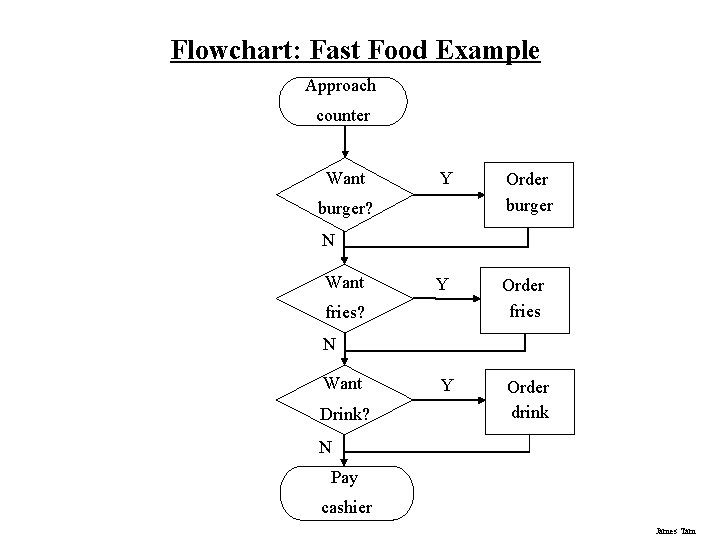
Flowchart: Fast Food Example Draw a flowchart to outline the algorithm for a person who ordering food at a fast food restaurant. At the food counter, the person can either order or not order the following items: a burger, fries and a drink. After placing her order the person then goes to the cashier. James Tam
Flowchart: Fast Food Example Approach counter Want Y Order burger Y Order fries Y Order drink burger? N Want fries? N Want Drink? N Pay cashier James Tam
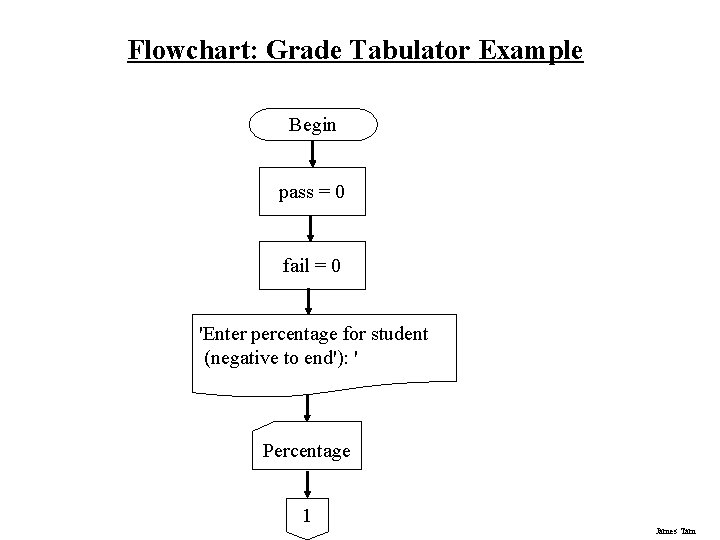
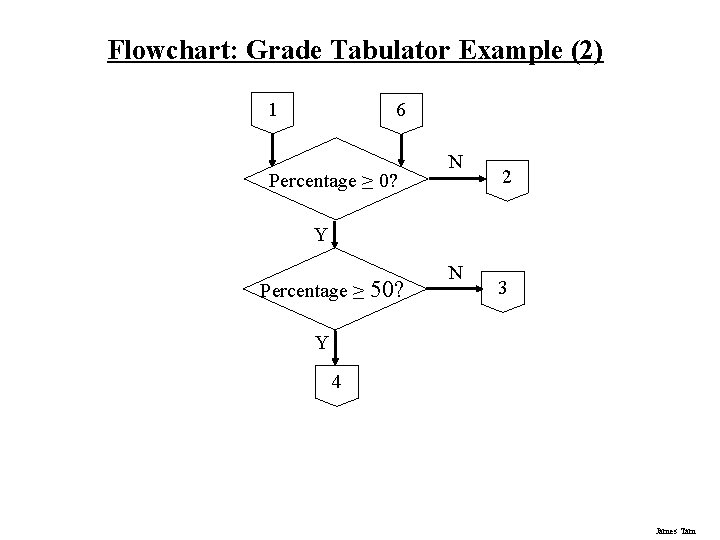
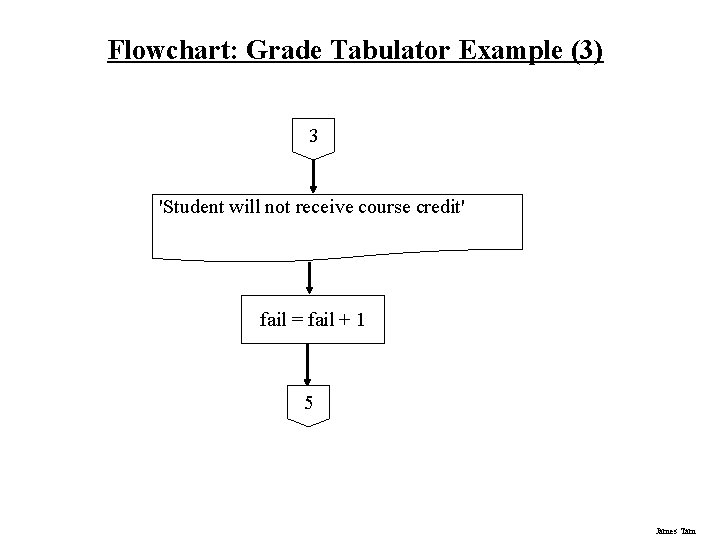
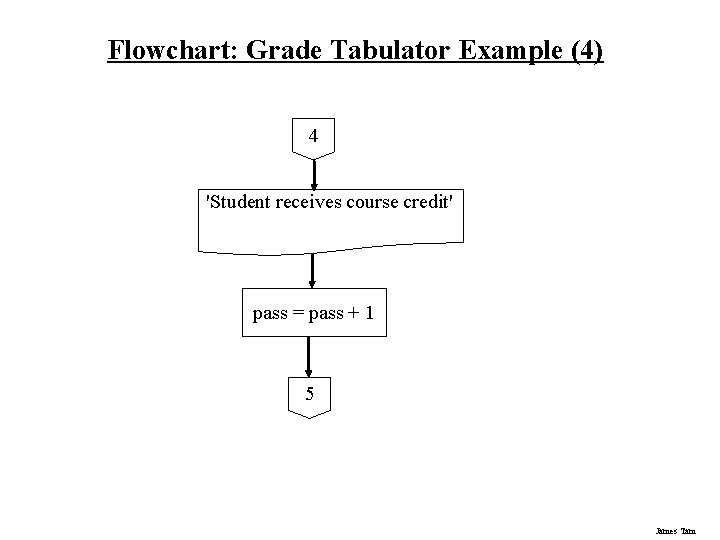
Flowchart: Grade Tabulator Example Use a flowchart to specify the algorithm for a grade tabulation program. The program will ask the instructor to enter in a percentage value for each student. Based on this value the program will determine if the student passed the course or not: • If the percentage is 50% or greater then the student passed the course and the message 'Student receives course credit' will appear. • Otherwise, if the percentage is below 50%, then the student failed the course and the message 'Student will not receive course credit' will appear. As the instructor is entering grades, the program will automatically track the number of students who passed the course and the number of students that did not. The instructor indicates to the program that she has finished entering the grades by entering negative percentage (e. g. , -1%) at which time the program displays the total number of students that passed and total that did not pass and it then ends execution. James Tam
Flowchart: Grade Tabulator Example Begin pass = 0 fail = 0 'Enter percentage for student (negative to end'): ' Percentage 1 James Tam
Flowchart: Grade Tabulator Example (2) 1 6 Percentage ≥ 0? N 2 Y Percentage ≥ 50? N 3 Y 4 James Tam
Flowchart: Grade Tabulator Example (3) 3 'Student will not receive course credit' fail = fail + 1 5 James Tam
Flowchart: Grade Tabulator Example (4) 4 'Student receives course credit' pass = pass + 1 5 James Tam
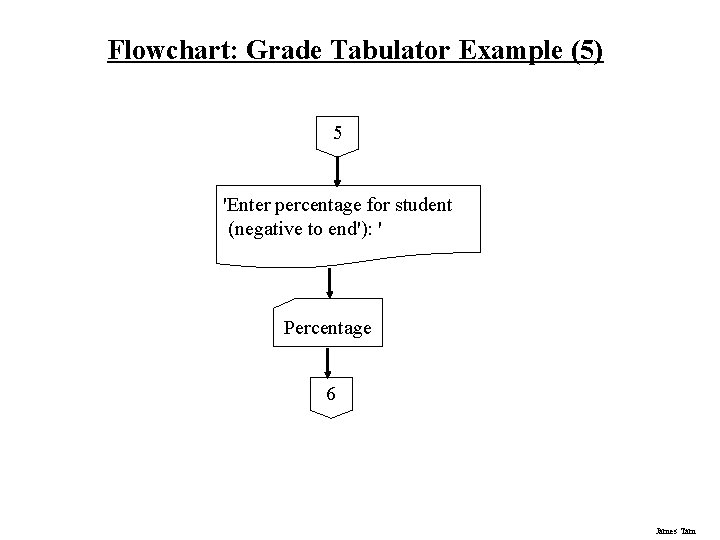
Flowchart: Grade Tabulator Example (5) 5 'Enter percentage for student (negative to end'): ' Percentage 6 James Tam
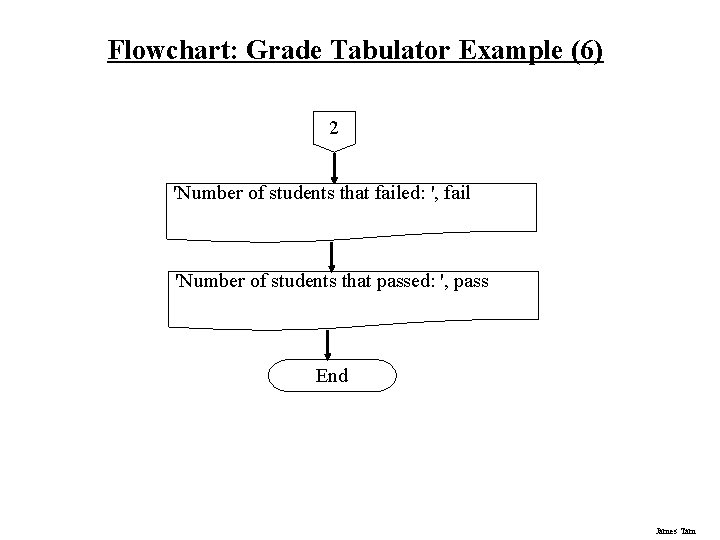
Flowchart: Grade Tabulator Example (6) 2 'Number of students that failed: ', fail 'Number of students that passed: ', pass End James Tam
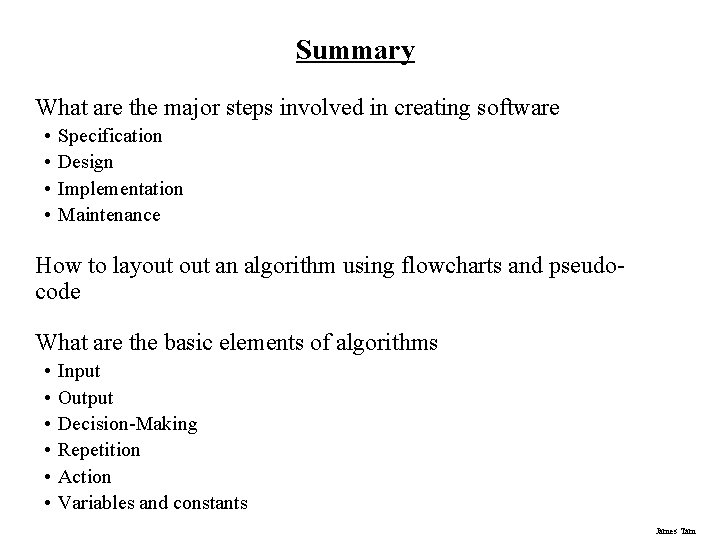
Summary What are the major steps involved in creating software • • Specification Design Implementation Maintenance How to layout an algorithm using flowcharts and pseudocode What are the basic elements of algorithms • • • Input Output Decision-Making Repetition Action Variables and constants James Tam