
A Guide to Technical Presentations Electrical and Computer
- Slides: 38
A Guide to Technical Presentations Electrical and Computer Engineering Department CLEAR Engineering Oral Consultant Damon Hall Adapted from: Anne Robertson, University of Utah Technical Presentations DH 2005
The Three Most Important Elements of a Technical Presentation • Organization • Visual Aids • Delivery and Style: Your Presence and Preparation Technical Presentations DH 2005
Before You Present… Technical Presentations DH 2005
Identify the Purpose • What is your general purpose? • What is your specific purpose? • What is your thesis statement? • What do you want your audience to learn? • What action should be taken next? Technical Presentations DH 2005
Perform an Audience Analysis • Identify who your audience will be • Identify your objectives for the audience • Identify their understanding of the subject • Determine how willing they will be to accept your ideas Technical Presentations DH 2005
Organization Technical Presentations DH 2005
Organization: Introduction • Identify who you are/establish your “presence” • Why should they listen to YOU? Express your qualifications, passions, become a bit “human” to the audience • Earn the audience’s attention • What will they get from listening to you? • Why should they listen? • Give a roadmap: Tell them what you are going to tell them • Explain where you plan to go, set up the story • Explain what the audience can anticipate Technical Presentations DH 2005
Organization: Introduction cont. • Don’t say “Before I begin” • Don’t apologize for being nervous • Don’t read the introduction • Don’t use a dramatic, irrelevant opener • Don’t make the introduction too long Technical Presentations DH 2005
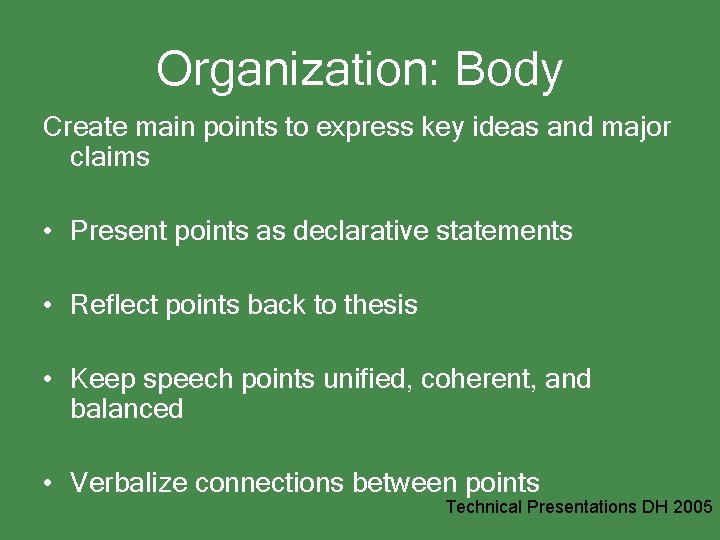
Organization: Body Create main points to express key ideas and major claims • Present points as declarative statements • Reflect points back to thesis • Keep speech points unified, coherent, and balanced • Verbalize connections between points Technical Presentations DH 2005
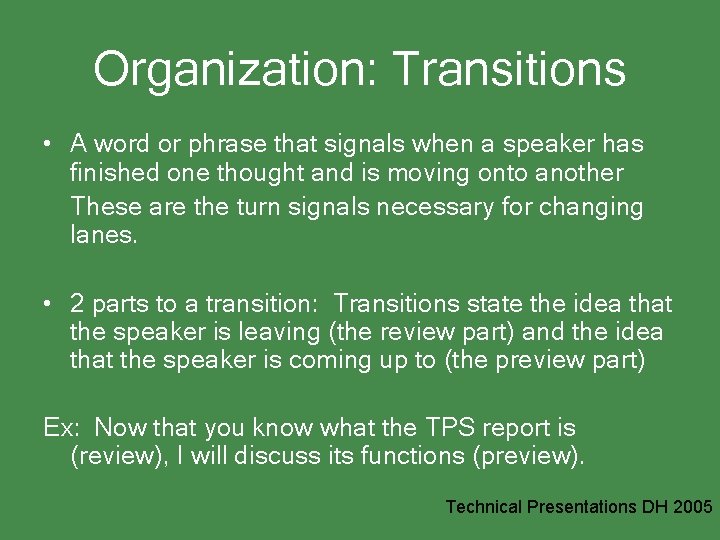
Organization: Transitions • A word or phrase that signals when a speaker has finished one thought and is moving onto another These are the turn signals necessary for changing lanes. • 2 parts to a transition: Transitions state the idea that the speaker is leaving (the review part) and the idea that the speaker is coming up to (the preview part) Ex: Now that you know what the TPS report is (review), I will discuss its functions (preview). Technical Presentations DH 2005
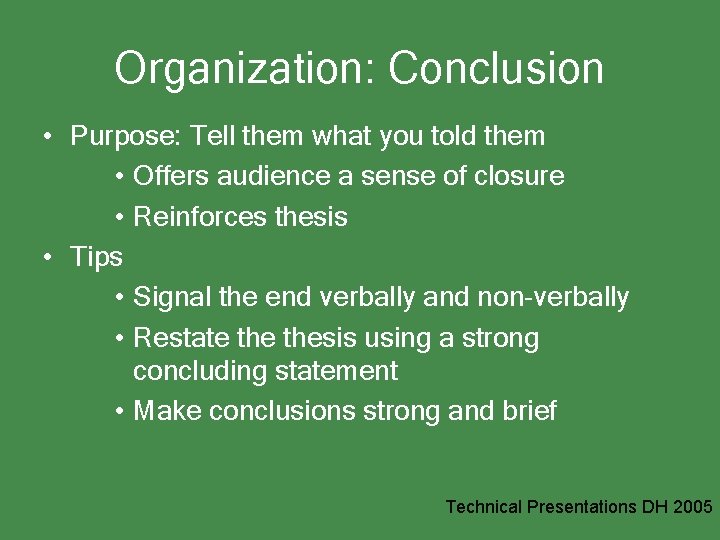
Organization: Conclusion • Purpose: Tell them what you told them • Offers audience a sense of closure • Reinforces thesis • Tips • Signal the end verbally and non-verbally • Restate thesis using a strong concluding statement • Make conclusions strong and brief Technical Presentations DH 2005
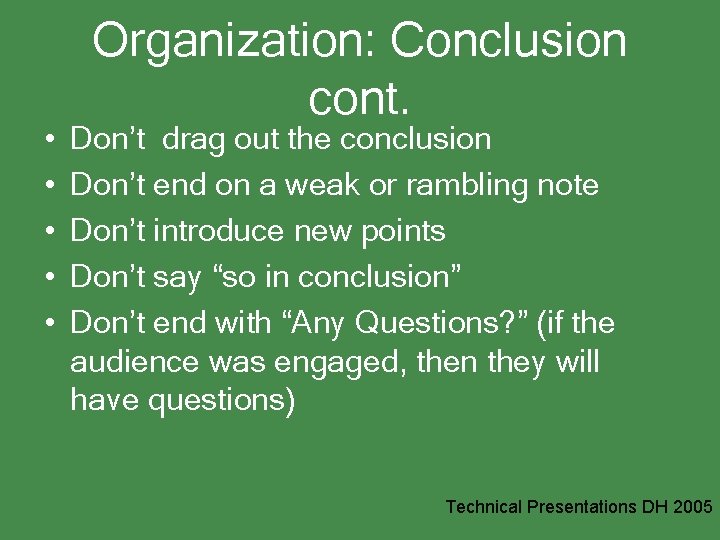
• • • Organization: Conclusion cont. Don’t drag out the conclusion Don’t end on a weak or rambling note Don’t introduce new points Don’t say “so in conclusion” Don’t end with “Any Questions? ” (if the audience was engaged, then they will have questions) Technical Presentations DH 2005
Visual Aids Technical Presentations DH 2005
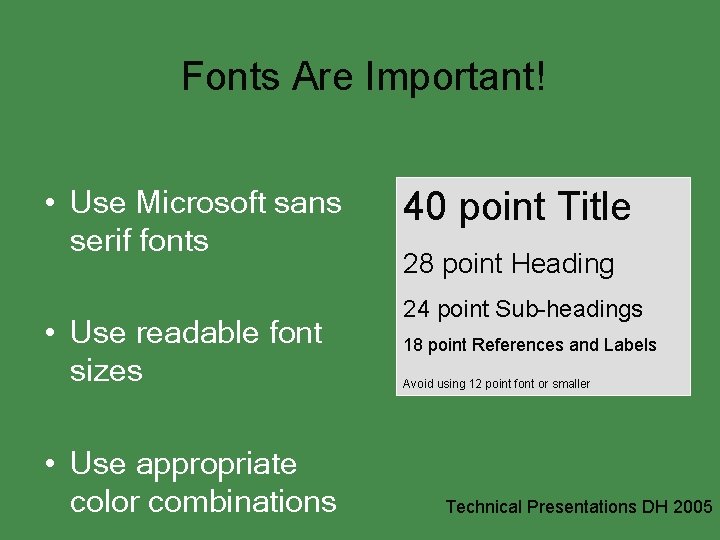
Fonts Are Important! • Use Microsoft sans serif fonts • Use readable font sizes • Use appropriate color combinations 40 point Title 28 point Heading 24 point Sub-headings 18 point References and Labels Avoid using 12 point font or smaller Technical Presentations DH 2005
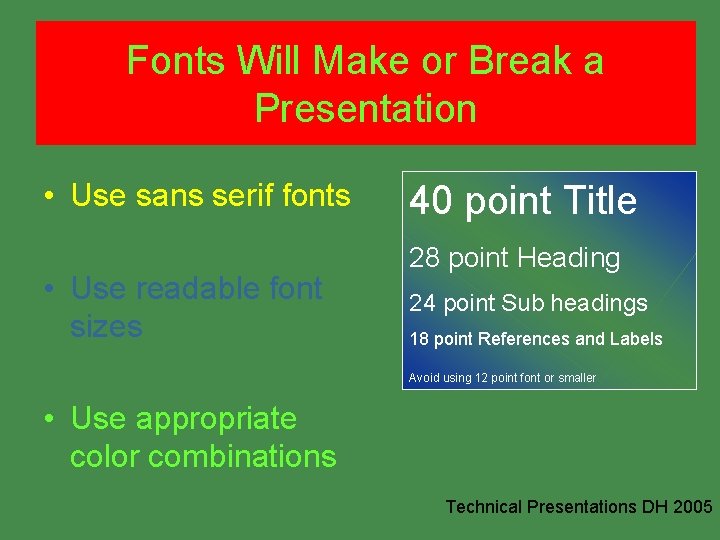
Fonts Will Make or Break a Presentation • Use sans serif fonts • Use readable font sizes 40 point Title 28 point Heading 24 point Sub headings 18 point References and Labels Avoid using 12 point font or smaller • Use appropriate color combinations Technical Presentations DH 2005
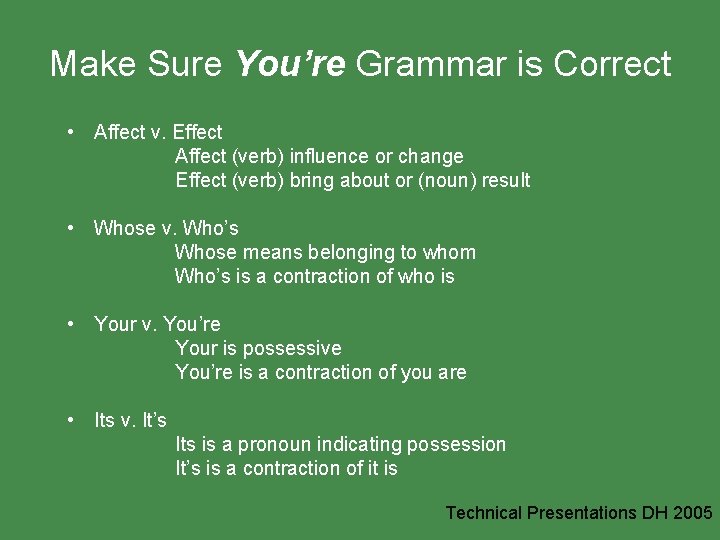
Make Sure You’re Grammar is Correct • Affect v. Effect Affect (verb) influence or change Effect (verb) bring about or (noun) result • Whose v. Who’s Whose means belonging to whom Who’s is a contraction of who is • Your v. You’re Your is possessive You’re is a contraction of you are • Its v. It’s Its is a pronoun indicating possession It’s is a contraction of it is Technical Presentations DH 2005
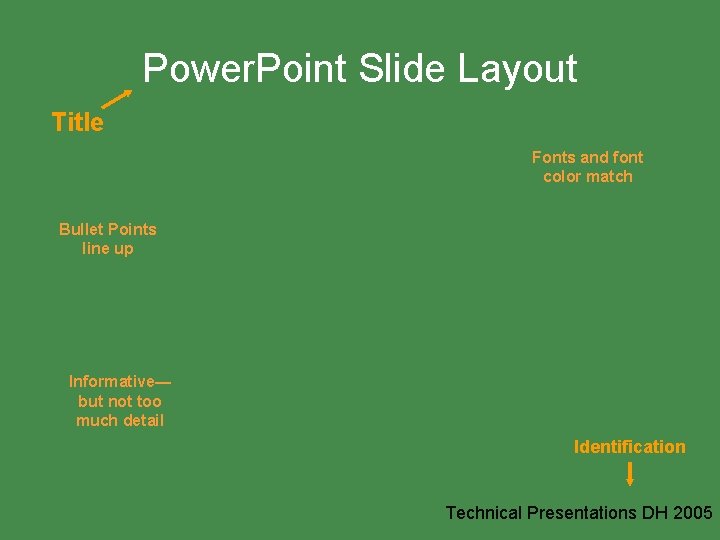
Power. Point Slide Layout Title Fonts and font color match Bullet Points line up Informative— but not too much detail Identification Technical Presentations DH 2005
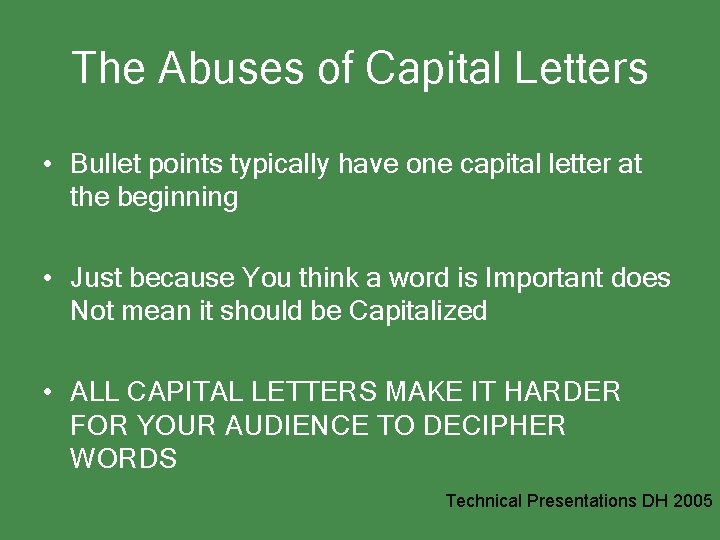
The Abuses of Capital Letters • Bullet points typically have one capital letter at the beginning • Just because You think a word is Important does Not mean it should be Capitalized • ALL CAPITAL LETTERS MAKE IT HARDER FOR YOUR AUDIENCE TO DECIPHER WORDS Technical Presentations DH 2005
The Exclamation Point Warning! Don’t over use this. Be careful of when and where you use it. ! ! ! Technical Presentations DH 2005
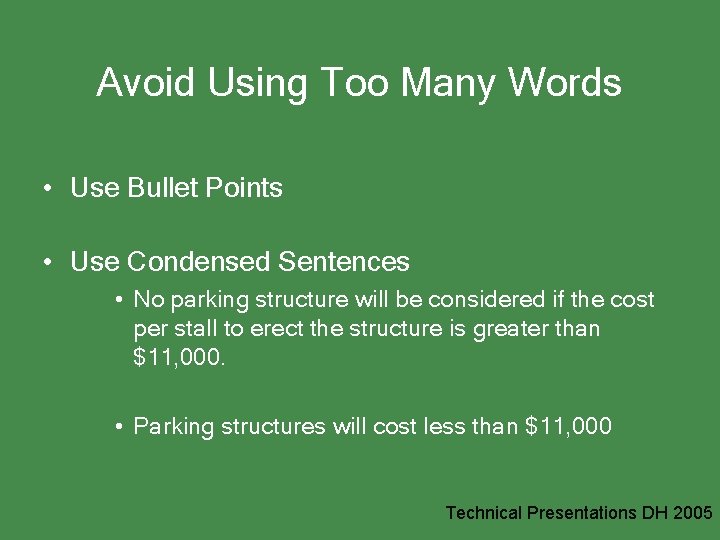
Avoid Using Too Many Words • Use Bullet Points • Use Condensed Sentences • No parking structure will be considered if the cost per stall to erect the structure is greater than $11, 000. • Parking structures will cost less than $11, 000 Technical Presentations DH 2005
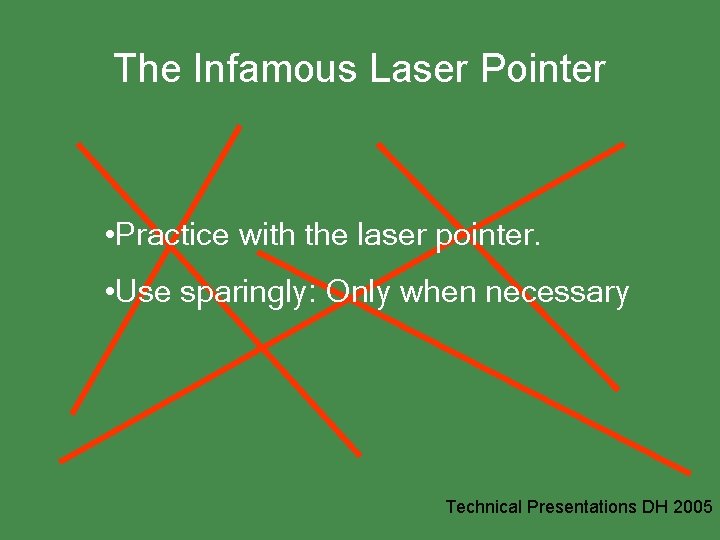
The Infamous Laser Pointer • Practice with the laser pointer. • Use sparingly: Only when necessary Technical Presentations DH 2005
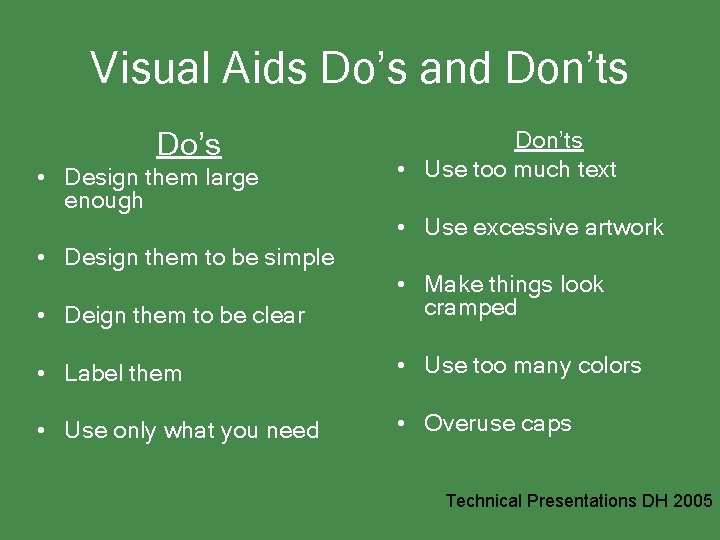
Visual Aids Do’s and Don’ts Do’s • Design them large enough • Design them to be simple Don’ts • Use too much text • Use excessive artwork • Deign them to be clear • Make things look cramped • Label them • Use too many colors • Use only what you need • Overuse caps Technical Presentations DH 2005
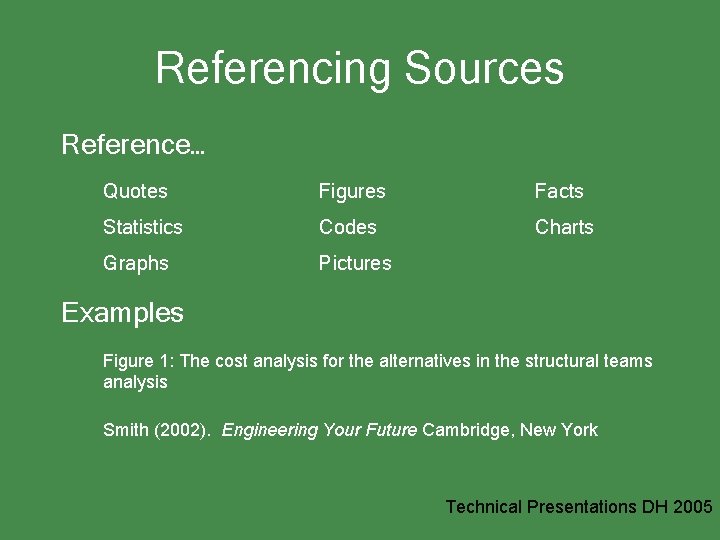
Referencing Sources Reference… Quotes Figures Facts Statistics Codes Charts Graphs Pictures Examples Figure 1: The cost analysis for the alternatives in the structural teams analysis Smith (2002). Engineering Your Future Cambridge, New York Technical Presentations DH 2005
Delivery Technical Presentations DH 2005
Good Delivery… • • Is clearly audible, fresh, and energetic sounding Is a polished version of yourself Looks and sounds natural Is human, not robotic or like a TV news anchor Has controlled and planned body movements Is extemporaneous (don’t read slides!) Is always focused on the goal (speak so your audience will understand)
A Few Words on Practicing • It is the most important aspect of a presentation… seriously • It is in practice that you find out if you – Make sense – Sound knowledgeable – Or sound like an idiot Technical Presentations DH 2005
The Best Way to Practice • Highlight in your notes difficult pronunciations or phrases that need emphasis or a slower rate of speaking • Practice in a room similar to where you will present • Imagine the audience to whom you will present • Always practice out loud • Plan movement and gestures • Practice with all of the equipment you will use • Technical Presentations DH 2005
Practice 7 to 11 Times • 1 st Practice: Use notes and try to get a sense of the rhythm of the speech • 2 nd to 4 th practice: Make notes of difficult transitions, phrases, or words • 5 th to 7 th practice: Focus on how to maintain freshness and energy without making the speech seemed “canned” • Practice two more times beyond the point of pain…you’ll know it when you get there Technical Presentations DH 2005
Establishing Credibility • KNOW that you KNOW your stuff • KNOW that you ARE an expert • Speak loud enough • Look at your audience • Don’t assume your audience knows • Be in control at all times • Watch for audience’s non-verbal feedback and adjust your rate, content, or eye contact for them Technical Presentations DH 2005
Presentation Day Technical Presentations DH 2005
Presentation Checklist • Check the room • Bring your presentation on a reliable disk • Check the presentation projection • Decide how loud you must speak • Decide where you and your audience will be located Technical Presentations DH 2005
Dealing with the Nerves! • Practice dramatically reduces nervousness • Nervousness is natural. The key is to use the nervous energy to speak loudly and energetically • Try breathing exercises • Do a run-through • Intend on “working the room” • Tighten up your muscles and relax them while waiting to speak (this releases the adrenalin) Technical Presentations DH 2005
Handling Questions and Answers • Decide who will answer which types of questions • Decide when questions should be asked • Introduce “new voices” • Use welcoming body language • Reword the question before answering • Say “I don’t know” if necessary (you can always find the answer later and get back with the person) Technical Presentations DH 2005
Team Presentations Technical Presentations DH 2005
Teamwork Considerations • Work out all transitions • Between sections • Between team members • Practice as a team • Speak with one voice • Give the speaking member full attention. If you look distracted it will make your audience suspicious Technical Presentations DH 2005
Team Checklist • Where will everyone stand/sit? • What will others do when not speaking? • Do you know your presentation equipment well? • Are all your slides consistent? • • Team logo Numbering Bullet point structure Graphic images Technical Presentations DH 2005
For More Help Technical Presentations DH 2005
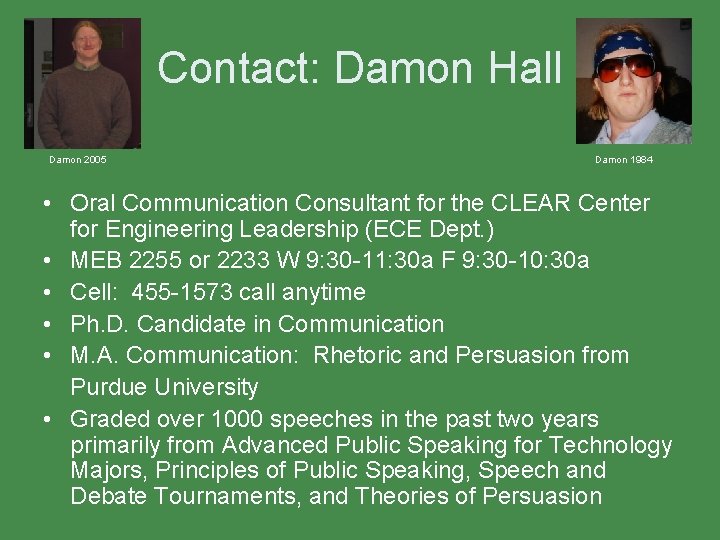
Contact: Damon Hall Damon 2005 Damon 1984 • Oral Communication Consultant for the CLEAR Center for Engineering Leadership (ECE Dept. ) • MEB 2255 or 2233 W 9: 30 -11: 30 a F 9: 30 -10: 30 a • Cell: 455 -1573 call anytime • Ph. D. Candidate in Communication • M. A. Communication: Rhetoric and Persuasion from Purdue University • Graded over 1000 speeches in the past two years primarily from Advanced Public Speaking for Technology Majors, Principles of Public Speaking, Speech and Debate Tournaments, and Theories of Persuasion