
a guide to BOOTSTRAP EMMELI CONTENT what is

a guide to… BOOTSTRAP EMMELI
CONTENT - what is Bootstrap? how to get started class and ID, div grid system try out components
what is Bootstrap? Build responsive, mobile-first projects on the web with the world's most popular front-end component library. Bootstrap is an open source toolkit for developing with HTML, CSS, and JS. Quickly prototype your ideas or build your entire app with our Sass variables and mixins, responsive grid system, extensive prebuilt components, and powerful plugins built on j. Query. https: //getbootstrap. com/
what is Bootstrap? responsive: any size of the device (desktop, mobile, etc. . ) mobile-first: code is optimized for mobile devices and then scales up front-end component library: it’s a library with components for the front-end (what the user sees) open source: free to use, redistribute and modify without credit to the one who wrote the code https: //getbootstrap. com/

how to get started… getbootstrap. com
CLASS & ID https: //css-tricks. com/the-difference-between-id-and-class/
CLASS & ID Take an i. Pod in a store. On the packaging will be a bar code. This tells the store what the product is, so when it is scanned, the system knows exactly what the product is and what it costs. It might even be able to know what color it is or where it was kept in the store. All i. Pod of this same type have the exact same bar code on them. https: //css-tricks. com/the-difference-between-id-and-class/

CLASS & ID Take an i. Pod in a store. On the packaging will be a bar code. This tells the store what the product is, so when it is scanned, the system knows exactly what the product is and what it costs. It might even be able to know what color it is or where it was kept in the store. All i. Pod of this same type have the exact same bar code on them. The i. Pod will also have a serial number on it which is absolutely unique to any other i. Pod (or any other device) in the world. The serial number doesn't know the price. It could, but for the store this wouldn't be a very efficient way to store and use that data. Much easier to use the barcode, so that for example, if the price changed, you could just change the price for that bar code and not every individual serial number in your system. https: //css-tricks. com/the-difference-between-id-and-class/
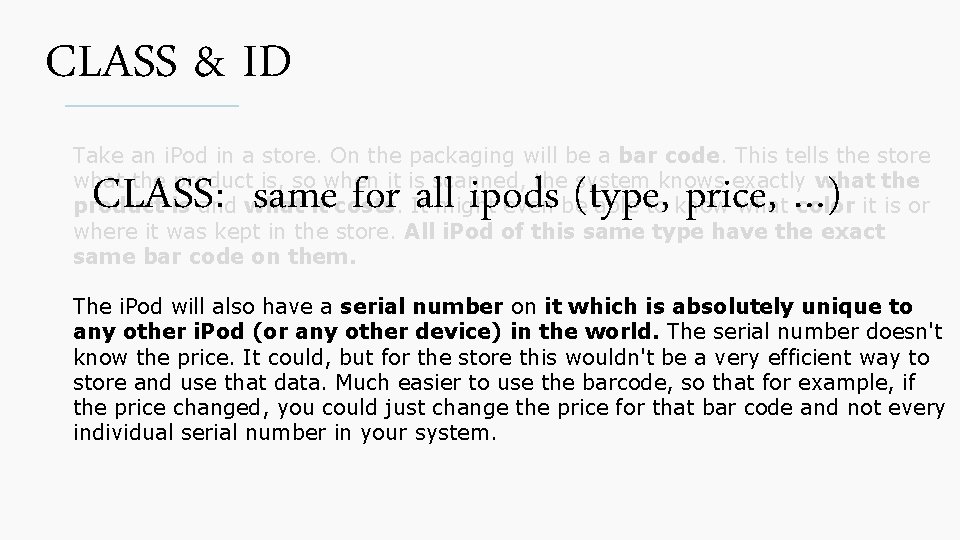
CLASS & ID Take an i. Pod in a store. On the packaging will be a bar code. This tells the store what the product is, so when it is scanned, the system knows exactly what the product is and what it costs. It might even be able to know what color it is or where it was kept in the store. All i. Pod of this same type have the exact same bar code on them. CLASS: same for all ipods (type, price, …) The i. Pod will also have a serial number on it which is absolutely unique to any other i. Pod (or any other device) in the world. The serial number doesn't know the price. It could, but for the store this wouldn't be a very efficient way to store and use that data. Much easier to use the barcode, so that for example, if the price changed, you could just change the price for that bar code and not every individual serial number in your system.
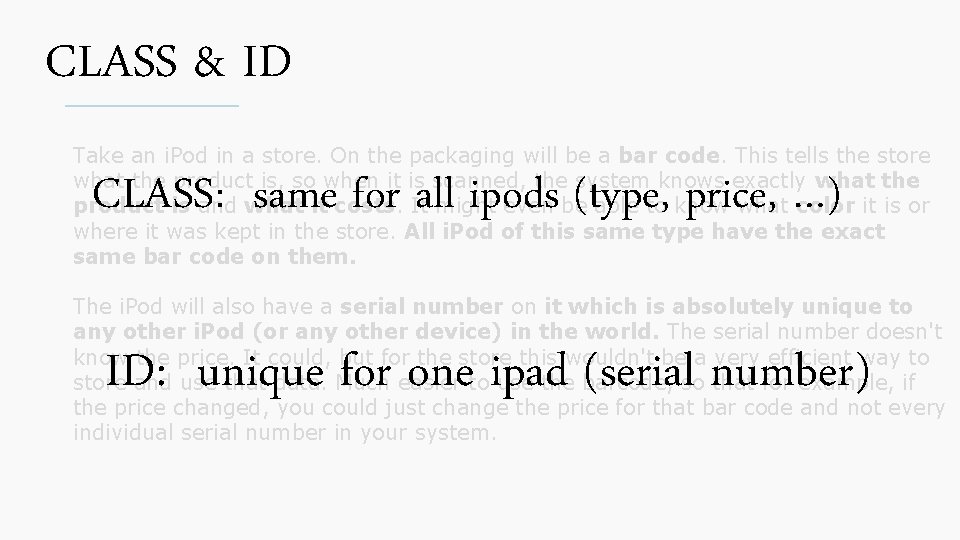
CLASS & ID Take an i. Pod in a store. On the packaging will be a bar code. This tells the store what the product is, so when it is scanned, the system knows exactly what the product is and what it costs. It might even be able to know what color it is or where it was kept in the store. All i. Pod of this same type have the exact same bar code on them. CLASS: same for all ipods (type, price, …) The i. Pod will also have a serial number on it which is absolutely unique to any other i. Pod (or any other device) in the world. The serial number doesn't know the price. It could, but for the store this wouldn't be a very efficient way to store and use that data. Much easier to use the barcode, so that for example, if the price changed, you could just change the price for that bar code and not every individual serial number in your system. ID: unique for one ipad (serial number)
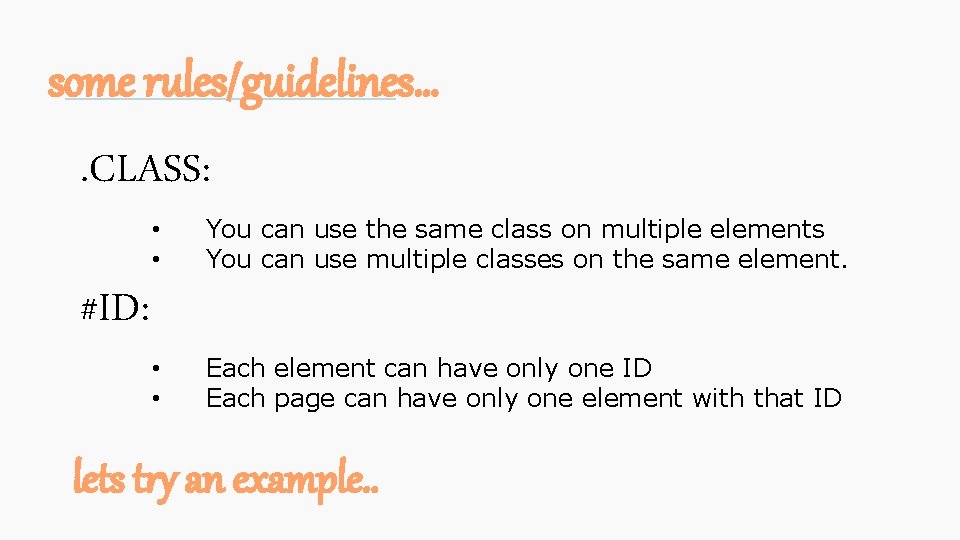
some rules/guidelines…. CLASS: #ID: • • You can use the same class on multiple elements You can use multiple classes on the same element. • • Each element can have only one ID Each page can have only one element with that ID lets try an example. .
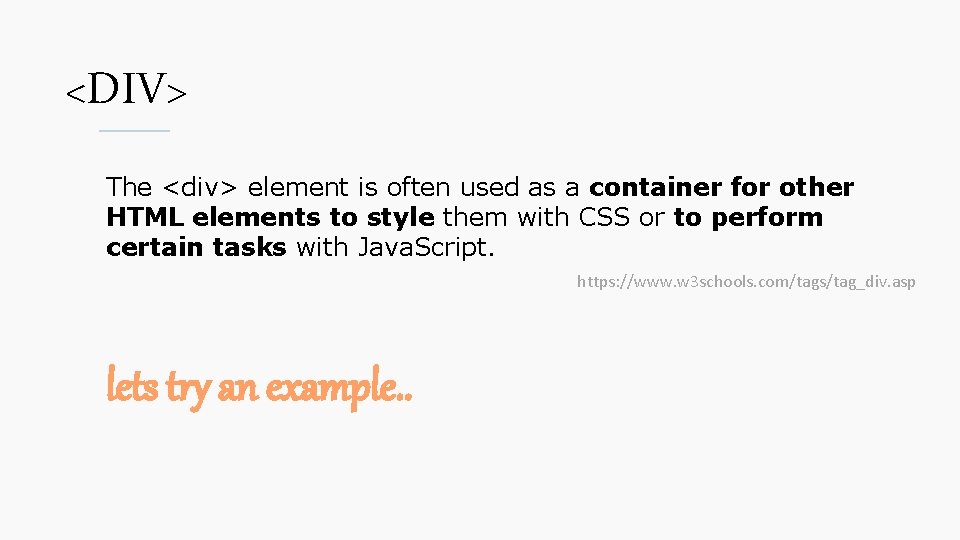
<DIV> The <div> element is often used as a container for other HTML elements to style them with CSS or to perform certain tasks with Java. Script. https: //www. w 3 schools. com/tags/tag_div. asp lets try an example. .
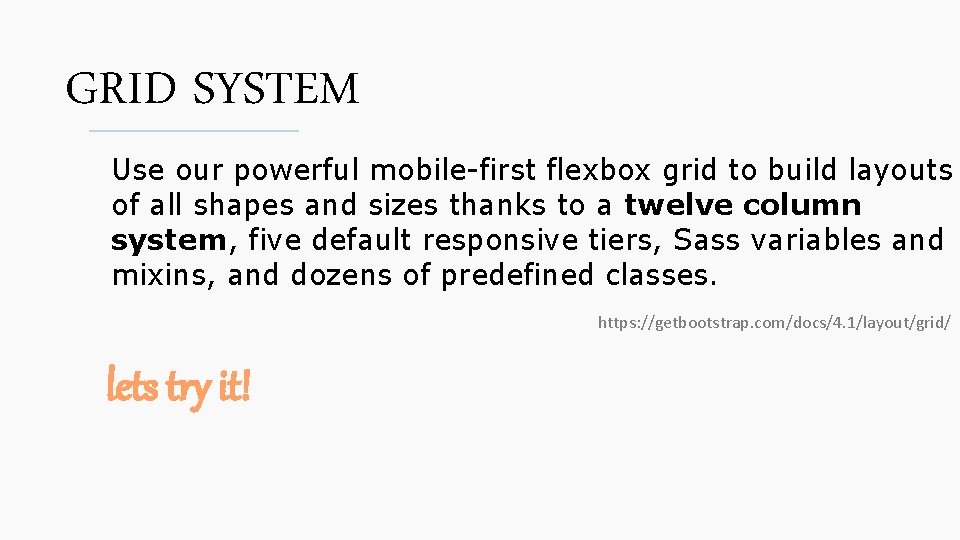
GRID SYSTEM Use our powerful mobile-first flexbox grid to build layouts of all shapes and sizes thanks to a twelve column system, five default responsive tiers, Sass variables and mixins, and dozens of predefined classes. https: //getbootstrap. com/docs/4. 1/layout/grid/ lets try it!
lets try out some bootstrap components : D
- Slides: 14