
A first program 1 include iostream 2 using
![Simple strings with char [] To input non numeric data, like names, and addresses,](https://slidetodoc.com/presentation_image_h2/8281bc2f576735ee8fda07a0c04b6fd6/image-26.jpg "Simple strings with char [] To input non numeric data, like names, and addresses,")
![Simple String Example #include <iostream> using namespace std; int main(void) { char First. Name[10];](https://slidetodoc.com/presentation_image_h2/8281bc2f576735ee8fda07a0c04b6fd6/image-27.jpg "Simple String Example #include <iostream> using namespace std; int main(void) { char First. Name[10];")
- Slides: 32
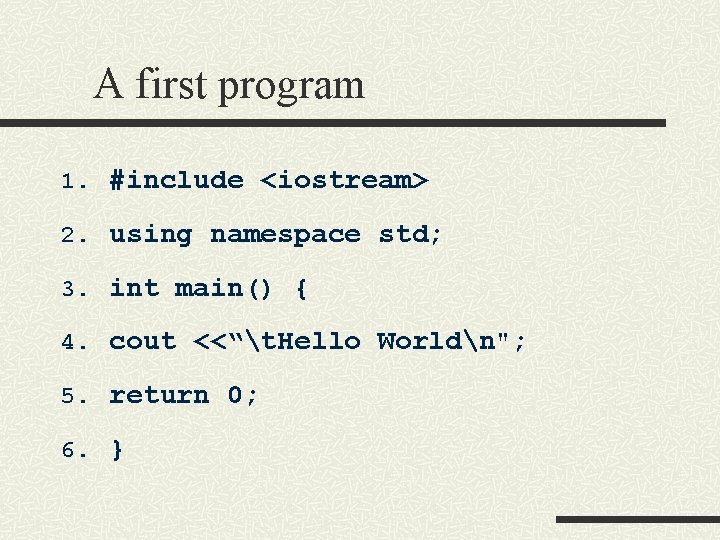
A first program 1. #include <iostream> 2. using namespace std; 3. int main() { 4. cout <<“t. Hello Worldn"; 5. return 0; 6. }
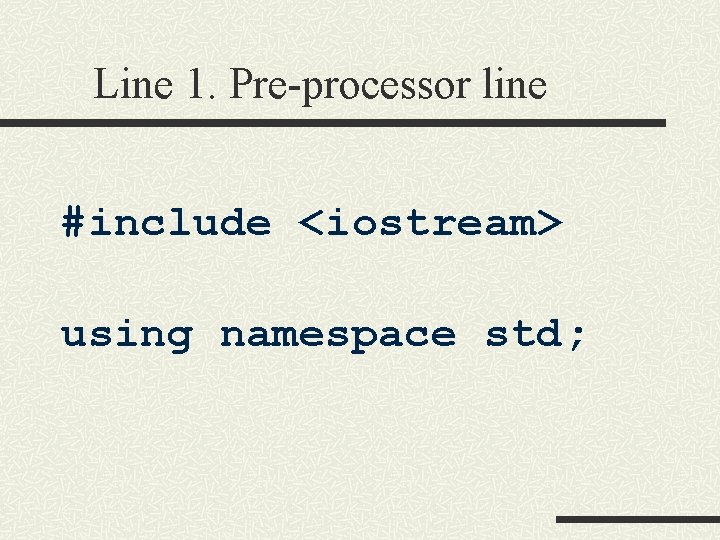
Line 1. Pre-processor line #include <iostream> using namespace std;
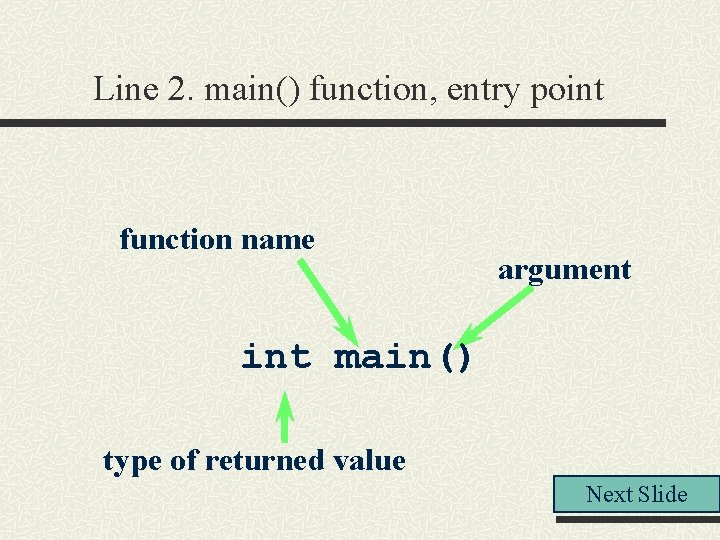
Line 2. main() function, entry point function name argument int main() type of returned value Next Slide
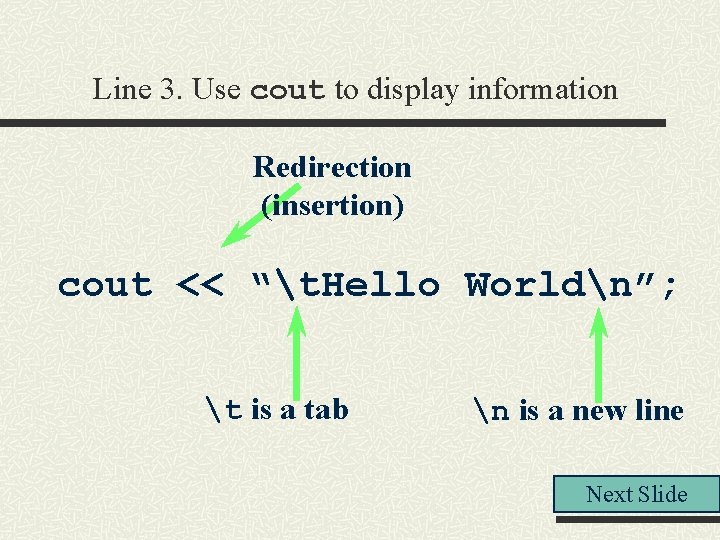
Line 3. Use cout to display information Redirection (insertion) cout << “t. Hello Worldn”; t is a tab n is a new line Next Slide
Programs with simple input and output
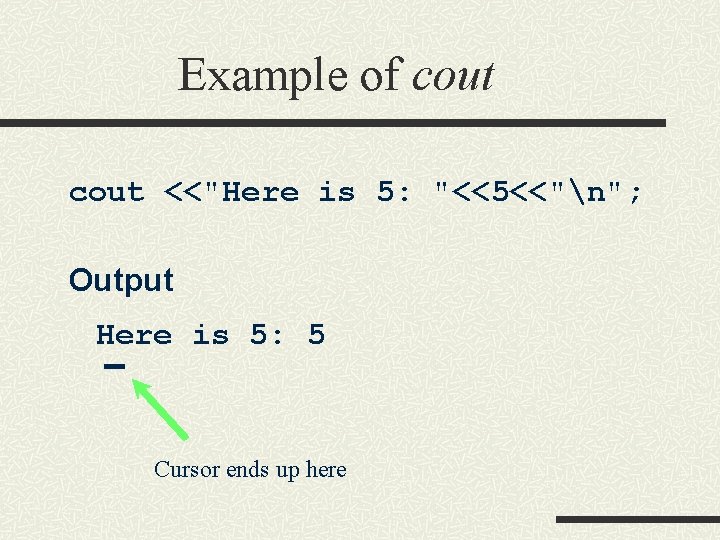
Example of cout <<"Here is 5: "<<5<<"n"; Output Here is 5: 5 Cursor ends up here
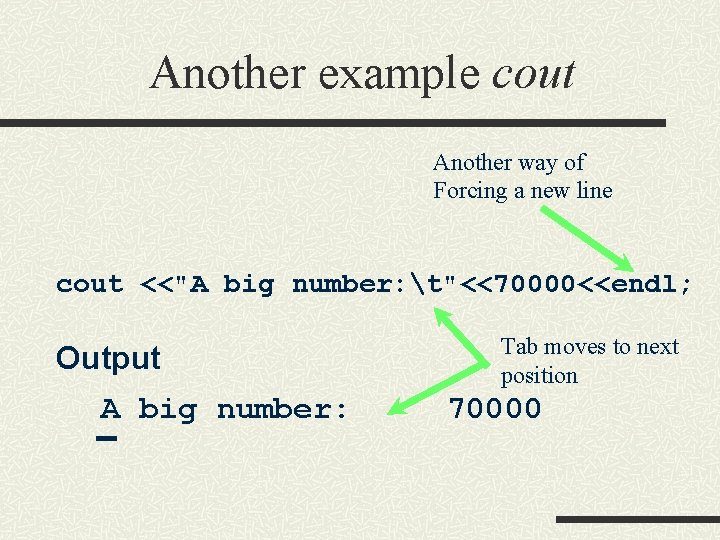
Another example cout Another way of Forcing a new line cout <<"A big number: t"<<70000<<endl; Output A big number: Tab moves to next position 70000
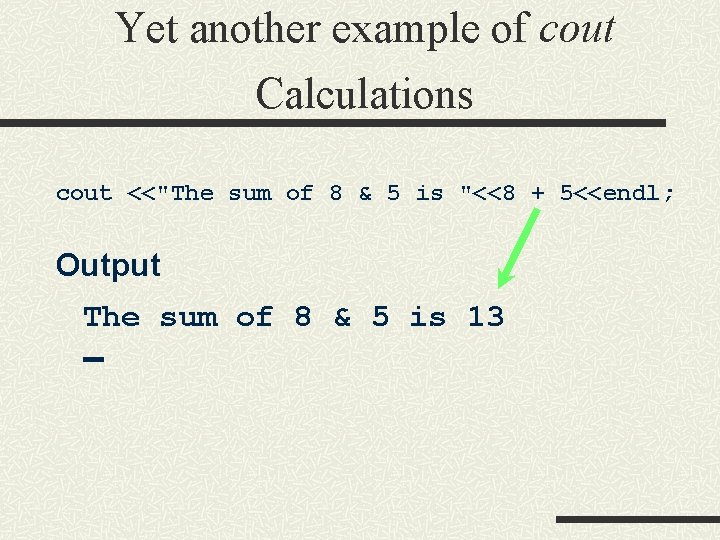
Yet another example of cout Calculations cout <<"The sum of 8 & 5 is "<<8 + 5<<endl; Output The sum of 8 & 5 is 13
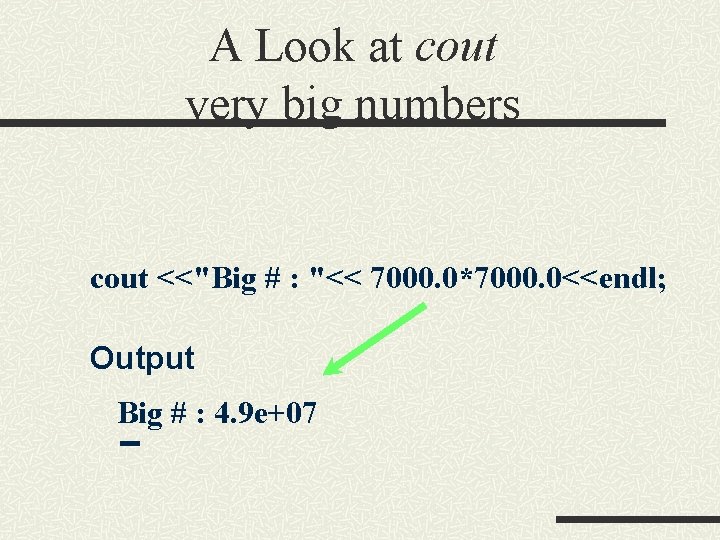
A Look at cout very big numbers cout <<"Big # : "<< 7000. 0*7000. 0<<endl; Output Big # : 4. 9 e+07
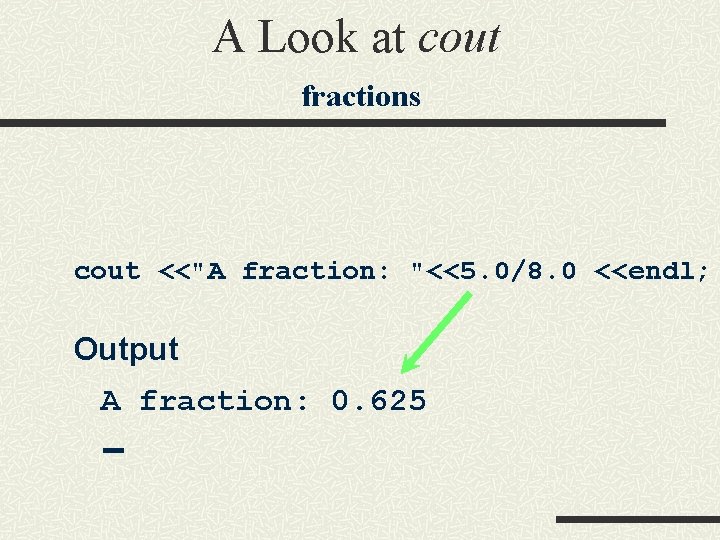
A Look at cout fractions cout <<"A fraction: "<<5. 0/8. 0 <<endl; Output A fraction: 0. 625
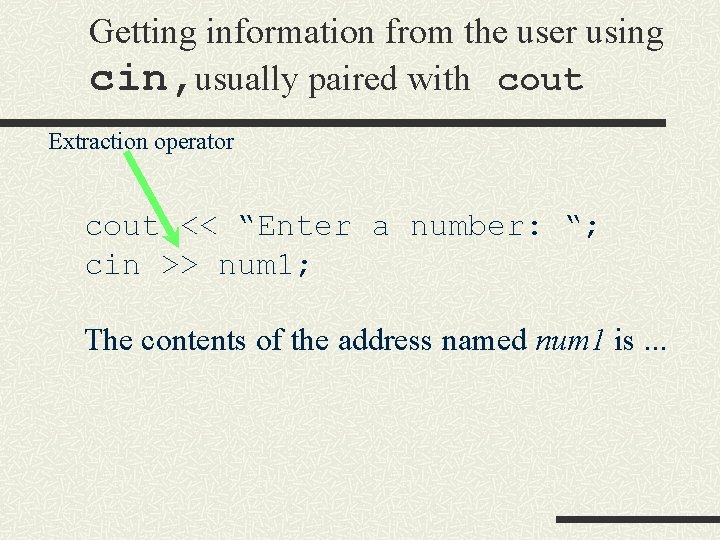
Getting information from the user using cin, usually paired with cout Extraction operator cout << “Enter a number: “; cin >> num 1; The contents of the address named num 1 is. . .
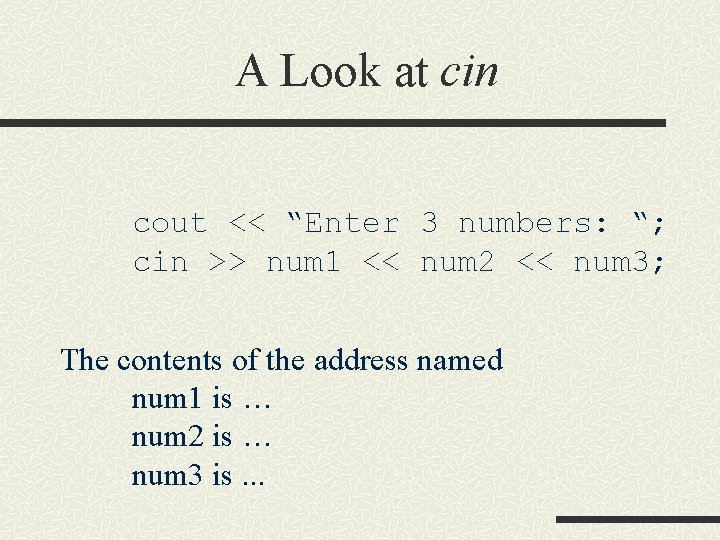
A Look at cin cout << “Enter 3 numbers: “; cin >> num 1 << num 2 << num 3; The contents of the address named num 1 is … num 2 is … num 3 is. . .
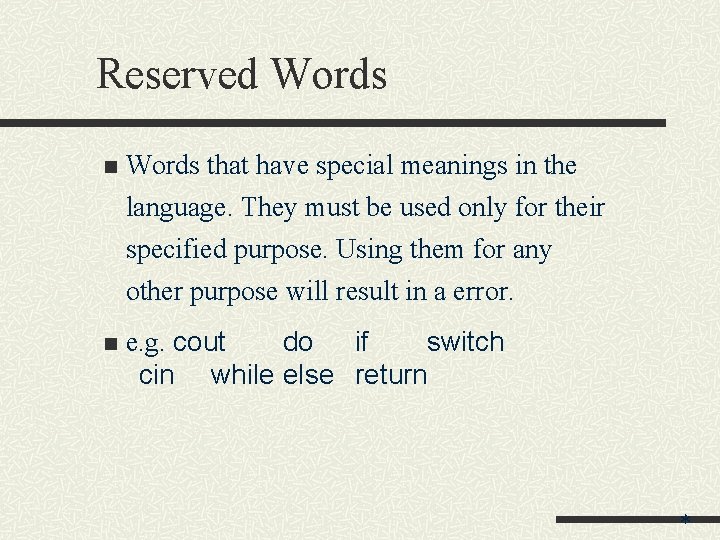
Reserved Words n Words that have special meanings in the language. They must be used only for their specified purpose. Using them for any other purpose will result in a error. n e. g. cout do if switch cin while else return *
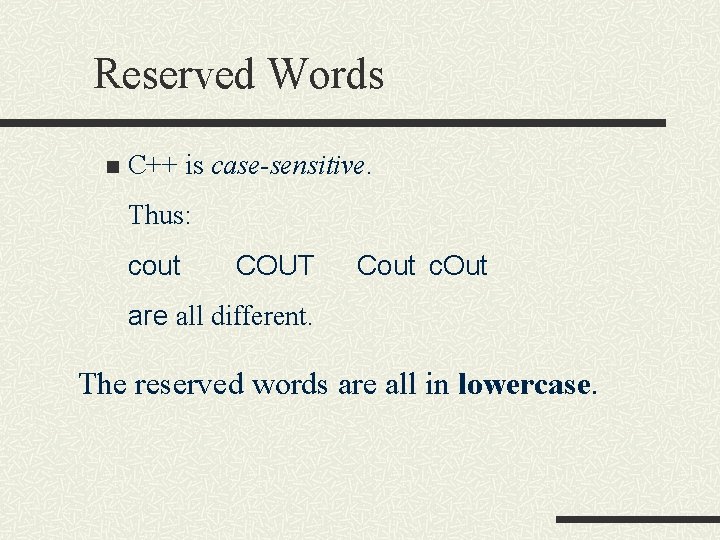
Reserved Words n C++ is case-sensitive. Thus: cout COUT Cout c. Out are all different. The reserved words are all in lowercase.
Statements n. A statement controls the sequence of execution, evaluates an expression, or does nothing, and ends with a semicolon.
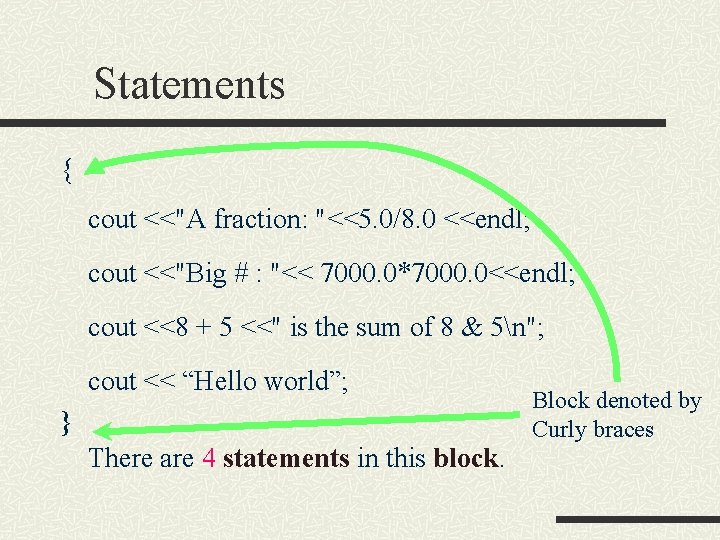
Statements { cout <<"A fraction: "<<5. 0/8. 0 <<endl; cout <<"Big # : "<< 7000. 0*7000. 0<<endl; cout <<8 + 5 <<" is the sum of 8 & 5n"; cout << “Hello world”; } There are 4 statements in this block. Block denoted by Curly braces
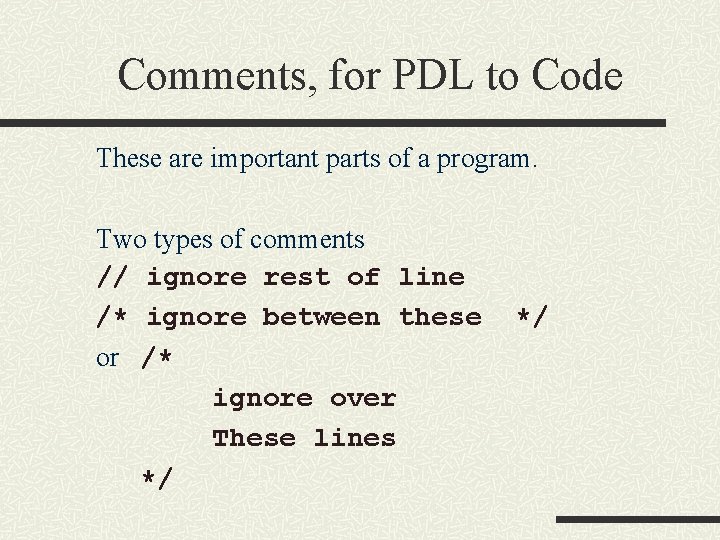
Comments, for PDL to Code These are important parts of a program. Two types of comments // ignore rest of line /* ignore between these or /* ignore over These lines */ */
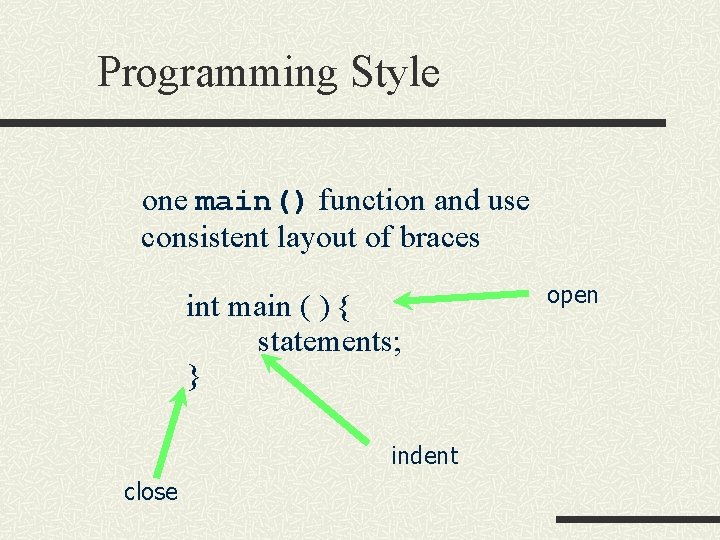
Programming Style one main() function and use consistent layout of braces int main ( ) { statements; } indent close open
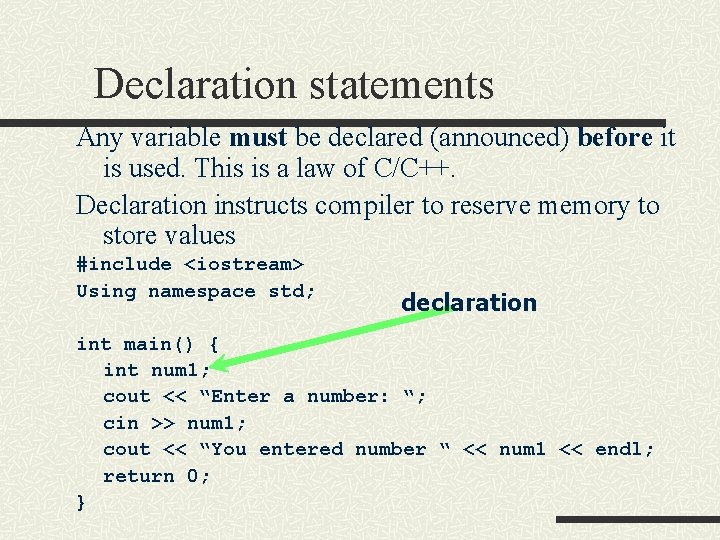
Declaration statements Any variable must be declared (announced) before it is used. This is a law of C/C++. Declaration instructs compiler to reserve memory to store values #include <iostream> Using namespace std; declaration int main() { int num 1; cout << “Enter a number: “; cin >> num 1; cout << “You entered number “ << num 1 << endl; return 0; }
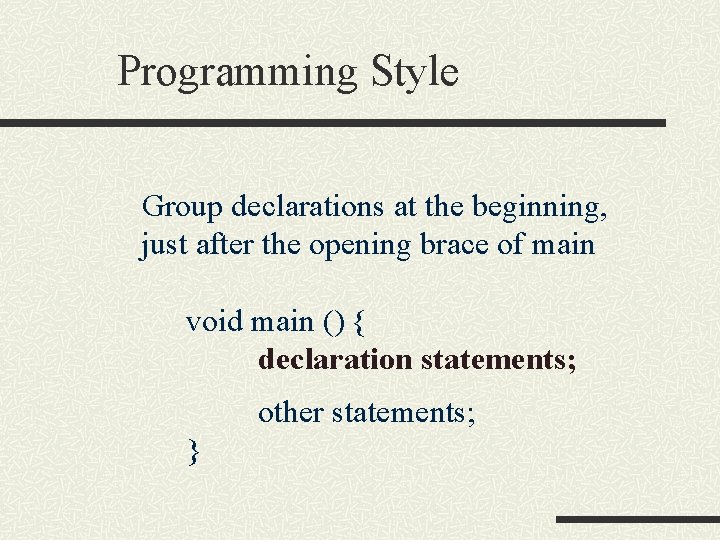
Programming Style Group declarations at the beginning, just after the opening brace of main void main () { declaration statements; other statements; }
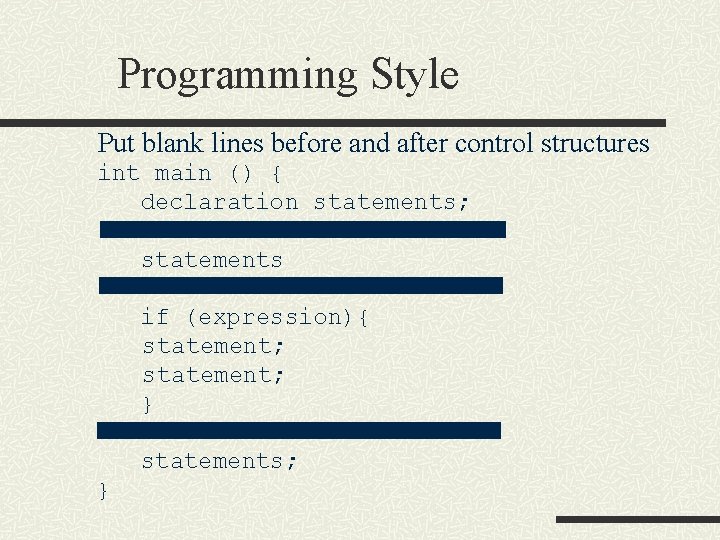
Programming Style Put blank lines before and after control structures int main () { declaration statements; statements if (expression){ statement; } statements; }
Terminology: Atomic Data Something that is no decomposable. int n float n char n +some others n
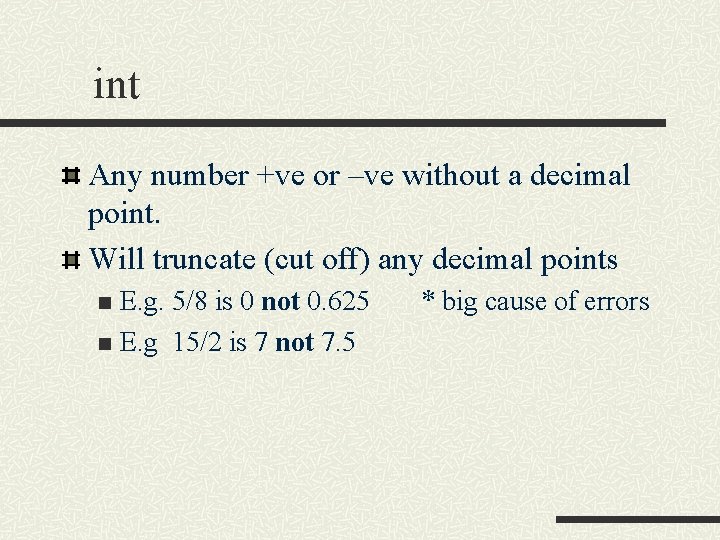
int Any number +ve or –ve without a decimal point. Will truncate (cut off) any decimal points E. g. 5/8 is 0 not 0. 625 n E. g 15/2 is 7 not 7. 5 n * big cause of errors
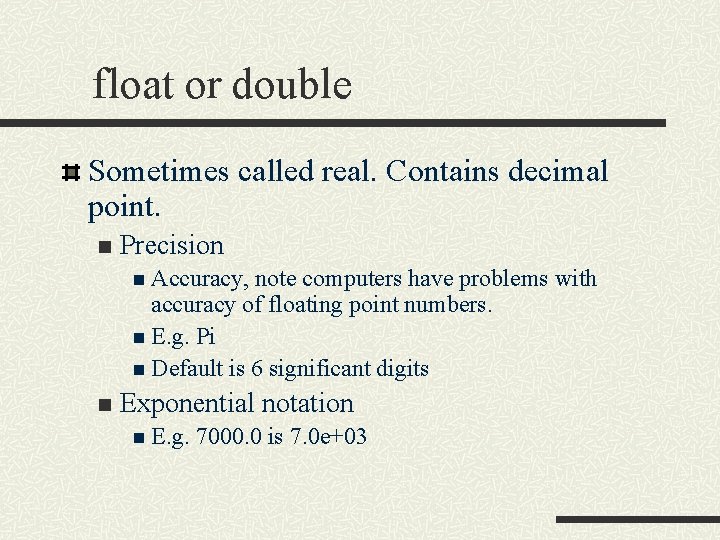
float or double Sometimes called real. Contains decimal point. n Precision n Accuracy, note computers have problems with accuracy of floating point numbers. n E. g. Pi n Default is 6 significant digits n Exponential notation n E. g. 7000. 0 is 7. 0 e+03
char A single character, letter or digit. Enclosed in single quotes ‘A’ ‘a’ ‘ 1’ n Stored using ascii code. n
Simple strings with char [] To input non numeric data, like names, and addresses, use character arrays. n char First. Name[20] stores a string of up to 20 characters.
Simple String Example #include <iostream> using namespace std; int main(void) { char First. Name[10]; cout << "Enter your first name : "; cin >> First. Name; cout << "Hello " << First. Name << endl; return 0; }
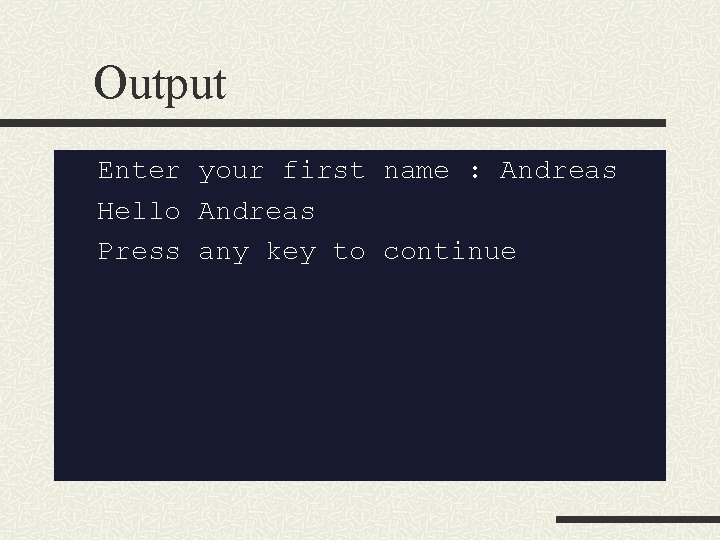
Output Enter your first name : Andreas Hello Andreas Press any key to continue
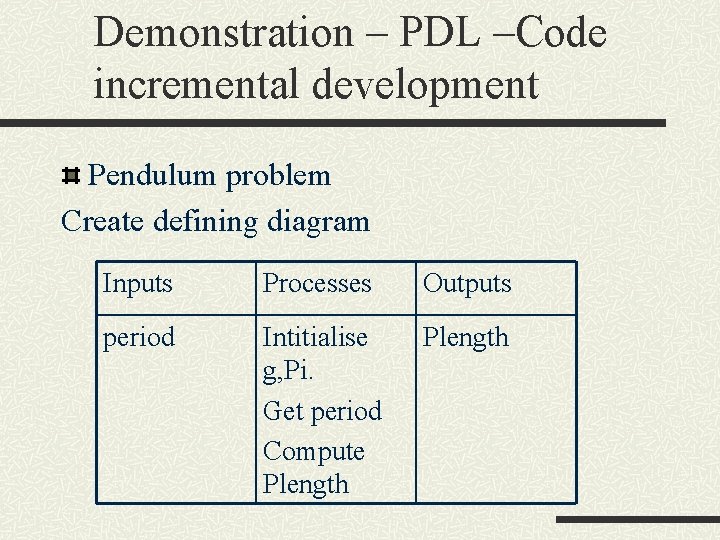
Demonstration – PDL –Code incremental development Pendulum problem Create defining diagram Inputs Processes Outputs period Intitialise g, Pi. Get period Compute Plength
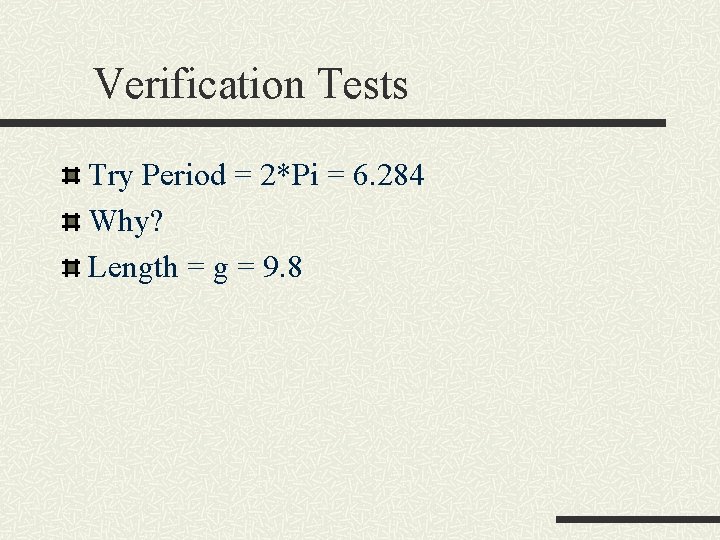
Verification Tests Try Period = 2*Pi = 6. 284 Why? Length = g = 9. 8
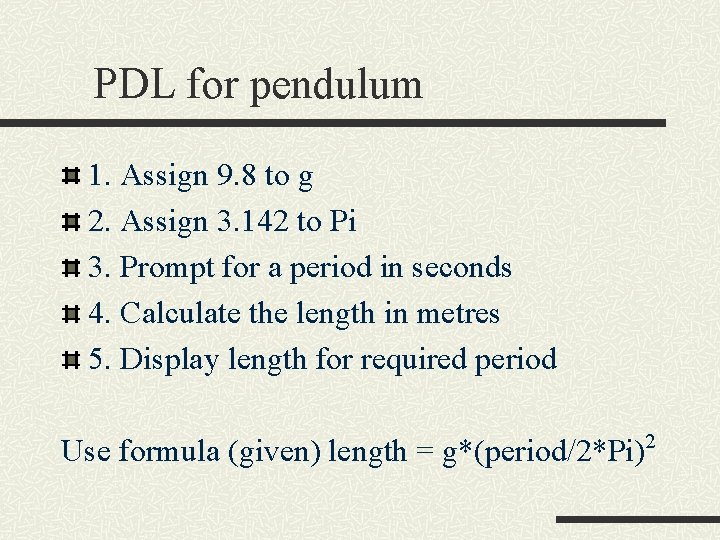
PDL for pendulum 1. Assign 9. 8 to g 2. Assign 3. 142 to Pi 3. Prompt for a period in seconds 4. Calculate the length in metres 5. Display length for required period Use formula (given) length = g*(period/2*Pi)2
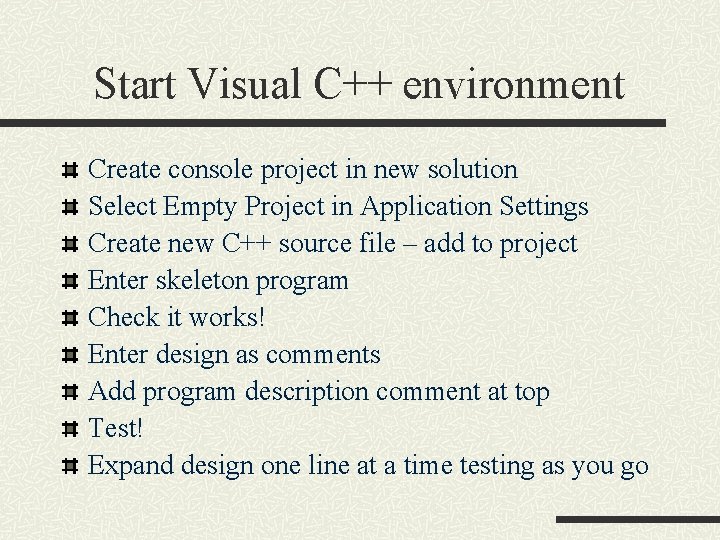
Start Visual C++ environment Create console project in new solution Select Empty Project in Application Settings Create new C++ source file – add to project Enter skeleton program Check it works! Enter design as comments Add program description comment at top Test! Expand design one line at a time testing as you go